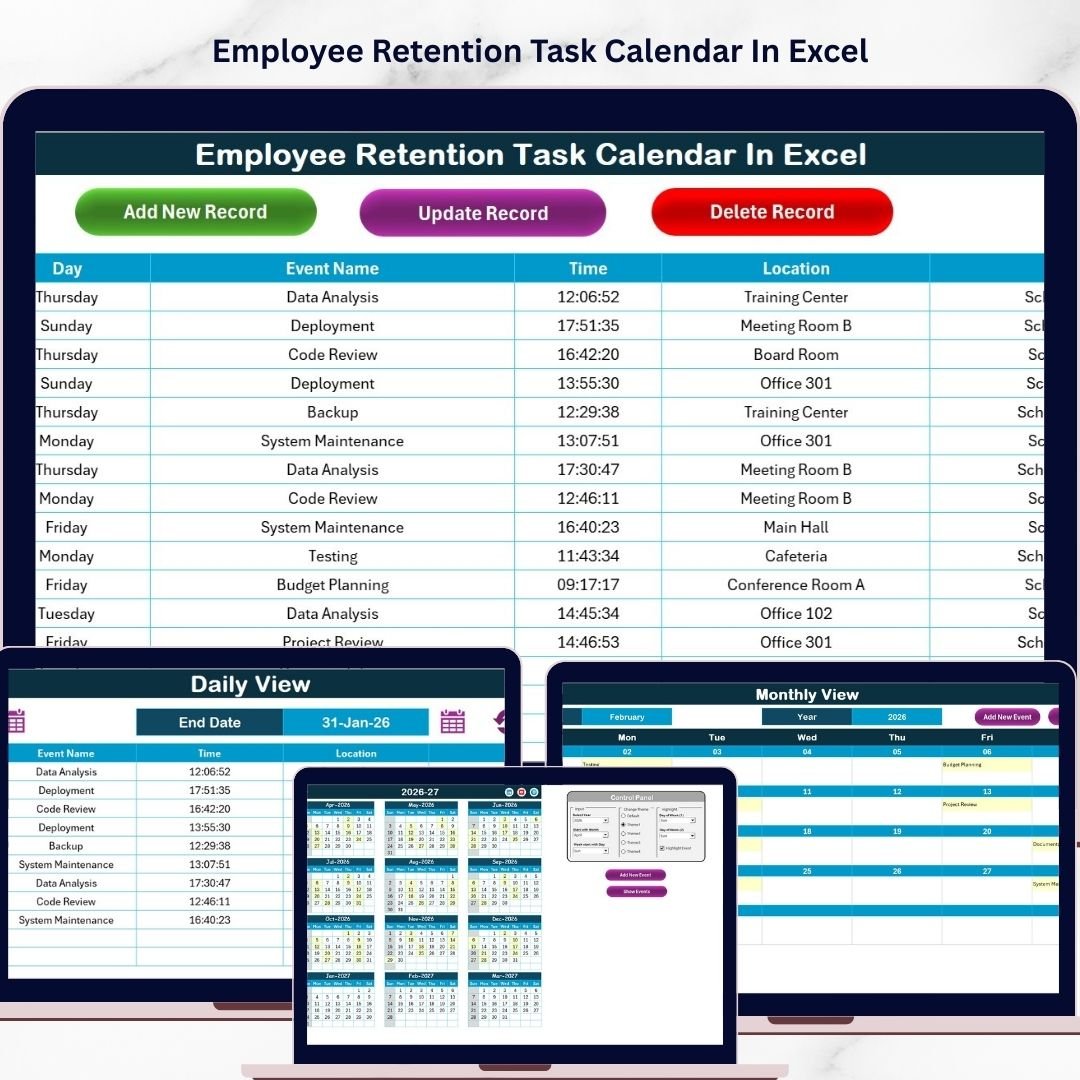
Employee retention is one of the biggest challenges organizations face today. Hiring and training employees requires significant time, money, and effort. However, when employees leave frequently, companies lose productivity, knowledge, and stability. Therefore, organizations must actively manage engagement programs, training schedules, and HR initiatives that keep employees motivated.
The Employee Retention Task Calendar in Excel is a powerful and ready-to-use Excel template designed to help HR teams and managers organize retention activities efficiently. Instead of managing HR initiatives across scattered spreadsheets, emails, and notes, this template centralizes all employee engagement activities in a structured calendar system.
With annual, monthly, and daily calendar views, this template makes it easy to plan employee recognition programs, training sessions, feedback meetings, and team-building activities. As a result, organizations can build a strong workplace culture and reduce employee turnover.
If your organization wants to improve employee engagement, organize HR initiatives, and streamline retention programs, this Excel calendar provides the perfect solution.
🚀 Key Feature of Employee Retention Task Calendar in Excel
📅 Multi-View Calendar System
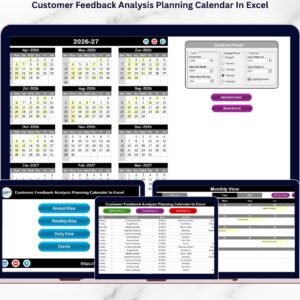
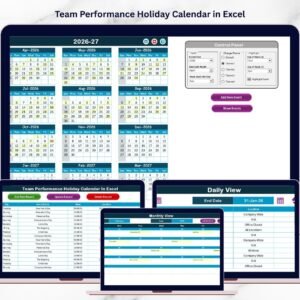
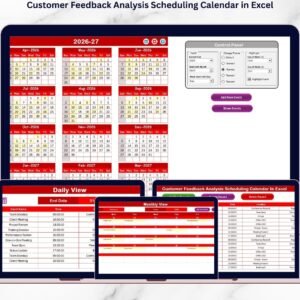
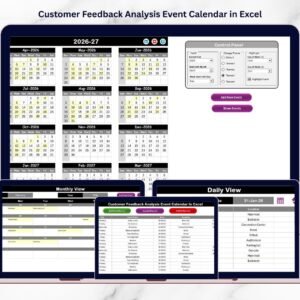
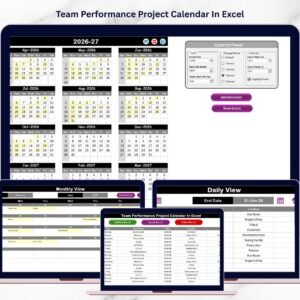
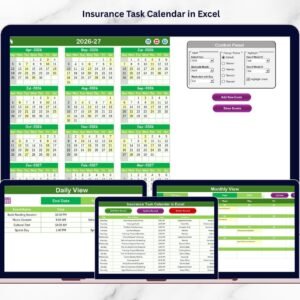
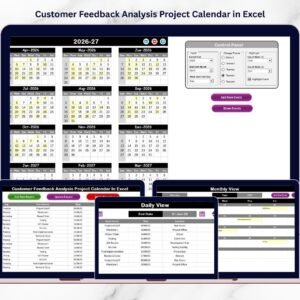
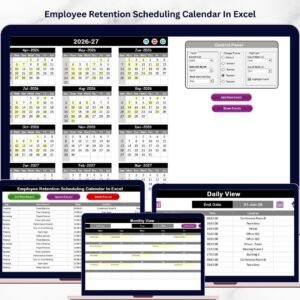
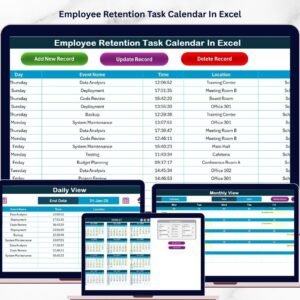
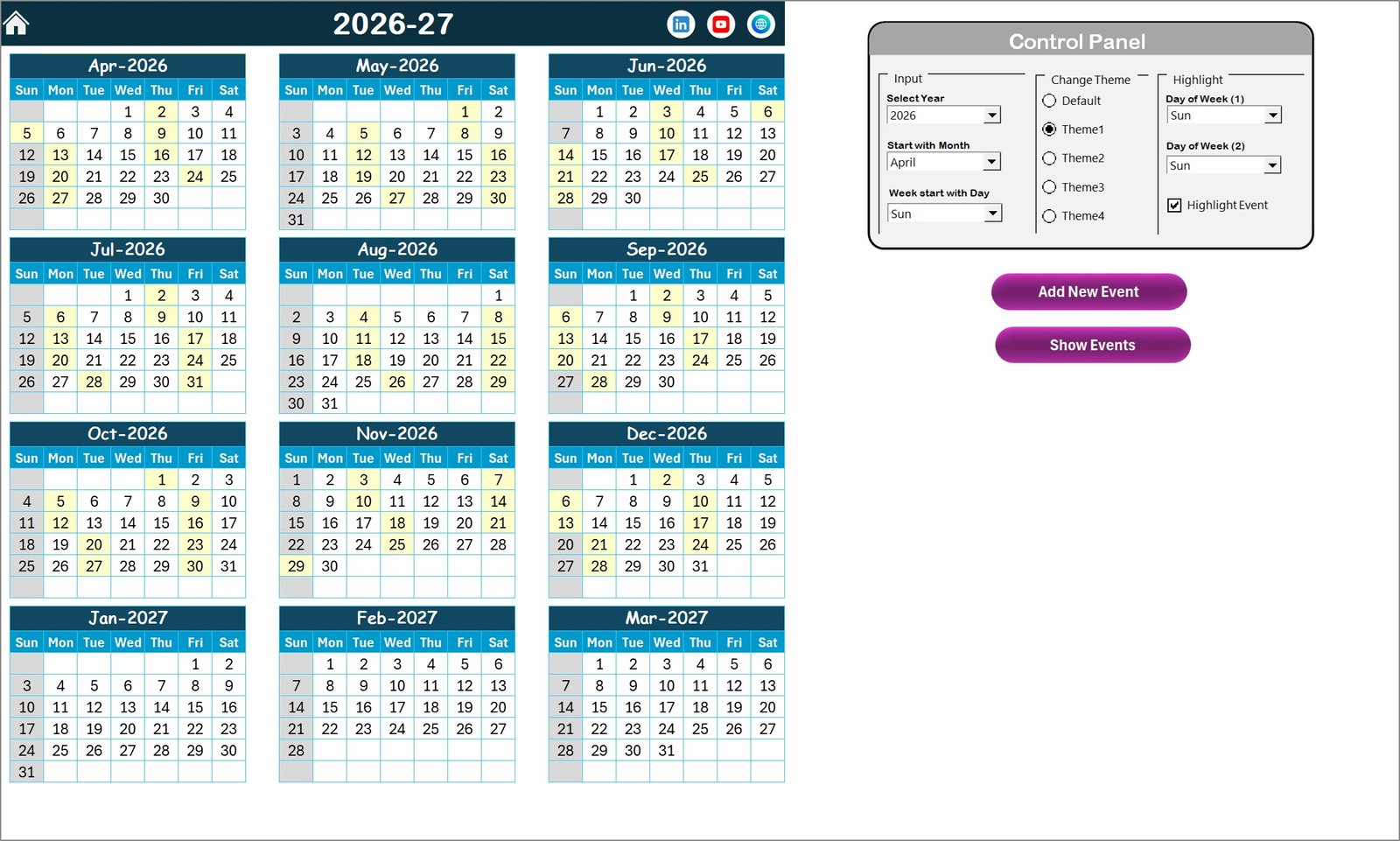
The template includes Annual, Monthly, and Daily calendar views that allow HR teams to manage retention activities at different levels.
🏠 Home Sheet Navigation Hub
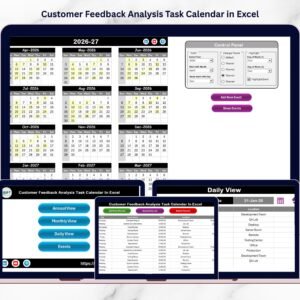
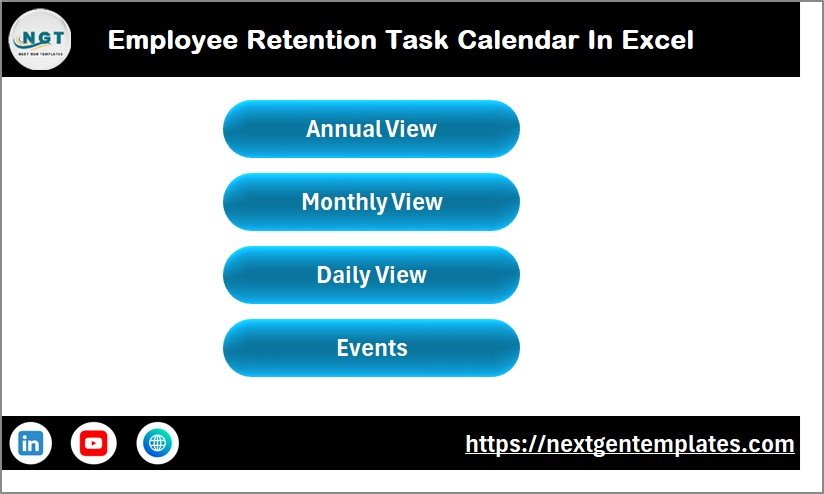
The Home sheet provides quick navigation buttons that allow users to jump directly to different calendar sections.
🎨 Customizable Calendar Themes
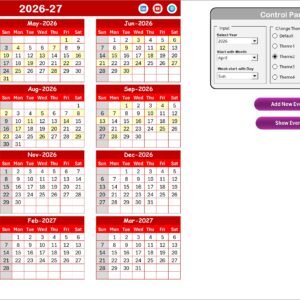
Users can choose from five color themes to customize the visual design of the entire workbook.
⚙️ Smart Control Panel
The control panel allows users to customize the year, starting month, and starting weekday, and the entire calendar updates automatically.
✨ Highlight Important Days
Users can highlight specific weekdays such as Saturday and Sunday, and important events can be highlighted automatically.
➕ Easy Event Entry System
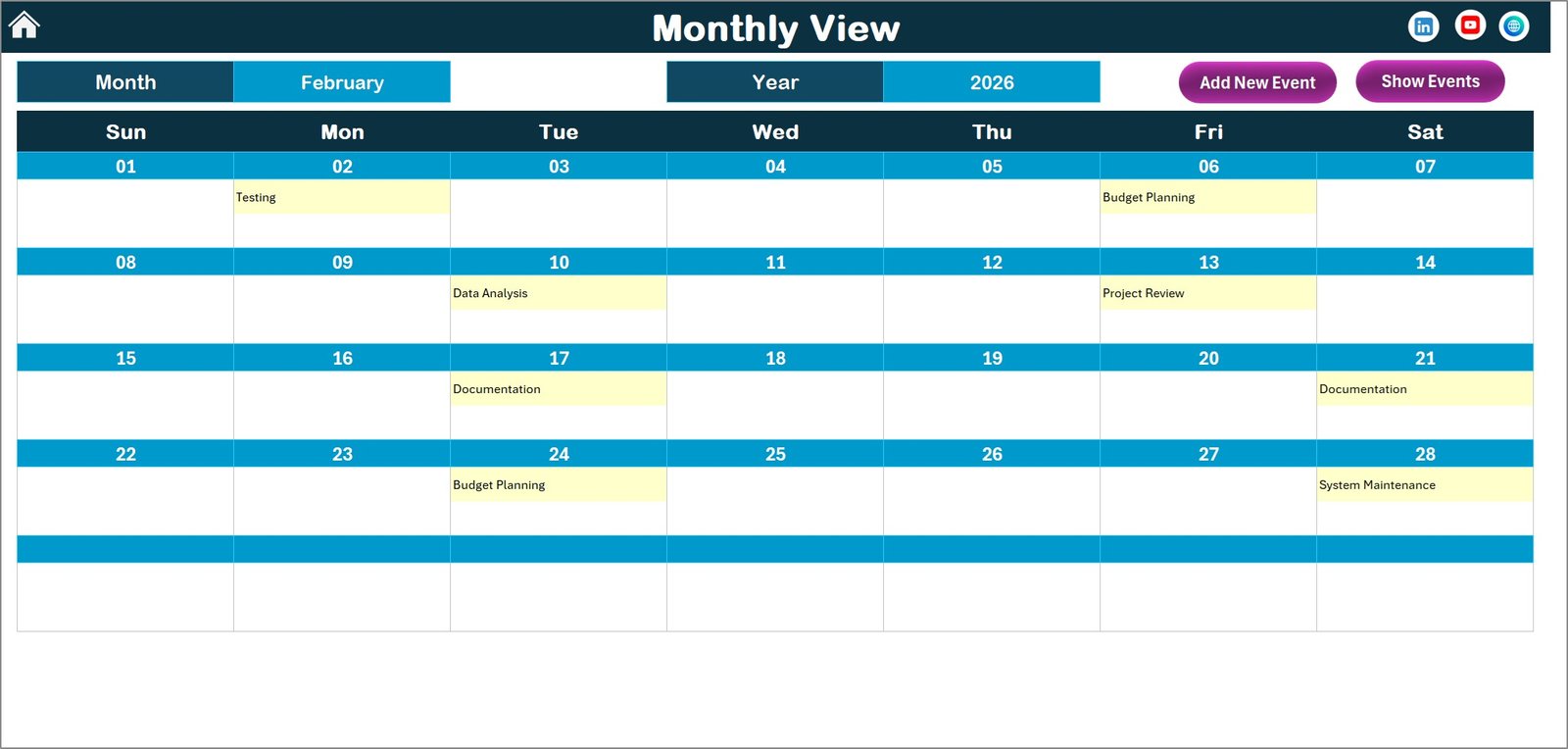
The Add New Event button allows users to quickly add events using a simple event form.
🔍 Event Viewing Feature
The Show Event button allows users to instantly view events scheduled for any selected date.
📊 Central Event Database
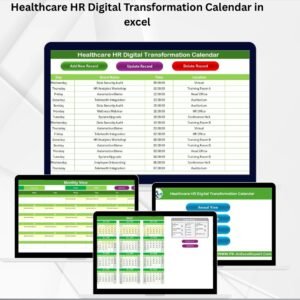
All events are stored in a structured Events sheet database, making event management easy and organized.
🔄 Event Update & Delete Options
Users can update existing events or delete records easily through built-in management buttons.
📦 What’s Inside the Employee Retention Task Calendar in Excel
This ready-to-use Excel template includes five powerful worksheets designed for efficient HR planning.
📌 Home Sheet
Acts as the central navigation hub with buttons for:
-
Annual View
-
Monthly View
-
Daily View
-
Events Database
📅 Annual View Sheet
Displays a complete 12-month calendar, allowing HR teams to plan retention initiatives for the entire year.
📆 Monthly View Sheet
Focuses on a single month, helping users monitor detailed monthly employee engagement activities.
📖 Daily View Sheet
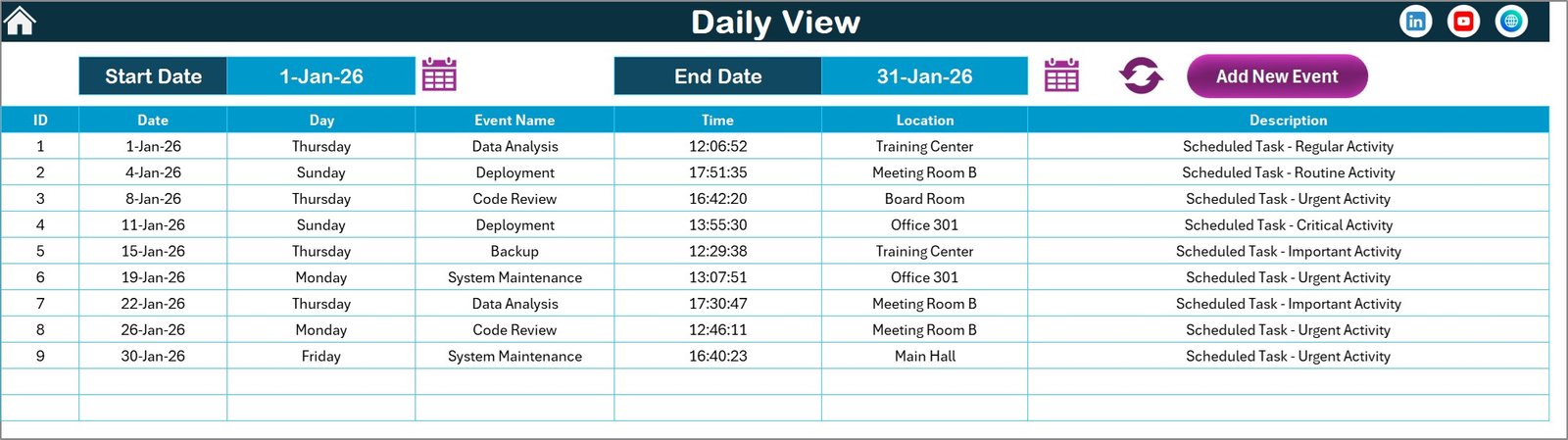
Displays all events within a selected date range, allowing teams to track HR activities closely.
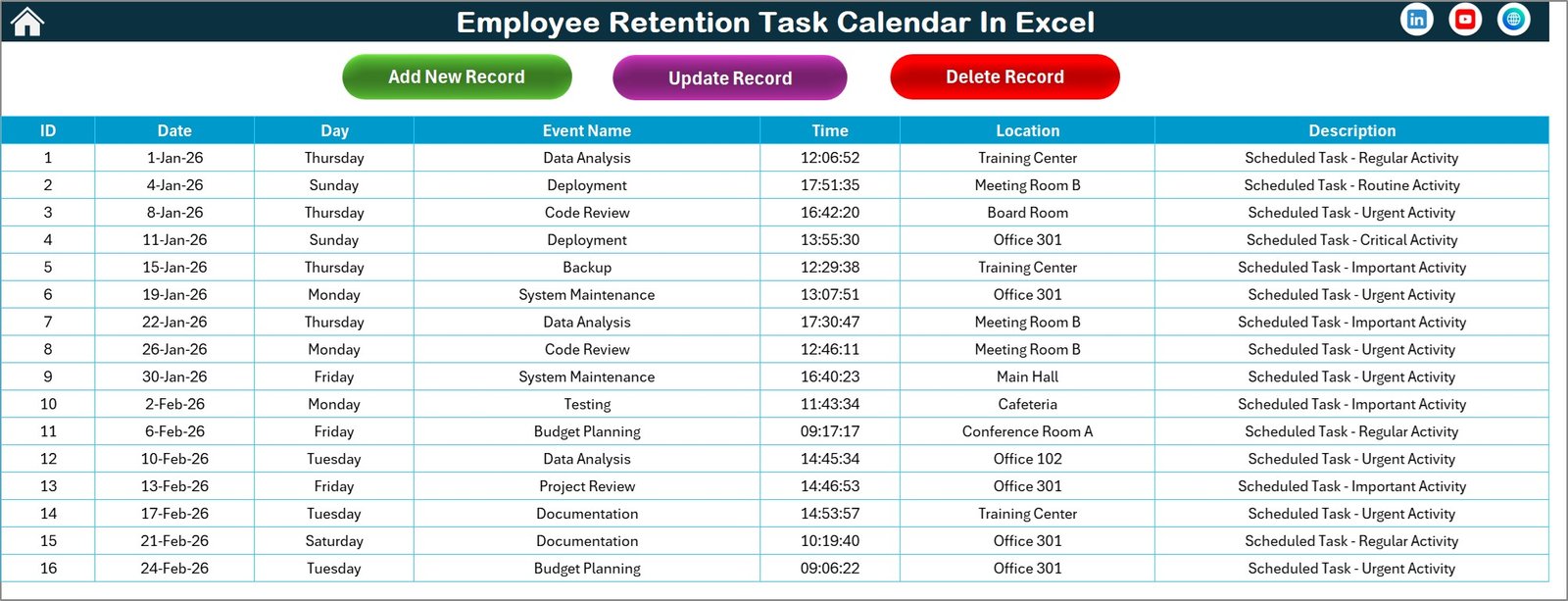
🗂 Events Sheet
A centralized event database that stores important information including:
-
Event ID
-
Date
-
Day
-
Event Name
-
Time
-
Location
-
Description
⚡ How to Use the Employee Retention Task Calendar in Excel
Using this Excel template is extremely simple and requires no advanced technical knowledge.
1️⃣ Open the Excel template and start from the Home sheet.
2️⃣ Use the navigation buttons to access Annual, Monthly, or Daily views.
3️⃣ Select a date on the calendar.
4️⃣ Click the Add New Event button to schedule HR activities.
5️⃣ Fill in event details such as event name, time, location, and description.
6️⃣ The event will automatically appear on the selected date.
7️⃣ Use the Show Event button to review scheduled events.
By following these simple steps, HR teams can manage employee engagement programs and retention activities efficiently.
👥 Who Can Benefit from This Employee Retention Task Calendar
This Excel template is useful for many professionals involved in employee management and HR operations.
👩💼 HR Managers – Plan employee engagement programs and retention strategies.
📋 HR Executives – Track employee activities and HR initiatives efficiently.
👨💻 Team Leaders – Schedule team-building activities and performance discussions.
🏢 Business Owners – Monitor employee engagement programs across departments.
⚙️ Operations Managers – Coordinate HR events and internal programs.
📊 People & Culture Teams – Maintain structured employee engagement initiatives.
Any organization that wants to improve employee satisfaction and reduce turnover can benefit from this calendar.
Click here to read the Detailed blog post
Watch the step-by-step video tutorial: