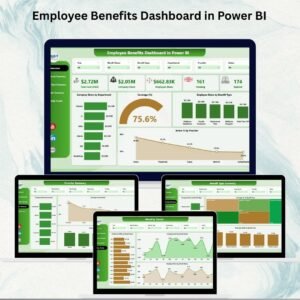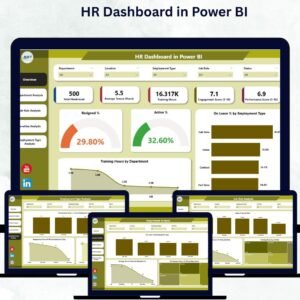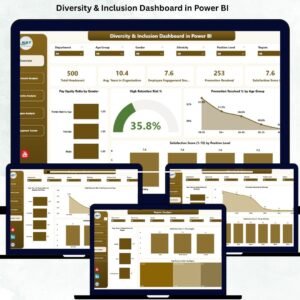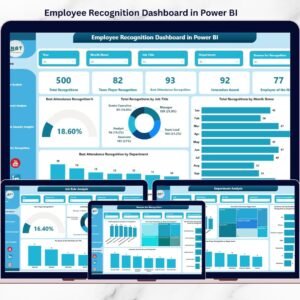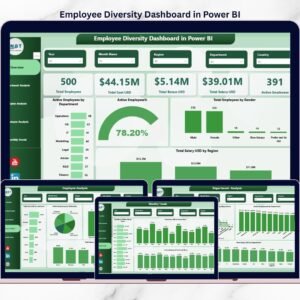
Employee retention is no longer just an HR metric—it is a direct driver of business performance. High attrition leads to rising recruitment costs, productivity loss, and declining employee morale. Unfortunately, many organizations still depend on manual HR reports, static Excel files, or delayed insights, making it difficult to act before employees disengage. That is exactly where the Employee Retention Dashboard in Power BI becomes a game-changer.
This Employee Retention Dashboard in Power BI is a professionally designed, ready-to-use analytics solution that helps organizations track, analyze, and improve employee retention using real-time data visualization. Instead of guessing why employees leave, HR teams and leadership gain clear, actionable insights to build proactive retention strategies.
## 🚀 Key Features of Employee Retention Dashboard in Power BI
📊 Comprehensive Retention KPIs
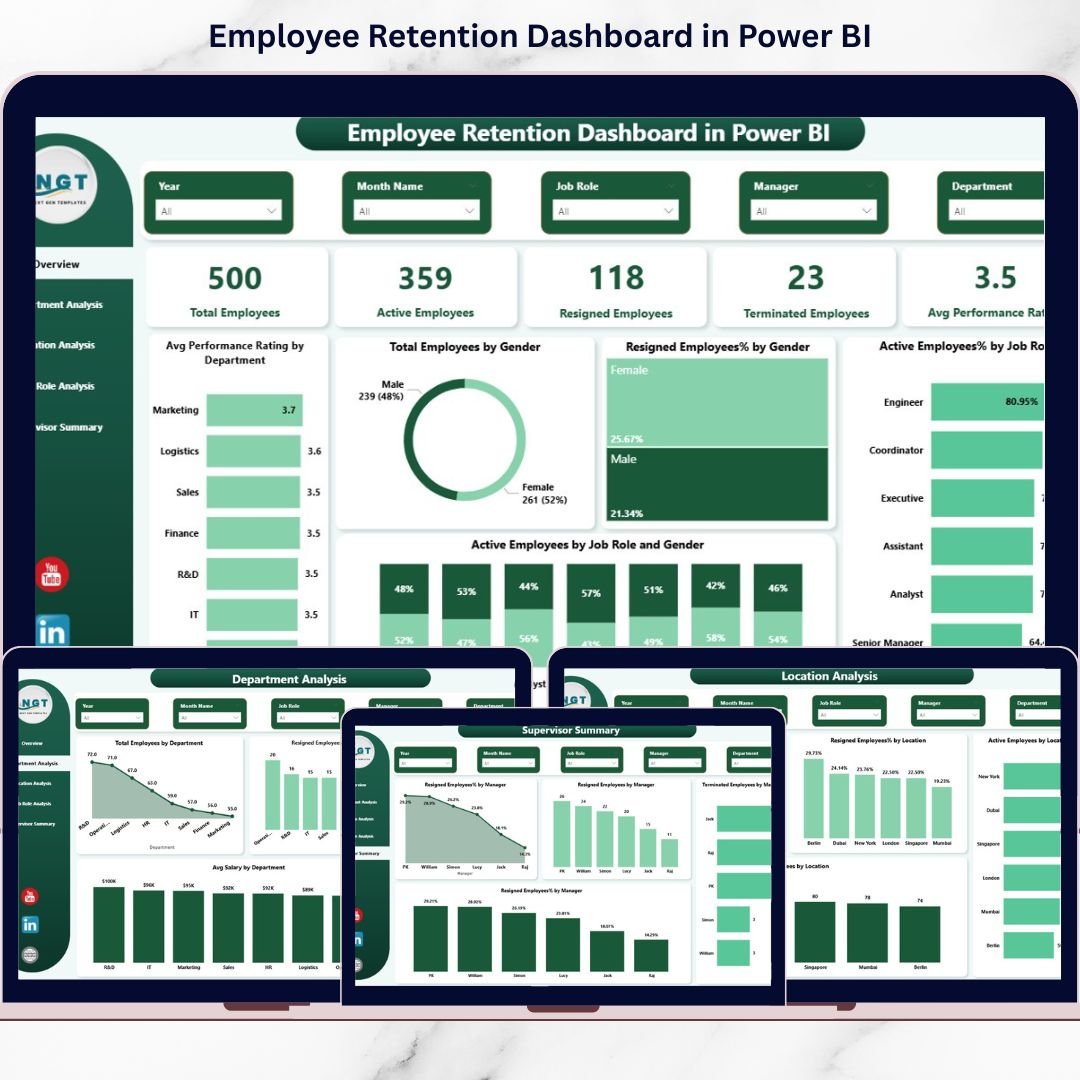
Track total employees, active employees, resigned employees, terminated employees, and average performance ratings in one centralized view.
📈 Attrition Trend Analysis
Analyze attrition patterns across departments, locations, job roles, and supervisors to identify problem areas early.
🎯 Engagement & Performance Tracking
Monitor engagement scores, training hours, and performance ratings to detect early warning signs of disengagement.
🔍 Interactive Slicers & Filters
Filter data dynamically by department, location, job role, gender, or manager for deeper analysis.
⚡ Real-Time Insights
Built in Power BI, the dashboard updates automatically when data refreshes, ensuring decisions are based on the latest information.

## 📂 What’s Inside the Employee Retention Dashboard in Power BI
This Power BI dashboard includes five professionally structured pages, each focused on a specific aspect of retention analysis:
📌 Overview Page – A high-level snapshot showing total, active, resigned, and terminated employees along with average performance ratings.
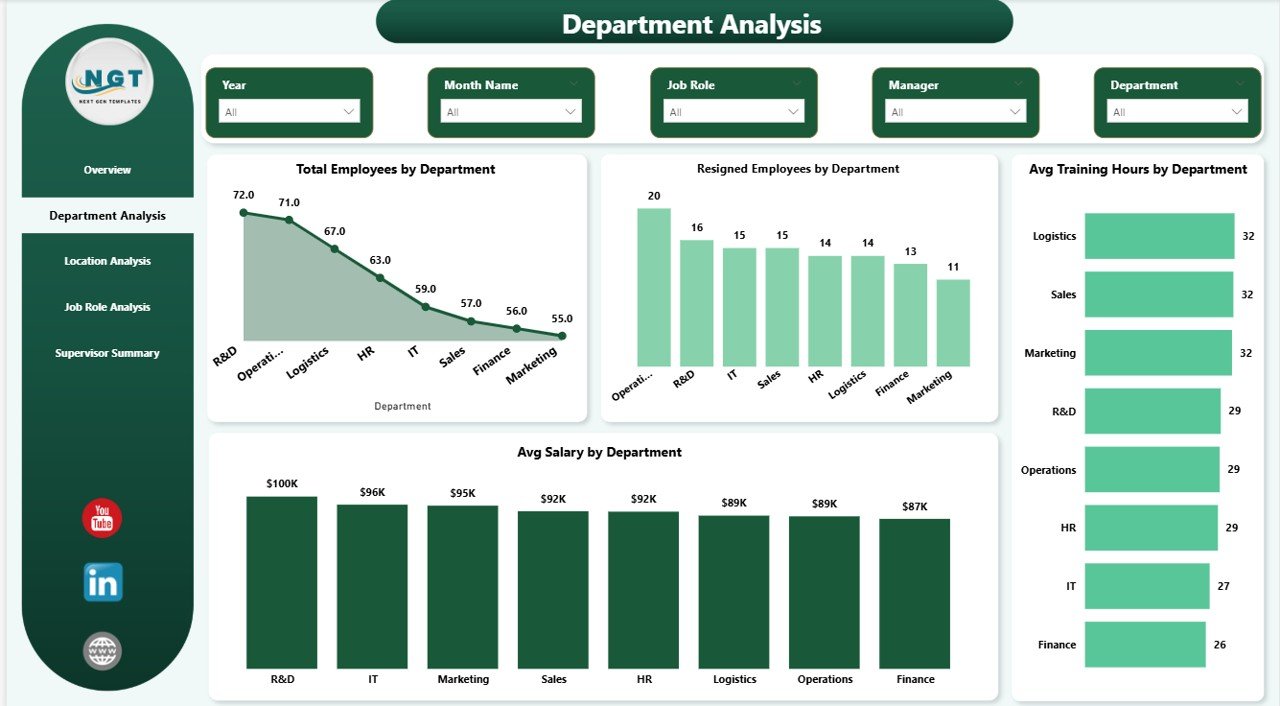
📌 Department Analysis Page – Identify departments with higher attrition, lower training hours, or performance challenges.
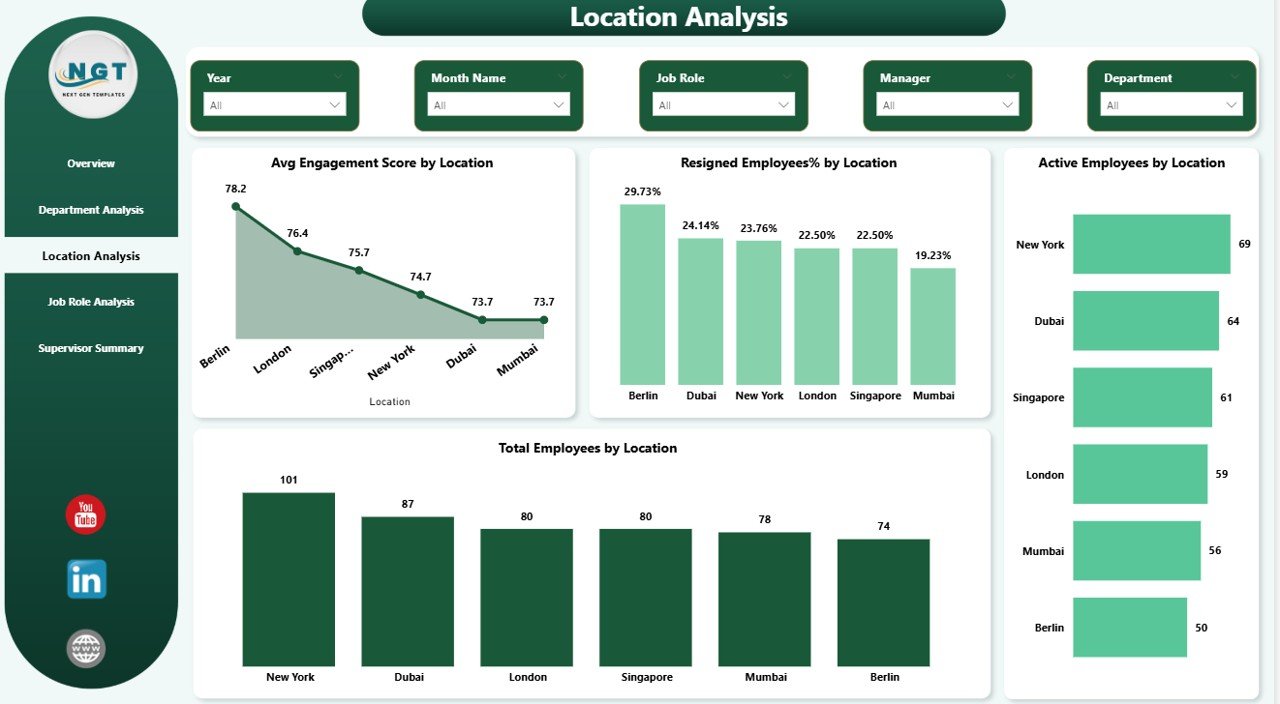
📌 Location Analysis Page – Understand how employee engagement and attrition vary across locations.
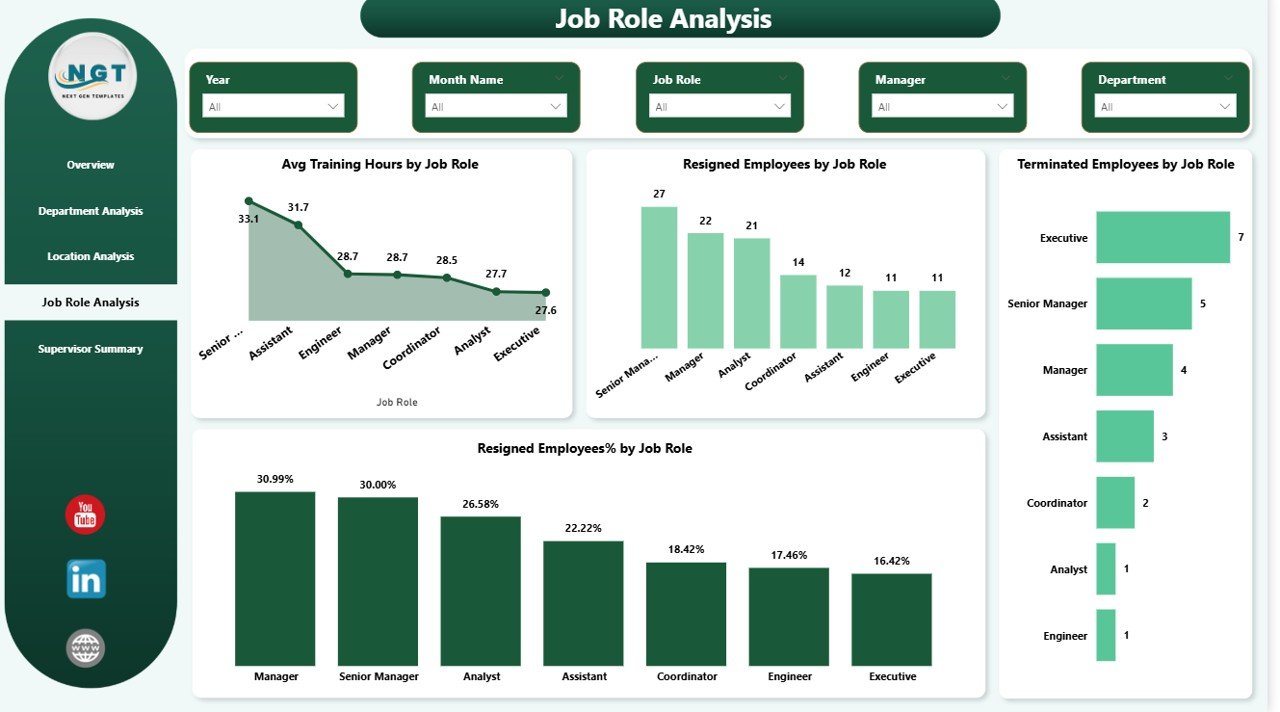
📌 Job Role Analysis Page – Spot job roles with higher resignation or termination rates and adjust workforce strategies accordingly.
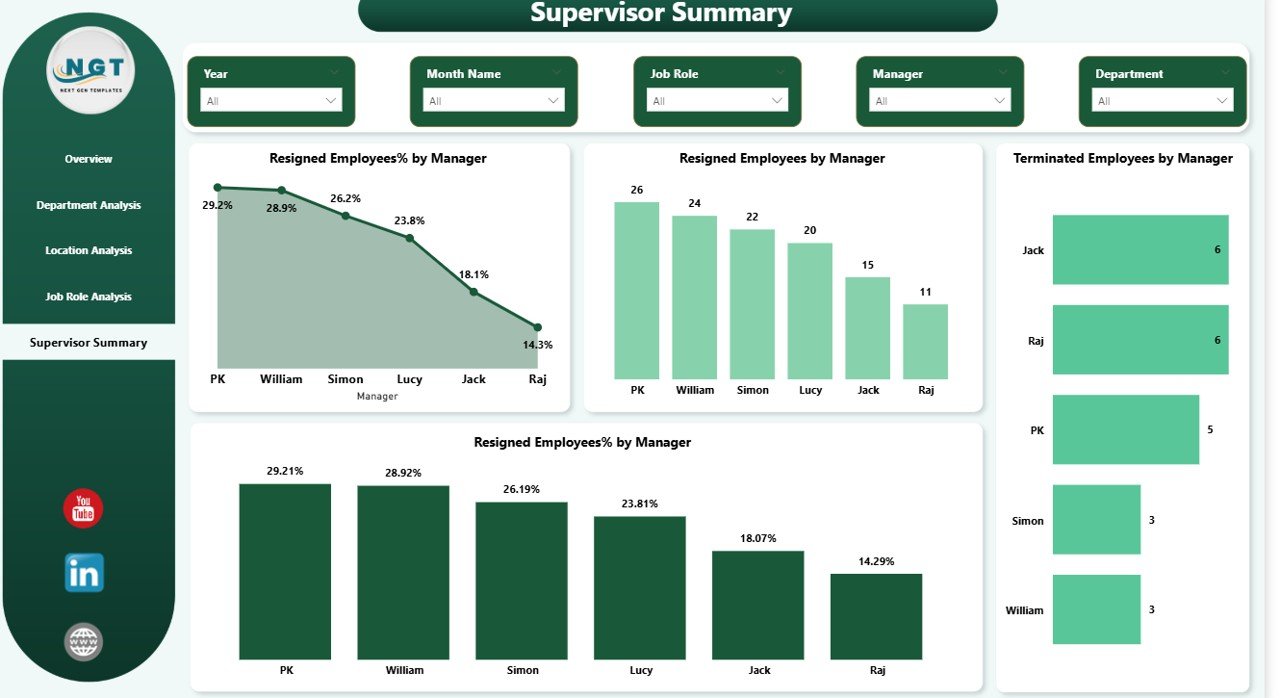
📌 Supervisor Summary Page – Analyze manager-level attrition trends to improve leadership effectiveness and team stability.
Together, these pages deliver a 360-degree view of workforce retention.
## 🧭 How to Use the Employee Retention Dashboard in Power BI
Using this dashboard is simple and business-friendly:
1️⃣ Connect your employee data from Excel or HR systems
2️⃣ Refresh the dataset inside Power BI
3️⃣ Use slicers to filter by department, role, location, or manager
4️⃣ Review KPIs, trends, and visual insights
5️⃣ Take proactive actions to improve retention and engagement
No advanced Power BI expertise is required—this dashboard is designed for HR professionals and business leaders.
## 👥 Who Can Benefit from This Employee Retention Dashboard
🏢 HR Managers & HR Analysts – Monitor attrition, engagement, and workforce health
📊 Department Heads & Team Leads – Identify team-level retention risks
📈 Senior Management & Executives – Make data-driven workforce decisions
🧠 Workforce Planning Teams – Improve hiring, training, and leadership strategies
Whether you manage a small team or a large organization, this dashboard adapts to your needs.
Click here to read the Detailed blog post
Watch the step-by-step video tutorial:
Visit our YouTube channel to learn step-by-step video tutorials.