


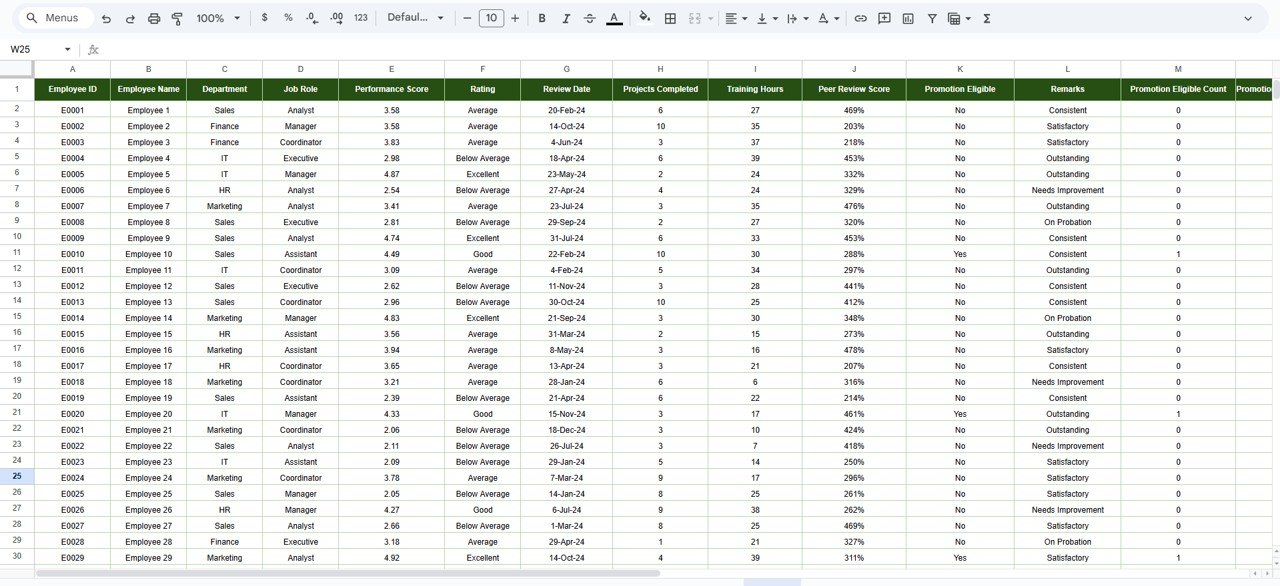
Employee performance is the backbone of organizational success. When employees perform well, productivity improves, goals are achieved faster, and business growth accelerates. However, many organizations still track employee performance using emails, scattered spreadsheets, and manual reports. As a result, evaluations become inconsistent, promotions get delayed, and performance insights remain unclear.
That is exactly why the Employee Performance Tracking Dashboard in Google Sheets becomes a powerful and practical solution.
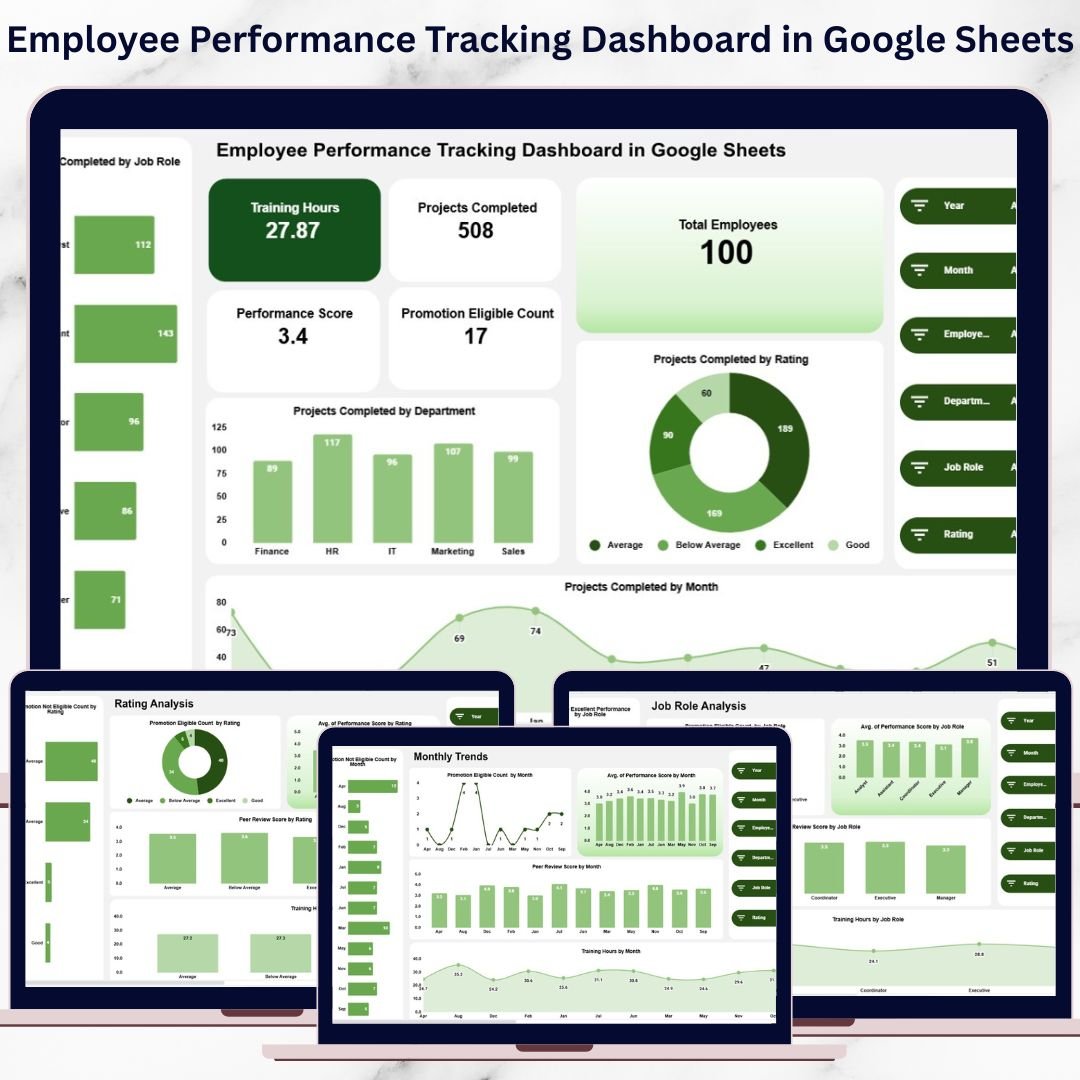
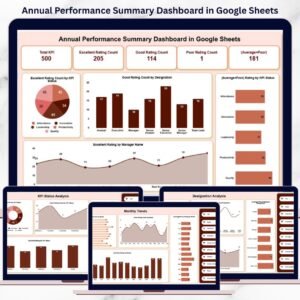
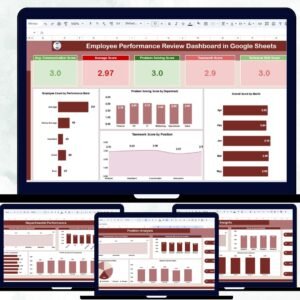
This ready-to-use dashboard provides a centralized, visual, and data-driven system to monitor employee performance, training efforts, promotion readiness, peer reviews, and productivity trends. Instead of spending hours compiling reports, HR teams and managers gain instant insights through KPI cards, interactive charts, and smart search functionality—all inside Google Sheets.
Because the dashboard runs entirely in Google Sheets, it remains cloud-based, collaborative, cost-effective, and easy to customize—without the need for expensive HR software.

✨ Key Features of the Employee Performance Tracking Dashboard in Google Sheets
📊 Performance KPI Overview
Instantly track critical workforce metrics such as performance score, training hours, projects completed, and promotion eligibility.
🏢 Department & Job Role Analysis
Analyze performance across departments and job roles to identify strong teams and improvement areas.
📈 Monthly Performance Trends
Understand how employee performance, training impact, and promotion readiness evolve over time.
🔍 Smart Employee Search
Find any employee record instantly using keyword-based search and field selection.
🤝 Real-Time Collaboration
HR teams, managers, and leadership can work together on one live dashboard.
📦 What’s Inside the Employee Performance Tracking Dashboard
📌 Overview Sheet Tab
This is the main dashboard page designed for leadership reviews. It displays key KPI cards such as:
-
Total Employees
-
Training Hours
-
Projects Completed
-
Promotion Eligible Count
-
Average Performance Score
It also includes visual charts like:
-
Projects Completed by Rating
-
Projects Completed by Department
-
Projects Completed by Job Role
-
Projects Completed by Month
These visuals provide instant clarity on workforce productivity.
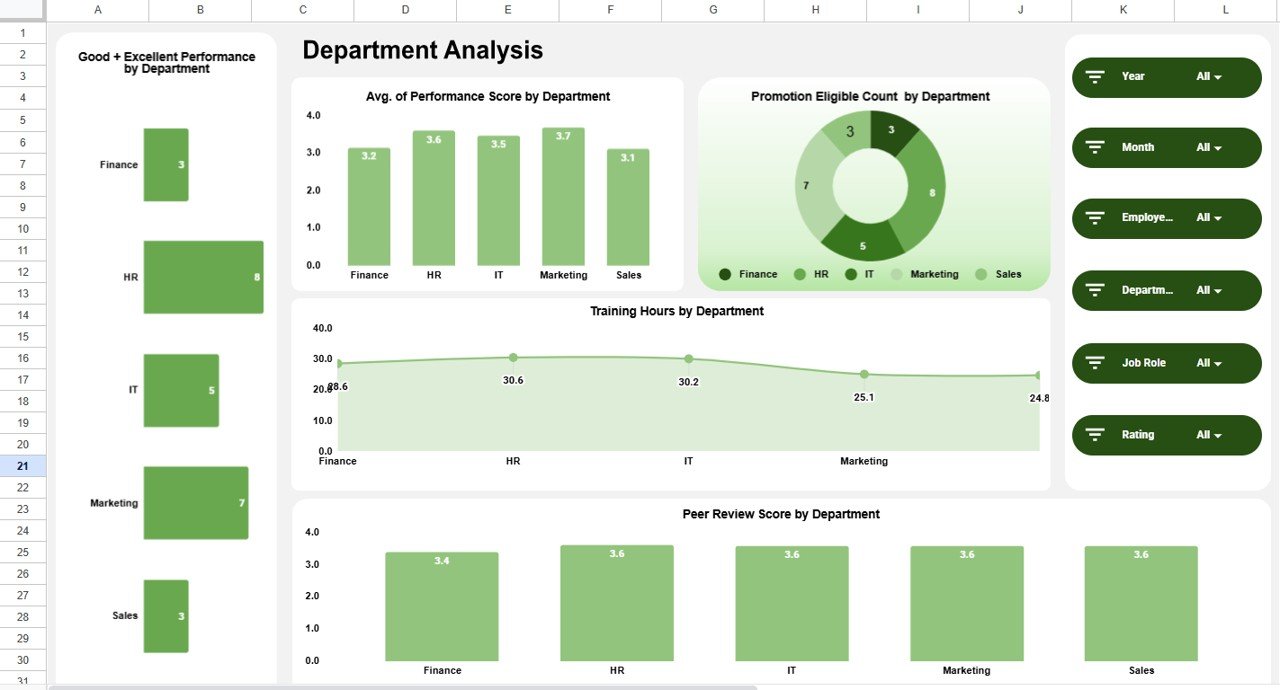
🏢 Department Analysis Sheet
This section focuses on department-wise performance insights, including:
-
Good + Excellent Performance by Department
-
Average Performance Score by Department
-
Promotion Eligible Count by Department
-
Training Hours by Department
-
Peer Review Score by Department
It helps HR teams identify high-performing departments and those needing targeted support.
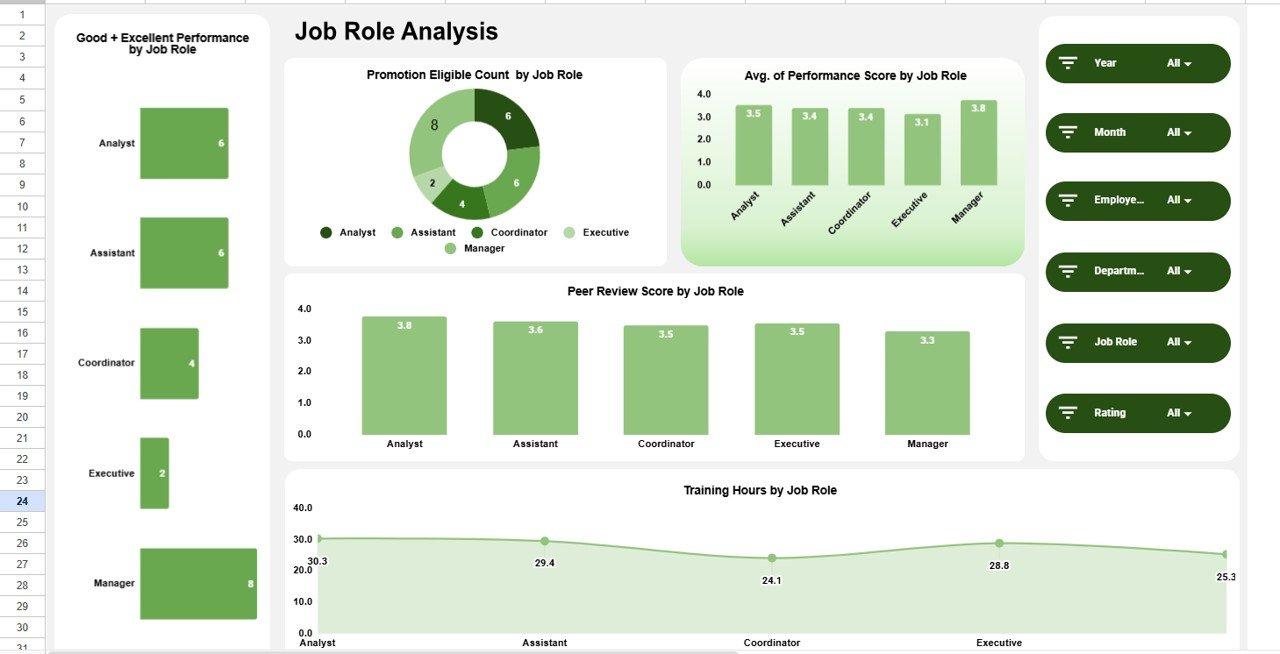
👤 Job Role Analysis Sheet
This sheet evaluates performance across job functions using:
-
Good + Excellent Performance by Job Role
-
Promotion Eligible Count by Job Role
-
Average Performance Score by Job Role
-
Peer Review Score by Job Role
-
Training Hours by Job Role
This insight supports workforce planning and role-specific development strategies.
⭐ Rating Analysis Sheet
The Rating Analysis section ensures fair and balanced evaluations by showing:
-
Promotion Eligible vs Not Eligible Count by Rating
-
Average Performance Score by Rating
-
Peer Review Score by Rating
-
Training Hours by Rating
It helps validate rating consistency and promotion decisions.
📅 Monthly Trends Sheet
This section tracks performance progress over time using:
-
Promotion Eligible Count by Month
-
Promotion Not Eligible Count by Month
-
Average Performance Score by Month
-
Peer Review Score by Month
-
Training Hours by Month
These trends help measure the impact of training programs and HR initiatives.
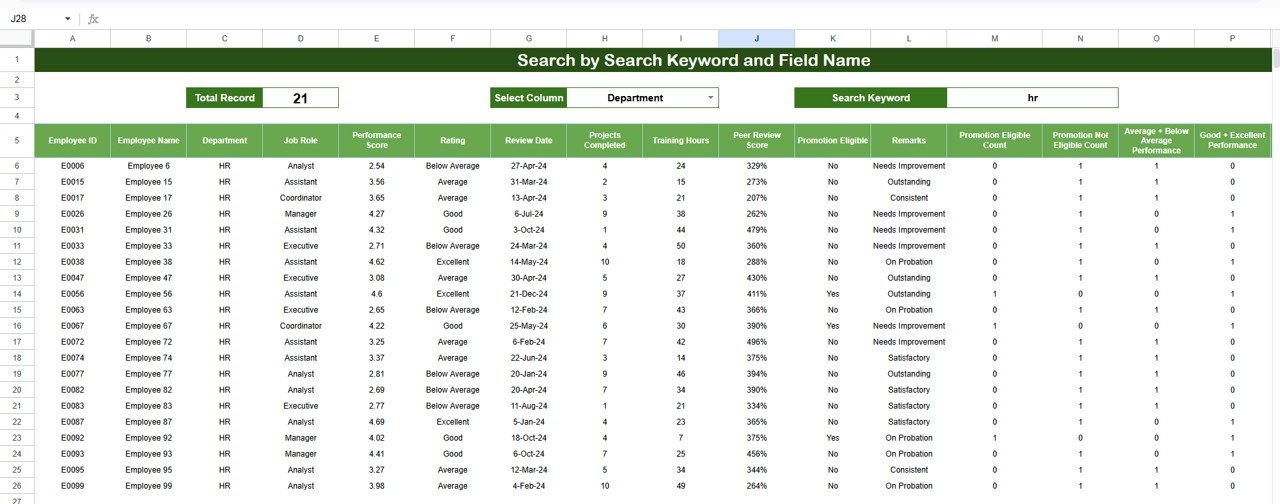
🔍 Search Functionality
The built-in smart search allows users to:
-
Search by keyword (employee name, department, role, rating)
-
Filter by selected field name
This feature saves time during reviews, audits, and management discussions.
🎯 Who Can Benefit from This Dashboard
-
HR Teams – Standardize performance reviews
-
Managers & Team Leads – Monitor team productivity
-
Leadership Teams – Make data-driven promotion decisions
-
Organizations of Any Size – Scale performance tracking easily
### Click here to read the Detailed blog post
Watch the step-by-step video tutorial:















Reviews
There are no reviews yet.