
Managing customer service staff schedules is one of the toughest operational challenges. Teams work in shifts, events change suddenly, coverage must be maintained, and even a small scheduling mistake can impact customer satisfaction. Unfortunately, when schedules are managed through emails, registers, or unstructured spreadsheets, confusion and errors become unavoidable.
That is exactly why the Customer Service Staff Duty Calendar in Excel is a smart, practical, and powerful solution 📅.
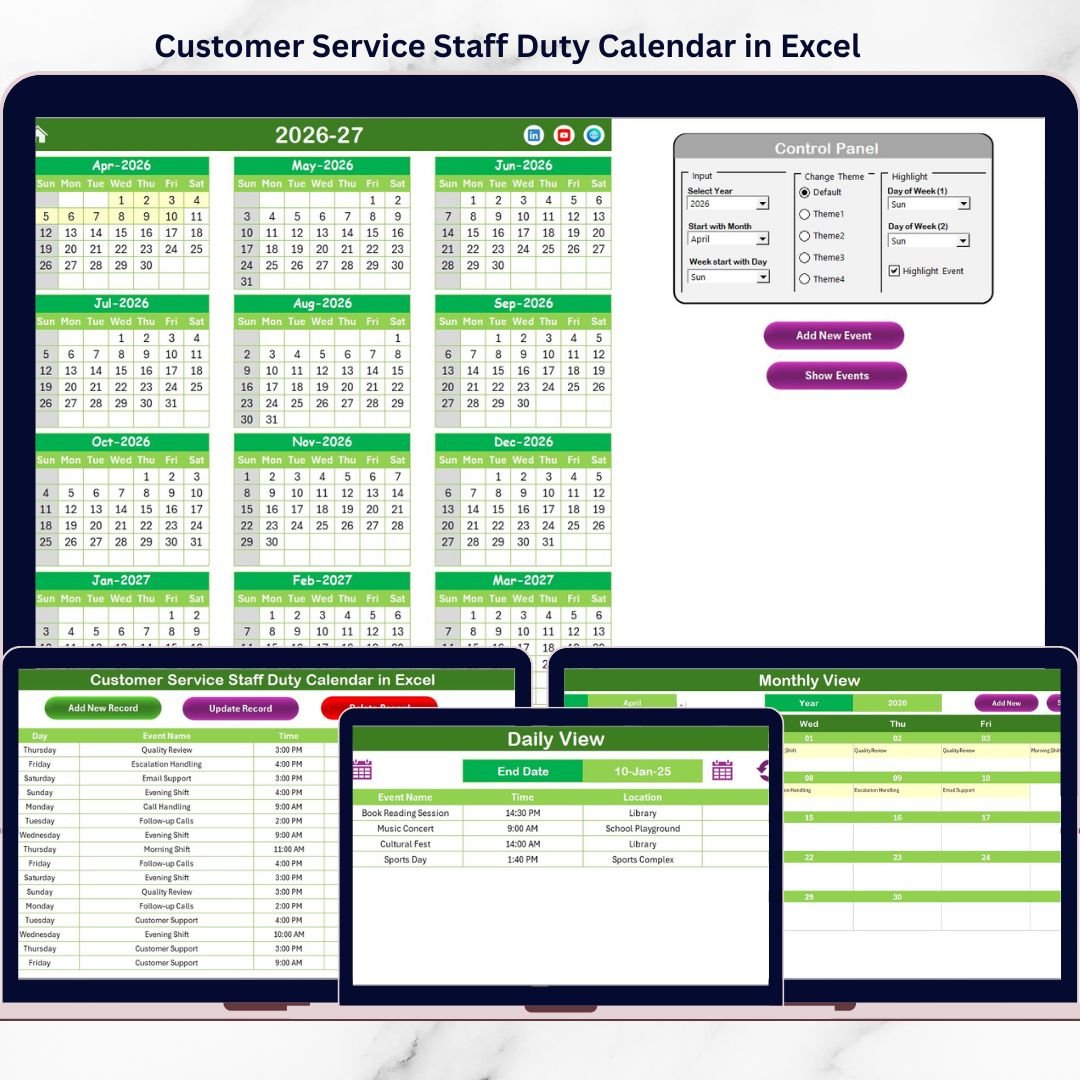
This ready-to-use Excel calendar helps customer service teams plan, organize, and track staff duties, shifts, and events with complete clarity. Instead of juggling multiple files, you get a centralized, interactive, and automated scheduling system that improves visibility, coordination, and efficiency.
Designed for real-world operations, this calendar is easy to use, fully customizable, and requires no advanced Excel skills. Whether you manage a small support team or a large call center, this template helps you stay organized, reduce errors, and deliver consistent service.
🔑 Key Features of Customer Service Staff Duty Calendar in Excel
📌 Centralized Duty Scheduling
Manage all staff duty events from a single Excel workbook.
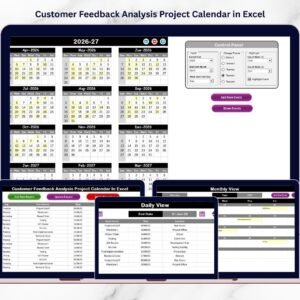
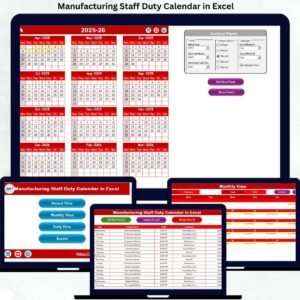
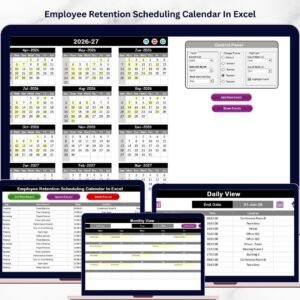
📆 Multiple Calendar Views
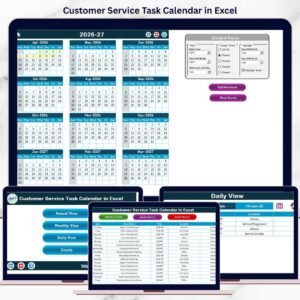
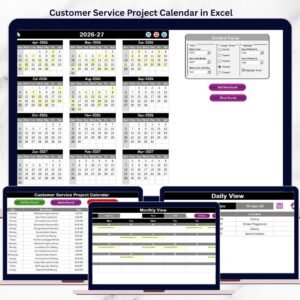
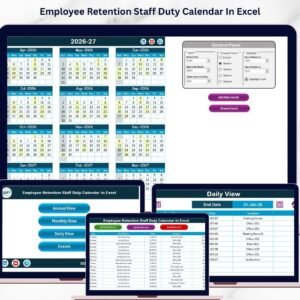
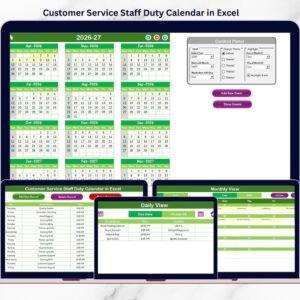
Switch easily between Annual, Monthly, and Daily views.
📝 Easy Event Management Forms
Add, update, or delete events using user-friendly forms.
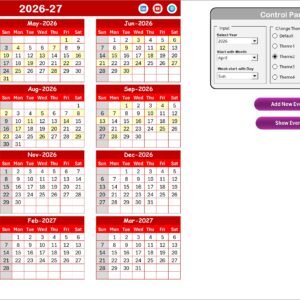
🎨 One-Click Theme Customization
Apply professional color themes across the entire workbook instantly.
🗓️ Day & Event Highlighting
Highlight weekends, specific weekdays, and events visually.
🧭 Smart Navigation Buttons
Move between sheets quickly using buttons on the Home page.
📂 Centralized Event Database
All events are stored securely in one structured Events sheet.
📦 What’s Inside the Customer Service Staff Duty Calendar
This Excel template includes five well-structured worksheets, each designed to simplify scheduling and operations.
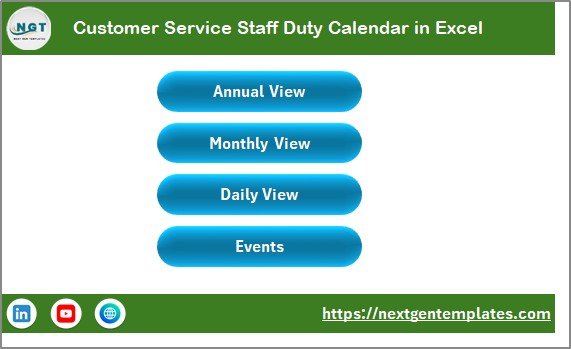
✔️ Home Sheet
Acts as a navigation hub with buttons for Annual, Monthly, Daily, and Events views.
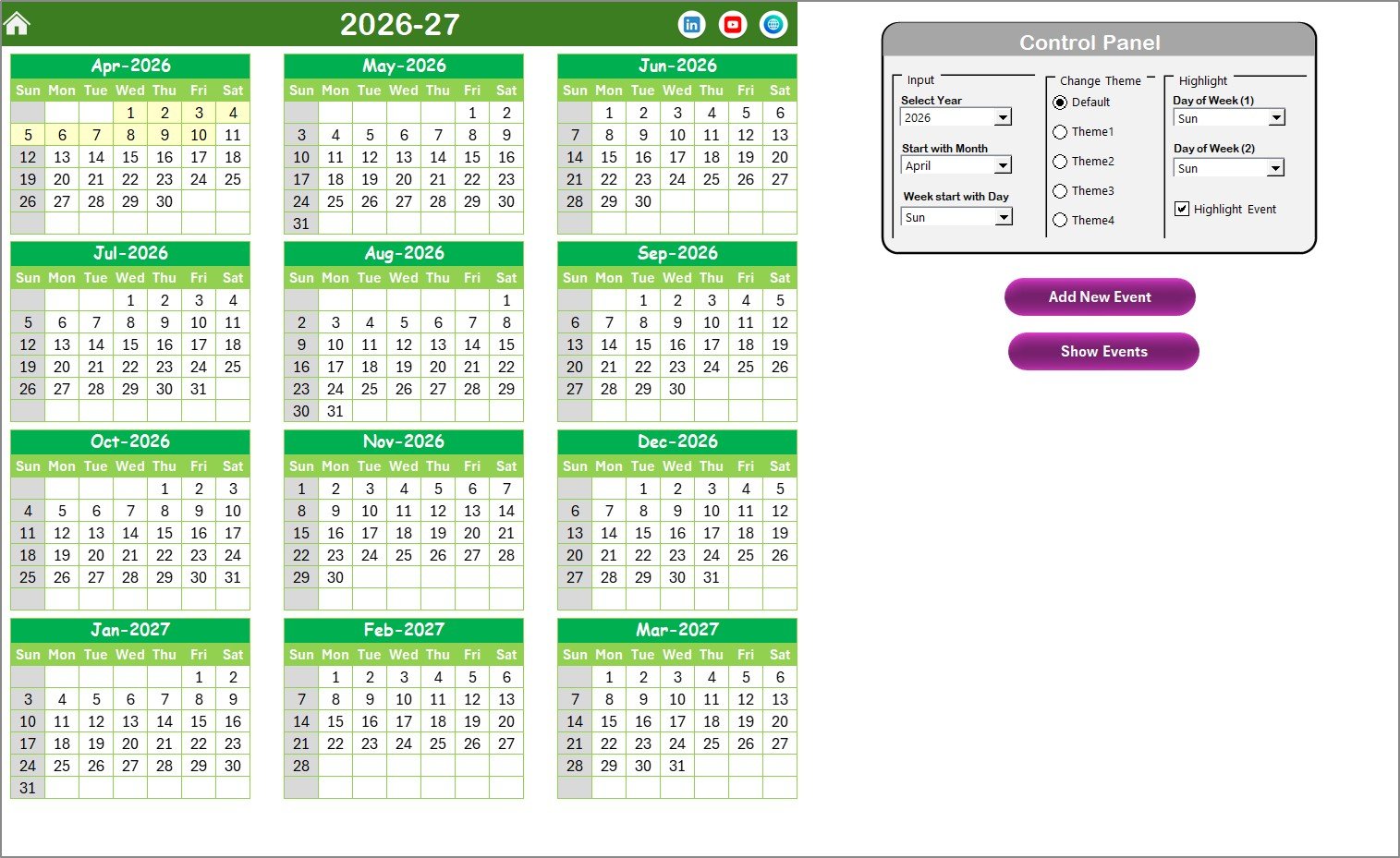
✔️ Annual View Sheet
Displays all 12 months on one screen for long-term planning and workload analysis.
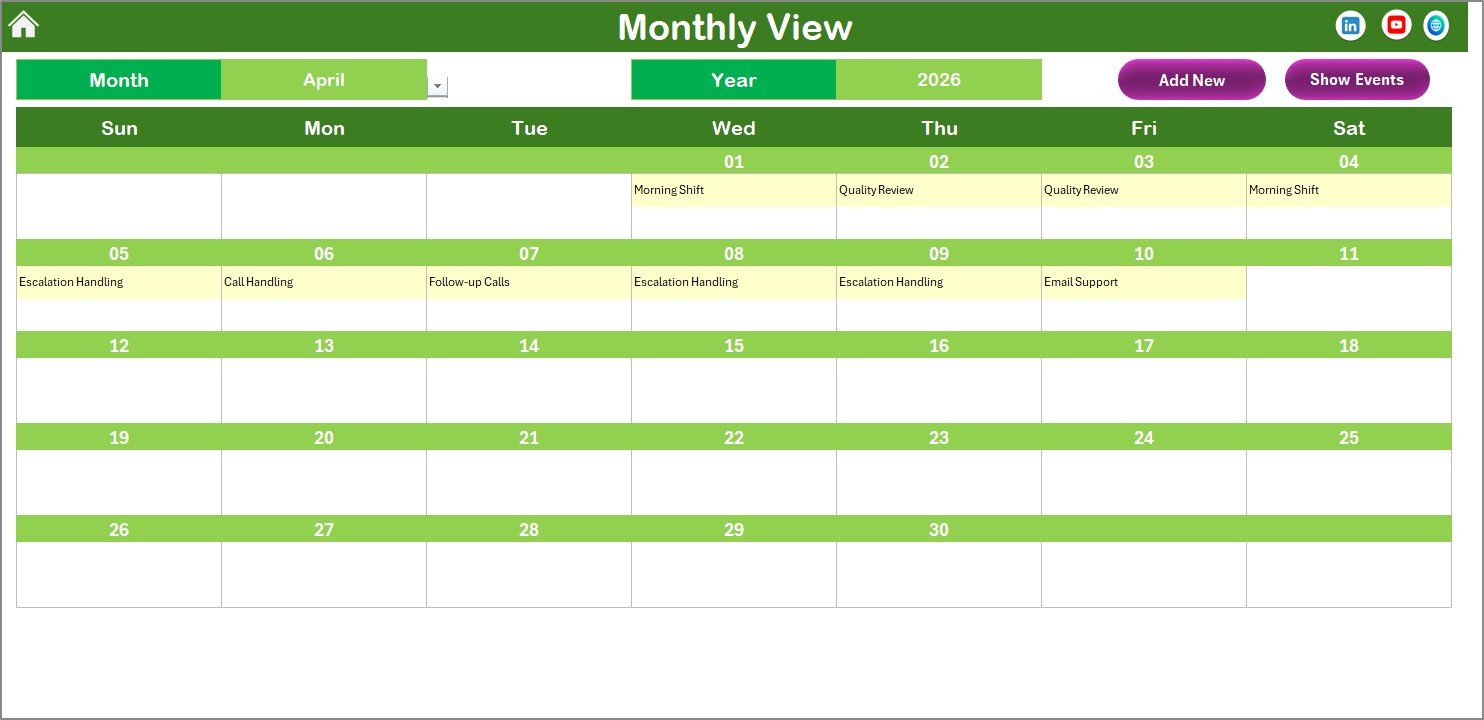
✔️ Monthly View Sheet
Shows a clean month-wise calendar with clear visibility of duties and events.
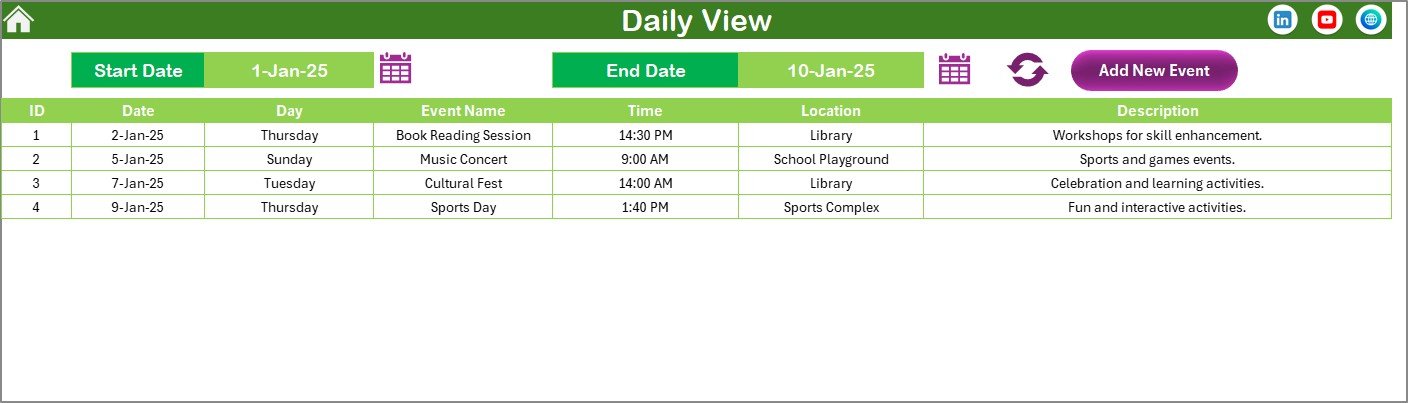
✔️ Daily View Sheet
Lists all events within a selected date range for detailed operational tracking.
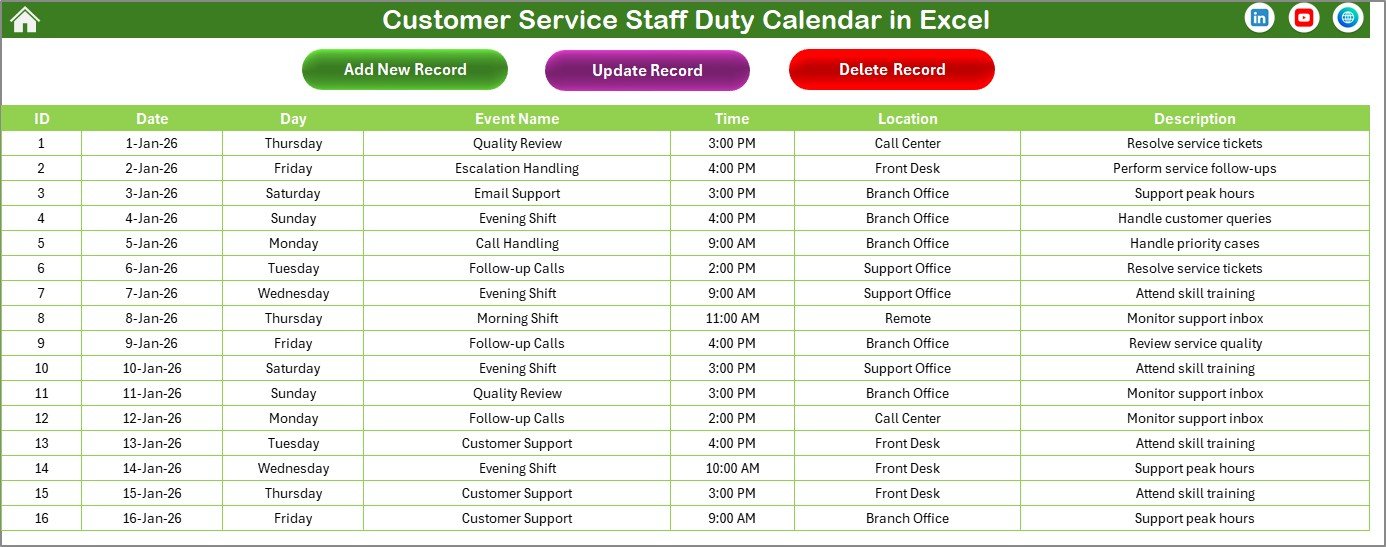
✔️ Events Sheet (Database)
Stores all event details such as date, time, staff duty, location, and description.
Together, these sheets form a complete and reliable staff duty scheduling system.
🛠️ How to Use the Customer Service Staff Duty Calendar
Using this calendar is simple—even for non-technical users.
1️⃣ Open the Excel file and start from the Home Sheet
2️⃣ Choose Annual, Monthly, or Daily view based on your planning needs
3️⃣ Select a date and click Add New Event
4️⃣ Enter event details using the form and submit
5️⃣ View or update events using Show Event or Update Record options
6️⃣ Use filters, highlights, and themes to improve clarity
No complex formulas, no VBA knowledge, and no learning curve required ✅.
👥 Who Can Benefit from This Calendar?
This template is designed for teams that depend on accurate scheduling.
👨💼 Customer Service Managers – Plan staff duties with confidence
📞 Call Center Supervisors – Avoid shift conflicts and missed coverage
🧑💻 Helpdesk Team Leads – Track daily and monthly duties easily
⚙️ Operations Managers – Improve coordination and visibility
🧑💼 HR & Workforce Planning Teams – Support staffing decisions
🏢 Small & Medium Businesses – Manage teams without costly tools
If scheduling accuracy matters, this calendar is for you.
🚀 Why This Excel Calendar Is a Game changer
Unlike basic spreadsheets, this duty calendar offers structure, automation, and clarity. It replaces confusion with visibility, reduces manual effort, and ensures everyone knows their responsibilities on time.
Because it runs entirely in Excel, it remains cost-effective, flexible, and easy to customize. Most importantly, it helps customer service teams stay organized, responsive, and fully prepared—every single day.
🔗 Click here to read the Detailed blog post
🎥 Visit our YouTube channel to learn step-by-step video tutorials










Reviews
There are no reviews yet.