
Managing customer service maintenance activities without a structured system often leads to missed tasks, overlapping schedules, and unexpected service disruptions. Teams rely on emails, chats, or manual trackers, which quickly become difficult to manage as maintenance activities grow.
That is exactly where the Customer Service Maintenance Calendar in Excel becomes a powerful operational tool.
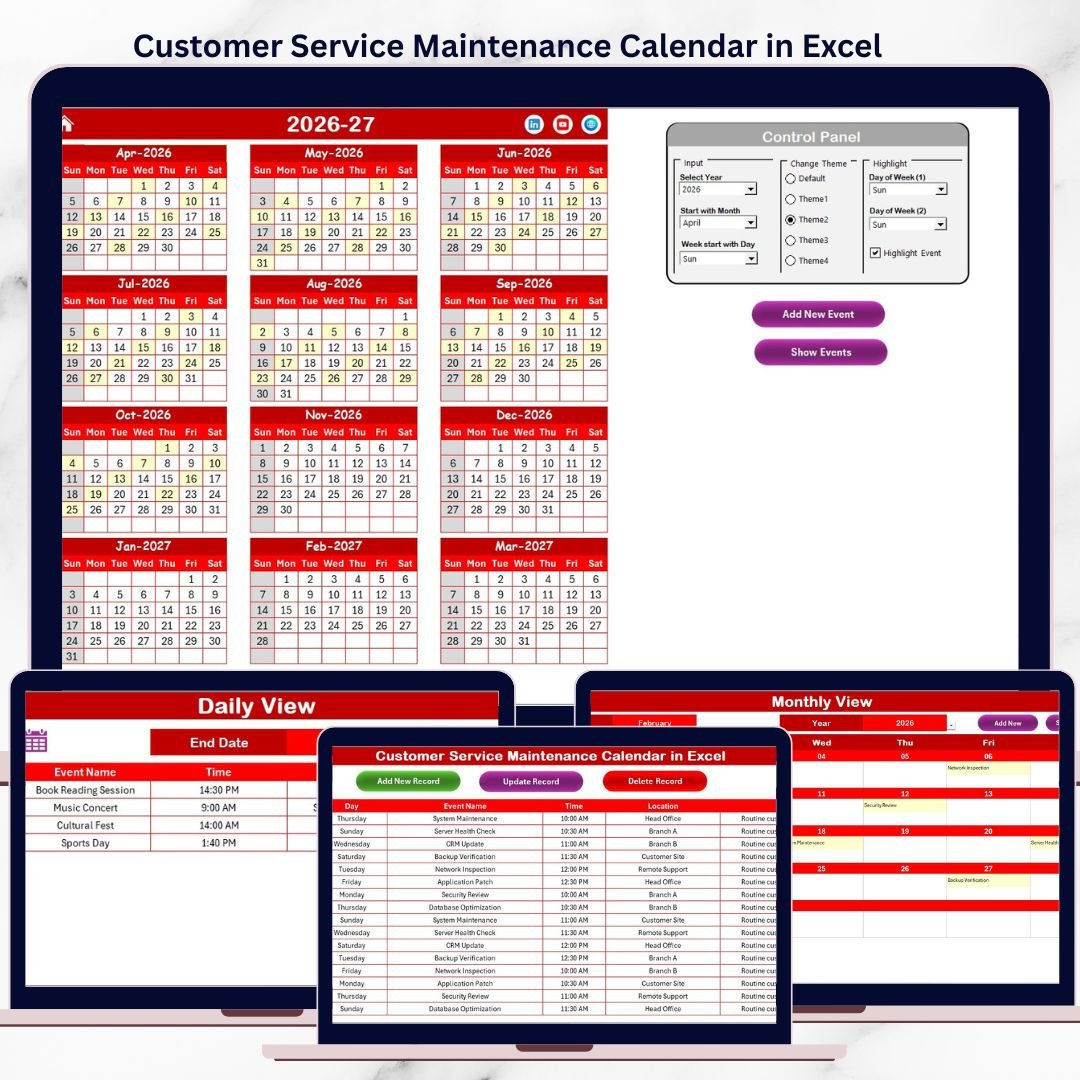
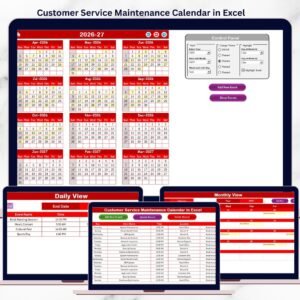
Customer Service Maintenance Calendar in Excel This ready-to-use Excel maintenance calendar helps customer service teams plan, track, and manage all maintenance-related activities from one centralized workbook. Instead of reacting to issues at the last minute, teams gain visibility, control, and confidence across annual, monthly, and daily maintenance schedules.
Designed with automation, navigation buttons, and a centralized event database, this Excel calendar ensures maintenance tasks are completed on time—without confusion or service impact.
✅ Key Features of Customer Service Maintenance Calendar in Excel
-
📅 Annual, Monthly & Daily Maintenance Views – Plan long-term maintenance and manage daily tasks easily
-
🏠 Home Sheet with Easy Navigation – Jump instantly to any calendar view using buttons
-
🎛️ Dynamic Control Panel – Change year, starting month, and week start day effortlessly
-
🎨 Theme & Highlight Options – Apply color themes and highlight weekends or critical maintenance days
-
➕ Add, Update & Delete Maintenance Events – Manage tasks using buttons and forms
-
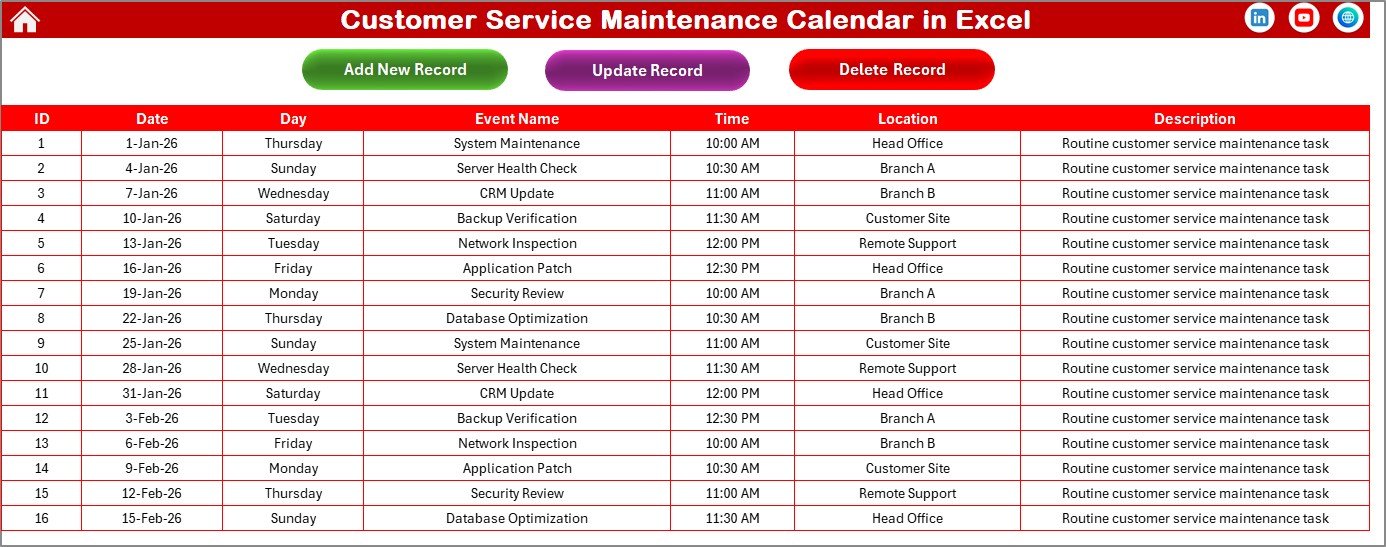
🗂️ Centralized Maintenance Events Database – Maintain accurate and consistent records
-
⚙️ Excel-Native & Beginner Friendly – No additional software or complex setup required
📦 What’s Inside the Customer Service Maintenance Calendar in Excel
This ready-to-use template includes five well-structured worksheets, each supporting a specific maintenance activity:
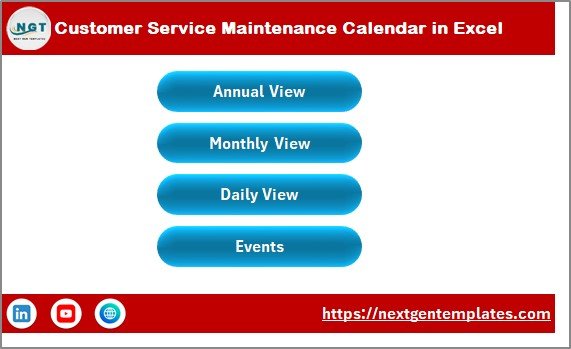
🏠 Home Sheet – Navigation Hub
The Home Sheet acts as the control center of the calendar.
It includes four clear navigation buttons:
-
Annual View
-
Monthly View
-
Daily View
-
Events
This index-style layout allows even first-time users to navigate the calendar confidently.
📆 Annual View Sheet – One Year Maintenance Planning
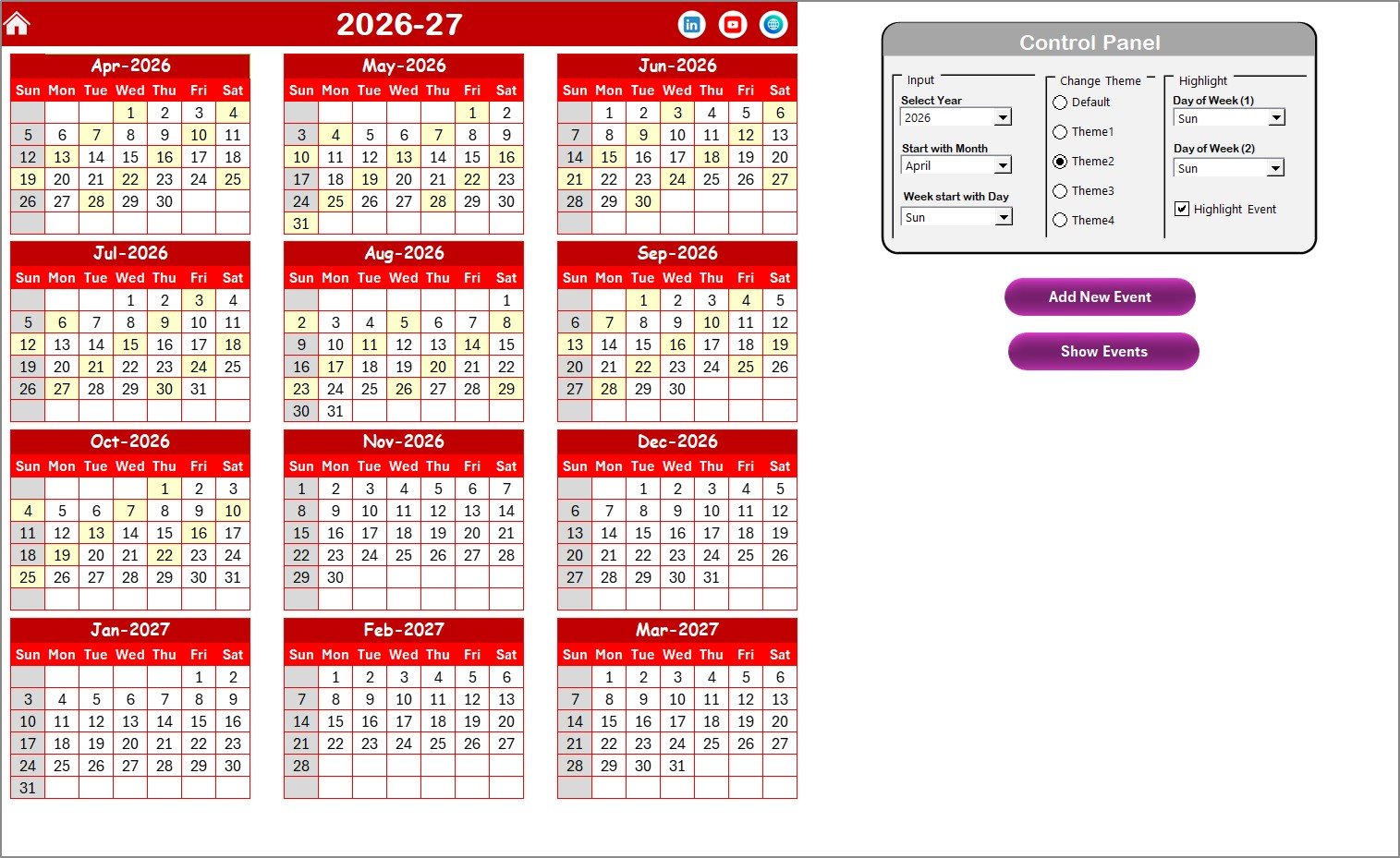
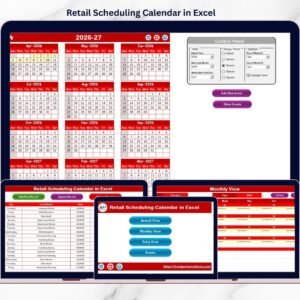
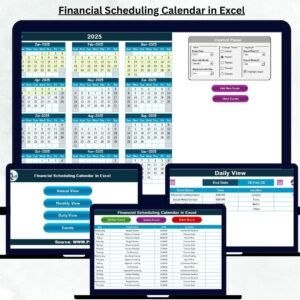
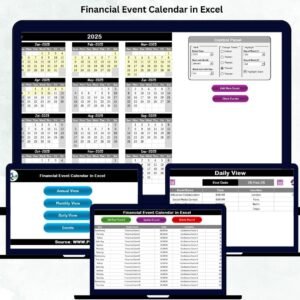
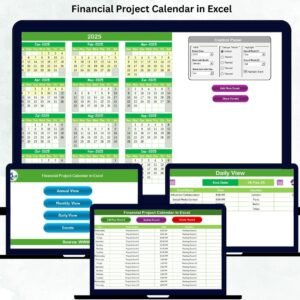
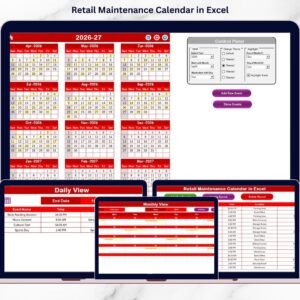
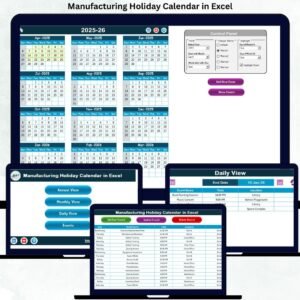
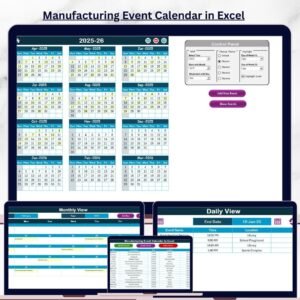
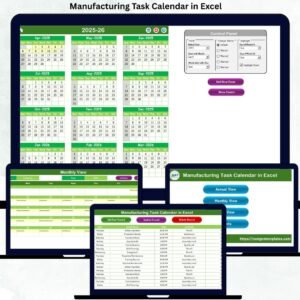
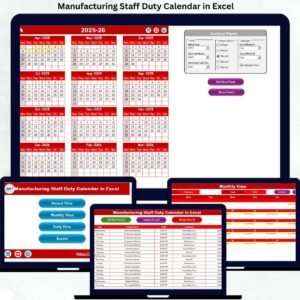
The Annual View displays all 12 months on a single screen, making it ideal for preventive and long-term maintenance planning.
🔹 Control Panel Features
-
Select the maintenance year
-
Change starting month
-
Modify week start day
-
Apply one of five predefined color themes
-
Highlight weekends or selected days
-
Highlight maintenance event dates automatically
🔹 Action Buttons
-
Add New Event – Add maintenance tasks directly from the calendar
-
Show Event – View all tasks scheduled on a selected date
This view helps teams plan workloads and avoid scheduling conflicts.
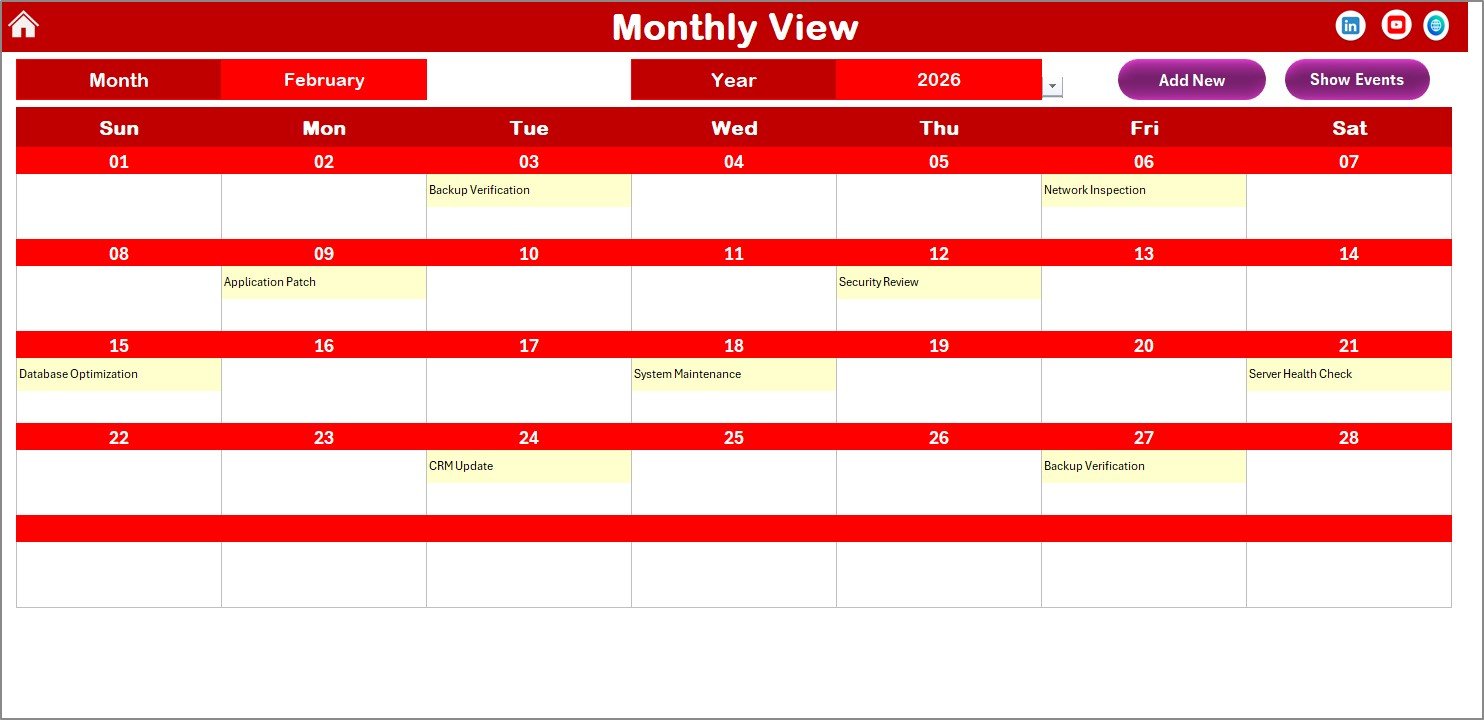
🗓️ Monthly View Sheet – Focused Maintenance Execution
The Monthly View displays a single selected month with all maintenance activities.
Key highlights:
-
Month & Year dropdowns
-
Automatic calendar refresh
-
Event indicators on dates
-
“More than 1…” indicator for multiple tasks
Buttons allow users to add or review maintenance tasks instantly.
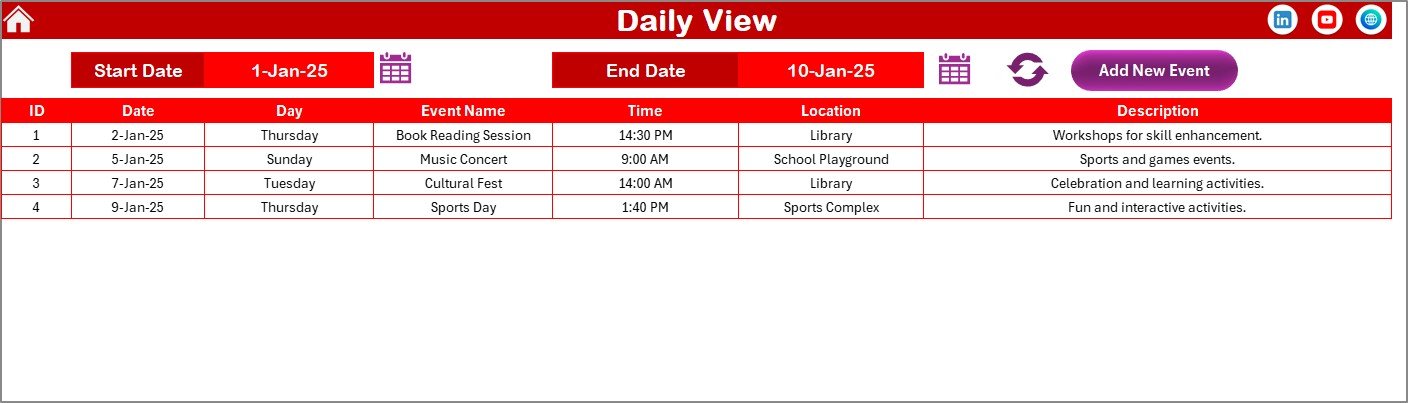
📋 Daily View Sheet – Detailed Maintenance Tracking
The Daily View provides a detailed list of maintenance tasks within a selected date range.
Users can:
-
Select Start Date & End Date
-
Click Refresh to load events
-
Add new maintenance tasks directly
This view is perfect for supervisors managing daily service execution.
🗂️ Events Sheet – Maintenance Database
The Events Sheet acts as the backend database for all maintenance activities.
Each record includes:
-
Auto-generated ID
-
Date & Day
-
Maintenance Task Name
-
Time
-
Location
-
Short Description
Buttons allow users to add, update, or delete records safely, ensuring data accuracy across all views.
🛠️ How to Use the Customer Service Maintenance Calendar in Excel
Using this calendar is simple and intuitive:
1️⃣ Select the maintenance year and calendar settings
2️⃣ Navigate to Annual, Monthly, or Daily View
3️⃣ Add maintenance tasks using built-in buttons
4️⃣ Review upcoming tasks regularly
5️⃣ Update or delete events as schedules change
6️⃣ Use Daily View for operational control
No advanced Excel knowledge is required—basic Excel familiarity is enough.
👥 Who Can Benefit from This Customer Service Maintenance Calendar?
This Excel calendar is ideal for:
-
🧑💼 Customer Service Teams
-
🛠️ Maintenance Coordinators
-
📋 Operations Managers
-
🎧 Support Supervisors
-
🏢 Service-Based Organizations
It works equally well for small teams and large customer service operations.
📖 Click here to read the Detailed blog post
🎥 Visit our YouTube channel to learn step-by-step video tutorials
👉 https://youtube.com/@PKAnExcelExpert
















Reviews
There are no reviews yet.