

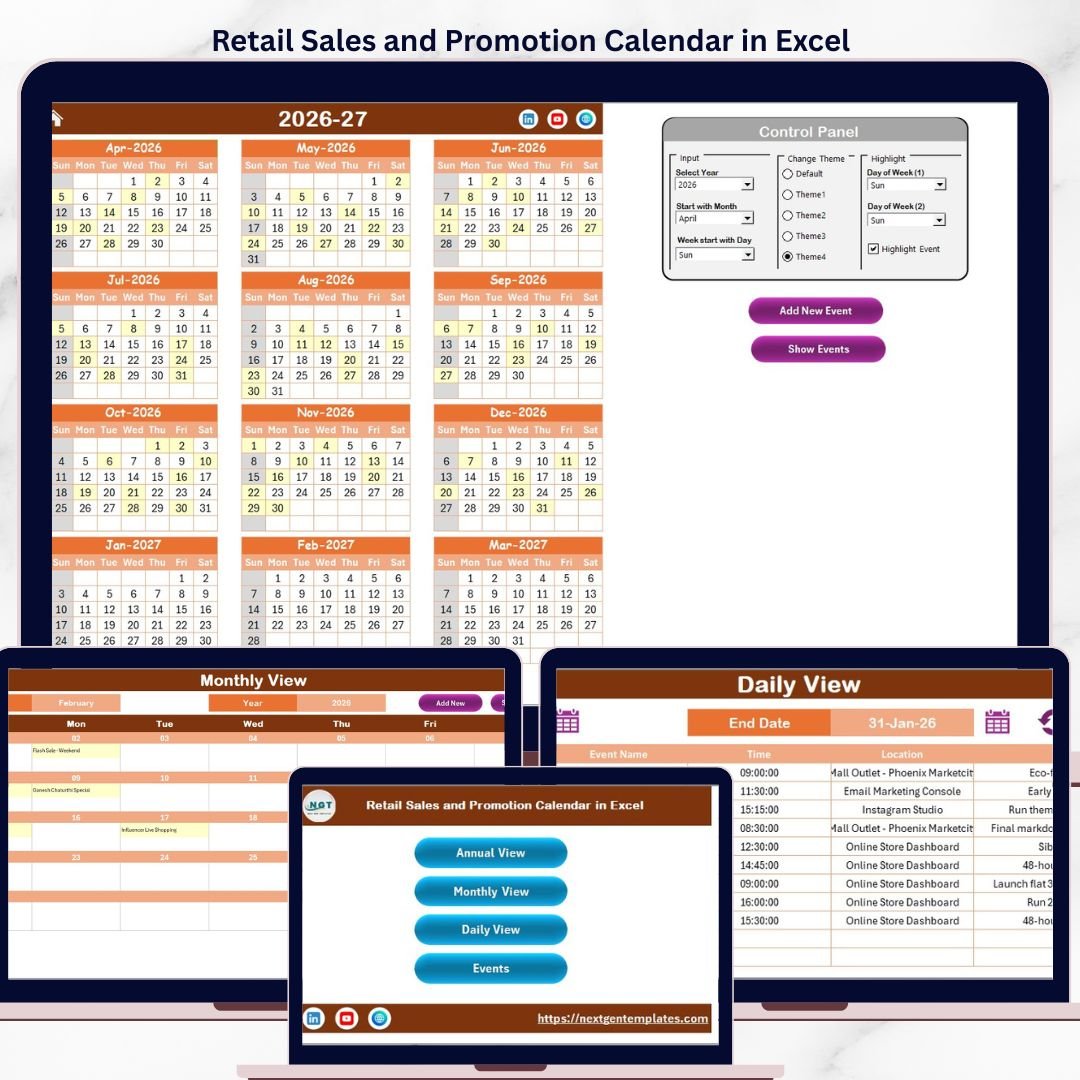
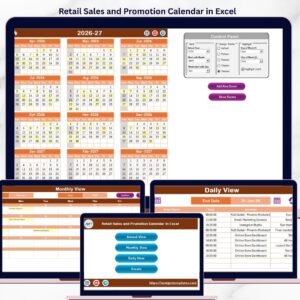
The Retail Sales and Promotion Calendar in Excel manages unlimited sales events across 5 worksheets, with 3 calendar views (Annual, Monthly, Daily), 5 switchable color themes, and a VBA-powered event management form. Setup takes under 5 minutes — open the file, enable macros, and start scheduling your retail promotions, clearance sales, and seasonal campaigns instantly.Retail Sales and Promotion Calendar in Excel
🌍 Join 8,400+ teams in 40+ countries using NextGenTemplates to replace paid SaaS tools with one-time-purchase Excel, Google Sheets, Power BI, and HTML templates.Retail Sales and Promotion Calendar in Excel
✅ Instant download · One-time payment · No subscription · No per-user fees · Lifetime access
Retail Sales and Promotion Calendar in Excel
🔑 Key Features of Retail Sales and Promotion Calendar in Excel
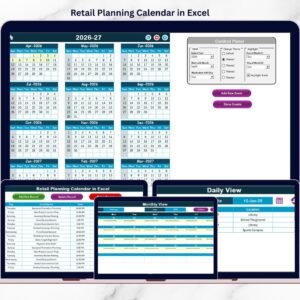
🔹 3 Calendar Views in One Workbook — Annual View displays all 12 months on a single sheet, Monthly View shows a detailed single-month calendar with event previews, and Daily View lists events for any custom date range. Retail managers can switch between strategic planning (annual) and daily execution views without leaving Excel.
🔹 VBA-Powered Event Management — Add, update, and delete promotion events using built-in popup forms. No manual cell editing needed. Select a date, click “Add New Event,” fill in the event name, time, location, and description, then submit. The calendar updates immediately across all views.
🔹 5 Color Themes — Switch the entire workbook’s visual style with one click from the control panel. Choose the theme that matches your brand or presentation needs.
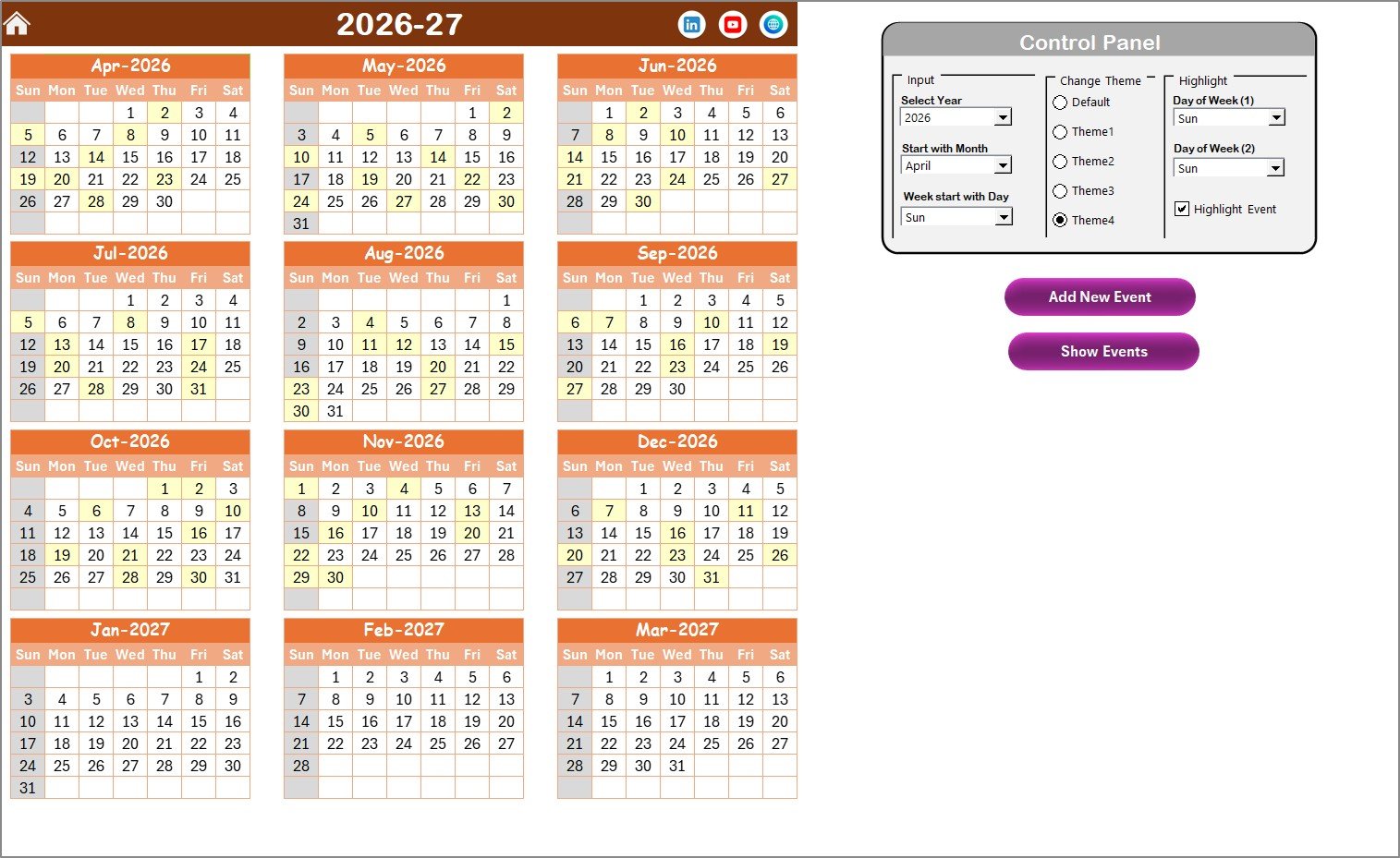
🔹 Weekend and Event Highlighting — Select any two days of the week to highlight in grey (e.g., Saturday and Sunday). Check the “Highlight Events” box to mark all event dates in yellow on the Annual View automatically.
🔹 Customizable Year, Start Month, and Start Day — Set any year, choose which month starts your retail fiscal year, and pick which day begins each week. The entire calendar recalculates automatically.
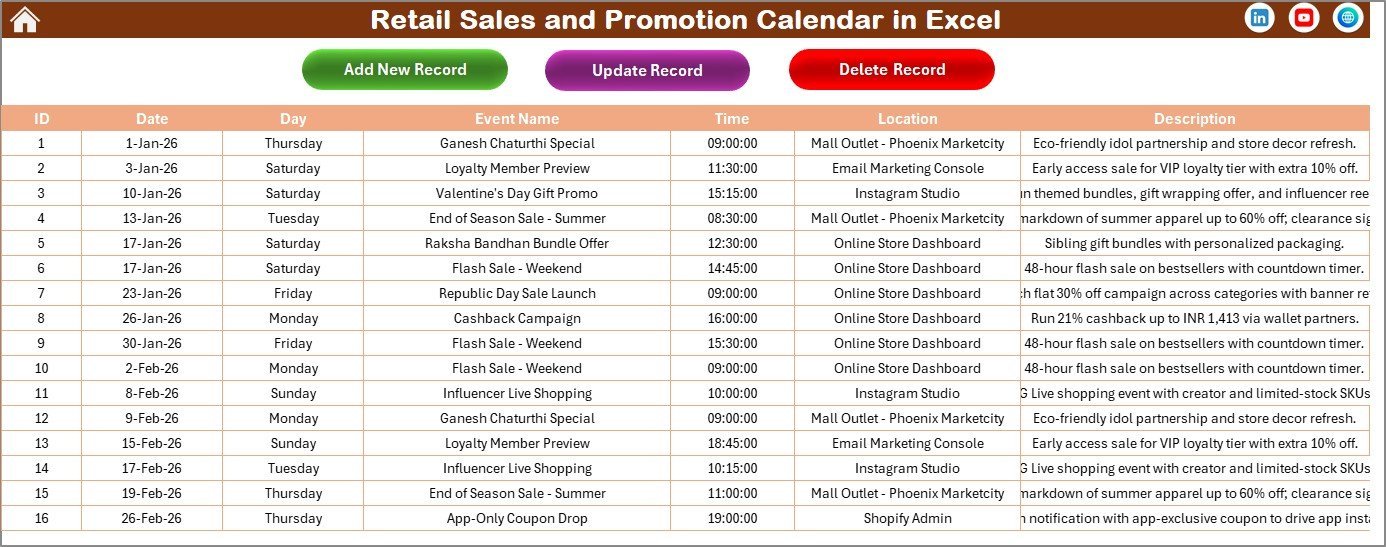
🔹 Events Database with Full CRUD — The Events sheet stores every promotion with auto-generated ID, Date, Day, Event Name, Time, Location, and Description. Add, update, or delete records using dedicated buttons.
📦 What’s Inside the Retail Sales and Promotion Calendar
This Excel calendar template includes 5 worksheets designed for retail sales and promotion planning:
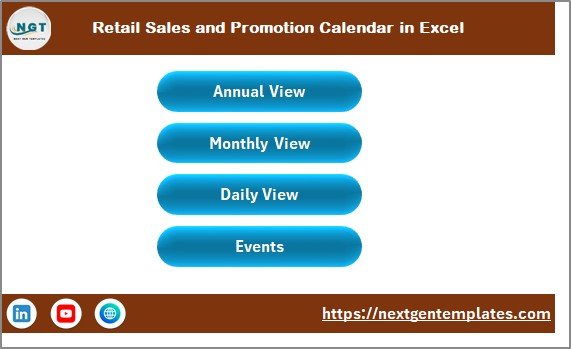
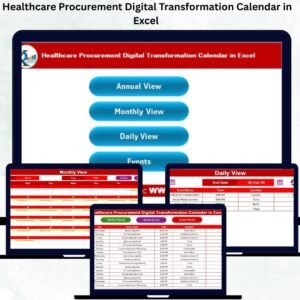
🔹 Home Sheet — An index page with 4 navigation buttons: Annual View, Monthly View, Daily View, and Events. Jump to any section instantly.
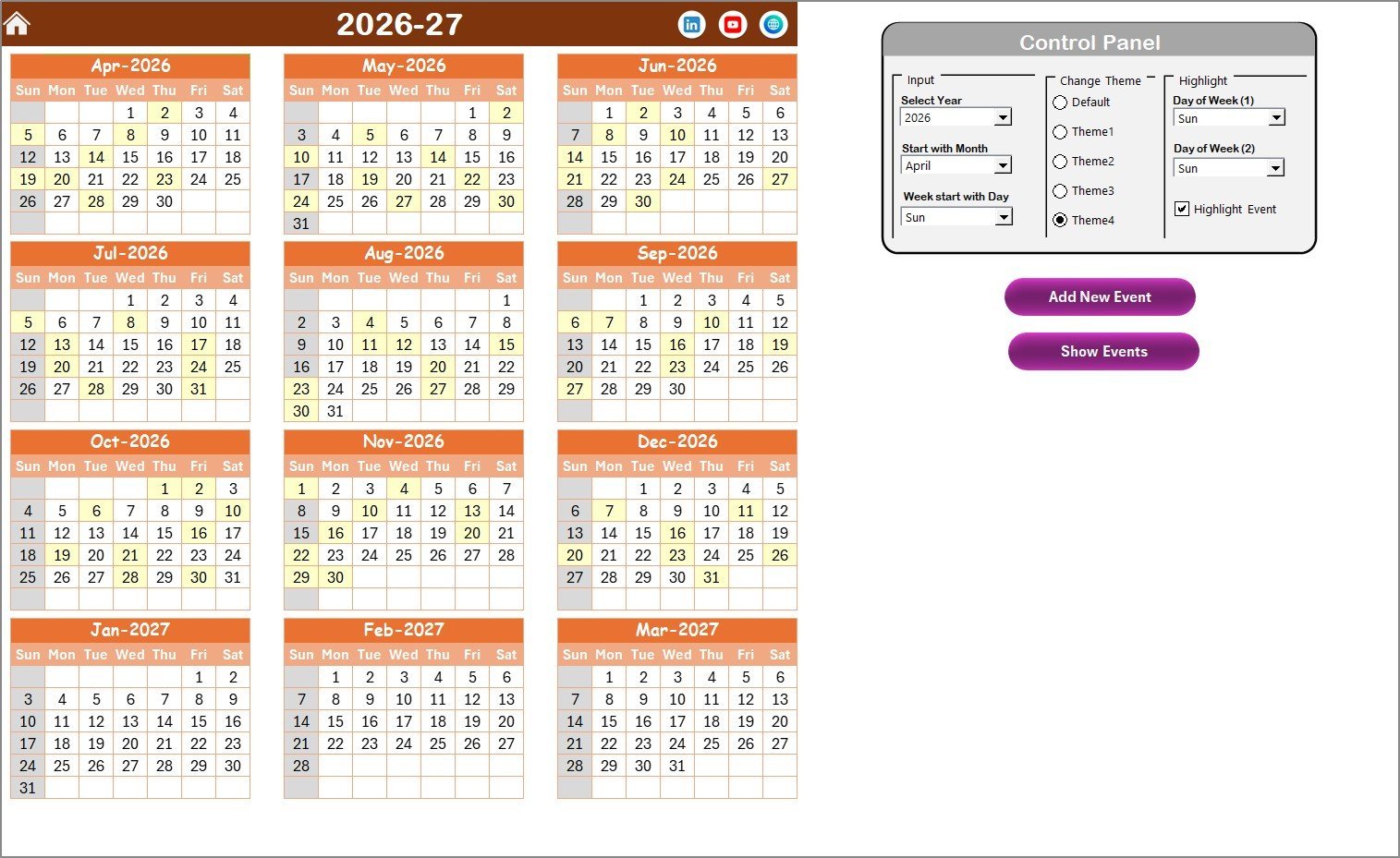
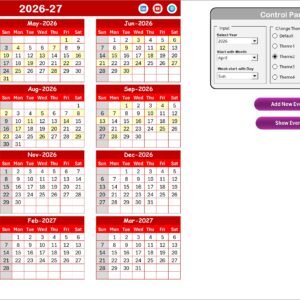
🔹 Annual View Sheet — Displays 12 months of your retail calendar on one page. The control panel at the top includes Year selection, Start Month, Start Day, 5 theme options, and weekend/event highlighting controls. Use the “Add New Event” and “Show Event” buttons to manage promotions directly from this view.
Annual View Sheet
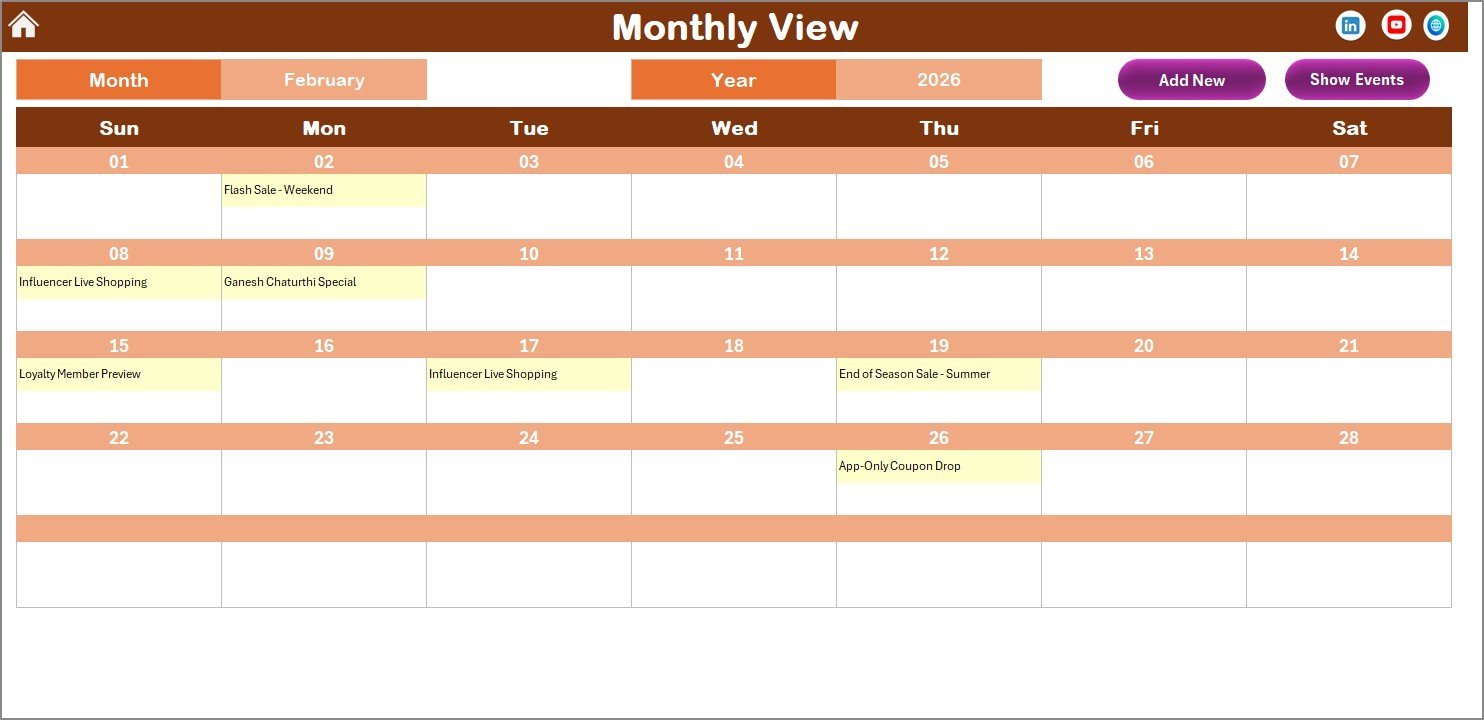
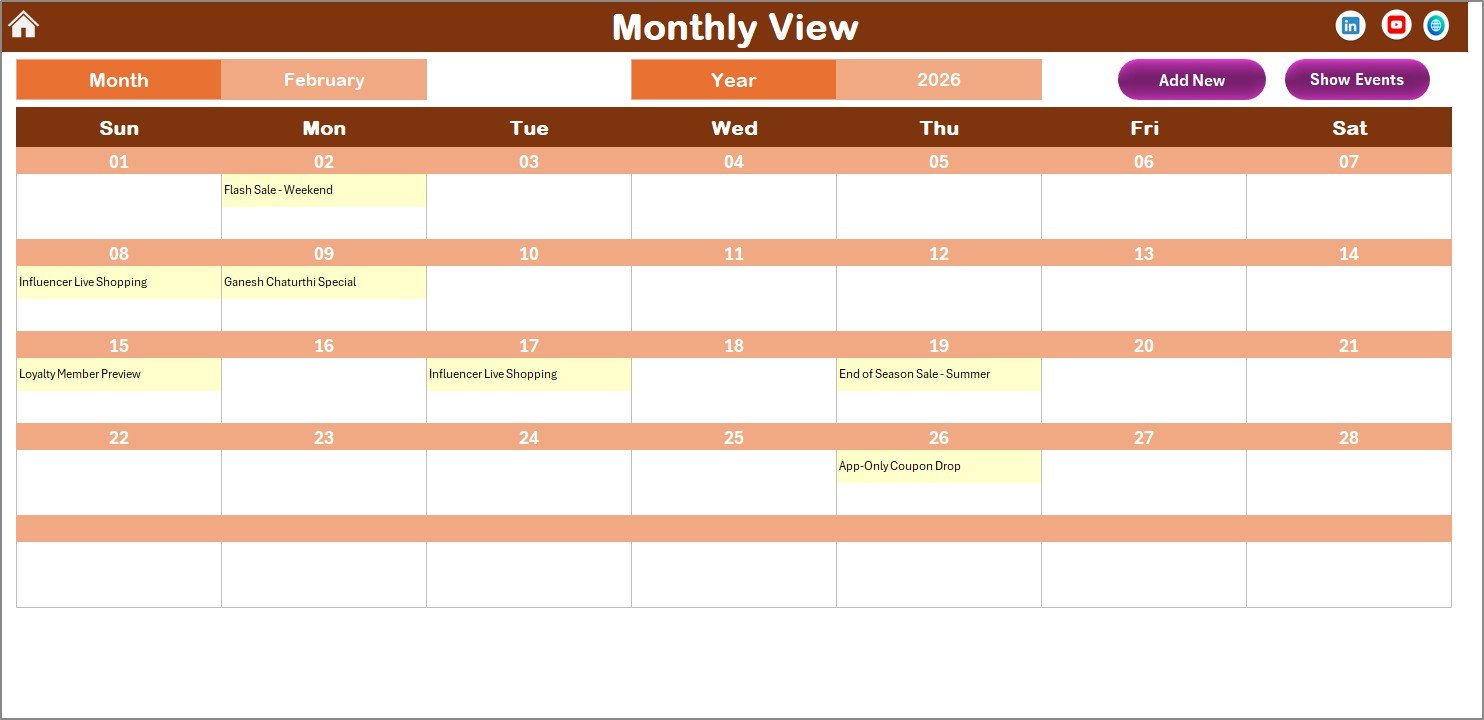
🔹 Monthly View Sheet — A single-month calendar showing event names on each date. If a date has more than one event, it displays “more than 1…” so you know to check further. Select Month and Year from the top. Includes “Add New Event” and “Show Event” buttons.
Monthly View Sheet
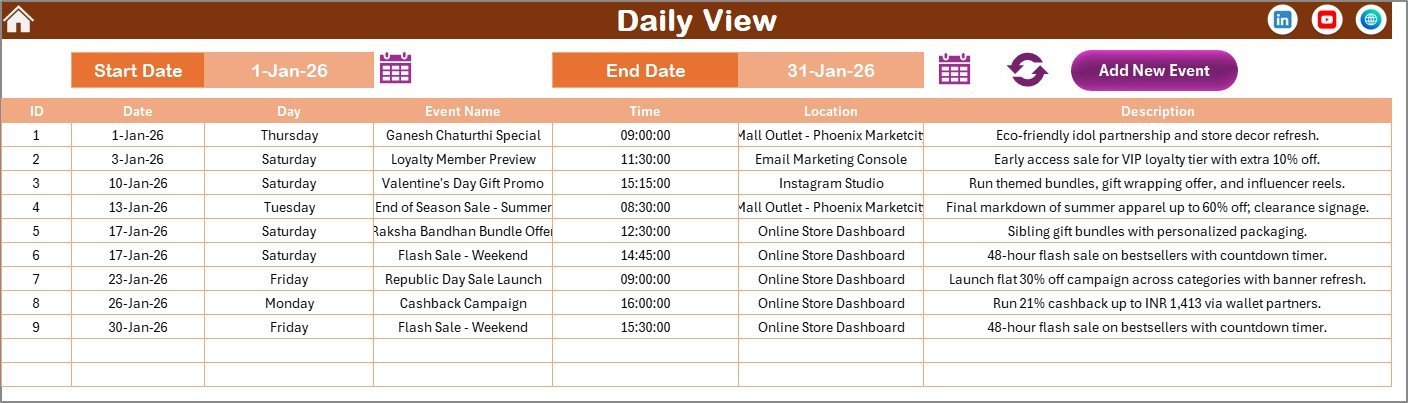
🔹 Daily View Sheet — Lists all events within a custom date range. Set the Start Date and End Date using calendar icons, then click Refresh to see the latest data. Also includes the “Add New Event” button.
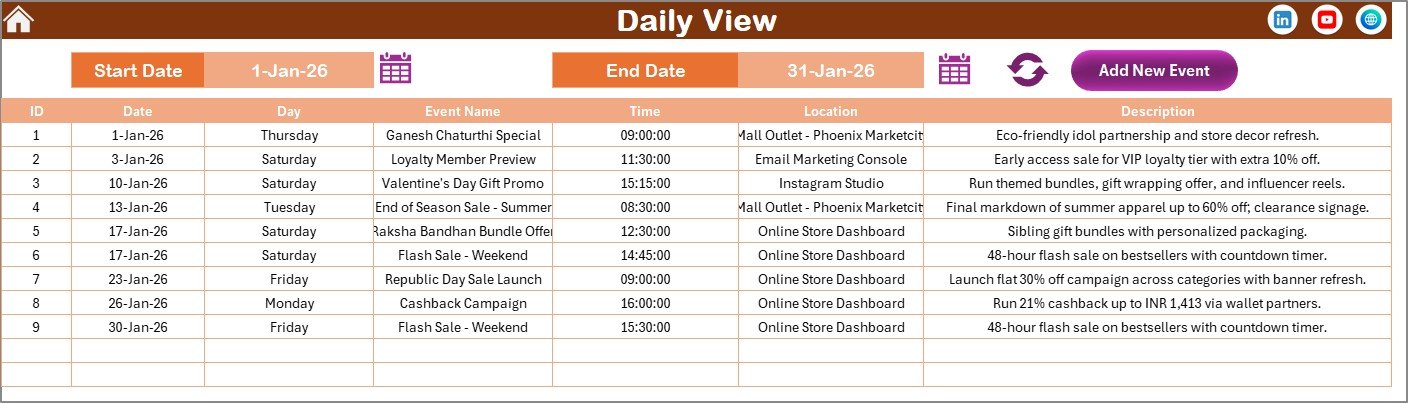
Daily View Sheet
🔹 Events Sheet — The database storing all event records: ID (auto-generated), Date, Day, Event Name, Time, Location, and Description. Three management buttons at the top: Add New Record, Update Existing Record, and Delete Record.
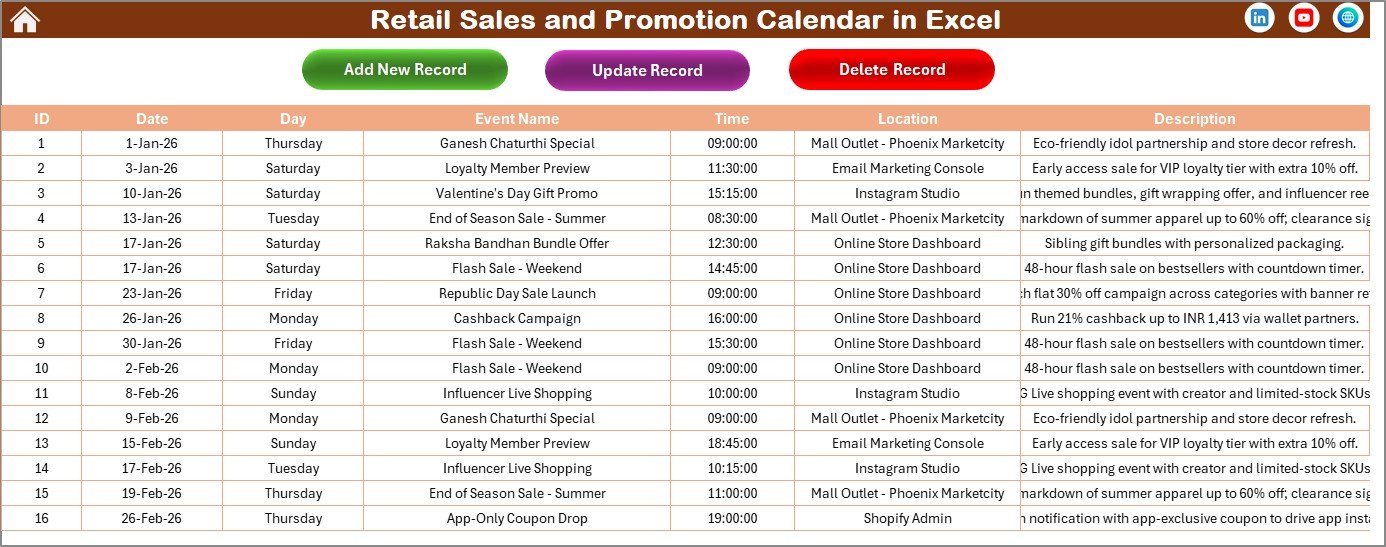
Events Database Sheet
📊 Retail Sales Calendar in Excel vs. Google Calendar vs. Paid Retail Planning Software — Where This Fits
| Feature | Retail Sales and Promotion Calendar in Excel | Google Calendar | Shopify / Lightspeed POS |
|---|---|---|---|
| Cost | $4.99 one-time | Free | $39–$299/month |
| Platform | Microsoft Excel (desktop) | Web / Mobile | Web / Mobile |
| Setup Time | Under 5 minutes | Instant | 1–3 days |
| Annual 12-Month View | ✅ Yes — all months on one sheet | ❌ No single-page annual view | ❌ No native calendar |
| VBA Event Forms | ✅ Add / Update / Delete forms | ❌ Manual entry only | ❌ No VBA |
| Color Themes | ✅ 5 themes, one-click switch | ❌ Limited colors | ❌ Brand-locked |
| Offline Access | ✅ Full offline use | ⚠️ Limited offline | ❌ Requires internet |
| Year-1 Cost (5 Users) | $4.99 total | Free | $2,340–$17,940 |
For retail teams that want a visual promotion planner without monthly SaaS fees, the Retail Sales and Promotion Calendar in Excel sits in the sweet spot between free but limited tools and expensive retail platforms.
👥 Who This Template Is For — and Who It’s Not For
✅ This template is built for:
- Retail store managers planning weekly and seasonal promotions across 1–10 locations
- Marketing coordinators scheduling clearance sales, flash deals, and holiday campaigns in Excel
- Small to mid-size retail chains that need a shared promotion calendar without per-user software fees
- Visual merchandising teams tracking event dates, setup timelines, and promotion durations
❌ This template is NOT for:
- Enterprise retail chains needing POS-integrated promotion automation across 100+ stores
- Teams requiring real-time multi-user cloud collaboration (consider Google Sheets Calendar Templates instead)
⚙️ How to Use the Retail Sales and Promotion Calendar
- Download and open the file in Microsoft Excel. Click “Enable Macros” when prompted.
- Set your Year, Start Month, and Start Day in the Annual View control panel.
- Choose a color theme from the 5 available options in the control panel.
- Add your first event — select a date on any calendar view, click “Add New Event,” and fill in the promotion details.
- Highlight weekends — pick Day of Week (1) and Day of Week (2) from the Highlight Group to shade non-working days.
- Review promotions — switch between Annual, Monthly, and Daily views to see your retail calendar from different angles.
- Manage events — use the Events sheet to update or delete existing records as plans change.
💼 Real-World Use Cases
Priya manages 4 retail apparel stores in Mumbai. She uses the Retail Sales and Promotion Calendar to schedule end-of-season clearance, Diwali sales, and weekend flash deals across all locations. The Annual View gives her a full-year promotional map, while the Daily View helps her brief store managers each Monday on upcoming events — all without paying for Lightspeed or Shopify.
Mark runs marketing for a 6-location electronics chain in Texas. He loads all Black Friday, Back-to-School, and holiday promotion dates into the calendar at the start of each fiscal year. The Monthly View lets him see exactly which promotions overlap, and the VBA forms make it easy for his team to add last-minute flash sales without breaking the spreadsheet structure.
Ayesha coordinates visual merchandising for a grocery chain. She tracks store setup events, product launch dates, and vendor promotion windows in the Events database. The date range filter in Daily View lets her pull a list of everything happening in the next two weeks for her weekly coordination meeting.
❓ Frequently Asked Questions
What views does the Retail Sales and Promotion Calendar include?
The Retail Sales and Promotion Calendar in Excel includes 3 views: Annual View showing all 12 months on one sheet, Monthly View displaying a single month with event names on each date, and Daily View listing events for any custom date range you set.
Do I need to enable macros to use this calendar?
Yes. The Retail Sales and Promotion Calendar uses VBA macros for the Add Event form, Show Event popup, Update Record, and Delete Record features. Enable macros when Excel prompts you after opening the file. The calendar layout works without macros, but event management buttons require them.
Can I change the fiscal year start month?
Yes. The Annual View control panel lets you select any month as the start of your year. The entire 12-month calendar rearranges automatically. You can also change which day starts each week.
How does this compare to using Google Calendar for retail promotions?
Google Calendar is free but lacks a single-page 12-month annual view, VBA event forms, and color theme switching. The Retail Sales and Promotion Calendar in Excel costs $4.99 one-time, works offline, and gives you all three views plus an events database in one file.
Can multiple team members use this calendar?
Yes. Save the file on a shared drive (OneDrive, SharePoint, or a network folder) and your team can access it. For real-time simultaneous editing, consider the Google Sheets calendar version instead.
How many events can I add to this calendar?
There is no hard limit. The Events sheet can hold thousands of records. Each event stores ID, Date, Day, Event Name, Time, Location, and Description. Performance stays smooth for typical retail use with hundreds of annual promotions.
Is this calendar compatible with Mac Excel?
The calendar layout and formulas work on Mac. However, VBA macros (Add/Update/Delete forms) may have limited functionality on Mac Excel due to Microsoft’s VBA restrictions on macOS. For full VBA support, Windows Excel is recommended.
👤 About the Author
Built by PK — Microsoft Certified Professional with 15+ years of Excel, Google Sheets, and Power BI experience. Founder of NextGenTemplates, reaching 300K+ subscribers across YouTube channels (@PK-AnExcelExpert, @NextGenTemplates, @NeoTechNavigators). Every template is hand-built and tested before release.
🔗 Explore Related Templates
🔹 Retail Staff Duty Calendar in Excel — Schedule employee shifts and duties across your retail locations.
🔹 Retail Project Calendar in Excel — Track store renovation, launch, and merchandising project timelines.
🔹 Retail Task Calendar in Excel — Assign and monitor daily retail tasks by date and team member.
🔹 Browse all Excel Calendar Templates for more industry-specific options.
📖 Click here to read the Detailed Blog Post
🎥 Visit our YouTube channel for step-by-step video tutorials
👉 YouTube.com/@NextGenTemplates








Reviews
There are no reviews yet.