
Financial operations demand accuracy, discipline, and accountability. Finance teams manage critical activities such as bank reconciliations, accounts payable processing, financial reporting, tax preparation, compliance checks, and audit documentation. Because financial data directly affects business decisions and regulatory compliance, organizations must ensure that every financial task is completed on time and with precision.
However, many finance departments still rely on emails, scattered spreadsheets, and manual reminders to manage daily responsibilities. This approach often leads to missed deadlines, forgotten tasks, and poor accountability across the team.
The Financial Staff Duty Checklist in Excel provides a simple yet powerful solution. This ready-to-use Excel checklist template helps finance teams organize financial duties, assign responsibilities, track completion status, and monitor overall progress in one centralized system.
Instead of managing financial responsibilities through scattered tools, organizations can track all financial tasks in a structured checklist. As a result, finance managers gain better visibility into task progress and ensure that every financial duty is completed on time.
📊 Key Features of Financial Staff Duty Checklist in Excel
📋 Centralized Financial Task Tracking
Track all financial duties such as reconciliations, reporting, and compliance checks in one structured checklist.
👨💼 Task Assignment to Responsible Staff
Assign each financial task to a specific staff member to maintain accountability.
📅 Deadline Management
Set clear deadlines for each financial activity to ensure timely completion.
📊 Automatic Progress Summary
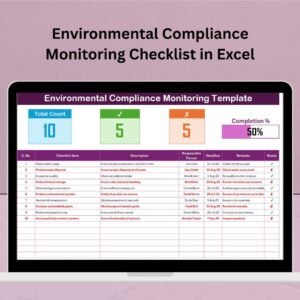
The checklist includes a summary section showing total tasks, completed tasks, and pending tasks.
📈 Visual Progress Bar
A built-in progress bar displays the percentage of completed financial tasks.
✔ Task Status Tracking
Users can update the task status using simple indicators such as ✔ Completed or ✘ Not Completed.
📝 Detailed Task Descriptions
Each checklist item includes a description field to clarify the purpose of the task.
📊 Remarks Section for Notes
Users can add comments or additional information for each financial task.
📂 Dropdown for Responsible Person
Select responsible staff members from a predefined dropdown list.
💻 100% Excel-Based Template
No additional software required. The template works seamlessly within Microsoft Excel.
📦 What’s Inside the Financial Staff Duty Checklist in Excel
This ready-to-use Excel template contains two worksheets designed to manage financial responsibilities effectively.
1️⃣ Financial Staff Duty Checklist Sheet (Main Working Sheet)
This is the main worksheet where finance teams track financial duties and monitor progress.
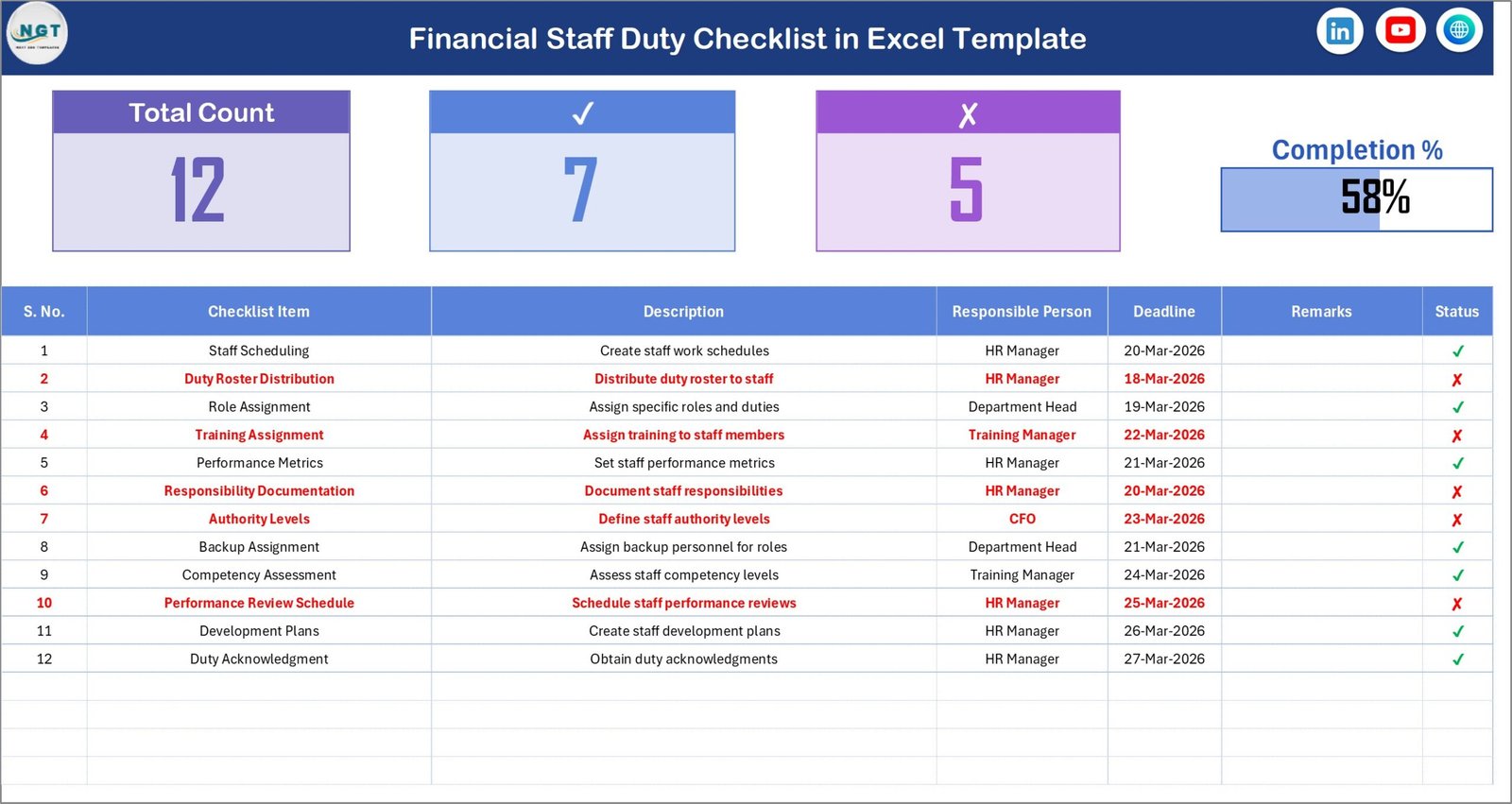
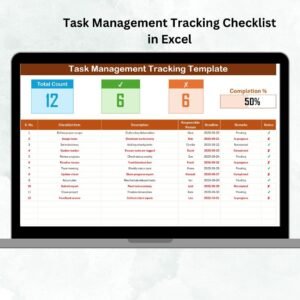
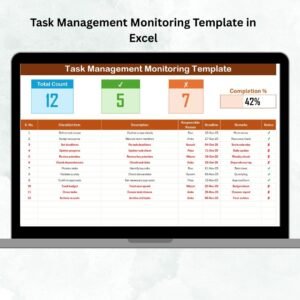
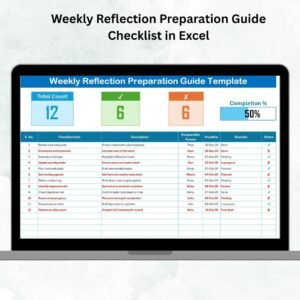
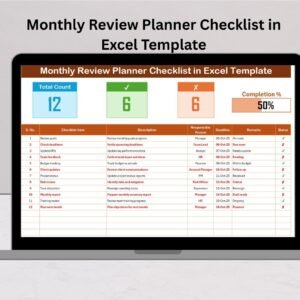
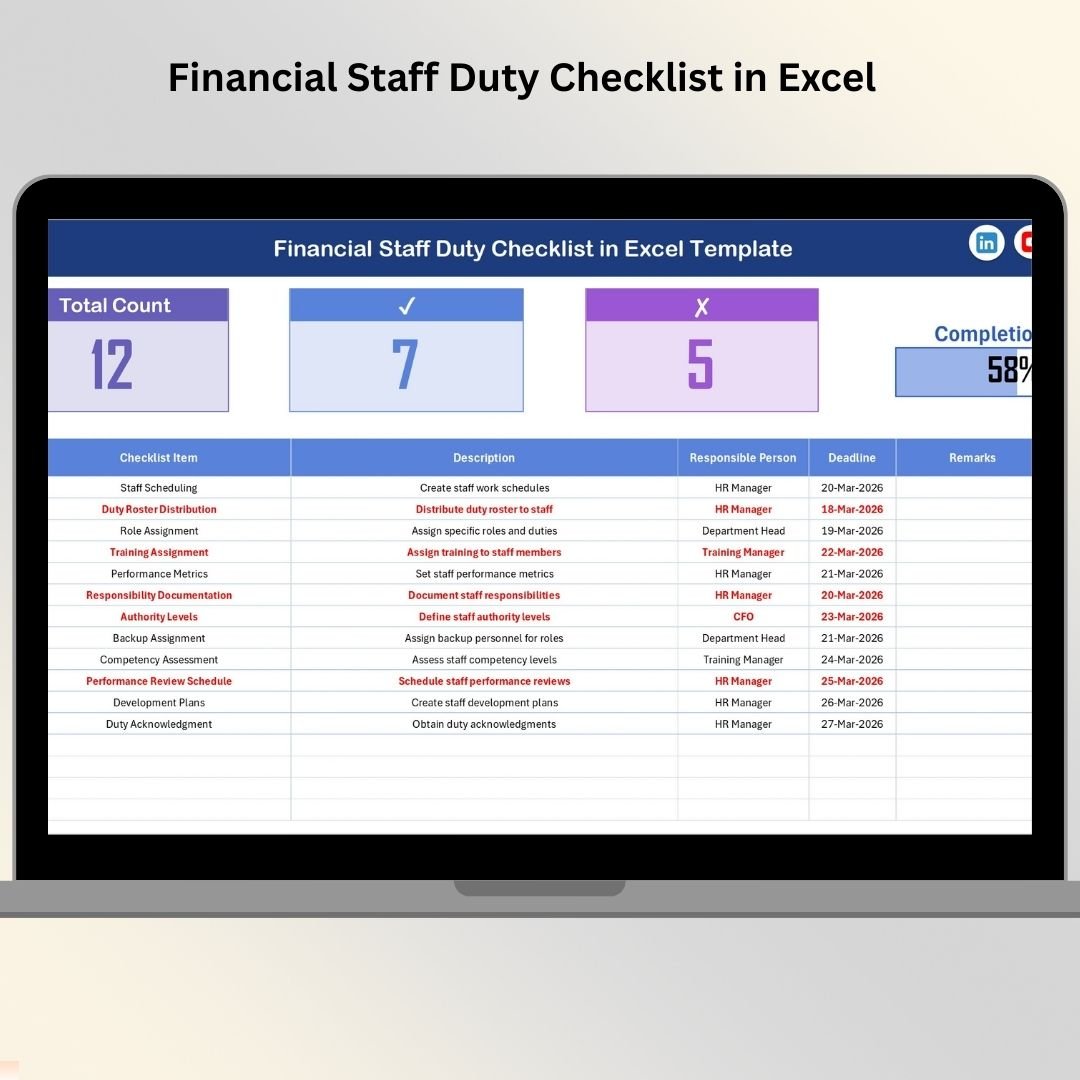
At the top of the sheet, a Checklist Summary Section provides a quick overview of task status.
The summary includes:
Total Count – Total number of financial tasks in the checklist
Checked Count – Number of completed tasks
Crossed Count – Number of incomplete or rejected tasks
Progress Bar – Visual representation of completion percentage
This summary allows managers to instantly understand overall task progress.
Below the summary section, the sheet contains a structured checklist table where users record financial duties.
The checklist table includes the following columns:
Serial No. – Sequence number of each task
Checklist Item – Name of the financial task
Description – Additional details about the activity
Responsible Person – Staff member assigned to the task
Deadline – Due date for completing the task
Remarks – Notes or comments related to the task
Status – Completion status using ✔ or ✘
Once the status is updated, the summary section automatically updates progress statistics.
2️⃣ List Sheet (Dropdown Data Source)
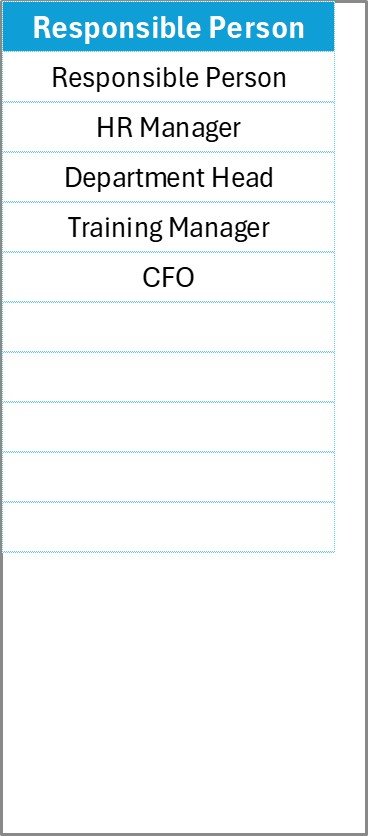
The List sheet stores a unique list of responsible staff members.
This sheet acts as the source for dropdown lists used in the checklist table.
Instead of typing staff names manually, users can select names directly from the dropdown menu.
This feature helps organizations:
Prevent typing errors
Maintain standardized staff names
Improve data consistency
Simplify task assignment
As a result, finance managers can assign responsibilities quickly and efficiently.
⚙️ How to Use the Financial Staff Duty Checklist in Excel
Using this checklist template is extremely simple and requires no advanced Excel skills.
Step 1 – Add Financial Tasks
Enter financial duties such as reconciliations, reporting activities, or compliance checks in the checklist table.
Step 2 – Assign Responsibilities
Select the responsible staff member from the dropdown list.
Step 3 – Set Deadlines
Define due dates for each task to ensure proper financial workflow.
Step 4 – Update Task Status
Once a task is completed, update the status using ✔ or ✘.
Step 5 – Monitor Progress
Review the summary section and progress bar to monitor checklist completion.
This structured process ensures that every financial activity is tracked and completed efficiently.
👥 Who Can Benefit from This Financial Staff Duty Checklist
This checklist template is useful for organizations that manage financial operations and compliance processes.
💼 Finance Managers
📊 Financial Controllers
📉 Accounting Teams
🏢 Corporate Finance Departments
📑 Internal Audit Teams
💰 Financial Planning Teams
📊 Compliance Officers
📋 Small Business Finance Teams
These professionals can use the checklist to organize financial responsibilities, improve accountability, and ensure timely completion of financial tasks.
With a structured checklist in place, finance departments can maintain better control over their daily operations and reduce operational risks.
Click hare to read the Detailed blog post
Visit our YouTube channel to learn step-by-step video tutorials
https://Youtube.com/@PKAnExcelExpert
Watch the step-by-step video tutorial:
Compatibility and Requirements
- Works in Microsoft Excel desktop (Excel 2016 or later, or Microsoft 365).
- Microsoft’s guide Create a drop-down list explains the Excel feature this file is built on.
Frequently Asked Questions
What sheets are in the checklist?
Two sheets: the Financial Staff Duty Checklist sheet where you track tasks, and a List sheet that feeds the Responsible Person dropdown.
What does each task row record?
Serial number, checklist item, description, responsible person, deadline, remarks and a ✔ or ✘ status.
How do I see overall progress?
The summary at the top shows the total, checked and crossed counts, and a progress bar shows the percentage completed. It updates when you change a status.
How do I add staff names?
Add them to the List sheet. They then appear in the Responsible Person dropdown.
Related Finance Team Templates
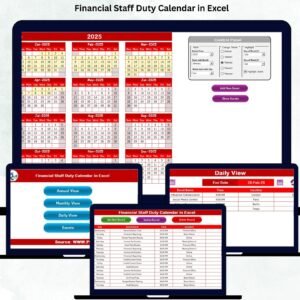
- Financial Staff Duty Calendar in Excel: schedule finance staff duties on a calendar
- Financial Scheduling Checklist in Excel: a checklist for financial scheduling
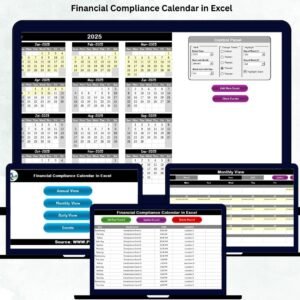
- Financial Compliance Calendar in Excel: keep financial compliance dates in view
- Accounts Payable and Receivable Calendar in Excel: plan payables and receivables by date
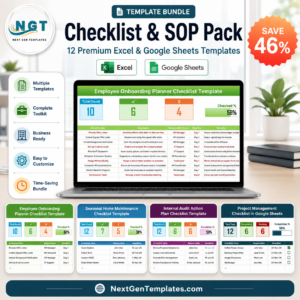
- Checklist & SOP Pack: 12 checklist templates in one pack
Browse all Excel checklists or the Excel financial tools.