
Managing finances does not pause during holidays. Businesses, finance departments, accountants, and even individuals must continue monitoring payments, approvals, reporting deadlines, and compliance responsibilities even when offices operate with limited staff. Unfortunately, holiday periods often create confusion, missed deadlines, delayed approvals, and financial risks due to lack of structured planning.
The Financial Holiday Checklist in Excel is a powerful, ready-to-use solution designed to help users organize, track, and complete financial responsibilities efficiently during holiday periods, year-end closures, or planned office breaks. Instead of depending on emails, reminders, or scattered notes, this Excel template provides a centralized checklist system that ensures every financial task remains visible and under control.
With its simple structure and automated progress tracking, the checklist transforms complex financial coordination into an organized workflow. Teams can assign responsibilities, monitor deadlines, and track completion status in real time — ensuring smooth financial operations even when resources are limited.
Whether you manage corporate finances, small business accounting, or personal financial responsibilities, this template helps maintain accountability, reduce stress, and prevent costly mistakes during holidays.
✅ Key Features of Financial Holiday Checklist in Excel
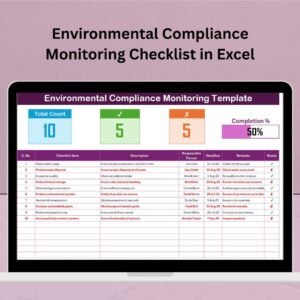
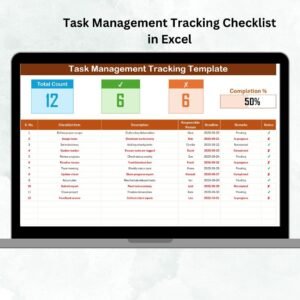
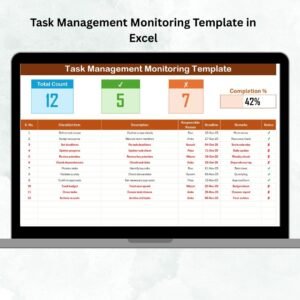
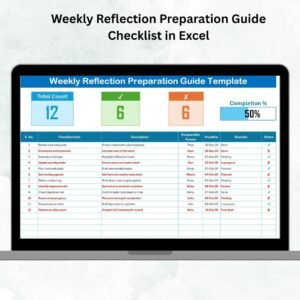
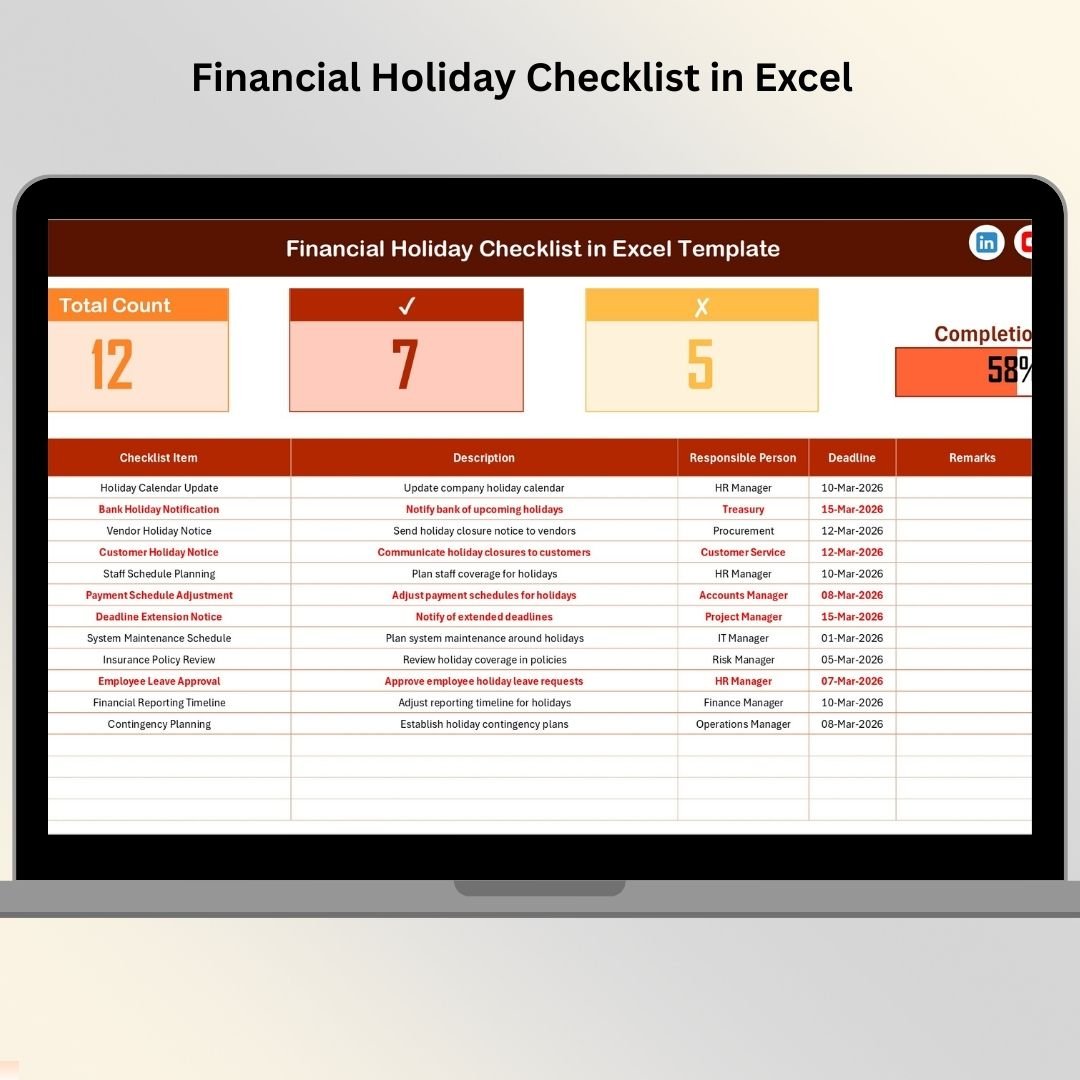
📊 Smart Progress Dashboard – Instantly view total tasks, completed items, pending activities, and completion percentage.
✔ Status-Based Tracking System – Update tasks easily using ✔ (Completed) or ✘ (Pending).
👤 Responsibility Assignment – Assign each financial activity to a specific person.
📅 Deadline Monitoring – Track due dates clearly to avoid missed obligations.
📋 Structured Checklist Table – Maintain organized financial workflows.
🔽 Dropdown Selection Lists – Prevent entry errors and maintain consistency.
⚡ Automatic Progress Updates – Dashboard updates instantly when status changes.
🧩 Fully Customizable Template – Modify tasks based on organizational needs.
💻 No Advanced Software Required – Works perfectly in Microsoft Excel.
📦 What’s Inside the Financial Holiday Checklist in Excel
The template contains two structured worksheets designed for simplicity and efficiency.
📄 Financial Holiday Checklist Sheet (Main Sheet)
This is the primary working area where users manage all financial activities.
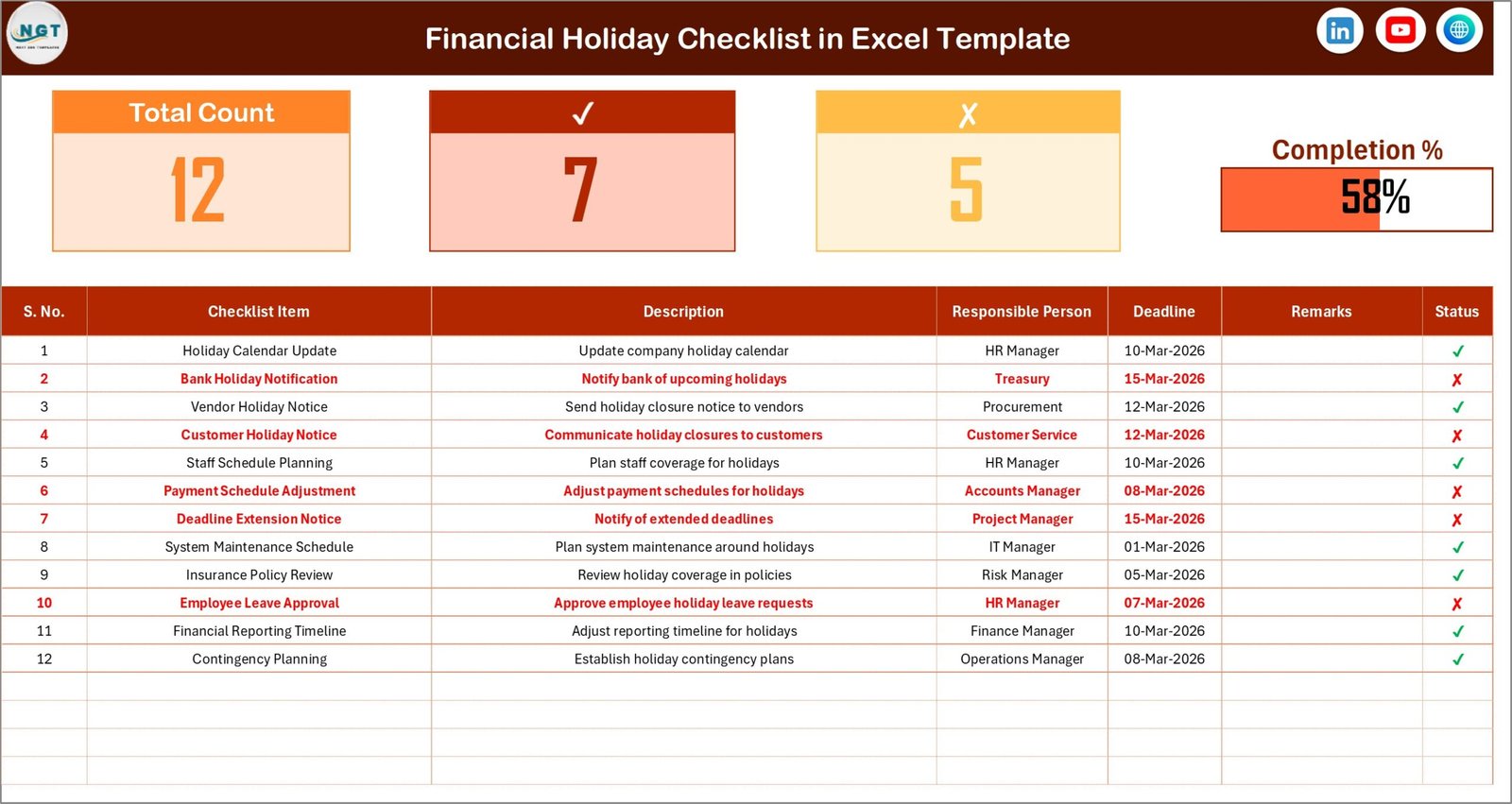
Top Summary Section Includes:
Total Count – Total checklist tasks
Checked Count – Completed tasks
Crossed Count – Pending tasks
Progress Bar – Visual completion percentage
This section provides instant performance visibility for managers and teams.
Checklist Table Columns
Serial No.
Checklist Item
Description
Responsible Person
Deadline
Remarks
Status (✔ / ✘)
Users simply update the Status column, and progress metrics calculate automatically.
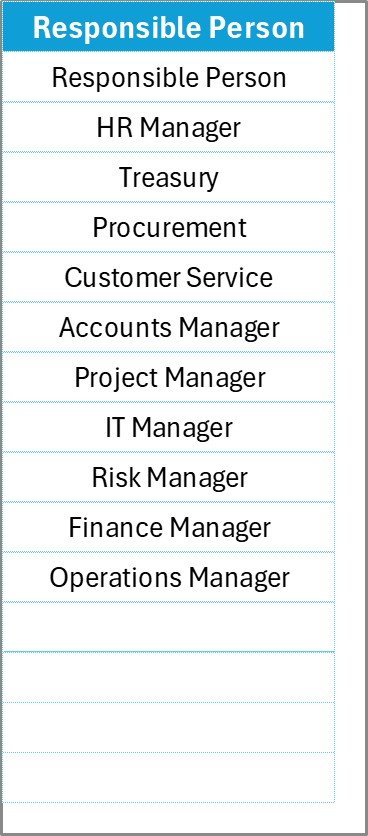
📑 List Sheet (Dropdown Management)
This sheet stores a unique list of responsible persons.
Benefits
Creates dropdown menus automatically
Eliminates spelling errors
Standardizes task ownership
Speeds up data entry
Administrators can easily add or remove team members without changing formulas.
⚙️ How to Use the Financial Holiday Checklist in Excel
Using the checklist requires only a few simple steps:
1️⃣ Enter all financial tasks before holidays begin.
2️⃣ Assign responsible persons using dropdown lists.
3️⃣ Add deadlines for each activity.
4️⃣ Update task status using ✔ or ✘.
5️⃣ Monitor progress through the dashboard summary.
Within minutes, users gain a complete financial task tracking system.
👥 Who Can Benefit from This Financial Holiday Checklist
This template is ideal for:
💼 Finance Teams
📊 Accountants & Auditors
🏢 Corporate Finance Departments
🧾 Small Business Owners
📈 Financial Consultants
💻 Freelancers Managing Finances
👨💼 Operations Managers
Anyone responsible for financial continuity during holidays will benefit from structured tracking.
💡 Why This Checklist Improves Financial Productivity
A structured checklist replaces reactive work with proactive planning.
Benefits include:
✅ Reduced missed deadlines
✅ Better coordination between team members
✅ Improved accountability
✅ Clear task ownership
✅ Lower financial risk
✅ Faster workflow execution
As a result, organizations maintain financial stability even during reduced working periods.
🎯 Best Practices for Maximum Results
✔ Prepare checklist before holidays begin
✔ Assign backup owners for critical tasks
✔ Keep task descriptions short and clear
✔ Update status immediately after completion
✔ Review progress daily
✔ Maintain updated responsible person list
Following these practices ensures uninterrupted financial operations.
### Click here to read the Detailed blog post
🎥 Visit our YouTube channel to learn step-by-step video tutorials
👉 https://youtube.com/@PKAnExcelExpert