
Insurance companies operate within one of the most highly regulated business environments, where missing a single compliance deadline can lead to penalties, operational risks, and reputational damage. Organizations must continuously manage regulatory filings, audits, policy renewals, internal reviews, and reporting obligations. However, many teams still rely on manual reminders, emails, or scattered spreadsheets, making compliance tracking inefficient and error prone.
The Insurance Compliance Calendar in Excel is a powerful, ready-to-use scheduling solution designed to simplify compliance management through a structured and centralized calendar system. Built entirely in Microsoft Excel, this template helps insurance organizations track compliance activities, monitor deadlines, and manage regulatory schedules efficiently — all within a familiar and easy-to-use environment.
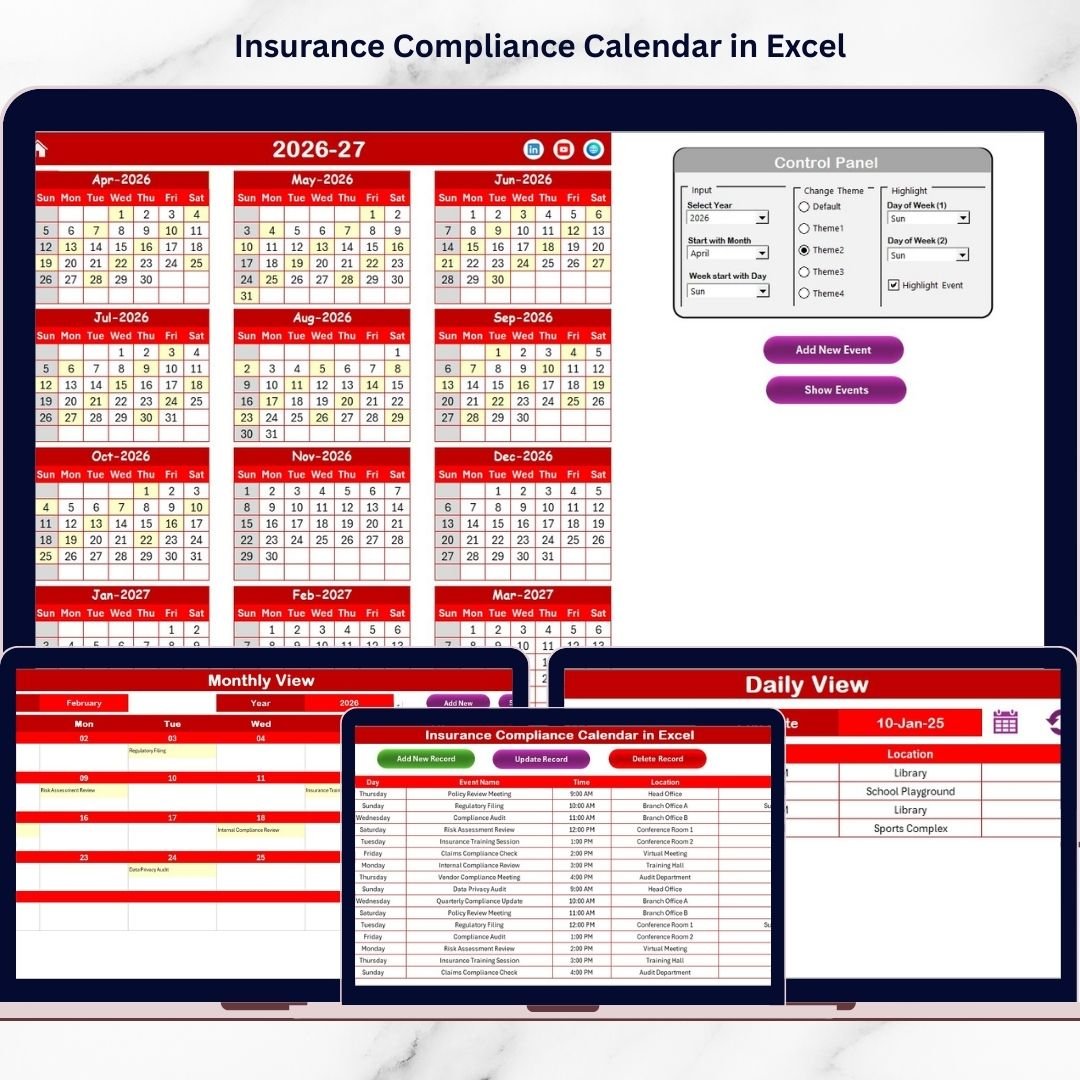
Instead of reviewing multiple documents or reminder systems, users can monitor compliance events using annual, monthly, and daily calendar views. Automated forms allow quick event entry, while centralized data storage ensures accurate recordkeeping. 📅✅
Designed for both beginners and professionals, this compliance calendar requires no advanced software or technical expertise. Users simply add compliance events, and the calendar automatically organizes schedules and updates views dynamically. This enables teams to stay proactive, reduce compliance risks, and improve operational coordination.
Whether managing regulatory reporting deadlines, compliance audits, or training schedules, this Excel-based calendar provides complete visibility into compliance operations, helping organizations remain organized and audit-ready.
## Key Features of Insurance Compliance Calendar in Excel
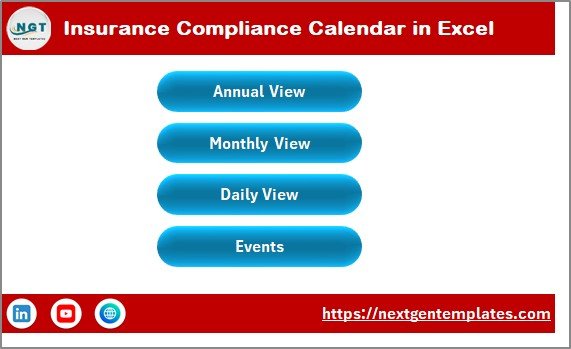
📅 Centralized Compliance Dashboard – Navigate easily between Annual, Monthly, Daily, and Events views.
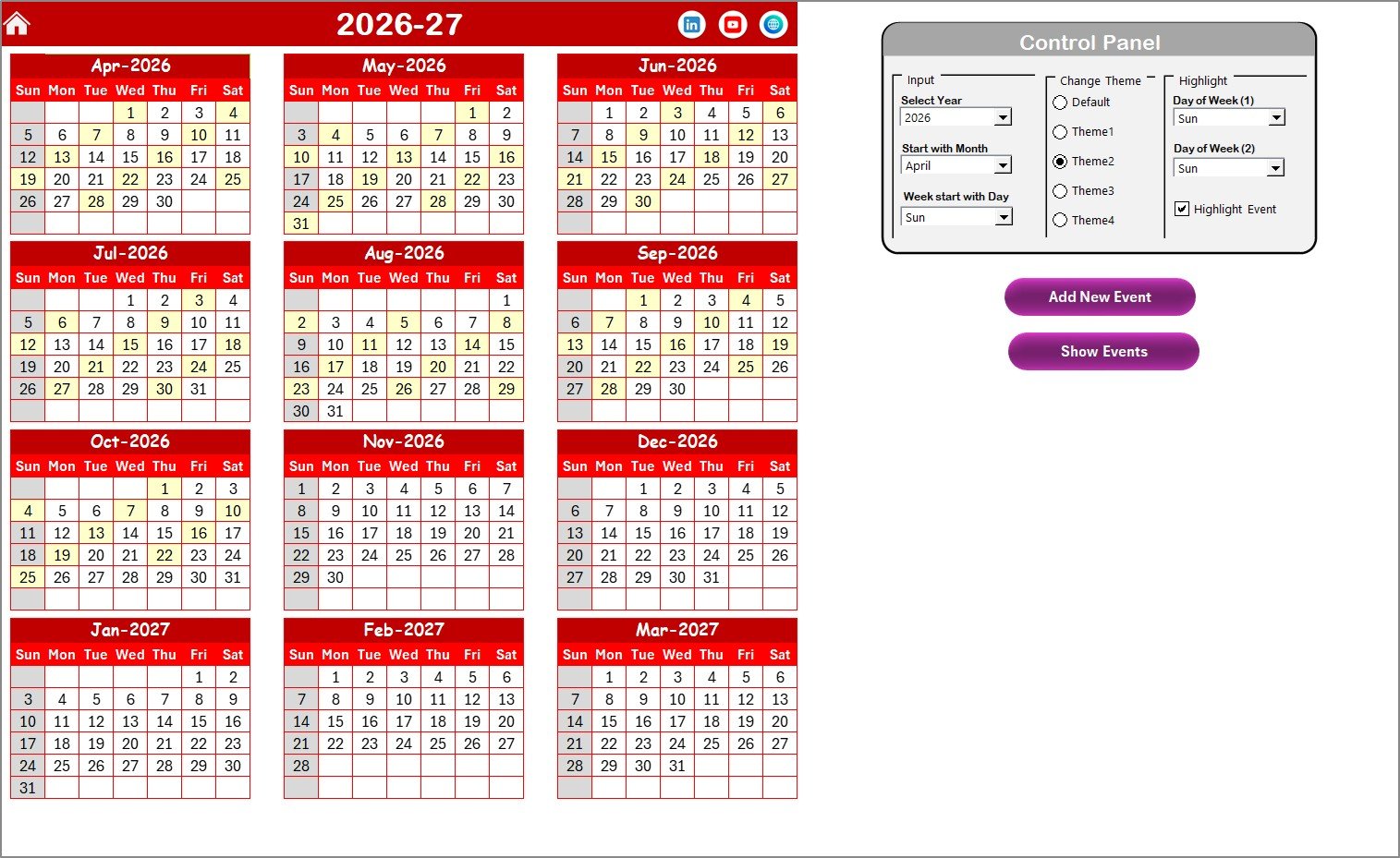
📊 Annual Compliance Planning View – Visualize all compliance activities across the entire year.
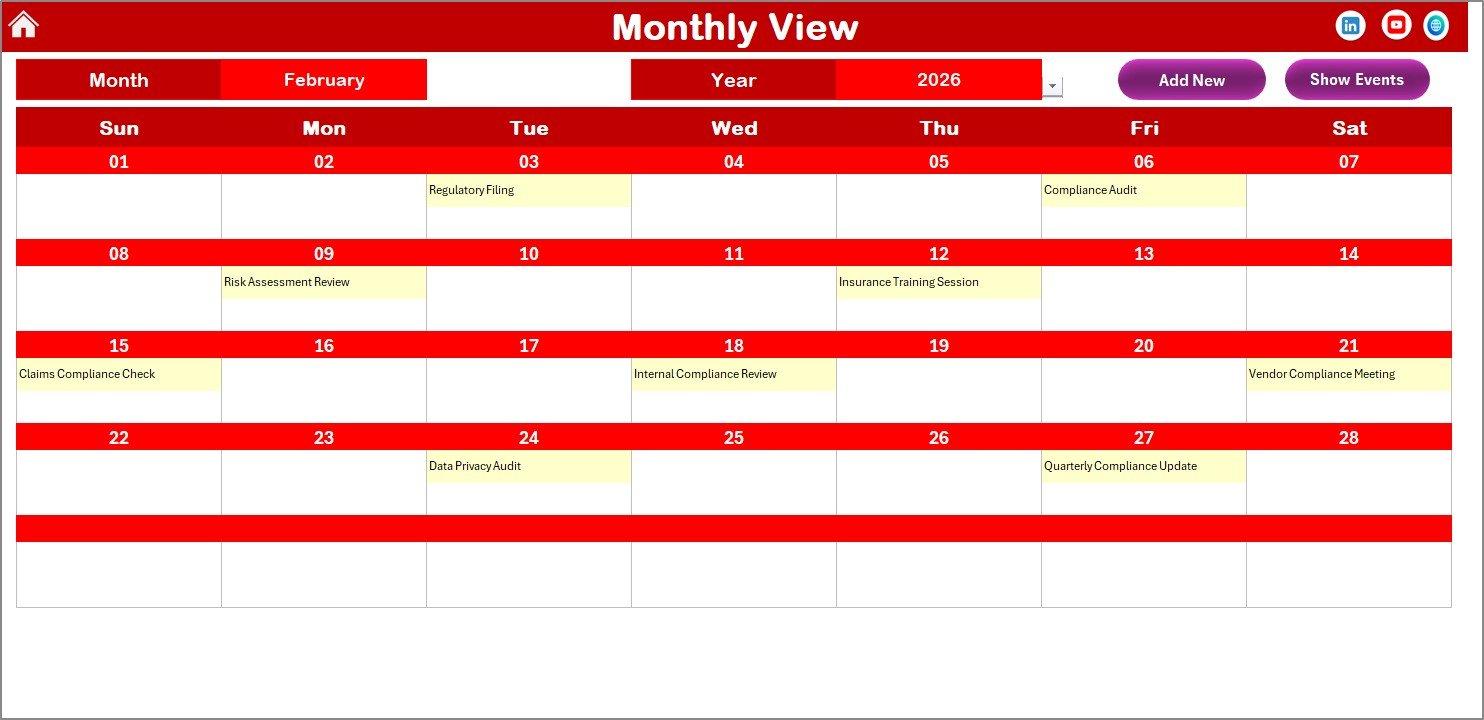
🗓️ Dynamic Monthly Scheduling – Monitor detailed compliance tasks month by month.
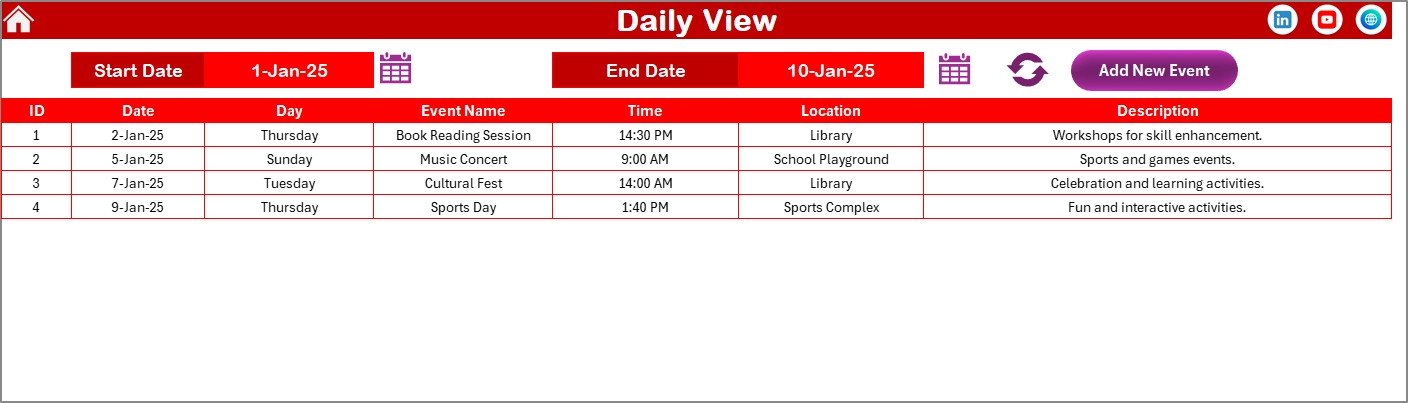
🔎 Daily Activity Monitoring – Track compliance workloads within selected date ranges.
⚡ Automated Event Entry Forms – Add, update, or manage compliance events quickly.
🎨 Customizable Themes – Choose color themes aligned with organizational branding.
✨ Deadline Highlighting Options – Instantly identify important compliance dates.
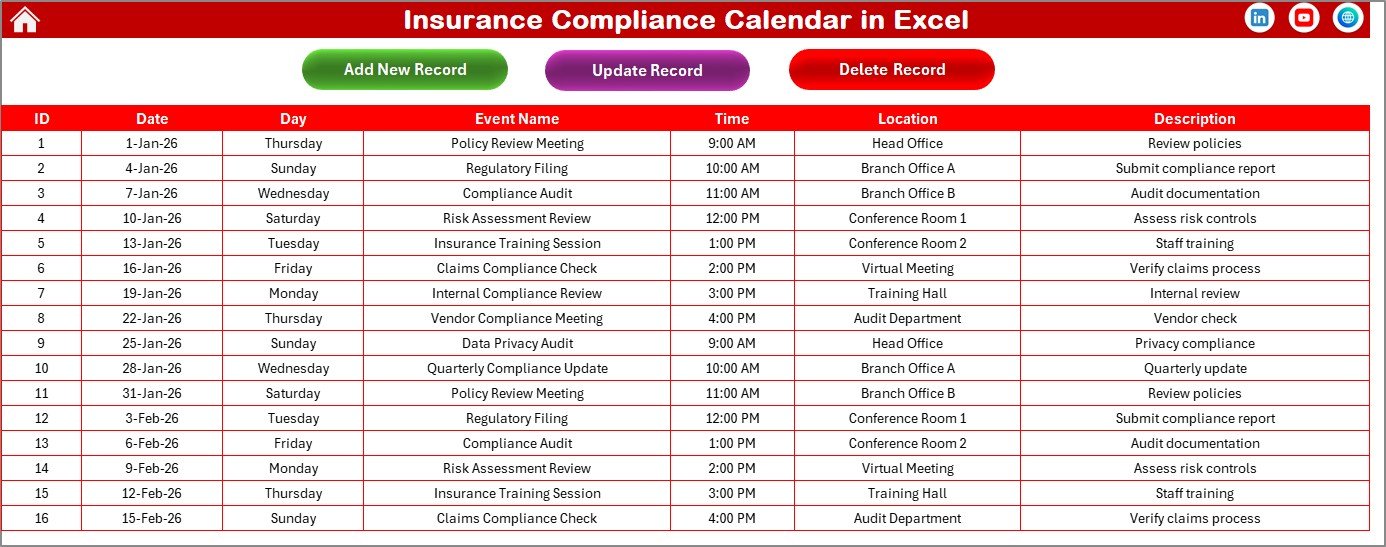
📂 Centralized Compliance Database – Maintain a complete history of compliance activities.
These features transform Excel into a practical compliance management system.
## What’s Inside the Insurance Compliance Calendar in Excel
This ready-to-use template includes five professionally designed worksheets:
✅ Home Sheet – Navigation dashboard providing quick access to all calendar views.
✅ Annual View Sheet – Full-year compliance planning interface with dynamic controls.
✅ Monthly View Sheet – Operational scheduling for detailed monthly monitoring.
✅ Daily View Sheet – Event tracking for selected date ranges and workload analysis.
✅ Events Sheet – Central database storing compliance records automatically.
Each sheet works together to provide structured compliance tracking and planning.
## How to Use the Insurance Compliance Calendar in Excel
Getting started is simple:
1️⃣ Open the Home Sheet to access navigation buttons.
2️⃣ Configure annual calendar settings such as year and starting day.
3️⃣ Select a date and click Add New Event to enter compliance activities.
4️⃣ Monitor schedules using the Monthly View.
5️⃣ Track detailed activities through the Daily View.
6️⃣ Maintain records using the centralized Events database.
Within minutes, organizations can establish a structured compliance tracking system.
## Who Can Benefit from This Insurance Compliance Calendar in Excel
This template is ideal for:
🧾 Compliance officers
⚖️ Risk and regulatory managers
🏢 Insurance administrators
📊 Audit and governance teams
📅 Operations managers
📑 Regulatory reporting departments
From small insurance agencies to large enterprises, this calendar supports effective compliance management.
A structured compliance system reduces risks and improves organizational control. By centralizing schedules and automating planning, the Insurance Compliance Calendar in Excel helps teams stay ahead of deadlines instead of reacting to them.
The result is improved accountability, smoother audits, and stronger regulatory compliance — all managed within a simple Excel environment. ✅
### Click here to read the Detailed blog post
Visit our YouTube channel to learn step-by-step video tutorials:
👉 YouTube.com/@PKAnExcelExpert