Inventory errors cost businesses money. Missed stock counts, incomplete verifications, delayed reconciliations, and poor coordination can create serious financial discrepancies. Inventory Audit Planner Checklist in Excel Whether you manage a retail store, warehouse, manufacturing plant, or distribution center, inventory audits must be structured and controlled.
However, most businesses still manage audits through emails, scattered notes, or manual tracking sheets. As a result, tasks get missed, responsibilities become unclear, and progress remains invisible.
That is exactly why you need the Inventory Audit Planner Checklist in Excel.
Inventory Audit Planner Checklist in ExcelThis ready-to-use Excel template gives you a structured system to plan, assign, track, and monitor every inventory audit activity in one organized workbook. Instead of chaos, you get clarity. Instead of confusion, you get accountability.
It is simple.
It is powerful.
And it keeps your audit process fully under control.
🚀 Key Feature of Inventory Audit Planner Checklist in Excel
📊 Audit Summary Dashboard
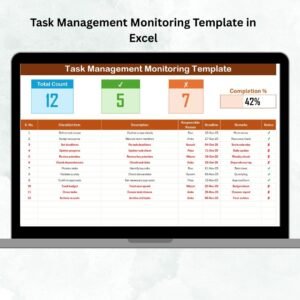
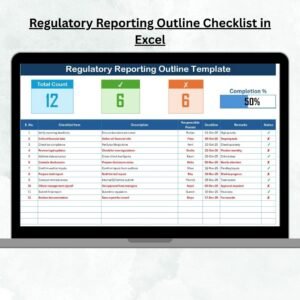
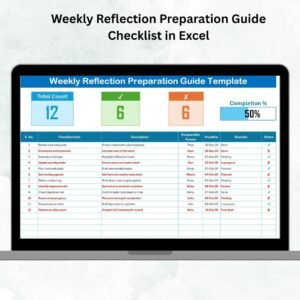
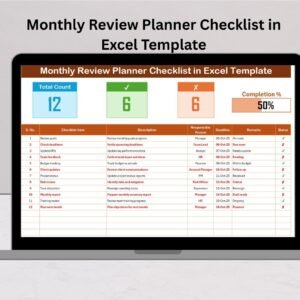
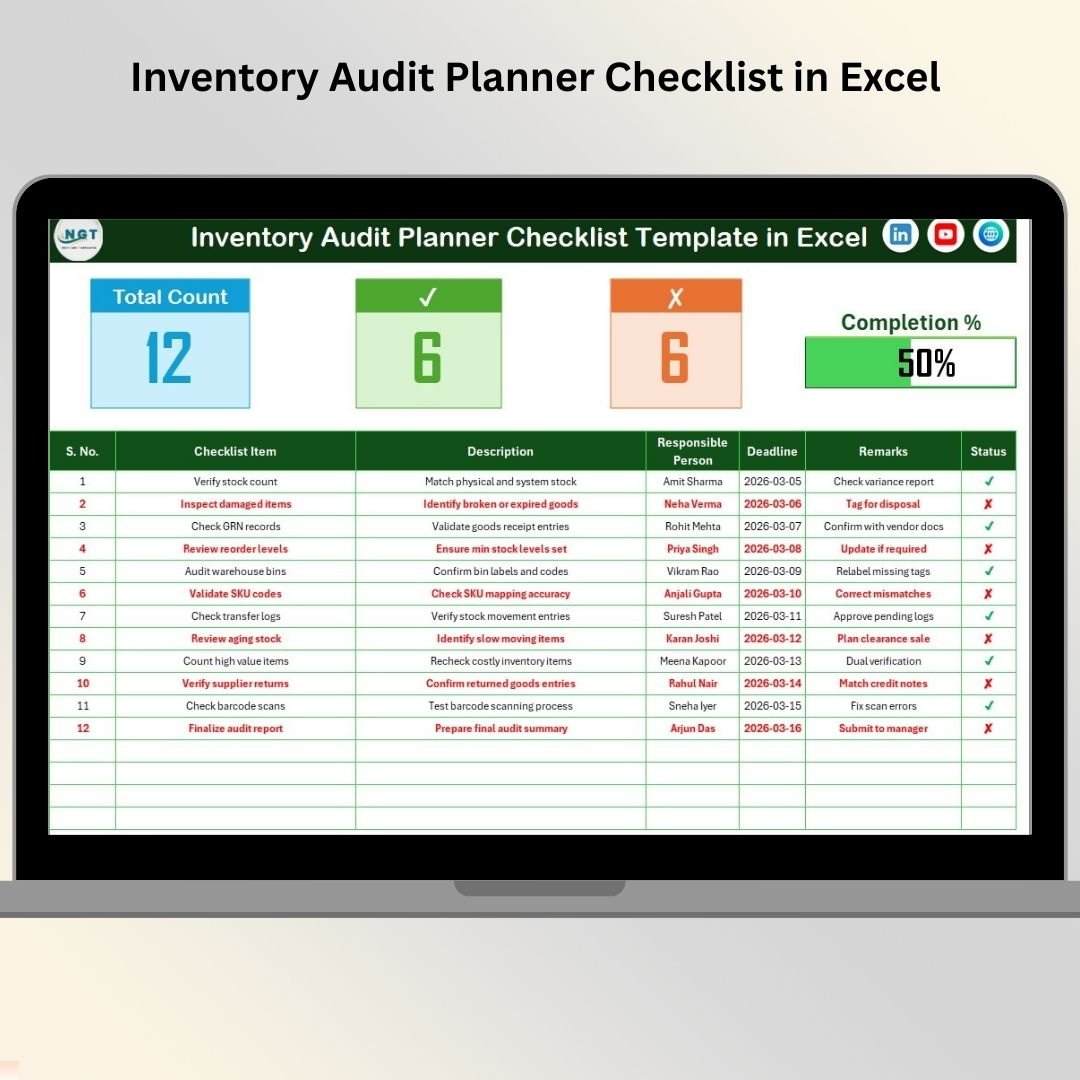
Instantly view Total Tasks, Completed Tasks, Pending Tasks, and Progress Percentage at the top of the sheet.
✔️ Simple Status Tracking
Mark tasks as ✔ Completed or ✘ Not Completed for quick updates.
📈 Automatic Progress Bar
Visual progress bar calculates completion percentage automatically.
👤 Responsible Person Assignment
Assign clear ownership to each audit task.
📅 Deadline Monitoring
Set due dates to ensure timely completion.
📋 Structured Checklist Table
Organized columns for Serial No., Task, Description, Responsible Person, Deadline, Remarks, and Status.
🔽 Drop-Down Control List
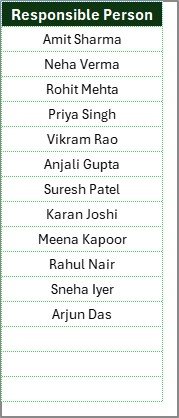
Predefined Responsible Person list prevents typing errors and improves consistency.
📦 What’s Inside the Inventory Audit Planner Checklist in Excel
This template includes 2 structured worksheets designed for maximum control:
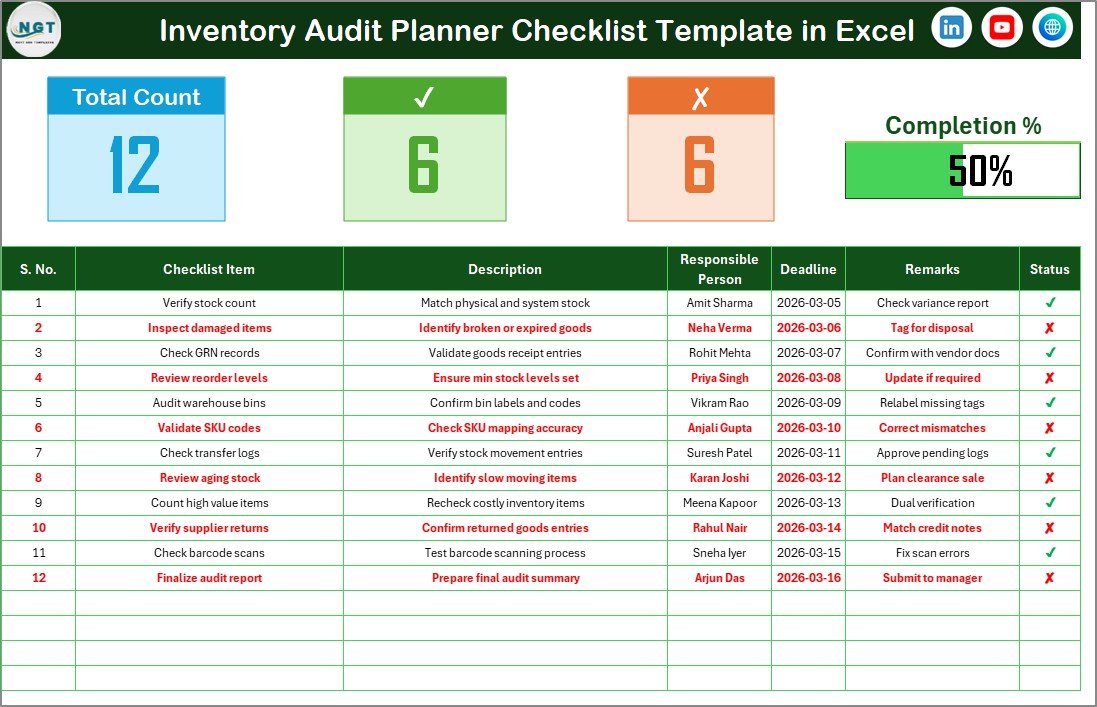
✔️ Inventory Audit Planner Checklist (Main Sheet)
Your central control panel where all audit tasks are created and monitored.
✔️ List Sheet
Stores unique Responsible Person names to create drop-down selections in the main sheet.
🔝 Top Summary Section (Main Sheet)
At the top of the main sheet, you will find:
• Total Count of Tasks
• Checked Count (✔ Completed)
• Crossed Count (✘ Not Completed)
• Progress Bar showing completion percentage
Because of this summary area, managers can review audit status instantly without scrolling.
📋 Checklist Task Table
Below the summary, the structured table contains:
• Serial No.
• Checklist Item
• Description
• Responsible Person
• Deadline
• Remarks
• Status
This structured layout ensures transparency and organized documentation throughout the audit cycle.
🛠️ How to Use the Inventory Audit Planner Checklist in Excel
Using this checklist is extremely simple:
1️⃣ Define your audit objectives.
2️⃣ Enter all audit tasks in the Checklist table.
3️⃣ Assign a Responsible Person from the drop-down list.
4️⃣ Set deadlines for each task.
5️⃣ Update Status as ✔ when completed.
The progress bar updates automatically based on completion.
No formulas to manage. No complex setup required.
Just structured audit control.
🏬 Who Can Benefit from This Inventory Audit Planner Checklist in Excel
This template is ideal for:
🏪 Retail Stores
🏭 Manufacturing Units
📦 Warehouses
🚚 Distribution Centers
🛒 E-commerce Businesses
📊 Internal Audit Teams
If you conduct regular stock audits, cycle counts, physical verifications, or compliance audits — this checklist becomes your essential planning tool.
Instead of dealing with missed checkpoints, you can now:
✔ Track stock verification tasks
✔ Assign accountability clearly
✔ Monitor pending activities
✔ Reduce audit delays
✔ Improve coordination
✔ Strengthen documentation
This is not just a checklist.
It is your audit control system.
⭐ Why This Checklist Will Improve Your Inventory Accuracy
• Structured task sequencing
• Clear responsibility assignment
• Real-time progress monitoring
• Deadline management
• Reduced human error
• Easy duplication for multiple audit cycles
Inventory accuracy protects your profits.
This checklist protects your inventory accuracy.
If you want smoother audit execution, stronger accountability, and better operational control, the Inventory Audit Planner Checklist in Excel will transform your audit workflow.
Stop managing audits manually.
Start auditing professionally. 📦📊