
Managing insurance schedules using scattered notes or basic calendars often leads to missed renewals, delayed meetings, and poor team coordination. In today’s fast-paced insurance environment, even one missed deadline can impact customer satisfaction and revenue. That is why smart insurance professionals are moving toward automated and centralized planning tools.
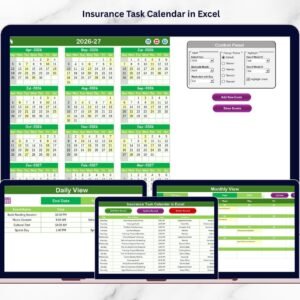
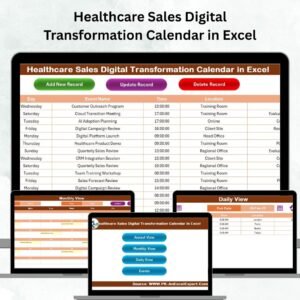
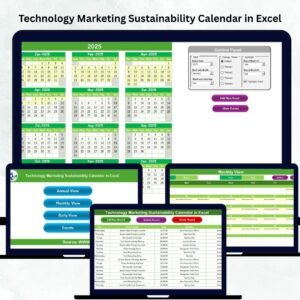
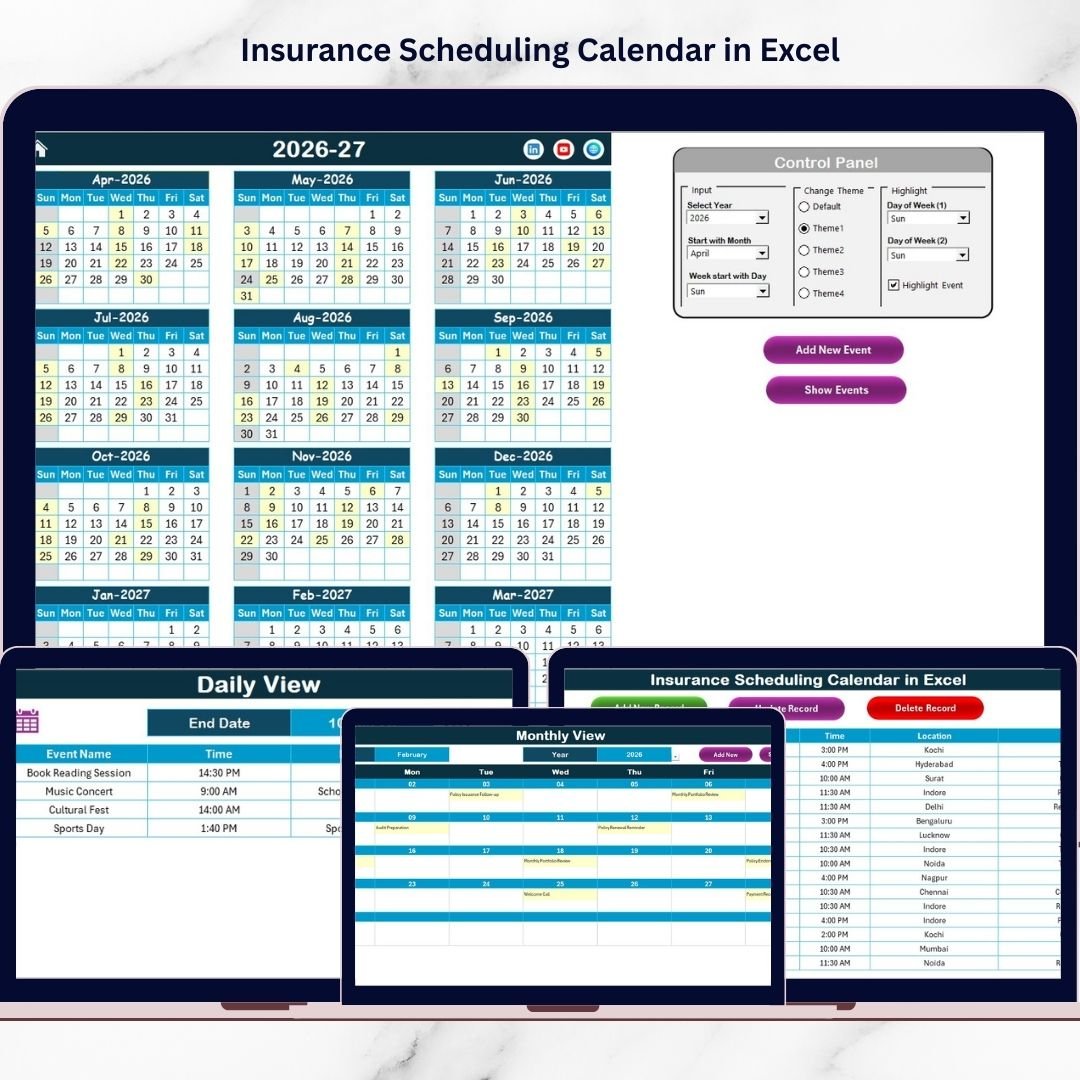
The Insurance Scheduling Calendar in Excel is your all-in-one scheduling command center. This ready-to-use and professionally designed Excel template helps insurance teams plan annual activities, track monthly commitments, and monitor daily events with complete clarity.
Instead of juggling multiple files, you can manage your entire insurance schedule from one intelligent workbook. As a result, your team gains better visibility, stronger coordination, and improved time management.
Whether you are handling policy renewals, client meetings, compliance reviews, or campaign planning, this Excel calendar gives you the structure and automation needed to stay ahead.
✨ Key Feature of Insurance Scheduling Calendar in Excel
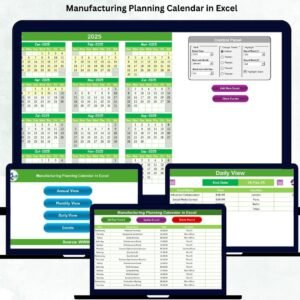
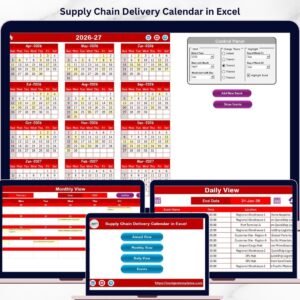
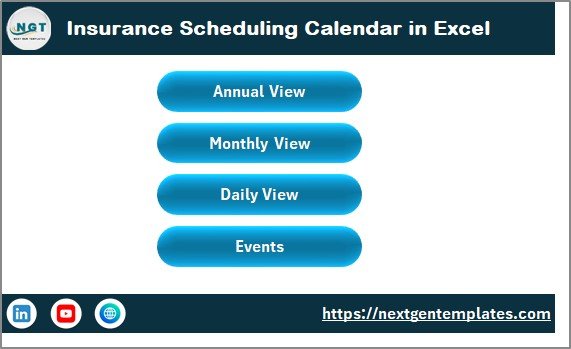
🏠 Interactive Home Navigation – Jump instantly between Annual, Monthly, Daily, and Events views using smart buttons.
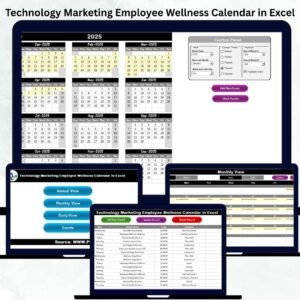
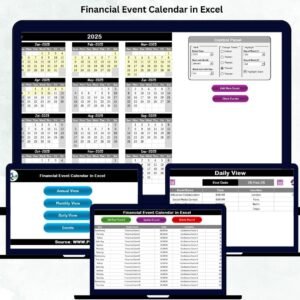
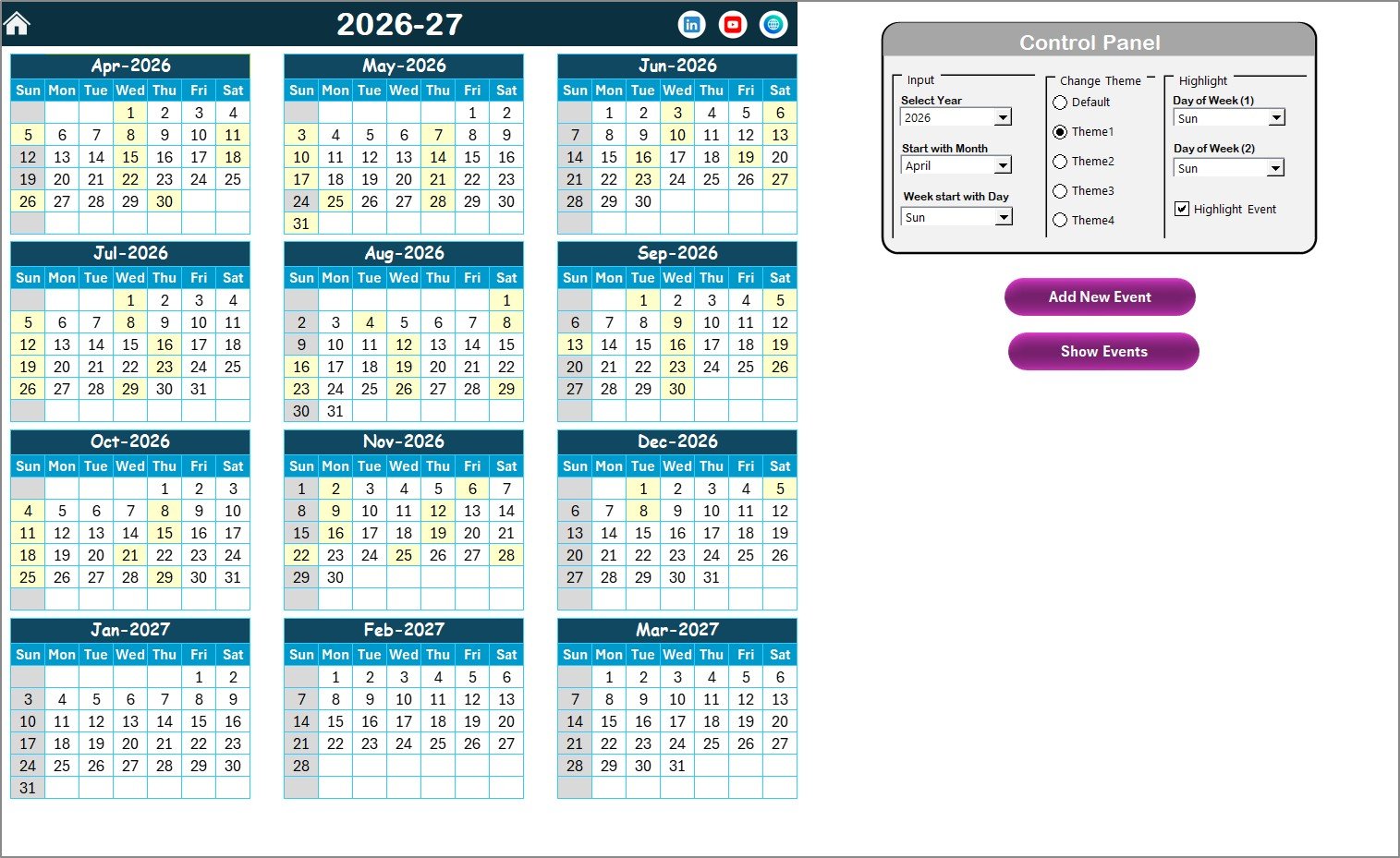
📅 Dynamic Annual Calendar – Generate any year’s 12-month view with automated controls.
🎛️ Flexible Control Panel – Customize year, starting month, and week start day effortlessly.
🎨 Multiple Color Themes – Choose from five professional themes to match your brand style.
✨ Smart Highlight System – Emphasize weekends and important events automatically.
➕ Quick Event Entry Form – Add new events in seconds using the built-in form.
👁️ One-Click Event Viewer – Instantly see all events for any selected date.
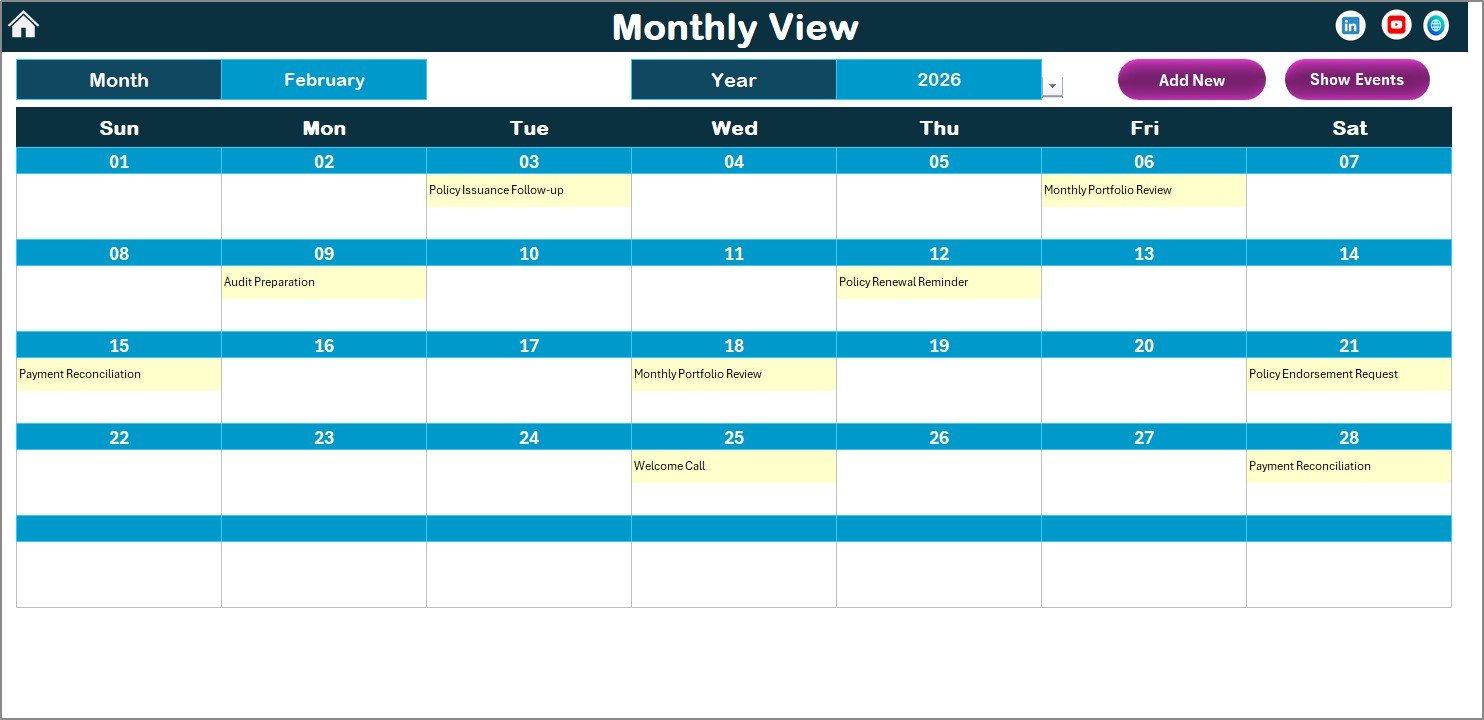
📊 Monthly Smart Display – Clean layout showing single or multiple events clearly.
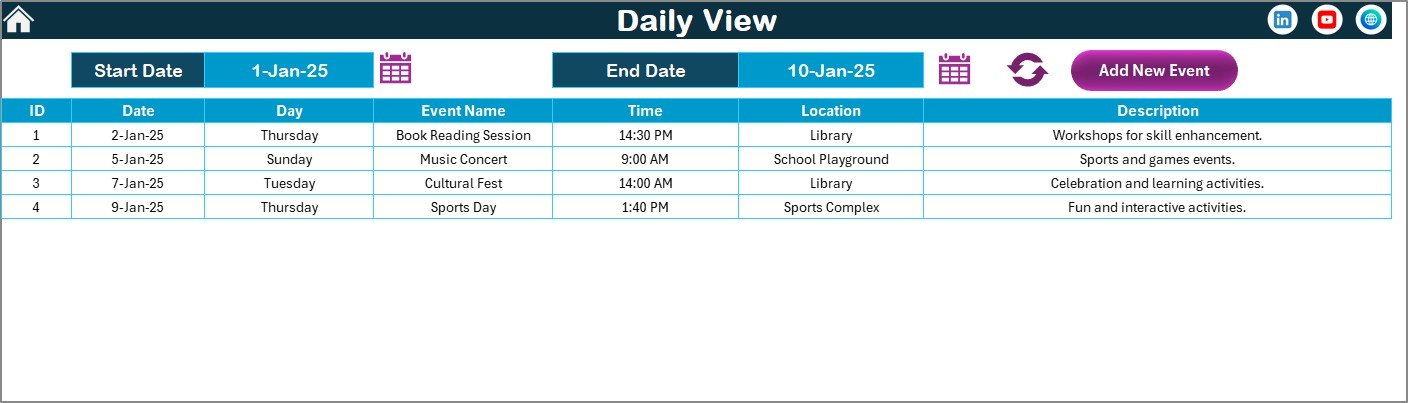
🔄 Daily Activity Monitor – Track events within any date range for operational control.
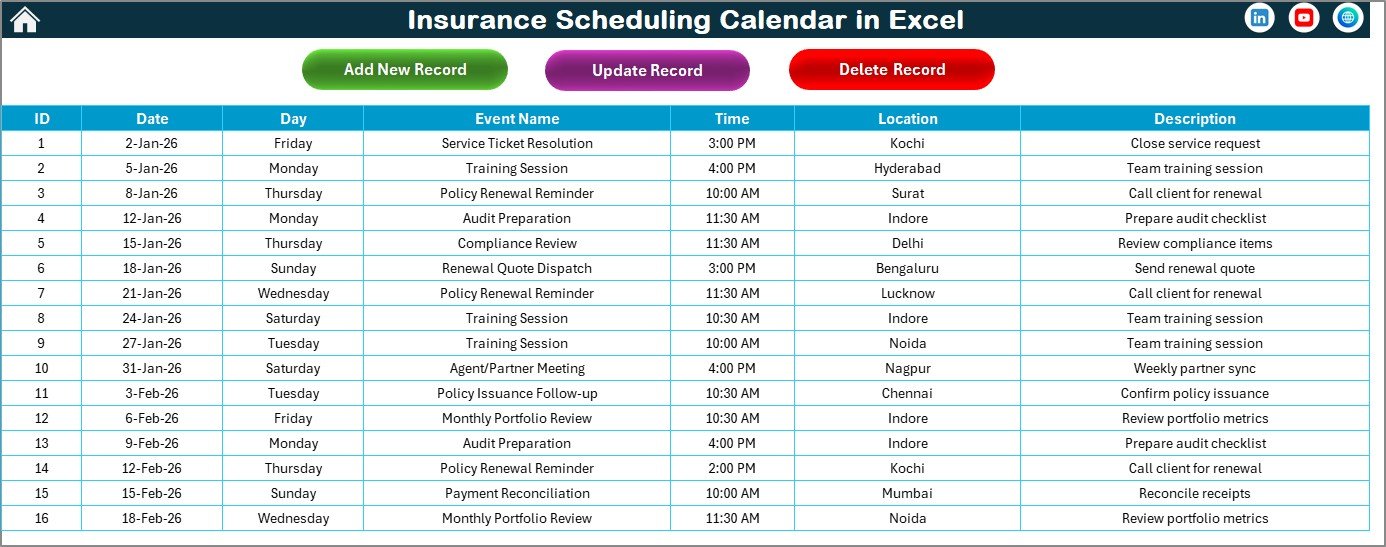
🗄️ Centralized Events Database – Maintain structured, searchable event records.
📦 What’s Inside the Insurance Scheduling Calendar in Excel
This powerful Excel solution includes five fully integrated worksheets designed for professional insurance planning.
You will receive:
✔ Home Sheet with navigation buttons
✔ Annual Calendar View
✔ Monthly Calendar View
✔ Daily Events Monitor
✔ Events Database Sheet
✔ Automated event form
✔ Theme customization options
✔ Highlight controls
✔ User-friendly interface
Because everything is pre-configured, you can start scheduling within minutes — no complex setup required.
🛠️ How to Use the Insurance Scheduling Calendar in Excel
The template is built for simplicity, so anyone can use it confidently.
Step 1: Open the Home sheet
Step 2: Navigate to Annual, Monthly, or Daily view
Step 3: Click Add New Event
Step 4: Enter event details and submit
Step 5: Monitor schedules and track activities
The calendar updates automatically. Therefore, your team focuses on planning instead of manual tracking.
🎯 Who Can Benefit from This Insurance Scheduling Calendar in Excel
This calendar is designed for professionals who manage time-sensitive insurance activities.
Perfect for:
Insurance Agents
Insurance Companies
Policy Renewal Teams
Operations Managers
Sales Teams
Compliance Teams
Financial Advisors
Customer Relationship Teams
If your workflow depends on accurate scheduling, this Excel calendar will significantly improve your productivity.
## Click hare to read the Detailed blog post
Visit our YouTube channel to learn step-by-step video tutorials
👉 https://Youtube.com/@PKAnExcelExpert