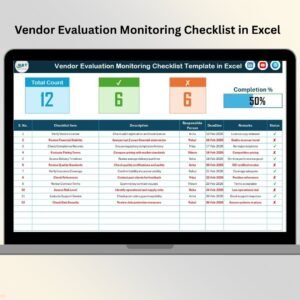

Are you still managing vendor performance using scattered spreadsheets and endless emails? 😓 It’s time to upgrade your vendor management process with a smart, structured, and powerful solution.
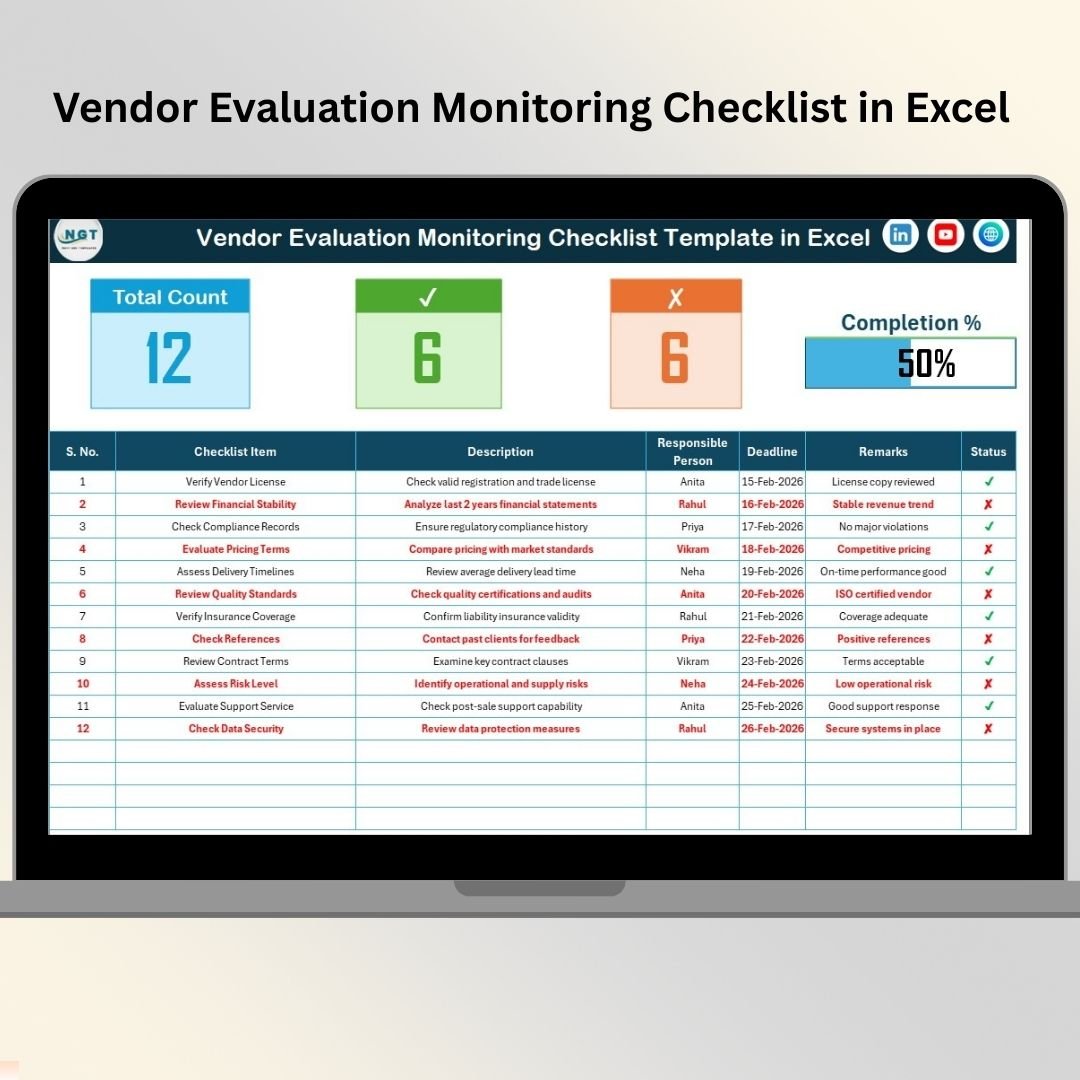
The Vendor Evaluation Monitoring Checklist in Excel is a ready-to-use, professional Excel template designed to help you monitor vendor performance, assign responsibilities, track deadlines, and measure completion progress — all in one clean and organized file.
Instead of chasing updates, you get instant visibility. Instead of confusion, you gain clarity. And instead of missed evaluations, you maintain full control. 🚀
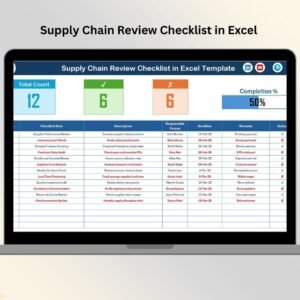
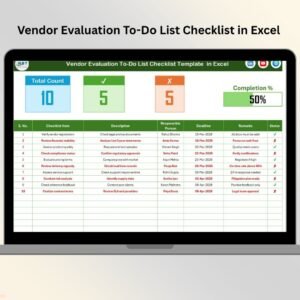
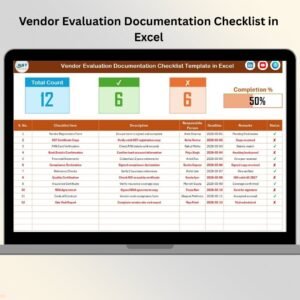
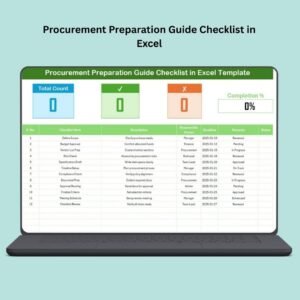
This checklist not only tracks tasks but also provides a visual progress dashboard at the top, giving managers an instant understanding of evaluation status.
Let’s explore what makes this template a must-have tool for every organization.
🔥 Key Feature of Vendor Evaluation Monitoring Checklist in Excel
This Excel template is built for simplicity and performance.
📊 Top Summary Dashboard
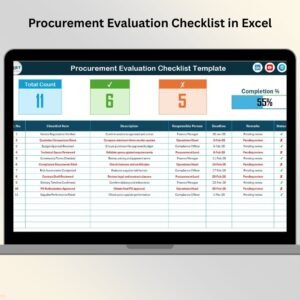
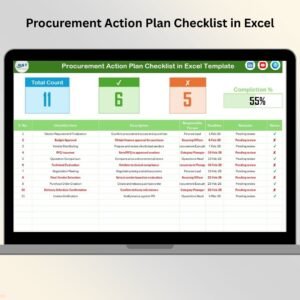
View Total Tasks, Completed Tasks (✔), Pending Tasks (✘), and a dynamic Progress Bar that updates automatically.
✅ Real-Time Progress Tracking
Completion % is calculated automatically using built-in formulas. Just update the status and the dashboard reflects the latest progress.
📋 Structured Checklist Tracking
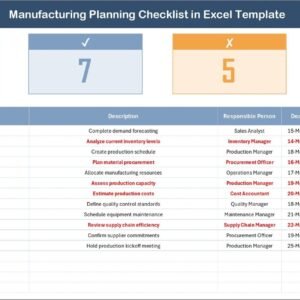
Track serial number, checklist item, description, responsible person, deadline, and status in one organized sheet.
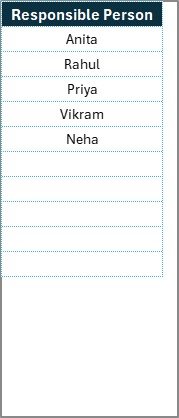
👤 Drop-Down for Responsible Persons
A dedicated List Sheet ensures clean data entry and prevents typing errors.
⚙️ Customizable Checklist Fields
Add scoring columns, risk rating, vendor category, or priority levels based on your industry needs.
📈 Pivot Table Friendly Structure
Easily create vendor performance reports using Pivot tables and charts.
🔐 Audit-Ready Documentation
Maintain structured evaluation records for compliance and internal audits.
This is not just a checklist — it’s a vendor control system in Excel.
📦 What’s Inside the Vendor Evaluation Monitoring Checklist in Excel
This product includes two powerful worksheets:
1️⃣ Main Vendor Evaluation Monitoring Checklist Sheet
This is where all evaluation data is captured and monitored.
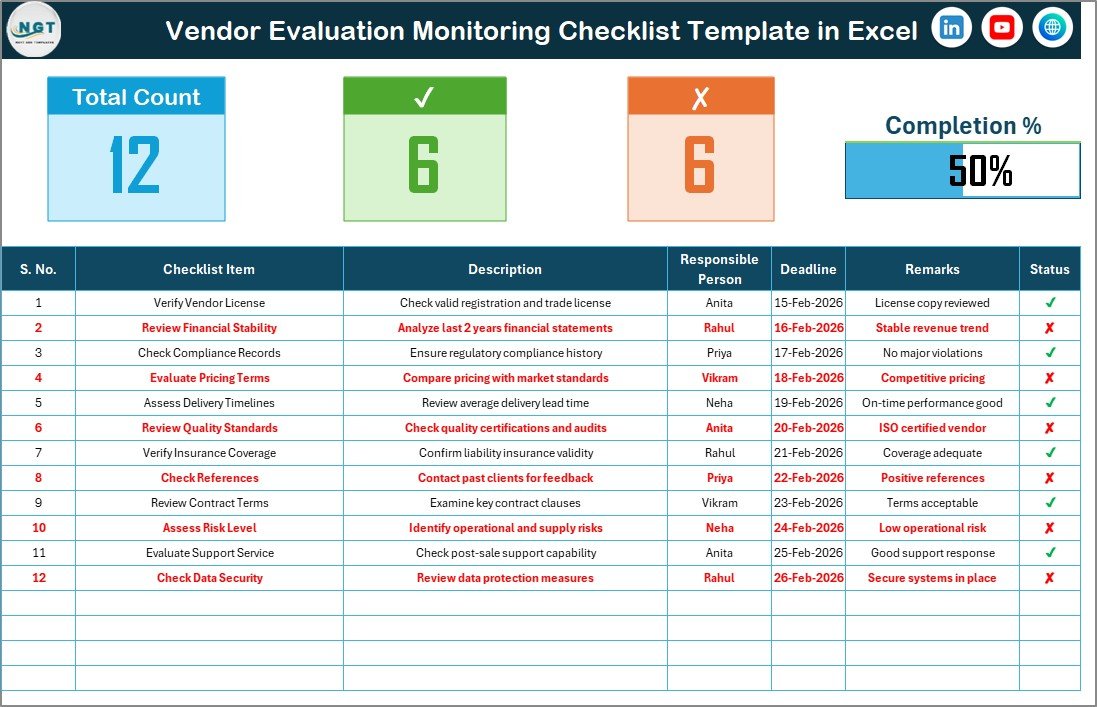
You can track:
Checklist Items
Descriptions
Responsible Person
Deadlines
Completion Status
At the top, you get a visual dashboard showing:
Total Count
Checked Count
Crossed Count
Progress Percentage
Everything updates automatically when status changes. No manual calculations required.
2️⃣ List Sheet Tab
This sheet stores the unique list of responsible persons.
Why is this important?
Because it creates a drop-down list in the main sheet, ensuring:
Data consistency
Standardized reporting
Error-free responsibility tracking
Simple structure. Powerful control.
🛠️ How to Use the Vendor Evaluation Monitoring Checklist in Excel
Using this template is extremely easy.
Step 1: Update Responsible Persons
Go to the List Sheet and enter the names of responsible team members.
Step 2: Enter Checklist Items
Add vendor evaluation criteria such as quality compliance, delivery performance, contract adherence, SLA monitoring, or documentation checks.
Step 3: Assign Deadlines & Responsibilities
Choose the responsible person from the drop-down list and define clear deadlines.
Step 4: Update Status (✔ or ✘)
Mark completed tasks with ✔ and pending ones with ✘.
Step 5: Monitor Progress Instantly
The progress bar automatically calculates the completion percentage using:
(Checked Count ÷ Total Count) × 100
For example, if 15 out of 20 tasks are completed, the dashboard shows 75% progress.
No complex setup. No extra software. Just smart Excel automation.
👥 Who Can Benefit from This Vendor Evaluation Monitoring Checklist in Excel
This template is ideal for:
Procurement Managers
Supply Chain Teams
Vendor Relationship Managers
Quality Assurance Teams
Operations Managers
Compliance Officers
Whether you manage 5 vendors or 100, this checklist keeps your evaluation process structured and transparent.
Small businesses can use it without extra cost, and large organizations can customize it for complex vendor ecosystems.
Vendor evaluation should never be unstructured. When you monitor vendors systematically, you reduce risk, improve quality, and strengthen supplier relationships.
This Excel checklist gives you:
✔ Clear accountability
✔ Real-time progress visibility
✔ Organized tracking
✔ Audit readiness
✔ Better decision-making
Stop relying on scattered notes. Start managing vendors like a professional. 💼✨
Click hare to read the Detailed blog post
Visit our YouTube channel to learn step-by-step video tutorials
👉 https://youtube.com/@PKAnExcelExpert
Watch the step-by-step video tutorial:
Compatibility and Requirements
- Works in Microsoft Excel desktop (Excel 2016 or later, or Microsoft 365).
- The Responsible Person column uses a dropdown fed by the List sheet. Microsoft explains dropdowns in Create a drop-down list.
Frequently Asked Questions
Which sheets are included?
Two sheets: the main Vendor Evaluation Monitoring Checklist sheet and a List sheet that stores the names of responsible persons.
What does the dashboard at the top show?
It shows Total Count, Checked Count, Crossed Count and a progress bar with the completion percentage. It updates when you change the status of a task.
How is the progress percentage calculated?
Checked Count divided by Total Count, multiplied by 100. If 15 of 20 tasks are marked complete, the dashboard shows 75%.
How do I add team members to the Responsible Person dropdown?
Enter the names on the List sheet. The dropdown in the main sheet reads from that list, so everyone is spelled the same way.
Can I add my own columns, such as risk rating or priority?
Yes. The page describes the checklist fields as customizable, and the structure also works with PivotTables and charts for vendor reports.
Is there a Google Sheets version?
Yes. See the Vendor Evaluation Checklist in Google Sheets.
Related Vendor Evaluation Templates
- Vendor Evaluation Tracking Checklist in Excel: another checklist for tracking evaluation tasks
- Vendor Evaluation To-Do List Checklist in Excel: a to-do style version of the same process
- Vendor Risk Assessment Evaluation Checklist in Excel: adds a risk focus to vendor evaluation
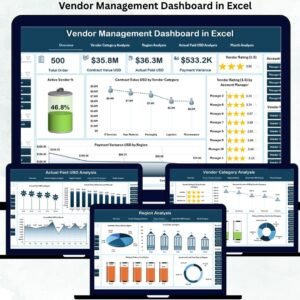
- Vendor Performance Dashboard in Excel: a dashboard view of vendor performance
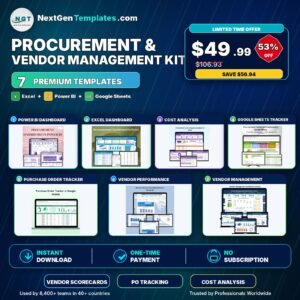
- Procurement and Vendor Management Kit: 7 templates for procurement and vendor work in one download
Browse all Excel checklists.