Retail stores operate every single day. Customers walk in continuously. Billing counters run without pause. Air conditioning systems work for long hours. Lighting remains active. Therefore, maintenance planning cannot be reactive.
However, many retail businesses still manage maintenance tasks using sticky notes, scattered spreadsheets, or manual reminders. As a result, inspections get missed. Repairs are delayed. Operational risks increase. Emergency costs rise.
That is exactly why the Retail Maintenance Calendar in Excel becomes an essential tool for modern retail operations.
The Retail Maintenance Calendar in Excel is a ready-to-use, fully structured maintenance planning system designed specifically for retail stores, shopping outlets, and retail chains. It allows you to schedule preventive maintenance, manage inspections, track vendor visits, and monitor repair activities — all in one organized Excel file.
Instead of reacting to breakdowns, you plan maintenance proactively. Consequently, downtime reduces, costs decrease, and store operations remain smooth.
Because the system runs entirely in Excel, there is no need for expensive maintenance software. Anyone with basic Excel knowledge can use it easily.
🧩 Key Features of Retail Maintenance Calendar in Excel
This template is designed to simplify maintenance management while keeping everything structured.
🗓 Annual, Monthly & Daily Views – Complete visibility across timeframes
🎯 Preventive Maintenance Scheduling – Plan tasks before issues arise
🎨 5 Custom Color Themes – Match your retail branding
🔔 Event Highlight Feature – Highlight critical tasks instantly
📌 Auto-Generated Event IDs – Avoid duplicate entries
➕ Add, Update & Delete Event Buttons – Easy record management
📊 Control Panel for Year & Week Settings – Fully customizable calendar
⚡ Automatic Calendar Updates – No manual adjustments required
Because everything connects to a central database sheet, updates reflect instantly across views.
📦 What’s Inside the Retail Maintenance Calendar?
This ready-to-use template contains 5 powerful worksheets, each serving a specific role.
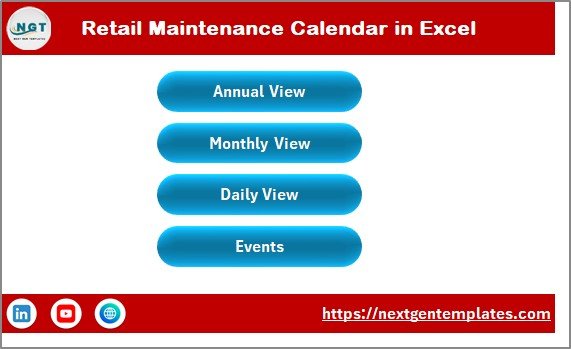
🏠 1️⃣ Home Sheet – Navigation Center
The Home sheet acts as your command center.
It includes four quick navigation buttons:
Annual View
Monthly View
Daily View
Events
Instead of scrolling through tabs, you jump to any section with one click. Therefore, usability becomes extremely simple — even for non-technical users.
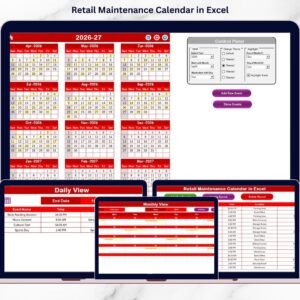
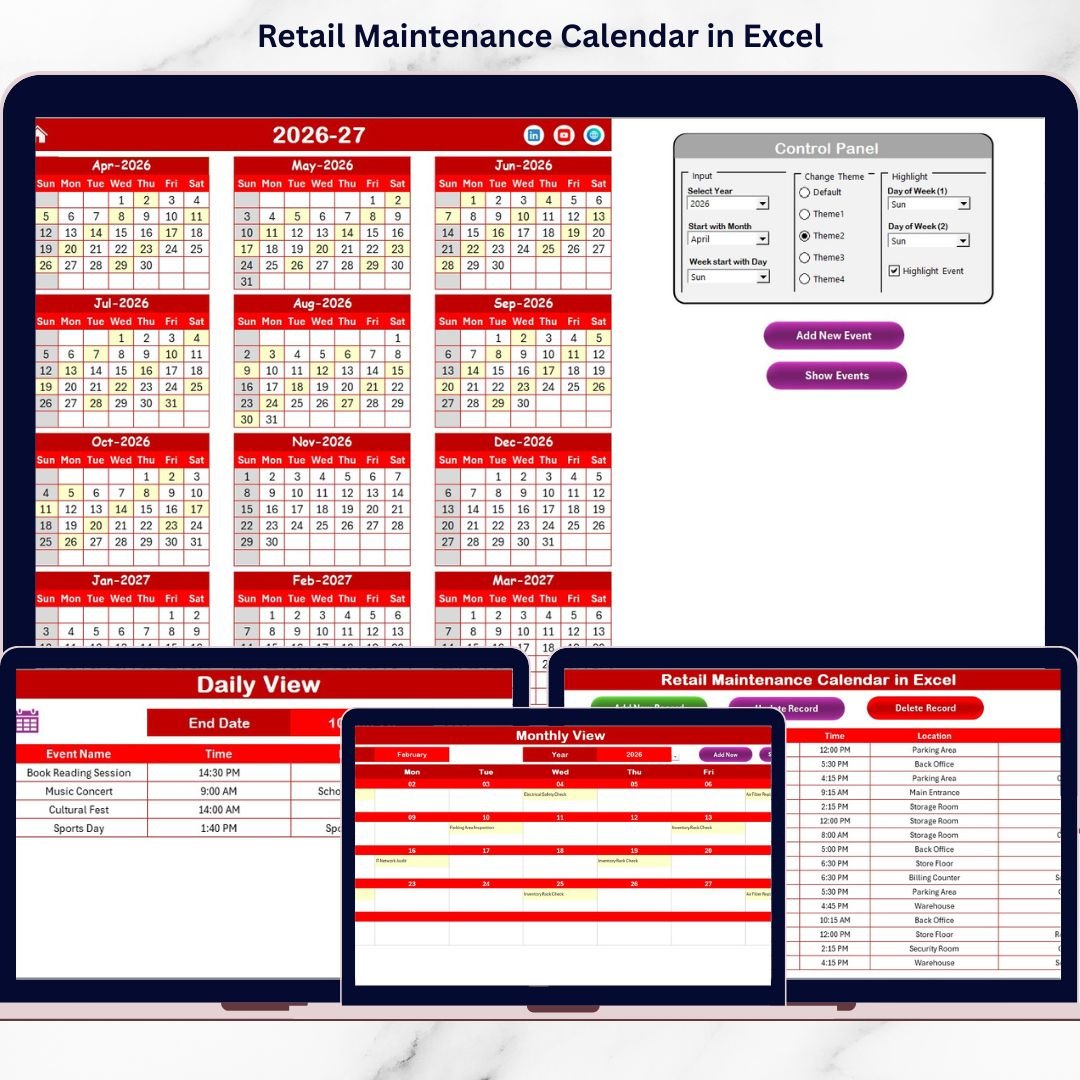
📅 2️⃣ Annual View Sheet – 12 Months at a Glance
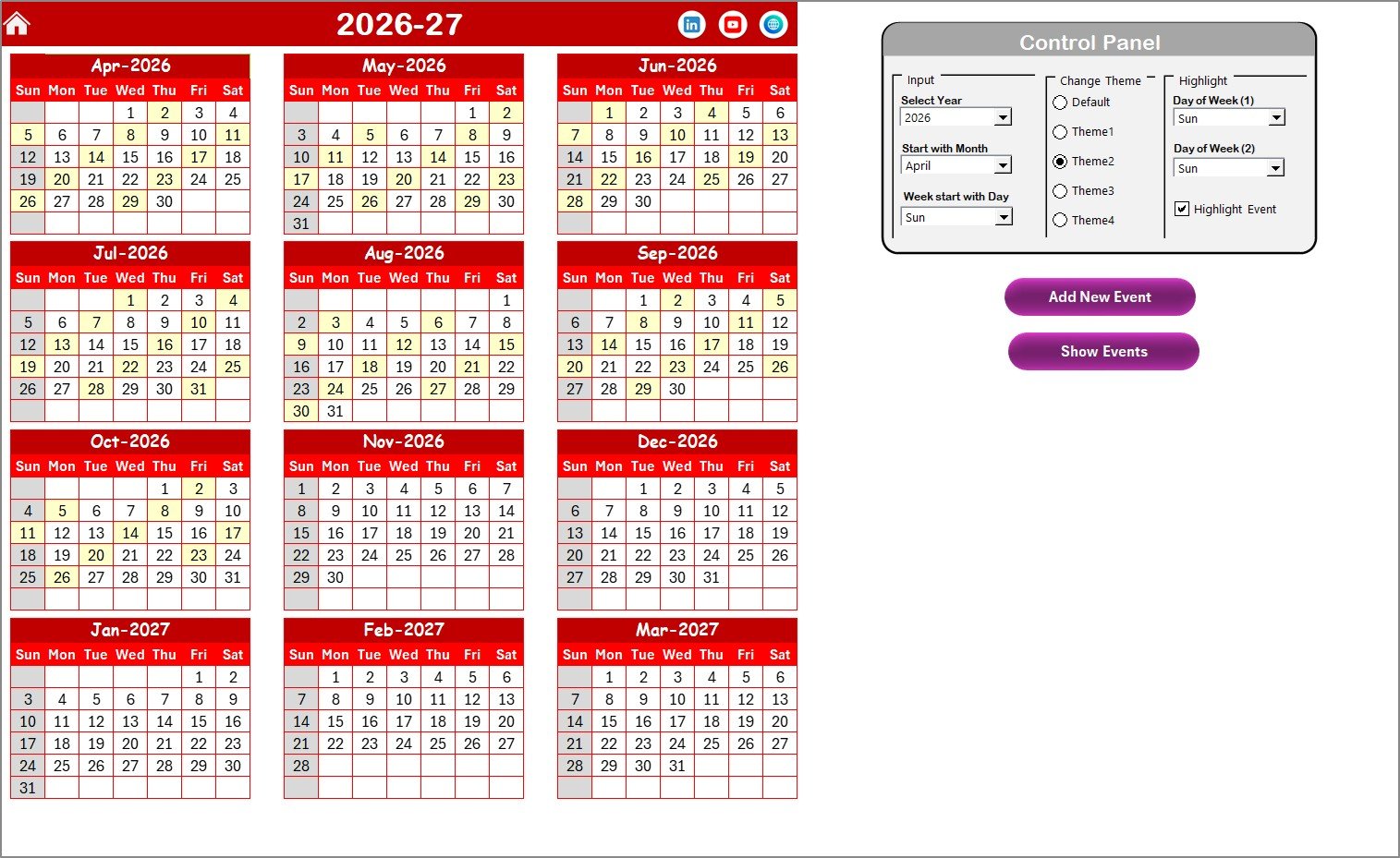
The Annual View displays the full year on a single screen.
This sheet includes a powerful Control Panel divided into three groups:
🔹 Input Group
Select Year
Change Starting Month
Change Starting Day of Week
When you change the year, the calendar updates automatically. Therefore, you can reuse it every year.
🔹 Change Theme Group
Choose from 5 predefined themes to align with:
Store branding
Corporate identity
Seasonal themes
The entire workbook updates instantly.
🔹 Highlight Group
Highlight Day of Week (1)
Highlight Day of Week (2)
Highlight Event option
For example, you can highlight weekends in grey and maintenance tasks in yellow for instant visibility.
Two powerful buttons are included:
➕ Add New Event
👁 Show Event
These simplify event management dramatically.
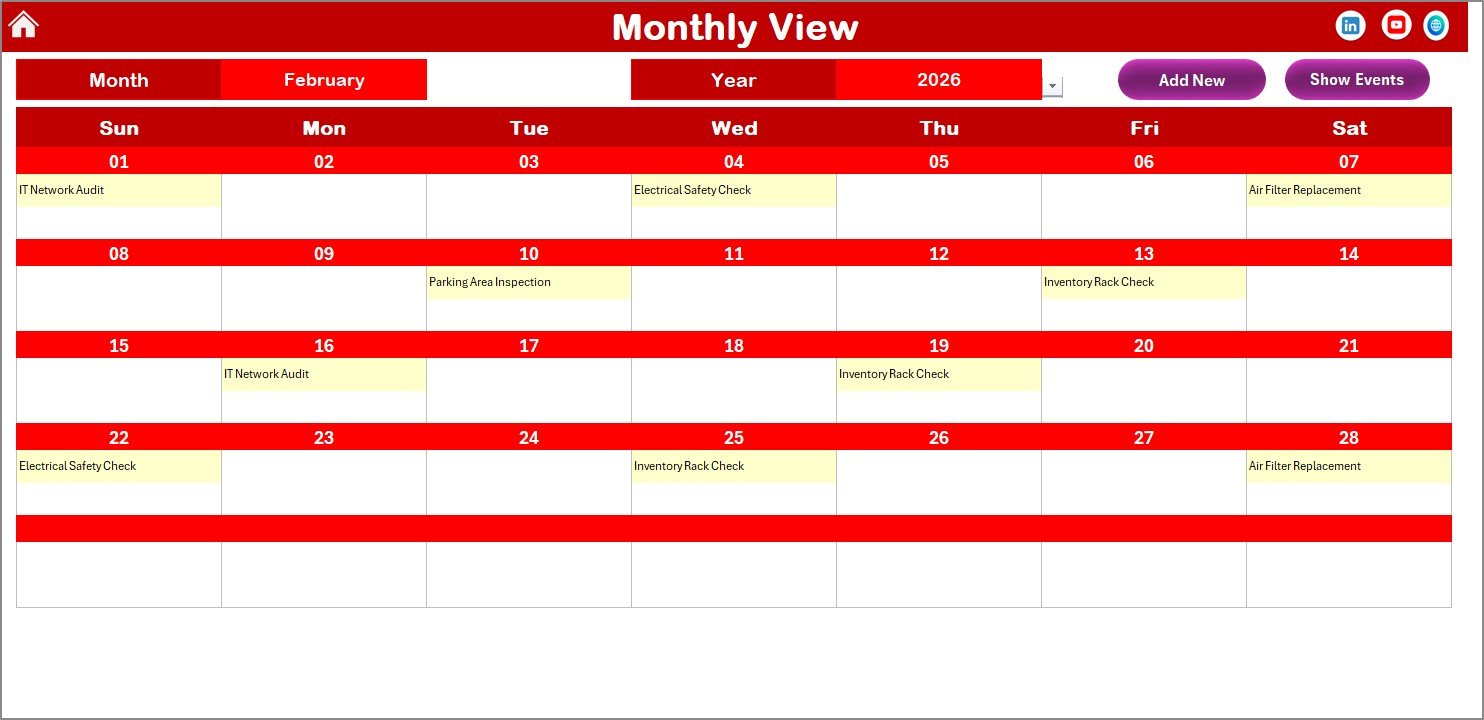
📆 3️⃣ Monthly View Sheet – Focused Monthly Planning
The Monthly View shows one selected month.
You can:
Select Month
Select Year
If a date contains:
One event → It displays clearly
Multiple events → It shows “More than 1…”
Therefore, busy maintenance days become immediately visible.
Buttons available:
Add New Event
Show Event
This makes monthly planning structured and efficient.
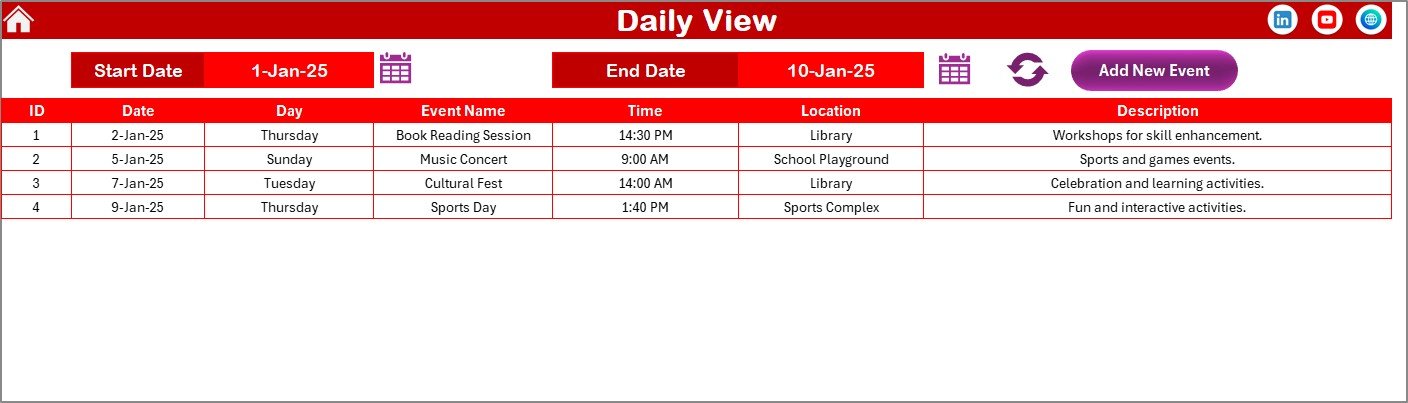
📋 4️⃣ Daily View Sheet – Detailed Event Tracking
The Daily View displays events in a list format within a selected date range.
You are simply:
Enter Start Date
Enter End Date
Click Refresh
Excel instantly displays all events within that period.
This is extremely useful for:
Weekly maintenance review meetings
Vendors visit coordination
Audit preparation
Inspection tracking
You can also add events directly from this sheet.
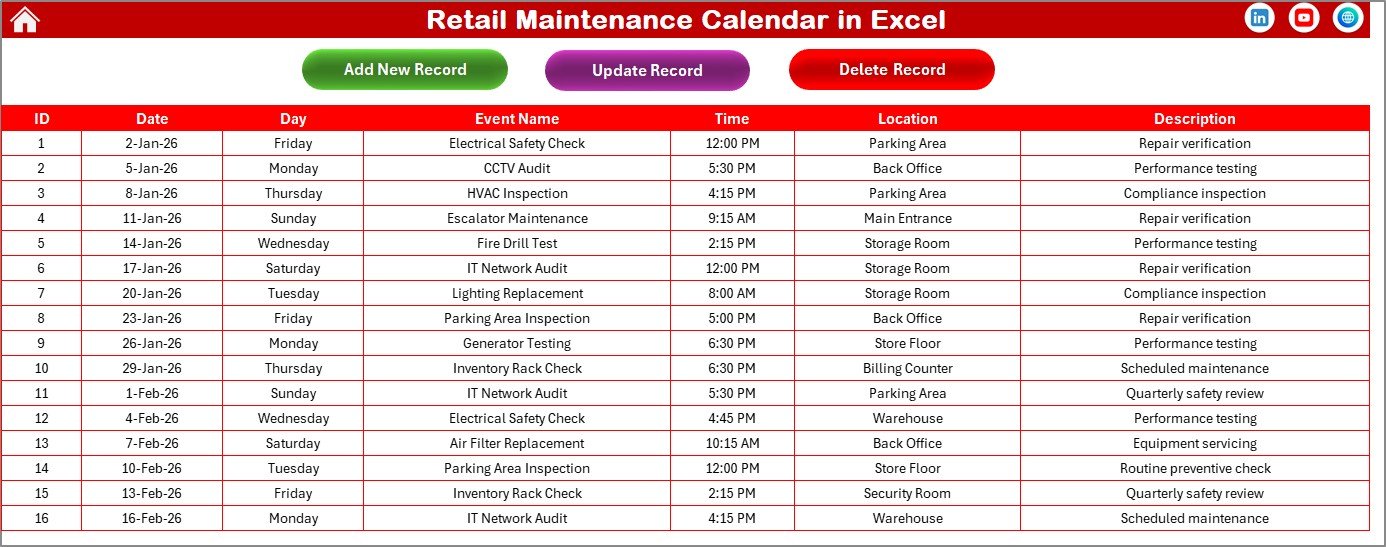
🗂 5️⃣ Events Sheet – Central Database
The Events sheet stores all maintenance data.
Captured fields include:
ID (Auto-generated)
Date
Day
Event Name
Time
Location
Description
It includes three action buttons:
Add New Record
Update Existing Record
Delete Record
This ensures clean, organized, and centralized data management.
🚀 How This Calendar Improves Retail Operations
When you use this maintenance calendar:
✔ You reduce equipment failures
✔ You prevent emergency repair costs
✔ You improve compliance tracking
✔ You enhance vendor coordination
✔ You improve store efficiency
✔ You increase customer satisfaction
Because structured planning eliminates chaos, operations become predictable and stable.
👥 Who Can Benefit from This Retail Maintenance Calendar?
This template is ideal for:
🏬 Retail Store Managers
🏢 Mall Operations Managers
🔧 Facility Management Teams
🏪 Franchise Store Owners
📊 Retail Chain Administrators
Whether you manage one store or multiple outlets, this calendar scales easily.
🔧 Best Practices for Maximum Impact
✔ Schedule preventive maintenance early
✔ Review calendar weekly
✔ Assign clear task descriptions
✔ Highlight critical compliance dates
✔ Update events immediately
✔ Maintain regular file backups
Consistency ensures long-term operational control.
🔗 Click here to read the Detailed blog post
🎥 Visit our YouTube channel to learn step-by-step video tutorials
👉 https://www.youtube.com/@PKAnExcelExpert