

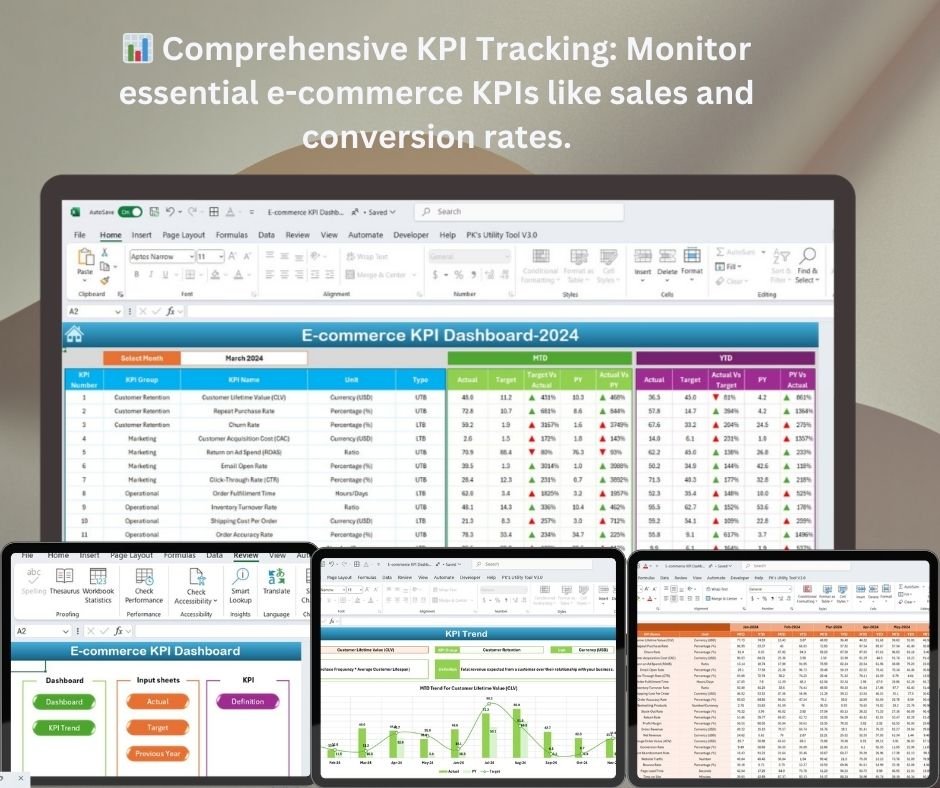




The E-Commerce KPI Dashboard in Excel is a powerful tool designed to help e-commerce businesses track and analyze their key performance indicators (KPIs). Whether you are managing an online store or overseeing an e-commerce platform, this dashboard will help you monitor critical metrics such as sales, conversion rates, traffic, and customer behavior, providing valuable insights to drive growth and optimization.
This customizable, user-friendly Excel template allows you to visualize your performance data in real-time, giving you an organized, at-a-glance view of your business’s health. The dashboard is designed to be interactive and easy to use, helping you make data-driven decisions to boost profitability and performance.
Key Features of the E-Commerce KPI Dashboard
📊 Comprehensive KPI Tracking
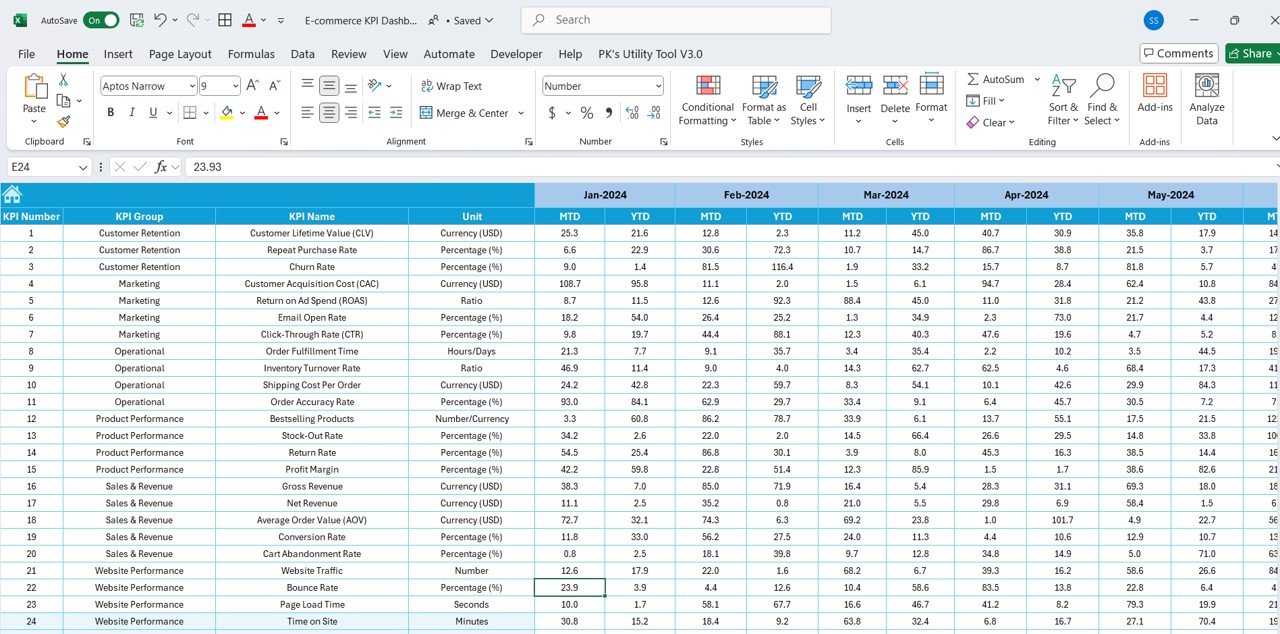
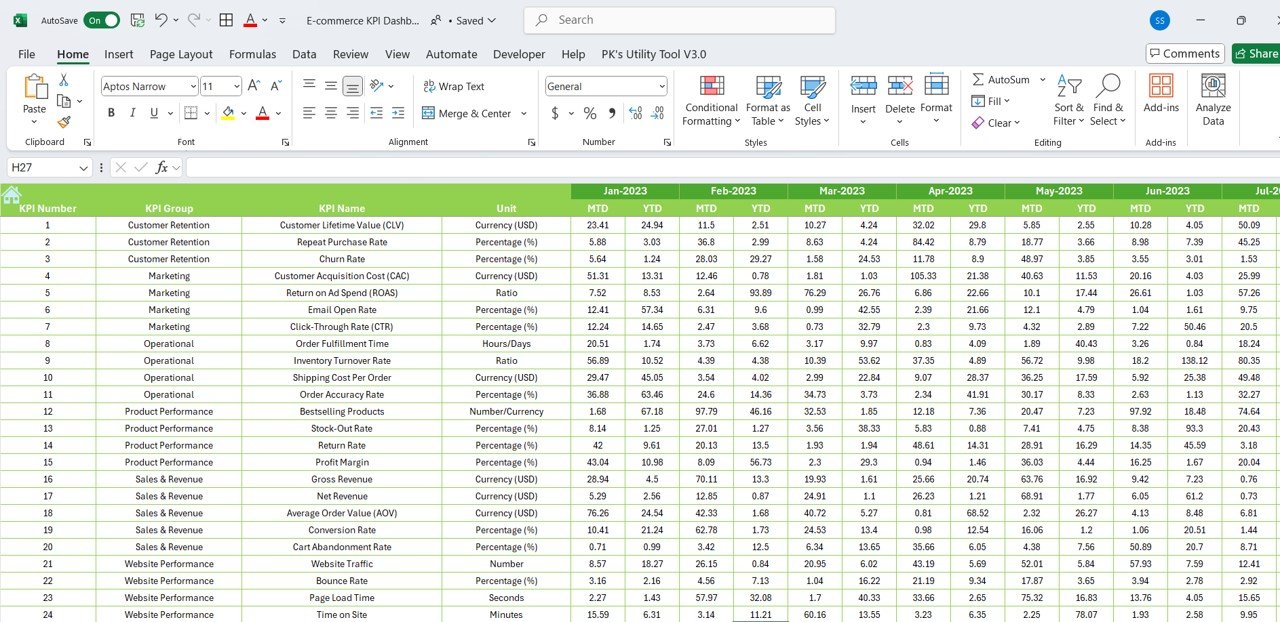
Track all essential e-commerce KPIs, including sales performance, customer acquisition cost (CAC), conversion rate, average order value (AOV), and more. Monitor these metrics to optimize your e-commerce strategies.
⚡ Real-Time Data Monitoring
Monitor your KPIs in real-time. The dashboard automatically updates with your latest data to ensure you’re always looking at the most current performance metrics.
📈 Interactive and Customizable Dashboard
The dashboard provides an interactive, visual interface that displays your key metrics with easy-to-understand charts and graphs. Customize it to track the KPIs most relevant to your business needs.
📅 Sales Performance Overview
Gain a clear view of your total sales, top-performing products, and customer behavior, allowing you to identify trends and optimize your strategies for maximum impact.
🖥️ User-Friendly Interface
With a simple, intuitive design, this Excel-based dashboard is accessible to both beginners and seasoned professionals. Track multiple KPIs without any technical expertise.
Why You’ll Love the E-Commerce KPI Dashboard
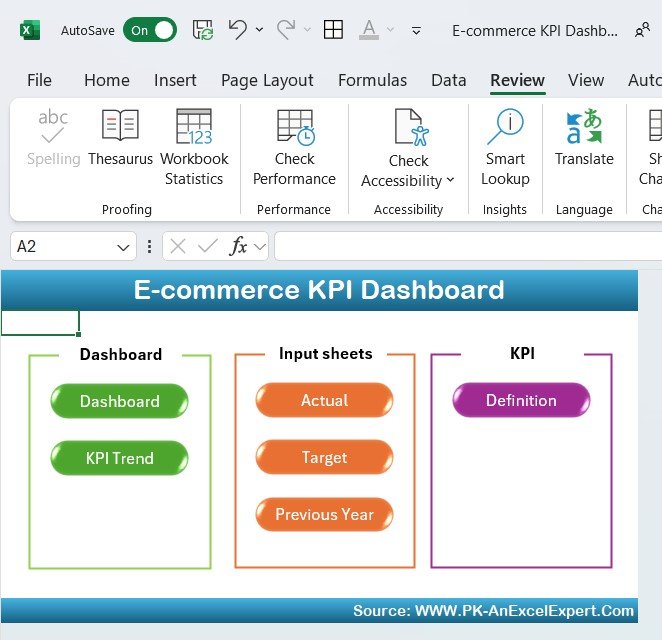
✅ Track Key Metrics in One Place
Monitor all your key performance indicators in one centralized dashboard, eliminating the need for multiple tracking tools and reports.
✅ Make Data-Driven Decisions
With real-time data and detailed insights, you can make informed decisions about your e-commerce strategy, optimizing for higher sales, customer retention, and profitability.
✅ Customize for Your Business
Tailor the dashboard to focus on the KPIs that matter most to your e-commerce business, whether you’re focused on sales growth, customer behavior, or inventory management.
✅ Visualize Your E-Commerce Success
Use interactive charts and graphs to easily visualize your sales performance, traffic trends, and key metrics, making it easier to track your business progress.
✅ Simplify E-Commerce Performance Tracking
This easy-to-use dashboard consolidates all your key performance data into one view, helping you save time and effort while gaining actionable insights.
What’s Inside the E-Commerce KPI Dashboard?
- KPI Tracking: Track essential e-commerce KPIs such as sales, conversion rates, CAC, and AOV.
- Real-Time Performance Monitoring: Get up-to-date insights into your performance metrics.
- Interactive Dashboard: Visualize your KPIs with charts and graphs for easy interpretation.
- Customizable Metrics: Tailor the dashboard to focus on the KPIs that are most important to your business.
- Sales Insights: Gain insights into top-performing products, sales volume, and other key data.
- User-Friendly Design: A simple design that requires minimal expertise to use and customize.
How to Use the E-Commerce KPI Dashboard
1️⃣ Download the Template: Instantly access your E-Commerce KPI Dashboard.
2️⃣ Input Your Data: Add your e-commerce data, including sales numbers, traffic, and conversion rates.
3️⃣ Track Your Performance: Use the dashboard to monitor real-time KPI data and see how your e-commerce business is performing.
4️⃣ Optimize & Adjust: Use insights from the dashboard to optimize your marketing, sales strategies, and customer engagement for better results.
Who Can Benefit from the E-Commerce KPI Dashboard?
🔹 E-Commerce Business Owners
🔹 Online Store Managers
🔹 Digital Marketers & Analysts
🔹 Entrepreneurs Running E-Commerce Platforms
🔹 E-Commerce Consultants and Advisors
🔹 Anyone Looking to Optimize Their Online Store Performance
Stay on top of your e-commerce business performance with this interactive, customizable E-Commerce KPI Dashboard. Track essential KPIs, make data-driven decisions, and optimize your strategies to achieve long-term success.
Click here to read the Detailed blog post
Visit our YouTube channel to learn step-by-step video tutorials
Youtube.com/@PKAnExcelExpert
Compatibility and Requirements
- Works in Microsoft Excel desktop (Excel 2016 or later, or Microsoft 365).
- The dashboard is built with Excel charts. Microsoft explains them in Create a chart from start to finish.
Frequently Asked Questions
Which KPIs does the dashboard track?
It tracks sales, conversion rate, customer acquisition cost (CAC), average order value (AOV), traffic and top-performing products.
How do I add my own data?
Enter your figures in the template. The charts and KPI views update from that data.
Can I change which KPIs are shown?
Yes. You can tailor the dashboard to the KPIs that matter most to your store.
Is there a Google Sheets or Power BI version?
Yes. The E-commerce KPI Dashboard in Google Sheets and the E-commerce KPI Dashboard in Power BI cover the same KPIs.
Related E-commerce KPI Templates
- E-commerce KPI Dashboard in Google Sheets: the same KPIs in Google Sheets
- E-commerce KPI Dashboard in Power BI: the Power BI edition
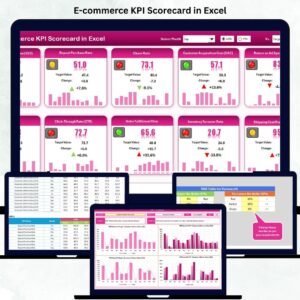
- E-commerce KPI Scorecard in Excel: an e-commerce KPI scorecard
- Ecommerce Conversion Rate KPI Dashboard in Excel: focus on conversion rate
- Ecommerce Store Business Starter Templates Kit: starter templates for an online store
Browse all Excel KPI dashboards or the Google Sheets KPI dashboards.












Reviews
There are no reviews yet.