


Cybersecurity threats are evolving, and businesses must stay ahead to safeguard sensitive data and systems. Our Cybersecurity Checklist in Excel is a structured and efficient tool designed to help organizations monitor and track essential security measures. With easy-to-use tracking features, this checklist ensures all cybersecurity protocols are met, reducing vulnerabilities and strengthening your IT security framework.
📌 Why Use the Cybersecurity Checklist?
A well-maintained cybersecurity checklist ensures that all security measures are implemented systematically. It helps in:
✔ Preventing Cyber Attacks – Stay ahead of potential threats by monitoring and enforcing security protocols.
✔ Ensuring Compliance – Meet industry standards and regulations with a structured approach.
✔ Assigning Responsibilities – Clearly define security tasks and assign them to the right team members.
✔ Tracking Security Status – Get a real-time view of completed and pending security measures.
✔ Boosting Security Awareness – Ensure employees follow best security practices through scheduled checks.
🔹 Key Features of the Cybersecurity Checklist Template
This Excel template is designed for IT teams, security managers, and compliance officers to ensure critical cybersecurity processes are maintained effectively.
1️⃣ Dashboard with Key Insights
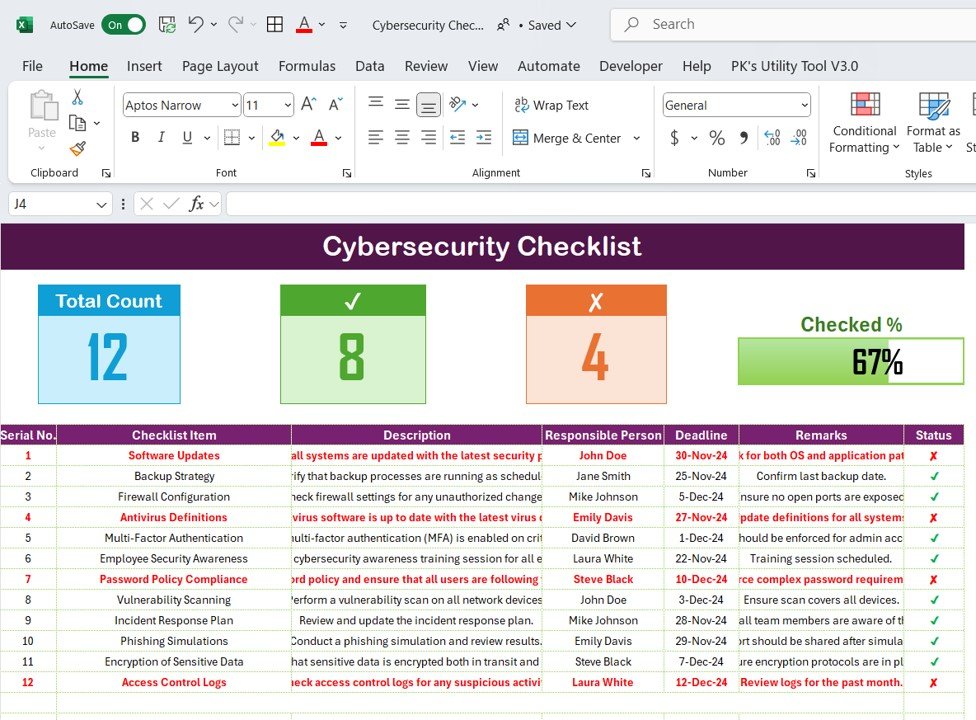
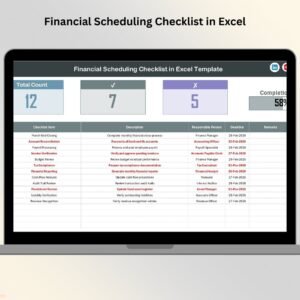
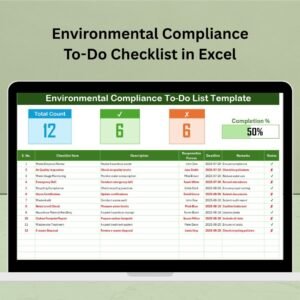
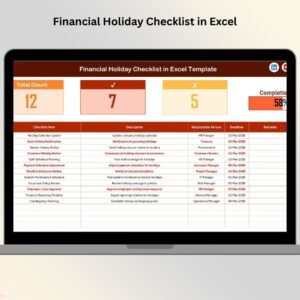
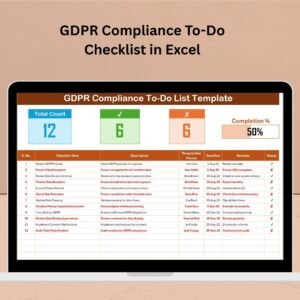
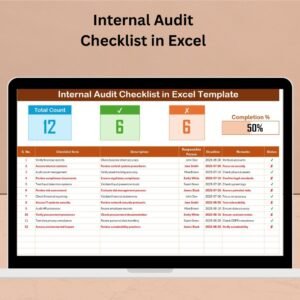
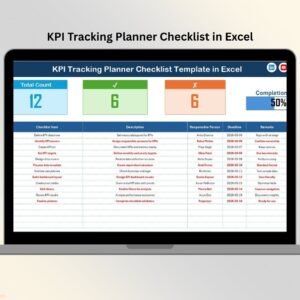
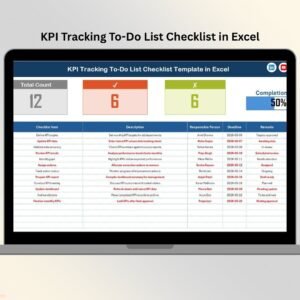
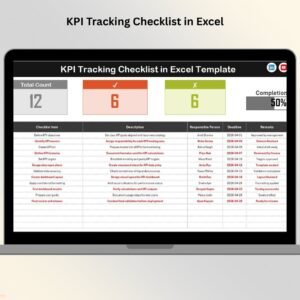
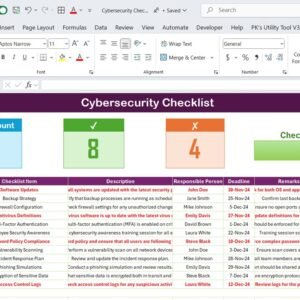
At the top of the checklist, you’ll find summary cards displaying:
✅ Total Count – The number of security tasks listed.
✅ Checked Count – The number of successfully completed tasks.
❌ Crossed Count – The number of incomplete or pending tasks.
📊 Progress Bar – A visual indicator of overall cybersecurity progress.
2️⃣ Comprehensive Security Checklist Table
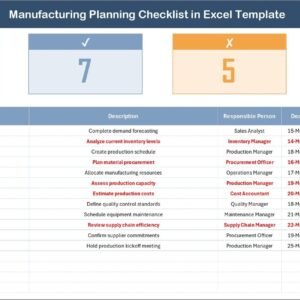
This table includes structured cybersecurity tasks categorized for effective tracking.
- Checklist Item – A list of crucial cybersecurity measures.
- Description – A brief explanation of the task and why it’s necessary.
- Responsible Person – Assign who is responsible for each task.
- Deadline – Set target dates for task completion.
- Remarks – Add additional notes or action points.
- Status – Mark tasks as ✔ Completed or ❌ Pending.
3️⃣ Key Cybersecurity Tasks Covered in the Checklist
The checklist ensures that fundamental security measures are in place, such as:
🔹 Software Updates – Ensure all applications and operating systems are updated.
🔹 Backup Strategy – Verify automated backups to prevent data loss.
🔹 Firewall Configuration – Check for unauthorized access points.
🔹 Antivirus Definitions – Ensure antivirus software is updated regularly.
🔹 Multi-Factor Authentication (MFA) – Enforce additional layers of security.
🔹 Employee Security Awareness – Train employees on phishing and cyber threats.
🔹 Vulnerability Scanning – Conduct periodic scans to detect system weaknesses.
🔹 Incident Response Plan – Prepare steps for responding to cybersecurity incidents.
🔹 Encryption of Sensitive Data – Protect sensitive information from unauthorized access.
🔹 Access Control Logs – Monitor logs for any unusual access activity.
4️⃣ List Sheet for Assigning Responsible Persons
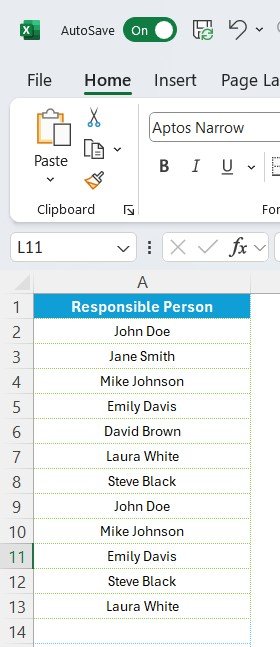
To simplify task allocation, the List Sheet Tab stores names of responsible individuals. This allows for easy selection in the main checklist table, ensuring accountability for every cybersecurity measure.
🛠 How to Use the Cybersecurity Checklist Template?
1️⃣ Download and Open the Template – Instantly access the structured cybersecurity checklist in Excel.
2️⃣ Customize Checklist Items – Add, remove, or modify security tasks to fit your business needs.
3️⃣ Assign Tasks & Deadlines – Use the dropdown to select responsible team members and set due dates.
4️⃣ Track Progress – Mark completed tasks as ✔ and monitor the progress bar for compliance tracking.
5️⃣ Review & Improve – Regularly update the checklist to align with new cybersecurity threats and best practices.
🚀 Benefits of Using This Cybersecurity Checklist
✔ Easy to Use & Fully Customizable – Modify tasks, deadlines, and assignments to fit your business security framework.
✔ Boost Cybersecurity Readiness – Stay ahead of cyber threats by systematically managing security protocols.
✔ Enhance Team Accountability – Assign tasks to specific team members and track progress effortlessly.
✔ Improve Compliance & Security Audits – Maintain a detailed record for industry compliance and security audits.
✔ Save Time & Reduce Security Risks – A structured checklist helps prevent oversights and potential breaches.
💡 Who Should Use This Cybersecurity Checklist?
This template is ideal for:
🔹 IT Security Teams
🔹 Business Owners
🔹 Compliance Officers
🔹 Cybersecurity Consultants
🔹 System Administrators
🔹 Data Protection Officers
Click hare to read the Detailed blog post
Visit our YouTube channel to learn step-by-step video tutorials
What’s Inside
- Summary cards at the top: total count, checked count, crossed count and a progress bar
- Checklist table with checklist item, description, responsible person, deadline, remarks and status columns
- Ready cybersecurity tasks such as software updates, backup strategy and firewall checks
- List sheet that holds the names for the Responsible Person dropdown
Compatibility and Requirements
- Works in Microsoft Excel desktop (Excel 2016 or later, or Microsoft 365).
- The Responsible Person column uses an Excel drop-down list. Microsoft explains how they work in Create a drop-down list.
Frequently Asked Questions
What does the Cybersecurity Checklist in Excel track?
It tracks security tasks such as software updates, backups and firewall checks, with a description, responsible person, deadline, remarks and a ✔ or ❌ status for each one.
How do I see overall progress?
Summary cards at the top count total, checked and crossed tasks, and the progress bar moves as you mark tasks complete.
Can I add my own security tasks?
Yes. You can add, remove or change checklist items so the list matches your own security framework.
How do I assign tasks to team members?
Add the names to the List sheet, then pick a name from the dropdown in the Responsible Person column and set a deadline.
Related Cybersecurity Templates
- Cybersecurity Review Checklist in Excel: a checklist for periodic security reviews
- Cybersecurity Tracking Checklist in Excel: another layout for tracking security tasks
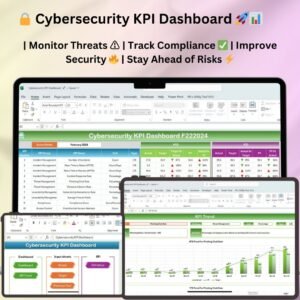
- Cybersecurity KPI Dashboard in Excel: track security KPIs with charts
- Cybersecurity KPI Dashboard in Google Sheets: security KPIs in a shared browser file
- IT and Cybersecurity Operations Bundle: a bundle of 8 Excel and Power BI templates
Browse all Excel checklists or the Excel IT templates.












Reviews
There are no reviews yet.