Managing team schedules, meetings, training sessions, and project milestones can become complicated when organizations rely on scattered spreadsheets or manual planning. Modern teams often work on multiple projects simultaneously, which makes proper coordination and scheduling extremely important. Without a structured planning system, teams may miss important deadlines, meetings, or performance review sessions.
The Team Performance Planning Calendar in Excel is a powerful and ready-to-use Excel template designed to help organizations manage team schedules and performance planning activities efficiently. This smart calendar tool allows teams to organize events, monitor schedules, and track important activities through dynamic calendar views and an automated event management system.
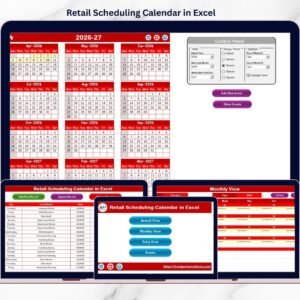
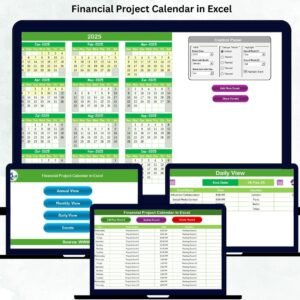
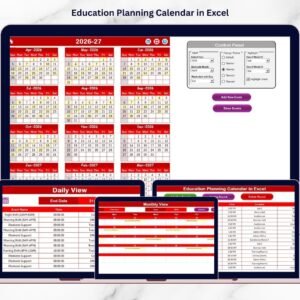
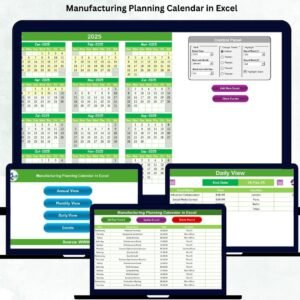
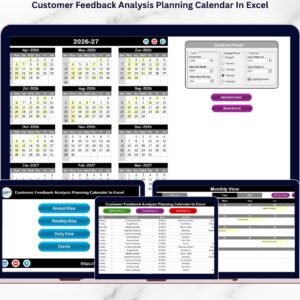
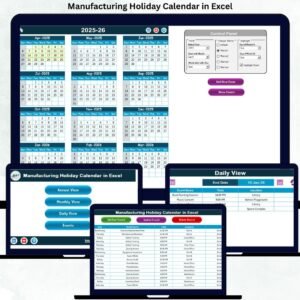
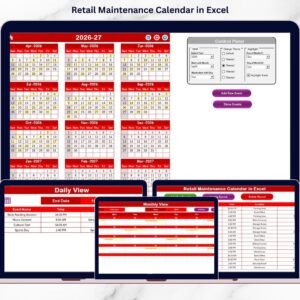
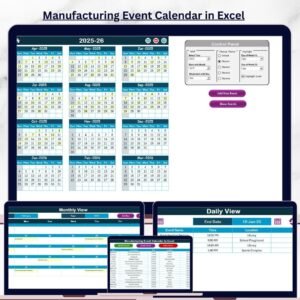
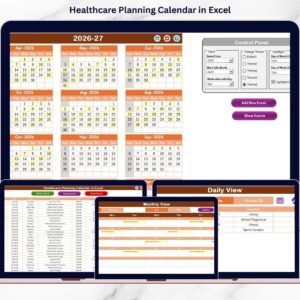
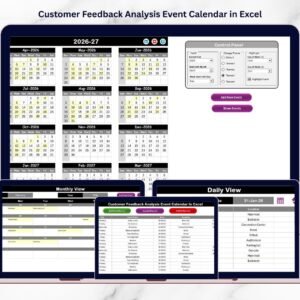
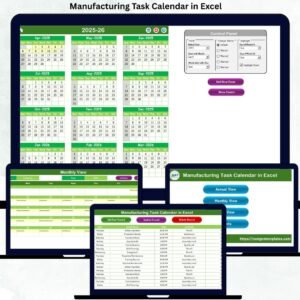
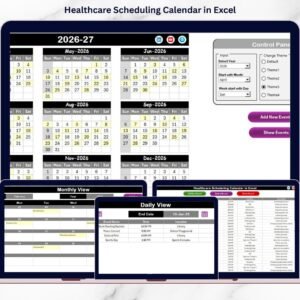
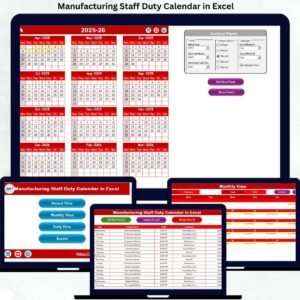
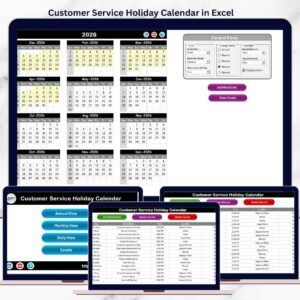
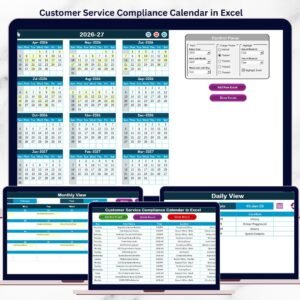
Because this template includes Annual View, Monthly View, and Daily View, users can easily plan long-term activities, monitor monthly schedules, and track events within specific date ranges. In addition, the template provides automated event forms and a centralized event database, making event management simple and efficient.
With this structured planning system, managers can schedule performance reviews, project milestones, training sessions, team meetings, and internal events without confusion. As a result, teams stay organized, productivity improves, and coordination becomes much easier.
🚀 Key Features of Team Performance Planning Calendar in Excel
📅 Dynamic Annual Planning Calendar
View the complete yearly calendar on a single page and monitor important events across all 12 months.
📆 Detailed Monthly Planning View
Analyze schedules for a specific month and easily track meetings, milestones, and team activities.
📋 Daily Event List View
View events in a structured list format based on a selected date range for better planning and tracking.
⚡ Automated Event Management System
Add, update, and delete events easily using built-in event forms and automated database management.
🎨 Customizable Calendar Themes
Choose from multiple color themes to customize the calendar design according to your preference.
📊 Highlight Important Days and Events
Highlight specific weekdays such as weekends and mark event dates in different colors for quick visibility.
🧭 User-Friendly Navigation Dashboard
The Home sheet includes navigation buttons that allow users to quickly jump to different calendar views.
📂 Centralized Event Database
All events are stored in a structured database that includes event name, time, location, and description.
📝 Add, Update, and Delete Event Records
Users can easily manage event records through simple buttons that update the event database automatically.
⚙ Flexible Calendar Customization
Users can change the year, starting month, and first day of the week to customize the calendar settings.
📦 What’s Inside the Team Performance Planning Calendar
This Excel template contains five structured worksheets designed to manage team schedules and events efficiently.
1️⃣ Home Sheet – Navigation Dashboard
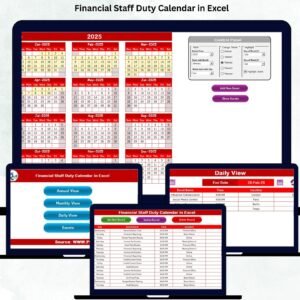
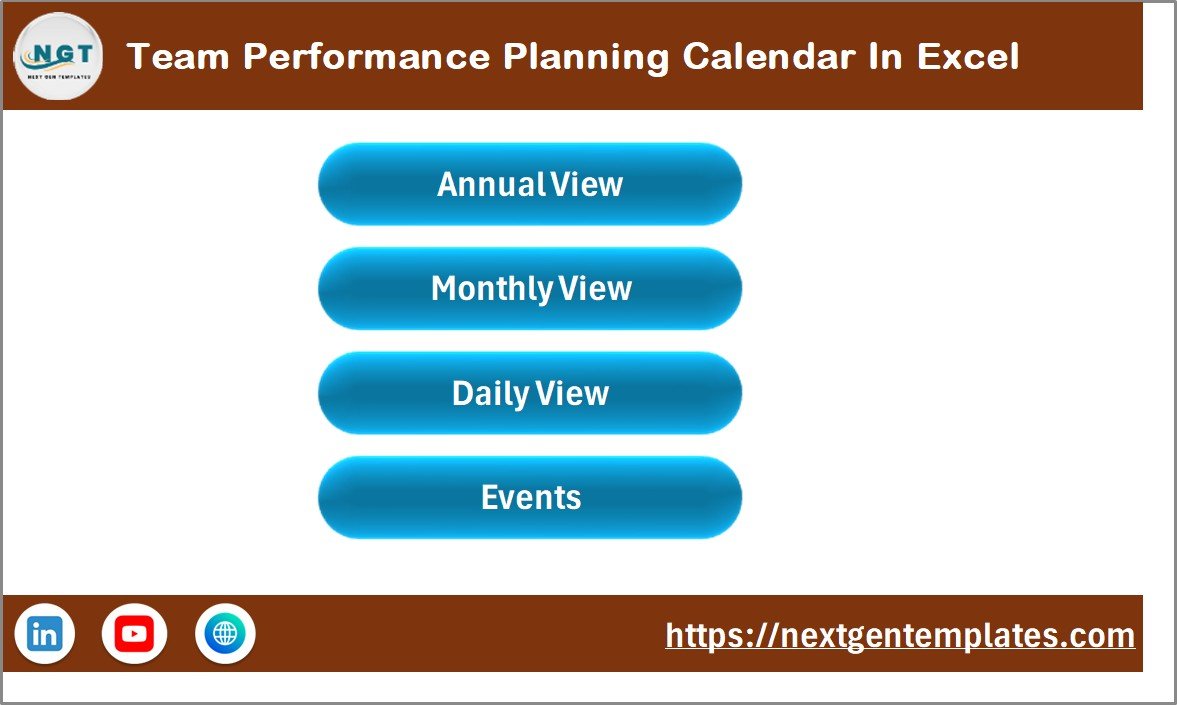
The Home Sheet acts as the main navigation page of the workbook.
It includes four buttons that allow users to quickly access:
-
Annual View
-
Monthly View
-
Daily View
-
Events Sheet
This structured navigation improves usability and saves time when switching between different calendar views.
2️⃣ Annual View Sheet – Yearly Planning
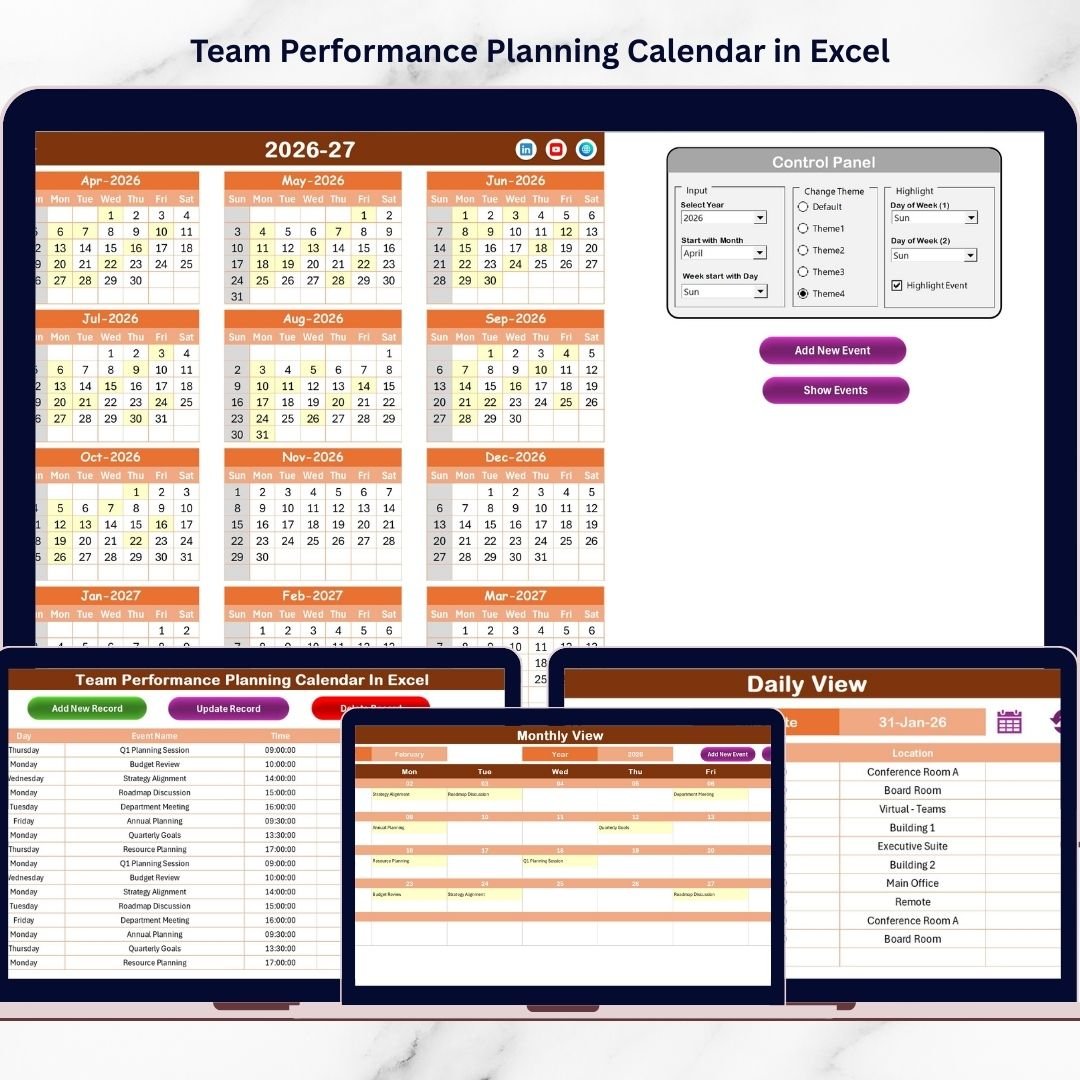
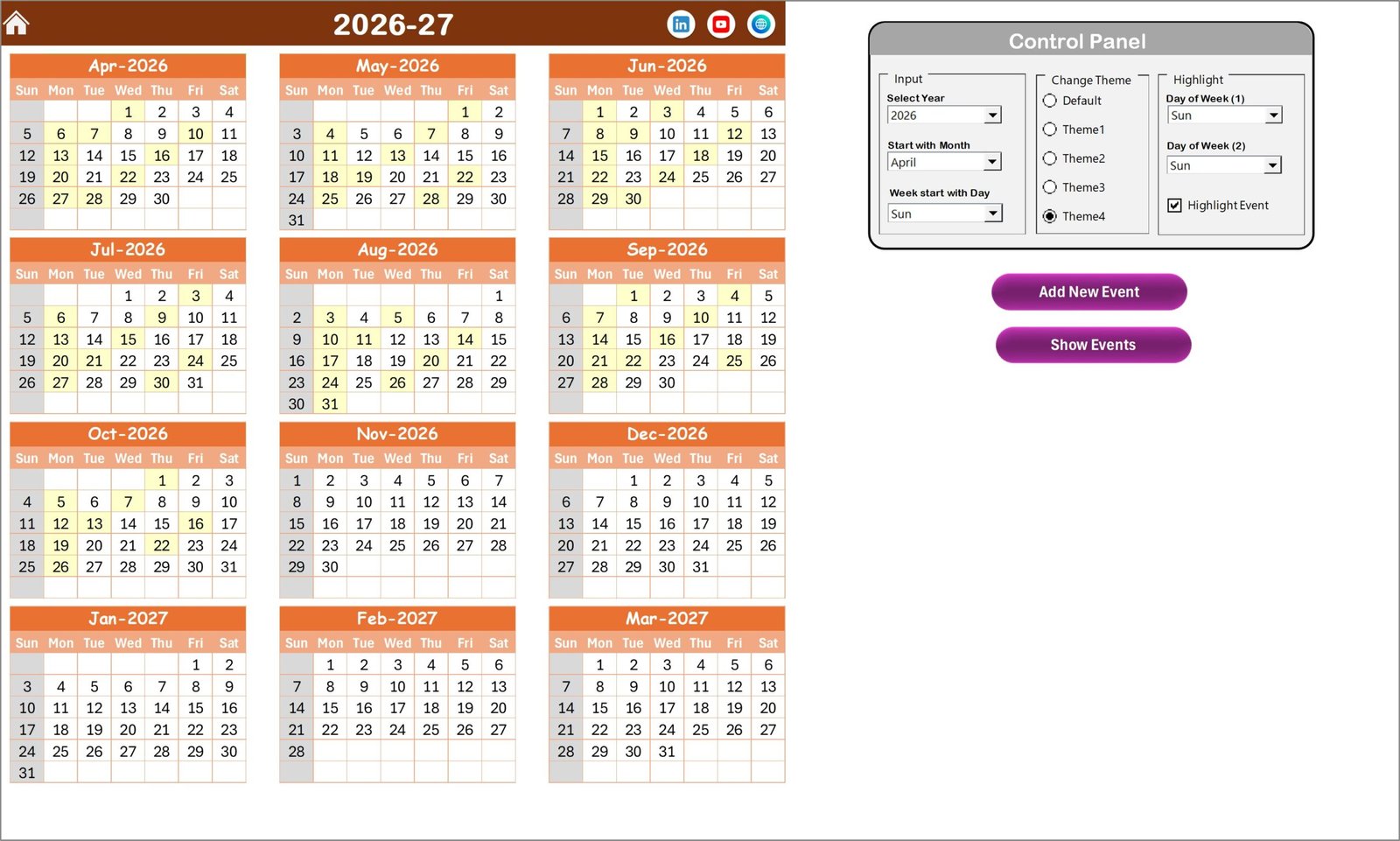
The Annual View Sheet displays the entire calendar year on one page.
Users can easily monitor events across all months.
The sheet includes a Control Panel that allows users to customize the calendar.
Control panel features include:
-
Select Year
-
Select Starting Month
-
Select First Day of Week
Additional customization options:
🎨 Change Theme – Choose from five available themes.
📅 Highlight Group – Highlight specific weekdays or weekends.
⭐ Highlight Event – Automatically highlight event dates.
Event management buttons available:
➕ Add New Event – Add events directly from the calendar.
👁 Show Event – View events scheduled for the selected date.
3️⃣ Monthly View Sheet – Detailed Monthly Calendar
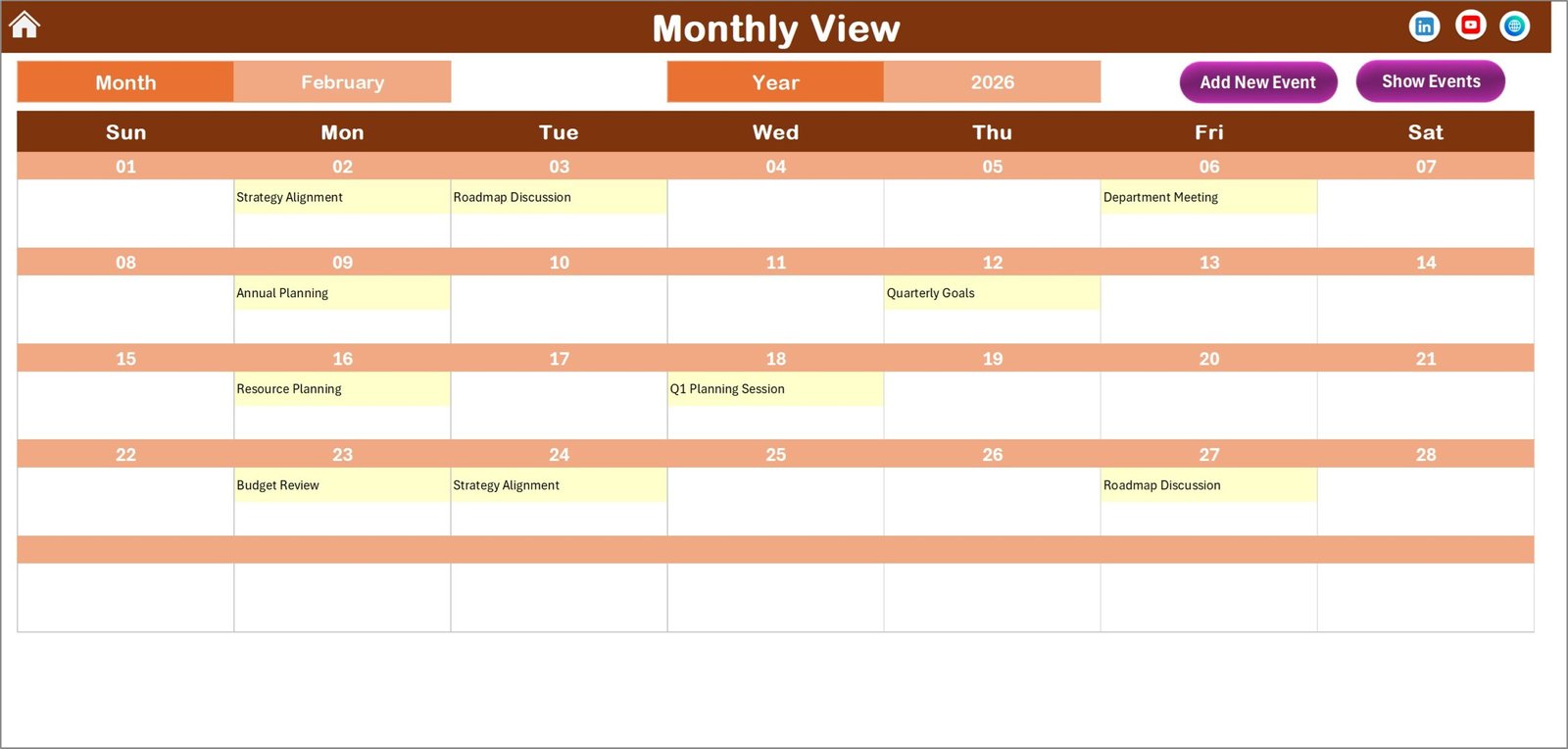
The Monthly View Sheet displays a detailed calendar for a selected month.
Users can choose:
-
Month
-
Year
The calendar updates automatically.
If multiple events exist on the same date, the calendar displays a message:
“More than 1…”
This keeps the calendar layout clean and easy to read.
Users can also add and view events using:
➕ Add New Event Button
👁 Show Event Button
4️⃣ Daily View Sheet – Event List by Date Range
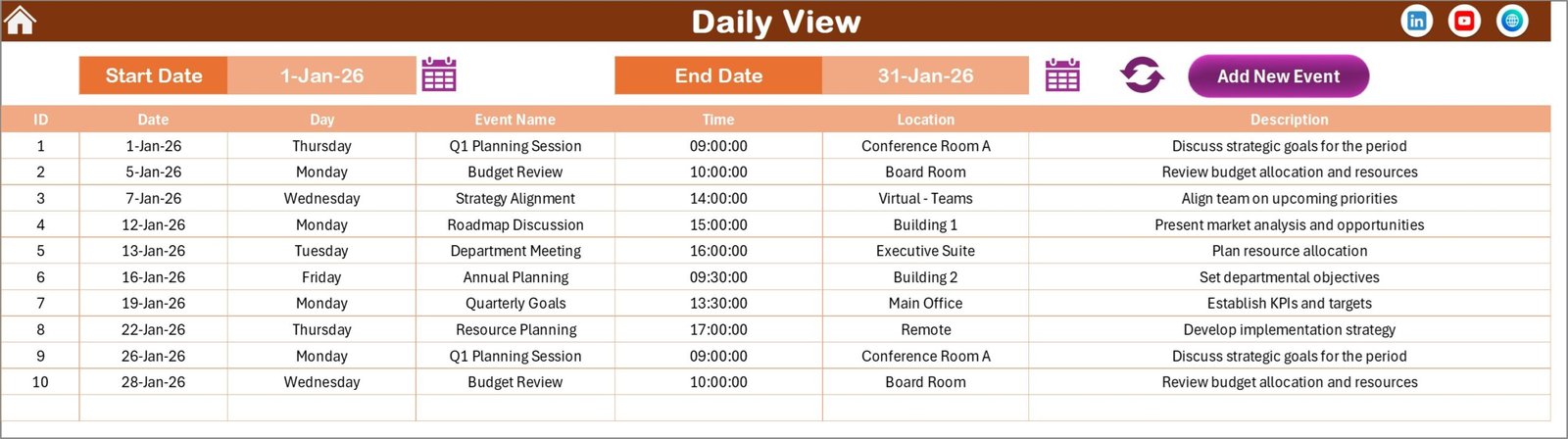
The Daily View Sheet provides a list view of events for a selected date range.
Users can select:
-
Start Date
-
End Date
After selecting the dates, clicking the Refresh Button displays all events within the selected period.
This feature helps managers review upcoming schedules and analyze team planning activities.
5️⃣ Events Sheet – Event Database
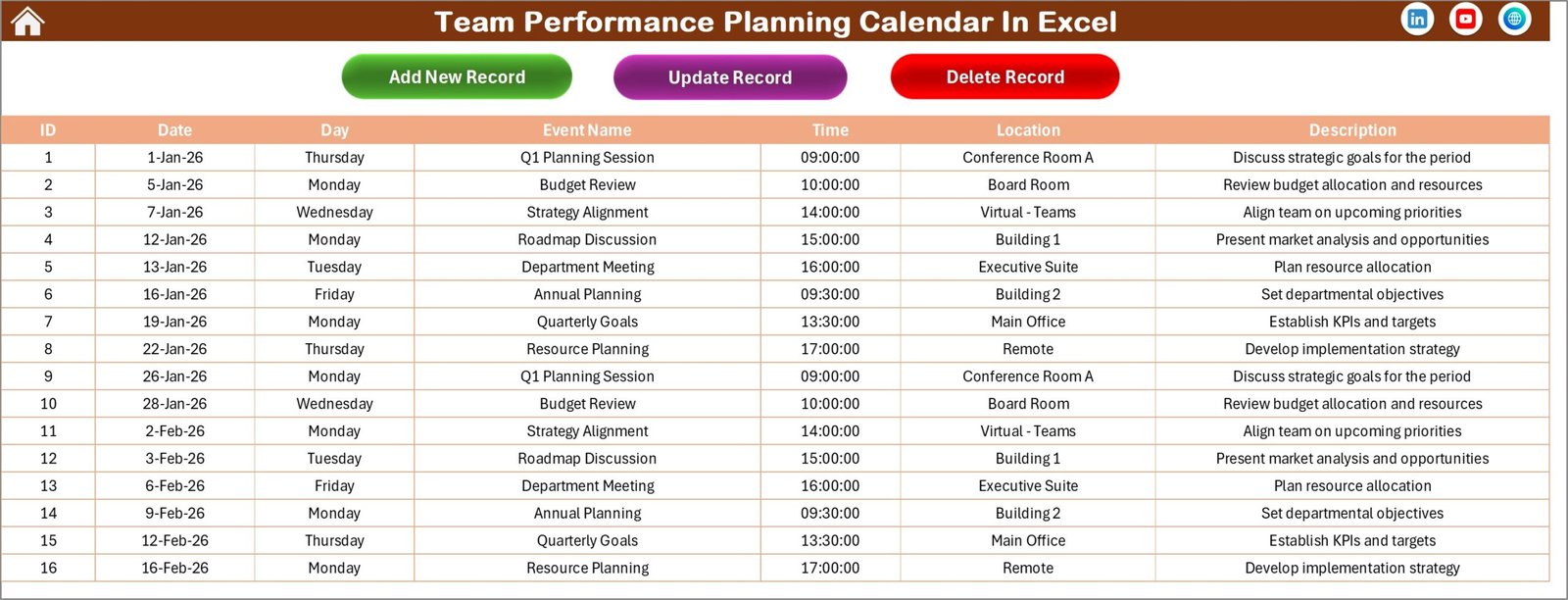
The Events Sheet acts as the main database where all event information is stored.
Each event record includes:
-
ID (Auto Generated)
-
Date
-
Day
-
Event Name
-
Time
-
Location
-
Description
The sheet also includes event management buttons:
➕ Add New Record
✏ Update Existing Record
❌ Delete Record
These tools make event management fast and easy.
🛠 How to Use the Team Performance Planning Calendar
Using this calendar template is simple and requires minimal setup.
1️⃣ Open the Excel workbook and navigate to the Home Sheet.
2️⃣ Configure calendar settings such as year and start day.
3️⃣ Add important team events using the Add New Event button.
4️⃣ Use the Annual, Monthly, or Daily views to monitor schedules.
5️⃣ Update or delete events from the Events Sheet whenever required.
This system ensures that team schedules remain organized and easy to manage.
👨💼 Who Can Benefit from This Team Performance Planning Calendar?
This calendar is useful for many professionals and organizations.
👨💼 Team Managers – Plan meetings, reviews, and team activities.
🏢 HR Departments – Schedule training programs and performance evaluations.
📊 Project Managers – Track project milestones and deadlines.
👩💻 Business Teams – Coordinate internal events and planning sessions.
🏫 Training Coordinators – Schedule learning programs and workshops.
🚀 Startups and Small Businesses – Organize team schedules and activities efficiently.
Click here to read the Detailed blog post
Visit our YouTube channel to learn step-by-step video tutorials
👉 YouTube Channel: https://youtube.com/@PKAnExcelExpert