

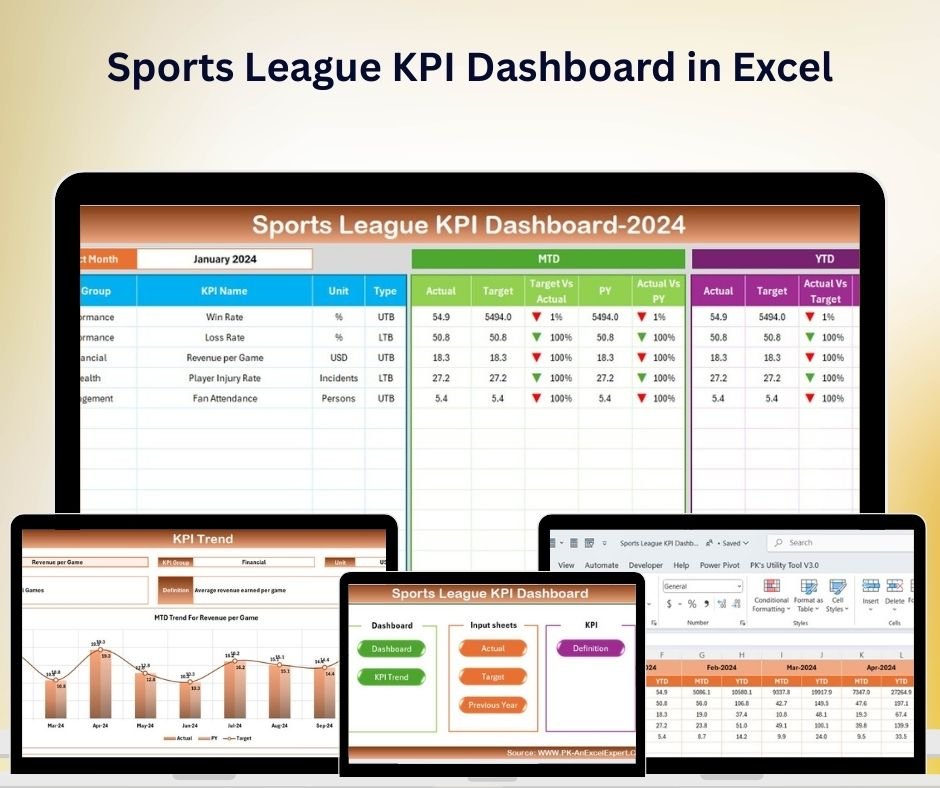
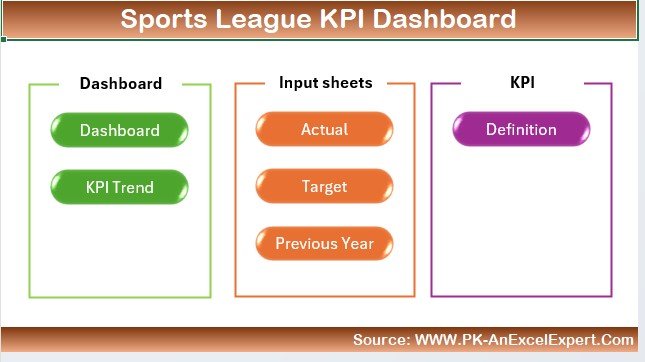
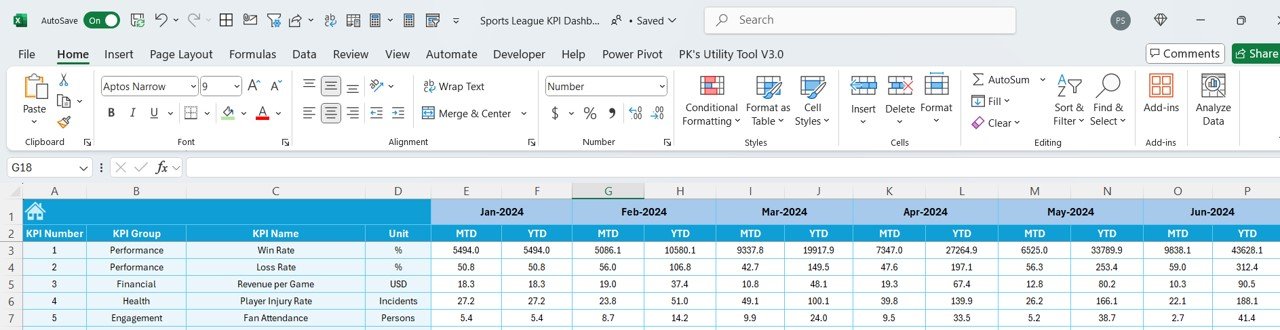
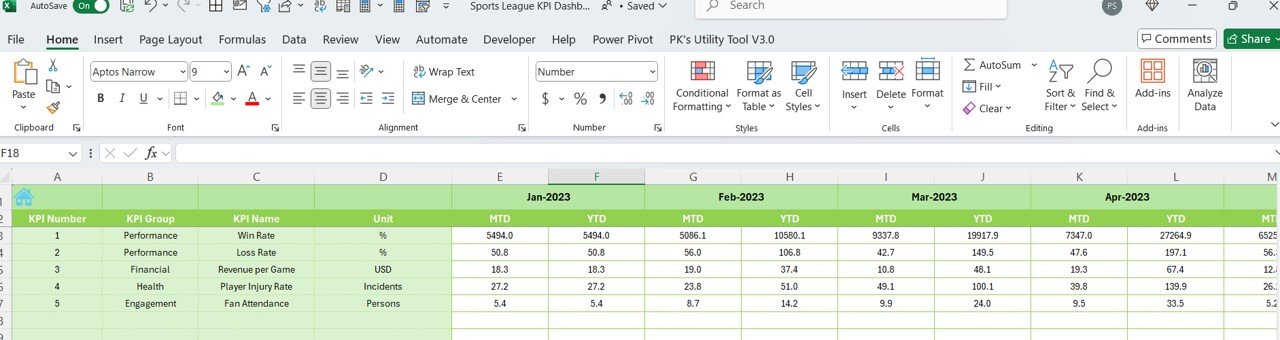
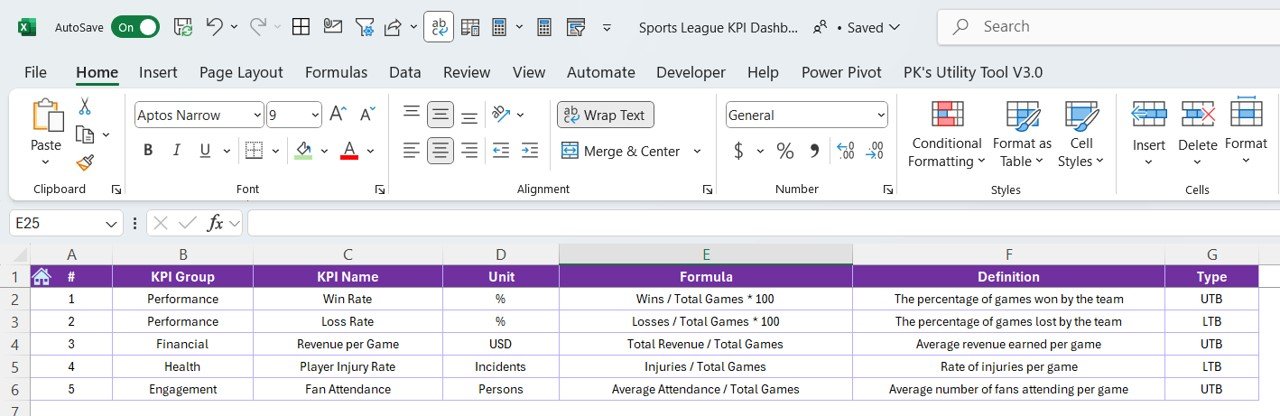

The Sports League KPI Dashboard in Excel is a comprehensive and powerful tool designed for sports managers, team coaches, and league organizers to track and analyze key performance indicators (KPIs) related to team and player performance. This Excel-based dashboard allows you to monitor essential metrics such as win-loss records, player statistics, team rankings, and game performance over time, making it easier to manage and improve your league’s operations.
Whether you’re managing a local sports league or overseeing a professional team, this KPI dashboard provides a clear overview of all the key data points you need to track. It helps you make informed decisions about team strategies, player development, and overall league performance, all while ensuring that every aspect of the league’s operations runs smoothly.
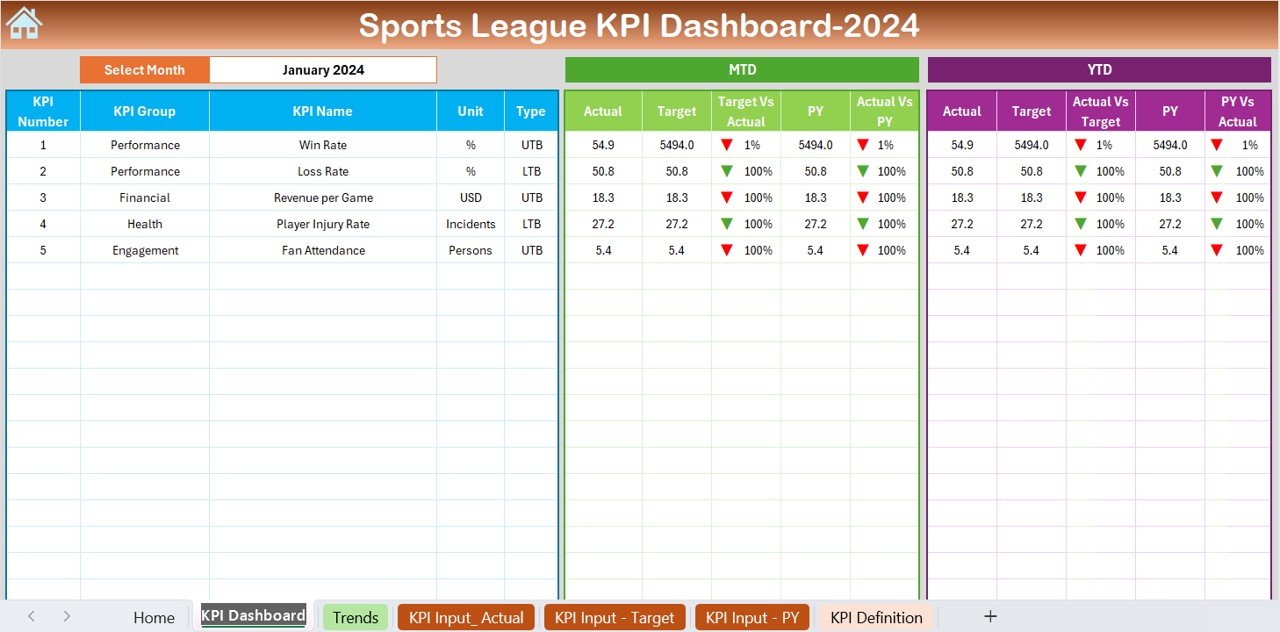
Key Features of the Sports League KPI Dashboard in Excel
📊 Comprehensive Player & Team Stats
Track key player stats such as goals, assists, penalties, and more. Monitor overall team performance, including win-loss ratios and points scored, to assess team success over the course of the season.
📈 Team & Player Performance Analysis
Use data visualizations and charts to evaluate the performance of individual players and teams. Compare statistics like win percentage, average points per game, and player efficiency to identify strengths and weaknesses.
🏆 League Standings & Rankings
Stay on top of league standings and team rankings, with real-time updates based on game results. Track team performance across various periods (daily, weekly, monthly) to see how rankings evolve over time.
📅 Match Results Tracking
Track match results and key metrics such as final scores, home vs. away performance, and margin of victory. This data helps analyze team consistency and individual game performance.
⚙️ Customizable KPIs & Metrics
The dashboard allows you to adjust KPIs based on the needs of your league. Whether you’re tracking specific player attributes or additional team performance metrics, you can tailor the dashboard to your league’s unique requirements.
📈 Real-Time Performance Visualization
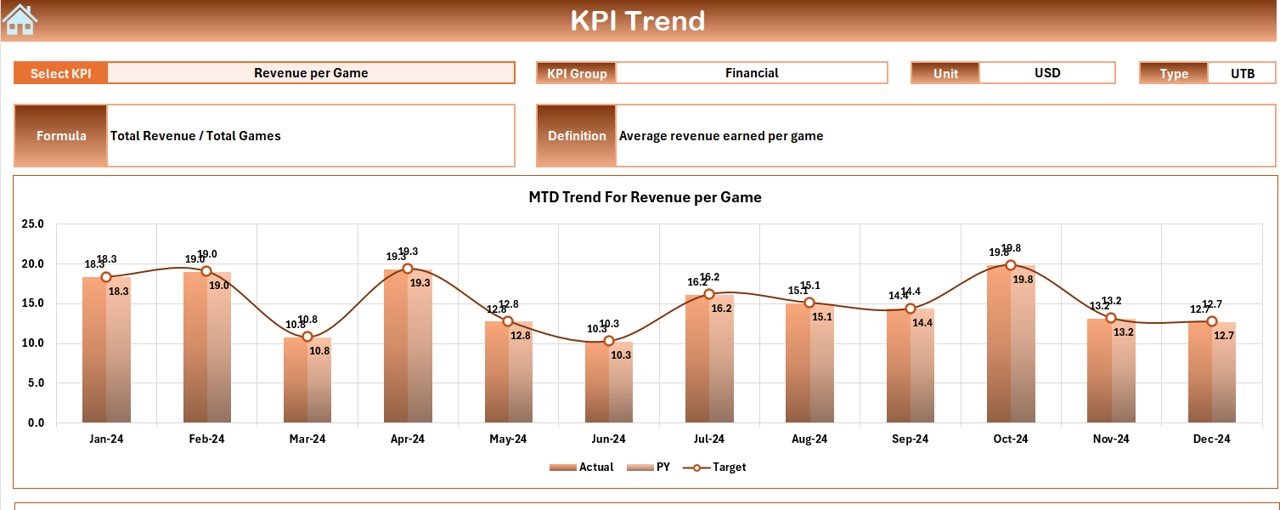
Leverage dynamic charts and graphs to visualize player and team data. Monitor trends, compare performance across different games, and identify patterns that can help improve overall league outcomes.
Why You’ll Love the Sports League KPI Dashboard in Excel
✅ Track Player & Team Performance
Monitor key stats and track performance metrics to evaluate the success of your teams and players. Make strategic decisions based on data-driven insights.
✅ Improve Team Strategies
Analyze game performance and team rankings to identify areas for improvement. Optimize training programs and in-game strategies to enhance overall team success.
✅ Make Data-Driven Decisions
Use real-time data to make informed decisions about player development, game tactics, and league operations, ultimately boosting overall team performance.
✅ Boost Fan Engagement
With clear and engaging performance visuals, you can keep fans and team members updated on the league standings, individual achievements, and upcoming match schedules.
✅ Customizable & Scalable
Whether you’re managing a small league or a large professional sports team, the dashboard is highly customizable and scalable to meet your specific needs.
What’s Inside the Sports League KPI Dashboard in Excel?
Player & Team Performance Stats: Track key stats such as goals, assists, win percentages, and points scored.
League Standings & Rankings: Monitor the rankings and standings of all teams in the league.
Match Results & Scores: Track game scores, home vs. away performance, and margin of victory.
Real-Time Data Visualization: Visualize player stats and team performance through dynamic charts.
Customizable KPIs: Tailor the dashboard to include the most relevant performance metrics for your league.
Time-Based Performance Analysis: Track performance trends and changes over time to evaluate improvement.
How to Use the Sports League KPI Dashboard in Excel
1️⃣ Download the Template: Instantly access the Sports League KPI Dashboard in Excel.
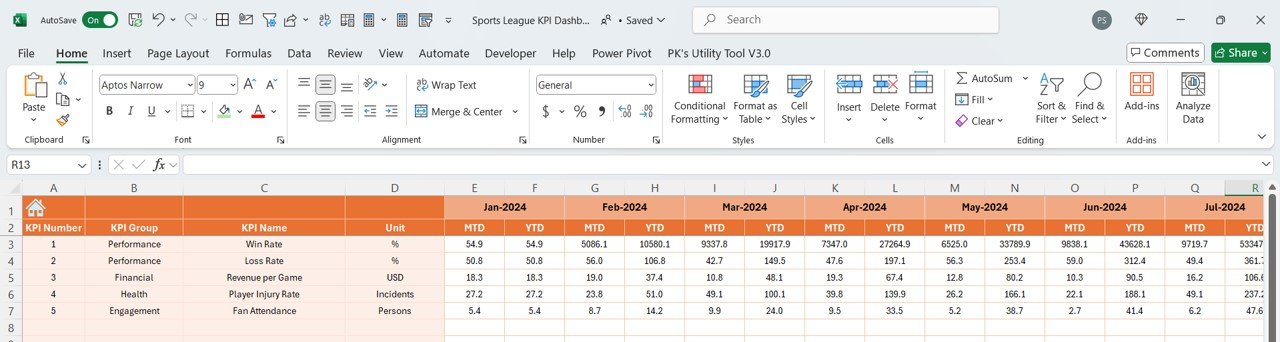
2️⃣ Input Team & Player Data: Enter the relevant player and team data, including game results and performance stats.
3️⃣ Track Team Performance: Use the dashboard to track win-loss records, team rankings, and individual performance.
4️⃣ Analyze Trends & Data: Use time-based analysis to compare team and player performance over different periods.
5️⃣ Make Strategic Decisions: Use insights from the dashboard to improve team strategies, player training, and overall league management.
Who Can Benefit from the Sports League KPI Dashboard in Excel?
🔹 Sports Managers & Team Coaches
🔹 League Organizers & Administrators
🔹 Data Analysts in Sports
🔹 Professional & Amateur Sports Leagues
🔹 Athletic Directors & Coordinators
🔹 Players & Performance Coaches
🔹 Sports Enthusiasts & Fans
Ensure that your sports league is running at its best with the Sports League KPI Dashboard in Excel. Track performance metrics, monitor league standings, and make data-driven decisions to enhance team success and overall league operations.
Click here to read the Detailed blog post
Visit our YouTube channel to learn step-by-step video tutorials
Youtube.com/@PKAnExcelExpert
Compatibility and Requirements
- Works in Microsoft Excel desktop (Excel 2016 or later, or Microsoft 365).
- The dashboard uses charts to show player and team performance. Microsoft explains how to build them in Create a chart from start to finish.
Frequently Asked Questions
What can I track with this dashboard?
You can track player stats such as goals, assists and penalties, team win-loss records, points scored, league standings, team rankings and match results.
Does it show match results?
Yes. It tracks final scores, home vs. away performance and margin of victory for each game.
Can I change the KPIs?
Yes. You can adjust the KPIs to fit your league, for example by tracking specific player attributes or extra team performance metrics.
Can I see how performance changes over time?
Yes. The dashboard includes time-based analysis, so you can compare team and player performance across daily, weekly and monthly periods.
Is there a Power BI or Google Sheets version?
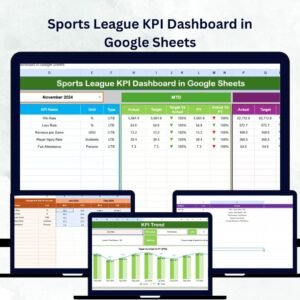
Yes. See the Sports League KPI Dashboard in Power BI and the Sports League KPI Dashboard in Google Sheets.
Related Sports Templates
- Sports League KPI Dashboard in Power BI: the same league KPIs in Power BI
- Sports League KPI Dashboard in Google Sheets: the Google Sheets edition
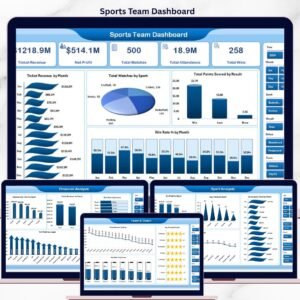
- Sports Team Dashboard in Excel: a dashboard focused on a single team
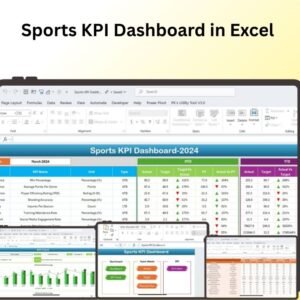
- Sports KPI Dashboard in Excel: general sports KPIs in Excel
- Fantasy Sports League Management System Web App: a web app for running a fantasy league
Browse all Excel KPI dashboards.




















Reviews
There are no reviews yet.