


Manufacturing delays rarely happen because of one big mistake—they usually happen because of missed dates, overlapping tasks, poor visibility, or manual tracking errors. When schedules are not clearly planned, production costs rise, maintenance gets delayed, and customer delivery dates slip.
That is exactly why the Manufacturing Scheduling Calendar in Excel is a must-have digital tool for modern manufacturing teams 🚀.
This ready-to-use Excel-based calendar gives you complete control over production schedules, maintenance events, shifts, and key manufacturing activities—all in a familiar Excel environment. No complex software, no coding, and no learning curve. Just open Excel and start planning smarter.
Designed for plant managers, production planners, supervisors, and operations teams, this calendar transforms raw scheduling chaos into clear, visual, and structured planning.
✅ Key Features of Manufacturing Scheduling Calendar in Excel
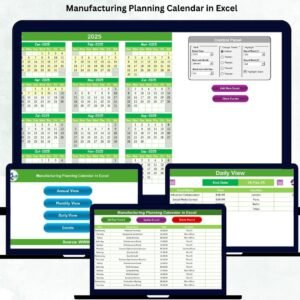
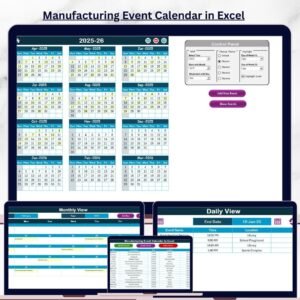
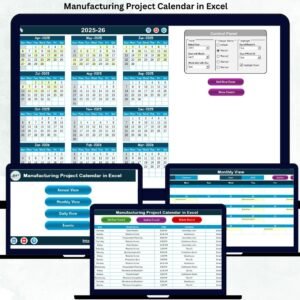
📅 Multi-View Planning System
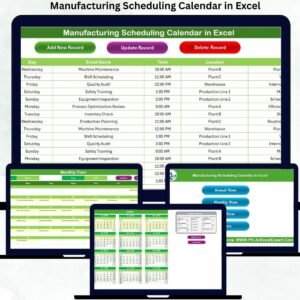
Plan and track manufacturing activities using Annual, Monthly, and Daily views, all connected to one central database.
🎛️ Dynamic Control Panel
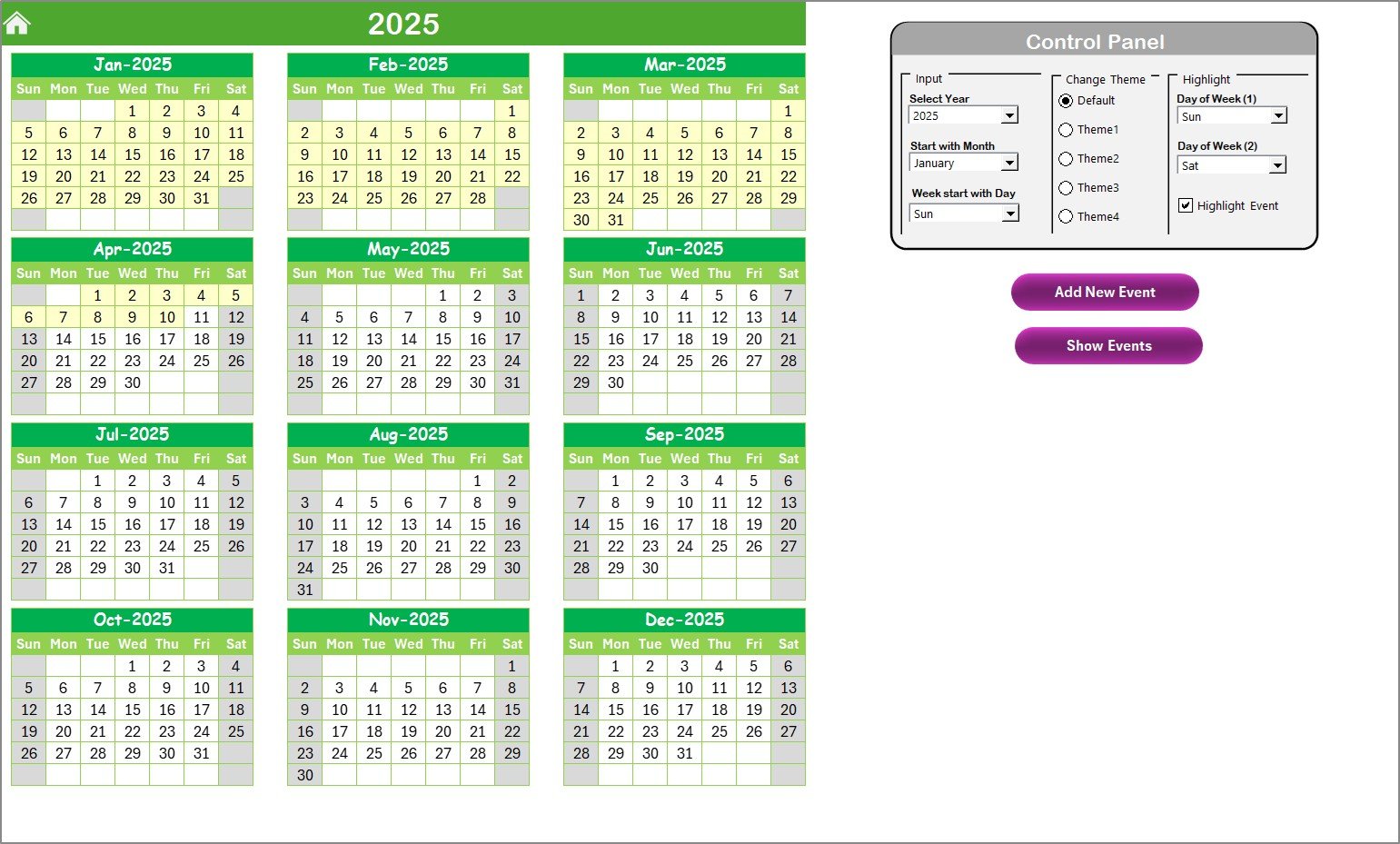
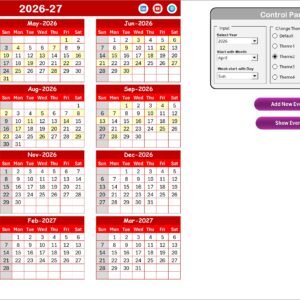
Change the year, starting month, and starting weekday instantly to match your regional or company standards.
🎨 Multiple Color Themes
Switch between professionally designed themes to improve readability and visual clarity for different teams.
🗓️ Event Highlighting System
Automatically highlight weekends, selected weekdays, and event days so that important dates never go unnoticed.
📝 Easy Event Entry Forms
Add, update, or delete production events using user-friendly forms—no formulas required.
🔍 Instant Event Visibility
View scheduled events directly on the calendar or fetch complete event details using the Show Event button.
📂 Centralized Event Database
All events are stored in a dedicated Events sheet, ensuring data consistency across all calendar views.
📦 What’s Inside the Manufacturing Scheduling Calendar in Excel
This digital product includes five powerful worksheets, each designed for a specific scheduling purpose:
🏠 Home Sheet (Index Page)
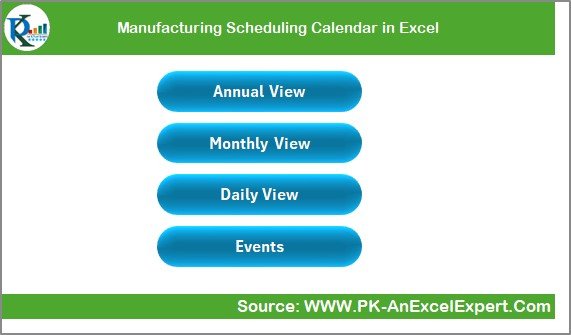
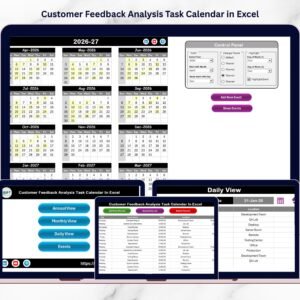
A clean navigation dashboard with one-click buttons to access Annual, Monthly, Daily, and Events views.
📆 Annual View Sheet
View all 12 months on a single screen, perfect for long-term production planning and capacity forecasting.
🗓️ Monthly View Sheet
Focus on a specific month with clear visibility of daily events and indicators for multiple activities.
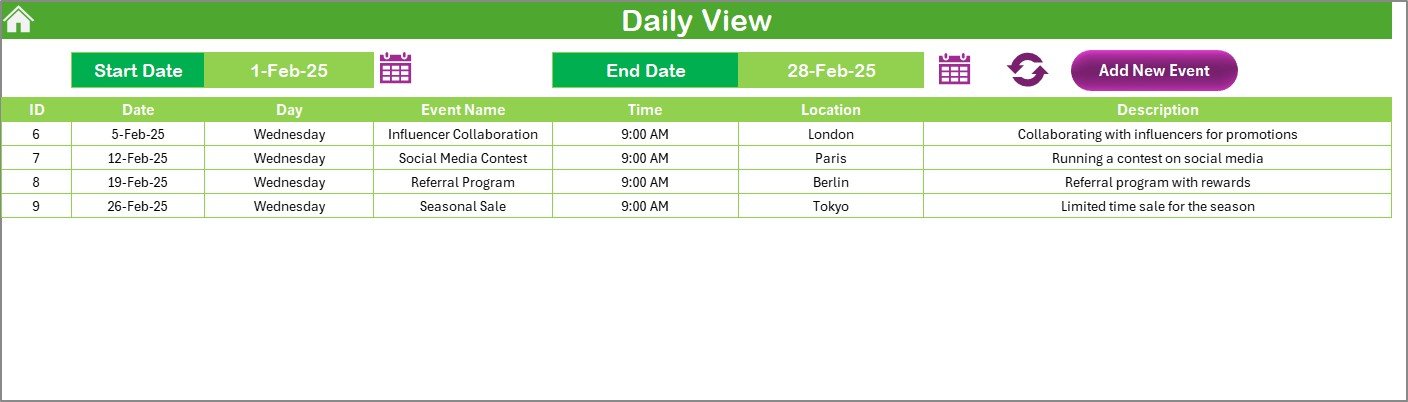
📋 Daily View Sheet
Analyze events within a selected date range to manage shifts, machine schedules, and daily tasks efficiently.
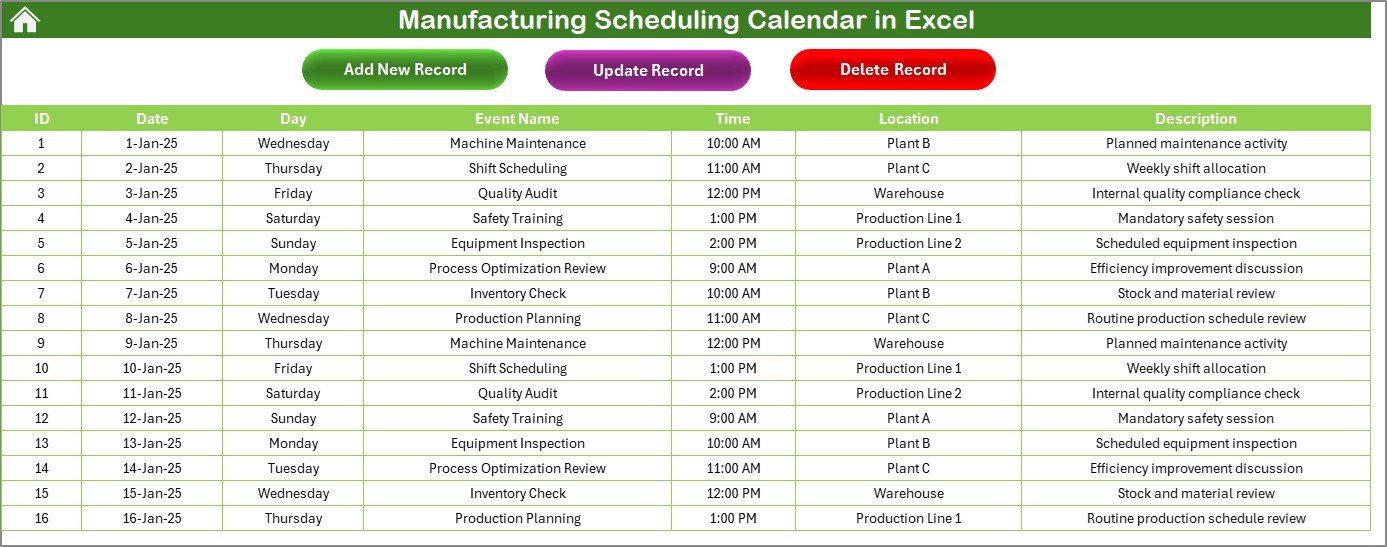
🗄️ Events Sheet (Database)
A structured database storing Event ID, Date, Day, Event Name, Time, Location, and Description—all auto-linked to calendar views.
🛠️ How to Use the Manufacturing Scheduling Calendar in Excel
Using this calendar is simple and intuitive—even for users with basic Excel knowledge ✅
1️⃣ Open the Excel file and go to the Home Sheet
2️⃣ Navigate to Annual, Monthly, or Daily View as needed
3️⃣ Click Add New Event, select a date, and fill the event form
4️⃣ Submit the form—your event appears instantly
5️⃣ Use Show Event to view event details
6️⃣ Update or delete events anytime from the Events Sheet
Because everything is automated and connected, your calendar updates instantly across all views.
👥 Who Can Benefit from This Product
🏭 Manufacturing Plant Managers – Gain full visibility of production and maintenance schedules
📊 Production Planners – Plan workloads without conflicts or overlap
👨🏭 Supervisors & Shift Managers – Track daily activities and assignments clearly
🔧 Maintenance Teams – Schedule preventive and breakdown maintenance efficiently
🏢 Small to Large Manufacturers – Replace manual planners and costly tools
📈 Operations & Quality Teams – Plan audits, inspections, and shutdowns with confidence
Whether you manage a small unit or a large factory, this calendar scales with your operations.
🔗 Click here to read the Detailed Blog Post
Watch the step-by-step video tutorial:
👉 Visit our YouTube channel to learn step-by-step video tutorials:
YouTube.com/@PKAnExcelExpert

















Reviews
There are no reviews yet.