
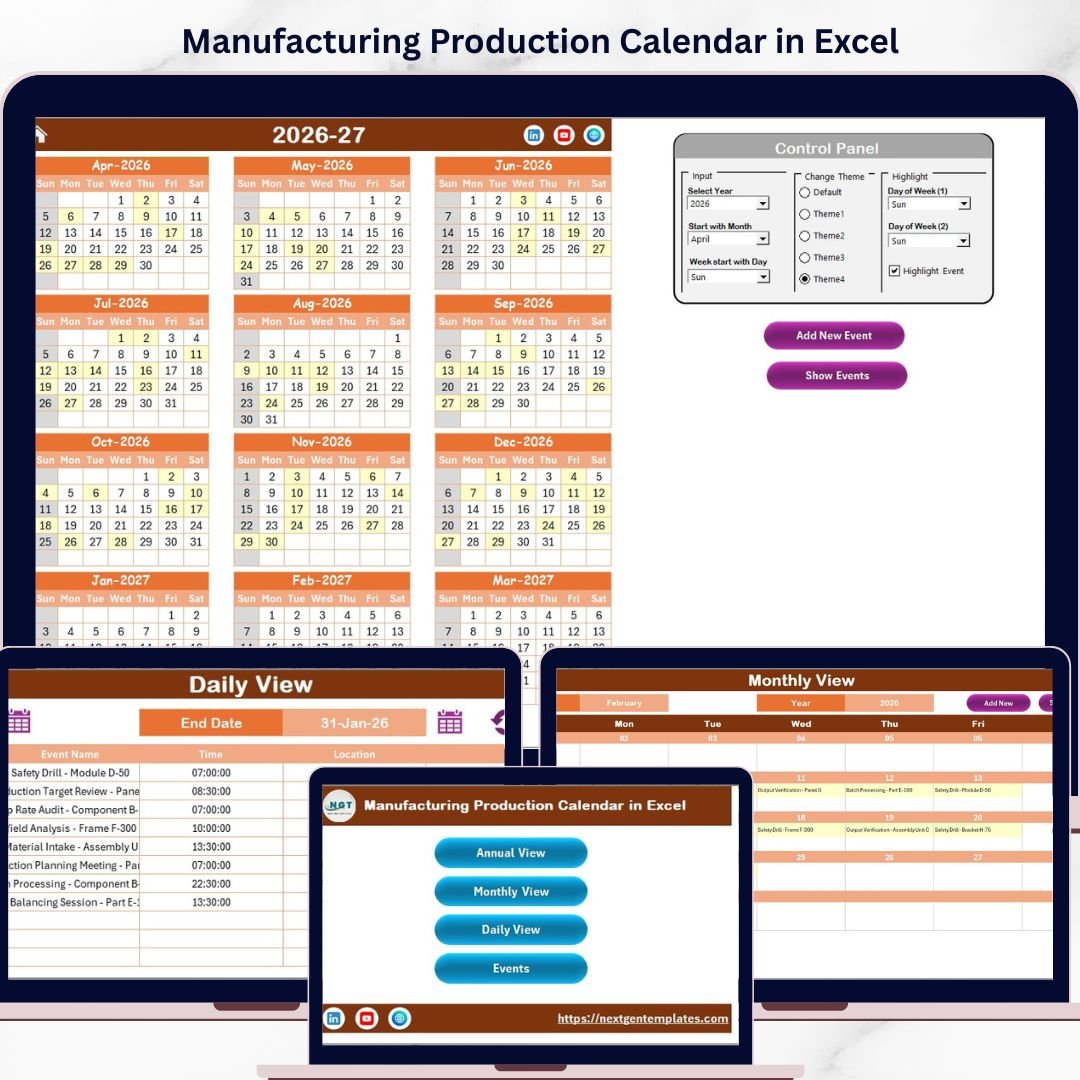
Key Features of Manufacturing Production Calendar in Excel
Discover the ultimate Manufacturing Production Calendar in Excel, designed to streamline your production planning and event management with ease and precision. This ready-to-use Excel template comes packed with powerful features, making it an indispensable tool for manufacturers, production managers, and planners.
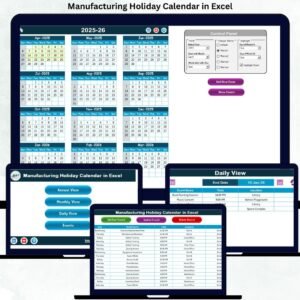
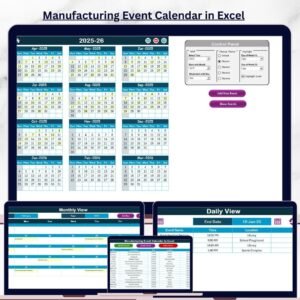
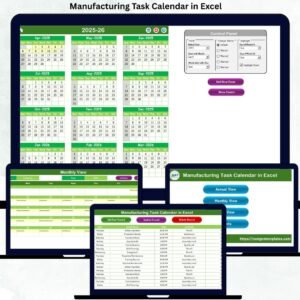
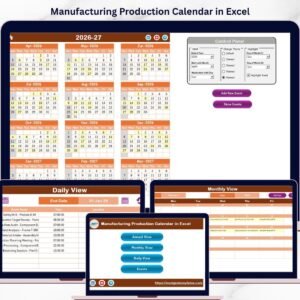
- 📅 Comprehensive 5 Worksheet Design: Navigate effortlessly between the Home, Annual View, Monthly View, Daily View, and Events sheets, each tailored for specific production scheduling needs.
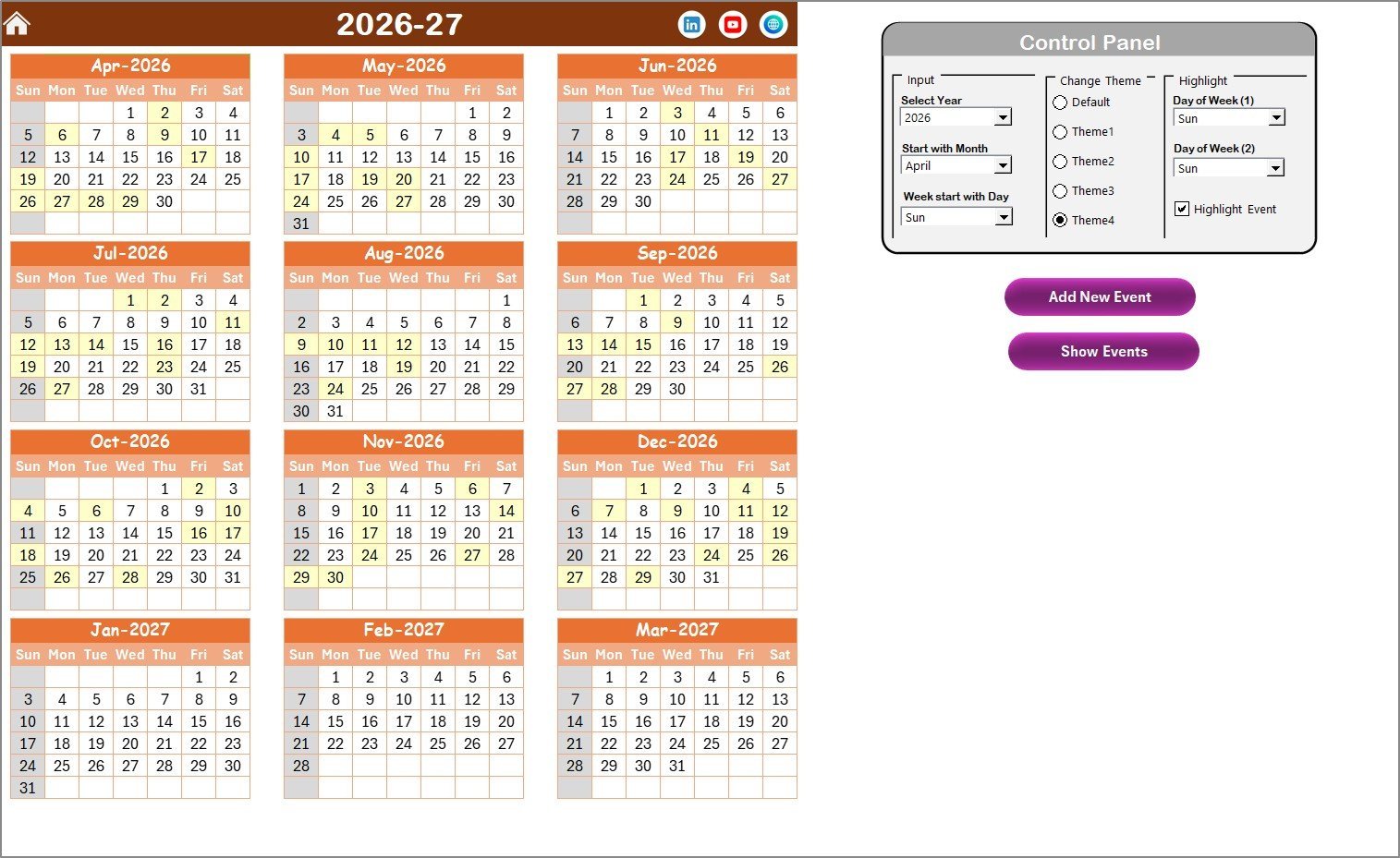
- 🕹️ Control Panel for Customization: Easily select the year, starting month, and starting day of the week to customize your calendar. Choose from 5 vibrant color themes to match your company’s branding or personal preference.
- 🌈 Highlighting Capabilities: Highlight specific days of the week (e.g., weekends) and events for quick visual reference. Events appear in yellow on the Annual View calendar, ensuring important dates stand out.
- ➕ Add and Manage Events: Add new events through simple forms accessible in all calendar views. Quickly view events on any selected date with convenient Show Event buttons.
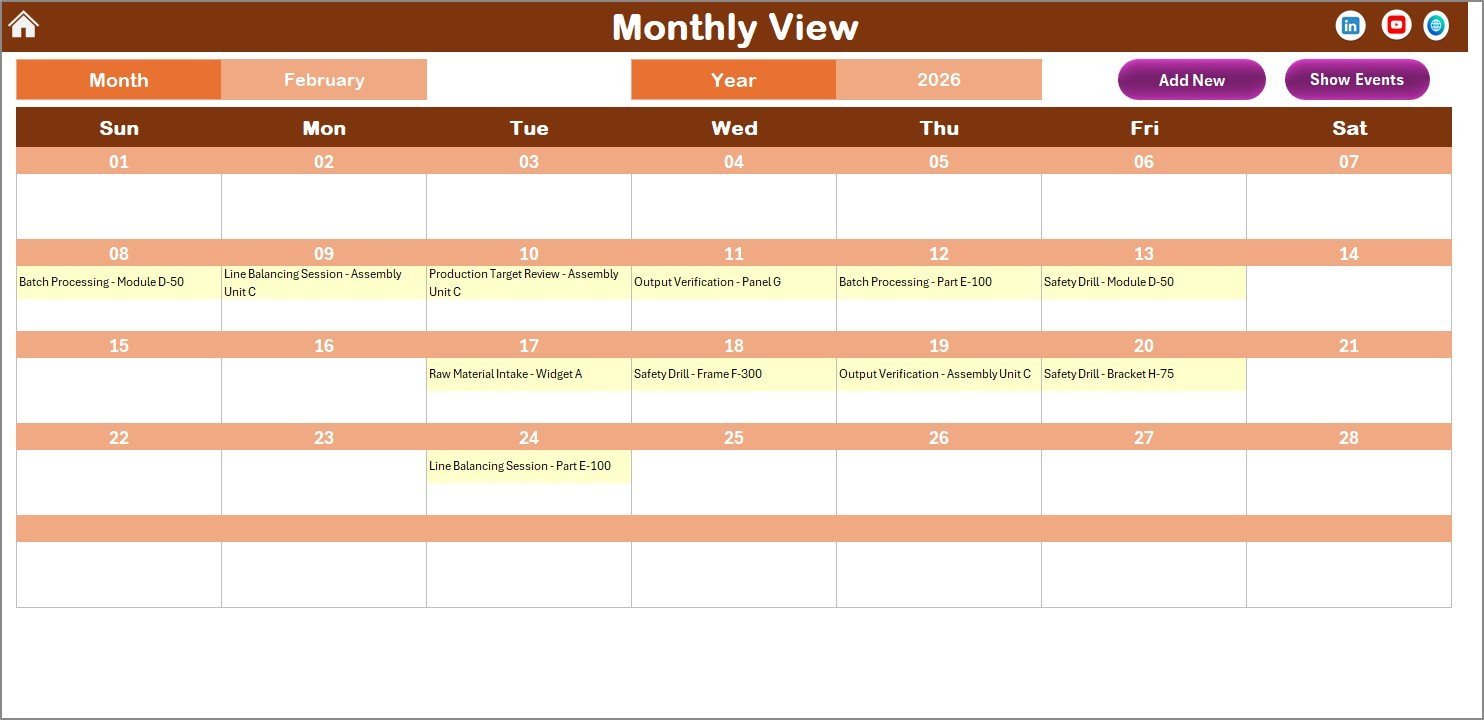
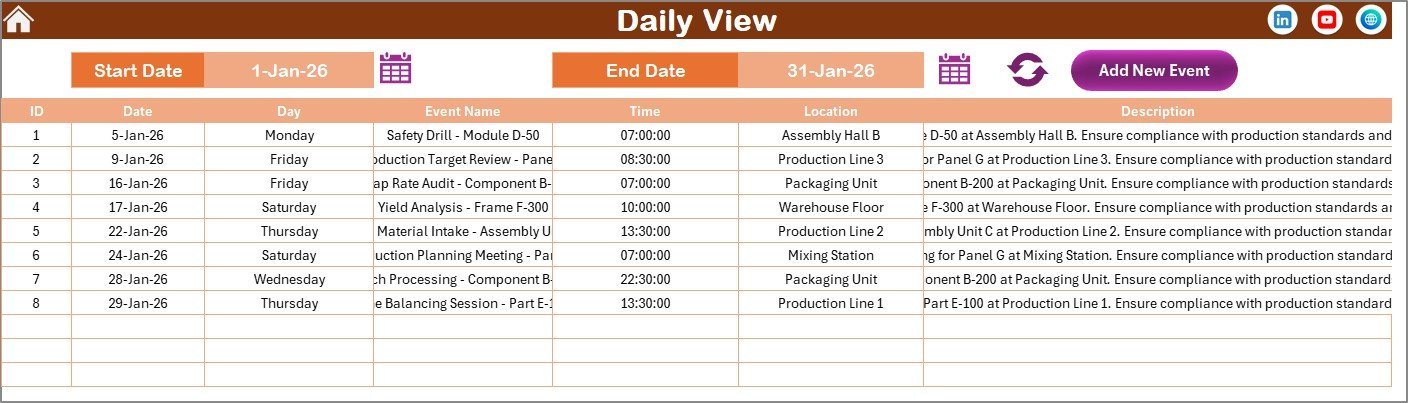
- 📆 Multiple Viewing Options: Annual view displays all 12 months at once, Monthly View focuses on a single month with event summaries, and Daily View provides detailed event lists across a date range.
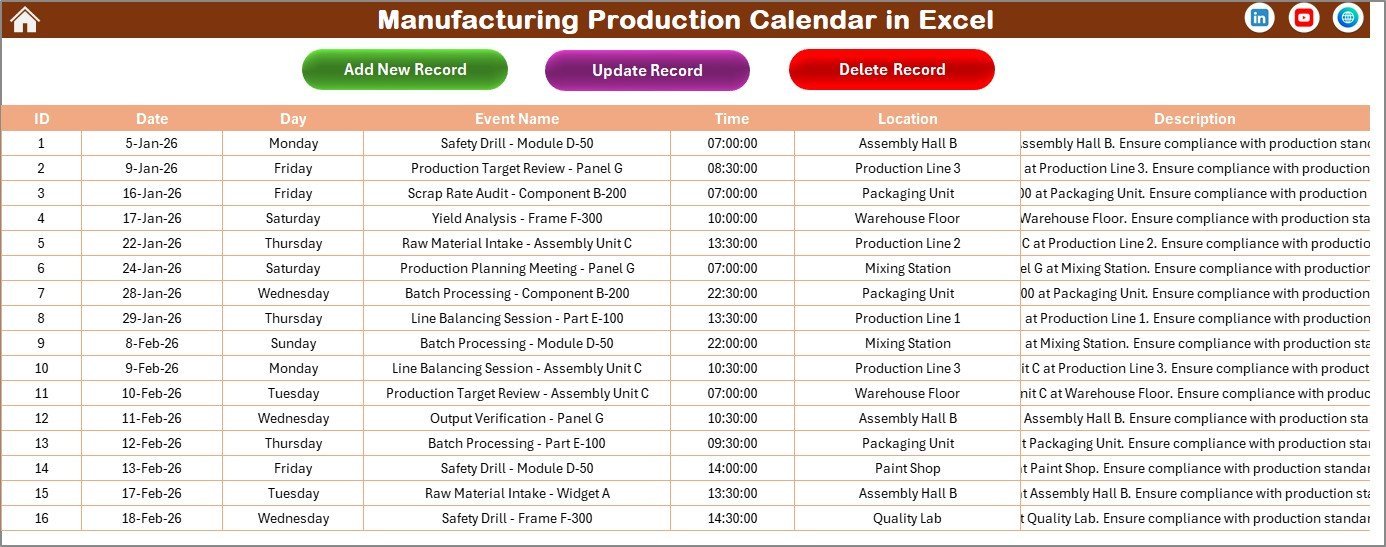
- 🗓️ Dynamic Event Database: The Events sheet acts as a centralized hub for managing event details such as ID, date, day, event name, time, location, and description.
- ✏️ Edit and Delete Records: Update or remove event records easily via dedicated buttons in the Events sheet, ensuring your calendar data stays accurate and current.
What’s Inside the Manufacturing Production Calendar in Excel
This powerful Excel template consists of 5 key worksheets, each serving a unique purpose in your production scheduling journey:
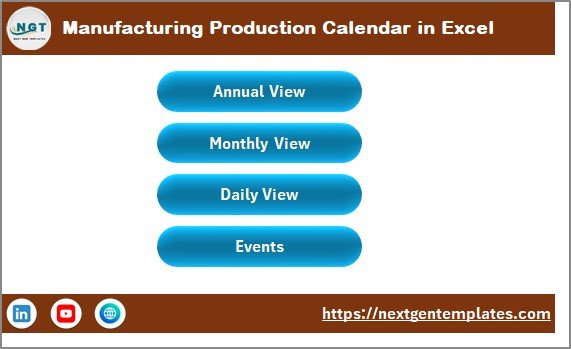
- 🏠 Home Sheet: An index page equipped with navigation buttons directing you to Annual View, Monthly View, Daily View, and Events sheets for seamless access.
- 📅 Annual View Sheet: Displays all 12 months with a control panel to customize year, start month, start day, color themes, and event highlighting, plus buttons to add or show events.
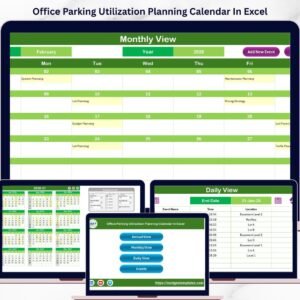
- 🗓️ Monthly View Sheet: Focuses on a single month selected by month and year, showing concise event information and options to add or view events.
- 📋 Daily View Sheet: Lists detailed events within a selected date range, with date pickers and a refresh button to update the display dynamically.
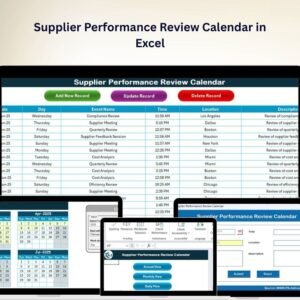
- 🗃️ Events Sheet: A comprehensive database capturing all event details with functionalities to add, update, or delete records efficiently.
How to Use the Manufacturing Production Calendar in Excel
Getting started with this Manufacturing Production Calendar in Excel is quick and intuitive. Follow these simple steps to maximize its potential:
- 🔢 Set Your Year and Start Month: Use the control panel on the Annual View sheet to select your preferred year and starting month. Adjust the starting day of the week to align with your work schedule.
- 🎨 Choose Your Theme: Pick from 5 color themes to customize the calendar’s look and feel to suit your style or corporate branding.
- ⭐ Highlight Key Days: Select specific days of the week to highlight, such as weekends or special shifts, for immediate visual cues.
- ➕ Add Events Effortlessly: Click the Add New Event button on any calendar view, fill in the event form with date, time, location, and description, then submit to save.
- 👀 View Event Details: Use the Show Event button to display all events scheduled for a selected date, keeping you informed at a glance.
- 📅 Monitor Daily Activities: Use the Daily View sheet to track detailed event information over a specific date range, perfect for managing production shifts or deadlines.
- 🗂️ Manage Events Database: Navigate to the Events sheet to add, update, or delete event records, maintaining an organized and up-to-date event log.
Who Can Benefit from This Manufacturing Production Calendar in Excel
This versatile calendar template is tailored for a wide range of professionals and businesses in the manufacturing sector:
- 🏭 Production Managers: Plan and coordinate production schedules efficiently to meet deadlines and optimize resource use.
- 🔧 Manufacturing Supervisors: Track daily shifts and special events to ensure smooth operations on the factory floor.
- 📈 Operations Teams: Monitor events, maintenance schedules, and key production milestones in one convenient place.
- 💼 Plant Managers: Gain an annual overview of production activities, holidays, and critical events for strategic planning.
- 🧑💻 Project Planners: Use the calendar to integrate production timelines with project deadlines and deliverables.
- 👨👩👧👦 Small and Medium Enterprises (SMEs): Manage manufacturing schedules without investing in complex software, using an accessible Excel template.
This Manufacturing Production Calendar in Excel combines flexibility, ease of use, and powerful functionality to help you stay organized, boost productivity, and never miss a critical production event.
Manufacturing Production Calendar in Excel
Click here to read the Detailed blog post.
Visit our YouTube channel to learn step-by-step video tutorials.









Reviews
There are no reviews yet.