
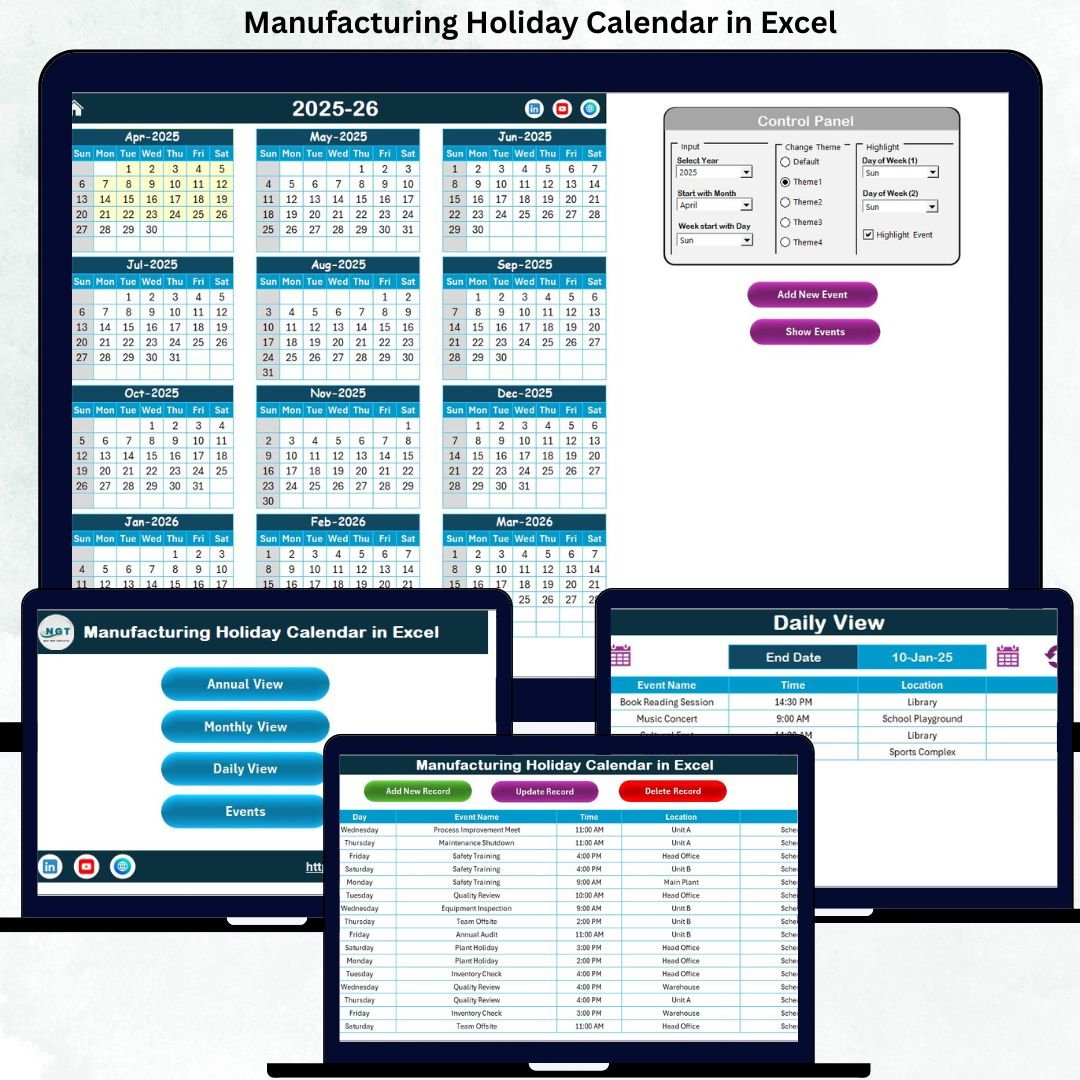
Managing manufacturing holidays, plant shutdowns, maintenance days, and special operational events can quickly become chaotic when teams rely on static calendars or scattered notes. Even a single missed holiday can disrupt production schedules, workforce planning, and maintenance timelines. That’s exactly where the Manufacturing Holiday Calendar in Excel becomes a game-changer.
This ready-to-use Excel calendar template is designed specifically for manufacturing environments. It brings all important dates—holidays, shutdowns, maintenance schedules, and events—into one centralized, automated, and easy-to-navigate workbook. With Annual, Monthly, Daily, and Event tracking views, this calendar helps teams plan confidently, reduce errors, and improve operational efficiency without using expensive software.
Built entirely in Microsoft Excel, this solution requires no technical skills and integrates seamlessly into your existing workflow. Whether you manage a single plant or multiple departments, this calendar ensures everyone works from the same accurate schedule.
🔧 Key Features of Manufacturing Holiday Calendar in Excel
📅 Multiple Calendar Views – Instantly switch between Annual, Monthly, and Daily views for high-level planning or detailed scheduling.
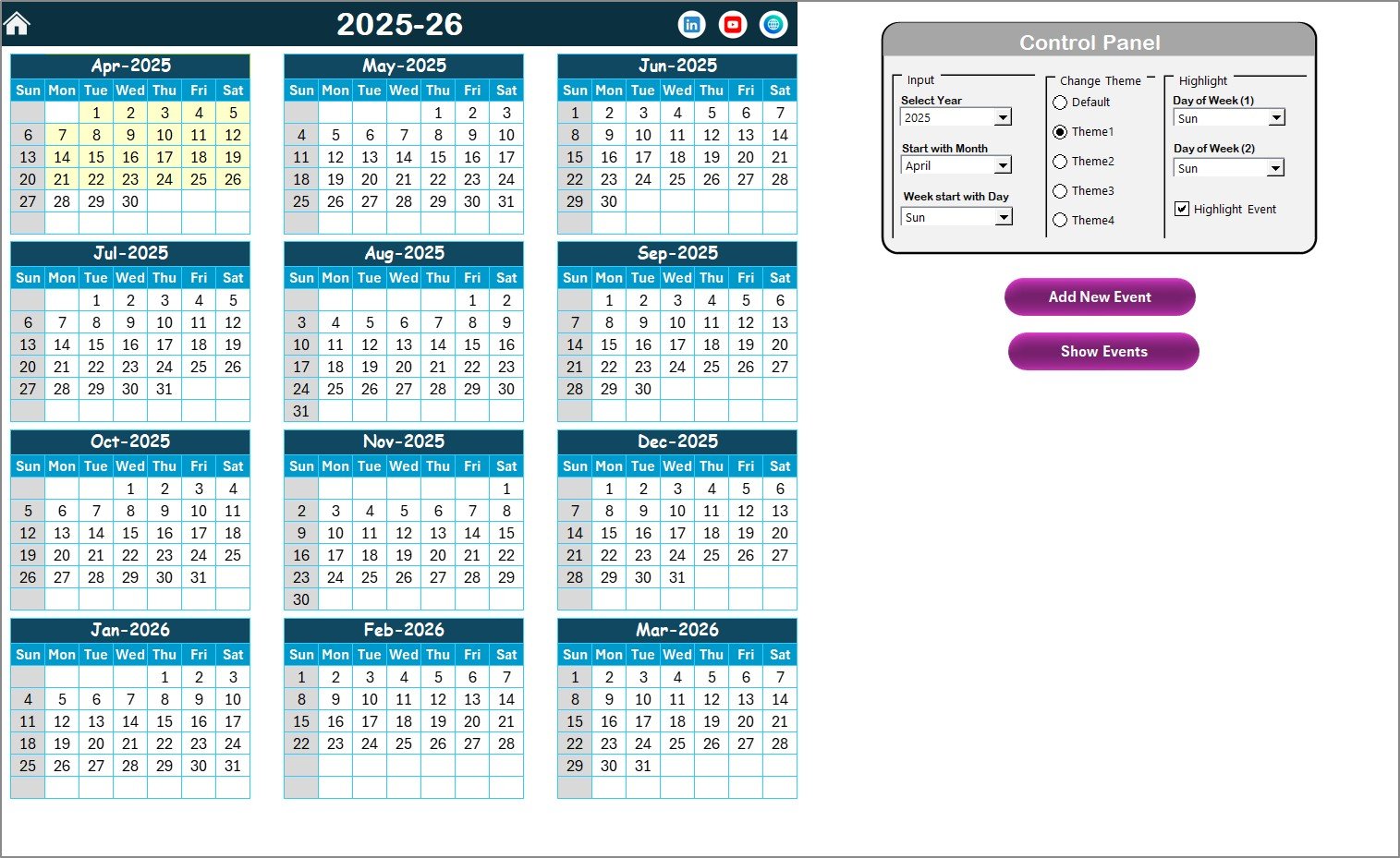
🎯 Smart Control Panel – Change year, starting month, and starting weekday dynamically without manual edits.
🎨 Theme Customization – Apply one of five predefined color themes across the entire workbook with one click.
🟨 Highlight Rules – Automatically highlight weekends, selected weekdays, and event days for better visibility.
📝 Event Management Forms – Add, view, update, or delete events using simple forms—no raw data editing needed.
⚙️ Automated Event Storage – All events are stored securely in a structured Events database sheet.
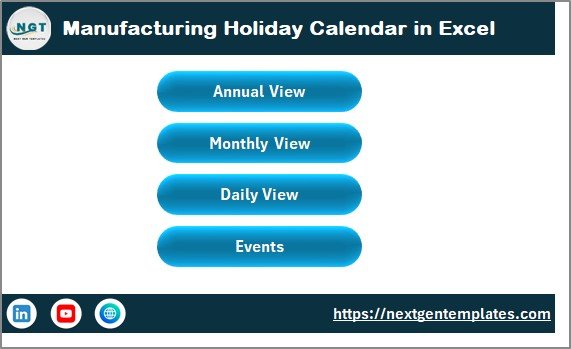
🧭 Easy Navigation – One-click buttons allow instant movement between views from the Home sheet.
💼 Manufacturing-Focused Design – Optimized for plant operations, maintenance planning, and workforce scheduling.
📦 What’s Inside the Manufacturing Holiday Calendar in Excel
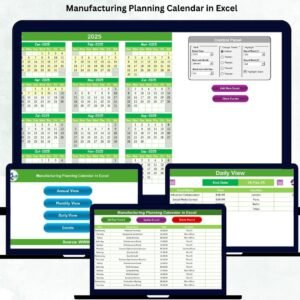
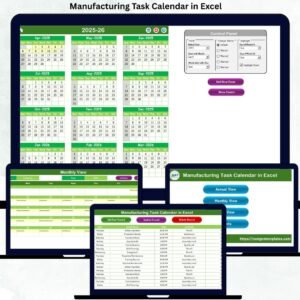
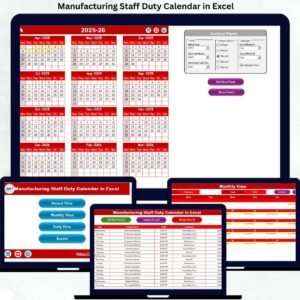
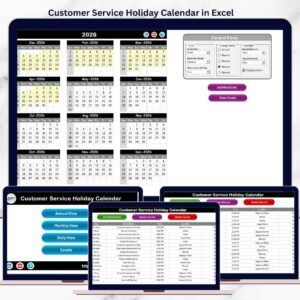
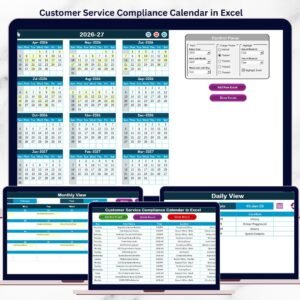
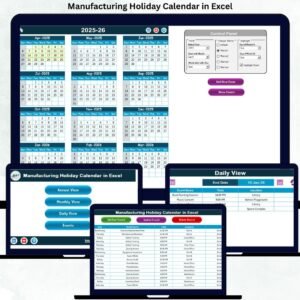
📍 Home Sheet – Acts as a central navigation hub with buttons for Annual View, Monthly View, Daily View, and Events.
📍 Annual View Sheet – Displays all 12 months on a single screen with highlighted holidays and events.
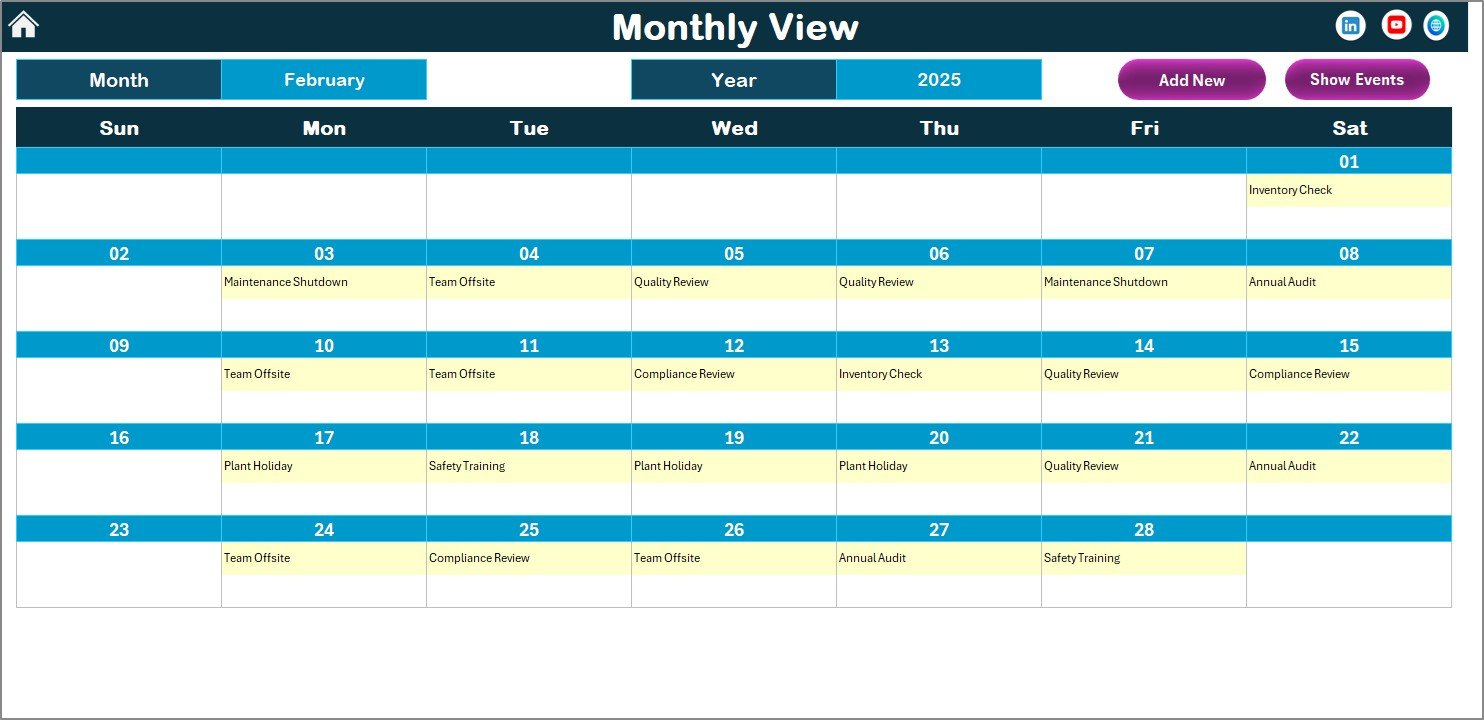
📍 Monthly View Sheet – Focuses on a selected month with quick visibility of busy or event-heavy days.
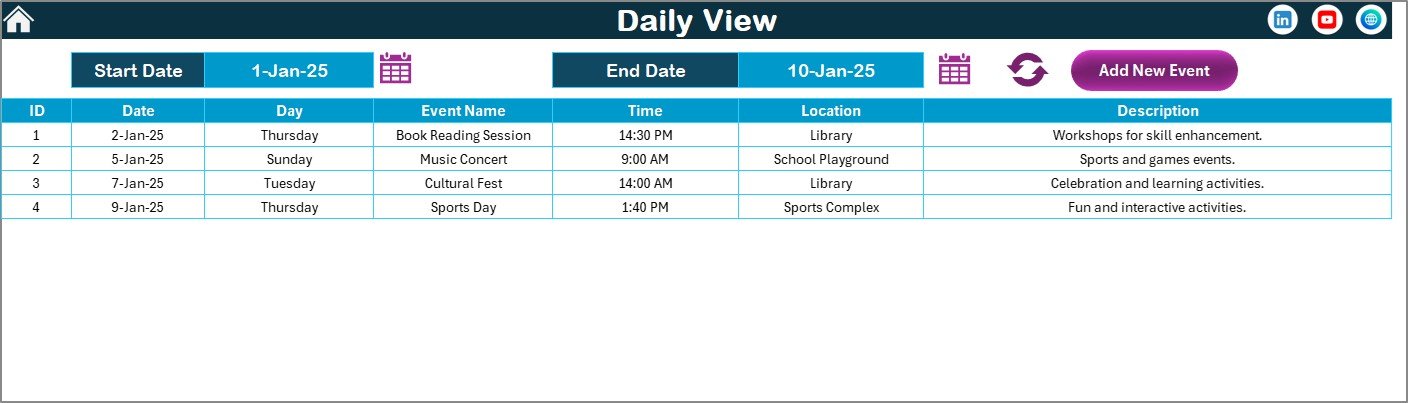
📍 Daily View Sheet – Shows detailed event lists for a selected date range, ideal for operations teams.
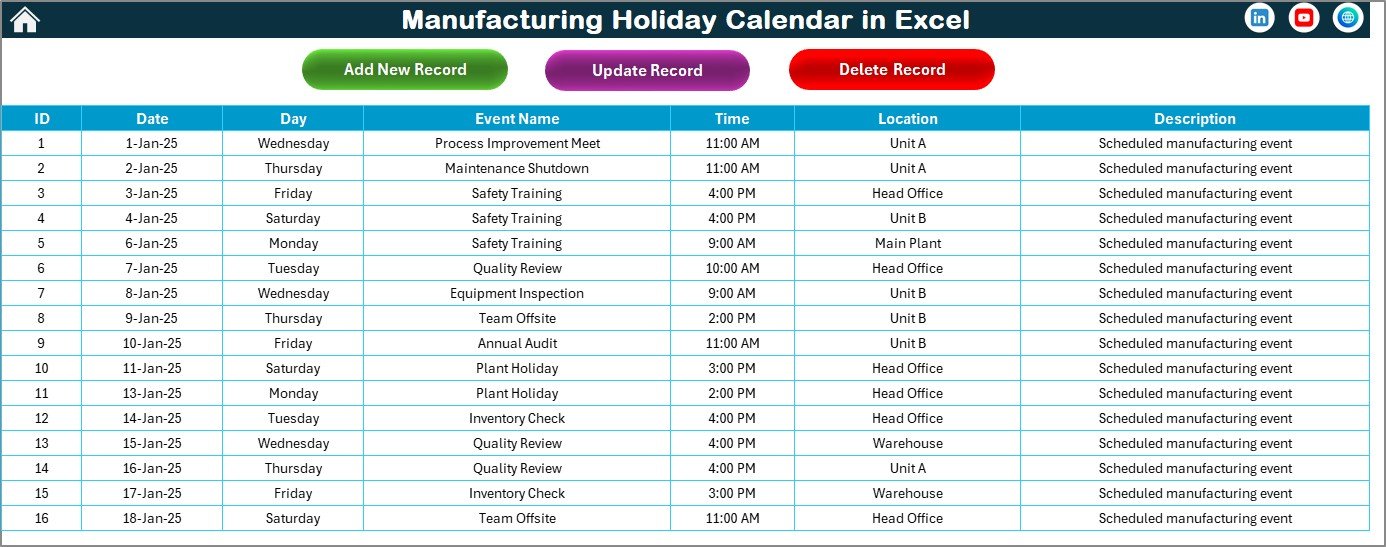
📍 Events Sheet (Database) – Stores event ID, date, day, event name, time, location, and description.
📍 Interactive Buttons & Forms – Add New Event, Show Event, Update Record, and Delete Record functionality.
📍 Dynamic Highlights & Themes – Keeps the calendar visually clear and easy to interpret.
▶️ How to Use the Manufacturing Holiday Calendar in Excel
1️⃣ Open the Excel file and enable macros for full functionality.
2️⃣ Use the Home Sheet buttons to navigate between views.
3️⃣ Select the year, starting month, and starting weekday from the Control Panel.
4️⃣ Highlight weekends or specific weekdays using built-in options.
5️⃣ Add holidays, shutdowns, or maintenance events using the Add New Event button.
6️⃣ View or manage events instantly from Annual, Monthly, or Daily views.
7️⃣ Update or delete events directly from the Events Sheet.
No training required—everything is intuitive and user-friendly.
👥 Who Can Benefit from This Manufacturing Holiday Calendar in Excel
🏭 Plant Managers – Plan shutdowns and maintenance without production conflicts.
📊 Production Planners – Align output targets with working and non-working days.
🛠️ Maintenance Teams – Schedule preventive maintenance efficiently.
👥 HR & Workforce Planners – Manage shifts, leaves, and workforce availability.
🏢 Operations Managers – Ensure smooth coordination across departments.
🏗️ Small & Large Manufacturing Units – Scales easily for any operation size.
🔗 Click here to read the Detailed Blog Post
Watch the step-by-step video tutorial:


















Reviews
There are no reviews yet.