
Manufacturing environments run on precision, planning, and perfect timing. A single missed maintenance date, safety drill, audit, or shutdown can disrupt production schedules, increase costs, and create compliance risks. Yet many manufacturing teams still depend on emails, wall calendars, or unstructured spreadsheets—making it easy for critical events to slip through the cracks.
That is exactly why the Manufacturing Event Calendar in Excel is a must-have operational tool.
This ready-to-use Excel calendar provides a centralized, visual, and highly structured system to plan, track, and manage all manufacturing-related events in one professional workbook. Instead of juggling multiple files or reminders, your entire event schedule becomes clear, organized, and under control.
Designed specifically for manufacturing operations, this calendar helps teams stay proactive, reduce errors, and improve coordination—without investing in expensive scheduling software.
🚀 Key Features of Manufacturing Event Calendar in Excel
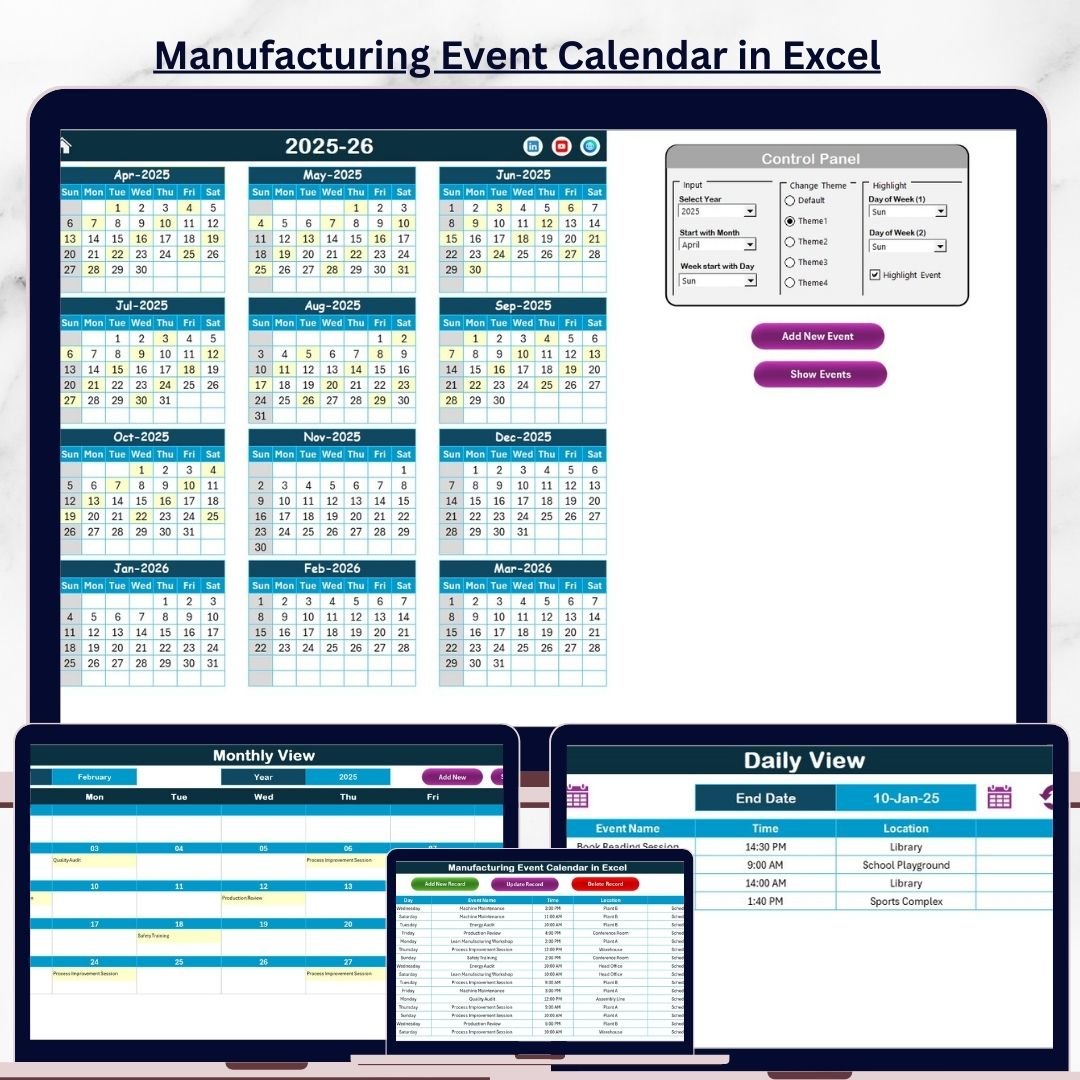
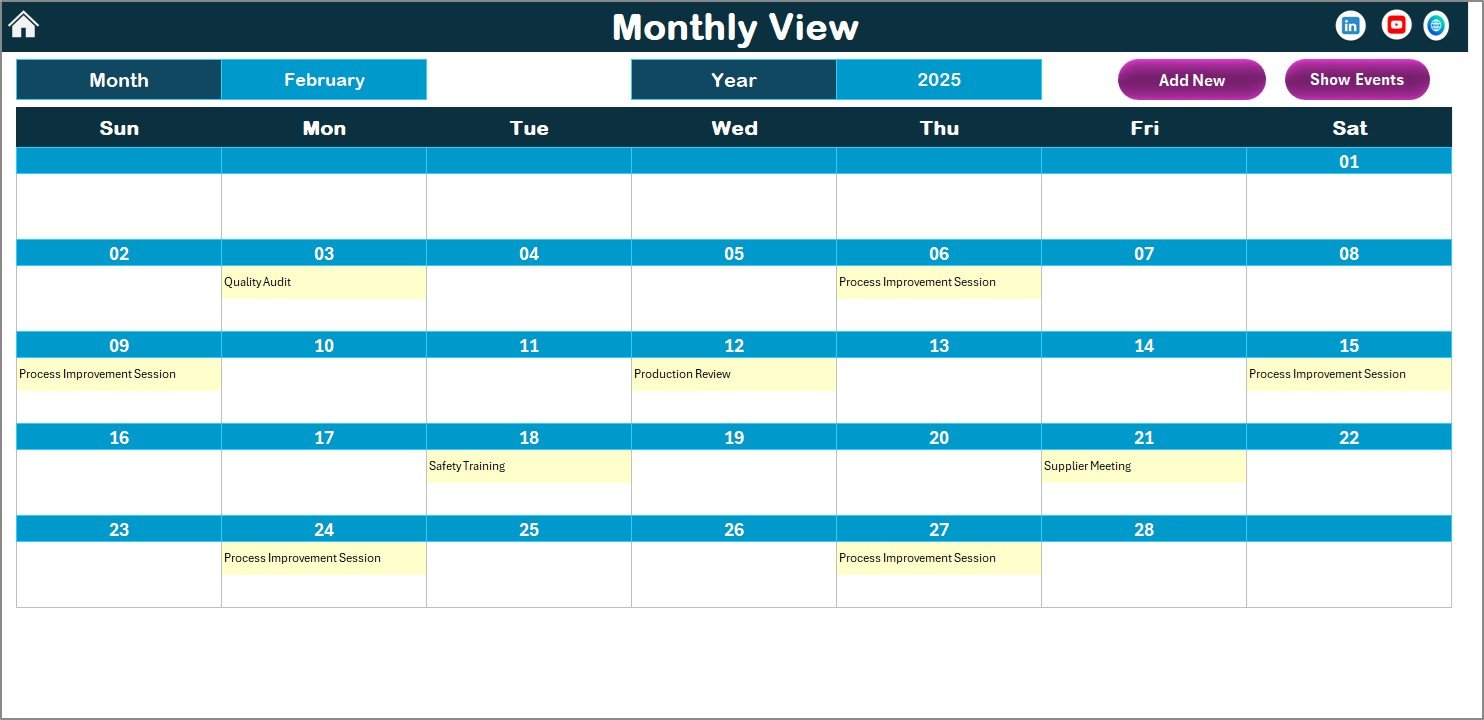
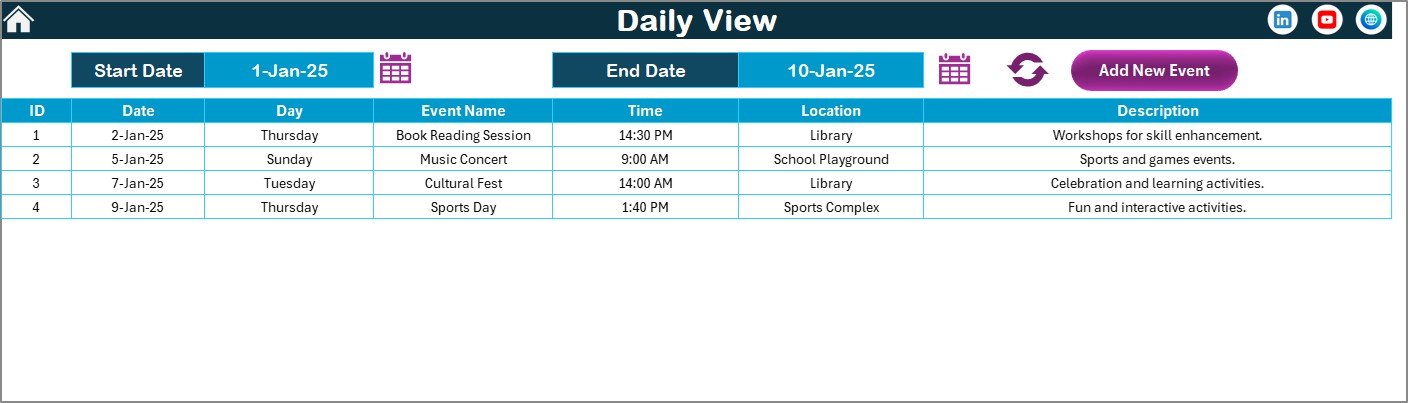
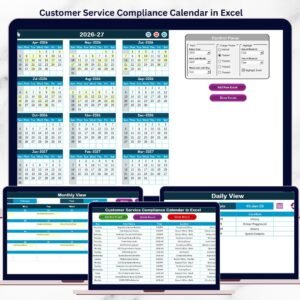
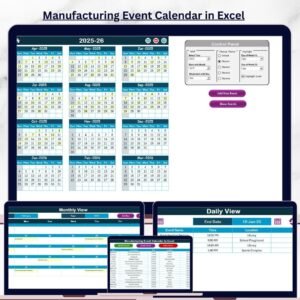
📅 Annual, Monthly, and Daily Views
Plan long-term activities while still managing daily operations efficiently.
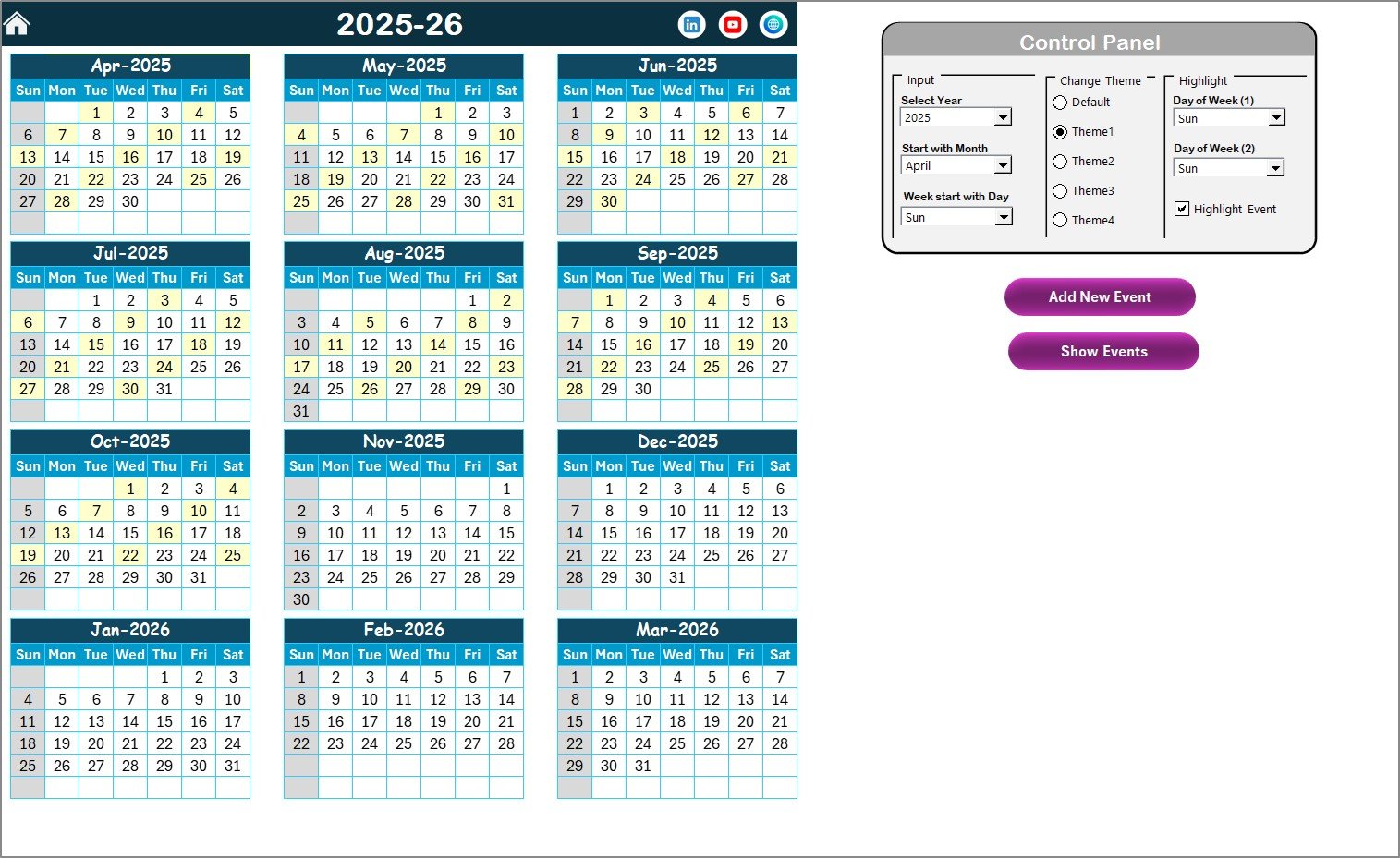
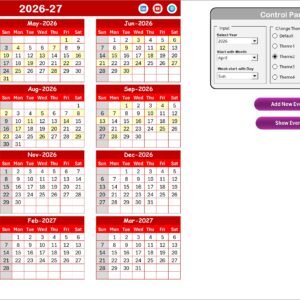
🎛️ Smart Control Panel
Change year, starting month, and starting day of the week dynamically.
🎨 Multiple Color Themes
Apply one of five built-in themes to match your company branding or team preferences.
🟨 Weekend & Event Highlighting
Highlight weekends and important event dates automatically for better visibility.
➕ Add New Event Form
Quickly add events directly from the calendar using a user-friendly form.
👁️ Show Event by Date
View all events scheduled on a selected date instantly.
🗂️ Centralized Events Database
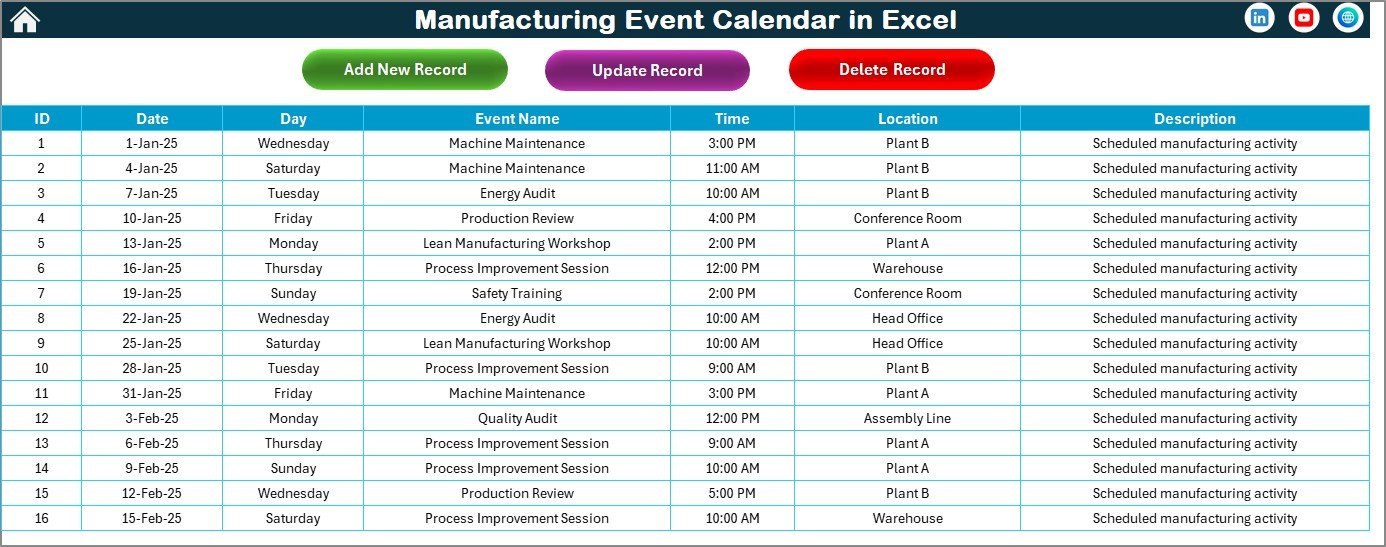
All event details are stored in one structured Events sheet.
✏️ Edit & Delete Event Controls
Update or remove events easily to keep data accurate and current.
📦 What’s Inside the Manufacturing Event Calendar in Excel
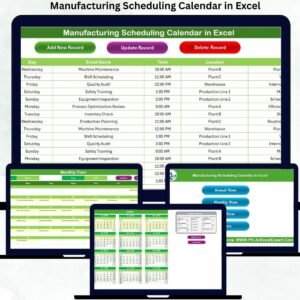
This digital product includes 5 professionally designed worksheets, each serving a clear purpose:
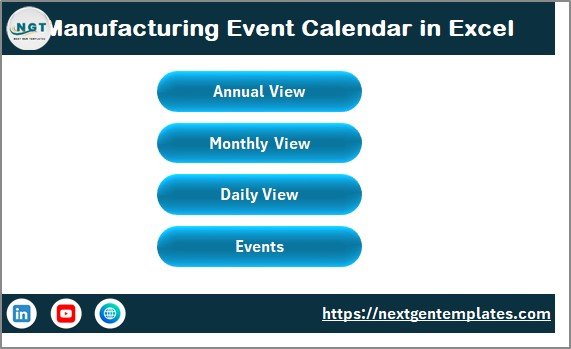
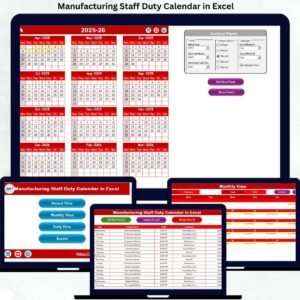
🏠 Home Sheet – Acts as a navigation hub with buttons for Annual View, Monthly View, Daily View, and Events
📆 Annual View – Displays all 12 months on one screen with a powerful control panel
🗓️ Monthly View – Focuses on one month for detailed planning and tracking
📋 Daily View – Lists events for any selected date range
🗃️ Events Sheet – Stores complete event data including date, time, location, and description
Each sheet is interconnected, ensuring smooth navigation and consistent data flow.
🛠️ How to Use the Manufacturing Event Calendar in Excel
Using this calendar is simple—even for non-technical users:
1️⃣ Open the Excel file and start from the Home Sheet
2️⃣ Choose Annual, Monthly, or Daily View using buttons
3️⃣ Select year, month, or date range as required
4️⃣ Click Add New Event, fill in the details, and submit
5️⃣ Use Show Event to review events for specific dates
6️⃣ Update or delete events directly from the Events sheet
No advanced Excel knowledge is required—everything works through buttons, forms, and automatic updates.
👥 Who Can Benefit from This Manufacturing Event Calendar in Excel
This calendar is ideal for:
🏭 Manufacturing Plant Managers
🛠️ Maintenance & Engineering Teams
📦 Production Planning Teams
🦺 Safety & Compliance Officers
🎓 HR & Training Departments
📊 Operations & Quality Managers
Whether you manage a small manufacturing unit or a large industrial plant, this tool adapts easily to your workflow.
Click here to read the Detailed Blog Post
Watch the step-by-step video tutorial:

















Reviews
There are no reviews yet.