
In today’s digital world, personal data is one of the most valuable assets a business can hold. But with great value comes great responsibility — and the General Data Protection Regulation (GDPR) GDPR Compliance Review Check List sets strict rules on how organizations must protect and manage this sensitive information. Non-compliance doesn’t just risk hefty fines — it can also harm your brand’s reputation and customer trust.
That’s why we’ve designed the GDPR Compliance Review Checklist in Excel — a simple, structured, and ready-to-use solution that helps businesses track GDPR compliance, assign responsibilities, and maintain audit-ready records in one place. Instead of scattered notes and stressful manual tracking, you get an interactive Excel template that’s easy to use, customizable, and cost-effective.
🔑 Key Features of the GDPR Compliance Review Checklist
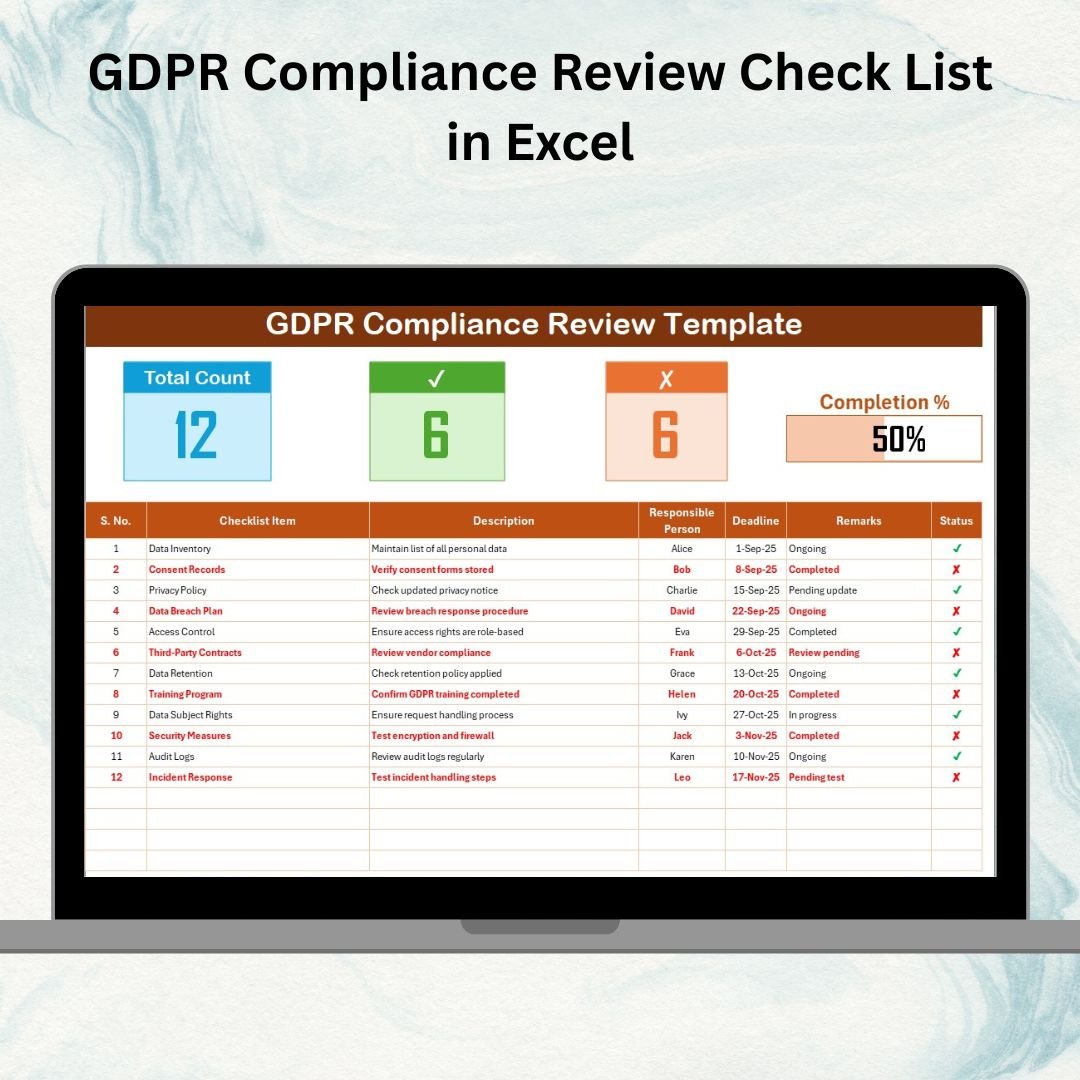
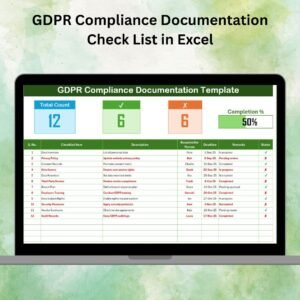
✨ GDPR Compliance Review Sheet Tab – The main sheet with a structured compliance checklist.
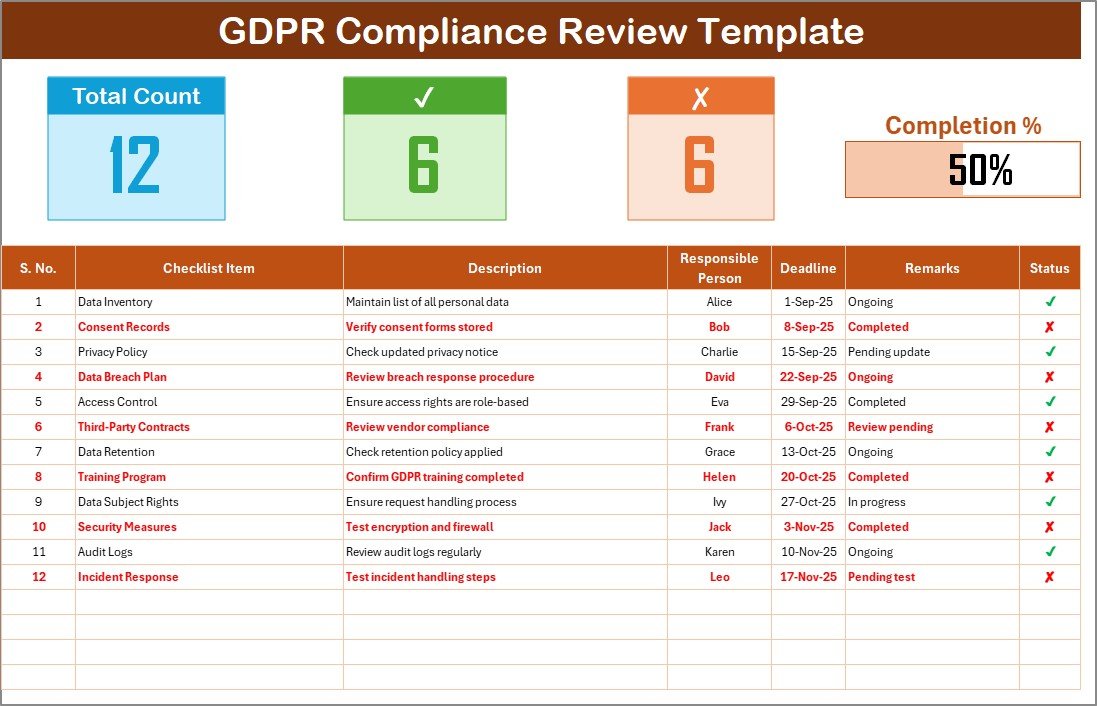
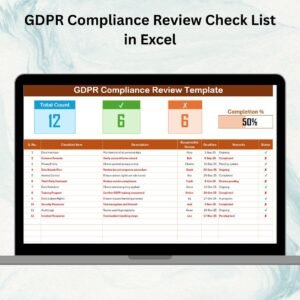
✨ Dashboard at the Top – Displays Total Count, Checked Count, Crossed Count, and a progress bar showing % completion.
✨ Checklist Table – Includes Serial No., Compliance Item, Description, Responsible Person, Deadline, Remarks, and Status (✔ or ✘).
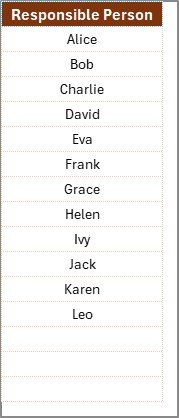
✨ List Sheet Tab – Stores a list of responsible persons to create drop-downs in the checklist, ensuring clean data and accountability.
✨ Visual Progress Tracking – See at a glance how close you are to full compliance.
✨ Error-Free Data Entry – Dropdowns reduce typos and maintain consistency.
✨ Audit-Ready Format – Keep a clear record of completed, pending, and overdue compliance tasks.
✨ Beginner-Friendly – No complex software needed; works in Excel with simple inputs.
📦 What’s Inside the Checklist
When you download the GDPR Compliance Review Checklist in Excel, you’ll receive:
1️⃣ GDPR Review Sheet – Track and manage GDPR compliance activities with status updates.
2️⃣ Top Dashboard Section – Automated metrics with a visual progress bar.
3️⃣ Checklist Table – Structured columns for item tracking, accountability, and deadlines.
4️⃣ List Sheet – Dropdown-based responsible person management for clean data.
Everything is prebuilt and ready-to-use — just enter your compliance tasks and start tracking progress instantly.
🛠️ How to Use the Checklist
✔️ Step 1 – Enter Tasks: Add GDPR compliance items to the checklist table.
✔️ Step 2 – Assign Responsibility: Choose responsible persons via dropdowns.
✔️ Step 3 – Set Deadlines: Define target dates for completion.
✔️ Step 4 – Track Progress: Use ✔ or ✘ in the status column.
✔️ Step 5 – Review Dashboard: Monitor overall progress with real-time counts and a progress bar.
✔️ Step 6 – Update Regularly: Keep records current for smooth audits.
It’s as simple as filling in rows — no advanced Excel knowledge required.
👥 Who Can Benefit from This Checklist
🔐 Data Protection Officers (DPOs) – Track GDPR tasks with accountability.
🏢 Compliance Teams – Ensure organizational-wide GDPR monitoring.
👨💻 IT & Security Managers – Document data protection and breach protocols.
👩💼 HR Teams – Manage employee data handling compliance.
🛒 E-commerce Businesses – Track customer data consent and privacy.
🏥 Healthcare & Education Institutions – Protect sensitive student/patient records.
💼 Small Businesses – Stay GDPR-ready without expensive tools.
From startups to large enterprises, this checklist adapts to every business size.
✅ Why Use the GDPR Compliance Review Checklist in Excel?
✔️ Centralized Monitoring – All compliance tasks in one place.
✔️ Improved Accountability – Assign responsibilities clearly.
✔️ Time-Saving Automation – Progress tracked via dashboard and progress bar.
✔️ Audit-Friendly Records – Structured logs make compliance reviews easier.
✔️ Cost-Effective – No need for pricey compliance software.
✔️ Customizable – Add/remove tasks as GDPR regulations evolve.
Click here to read the Detailed blog post
Visit our YouTube channel to learn step-by-step video tutorials 👉 Youtube.com/@PKAnExcelExpert





















Reviews
There are no reviews yet.