Managing financial operations requires constant monitoring, structured workflows, and disciplined tracking of tasks. Many businesses struggle to maintain financial processes because important activities such as reconciliations, compliance checks, and financial reviews often get delayed or overlooked. When financial tasks are not tracked properly, organizations face risks such as reporting errors, compliance issues, and operational inefficiencies.
That is why organizations need a structured system to track financial activities effectively.
The Financial Maintenance Checklist in Excel is a powerful and easy-to-use template designed to help finance teams organize, monitor, and complete financial tasks on time. This ready-to-use Excel template allows businesses to maintain financial discipline by tracking responsibilities, deadlines, and task completion in a single organized location.
Instead of managing scattered spreadsheets or relying on manual reminders, finance teams can streamline financial operations with a structured checklist system.
This template provides clear visibility into financial activities, improves accountability across the team, and ensures that important financial maintenance tasks never get missed.
🔑 Key Feature of Financial Maintenance Checklist in Excel
📊 Real-Time Progress Tracking
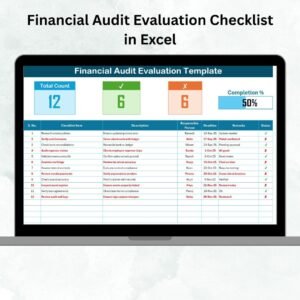
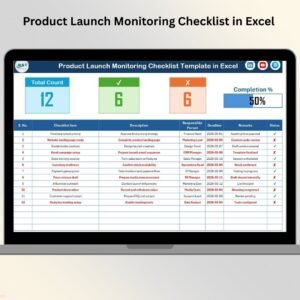
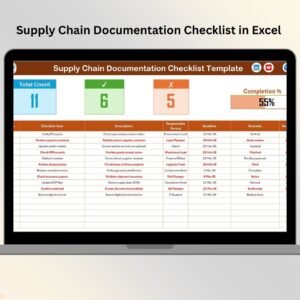
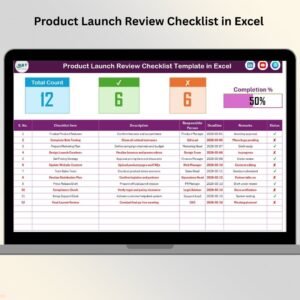
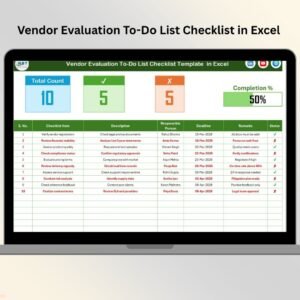
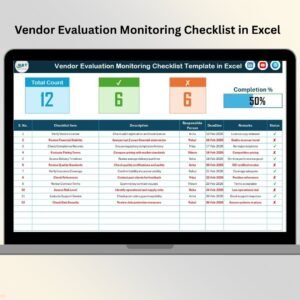
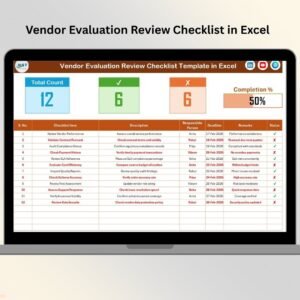
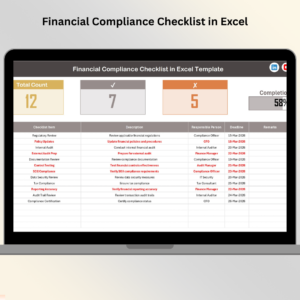
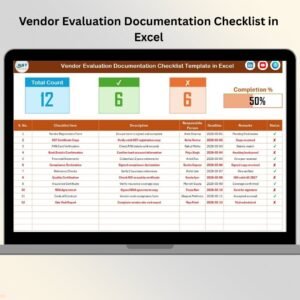
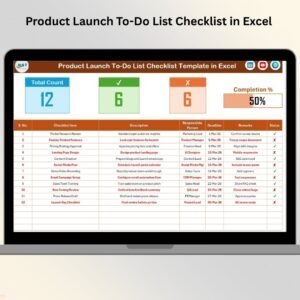
The template automatically displays total tasks, completed tasks, pending tasks, and overall completion percentage through a progress bar.
📋 Structured Checklist Table
All financial maintenance activities are organized in a structured table that makes tracking simple and clear.
👤 Responsible Person Assignment
Each financial task can be assigned to a specific person, improving accountability and task ownership.
⏳ Deadline Management
Users can assign deadlines to each financial activity to ensure timely completion of tasks.
✔ Task Status Tracking
Easily mark tasks as completed ✔ or pending ✘ to monitor financial maintenance progress instantly.
📈 Quick Performance Summary
The top section of the template shows key indicators such as total tasks, completed tasks, and pending tasks.
🧩 Clean and Organized Data Structure
The template maintains structured financial task data, making it easy to manage and update.
⚡ Easy-to-Use Excel Interface
The template is designed using simple Excel functionality so anyone can start using it immediately.

📦 What’s Inside the Financial Maintenance Checklist in Excel
This ready-to-use Excel template contains two structured worksheets designed to simplify financial task tracking.
1️⃣ Financial Maintenance Checklist Sheet
This is the main worksheet where financial maintenance activities are managed.
The sheet includes a top summary section that displays:
-
Total Count of checklist tasks
-
Checked Count (completed tasks)
-
Crossed Count (pending tasks)
-
Progress Bar showing completion percentage
This section provides a quick overview of financial maintenance progress.
Below the summary section, the main checklist table allows users to capture and manage financial activities.
The checklist table includes the following columns:
-
Serial No.
-
Checklist Item
-
Description
-
Responsible Person
-
Deadline
-
Remarks
-
Status
Users simply update the status column to mark tasks as completed or pending.
2️⃣ List Sheet Tab
This worksheet stores the unique list of responsible persons.
This list creates a dropdown menu in the main checklist sheet, allowing users to quickly select team members while maintaining clean and consistent data.
This design helps reduce manual typing errors and improves data accuracy.
⚙️ How to Use the Financial Maintenance Checklist in Excel
Using this template is extremely simple and requires no advanced Excel skills.
Step 1 – Enter Financial Tasks
List all financial maintenance activities such as reconciliation, reporting, compliance checks, or budget reviews.
Step 2 – Assign Responsible Persons
Select the person responsible for completing the task using the dropdown list.
Step 3 – Set Deadlines
Define the expected completion date for each financial activity.
Step 4 – Update Task Status
Once the task is completed, update the status column using ✔ or ✘.
Step 5 – Monitor Progress
The progress indicators automatically update and show the overall checklist completion status.
This simple workflow helps finance teams manage financial tasks efficiently.
👨💼 Who Can Benefit from This Financial Maintenance Checklist in Excel
This template is extremely useful for many professionals and organizations, including:
💼 Finance Departments – Manage financial activities and maintain accountability.
📊 Accounting Teams – Track reconciliation, reporting, and compliance tasks.
🏢 Corporate Finance Managers – Monitor financial operations and task completion.
🧾 Internal Auditors – Ensure financial documentation and reviews are completed on time.
📉 Financial Consultants – Track client financial maintenance tasks efficiently.
🏪 Small Business Owners – Manage financial operations in an organized way.
📋 Compliance Officers – Track financial compliance requirements and deadlines.
Because of its flexibility and simplicity, this checklist supports financial operations in organizations of all sizes.
Implementing this template helps teams improve financial discipline, maintain compliance, and reduce operational risks.