

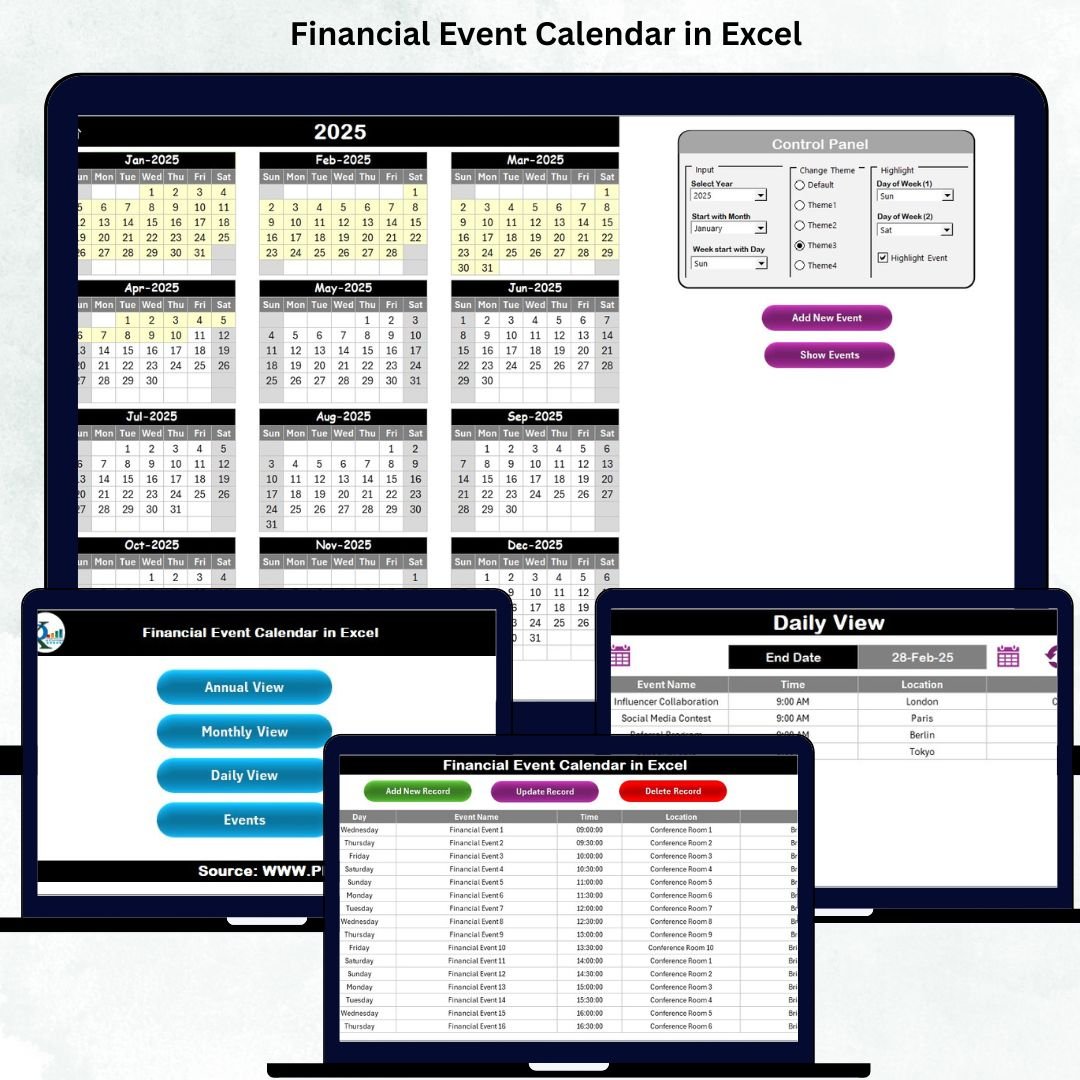
A well-organized financial year is the foundation of smooth operations, timely decisions, and error-free reporting. But when financial events stay scattered across emails, diaries, Sticky Notes, or random spreadsheets, deadlines are missed, meetings get delayed, and your entire workflow becomes stressful. That’s why the Financial Event Calendar in Excel is a game-changing tool for finance professionals, managers, analysts, and business leaders who want complete clarity throughout the year.Financial Event Calendar in Excel.
This ready-to-use Excel template gives you one powerful place to track board meetings, audits, investment reviews, tax deadlines, approval sessions, budget discussions, and every other financial activity. With built-in navigation buttons, automated views, dynamic color themes, and an easy event-entry system, you stay organized every single day — without writing a single formula.
Let’s explore what makes this Excel template a must-have for every professional.
✨ Key Features of the Financial Event Calendar in Excel
This template is packed with all the essential features needed for managing a full financial year effortlessly. Everything updates automatically, so you always stay on top of your tasks, schedules, and key events.
📌 Smart Navigation System
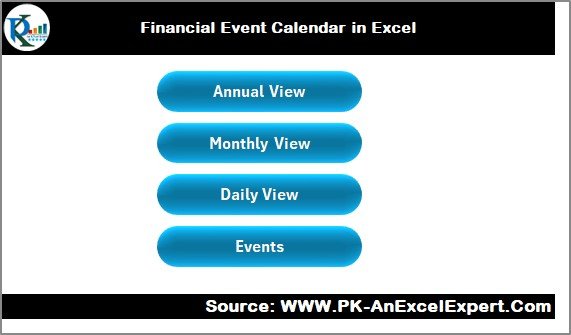
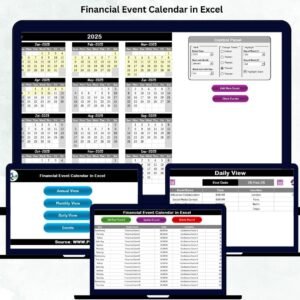
Jump between Annual, Monthly, Daily, and Event Database views with one click using the Home Sheet buttons.
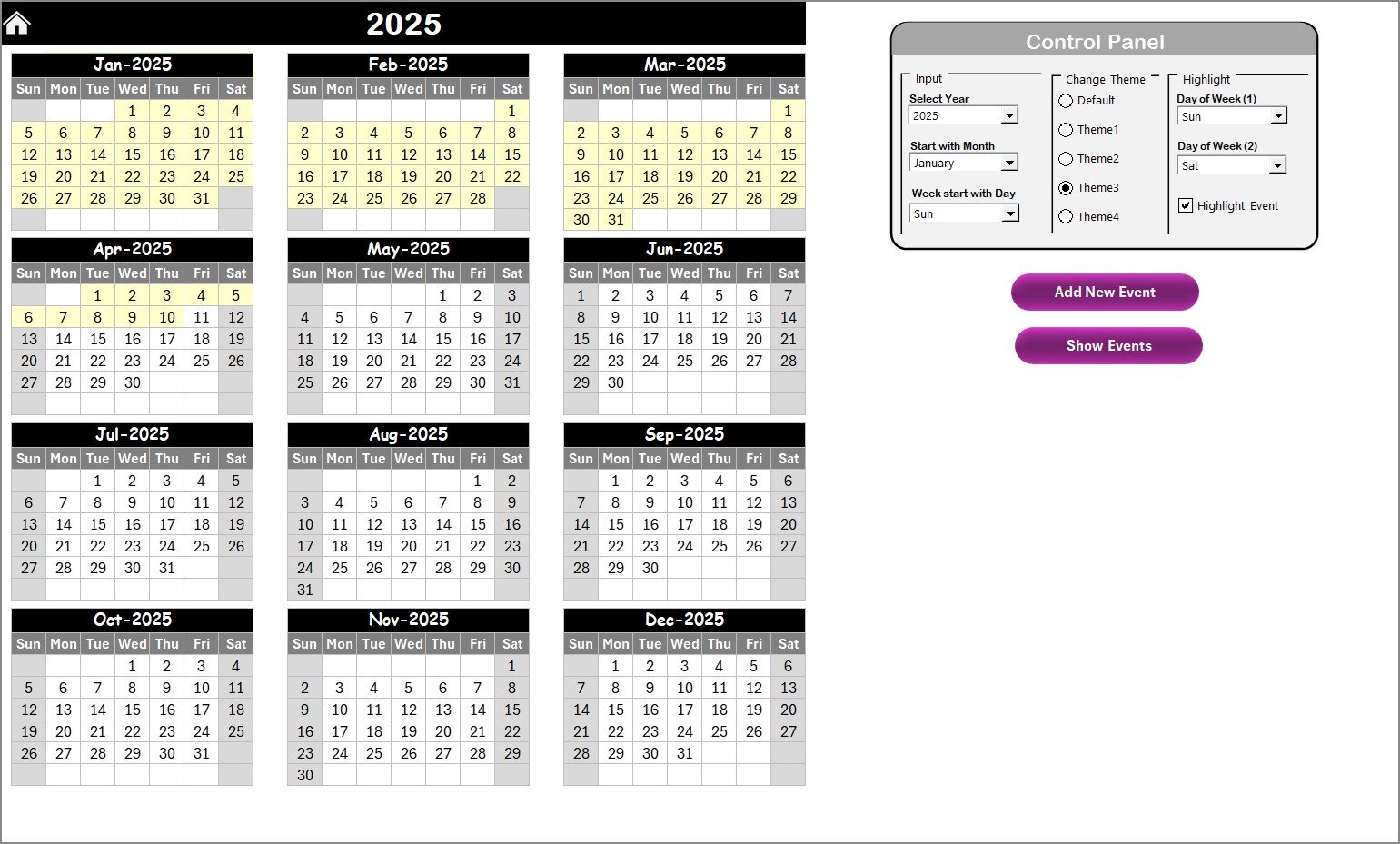
📌 12-Month Annual Dashboard
View the entire year at once — perfect for planning audits, closings, tax filings, and long-term events.
📌 Monthly Calendar View
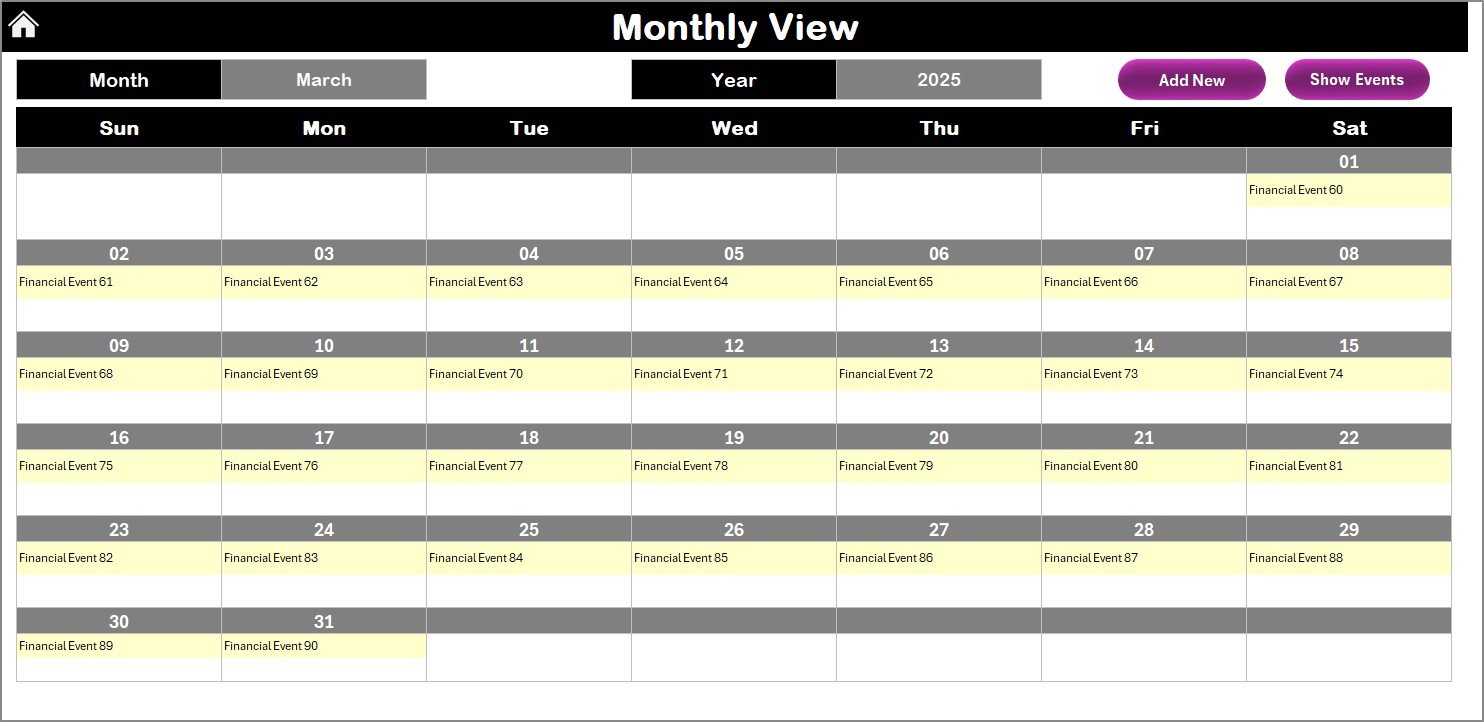
See upcoming events, track multiple entries on the same date, and open detailed lists instantly.
📌 Daily Range View
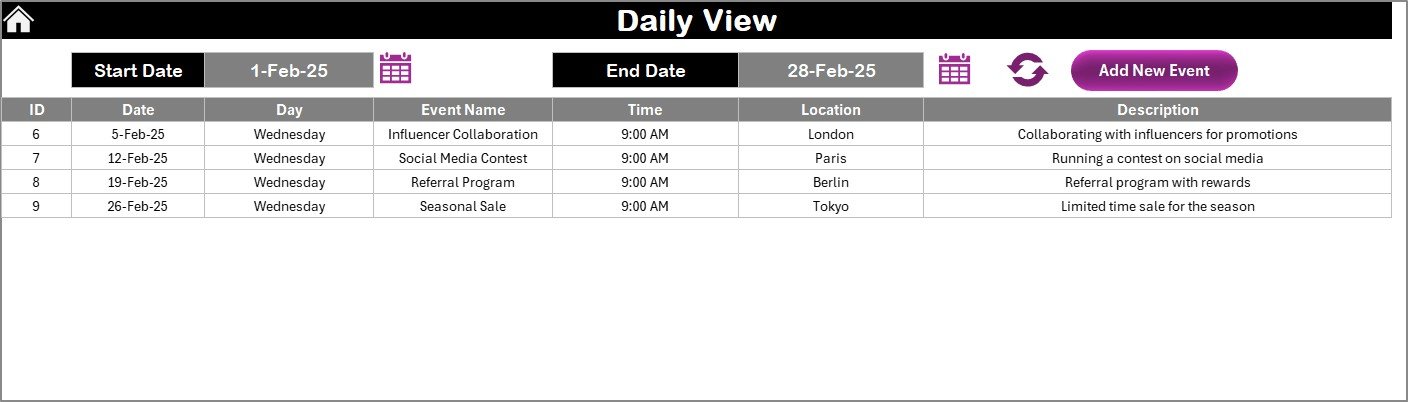
Enter a date range and get a complete list of all events — ideal for weekly, monthly, or quarterly planning.
📌 Fully Automated Event Form
Add, update, or delete events using simple form-based buttons — no manual editing required.
📌 Customizable Themes & Highlights
Choose from 5 color themes and highlight weekdays, weekends, and important dates to suit your workflow.
📦 What’s Inside the Financial Event Calendar in Excel
When you download this digital product, you get a well-structured Excel file containing:
🏠 Home Sheet
Your central hub containing navigation buttons for quick access.
📅 Annual View Sheet
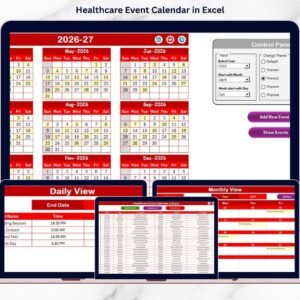
All twelve months in one screen, along with a full control panel for year, month, start-day, and theme selection.
🗓 Monthly View Sheet
A deep dive into one month at a time with event indicators and instant detail view.
📆 Daily View Sheet
Shows all events between two selected dates — perfect for short-term decision-making.
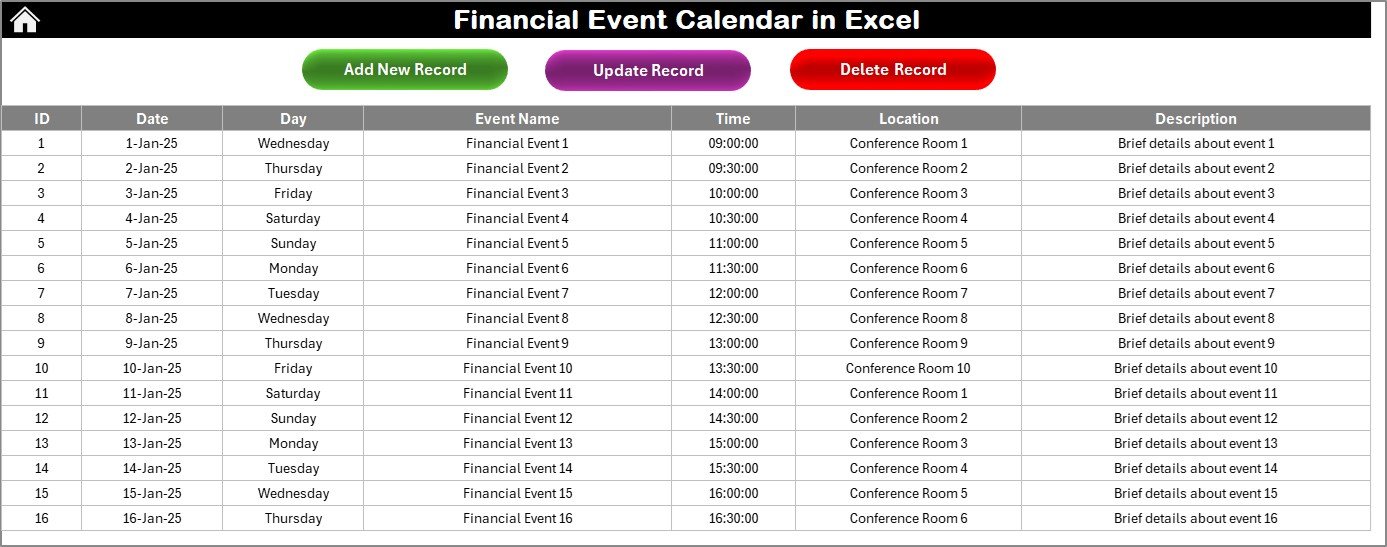
📋 Events Sheet (Database)
A structured master table that stores every event with:
-
ID
-
Date
-
Day
-
Time
-
Location
-
Description
-
Category
-
Priority
Form buttons allow adding, editing, and deleting records effortlessly.
🛠 How to Use the Financial Event Calendar in Excel
Using this template is extremely simple — even for beginners.
1️⃣ Start at the Home Sheet
Choose which view you want to explore: Annual, Monthly, Daily, or Events.
2️⃣ Add or Update Events
Click the Add New Event button in any view. Fill the form and submit — your calendar updates instantly.
3️⃣ Navigate Quickly
Use the one-click buttons to move between sheets smoothly.
4️⃣ Customize Your Calendar
Use the Control Panel to select:
✔ Year
✔ Starting month
✔ Starting weekday
✔ Theme colors
✔ Highlight options
5️⃣ Track Events Smartly
Use Monthly and Daily views for real-time tracking, and Annual View for long-term planning.
Everything works automatically — no formulas, no confusion, no risk of errors.
🎯 Who Can Benefit from This Financial Event Calendar in Excel
This calendar is perfect for professionals who manage multiple financial deadlines.
👨💼 Finance Managers
Track monthly closings, tax filings, and board meetings with complete control.
📊 Financial Analysts
Stay aligned with review cycles, reporting dates, and investor updates.
🏢 Corporate Teams
Manage internal budgeting, approvals, and audit cycles smoothly.Financial Event Calendar in Excel
💼 Small Business Owners
Never miss compliance dates or important financial activities.
👥 Finance Departments & CFO Offices
Keep everyone aligned with a unified calendar and shareable structure.
Whether you manage a small team or a complex corporate structure, this template brings clarity, speed, and accuracy to your workflow.
### Click here to read the Detailed blog post
Watch the step-by-step video tutorial:


















Reviews
There are no reviews yet.