
Key Features of Finance Sales Remote Work Calendar in Excel ✨
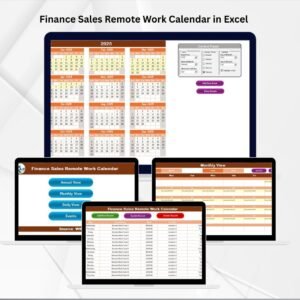
Managing remote sales teams in finance requires more than just a simple planner—it demands a system that aligns schedules, tracks events, and ensures smooth collaboration. The Finance Sales Remote Work Calendar in Excel is a ready-to-use solution that brings structure and efficiency to your remote operations.
This template is designed for finance managers, sales representatives, and distributed teams who need an easy way to plan, monitor, and manage their work calendars. Built entirely in Excel, it eliminates the need for complex or costly platforms.
Key highlights include:
-
📅 Annual, Monthly & Daily Views – Manage schedules across different time frames.
-
✅ Event Management Forms – Add, update, or delete records with one click.
-
🎨 Customizable Themes – Choose from five built-in designs.
-
📊 Highlight Options – Mark weekends or events for clarity.
-
📂 Centralized Database – Store all tasks, meetings, and deadlines in one file.
-
🚀 Easy to Use – No advanced Excel skills needed.
With this template, finance sales teams can stay on top of deadlines, client meetings, compliance dates, and internal tasks without missing a beat.
What’s Inside the Finance Sales Remote Work Calendar 📂
The template is structured with five powerful worksheets:
-
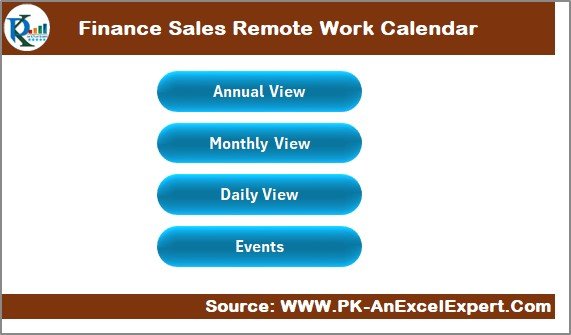
Home Sheet Tab
-
Acts as the index page.
-
Navigation buttons to Annual View, Monthly View, Daily View, and Events.
-
Saves time by letting users jump directly to the required section.
-
-
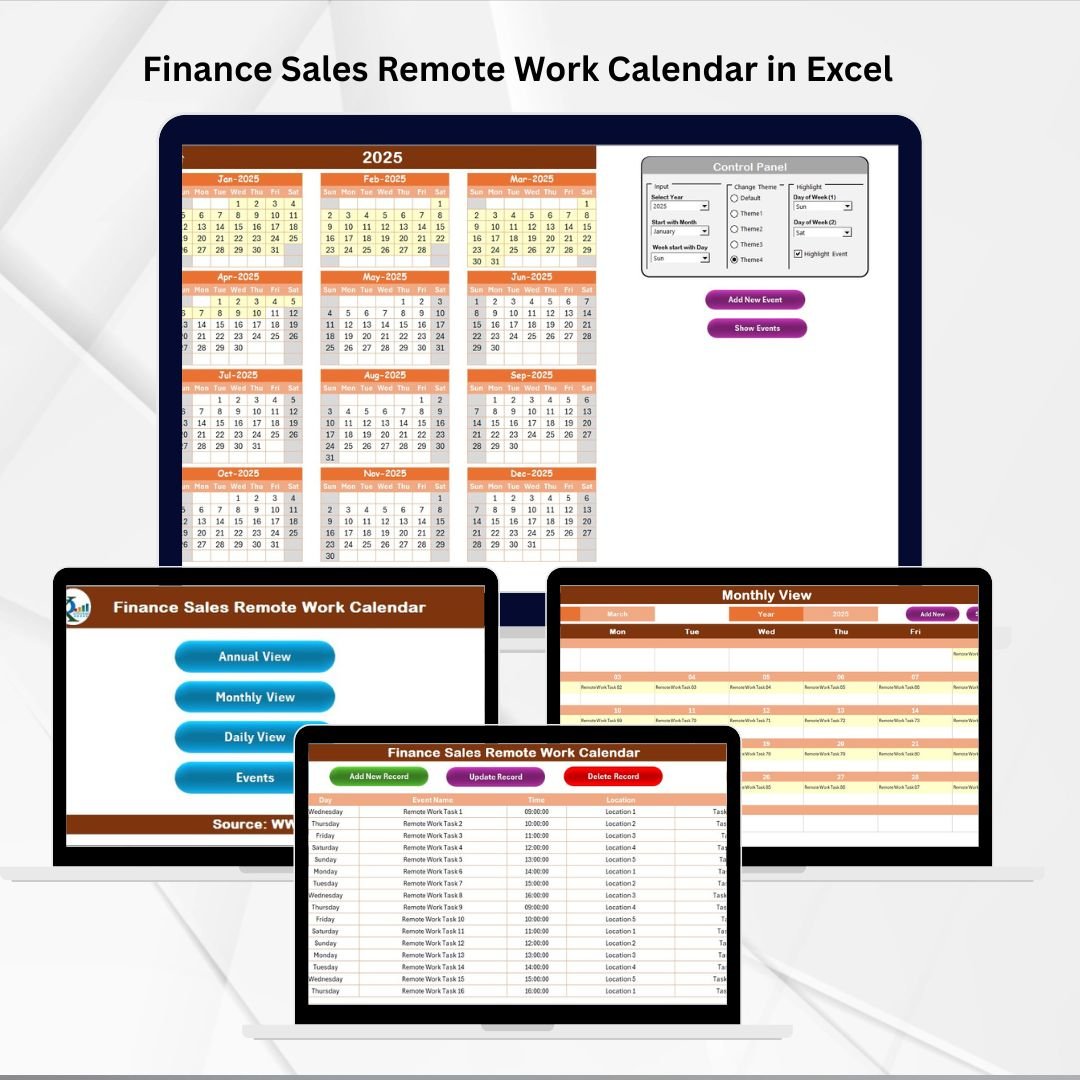
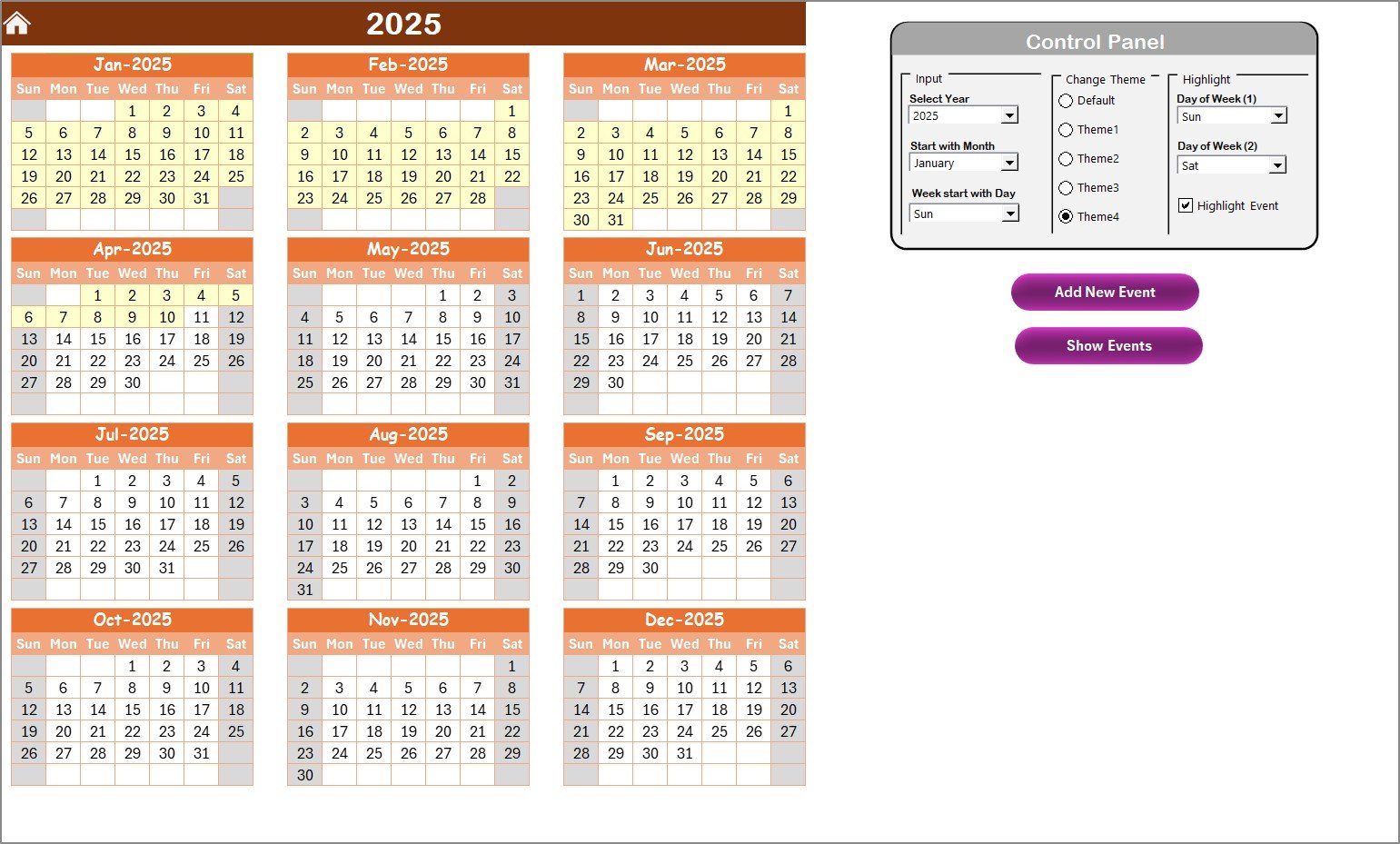
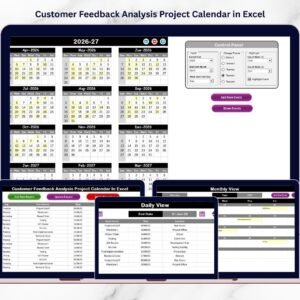
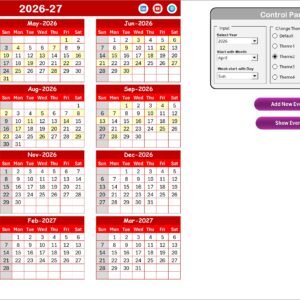
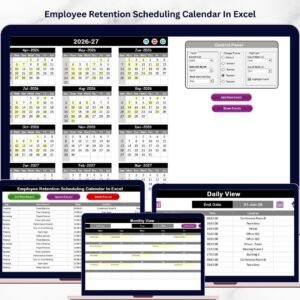
Annual View Sheet Tab
-
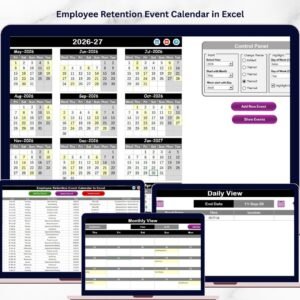
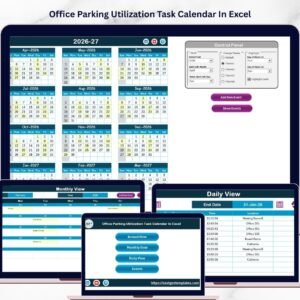
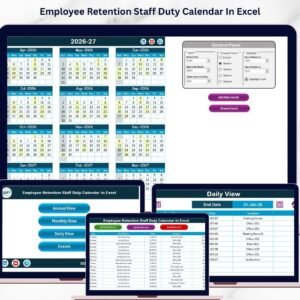
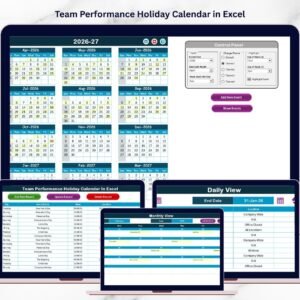
Displays all 12 months at once.
-
Control Panel with:
-
Input Group – Select year, start month, and week start day.
-
Change Theme Group – Apply one of five color themes.
-
Highlight Group – Highlight weekends (e.g., Saturday and Sunday) and events.
-
-
Add Event Button – Add new events directly.
-
Show Event Button – Display all tasks/events for a selected date.
-
-
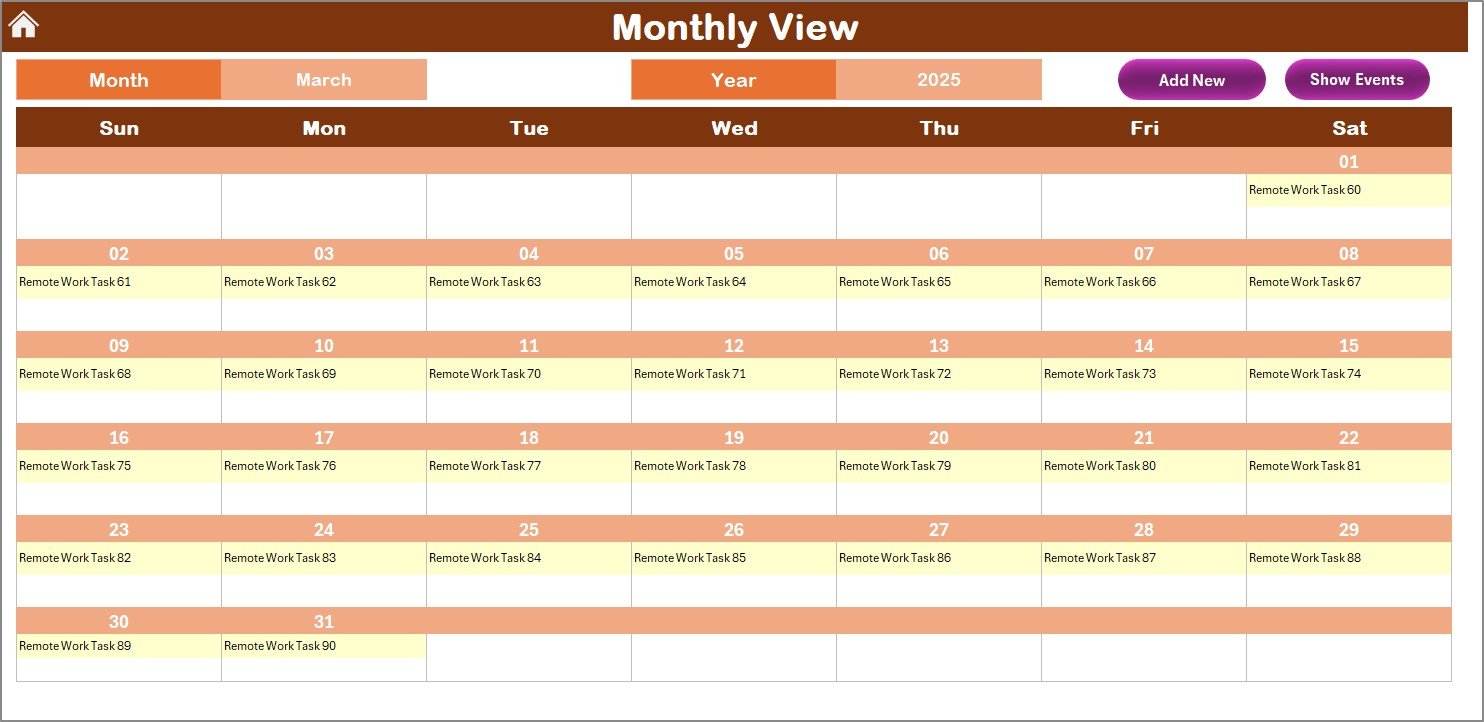
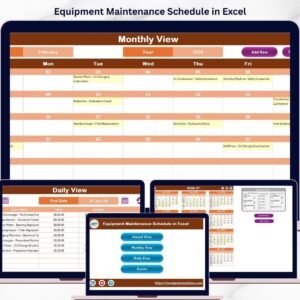
Monthly View Sheet Tab
-
Focused view for a specific month and year.
-
Displays one event per date, with “more than 1…” if multiple tasks exist.
-
Action buttons: Add New Event and Show Event.
-
Ideal for short-term planning like sales targets, client calls, or reporting.
-
-
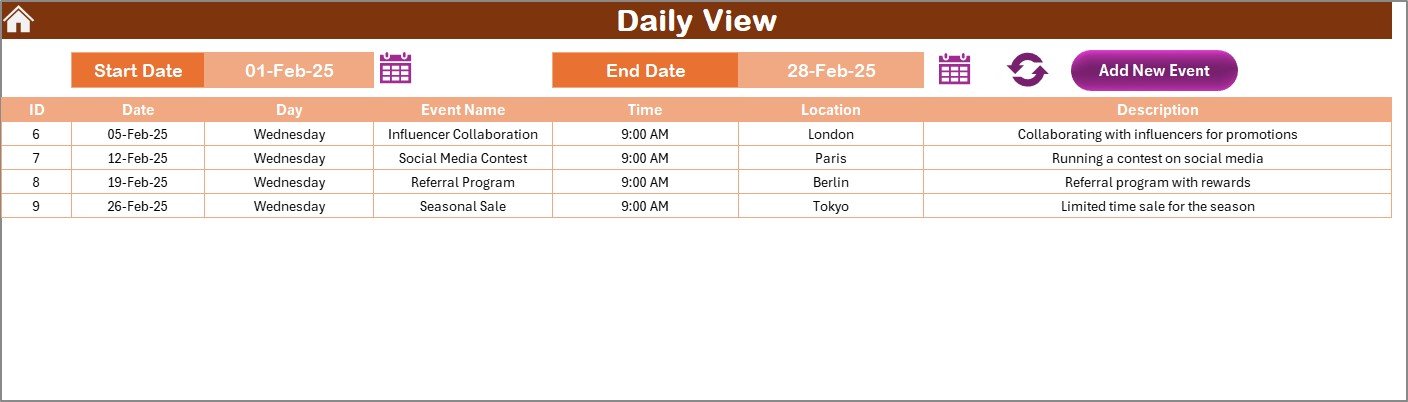
Daily View Sheet Tab
-
Provides a detailed breakdown for a selected date range.
-
Features a calendar picker, Refresh button, and Add New Event button.
-
Useful for day-to-day tracking of sales activities and client commitments.
-
-
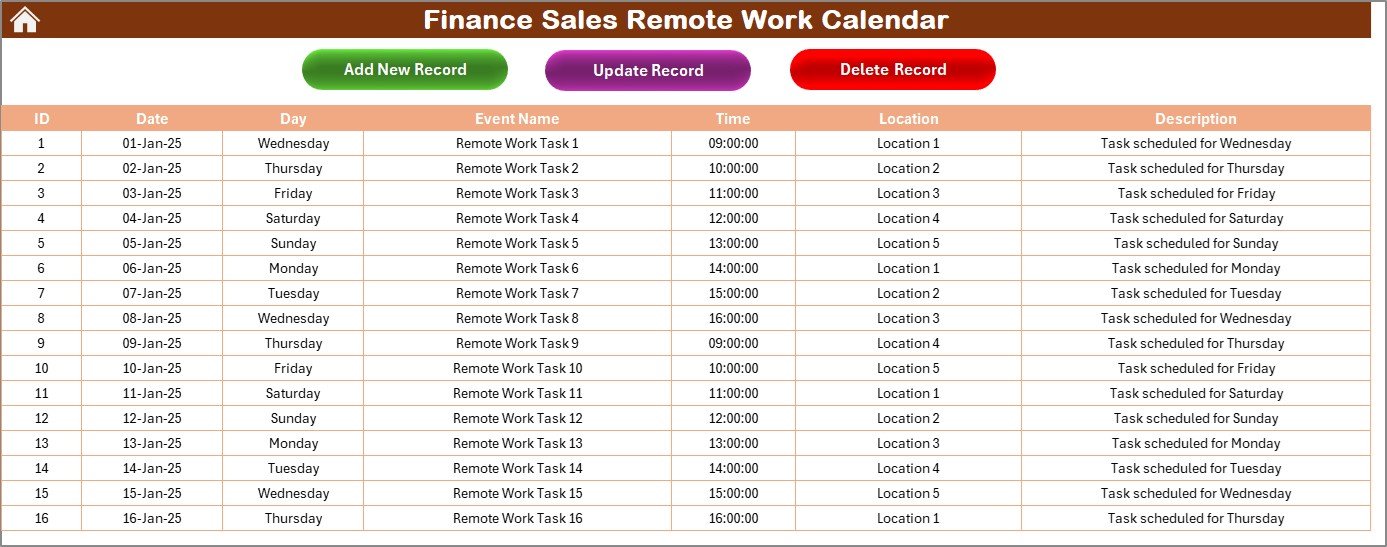
Events Sheet Tab
-
Database of all entries.
-
Fields include ID, Date, Day, Event Name, Time, Location, and Description.
-
Action buttons: Add Record, Update Record, Delete Record.
-
Serves as the central hub of the calendar.
-
How to Use the Finance Sales Remote Work Calendar 🛠️
-
Download & Open – Start at the Home sheet.
-
Annual Planning – Input yearly finance sales milestones and compliance dates.
-
Monthly Tracking – Add recurring tasks like training, client calls, and reporting deadlines.
-
Daily Execution – Use the Daily View for detailed tracking.
-
Database Management – Maintain records in the Events tab.
-
Stay Updated – Refresh regularly to keep data current.
The template is plug-and-play, making adoption quick and easy.
Who Can Benefit from This Calendar 👥
This template is ideal for:
-
💼 Finance Managers – Track sales deadlines and compliance tasks.
-
👨💻 Sales Representatives – Organize daily activities and client meetings.
-
🏢 Organizations – Manage remote teams across multiple locations.
-
📊 Project Managers – Oversee finance sales timelines.
-
🧑🏫 Team Leads – Monitor sales activities and deadlines for accountability.
If you manage a finance sales team, this template ensures alignment, productivity, and better customer interactions.
Opportunities for Improvement & Best Practices 💡
Potential enhancements:
-
🔔 Automated Reminders via Outlook/Teams.
-
📱 Mobile Compatibility for on-the-go access.
-
🔁 Recurring Events for weekly/monthly meetings.
-
🌐 Cloud Collaboration for real-time updates.
-
📊 Analytics Dashboard for performance insights.
Best practices include:
-
Update tasks regularly.
-
Use descriptive event titles.
-
Highlight deadlines and key meetings.
-
Review daily tasks every morning.
-
Back up data weekly.
-
Share with teams via OneDrive or SharePoint.











Reviews
There are no reviews yet.