
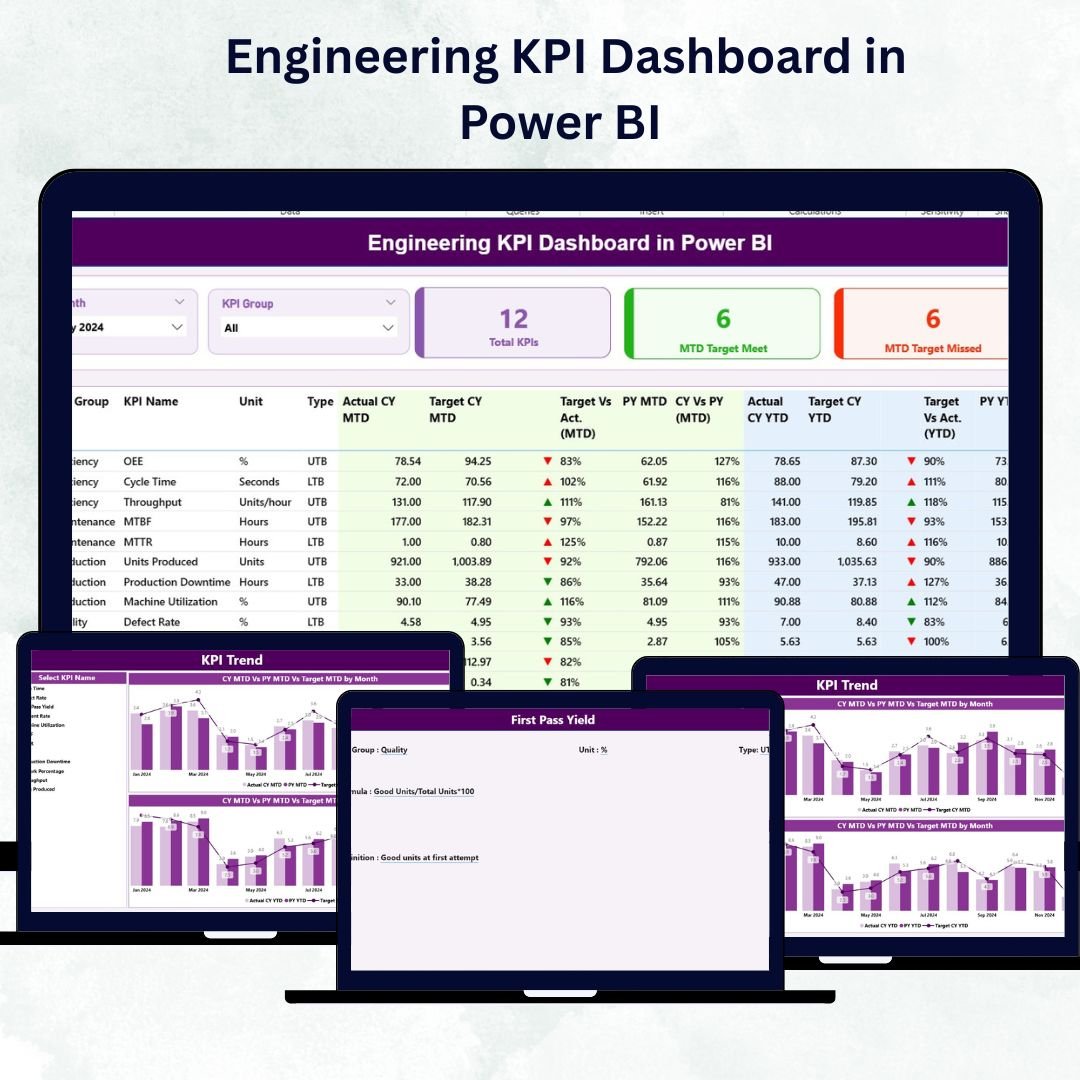
In a world where engineering excellence drives business success, data is the foundation for smarter decisions. The Engineering KPI Dashboard in Power BI 💡 transforms complex performance data into simple, visual insights — helping you track productivity, efficiency, quality, and resource utilization with just a glance.
Built on Microsoft Power BI and powered by Excel data, this ready-to-use dashboard gives engineering leaders real-time visibility across multiple projects and departments. It eliminates the guesswork, automates analysis, and delivers clear visuals that empower data-driven engineering management.
⚡ Key Features of Engineering KPI Dashboard in Power BI
✅ Comprehensive Performance View: Consolidates all engineering KPIs — from production yield to project efficiency — in one place.
✅ Interactive Filters: Month and KPI Group slicers for quick, dynamic analysis.
✅ Automated Cards & KPIs: Displays Total KPI Count, MTD Target Met, and MTD Target Missed automatically.
✅ Drill-Through Analysis: Click any KPI to view detailed trends and definitions instantly.
✅ MTD, YTD & PY Comparisons: Monitor Month-to-Date, Year-to-Date, and Previous Year data side by side.
✅ Dynamic Visuals: Combo charts, color-coded arrows (▲ / ▼), and conditional formatting simplify performance tracking.
✅ Excel Powered Source: Easily refresh data through linked Excel sheets for Actuals, Targets, and Definitions.
✅ Fully Customizable: Add or edit KPIs, thresholds, or visuals without coding.
✅ Professional Reports: Ready for executive meetings and engineering reviews.
✅ Seamless Automation: Refreshes data automatically — saving time and improving accuracy.
With this dashboard, engineers and executives get an instant, 360° view of performance to boost productivity, reduce waste, and ensure projects stay on track.
🧩 What’s Inside the Engineering KPI Dashboard in Power BI
The template includes three interactive pages plus a connected Excel data model:
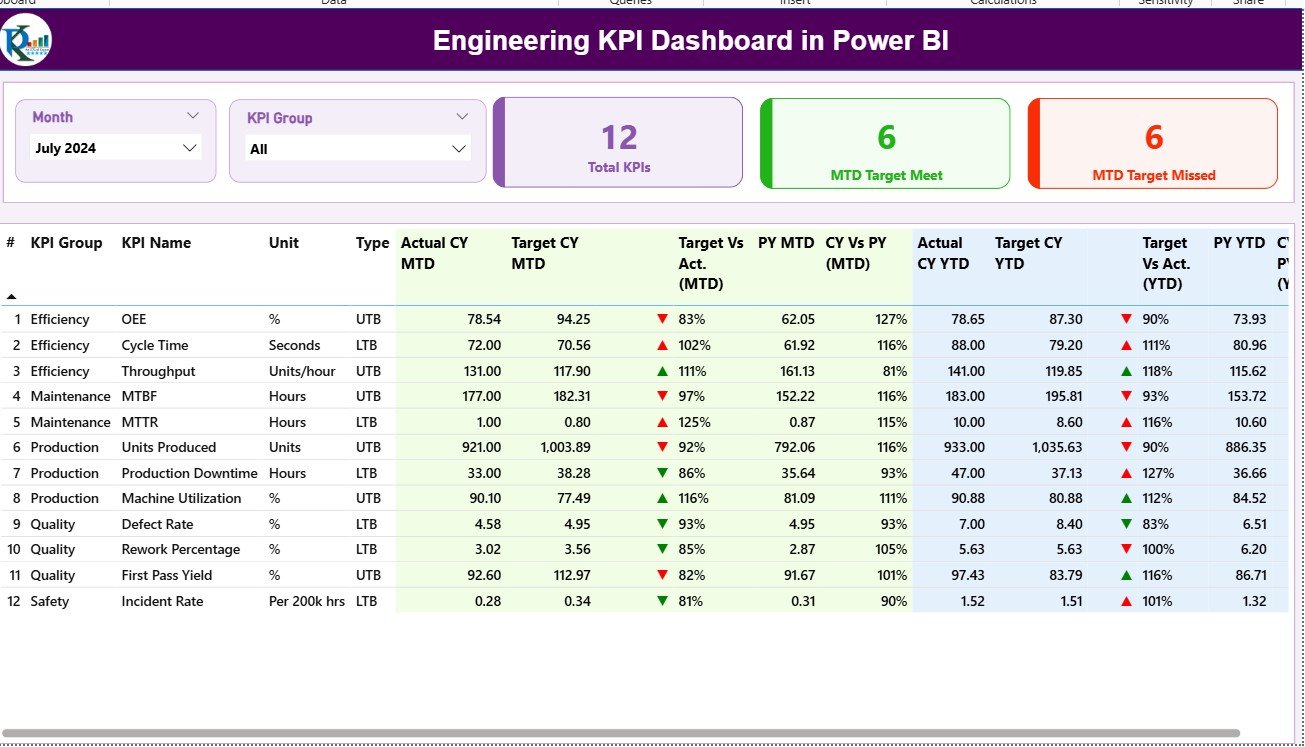
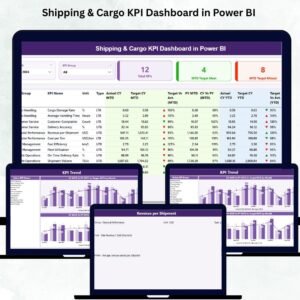
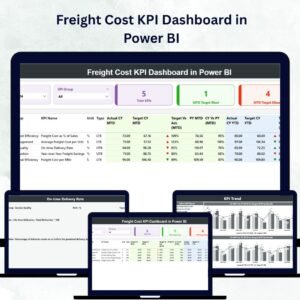
1️⃣ Summary Page – Your Performance Overview
The main page for real-time analysis.
-
Month and KPI Group slicers filter results dynamically.
-
Cards show Total KPIs, Target Met, and Target Missed.
-
Detailed table displays KPI Name, Unit, Type (UTB/LTB), MTD and YTD Actual vs Target, and Previous Year comparisons.
-
Conditional icons (green ▲ / red ▼) highlight performance status.
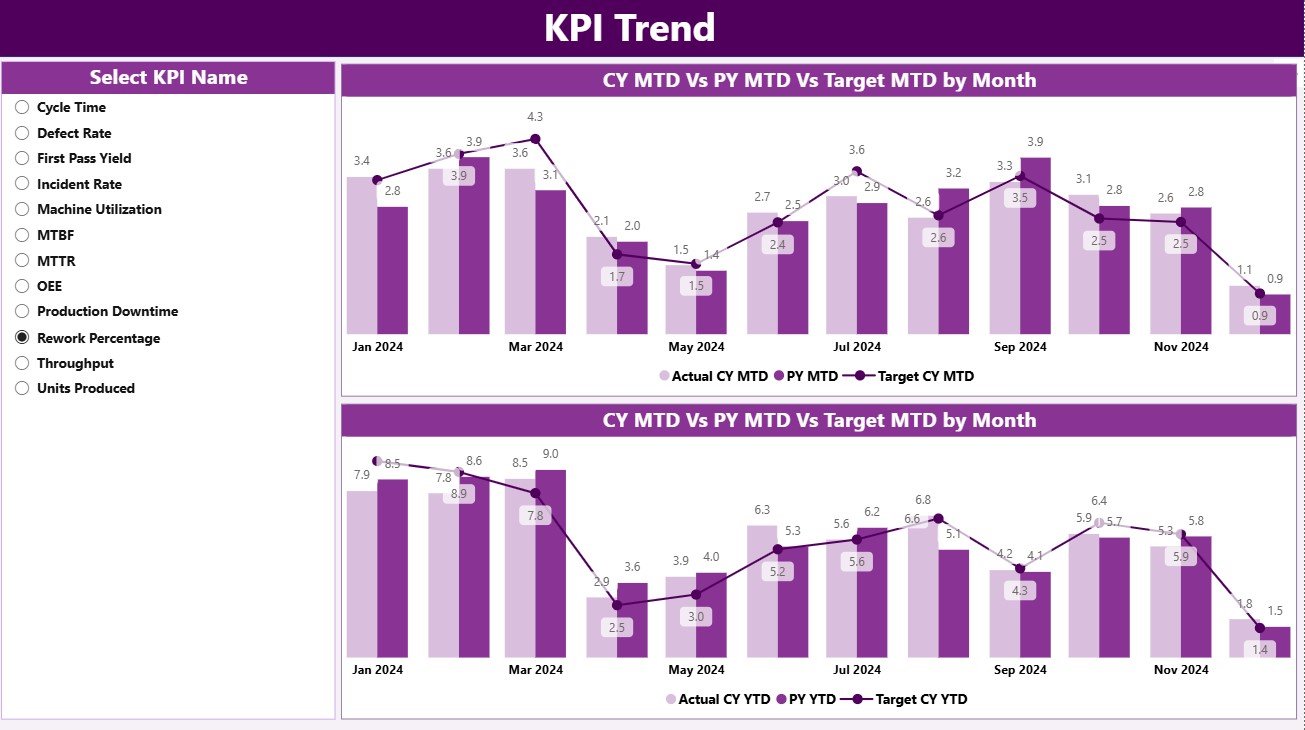
2️⃣ KPI Trend Page – Visualize Progress Over Time
Analyze how each KPI performs across months or years.
-
KPI slicer lets you select any metric to view trends.
-
Dual combo charts display MTD and YTD Actual vs Target vs PY values.
-
Ideal for engineering reviews and root-cause analysis.
3️⃣ KPI Definition Page – Reference and Transparency
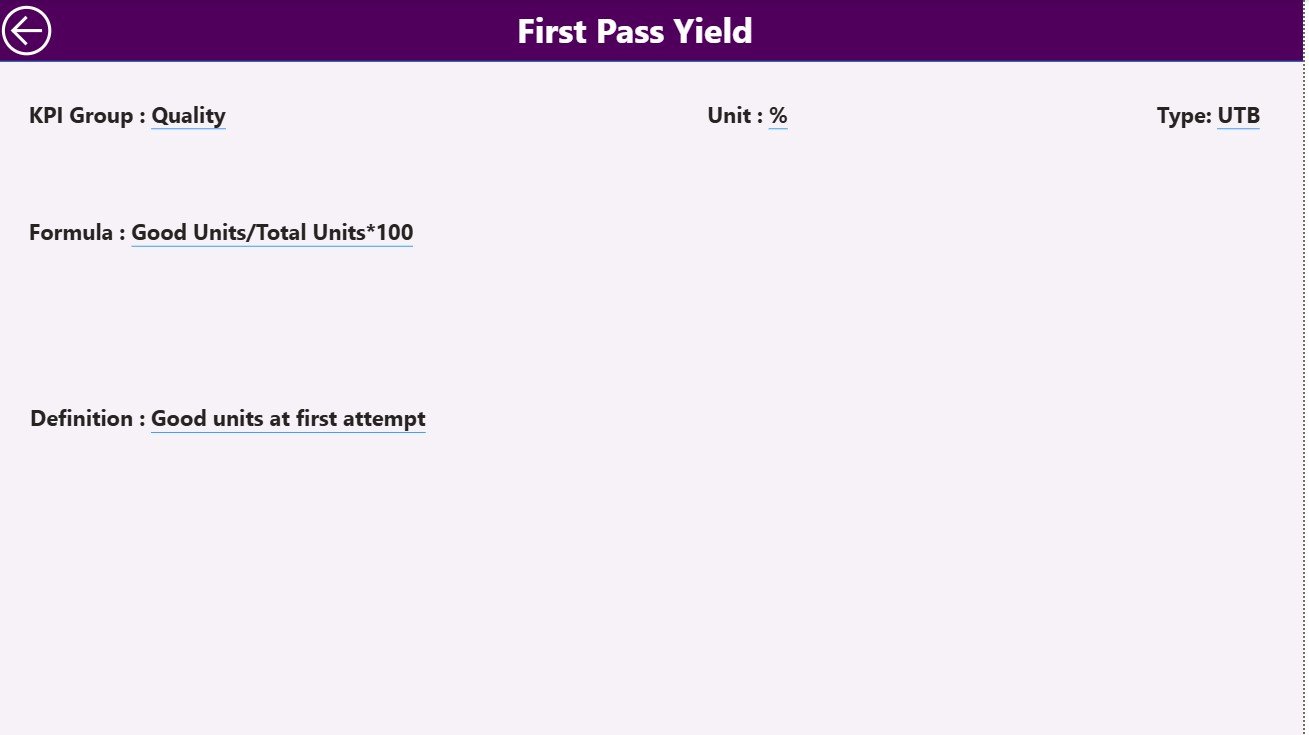
A drill-through page that shows Formula, Definition, Unit, and Type for every KPI.
Includes a Back button to return to the main dashboard.
🔗 Excel Data Model Includes:
-
Input_Actual – Enter monthly MTD & YTD Actual values.
-
Input_Target – Record monthly and annual Targets.
-
KPI Definition – Maintain KPI Group, Name, Unit, Formula, Definition, and Type.
Together, these elements deliver a complete end-to-end reporting solution for engineering operations.
🧠 How to Use the Engineering KPI Dashboard in Power BI
⚙️ Step 1: Prepare your Excel file with Actual, Target, and Definition data.
📊 Step 2: Connect the Excel file to Power BI and load the tables.
🎯 Step 3: Refresh the dashboard to view updated KPI cards and charts.
📈 Step 4: Use filters and drill-throughs to analyze specific KPIs.
📘 Step 5: Share reports with teams for collaborative decision-making.
In just minutes, your engineering data transforms into a live performance dashboard ready for action.
👥 Who Can Benefit from This Dashboard
👨🏭 Engineering Managers: Monitor efficiency, quality, and resource allocation.
🏗️ Project Leads: Track deadlines, budgets, and delivery performance.
⚙️ Operations Teams: Spot process bottlenecks and improve throughput.
📊 Executives & Analysts: Review strategic KPI trends for decision-making.
💼 Manufacturing & Industrial Firms: Standardize performance measurement across plants and teams.
This dashboard empowers every engineering professional to turn data into insight and insight into action.
🔗 Click here to read the Detailed Blog Post
🎥 Visit our YouTube channel for step-by-step tutorials
👉 YouTube.com/@PKAnExcelExpert


Reviews
There are no reviews yet.