


Modern software teams must fix bugs quickly to maintain quality, reduce customer frustration, and ensure smooth product releases. But many development and QA teams struggle because bug data stays scattered across tools, emails, reports, and spreadsheets. This causes slow bug resolution, unclear priorities, and inconsistent reporting. The Bug Resolution KPI Dashboard in Google Sheets solves all these challenges by giving teams a simple, cloud-based system to track and analyze every important bug metric in real time.Employee Skill Assessment Tracker in Google Sheets
This ready-to-use dashboard brings together all essential KPIs—bug detection, assignment efficiency, resolution time, reopen rate, backlog size, leakage rate, and more. It updates instantly based on your monthly actuals, targets, and previous-year performance. Whether you manage Agile teams, testing cycles, or product releases, this dashboard helps you make smarter decisions and improve quality with every sprint.Employee Skill Assessment Tracker in Google Sheets
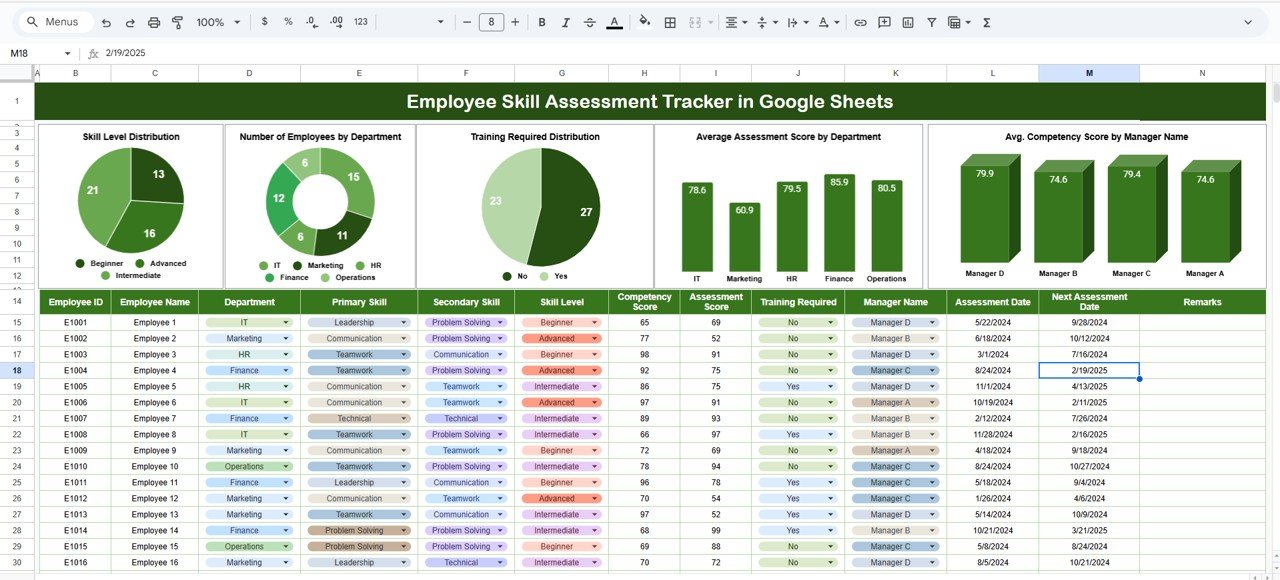
✨ Key Features of the Bug Resolution KPI Dashboard in Google Sheets
🐞 1. End-to-End Bug Lifecycle Visibility
Track every stage—bug identification, assignment, fixing, retesting, and closure. The dashboard reveals where delays occur and what needs improvement.Employee Skill Assessment Tracker in Google Sheets
📉 2. Backlog & Aging Issue Insights
Understand how many bugs remain unresolved, how long they’ve existed, and which areas require urgent attention. This helps prevent backlogs from becoming technical debt.Employee Skill Assessment Tracker in Google Sheets
⚡ 3. Real-Time, Auto-Updating Dashboard
Select any month from the dropdown, and the entire dashboard recalculates:
-
MTD Actual vs Target
-
MTD Actual vs Previous Year
-
YTD Actual vs Target
-
YTD Actual vs Previous Year
Conditional arrows instantly show where performance improved (green), declined (red), or remained stable (yellow).
📈 4. Structured KPIs for Every Quality Metric
The dashboard supports Lower the Better (LTB) and Upper the Better (UTB) KPIs. You get complete clarity on what each metric means and how to interpret it.
📦 What’s Inside the Bug Resolution KPI Dashboard in Google Sheets
🖥️ 1. Dashboard Sheet (Main Page)
This is your command center. It displays all KPI cards and comparison metrics in a simple visual layout. Every change in data reflects instantly.
📊 2. KPI Trend Sheet
Select any KPI from the dropdown to see:
-
KPI Group
-
KPI Unit
-
KPI Formula
-
KPI Definition
-
KPI Type (UTB or LTB)
-
A month-wise trend chart
This sheet helps teams identify patterns, spikes, and improvement opportunities.
📝 3. Actual Number Sheet
Enter your monthly MTD and YTD bug data here. Once values are added, the dashboard updates automatically.
🎯 4. Target Number Sheet
Store monthly and yearly targets for all KPIs. This helps your team compare planned vs. actual performance with complete clarity.
📅 5. Previous Year Data Sheet
Track previous-year bug metrics to measure year-over-year improvement in:
-
Resolution speed
-
Bug reopening trends
-
Leakage rate
-
Total bug volume
📚 6. KPI Definition Sheet
Maintain all KPI details in one place. This ensures reporting consistency and helps new team members understand every metric quickly.
🛠️ How to Use the Bug Resolution KPI Dashboard in Google Sheets
1️⃣ Update Actual Numbers Regularly
Enter real bug counts, resolution times, and quality metrics in the Actual sheet.
2️⃣ Set Monthly & Yearly Targets
Use the Target sheet to define performance expectations and improvement goals.
3️⃣ Monitor Trends Easily
Use the KPI Trend sheet for deeper analysis of bug patterns and team performance.
4️⃣ Compare YOY Improvements
Review the Previous Year sheet to see if your team’s quality metrics are improving over time.
5️⃣ Conduct Weekly & Monthly Quality Reviews
Use dashboard visuals to guide sprint retrospectives and release planning.
🎯 Who Can Benefit from This Bug Resolution KPI Dashboard in Google Sheets
🧪 QA Teams
Understand defect patterns, quality leakage, and reopening issues.
👨💻 Developers & Engineering Teams
Identify performance bottlenecks and improve resolution efficiency.
📦 Product Owners & Scrum Masters
Track sprint quality and make informed delivery decisions.
🏢 Project Management & Leadership
Gain visibility into team performance and software quality trends.
Click here to read the Detailed blog post
Watch the step-by-step video tutorial:















Reviews
There are no reviews yet.