
Key Features of Employee Retention Project Calendar in Excel
Boost your employee retention strategy with the Employee Retention Project Calendar In Excel – a comprehensive, easy-to-use digital calendar template designed specifically for HR professionals, managers, and business leaders. This ready-to-use Excel template offers a seamless way to plan, track, and manage employee retention projects and events throughout the year.
With five fully integrated worksheets, this calendar allows you to view your retention initiatives from multiple perspectives: annual, monthly, daily, and event-specific views. The Home sheet acts as an intuitive index with quick navigation buttons so you can jump straight to the desired calendar view or event list.
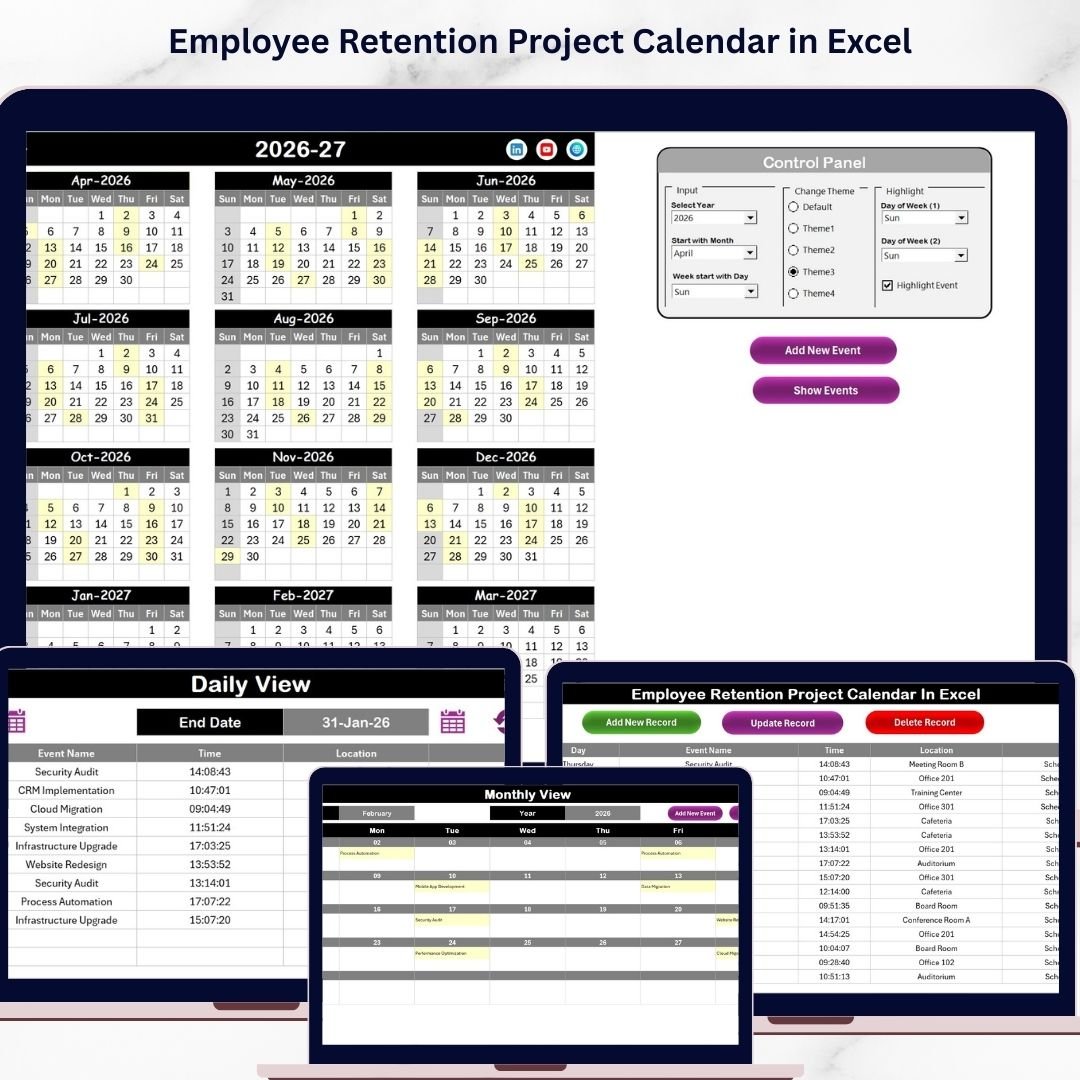
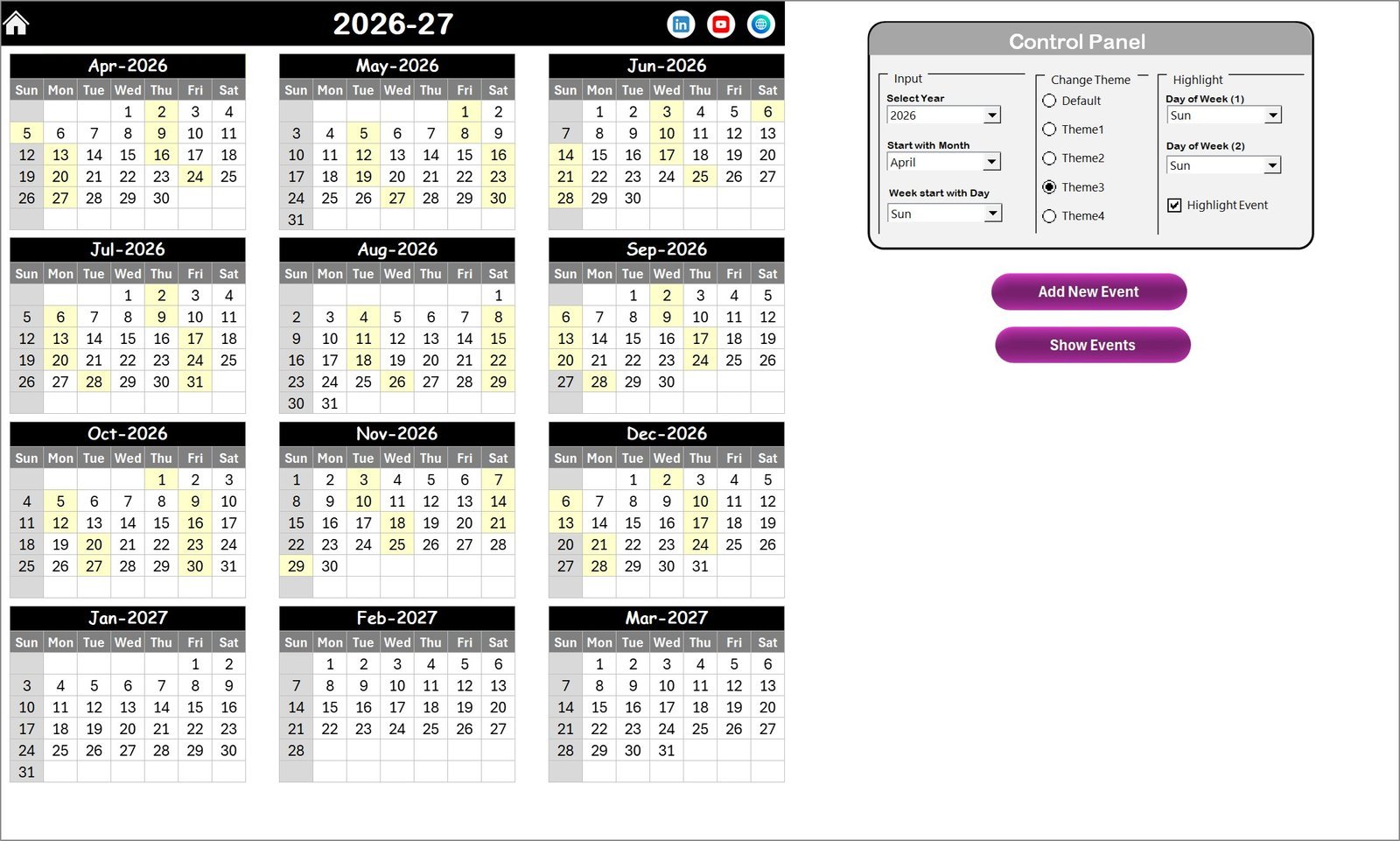
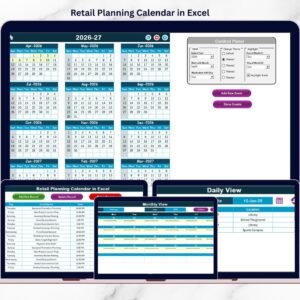
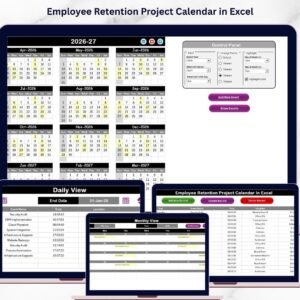
The Annual View Sheet displays all 12 months of the year in one place, featuring a powerful control panel that lets you customize the calendar year, starting month, and first day of the week. Choose from 5 vibrant color themes to match your brand or preference and highlight specific days like weekends or important events for easy visibility. Easily add or view events with dedicated buttons for quick event management right on the calendar.
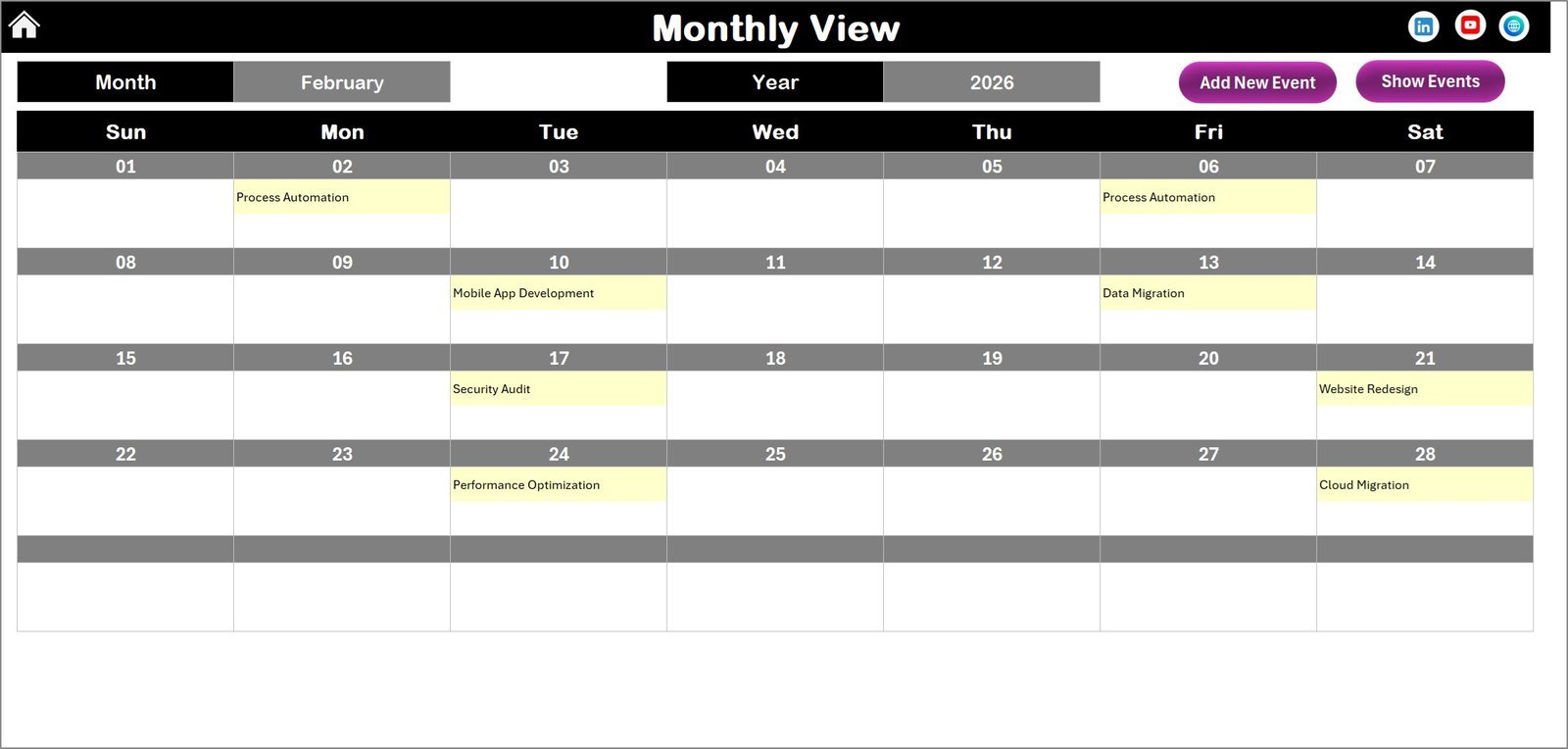
In the Monthly View Sheet, focus on a single month where you can select any month and year to see all scheduled retention activities. Events are clearly marked, with indications for multiple events on the same day to keep you fully informed.
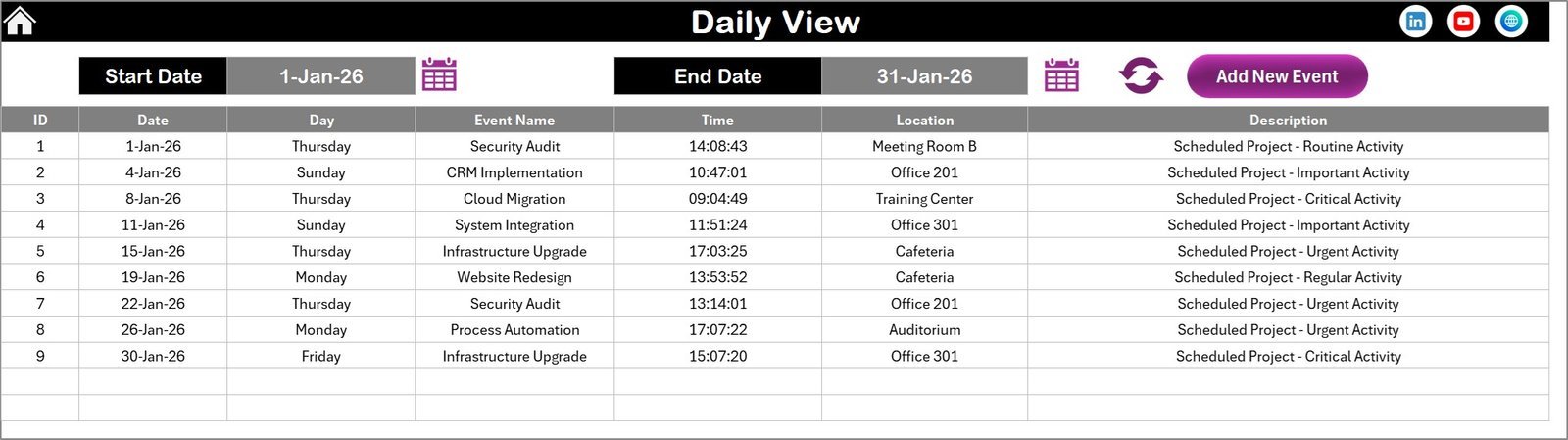
The Daily View Sheet provides detailed lists of events within a selected date range. This view helps you track day-to-day activities and ensures no retention event is missed. Simply enter your date range, refresh the view, and see all relevant events with their details.
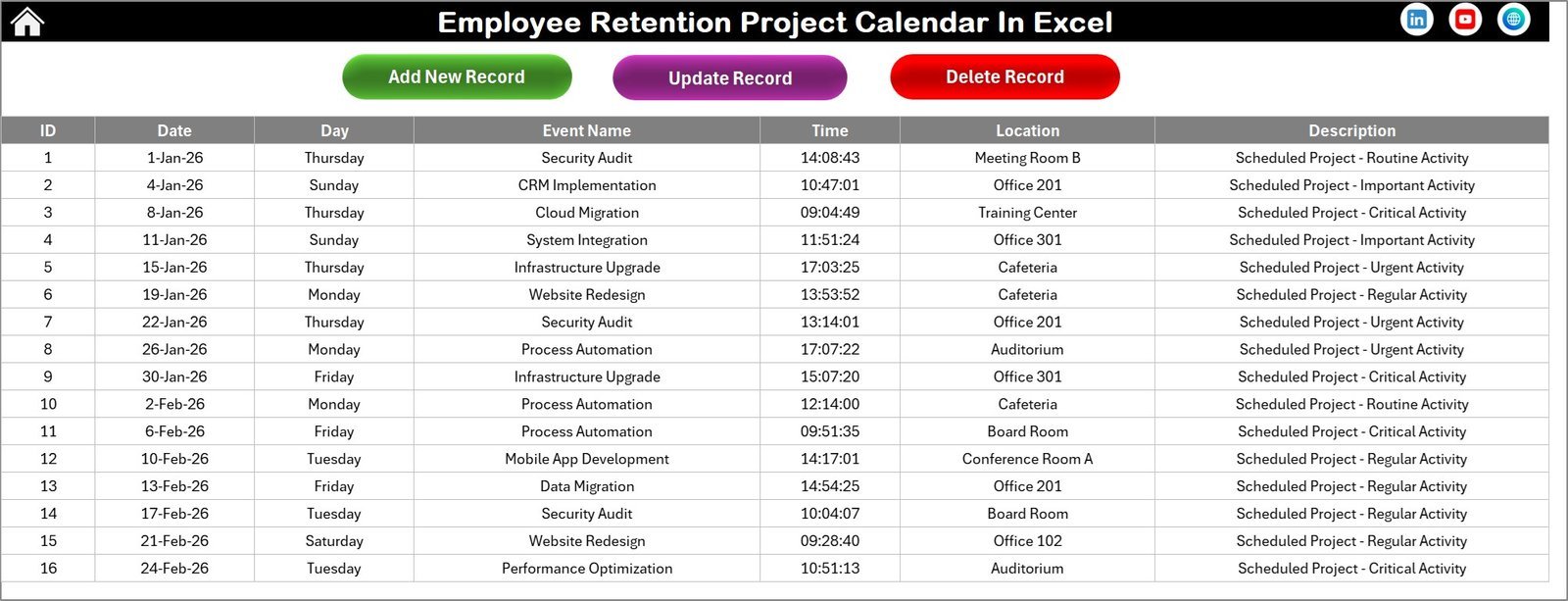
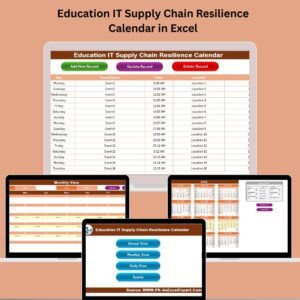
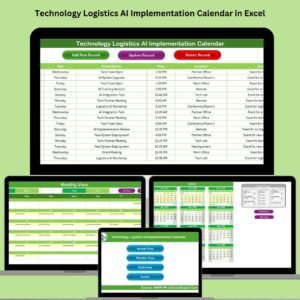
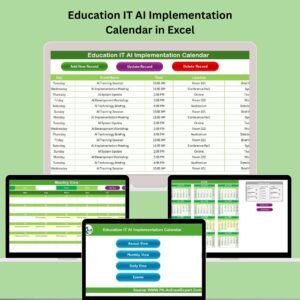
At the core of the calendar lies the Events Sheet, a complete database of all retention events. This sheet stores detailed information including event ID, date, day, event name, time, location, and a brief description. Manage your events effortlessly with buttons to add, update, or delete records, ensuring your calendar is always accurate and up to date.
What’s Inside the Employee Retention Project Calendar in Excel
- 🗓️ Five Interactive Worksheets: Home, Annual View, Monthly View, Daily View, and Events database.
- 🎨 Theme Customization: Choose from 5 color themes to personalize your calendar.
- 📅 Flexible Date Settings: Adjust year, starting month, and week start day for perfect alignment with your fiscal or calendar year.
- ⭐ Event Highlighting: Highlight weekends, special days, and important events automatically.
- ➕ Easy Event Management: Add, edit, or delete events with simple forms and buttons across all views.
- 🔍 Multi-Level Views: Switch quickly between annual, monthly, daily, and event database views.
- 📊 Comprehensive Event Details: Track event name, date, time, location, and descriptions in one place.
- 🔄 Dynamic Refresh: Update your views instantly when date range or events change.
- 🏆 User-Friendly Interface: Intuitive navigation with clickable buttons and control panels.
- 💼 Optimized for Employee Retention: Designed to help HR teams streamline retention project planning and tracking.
How to Use the Employee Retention Project Calendar in Excel
- 🖱️ Navigate Easily: Use the Home sheet’s quick access buttons to jump to Annual, Monthly, Daily, or Events sheets.
- 📆 Set Your Calendar: In the Annual View, select the year, starting month, and starting day of the week from the control panel for your calendar setup.
- 🎨 Customize Appearance: Pick from 5 color themes to personalize your calendar’s look and feel.
- ⭐ Highlight Important Days: Choose days to highlight such as weekends or special days to stand out visually.
- ➕ Add New Events: Select any date in Annual, Monthly, or Daily views and click the ‘Add New Event’ button to input event details.
- 🔎 View Events: Use the ‘Show Event’ button to quickly view all events scheduled for a selected date.
- 📅 Review Daily Details: In the Daily View, select a date range and refresh to see detailed event lists inclusive of times and locations.
- 🛠️ Manage Event Database: Add, update, or delete event records directly in the Events sheet using the provided buttons.
- 💾 Save and Share: Save your customized calendar and share it digitally within your HR team or management to keep everyone aligned.
- 📈 Track Progress: Use this calendar as a proactive tool to monitor and enhance your employee retention efforts throughout the year.
Who Can Benefit from This Employee Retention Project Calendar in Excel
- 👩💼 HR Professionals: Streamline retention project planning and communications to improve workforce stability.
- 👨💼 Managers and Team Leads: Keep track of team engagement initiatives and important HR events effortlessly.
- 🏢 Business Owners: Gain a clear overview of retention activities to reduce turnover and boost employee satisfaction.
- 📊 Project Coordinators: Efficiently schedule and monitor multiple retention campaigns with ease.
- 📅 Event Planners: Organize employee retention-related events with detailed tracking and scheduling.
- 🎯 Talent Acquisition Teams: Align hiring strategies with retention efforts using an integrated calendar.
- 💡 Consultants & Trainers: Use the calendar as a professional tool to advise clients on retention best practices.
- 🧑💻 Remote Teams: Coordinate retention projects across locations with a centralized Excel calendar.
- 📈 Business Analysts: Analyze retention event data to make informed decisions and improve HR policies.
- 🔄 Anyone Involved in Employee Engagement: Simplify retention tracking and ensure no critical events are overlooked.
Click here to read the Detailed blog post.
Visit our YouTube channel to learn step-by-step video tutorials










Reviews
There are no reviews yet.