
Customer feedback is valuable—but only when evaluated properly. Many businesses collect feedback yet struggle to analyze it systematically. As a result, insights get lost, actions are delayed, and customer experience suffers.
That is exactly why the Customer Feedback Evaluation Checklist in Excel is a must-have, ready-to-use solution for modern teams.
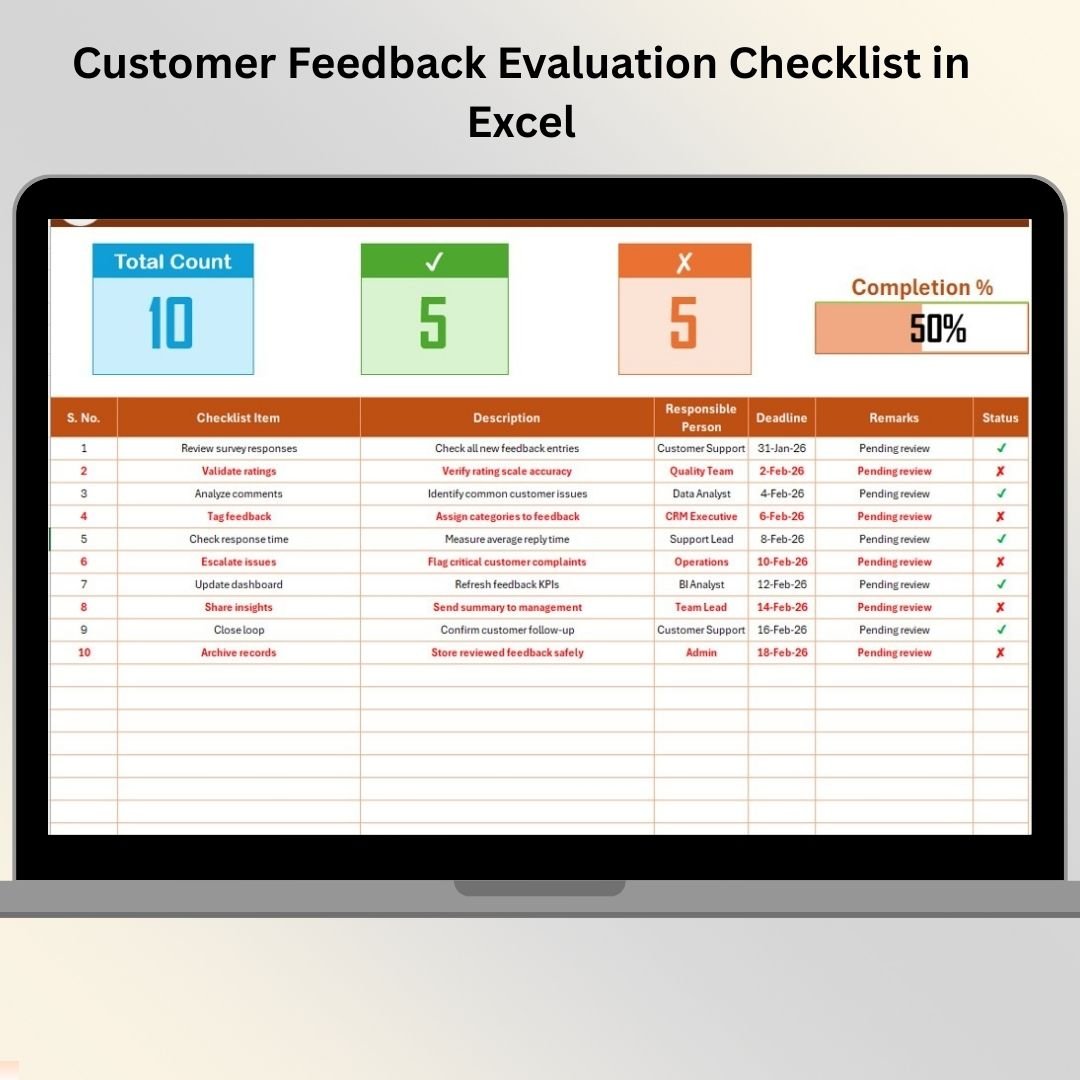
This professionally designed Excel checklist helps you evaluate, track, and manage customer feedback activities step by step. Instead of scattered notes and unstructured reviews, you get a clear evaluation framework with accountability, deadlines, and real-time progress tracking—all inside Excel.
Whether you manage customer support, product feedback, or service quality, this checklist helps you convert raw feedback into meaningful decisions with confidence and clarity.
✅ Key Features of Customer Feedback Evaluation Checklist in Excel
📊 Visual Progress Tracking
Automatically tracks total tasks, completed items, pending items, and displays progress using a dynamic progress bar.
👤 Clear Responsibility Assignment
Assign each feedback evaluation task to a responsible person to ensure accountability.
📅 Deadline Management
Define clear deadlines for every evaluation task to avoid delays and missed actions.
✔ Simple Status Indicators
Mark tasks as ✔ completed or ✘ pending and let Excel calculate progress instantly.
📋 Structured Checklist Table
Work with clearly defined columns for task name, description, owner, remarks, and status.
🧾 Dropdown-Based Data Validation
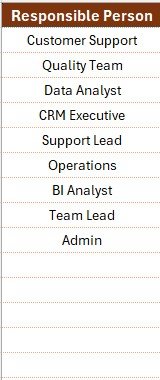
Use dropdown lists for responsible persons to maintain consistency and reduce errors.
🔄 Fully Customizable Template
Easily edit checklist items, formulas, layout, and structure based on your process.
💻 Offline & Cost-Effective Solution
Works completely offline and avoids the cost of complex feedback management tools.
📦 What’s Inside the Customer Feedback Evaluation Checklist
This ready-to-use Excel template includes two well-structured worksheets:
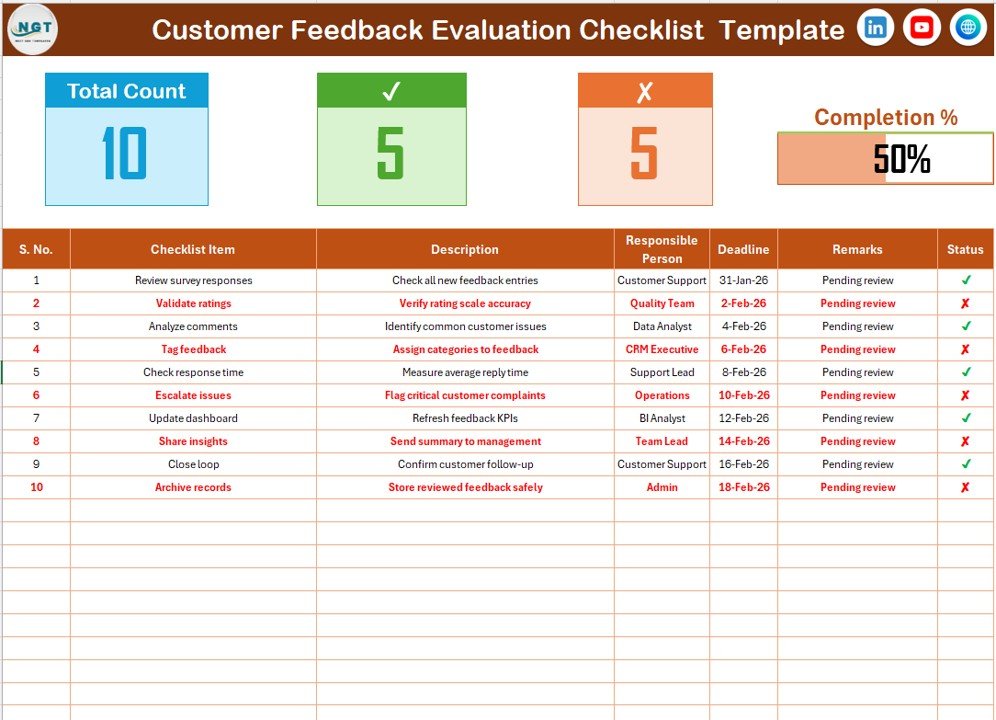
📌 Customer Feedback Evaluation Checklist Sheet
The main working sheet where teams:
-
Enter feedback evaluation tasks
-
Assign owners and deadlines
-
Update status
-
Track progress visually
📌 List Sheet (Supporting Sheet)
-
Stores the unique list of responsible persons
-
Feeds dropdowns in the main checklist
-
Improves data accuracy and standardization
Together, these sheets ensure smooth evaluation, clean data, and consistent reporting.
🛠 How to Use the Customer Feedback Evaluation Checklist in Excel
1️⃣ Define evaluation criteria such as relevance, urgency, or sentiment
2️⃣ Add checklist items related to feedback evaluation
3️⃣ Assign responsible persons using dropdowns
4️⃣ Set realistic deadlines for each task
5️⃣ Update the status using ✔ or ✘
6️⃣ Monitor progress using counts and the progress bar
7️⃣ Review results during weekly or monthly meetings
Because everything updates automatically, teams always stay aligned and informed.
👥 Who Can Benefit from This Customer Feedback Evaluation Checklist?
This Excel checklist is ideal for:
📞 Customer Support Teams
📦 Product Managers
📊 Quality Assurance Teams
📢 Marketing Teams
🏢 Small Business Owners
📈 Consultants & Analysts
If your team handles customer feedback and wants structured evaluation and better decisions, this checklist is built for you.
🔗 Click here to read the Detailed blog post
📺 Visit our YouTube channel to learn step-by-step video tutorials
👉 Youtube.com/@PKAnExcelExpert























Reviews
There are no reviews yet.