Customer feedback is one of the most powerful drivers of business improvement. Organizations continuously collect feedback through surveys, reviews, support tickets, and customer interactions. However, many companies fail to convert feedback into actionable insights because analysis activities are not properly scheduled. Meetings get delayed, follow-ups are missed, and valuable customer insights remain unused.
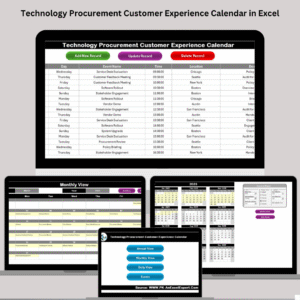
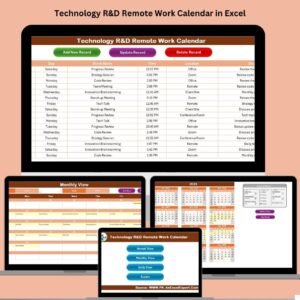
The Customer Feedback Analysis Scheduling Calendar in Excel solves this challenge by providing a structured, ready-to-use planning system designed specifically to organize feedback analysis activities. This intelligent Excel-based calendar allows businesses to schedule review meetings, plan survey analysis, track customer experience initiatives, and manage improvement cycles — all from one centralized platform.
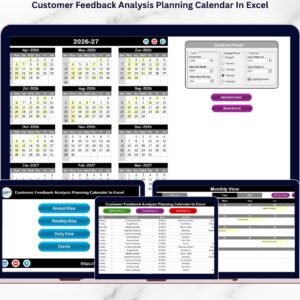
Instead of using scattered spreadsheets or manual planners, teams manage feedback workflows using automated annual, monthly, and daily calendar views. As a result, organizations maintain consistent feedback evaluation processes, improve collaboration between departments, and ensure customer insights receive timely attention.
Built entirely in Microsoft Excel, this template requires no additional software or technical expertise. Users can implement the system instantly and start organizing feedback operations within minutes. Automated forms, dynamic calendar updates, and centralized event storage make scheduling simple, accurate, and efficient.
Whether you manage customer experience programs, marketing feedback reviews, or product improvement discussions, this calendar transforms feedback management into a structured and repeatable process.
🚀 Key Feature of Customer Feedback Analysis Scheduling Calendar in Excel
📅 Annual, Monthly & Daily Calendar Views – Plan feedback activities across multiple time perspectives.
📝 Automated Event Entry Forms – Add feedback meetings quickly without manual formatting.
🎯 Centralized Feedback Scheduling – Manage all review activities in one workbook.
🎨 Customizable Themes – Choose from multiple color themes for better visualization.
🔔 Event Highlighting System – Important review dates appear automatically.
🔎 Quick Event Lookup – Instantly view scheduled feedback activities.
📊 Structured Event Database – Maintain organized scheduling records.
⚡ Ready-to-Use Excel Template – No setup or advanced skills required.
📦 What’s Inside the Customer Feedback Analysis Scheduling Calendar
This template contains five structured worksheets, each supporting efficient scheduling.
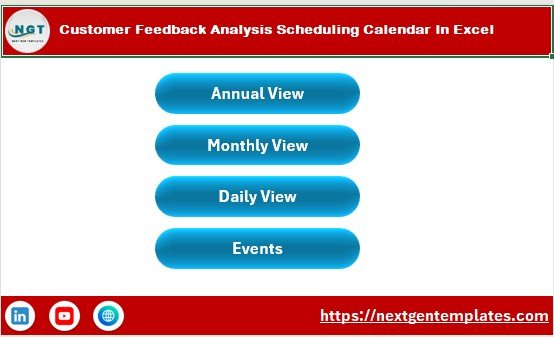
🏠 Home Sheet — Navigation Center
Acts as the main index page with quick navigation buttons:
-
Annual View
-
Monthly View
-
Daily View
-
Events Database
Users move between planning views instantly.
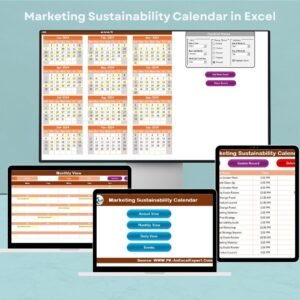
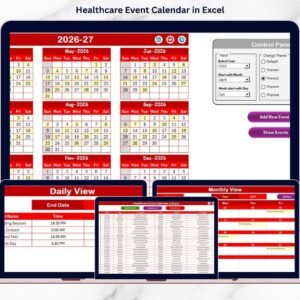
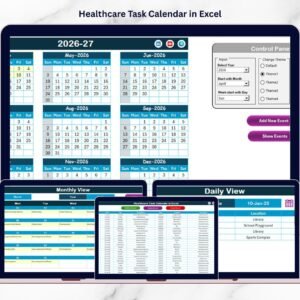
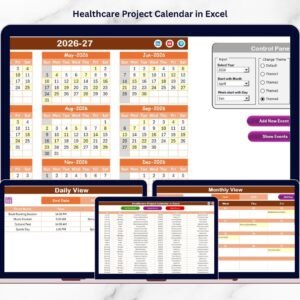
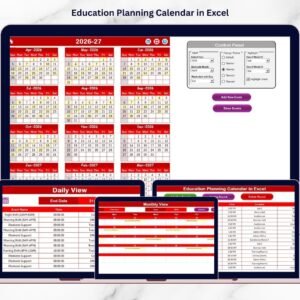
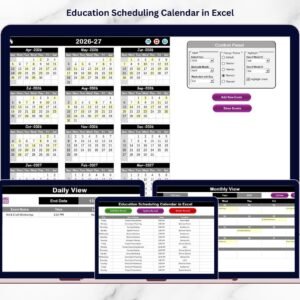
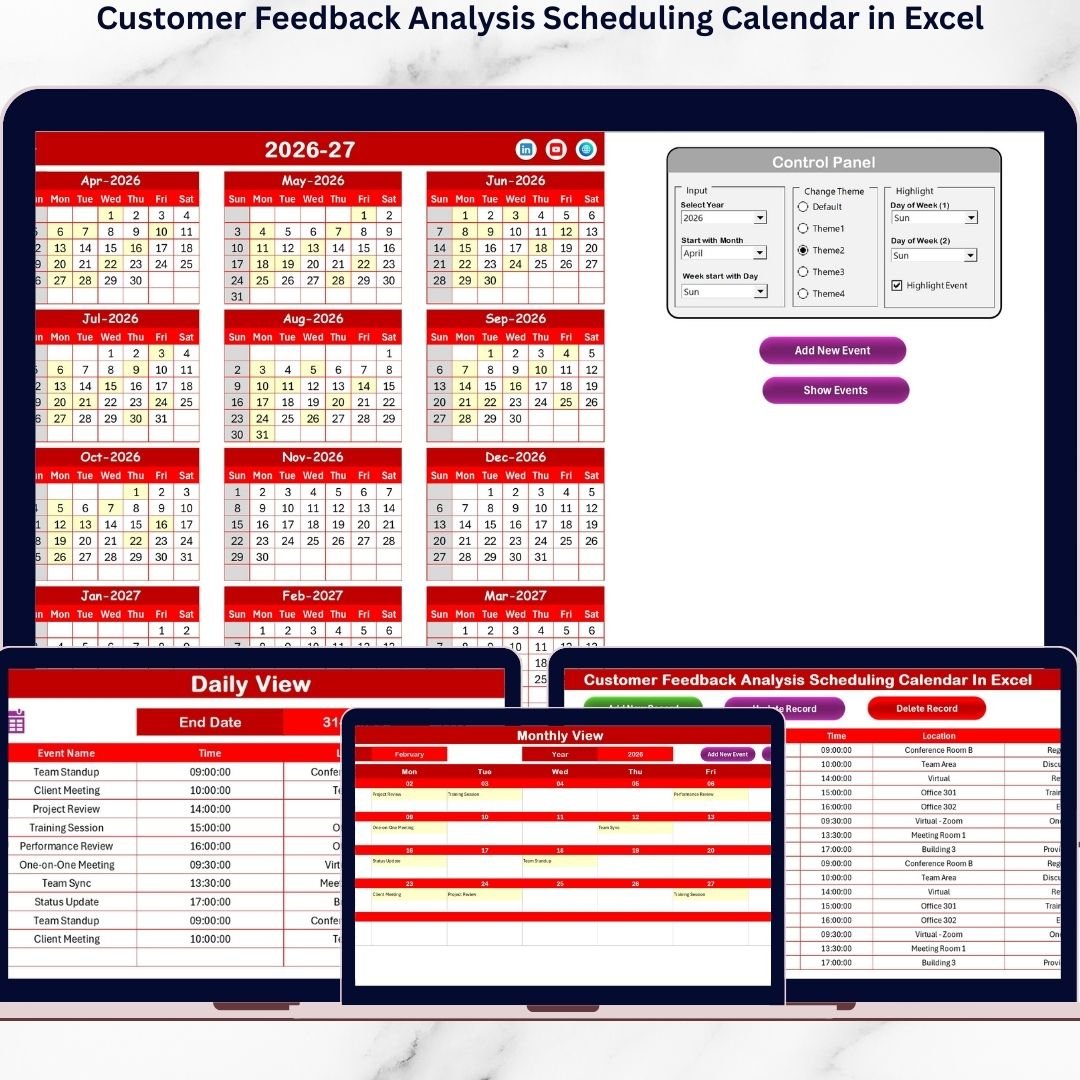
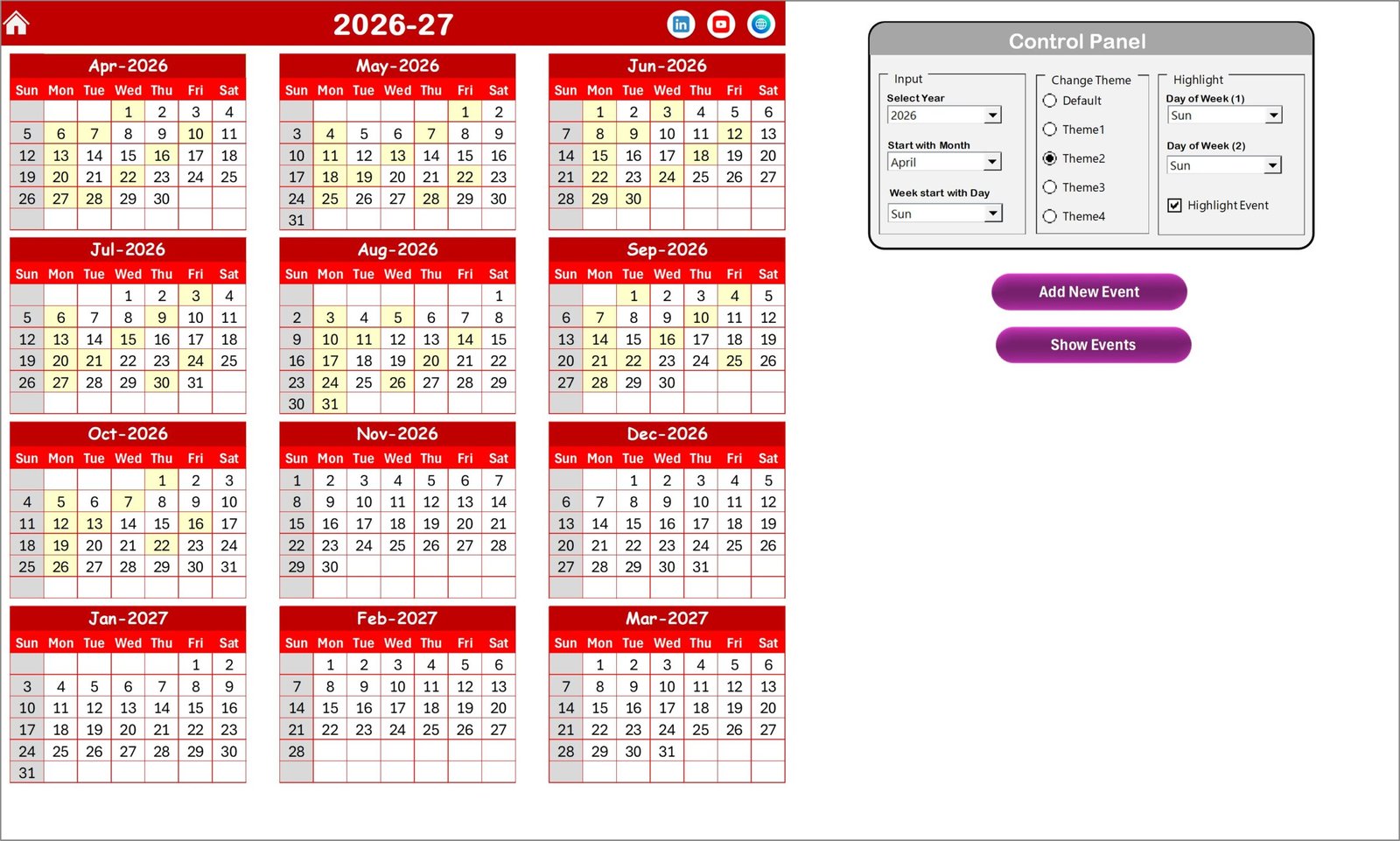
📆 Annual View — Yearly Planning Overview
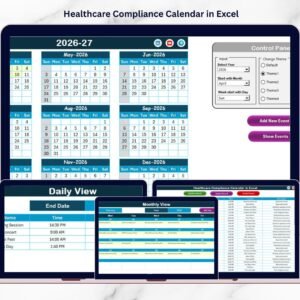
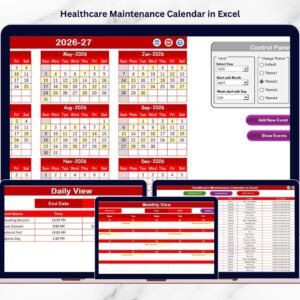
Displays all twelve months in one screen for long-term planning.
Control Panel Features
✅ Select Year automatically updates calendar
✅ Change starting month and weekday
✅ Apply one of five color themes
✅ Highlight selected weekdays
✅ Highlight Event checkbox marks scheduled activities
Event Buttons
➕ Add New Event – Create events instantly
👁 Show Event – View scheduled activities for selected date
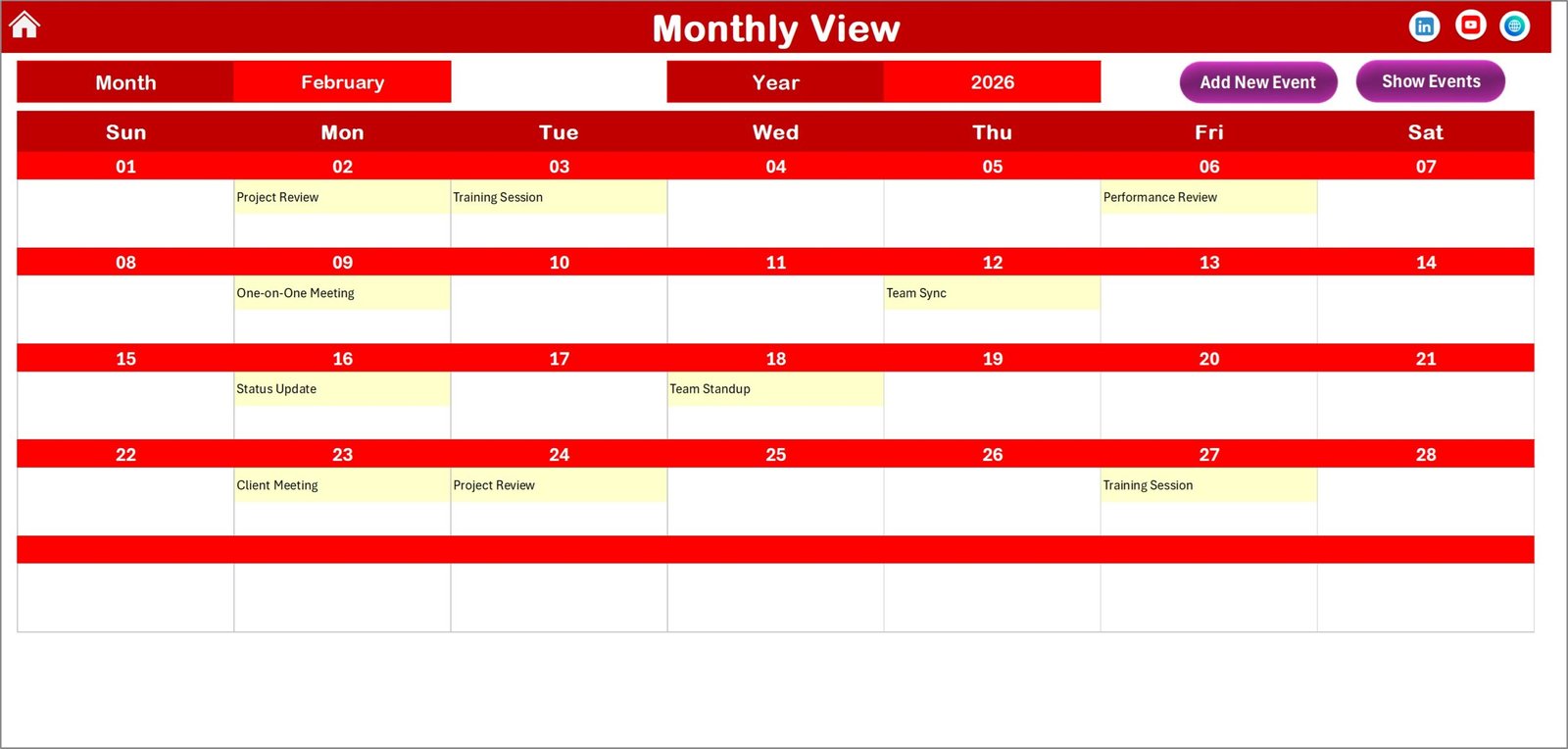
🗓 Monthly View — Detailed Scheduling
Provides focused monthly planning.
Users simply select Month and Year, and the calendar updates automatically.
Event Display Logic
-
Shows one event directly
-
Displays “more than 1…” for multiple events
Keeps layout clean and easy to read.
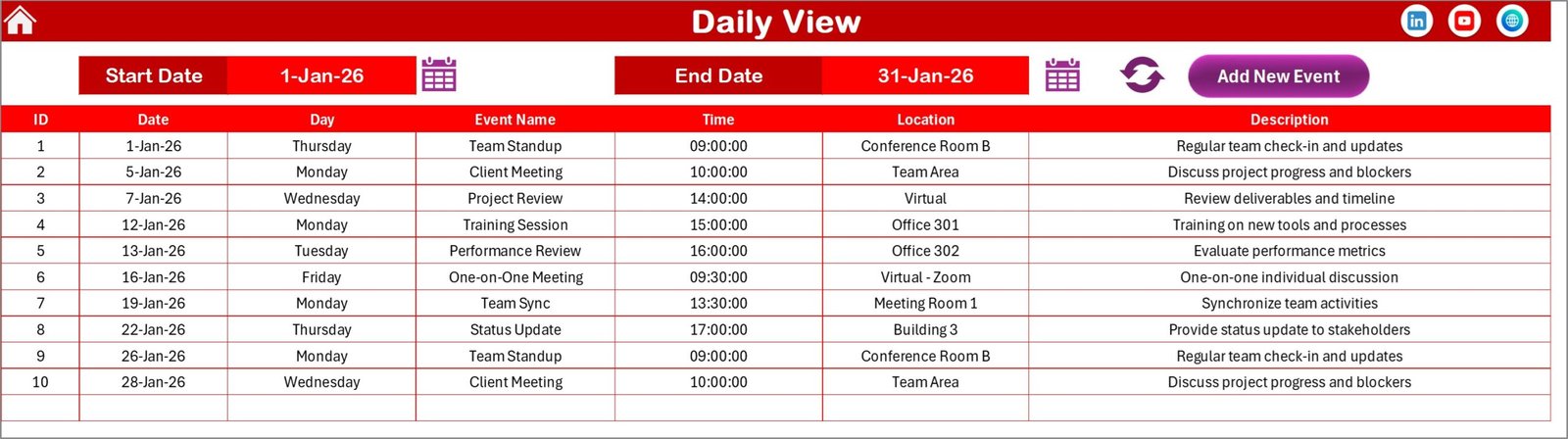
📋 Daily View — Detailed Event Tracking
Tracks feedback activities within a chosen date range.
Features include:
-
Start & End Date selection
-
Refresh button for updated records
-
Complete event visibility
-
Quick Add Event option
Perfect for monitoring daily feedback workflows.
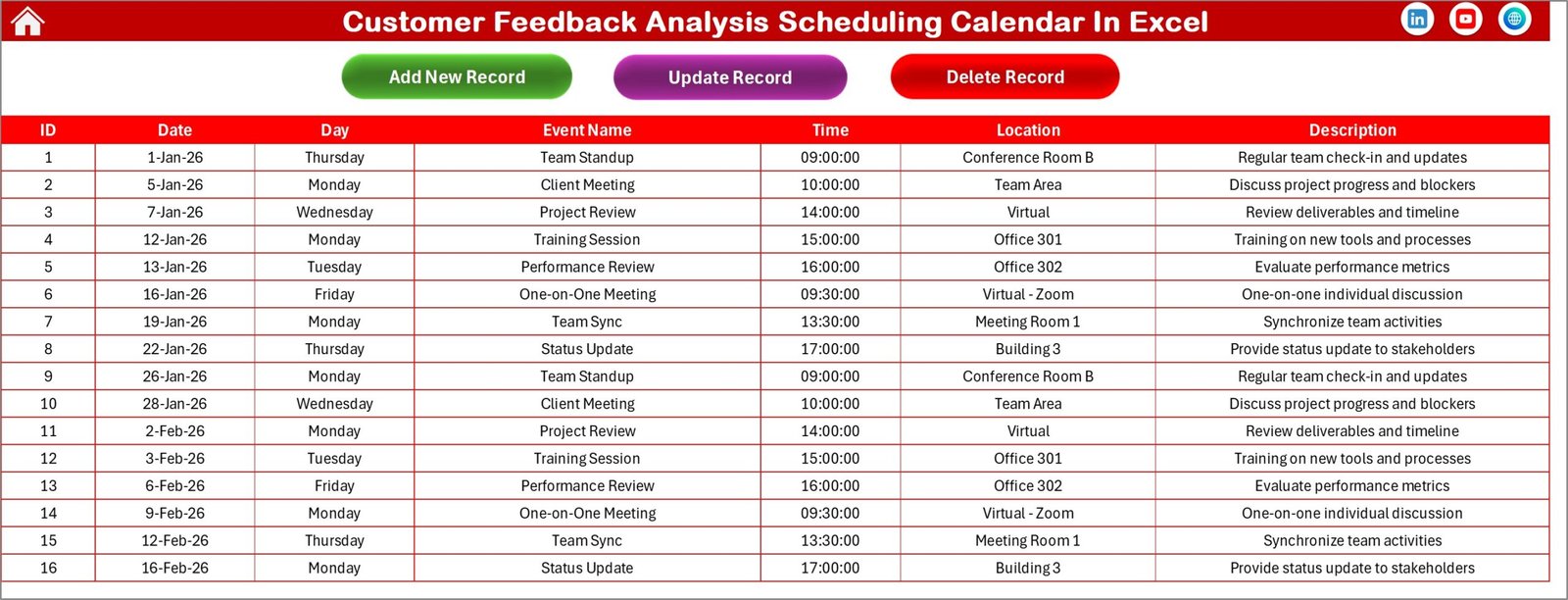
🗂 Events Sheet — Central Event Database
Stores all event records automatically.
Captured Information
-
ID (Auto-generated)
-
Date & Day
-
Event Name
-
Time & Location
-
Description
Users can Add, Update, or Delete events easily.
⚙️ How to Use the Customer Feedback Analysis Scheduling Calendar
1️⃣ Navigate using Home Sheet buttons.
2️⃣ Configure calendar preferences and theme.
3️⃣ Add feedback review events using forms.
4️⃣ Monitor activities via Monthly or Annual view.
5️⃣ Track detailed schedules using Daily View.
6️⃣ Maintain records through Events database.
Within minutes, teams create a structured feedback management system.
👥 Who Can Benefit from This Product?
Perfect for:
👥 Customer Experience Teams
📢 Marketing Departments
📦 Product Managers
🎧 Customer Support Teams
📊 Business Analysts
🚀 Startup Founders
🏢 Service Organizations
Any business focused on improving customer satisfaction can benefit.
### Click here to read the Detailed blog post
Visit our YouTube channel to learn step-by-step video tutorials:
👉 https://youtube.com/@PKAnExcelExpert