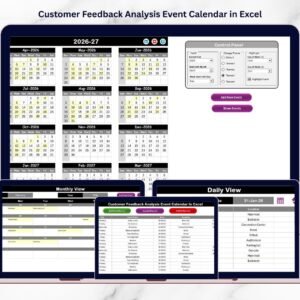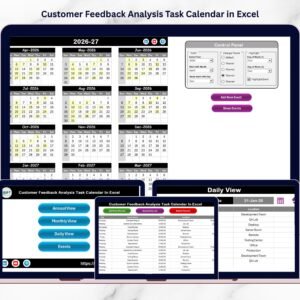
Customer feedback is one of the most valuable assets for any organization. Businesses collect feedback from surveys, product reviews, support tickets, social media comments, and direct customer interactions. Customer Feedback Analysis Maintenance Calendar in Excel However, collecting feedback alone is not enough. Organizations must regularly analyze this information to identify improvement opportunities and enhance customer experience.
Unfortunately, many companies struggle to manage feedback analysis activities efficiently. Feedback review meetings, complaint analysis sessions, improvement discussions, and action follow-ups often get delayed or missed. When teams rely on scattered reminders or manual tracking methods, feedback management becomes disorganized.
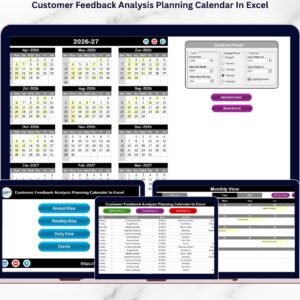
The Customer Feedback Analysis Maintenance Calendar in Excel provides a structured and powerful solution to this problem. This ready-to-use Excel calendar helps organizations schedule feedback analysis activities, track improvement meetings, and manage feedback-driven tasks in a centralized system.
Instead of managing feedback discussions through multiple tools, teams can organize all feedback-related activities in a single calendar dashboard. As a result, organizations can maintain consistent feedback analysis processes and turn customer insights into meaningful improvements.
📅 Key Features of Customer Feedback Analysis Maintenance Calendar in Excel
📊 Centralized Feedback Activity Management
Track all customer feedback review meetings, improvement discussions, and analysis sessions in one organized calendar.
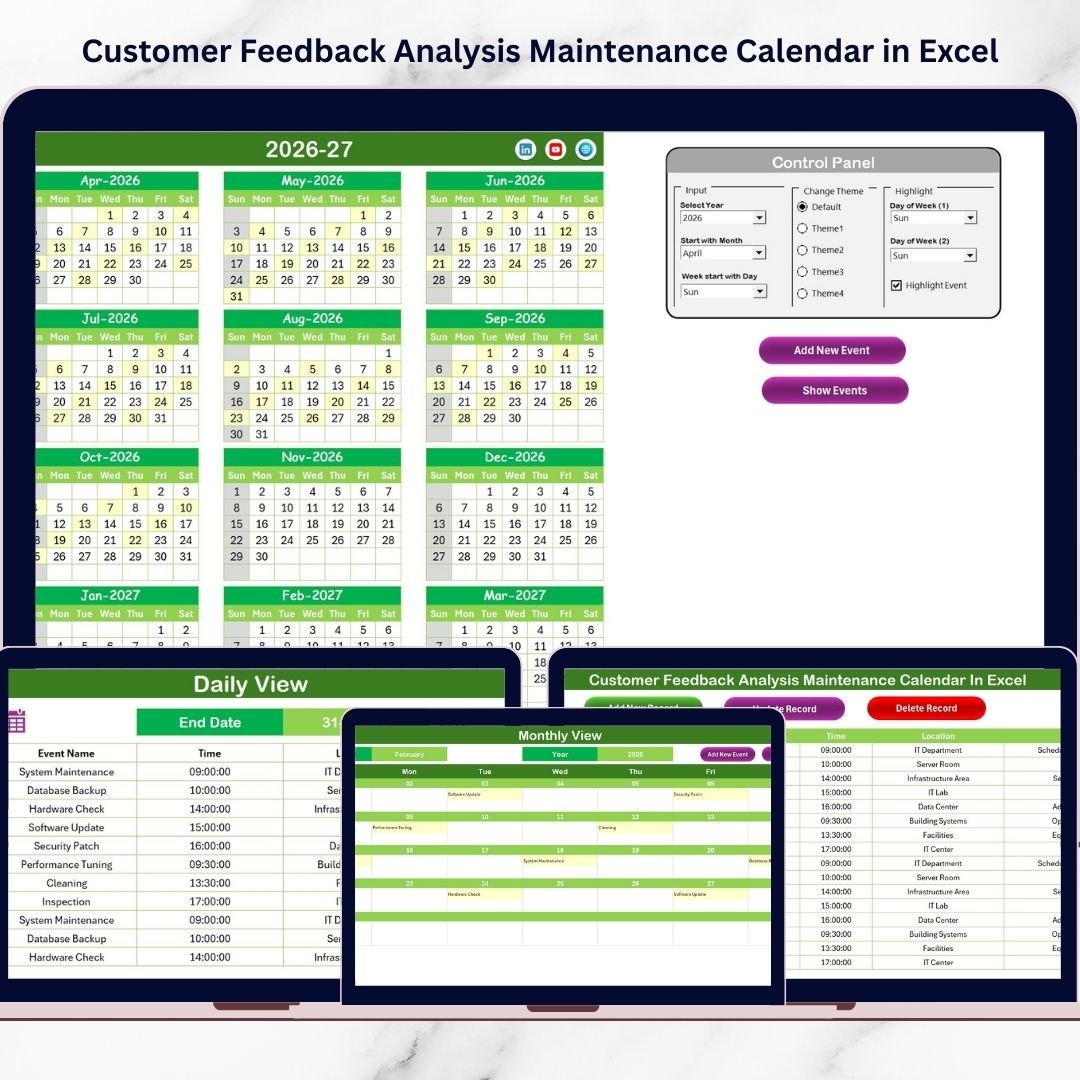
📆 Multiple Calendar Views
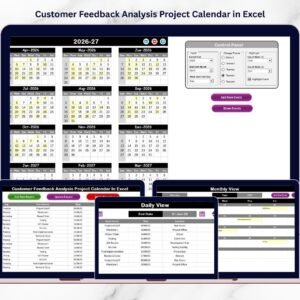
Access Annual View, Monthly View, and Daily View to plan and monitor feedback-related activities effectively.
⚙️ Interactive Control Panel
Customize the calendar easily by selecting the year, starting month, and starting day of the week.
🎨 Customizable Color Themes
Choose from multiple color themes to personalize the visual appearance of the calendar.
📌 Event Highlighting Feature
Highlight specific days of the week or scheduled events to quickly identify important feedback activities.
➕ Add New Event Function
Users can add feedback analysis meetings, review sessions, and improvement discussions directly from the calendar.
🔍 Event Viewing Option
View all events scheduled on a selected date with a single click.
📅 Detailed Monthly Planning
Monitor feedback analysis schedules for each month in an organized visual layout.
📋 Event Database Management
All events are stored in a structured database sheet with detailed information.
⚡ Fully Excel-Based Solution
No additional software required. Teams can implement this system immediately using Microsoft Excel.
📦 What’s Inside the Customer Feedback Analysis Maintenance Calendar in Excel
This ready-to-use Excel template includes five powerful worksheets designed to manage feedback analysis activities efficiently.
1️⃣ Home Sheet (Navigation Page)
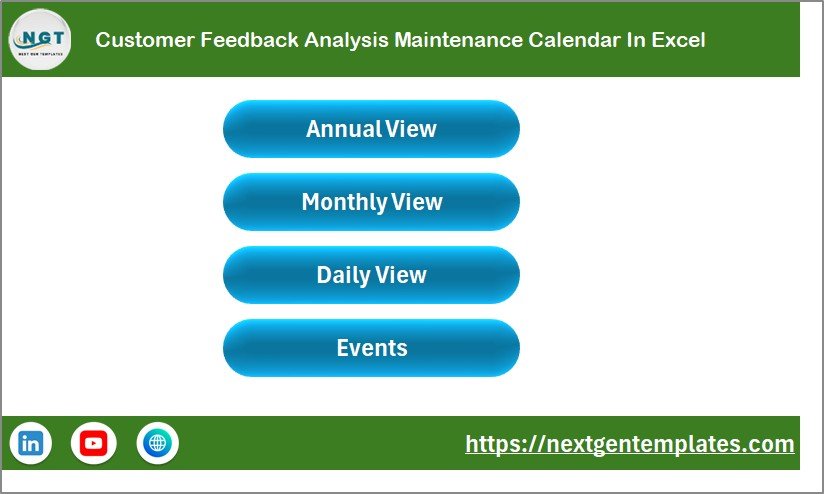
The Home sheet serves as the central navigation hub.
It contains four buttons that allow users to quickly navigate to:
-
Annual View
-
Monthly View
-
Daily View
-
Events Database
This user-friendly design makes it easy for teams to access different calendar sections instantly.
2️⃣ Annual View Sheet
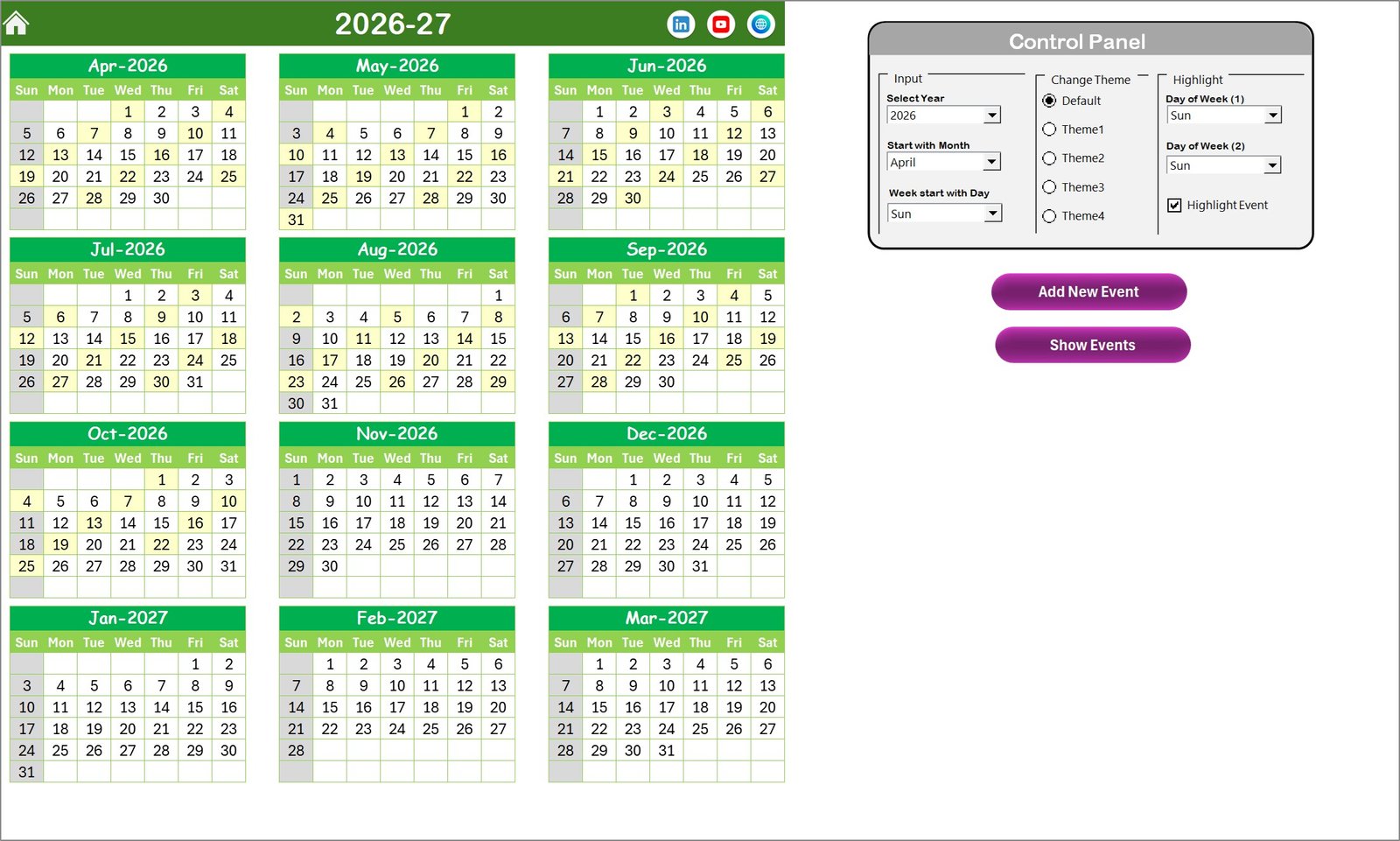
The Annual View provides a complete overview of the entire year.
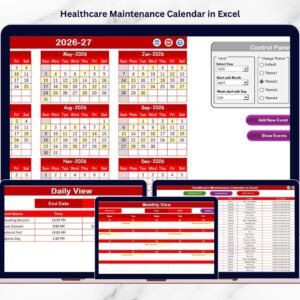
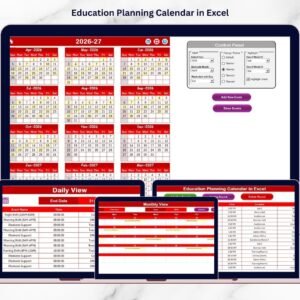
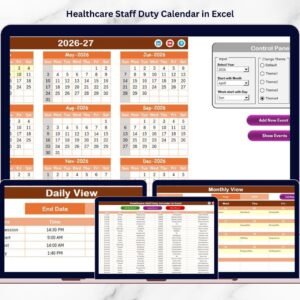
It displays 12 months of calendars on one screen, allowing teams to visualize their feedback analysis schedule for the whole year.
The control panel allows users to:
-
Select the year
-
Change the starting month
-
Choose the starting day of the week
Users can also apply different color themes and highlight specific days to improve visibility.
3️⃣ Monthly View Sheet
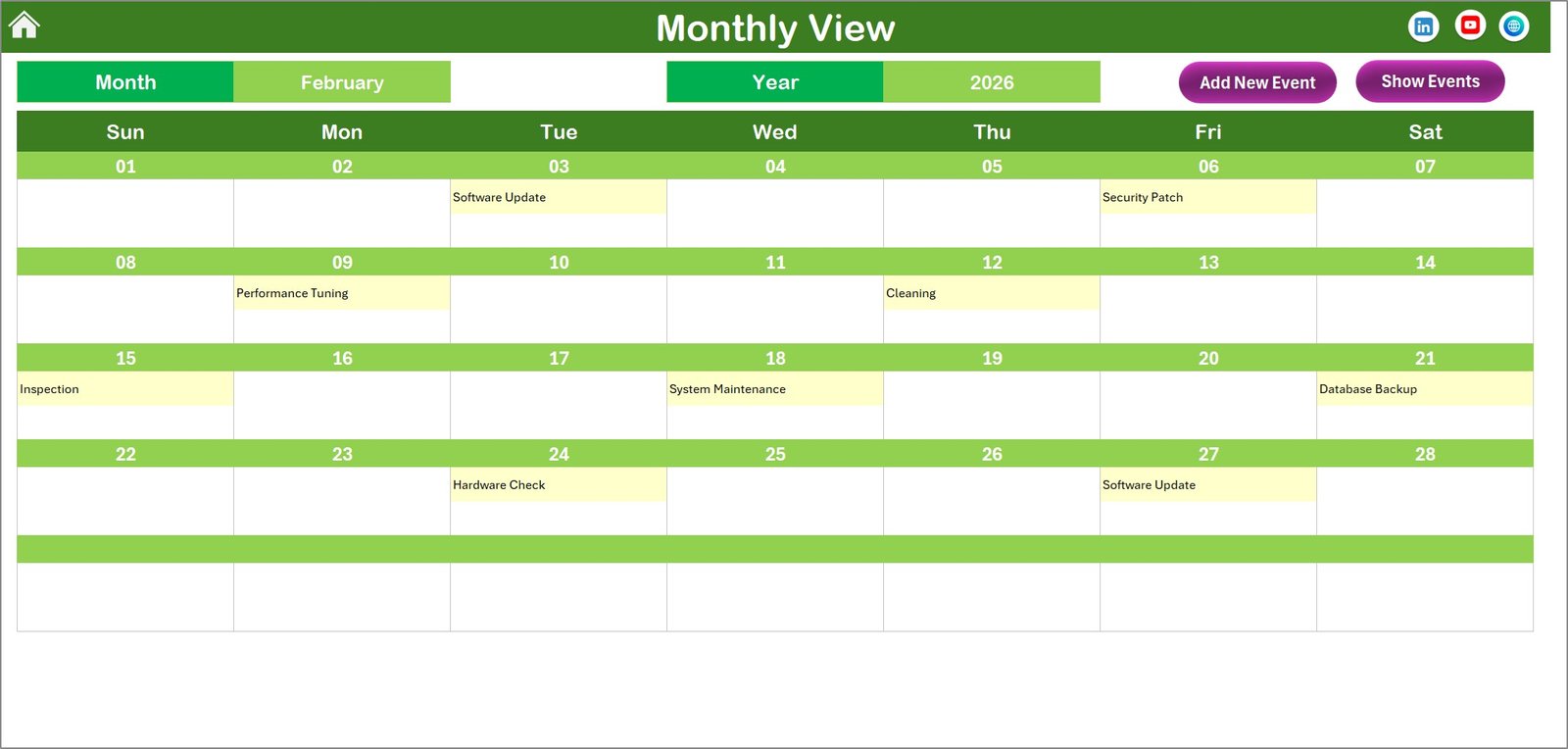
The Monthly View shows a detailed calendar for a selected month.
Users can easily select the month and year, and the calendar updates automatically.
The system displays scheduled feedback activities directly on each date. If multiple events exist on the same day, the calendar shows “More than 1…” to indicate additional events.
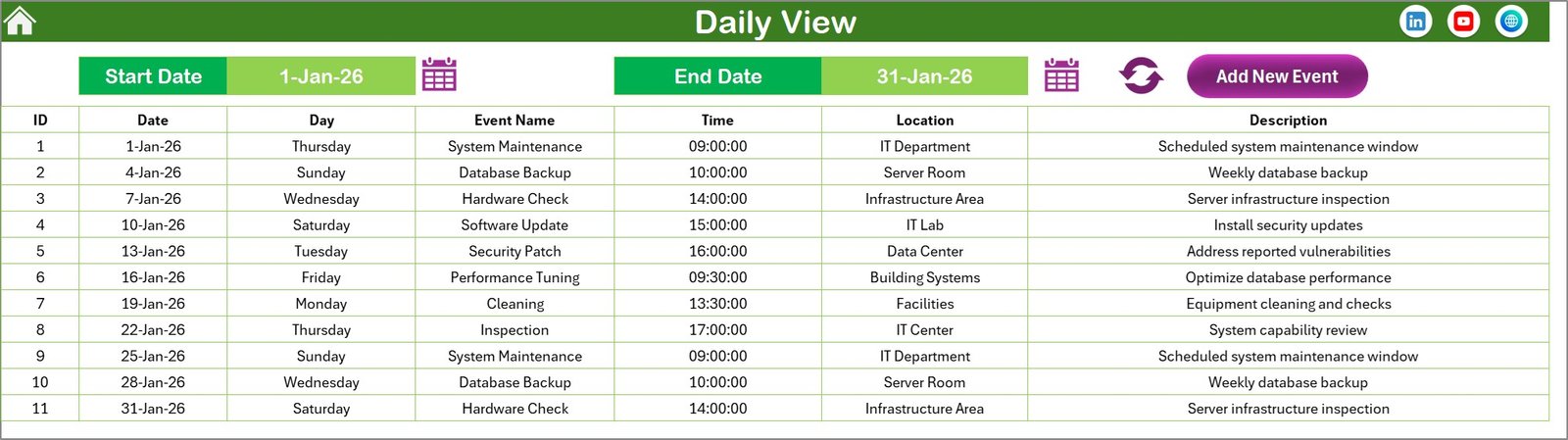
4️⃣ Daily View Sheet
The Daily View provides a detailed list of events within a selected date range.
Users can define:
-
Start Date
-
End Date
After clicking the Refresh button, the system displays all feedback activities scheduled within the selected period.
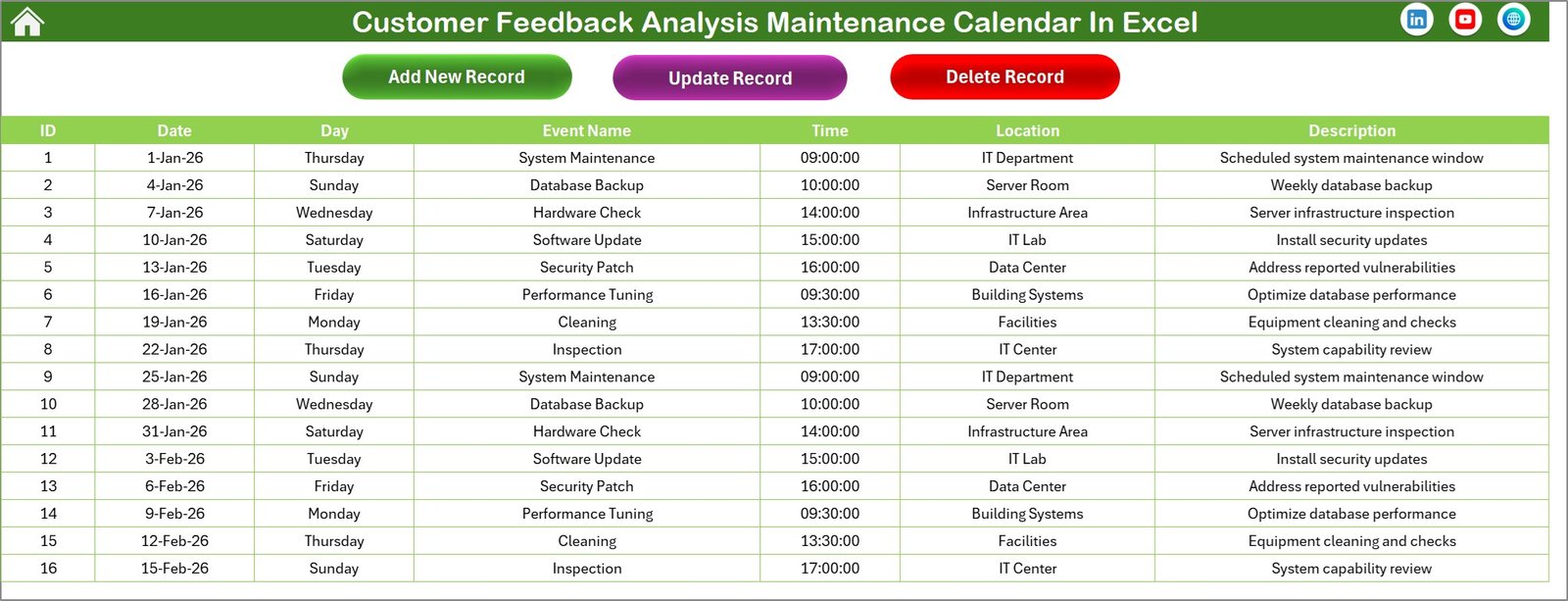
5️⃣ Events Sheet (Database)
The Events sheet acts as the database that stores all event records.
Each event includes the following information:
-
ID (Auto-generated number)
-
Date
-
Day
-
Event Name
-
Time
-
Location
-
Description
Users can easily add, update, or delete event records using built-in buttons.
⚙️ How to Use the Customer Feedback Analysis Maintenance Calendar in Excel
Using this calendar is simple and requires no advanced Excel knowledge.
Step 1 – Navigate from the Home Sheet
Use the navigation buttons to access the Annual, Monthly, or Daily calendar views.
Step 2 – Customize Calendar Settings
Select the year, starting month, and theme using the control panel.
Step 3 – Add Feedback Events
Click the Add New Event button and enter details such as event name, date, and description.
Step 4 – Monitor Scheduled Activities
Use the Monthly or Daily views to track feedback review meetings and improvement sessions.
Step 5 – Manage Event Records
Update or delete events from the Events Database sheet whenever necessary.
With this structured process, organizations can maintain a well-organized feedback management schedule.
👥 Who Can Benefit from This Customer Feedback Analysis Maintenance Calendar
This template is designed for teams responsible for managing customer feedback and service improvement.
📊 Customer Experience Teams
📞 Customer Support Departments
📈 Product Management Teams
📣 Marketing Teams
📋 Quality Assurance Teams
📊 Business Analysts
🏢 Operations Management Teams
📉 Customer Insights Teams
These teams can use the calendar to schedule feedback analysis sessions, track improvement discussions, and maintain accountability across departments.
By organizing feedback activities effectively, organizations can improve customer satisfaction and continuously enhance their products and services.
Click hare to read the Detailed blog post
Visit our YouTube channel to learn step-by-step video tutorials
https://Youtube.com/@PKAnExcelExpert