
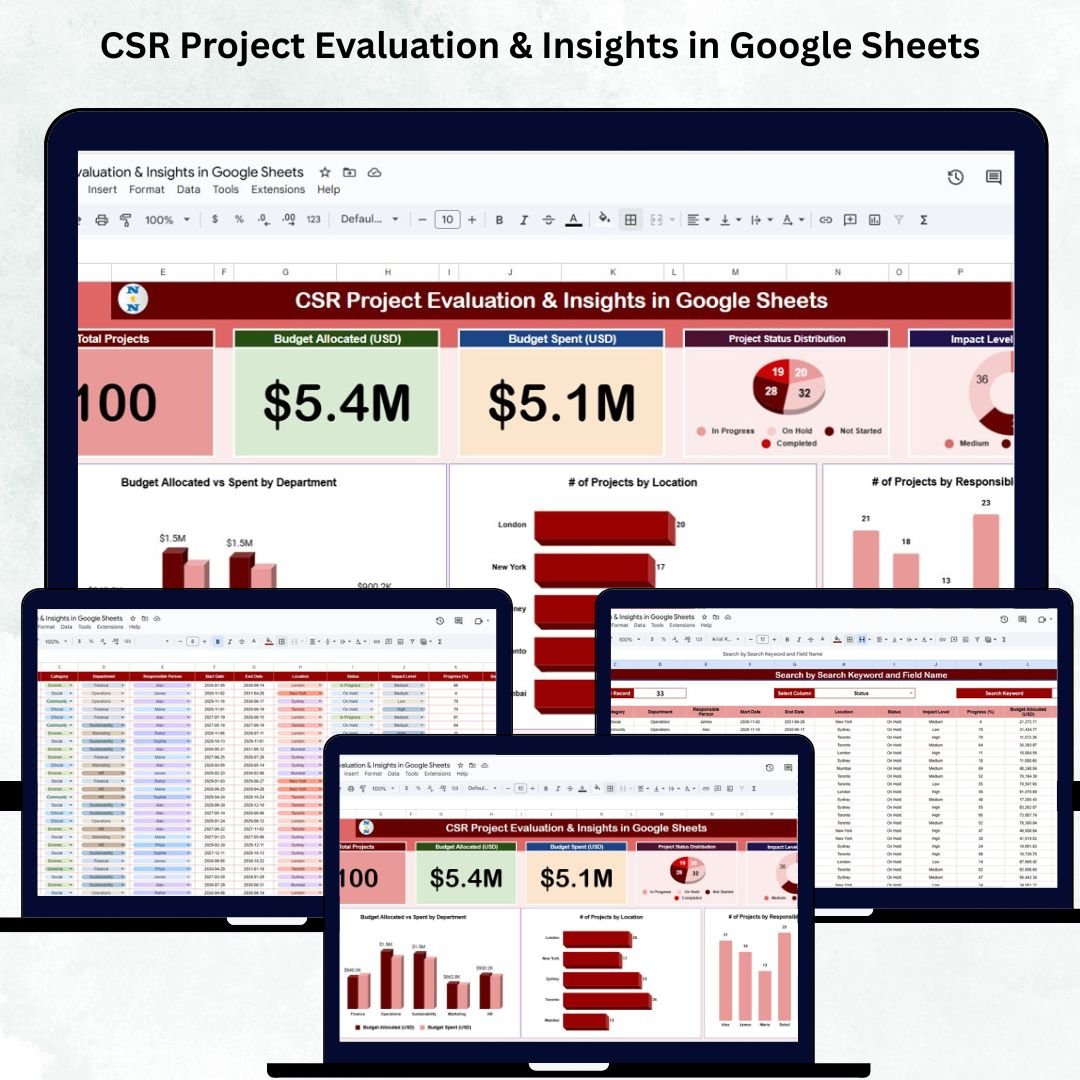
Corporate Social Responsibility (CSR) plays a vital role in building stronger communities, enhancing brand reputation, and driving long-term social impact. But managing multiple CSR initiatives — each with its own budget, location, responsible team, and impact measurement — can quickly become overwhelming without an organized system.CSR Project Evaluation & Insights in Google Sheets
The CSR Project Evaluation & Insights Tracker in Google Sheets is designed to solve this challenge with a centralized, visual, and easy-to-use monitoring solution. It gives you real-time clarity on project performance, budget allocation, spending utilization, impact scoring, and department-wise contribution — all inside a professionally designed Google Sheets dashboard.CSR Project Evaluation & Insights in Google Sheets
Whether you’re handling educational sponsorships, health initiatives, community development drives, environmental projects, or employee volunteering programs, this tracker helps you streamline CSR governance with accuracy and confidence.CSR Project Evaluation & Insights in Google Sheets
Key Features of the CSR Project Evaluation & Insights Tracker in Google Sheets
This dashboard includes powerful visualization tools, real-time insights, and smart data organization features that support your CSR management from start to finish.
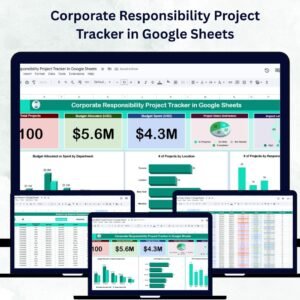
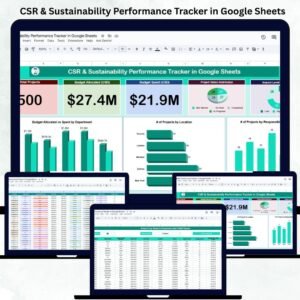
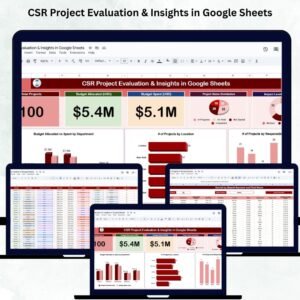
✨ KPI Summary Cards – Instantly view Total Projects, Budget Allocated (USD), and Budget Spent (USD).
📊 Interactive Visual Dashboards – Understand project distribution, impact levels, budgets, and responsibilities through automated charts.
💰 Budget Monitoring – Compare allocated vs. spent amounts across departments.
📅 Project Status Tracking – Monitor Completed, Ongoing, Planned, On Hold, and Cancelled projects in one view.
🌍 Location-Wise CSR Insights – Visualize project reach across cities, regions, or business units.
👤 Responsible Person Analysis – Identify workload distribution across project owners.
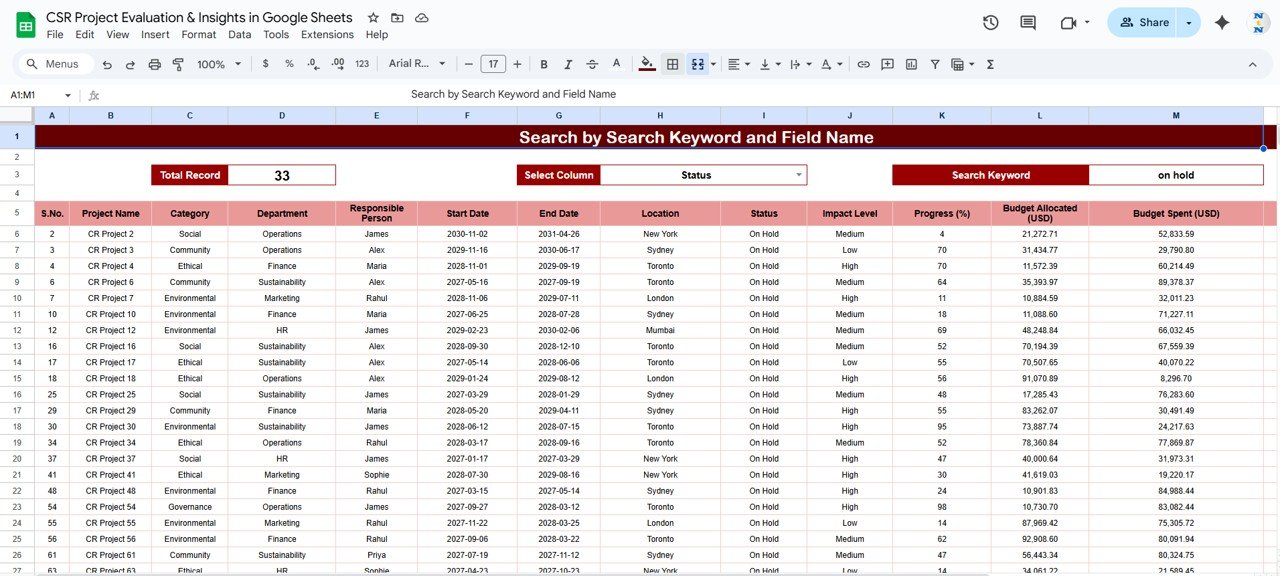
🔍 Smart Search Tab – Instantly locate project details with keyword or field-based search.
☁️ Cloud-Based & Collaborative – Multiple users can update data simultaneously.
🛠️ Fully Customizable Template – Add impact scoring, workflows, attachments, or automation anytime.
This tracker makes CSR reporting structured, transparent, and easy for all stakeholders.
What’s Inside the CSR Project Evaluation & Insights Tracker in Google Sheets
🟦 Tracker Sheet Tab (Dashboard)
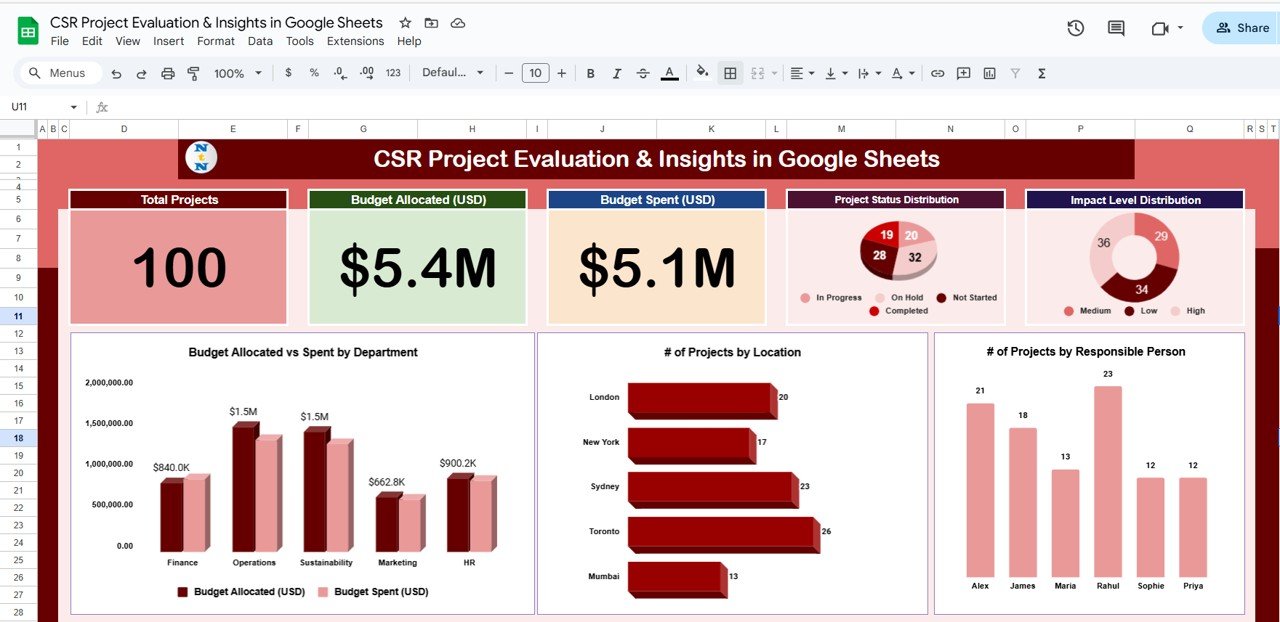
This is the heart of the system — a visual dashboard that gives a complete overview of CSR activities.
🔹 KPI Cards Include:
-
Total Projects – Shows the total CSR initiatives recorded.
-
Budget Allocated (USD) – Displays the total CSR funding allocated.
-
Budget Spent (USD) – Shows how much has been utilized across projects.
These financial and operational metrics give leadership instant clarity on CSR execution.
🔹 Dashboard Charts Include:
📌 Project Status Distribution
Shows the number of projects in each status category:
Completed, Ongoing, Planned, Cancelled, On Hold.
This helps teams manage delays and resource allocation.
📌 Impact Level Distribution
Visualizes impact categories such as Low, Medium, High.
Ideal for decision-making and prioritization.
📌 Budget Allocated vs. Spent by Department
Compares CSR budget planning with actual spending across departments.
Perfect for financial governance and audit transparency.
📌 # of Projects by Location
Displays CSR initiative spread across geographic areas — great for outreach planning.
📌 # of Projects by Responsible Person
Shows how many projects are managed by each team member.
Supports accountability and workload balancing.
🟧 Search Sheet Tab
Search any CSR project within seconds.
You can filter by:
-
Project Name
-
Location
-
Responsible Person
-
Status
-
Department
-
Impact Level
-
Budget Ranges
-
Keywords
This feature is extremely helpful during audits, meetings, and reviews.
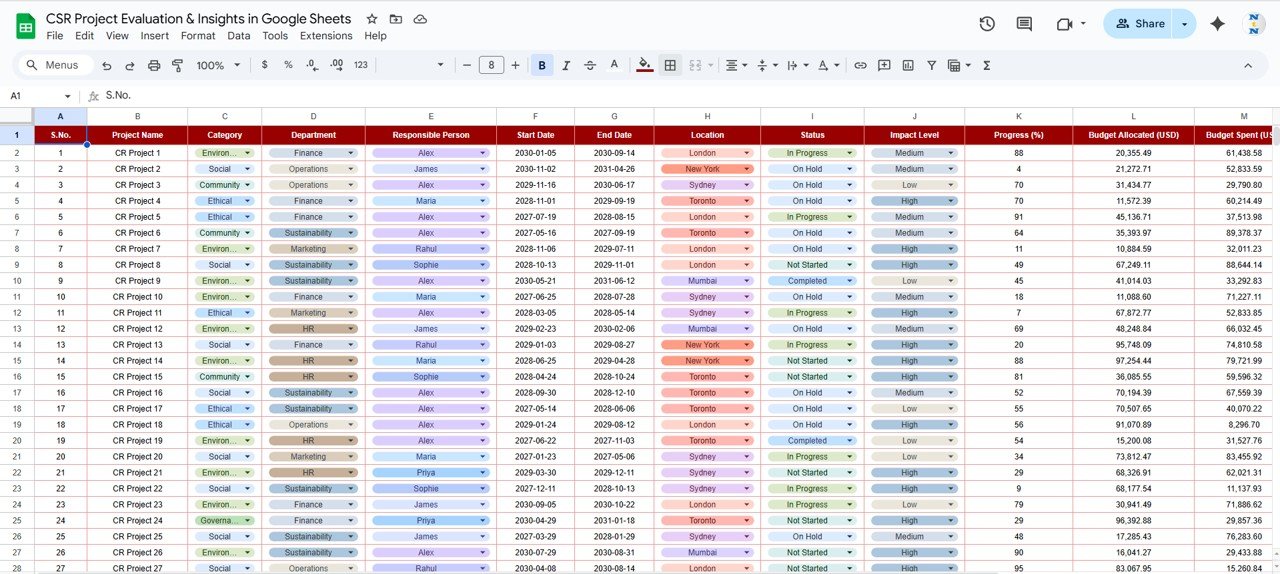
🟫 Data Sheet Tab
This sheet stores every CSR project record including:
-
Project ID
-
Project Name
-
Department
-
Location
-
Responsible Person
-
Impact Level
-
Status
-
Budget Allocated
-
Budget Spent
-
Notes & Remarks
All dashboards update instantly when data changes here.
How to Use the CSR Project Evaluation & Insights Tracker in Google Sheets
🔹 Step 1: Enter CSR project details into the Data Sheet.
🔹 Step 2: Update budgets, statuses, and impact levels regularly.
🔹 Step 3: Review KPI cards for high-level clarity.
🔹 Step 4: Use charts to identify trends and performance patterns.
🔹 Step 5: Check budget utilization to prevent overspending.
🔹 Step 6: Use the Search Tab for quick project lookups.
🔹 Step 7: Share dashboard insights with leadership for reporting and compliance.
All visuals refresh automatically, providing real-time insights.
Who Can Benefit from the CSR Project Evaluation & Insights Tracker in Google Sheets
🌍 CSR & Sustainability Teams – Manage projects and impact with clarity.
📋 NGOs & Nonprofits – Track project outcomes and funding usage.
🏢 Corporate Leaders – Evaluate performance and decision-making insights.
💼 Compliance & Audit Departments – Ensure CSR transparency and reporting accuracy.
🧑🤝🧑 Community Development Teams – Plan, prioritize, and manage initiatives efficiently.
📣 Public Relations & Branding Units – Show CSR progress for stakeholder communication.
Any organization with a CSR portfolio will find this tool extremely valuable.





















Reviews
There are no reviews yet.