

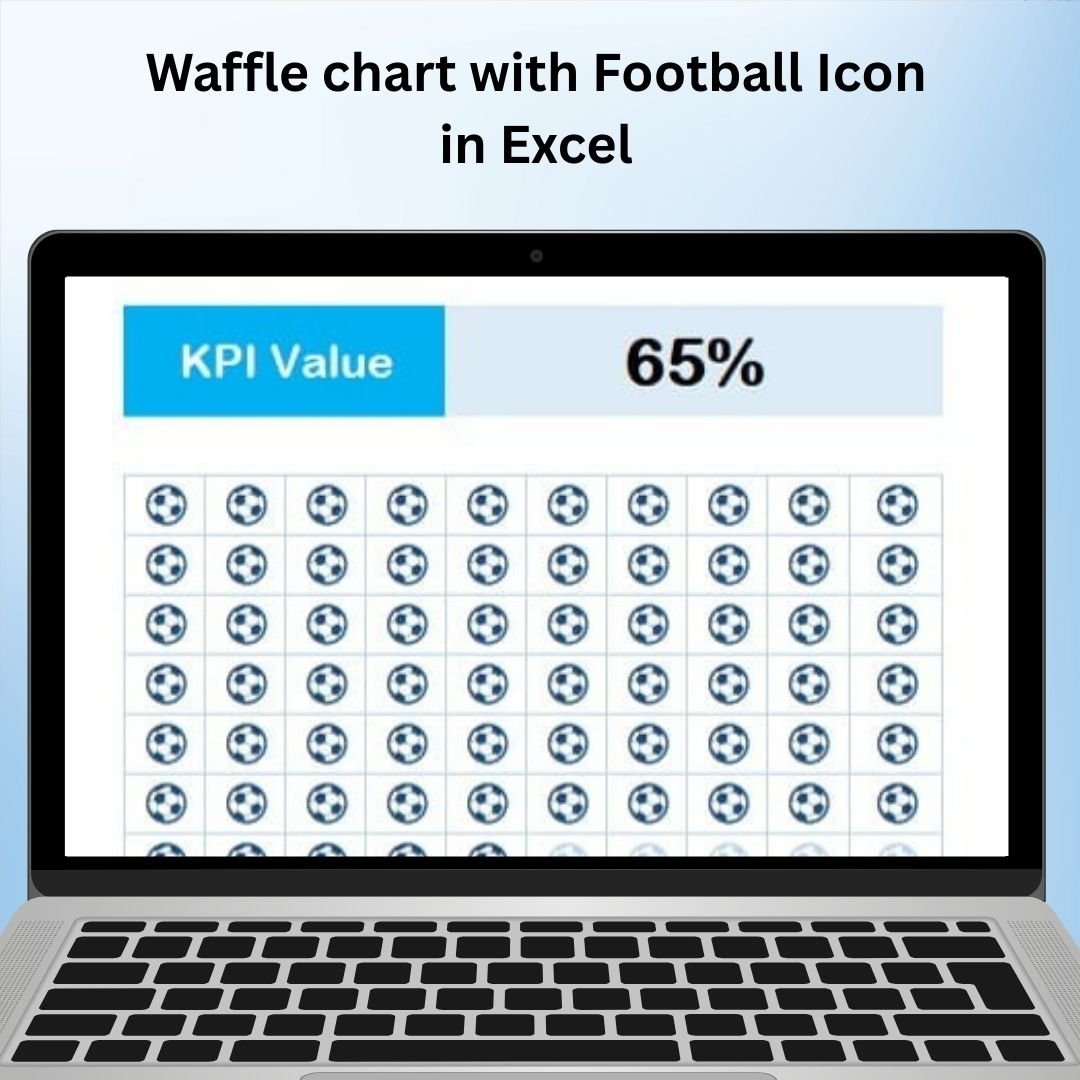
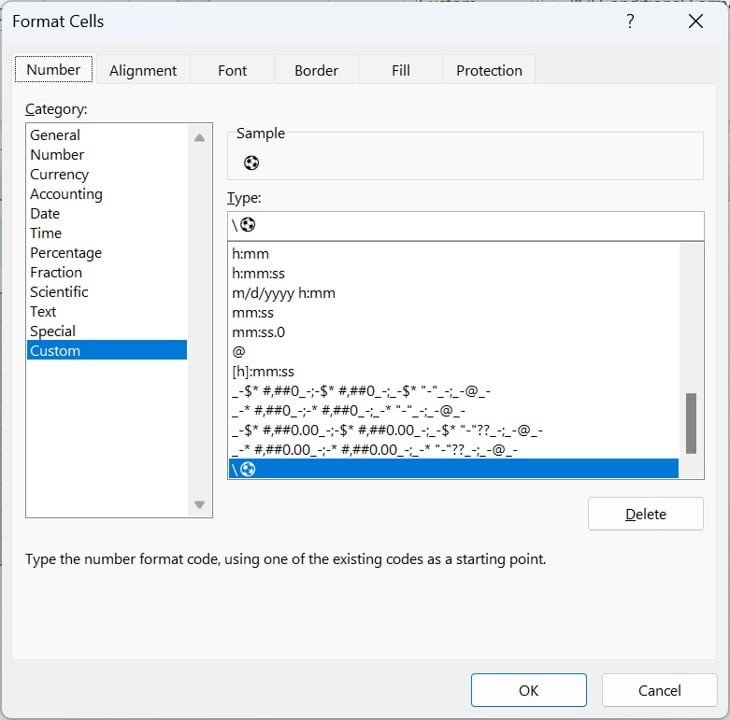


The Waffle Chart with Football Icon in Excel is a unique and visually engaging chart designed to bring your data to life. This Excel template allows you to display data in a waffle chart format while incorporating a football icon to represent data points, making it perfect for tracking sports metrics, performance data, or any project where you want to add a creative visual touch.
Whether you are tracking team performance, sales, goals, or any other type of data, the waffle chart’s grid layout makes it easy to visualize progress and results. The football icon adds a dynamic and thematic element to the chart, making it not only informative but also fun and eye-catching. This template is perfect for sports analysts, marketers, or anyone who needs to present data in a more visually appealing way.

Key Features of the Waffle Chart with Football Icon in Excel
📌 Unique Waffle Chart Design
This chart format uses a grid of squares, each representing a data point, and can be easily customized to display the percentage of completion, goals achieved, or other metrics.
🛠 Football Icon Integration
The chart integrates a football icon to represent key milestones or goals, adding a fun, thematic visual to your data presentation. This feature is ideal for sports teams, marketing campaigns, or any project that wants to visually connect data with a football theme.
💡 Customizable Grid Size
Adjust the size and layout of the grid to suit your data. The number of grid squares can be customized to match any percentage or number you wish to track.
🔢 Real-Time Data Updates
The waffle chart updates automatically as you enter or modify data, ensuring that your visual representation is always up-to-date without needing manual adjustments.
🚀 Multiple Use Cases
While it is ideal for sports data, the customizable nature of the waffle chart means it can be used to track sales goals, project progress, or any other data that can be represented by percentages or completion rates.
📊 Data Visualization
The combination of the waffle chart and football icon makes it easier to visualize and track data, turning what would be a typical spreadsheet into a dynamic, visually engaging report.
⚙ User-Friendly Setup
Designed to be simple to use, the template requires no advanced Excel skills. Follow easy instructions to integrate this chart into your own projects and start tracking your data visually.
🚀 Why You’ll Love the Waffle Chart with Football Icon in Excel
✅ Creative and Engaging – Use the football icon to bring a fun, visual element to your data. ✅ Customizable and Flexible – Adapt the chart to fit any data set, whether it’s sports data, business metrics, or personal goals. ✅ Real-Time Tracking – Automatically updates as data changes, providing accurate and timely information. ✅ User-Friendly – Easy setup and simple interface with no advanced Excel skills required. ✅ Eye-Catching Data Visualization – Turn standard data tracking into a dynamic and visually appealing presentation.
📂 What’s Inside the Waffle Chart with Football Icon in Excel?
- Waffle Chart Layout: A grid that represents data with squares.
- Football Icon: A fun, thematic element that highlights key data points or milestones.
- Customizable Grid: Adjust the number of squares to track your data points.
- Real-Time Updates: Automatically adjust the chart as new data is entered.
- Easy Setup Instructions: Follow simple steps to integrate the chart into your projects.
🔍 How to Use the Waffle Chart with Football Icon in Excel
1️⃣ Download the Template – Get immediate access to the Excel file upon purchase. 2️⃣ Customize the Grid – Adjust the number of squares and set up the data points. 3️⃣ Enter Your Data – Input your data and watch the chart update in real-time. 4️⃣ Visualize Your Progress – Track your goals, performance, or metrics with the football icon and waffle chart design. 5️⃣ Present and Share – Use the chart for presentations, reports, or team meetings for an engaging data visualization.
🎯 Who Can Benefit from the Waffle Chart with Football Icon in Excel? 🔹 Sports Analysts 🔹 Marketing Teams 🔹 Project Managers 🔹 Sales Teams 🔹 Data Analysts 🔹 Anyone looking for a fun, visual way to track data and goals
Turn your data into a dynamic, engaging presentation with the Waffle Chart with Football Icon in Excel. Whether you’re tracking performance metrics, project progress, or sports statistics, this template will help you create visually appealing, easy-to-understand charts.
Click here to read the Detailed blog post
https://www.pk-anexcelexpert.com/waffle-chart-with-football-icon-in-excel/
Visit our YouTube channel to learn step-by-step video tutorials
Watch the step-by-step video tutorial:
Compatibility and Requirements
- Works in Microsoft Excel desktop (Excel 2016 or later, or Microsoft 365).
- Built with standard Excel charts. Microsoft’s guide Create a chart from start to finish explains how charts work.
Frequently Asked Questions
How does the waffle chart work?
It is a grid of squares where each square is a data point. A football icon highlights key milestones or goals.
Can I change the grid size?
Yes. You can set the number of squares to match the percentage or number you want to track.
Can I use it for data that is not about sports?
Yes. It works for sales goals, project progress or any value shown as a percentage or completion rate.
Does the chart update when my data changes?
Yes. The chart updates as you enter or change data.
Related Waffle Chart Templates
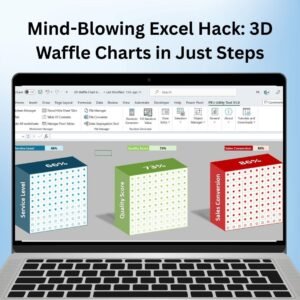
- Mind-Blowing Excel Hack: 3D Waffle Charts in Just Steps: a 3D waffle design
- Comparison infographics in excel: infographic style comparisons
- Quick Male-Female and Waffle Chart in Excel: waffle charts for male and female splits
- RAG waffle Chart visualization with Slicer: a red, amber, green waffle with a slicer
- Data Analyst’s Chart & Visualization Pack: 10 chart and visualization templates for Excel and Google Sheets
Browse all Excel charts and visualization templates.















Reviews
There are no reviews yet.