

In retail, timing is everything. Holidays, festivals, store events, and seasonal campaigns directly impact staffing, promotions, and sales performance. However, many retail teams still rely on static holiday lists, emails, or scattered notes. As a result, important dates get missed, promotions overlap, and operational planning suffers.
That is exactly where the Retail Holiday Calendar in Excel becomes a powerful and practical planning solution.
This ready-to-use Excel calendar helps retail teams plan, manage, and track holidays and events using a clear, visual, and interactive system. Instead of juggling multiple files, you get one centralized Excel calendar that brings clarity, control, and confidence to retail planning.
🔑 Key Features of Retail Holiday Calendar in Excel
The Retail Holiday Calendar in Excel is designed to simplify holiday planning while remaining flexible and easy to use.
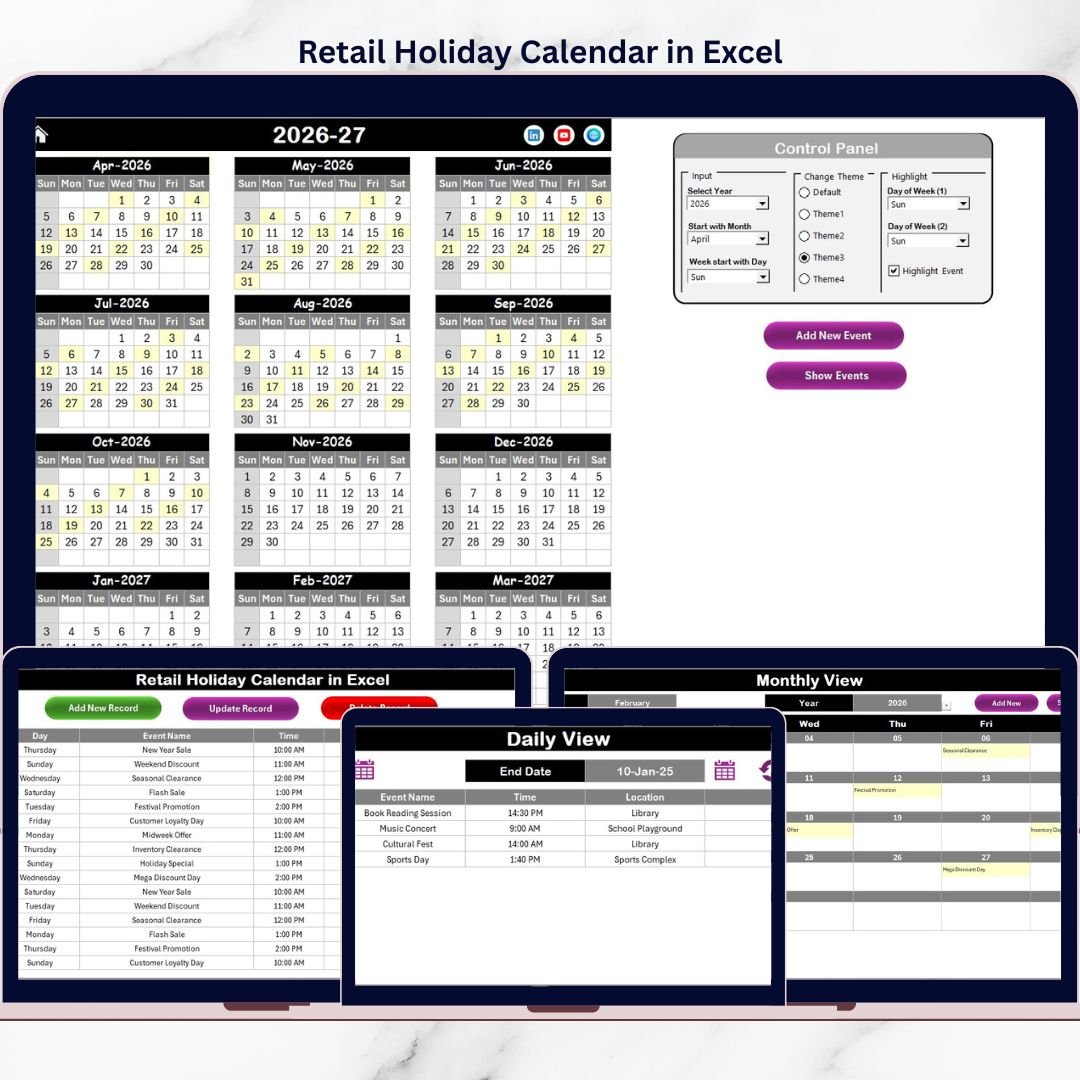
It offers Annual, Monthly, and Daily calendar views, allowing teams to plan strategically and execute confidently. Built-in navigation buttons help users move between views instantly, saving time and reducing confusion.
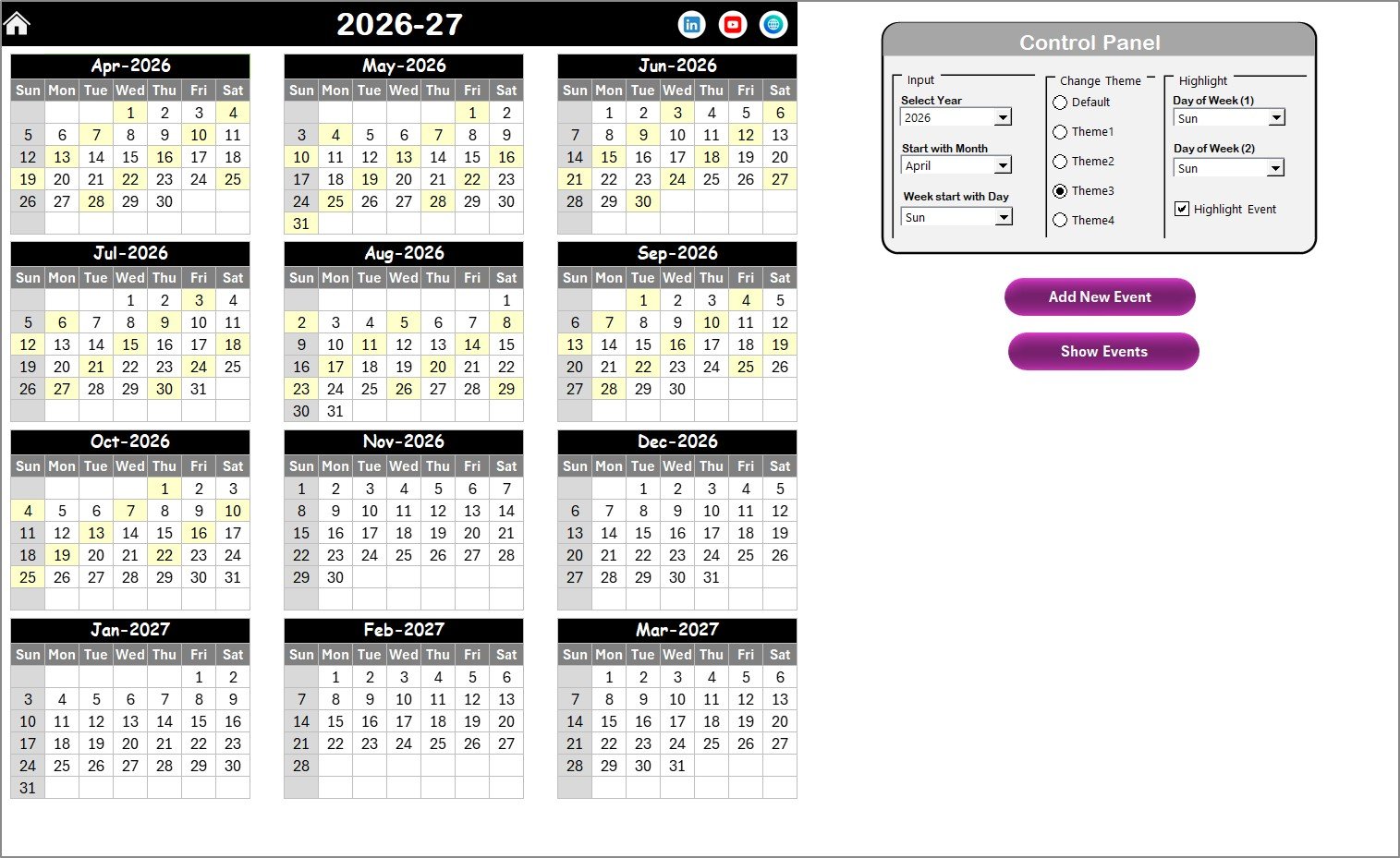
The calendar includes a dynamic control panel that lets users select the year, define the starting month, and change the starting day of the week. As a result, the calendar adapts instantly to regional or business-specific needs.
Visual clarity is enhanced through highlight options for weekends and holidays, along with workbook-wide color themes that keep planning clean and professional. Adding, updating, or deleting events is simple using built-in event forms—no complex Excel skills required.
📦 What’s Inside the Retail Holiday Calendar in Excel
This digital product includes five well-structured worksheets; each designed for a specific planning purpose.
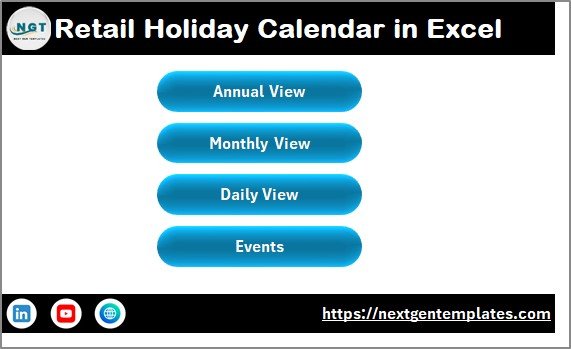
The Home Sheet acts as a central navigation hub with buttons for Annual View, Monthly View, Daily View, and Events. Users can move across the workbook with a single click.
The Annual View Sheet displays all 12 months in one screen, making it perfect for long-term planning. Retail managers can instantly view holidays, festivals, store closures, and campaigns across the year.
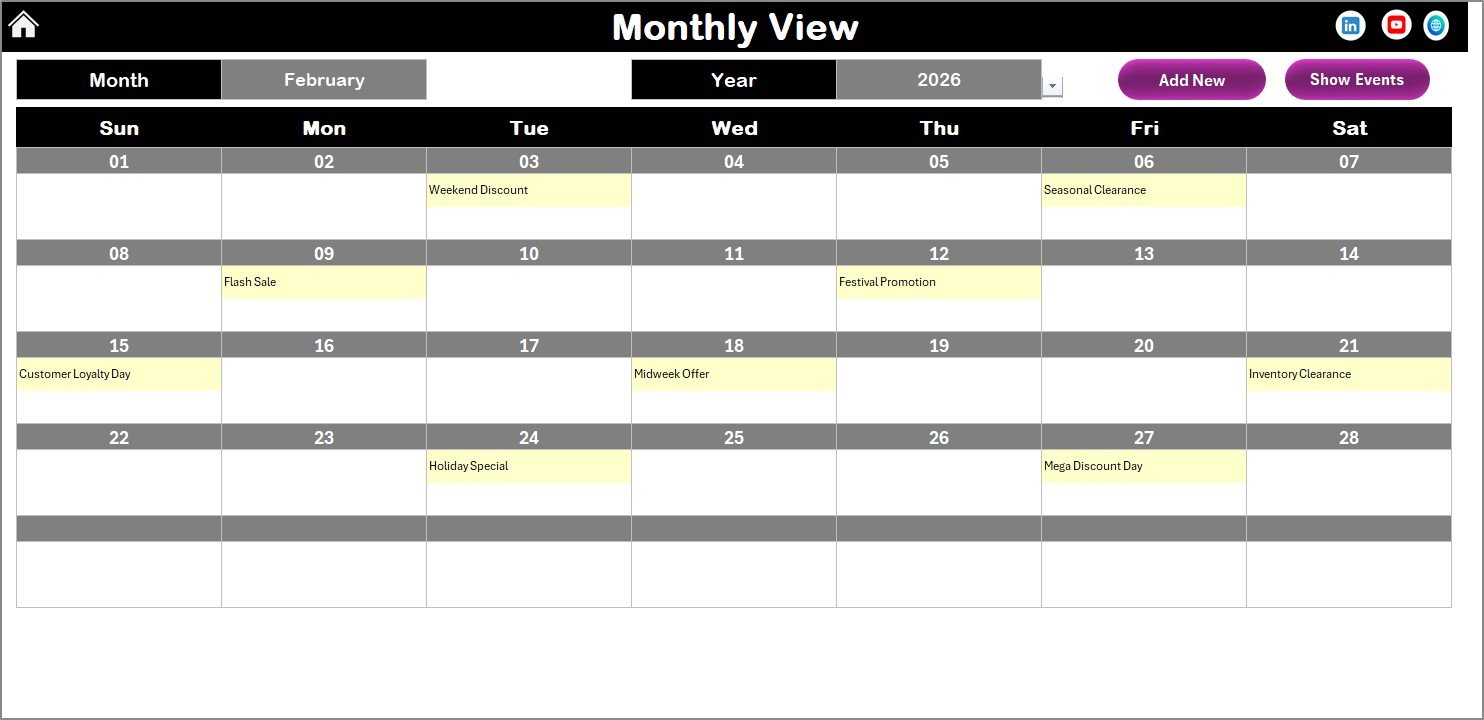
The Monthly View Sheet focuses on one month at a time. It shows daily holidays and events clearly, while keeping the layout clean—even when multiple events exist on the same date.
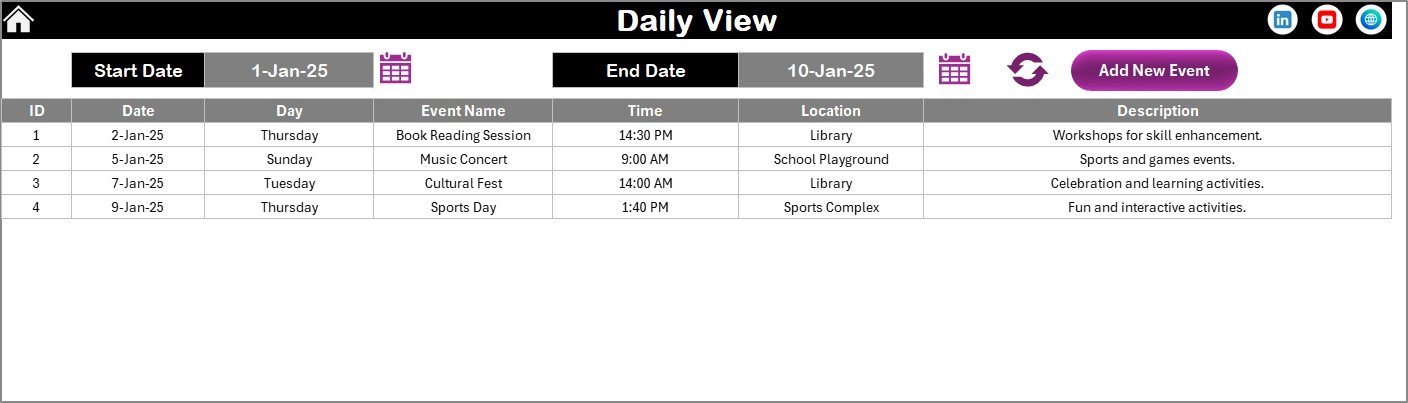
The Daily View Sheet provides a detailed list of events within a selected date range. This view is ideal for operations teams, store managers, and planners who need execution-level clarity.
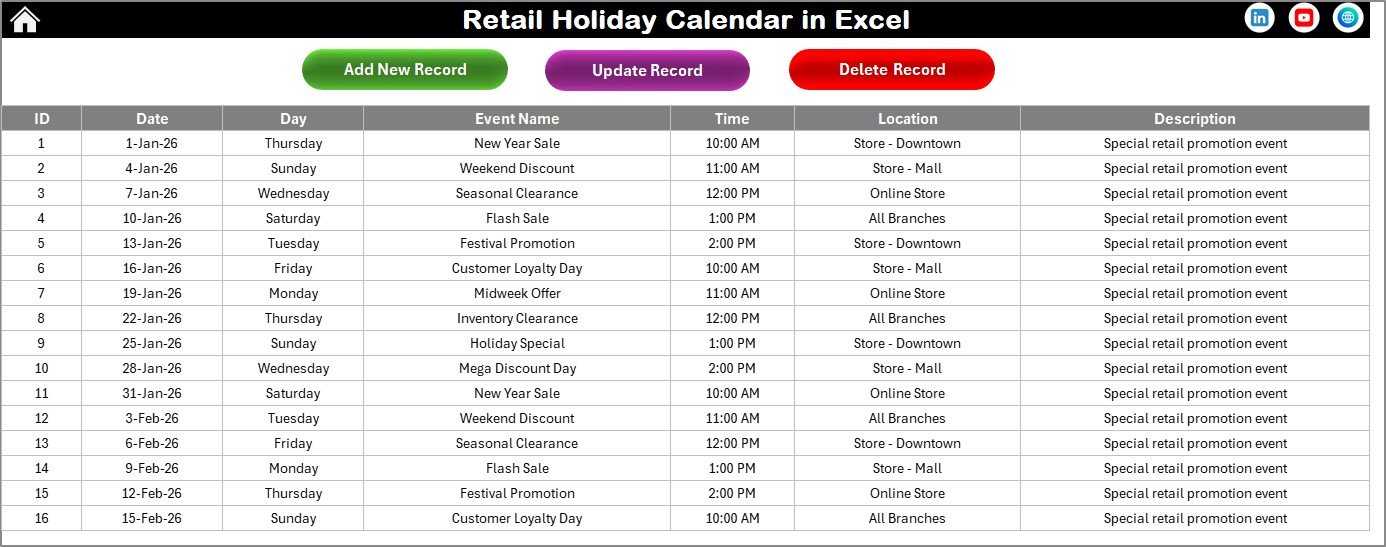
The Events Sheet works as the central event database. It stores event ID, date, day, event name, time, location, and description. All calendar views pull data automatically from this sheet.
🚀 How to Use the Retail Holiday Calendar in Excel
Using this calendar is simple and intuitive.
Start from the Home Sheet and select the view you need—Annual, Monthly, or Daily. In the Annual View, choose the year, starting month, and week start day. The calendar updates instantly.
To add a holiday or event, select a date and click Add New Event. Fill in the event form and submit. The event appears automatically across all relevant views.
To review events, select any date and click Show Event. For updates or deletions, use the buttons available in the Events Sheet. Everything stays synchronized and up to date.
No advanced Excel knowledge is required—basic Excel skills are enough.
👥 Who Can Benefit from This Retail Holiday Calendar in Excel
This calendar is ideal for a wide range of retail roles.
Retail store managers can plan holidays and store closures. Operations teams can align logistics and staffing. Sales planners can schedule promotions. HR teams can manage workforce planning. Franchise owners can ensure consistency across locations.
If you want better visibility, fewer planning mistakes, and smoother retail execution, this calendar is built for you.
📌 Why This Excel Calendar Is a Smart Choice
The Retail Holiday Calendar in Excel helps retail teams stay ahead of important dates, avoid planning conflicts, and improve coordination across departments.
Because it runs in Excel, it is cost-effective, flexible, and easy to adopt—without recurring software costs.
📖 Click here to read the Detailed blog post
🎥 Visit our YouTube channel to learn step-by-step video tutorials
👉 https://youtube.com/@PKAnExcelExpert
























Reviews
There are no reviews yet.