

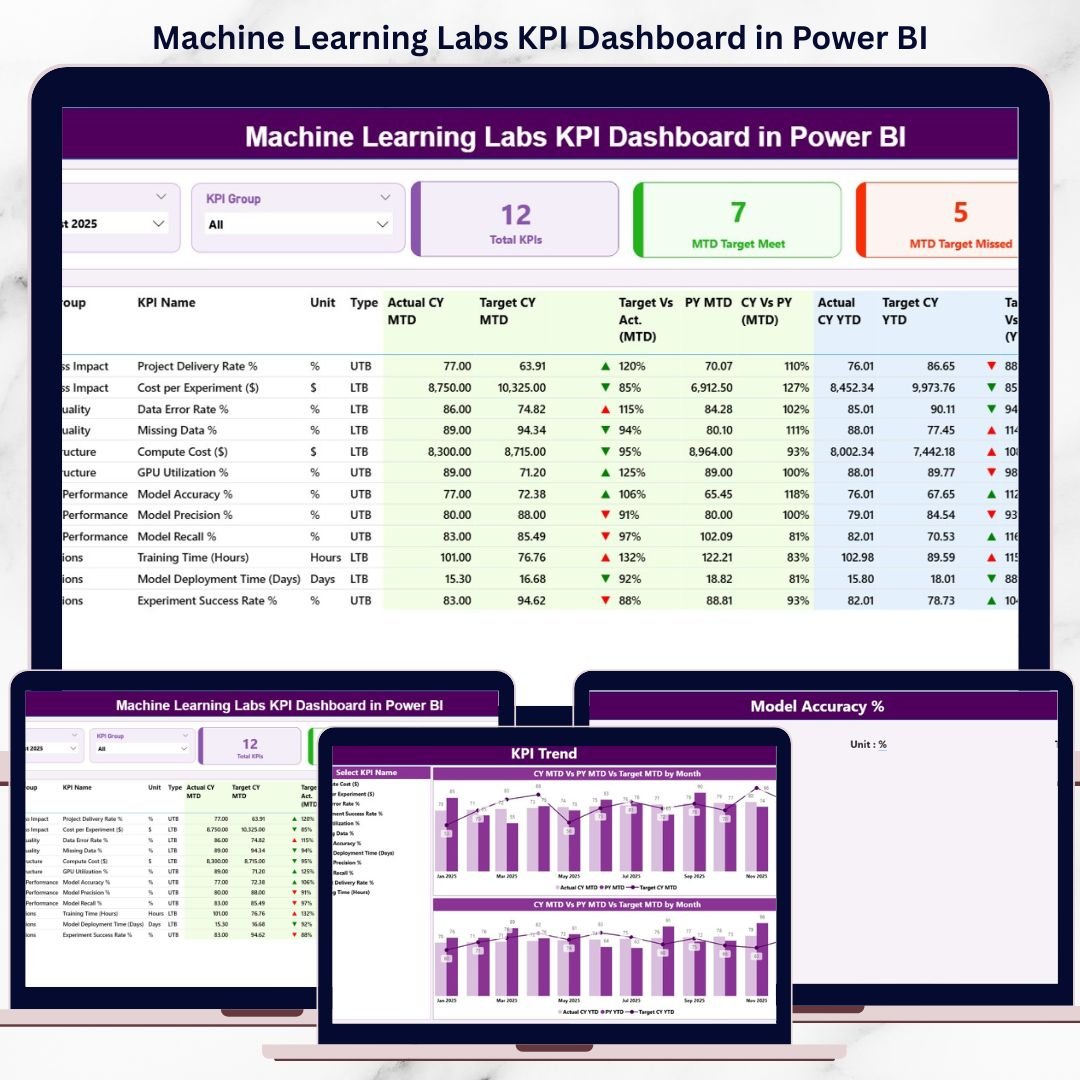

That is exactly where the Machine Learning Labs KPI Dashboard in Power BI becomes a powerful performance management solution 🚀. This ready-to-use dashboard transforms raw Excel-based KPI data into interactive visuals, clear comparisons, and trend-driven insights. Instead of manually compiling reports, ML leaders instantly understand how the lab is performing today and where corrective action is required.
Designed for machine learning labs, AI research teams, data science departments, and innovation hubs, this dashboard helps organizations track performance, align with targets, and improve operational efficiency—all from a single Power BI file.
🔑 Key Features of Machine Learning Labs KPI Dashboard in Power BI
🤖 Centralized KPI Monitoring for ML operations
📊 MTD & YTD Performance Tracking with target and previous-year comparison
🎯 Interactive Month & KPI Group Slicers for focused analysis
📈 Dedicated KPI Trend Analysis using combo charts
🔍 Drill-Through KPI Definitions for governance and clarity
🔄 Excel-Based Data Source for easy updates
⚡ Fast, Scalable Power BI Model for growing labs
🧩 Business-Friendly Design for technical and non-technical users
This dashboard delivers clarity, control, and confidence to machine learning performance tracking.
📂 What’s Inside the Machine Learning Labs KPI Dashboard
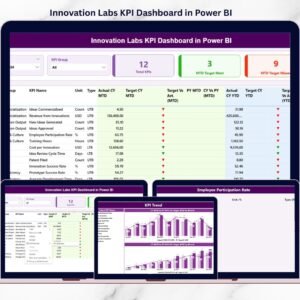
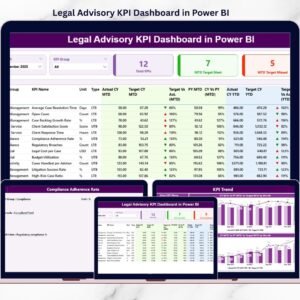
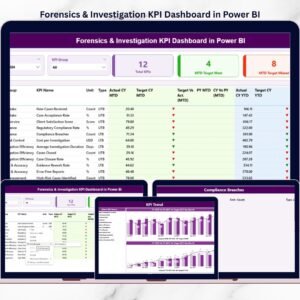
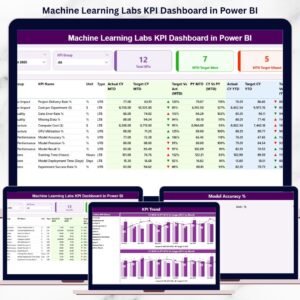
📊 Summary Page
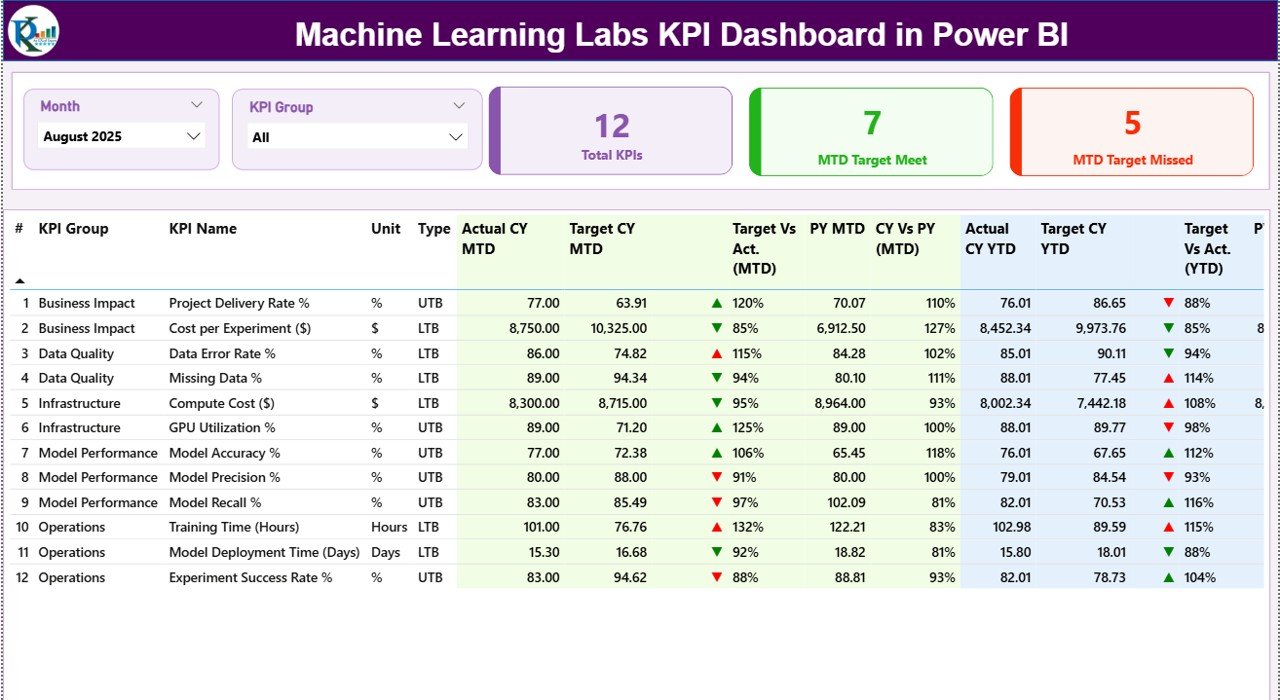
The main control center of the dashboard. It includes:
Month slicer and KPI Group slicer
KPI cards showing Total KPIs, MTD Target Met, and MTD Target Missed
A detailed KPI table displaying:
KPI Number, Group, Name, Unit, and Type (UTB/LTB)
MTD Actual, Target, Previous Year, and status icons
YTD Actual, Target, Previous Year, and variance indicators
Green ▲ and red ▼ icons instantly highlight performance gaps.
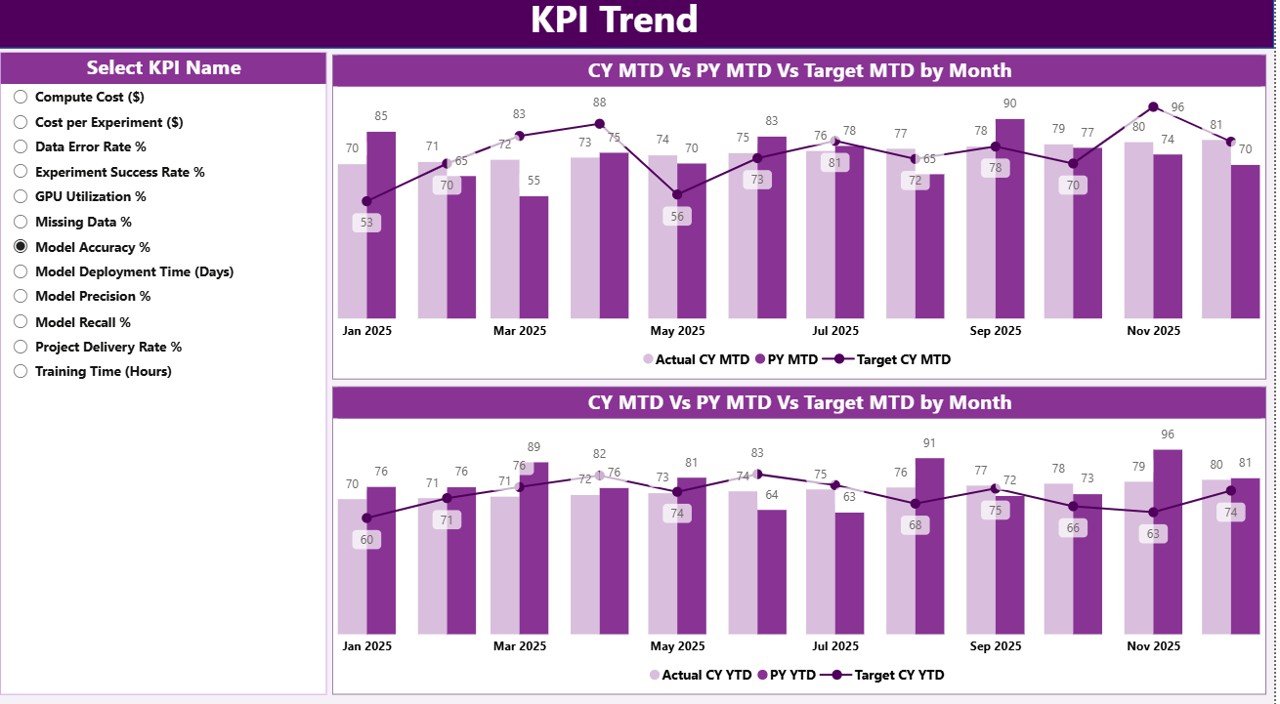
📈 KPI Trend Page
Focused on trend analysis instead of snapshots.
Users select a KPI name and analyze:
MTD trend (Actual vs Target vs Previous Year)
YTD trend (Actual vs Target vs Previous Year)
This page helps identify patterns, seasonality, and long-term performance movement.
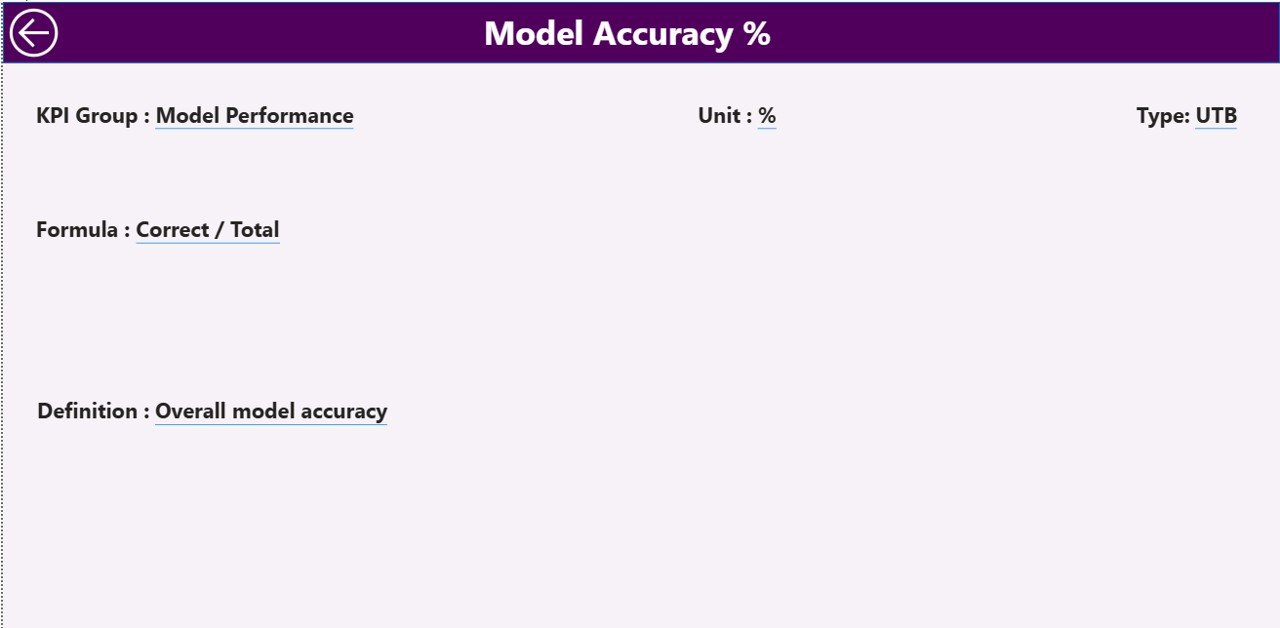
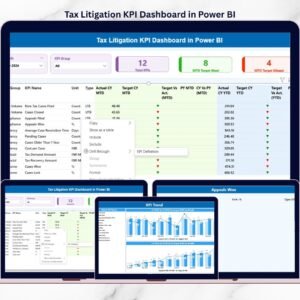
📘 KPI Definition Page (Drill-Through)
A governance and documentation layer.
From the Summary page, users drill through to view:
KPI Formula
KPI Definition
KPI Unit
KPI Type (LTB or UTB)
This ensures consistent KPI interpretation across teams.
🛠️ How to Use the Machine Learning Labs KPI Dashboard
✅ Update actual and target KPI values in Excel
✅ Refresh the dataset in Power BI
✅ Select month and KPI group using slicers
✅ Review MTD and YTD performance instantly
✅ Analyze trends and drill into KPI definitions
No advanced Power BI skills are required. The dashboard is clean, intuitive, and business-ready.
👥 Who Can Benefit from This Machine Learning Labs KPI Dashboard?
🤖 Machine Learning Lab Managers
📊 Data Science Team Leads
🧠 AI & Research Heads
🚀 Innovation & R&D Teams
📈 Analytics & Technology Managers
🏢 Senior Leadership & Executives
Whether managing small research labs or enterprise-scale AI teams, this dashboard adapts easily.
👉 Click here to read the Detailed blog post
▶️ Visit our YouTube channel to learn step-by-step video tutorials
https://youtube.com/@PKAnExcelExpert
Watch the step-by-step video tutorial:
Compatibility and Requirements
- Works in Power BI Desktop, which is free to download. Microsoft explains how to get it in Get Power BI Desktop.
- The data source is an Excel file, so you enter your actual and target KPI values in Excel and refresh the dataset in Power BI.
Frequently Asked Questions
What pages are included in this dashboard?
Three pages: Summary, KPI Trend and KPI Definition. The KPI Definition page opens by drill-through from the Summary page.
How do I update the numbers?
Update the actual and target KPI values in the Excel data source, then refresh the dataset in Power BI.
Can I see MTD and YTD results against targets and last year?
Yes. The Summary page shows MTD and YTD actual, target and previous-year values for each KPI, with green and red icons that mark where performance is ahead or behind.
How do I look at the trend for one KPI?
Open the KPI Trend page and select a KPI name. Two combo charts show the MTD trend and the YTD trend, each with Actual, Target and Previous Year.
Where can I see how each KPI is defined?
Drill through from the Summary page to the KPI Definition page. It shows the KPI formula, definition, unit and type (LTB or UTB).
Is there an Excel or Google Sheets version?
There is an Excel edition, the Machine Learning Labs KPI Dashboard in Excel. A related Google Sheets template is the AI & Machine Learning KPI Dashboard in Google Sheets.
Related Machine Learning Templates
- Machine Learning Labs KPI Dashboard in Excel: the same KPIs in Excel
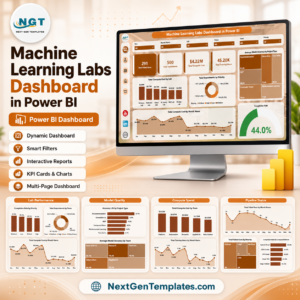
- Machine Learning Labs Dashboard in Power BI: another Power BI dashboard for ML labs
- AI & Machine Learning KPI Dashboard in Power BI: a Power BI KPI dashboard for AI teams
- AI & Machine Learning KPI Dashboard in Google Sheets: the Google Sheets option
- Power BI Dashboard Mega Collection: 15 Power BI templates in one download
Browse all Power BI KPI dashboards.



















Reviews
There are no reviews yet.