

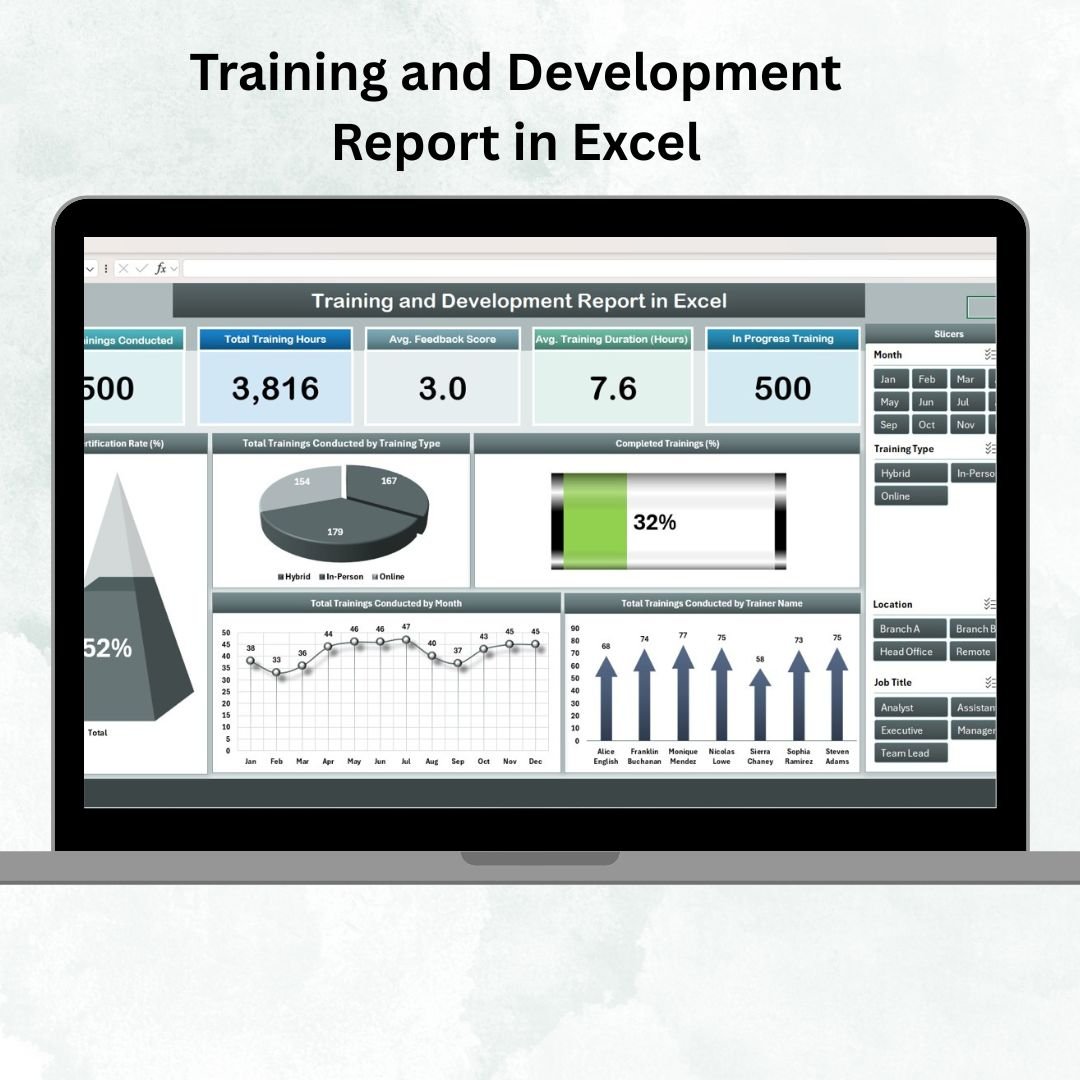
Employee development is the foundation of a strong organization. 💼📈 From upskilling programs to compliance training, keeping track of completion rates, participant feedback, and trainer performance is essential for HR and learning & development teams.
The Training and Development Report in Excel is a ready-to-use, interactive solution that simplifies training monitoring, reporting, and analysis. With built-in dashboards, pivot tables, and structured data management, this tool gives you real-time insights into your organization’s learning progress and ROI.
🔑 Key Features of Training and Development Report in Excel
📊 Summary Sheet (Training Overview)
-
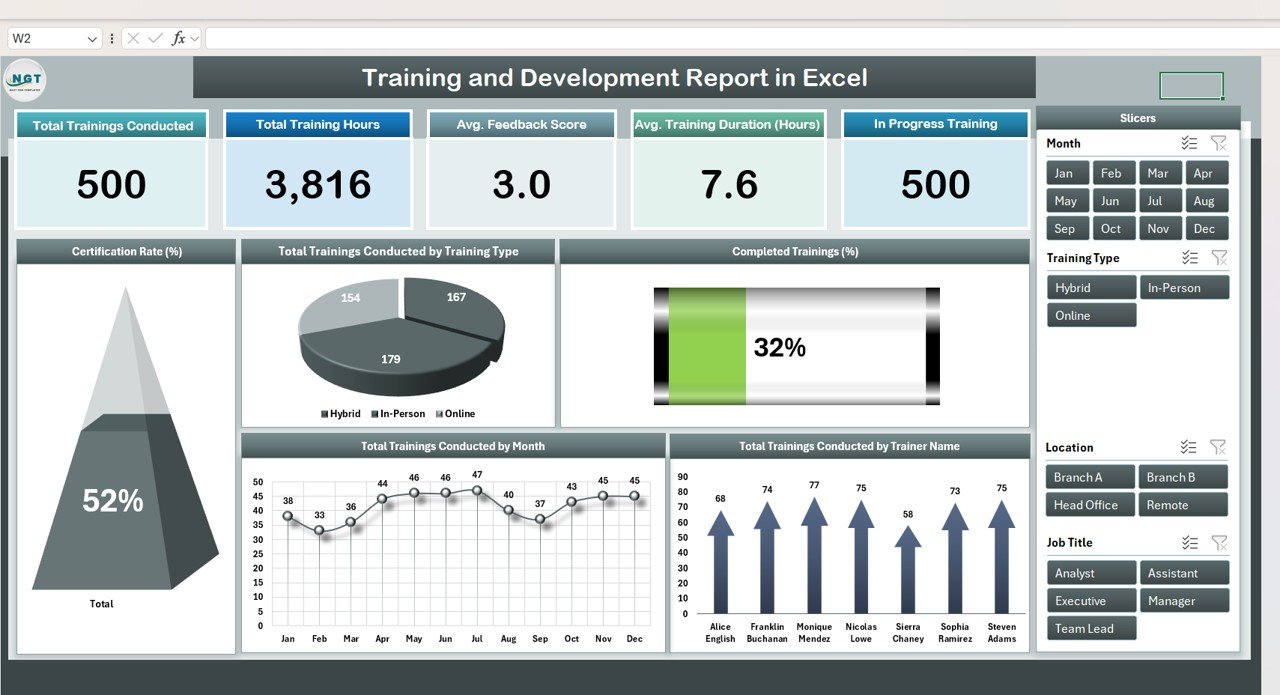
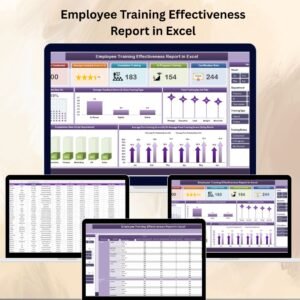
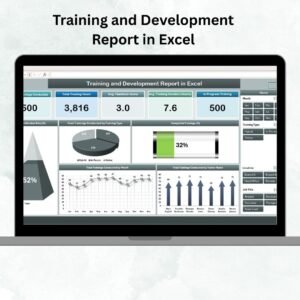
Cards Section: Instantly view Total Trainings, Training Hours, Average Feedback, Average Duration, and Ongoing Sessions.
-
Charts Section:
-
Certification Rate (%)
-
Trainings by Type (Technical, Soft Skills, Compliance, etc.)
-
Completed vs In-Progress Programs
-
Monthly Training Trends
-
Trainer Contribution Breakdown
-
This provides management with a high-level snapshot of organizational training health.
📈 Report Sheet (Advanced Analytics)
-
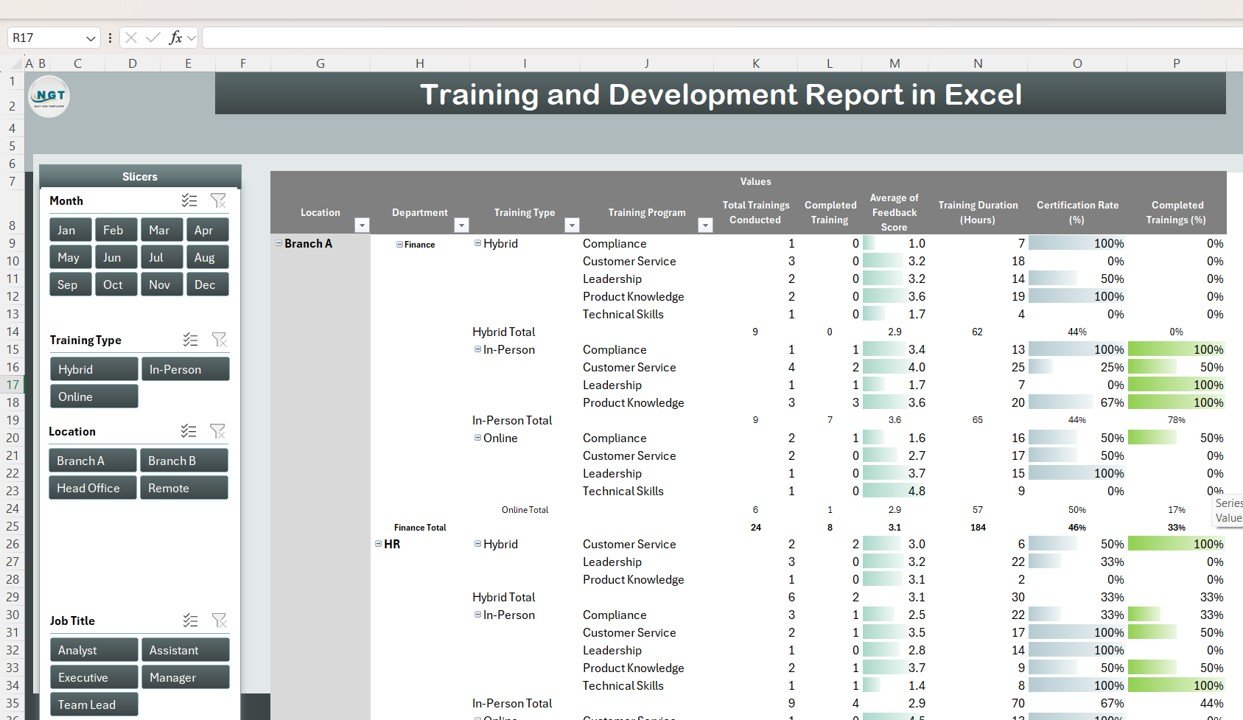
Pivot tables to summarize by employee, department, trainer, or training type.
-
Interactive slicers for dynamic filtering by month, type, or status.
-
Trend analysis across months or departments.
-
Drill-down feature to move from summary to participant-level detail.
This ensures in-depth analysis and easy identification of training gaps.
📋 Data Sheet (Central Input Database)
-
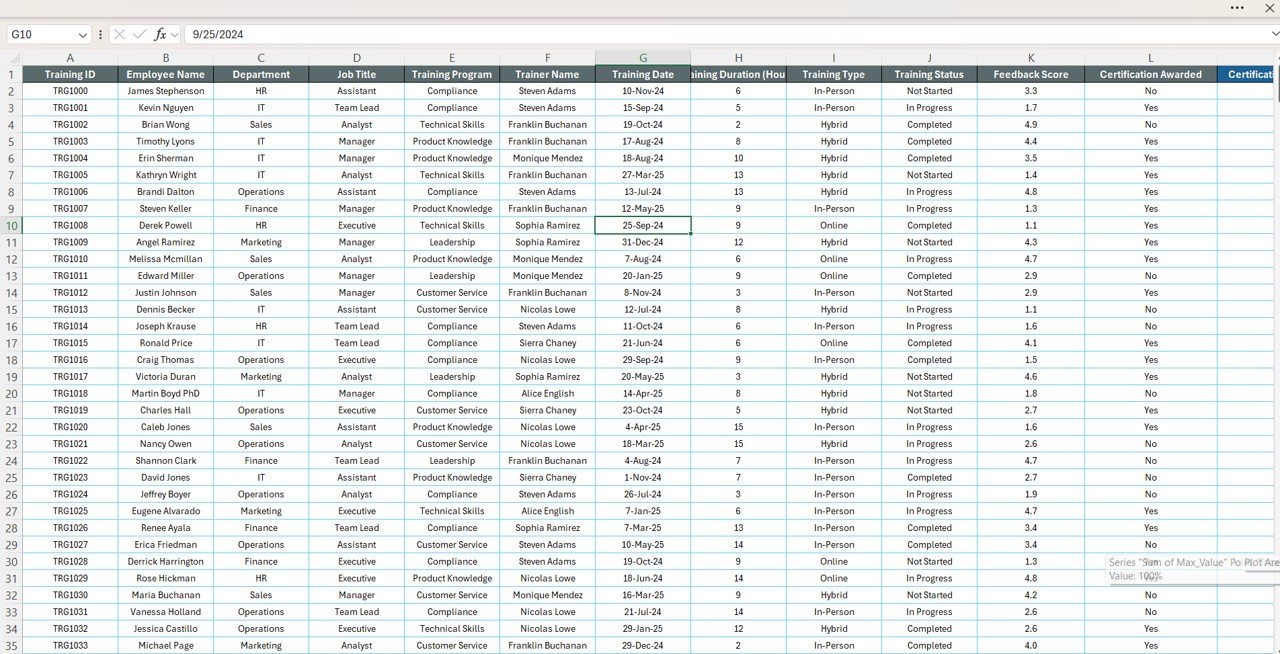
Store complete training data: Training Name, Type, Trainer, Date, Duration, Participants, Feedback Score, Certification, and Department.
-
All entries automatically feed into the Summary and Report sheets.
-
Ensures real-time updates and accurate reporting.
📦 What’s Inside the Report?
When you download this template, you’ll receive:
✅ Summary Sheet with KPIs & charts
✅ Report Sheet powered by pivot tables & slicers
✅ Data Sheet for structured input
✅ Built-in formulas & visualizations – no setup required
✅ Sample data for quick demonstration
✅ Customizable structure to adapt to your organization
👥 Who Can Benefit from This Report?
👩💼 HR Professionals – Monitor employee training participation & outcomes.
📚 Learning & Development Teams – Track skill gaps and optimize training plans.
👨🏫 Trainers – Measure effectiveness through participant feedback & certifications.
🏢 Business Leaders – Evaluate ROI of training investments.
🎓 Training Institutes – Organize programs and measure engagement.
🧾 How to Use the Training and Development Report
-
📥 Download & Save the Excel template.
-
📝 Input training data in the Data Sheet (program details, participants, scores).
-
📊 Review KPIs & Charts in the Summary Sheet for a quick overview.
-
📈 Deep dive into the Report Sheet using pivot tables and slicers.
-
🎨 Customize categories, trainers, or KPIs to fit your needs.
-
📤 Share reports for HR reviews, audits, and management updates.
No advanced Excel knowledge required — just fill in data and watch the reports update automatically. 🚀





Reviews
There are no reviews yet.