

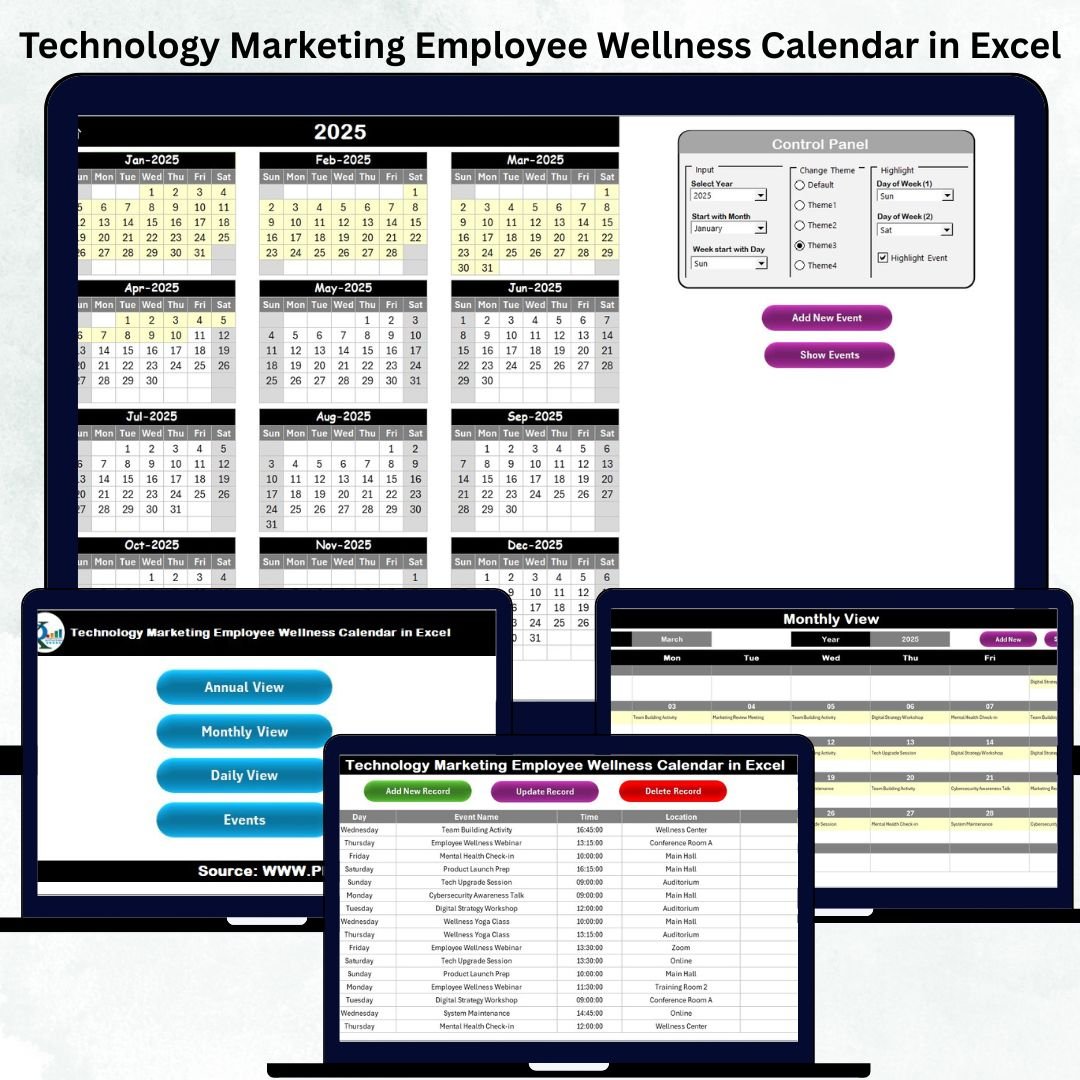
Technology, Marketing, and Wellness teams work fast—deadlines, events, campaigns, trainings, and employee programs happen every single day. Managing all of this with scattered files, separate calendars, or manual tracking often leads to confusion and missed activities. That’s why we created the Technology Marketing Employee Wellness Calendar in Excel—a powerful, ready-to-use planning system that keeps your entire organization aligned, organized, and stress-free.
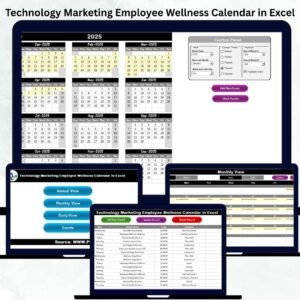
This Excel-based calendar combines annual planning, monthly timelines, daily scheduling, event tracking, color highlights, and automated navigation buttons—all inside one clean and user-friendly template. Whether you’re running product launches, marketing campaigns, or corporate wellness sessions, this calendar gives you full clarity in one place.
✨ Key Features of the Technology Marketing Employee Wellness Calendar in Excel
📅 Centralized All-in-One Planning
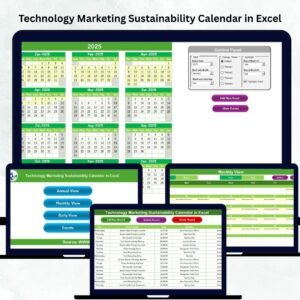
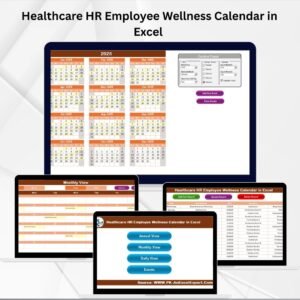
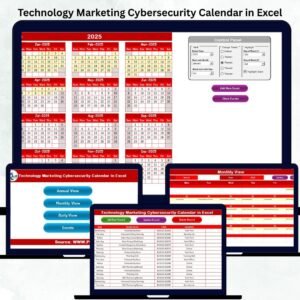
The template includes dedicated sheets for Annual View, Monthly View, Daily View, and a complete Events Database, helping teams manage long-term strategy and day-to-day tasks without juggling multiple files.
🎨 Fully Customizable Themes
Choose from five beautiful color themes. With a single click, the entire workbook updates automatically—perfect for reports, presentations, or meetings.
<h3>Watch the step-by-step video tutorial:</h3>
<iframe src=”https://www.youtube.com/embed/9nJGpOL_sAQ
” width=”800″ height=”470″ frameborder=”0″ allowfullscreen=”allowfullscreen”></iframe>
🟡 Smart Highlight Controls
Highlight weekends, busy days, special dates, or event days to improve visibility and make planning more intuitive.
📝 One-Click Event Entry & Editing
Add, update, or delete events using interactive forms. No manual typing. No errors. Everything updates instantly across views.
📊 Clean Layout for Better Focus
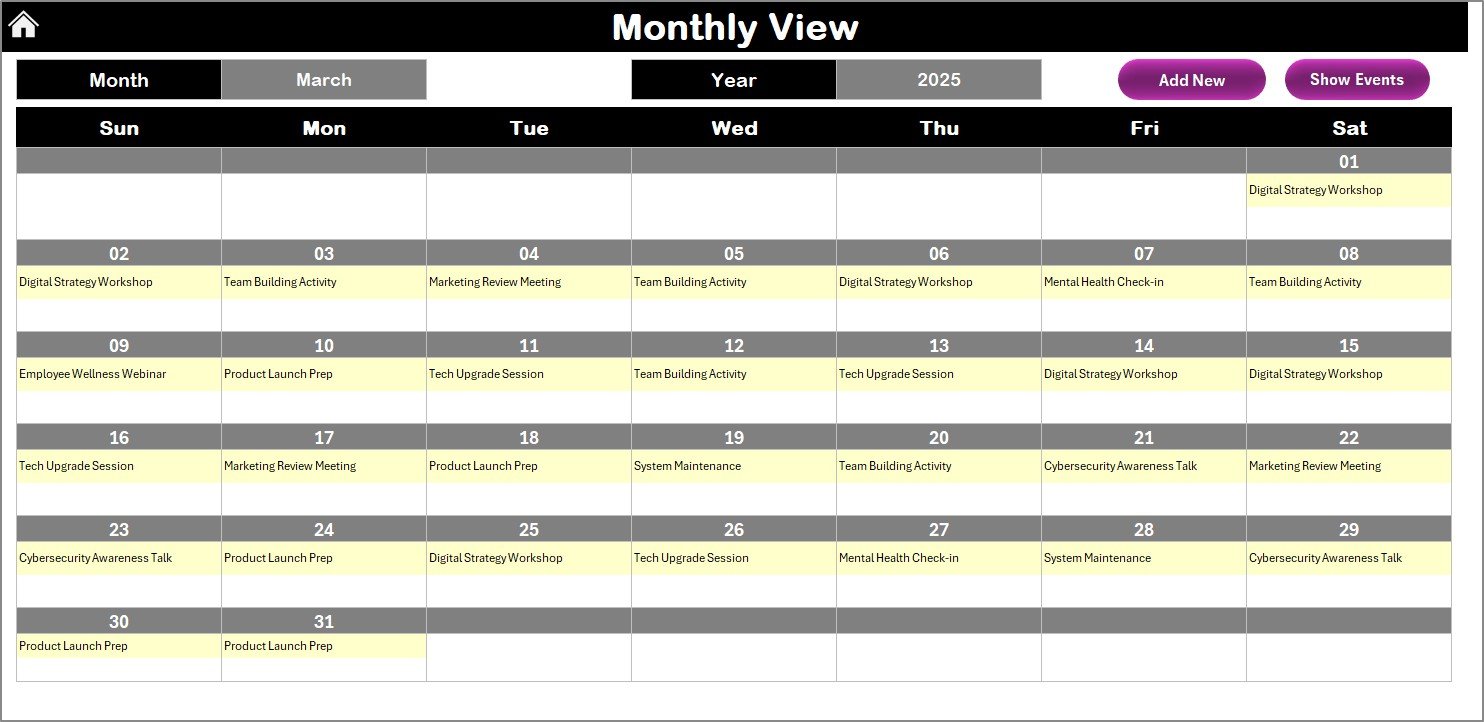
See one event per date in Monthly View or detailed lists in Daily View. The clean design ensures quick reading and zero clutter.
📦 What’s Inside the Technology Marketing Employee Wellness Calendar in Excel
⭐ Home Sheet – Your Command Center
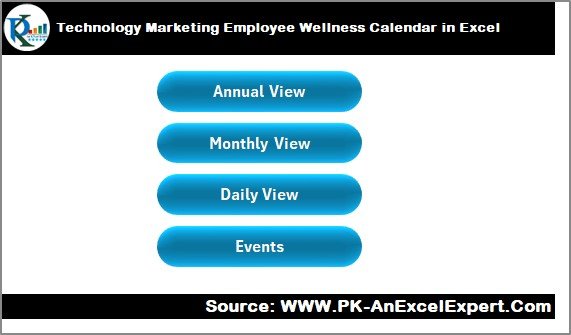
Jump to any sheet using four navigation buttons:
-
Annual View
-
Monthly View
-
Daily View
-
Events Database
⭐ Annual View Sheet
-
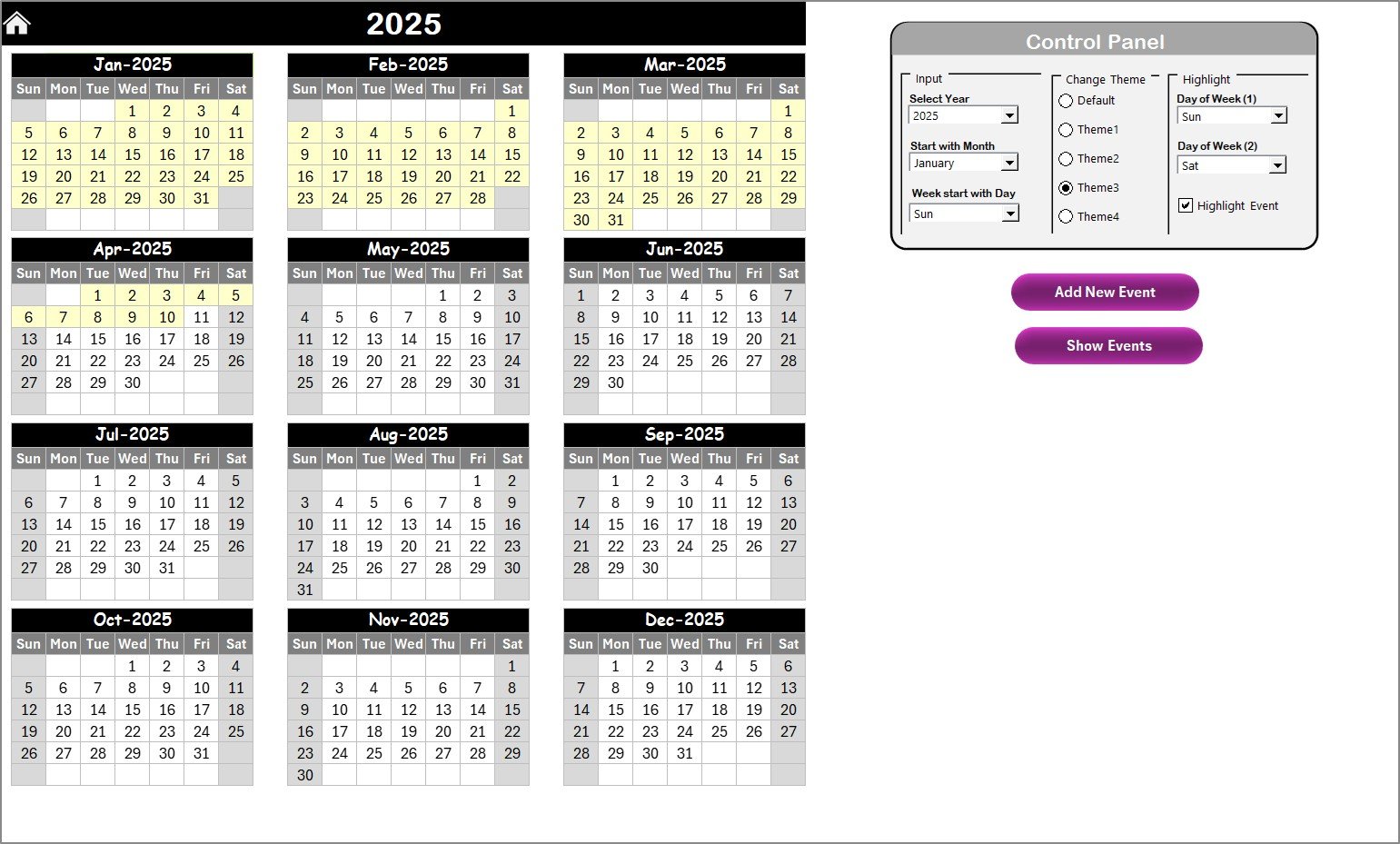
Full 12-month calendar
-
Change year, starting month, and starting weekday
-
Highlight important days
-
Add or view events instantly
⭐ Monthly View Sheet
-
Select month and year
-
See events at a glance
-
“More than 1…” indicator for multiple events
-
Add or view daily events through buttons
⭐ Daily View Sheet
-
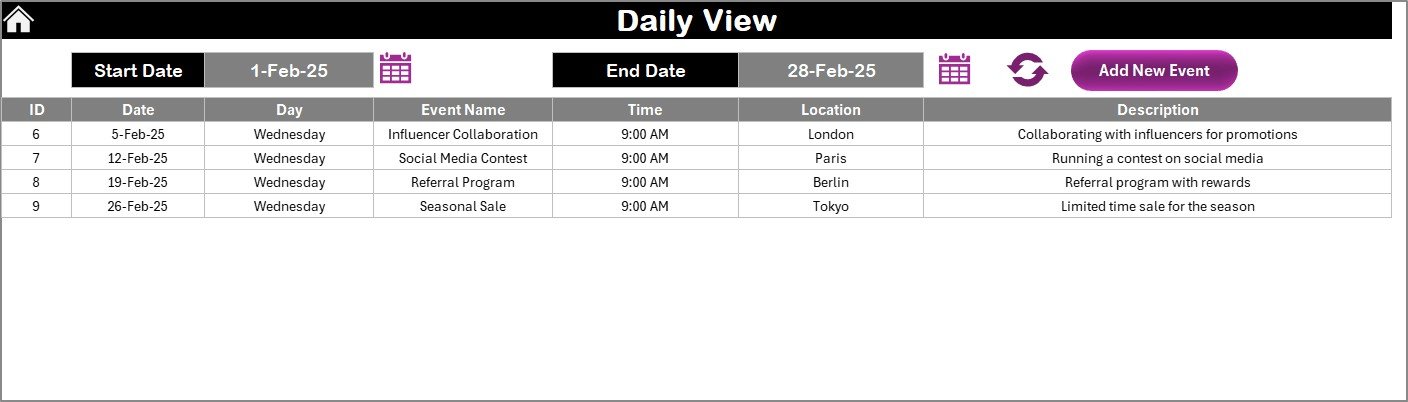
Select start & end dates to view detailed event lists
-
Track meetings, launches, workshops, wellness sessions, and more
-
Add new events directly
⭐ Events Database Sheet
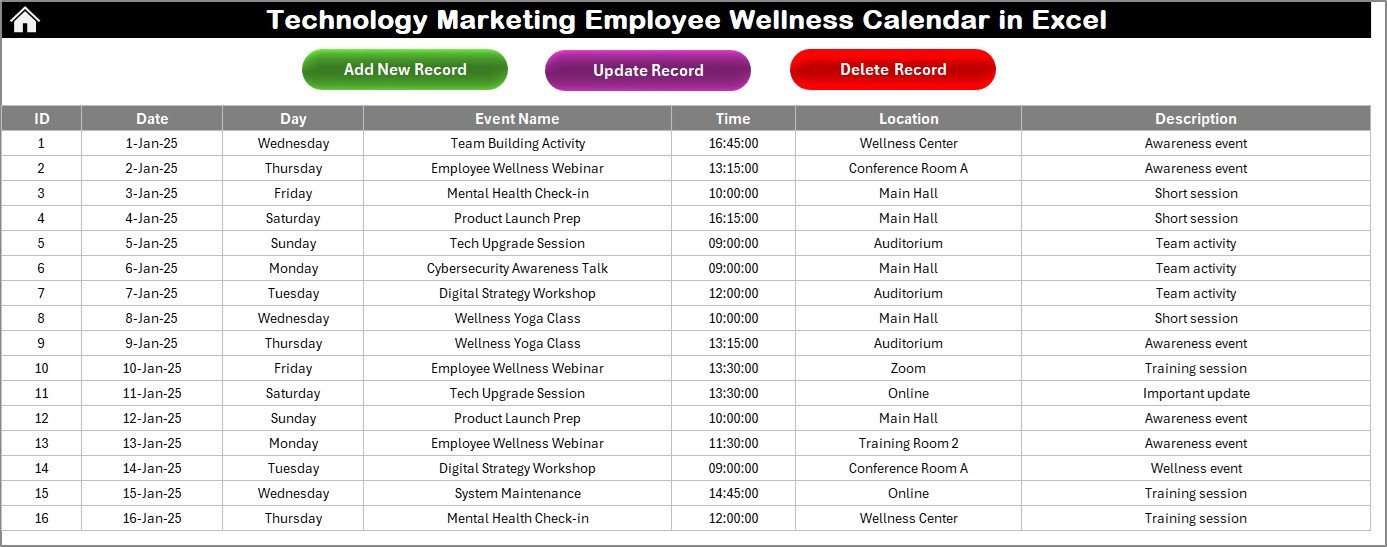
Stores every event with fields:
-
ID
-
Date
-
Day
-
Event Name
-
Time
-
Location
-
Description
Includes actions to Add, Update, or Delete records instantly.
🛠️ How to Use the Technology Marketing Employee Wellness Calendar in Excel
1️⃣ Select the Year & Customize Your Calendar
Choose your year, month, and start day. Apply your preferred theme.
<h3>Watch the step-by-step video tutorial:</h3>
<iframe src=”https://www.youtube.com/embed/9nJGpOL_sAQ
” width=”800″ height=”470″ frameborder=”0″ allowfullscreen=”allowfullscreen”></iframe>
2️⃣ Add Events Easily
Just choose a date → Click Add Event → Fill the form → Submit.
Your event updates everywhere—no manual entry.
3️⃣ Plan Monthly Campaigns & Weekly Activities
Marketing, tech, and wellness teams can plan ahead with clear visibility.
4️⃣ Track Daily Tasks with Full Clarity
Use the Daily View to see all activities between any two dates.
5️⃣ Maintain a Clean Event Database
Use update/delete buttons to keep your calendar accurate and up to date.
👥 Who Can Benefit from This Template
💻 Technology Teams
-
Software releases
-
Infrastructure maintenance
-
Training sessions
-
Cybersecurity drills
📣 Marketing Teams
-
Campaign schedules
-
Social media planning
-
Product launch timelines
-
Content workflows
🧘 Wellness & HR Teams
-
Wellness workshops
-
Fitness challenges
-
Engagement programs
-
Employee awareness events
🏢 Managers & Coordinators
Anyone who needs visibility across multiple teams and events will benefit from this structured all-in-one calendar.
This Technology Marketing Employee Wellness Calendar in Excel is more than a date planner—it is a complete workflow organizer that improves communication, eliminates scheduling conflicts, and strengthens productivity across your entire organization. If your teams want clarity, accuracy, and reliable planning without buying expensive tools, this Excel template is the perfect solution.
Click Here to Read the Detailed Blog Post
Watch the step-by-step video tutorial:








Reviews
There are no reviews yet.