Managing team schedules can become chaotic when organizations handle multiple meetings, project deadlines, training sessions, and performance reviews at the same time. Many managers still rely on scattered spreadsheets or manual calendars, which often leads to missed deadlines, scheduling conflicts, and poor team coordination.
The Team Performance Scheduling Calendar in Excel is designed to solve this challenge. It is a ready-to-use Excel calendar template that helps organizations organize team events, meetings, deadlines, and performance schedules in one centralized system.
Because Microsoft Excel supports automation, interactive controls, and structured data management, this template allows managers to monitor schedules at annual, monthly, and daily levels. Instead of switching between different documents, all scheduling activities remain organized within a single Excel workbook.
As a result, teams gain better visibility into upcoming events, project milestones, and performance-related schedules, allowing organizations to improve productivity and coordination.
🚀 Key Feature of Team Performance Scheduling Calendar in Excel
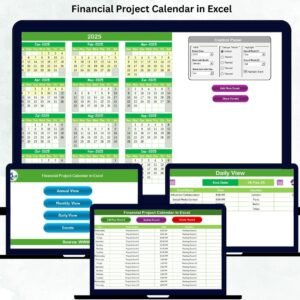
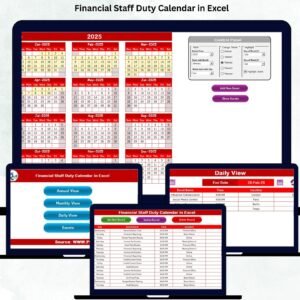
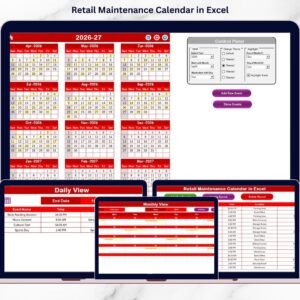
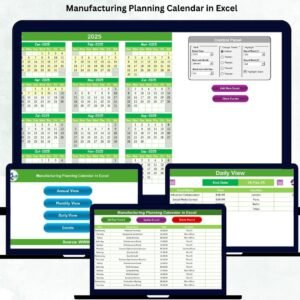
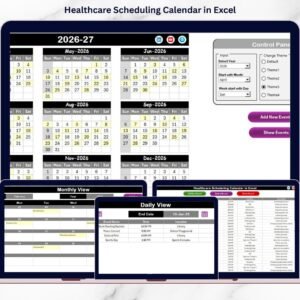
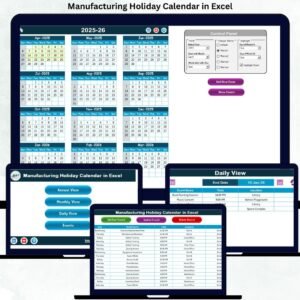
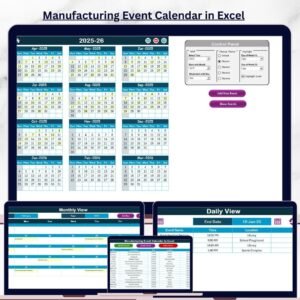
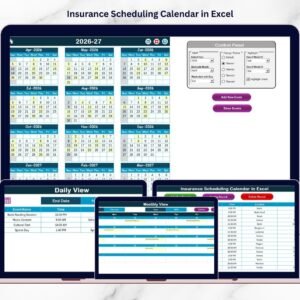
📅 Multi-Level Calendar Views
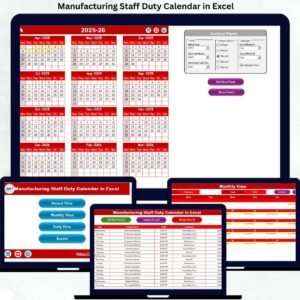
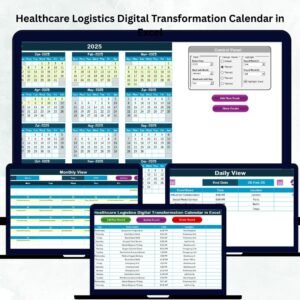
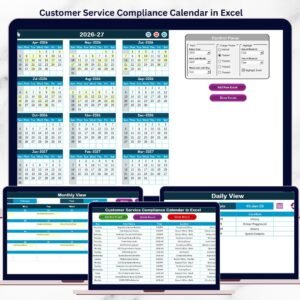
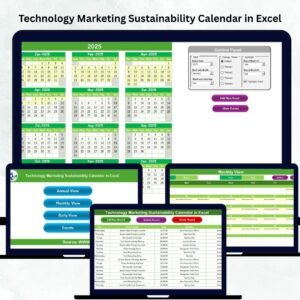
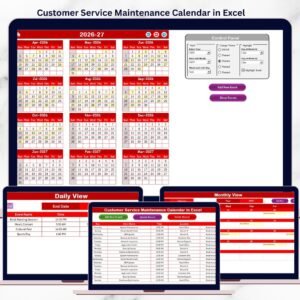
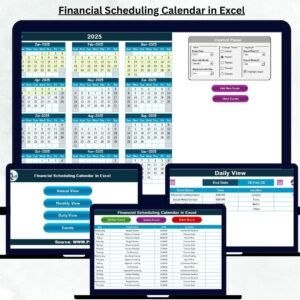
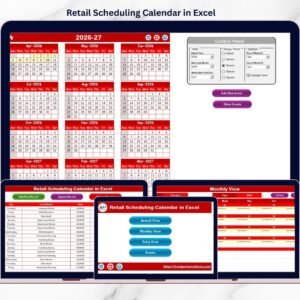
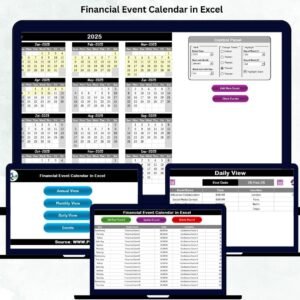
The template includes Annual, Monthly, and Daily views, allowing users to analyze schedules from a yearly overview to detailed daily events.
⚡ Interactive Event Management System
Users can easily add, update, or delete events using simple buttons and user-friendly forms.
🎨 Customizable Color Themes
Five color themes allow organizations to customize the appearance of the calendar according to their preferences.
📊 Dynamic Control Panel
The control panel allows users to select the year, change the starting month, and adjust the starting day of the week, automatically updating the entire calendar.
🟨 Event Highlighting Feature
Important events are automatically highlighted in the calendar, making it easier to identify deadlines and critical meetings.
🔍 Detailed Daily Event Tracking
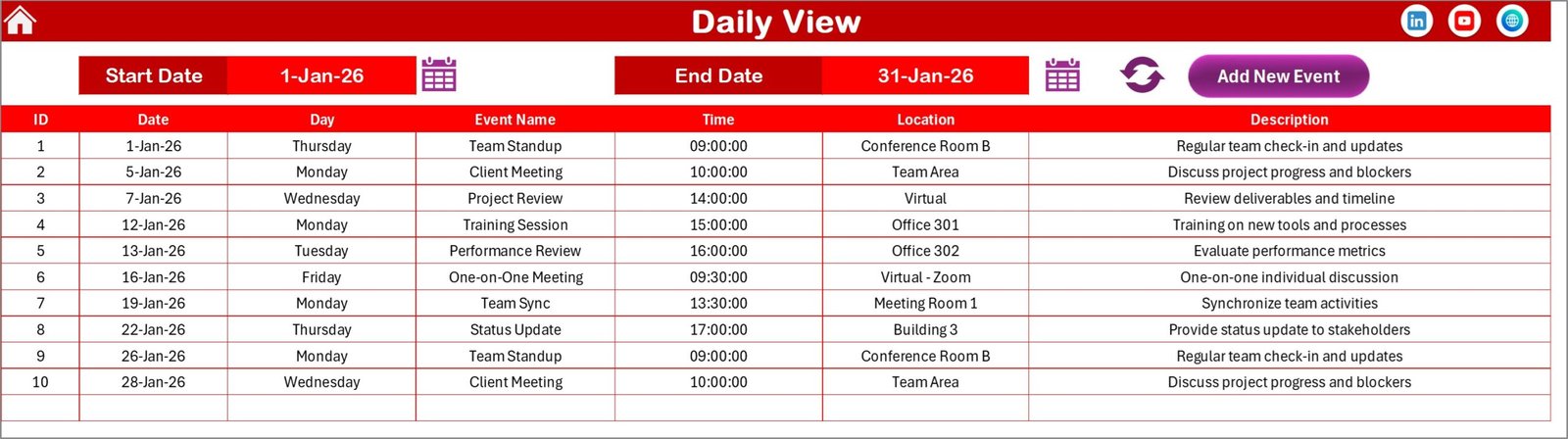
The Daily View displays detailed event information including date, time, location, and description.
📂 Centralized Event Database
All events are stored in a structured database sheet, ensuring organized and reliable event management.
⚙️ Automated Calendar Updates
Whenever users modify the inputs such as year or month, the calendar updates automatically.
📊 What’s Inside the Team Performance Scheduling Calendar in Excel
This Excel template contains five interactive worksheets designed to simplify team scheduling.
Home Sheet
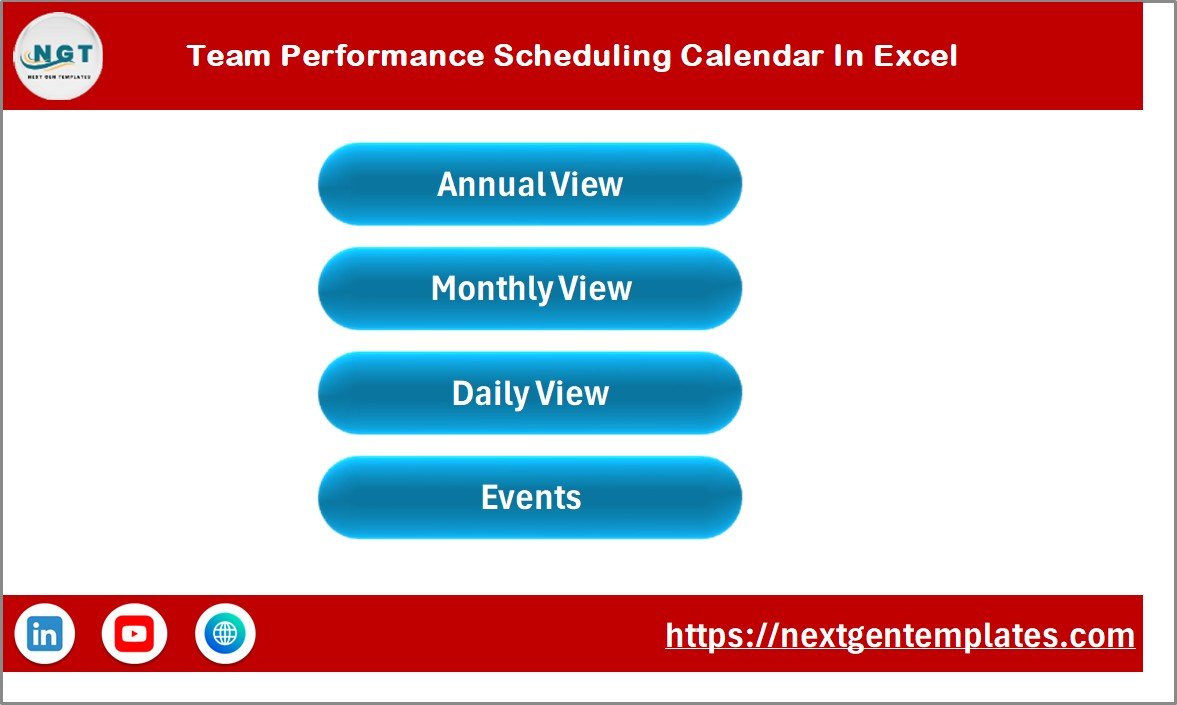
The Home sheet acts as a navigation hub, allowing users to quickly access different calendar views using navigation buttons such as:
-
Annual View
-
Monthly View
-
Daily View
-
Events Database
Annual View Sheet
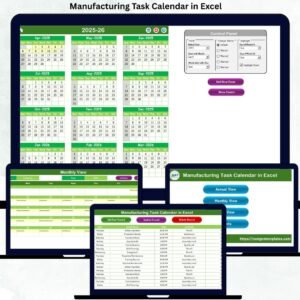
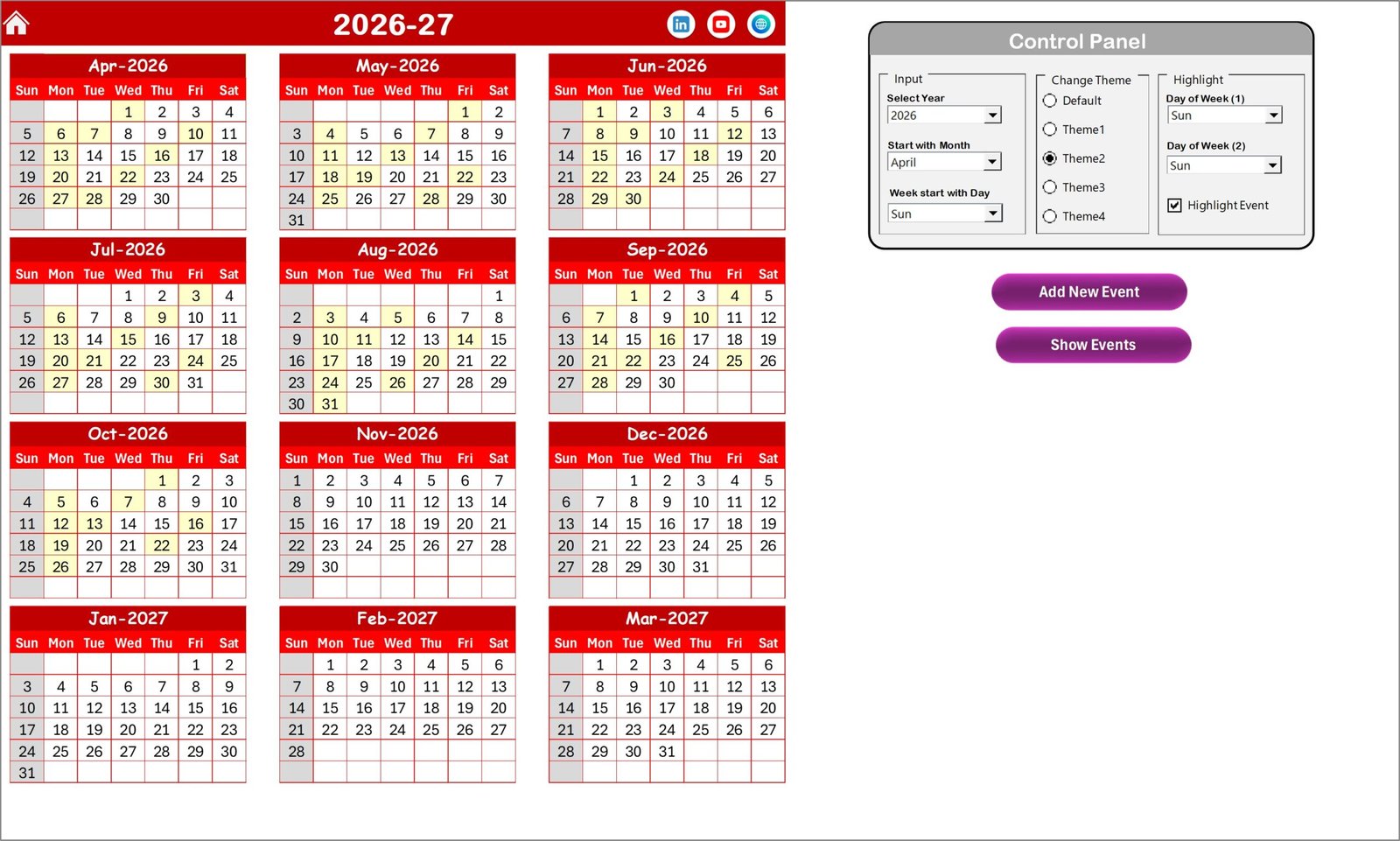
This sheet displays a complete 12-month calendar, allowing managers to plan yearly schedules including performance reviews, training sessions, and company events.
It also includes a Control Panel with three important groups:
-
Input Group – Select year, starting month, and starting weekday
-
Change Theme Group – Apply different visual themes
-
Highlight Group – Highlight specific days or events
Monthly View Sheet
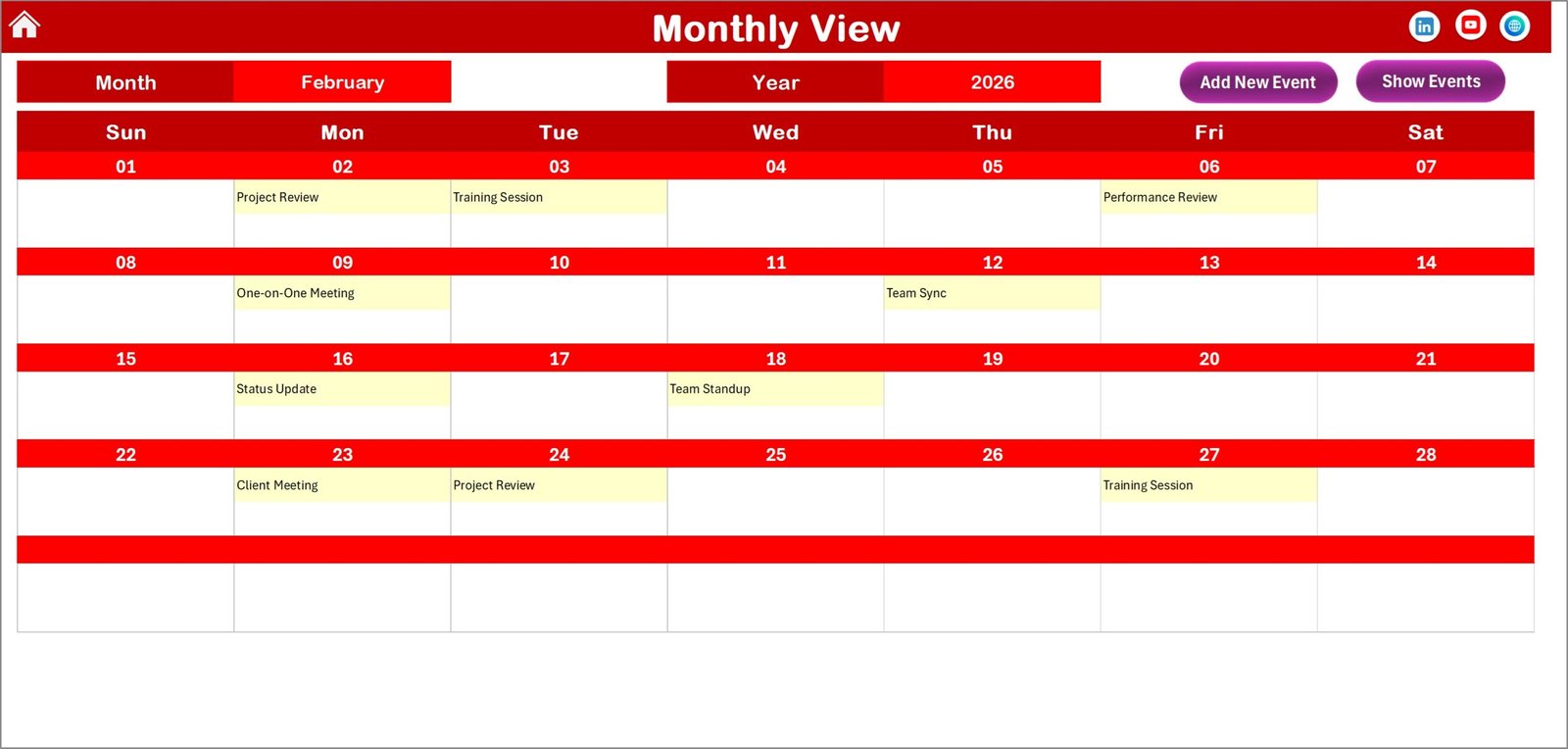
This sheet focuses on a specific month and displays events on calendar dates. If multiple events exist on the same date, the calendar shows “More than 1…” to indicate additional activities.
Daily View Sheet
The Daily View allows users to filter events within a selected date range and view detailed event information including:
-
Event Date
-
Event Name
-
Time
-
Location
-
Description
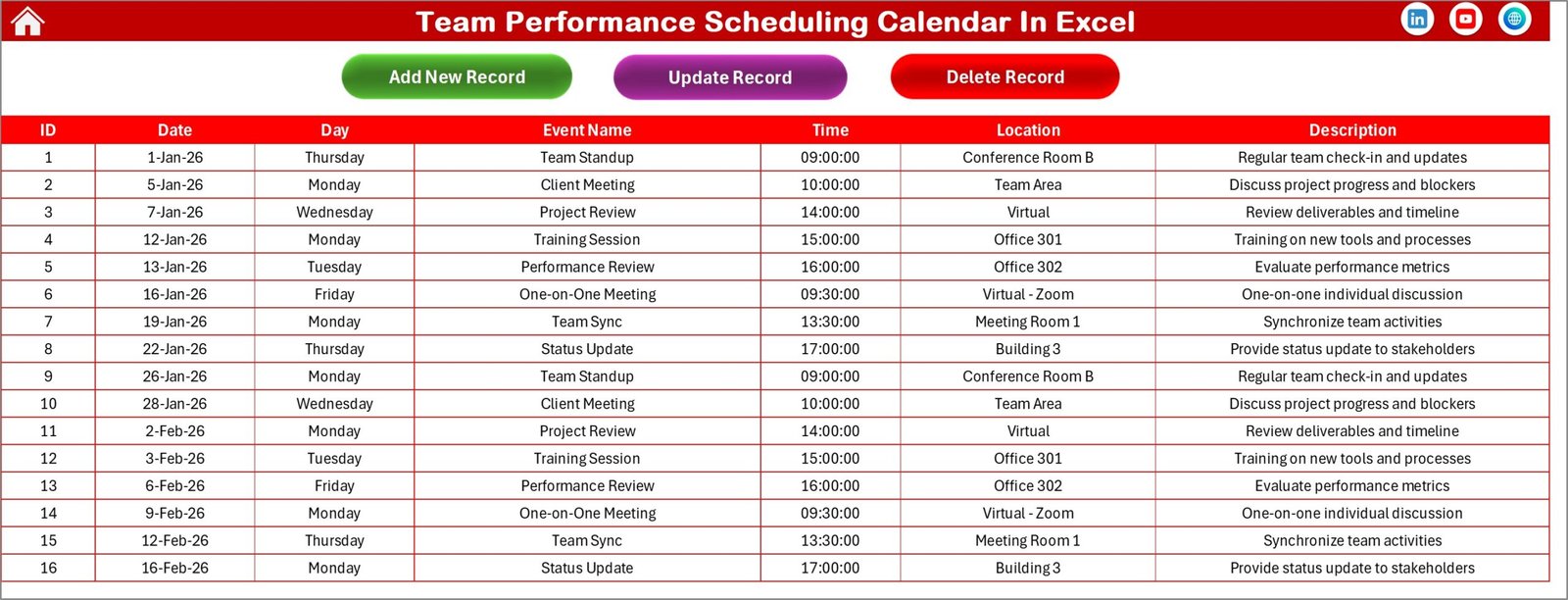
Events Database Sheet
This sheet stores all event records and includes fields such as:
-
Event ID
-
Date
-
Day
-
Event Name
-
Time
-
Location
-
Description
Users can easily add, update, or delete events from this database.
⚙️ How to Use the Team Performance Scheduling Calendar in Excel
Using this calendar template is extremely simple.
Step 1 – Open the Home Sheet
Start from the Home sheet and choose the calendar view you want to access.
Step 2 – Configure the Control Panel
Select the year, starting month, and starting weekday to customize the calendar layout.
Step 3 – Add New Events
Click the Add New Event button, fill in the event details, and submit the form.
Step 4 – Track Events
View events directly on the annual and monthly calendar views.
Step 5 – Analyze Detailed Events
Use the Daily View sheet to review events within a specific date range.
This simple workflow allows teams to manage scheduling activities efficiently.
👥 Who Can Benefit from This Team Performance Scheduling Calendar in Excel
This template is useful for many professionals and departments.
👨💼 HR Managers – Schedule employee performance reviews, training sessions, and interviews.
📊 Project Managers – Track project milestones, team meetings, and task deadlines.
🏢 Operations Teams – Manage internal coordination, shift schedules, and operational events.
👨💻 Team Leaders – Monitor team activities and ensure smooth workflow.
📈 Business Owners & Executives – Track strategic meetings, planning sessions, and important business events.
Because the template is flexible and customizable, it can be used by organizations of all sizes.
Click here to read the Detailed blog post
Watch the step-by-step video tutorial: