Managing projects without a clear plan can quickly lead to missed deadlines, confusion, and poor team coordination. Tracking tasks, timelines, dependencies, and team workload manually becomes overwhelming as projects grow.
But what if you could manage everything in one smart, visual system?
Introducing the Project Gantt Chart in Google Sheets 🚀 — a powerful, ready-to-use project management template designed to help you plan, track, and execute projects with complete clarity.
This professional template transforms your project data into a visual timeline and interactive dashboard. Whether you are handling a marketing campaign, software development, construction project, or business operations, this tool gives you total control without complex software.
✨ Key Feature of Project Gantt Chart in Google Sheets
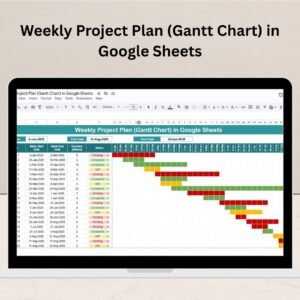
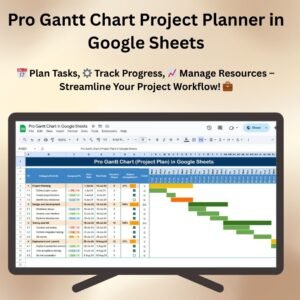
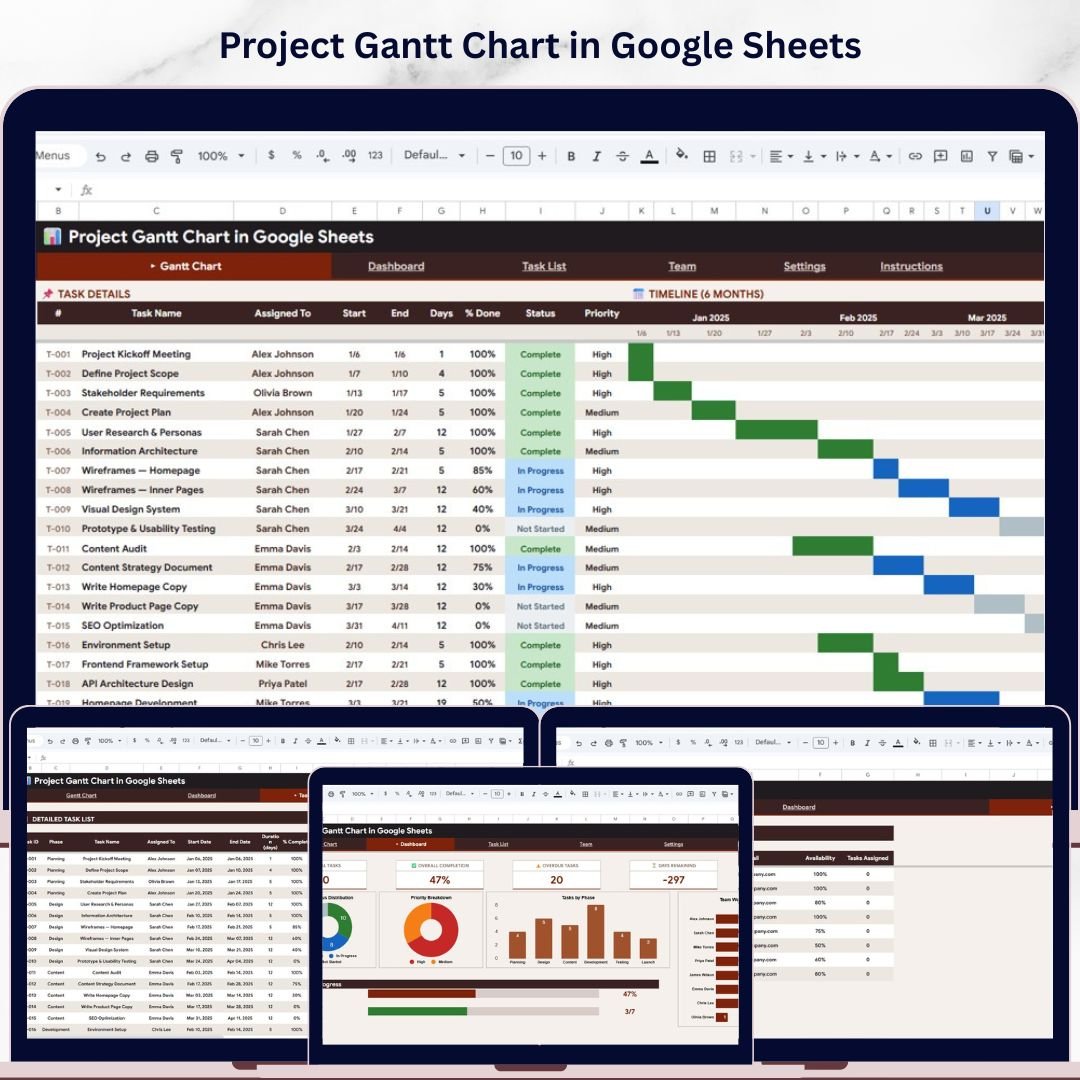
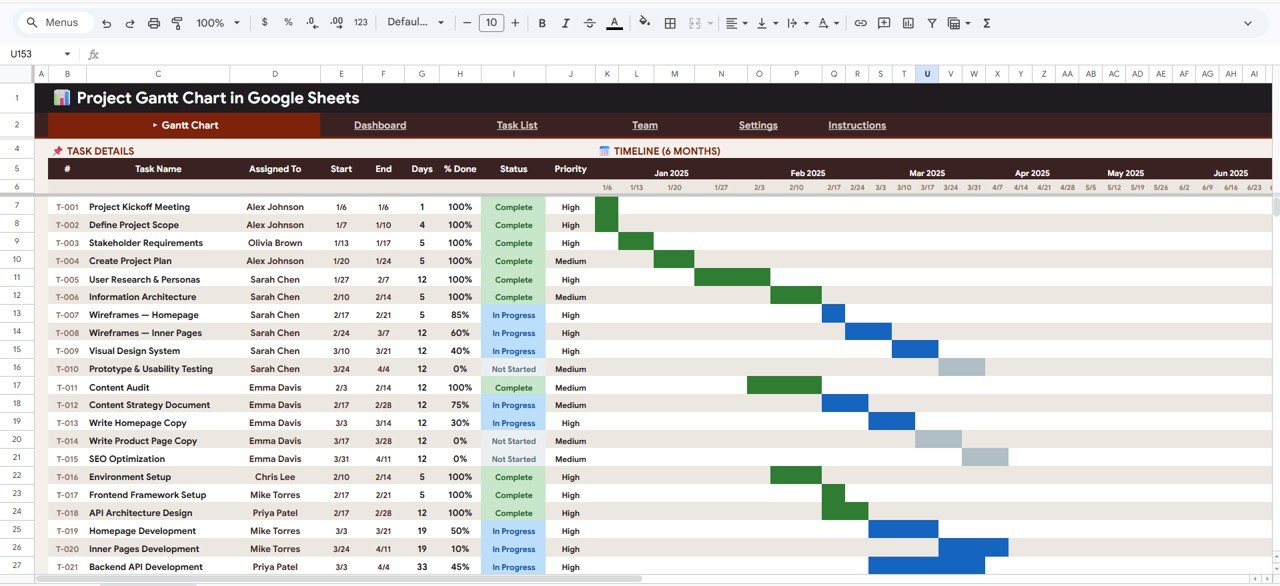
📊 Visual Gantt Chart Timeline – View your entire project schedule with color-coded task bars for easy tracking
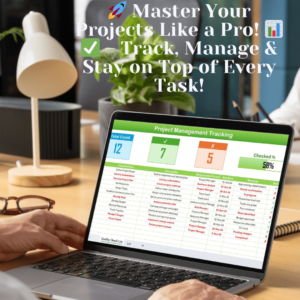
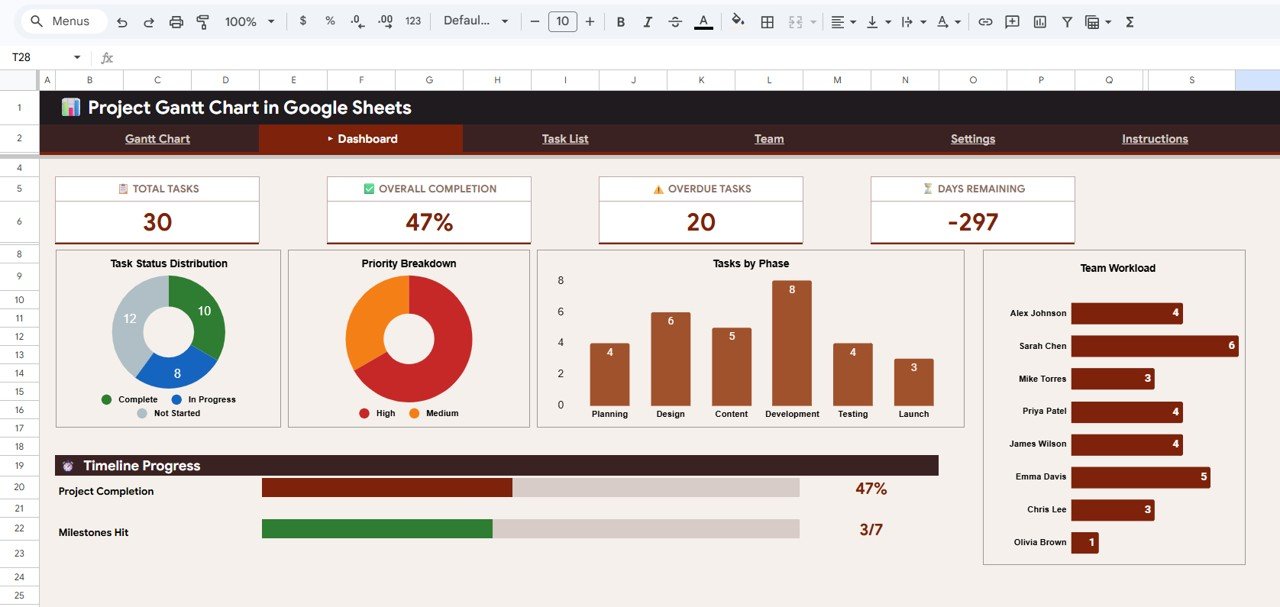
📈 Dynamic Dashboard with 10+ KPIs – Monitor total tasks, completion %, overdue tasks, and more instantly
🔗 Task Dependency Tracking – Understand task relationships and avoid bottlenecks
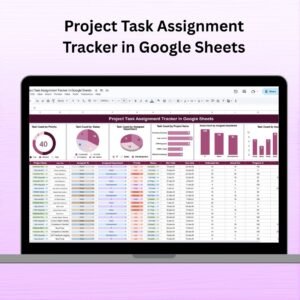
👥 Team Workload Management – Track assignments and balance workload efficiently
📅 Automated Calculations – All KPIs, charts, and metrics update automatically
🎯 Multiple Filters & Slicers – Quickly analyze tasks by phase, priority, or team member
⚡ 100% Google Sheets-Based – No add-ons or technical setup required
🌍 Access Anywhere – Use on desktop, tablet, or mobile with real-time collaboration
💼 Professional Design – Clean, modern layout for better decision-making
📦 What’s Inside the Project Gantt Chart in Google Sheets
This template comes with 5 professionally designed pages that cover every aspect of project management:
✔️ Gantt Chart Page
- Visual timeline of tasks across months
- Identify overlaps, delays, and workload instantly
- Includes slicers for quick filtering
✔️ Dashboard Page
- 10+ KPIs including Total Tasks, Completion %, Overdue Tasks
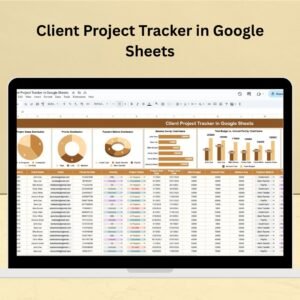
- Visual insights like task status, priority breakdown, team workload
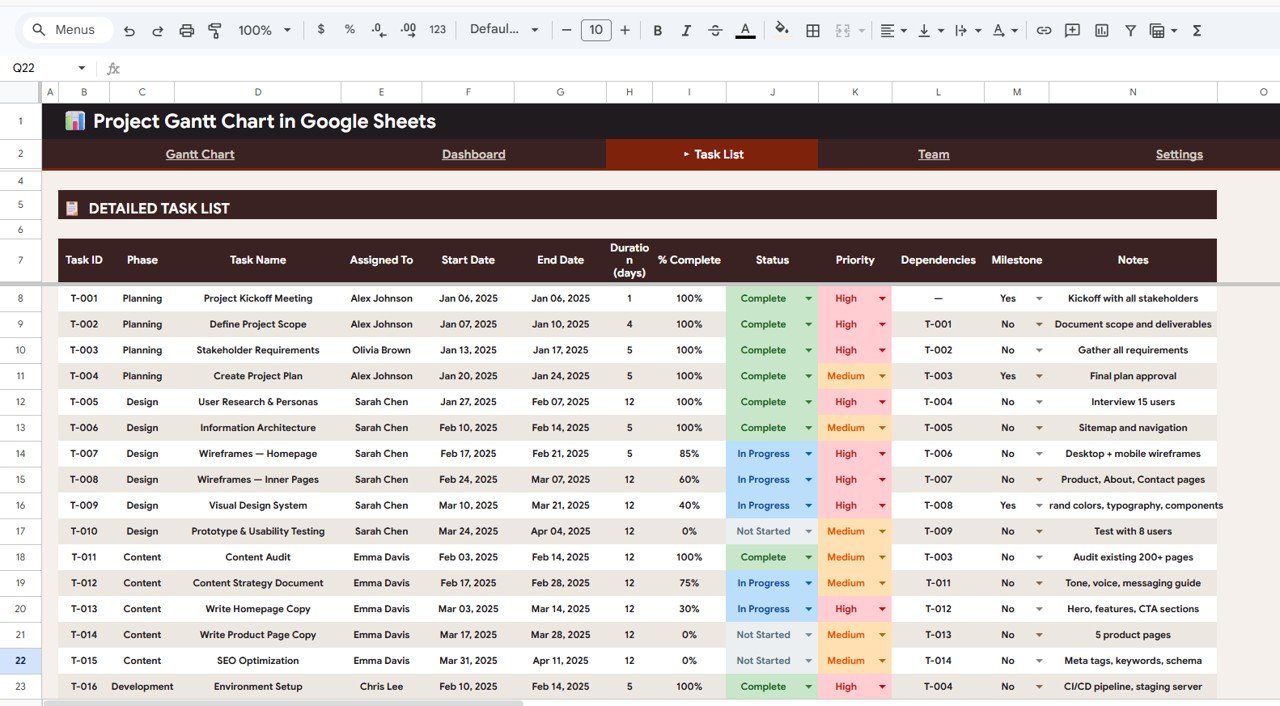
✔️ Detailed Task List
- Track tasks with start date, end date, duration, status, priority
- Includes dependency tracking for better workflow management
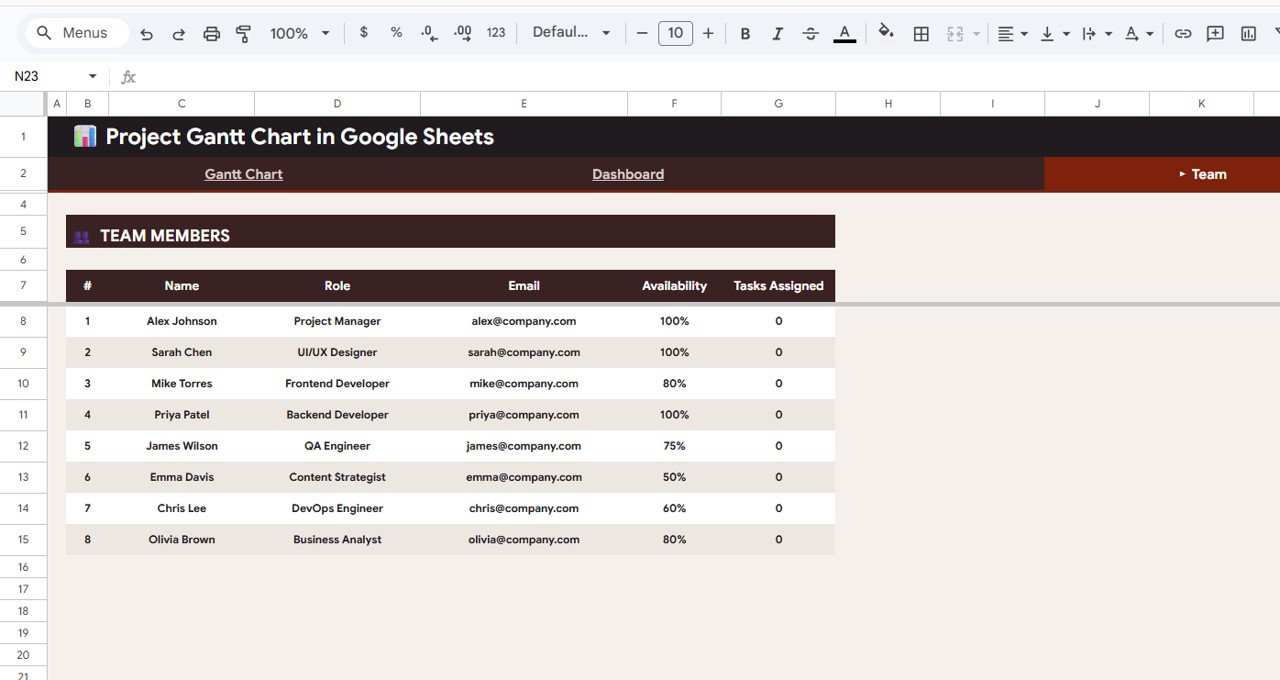
✔️ Team Members Page
- Manage team roles, availability, and assigned tasks
- Helps balance workload and improve productivity
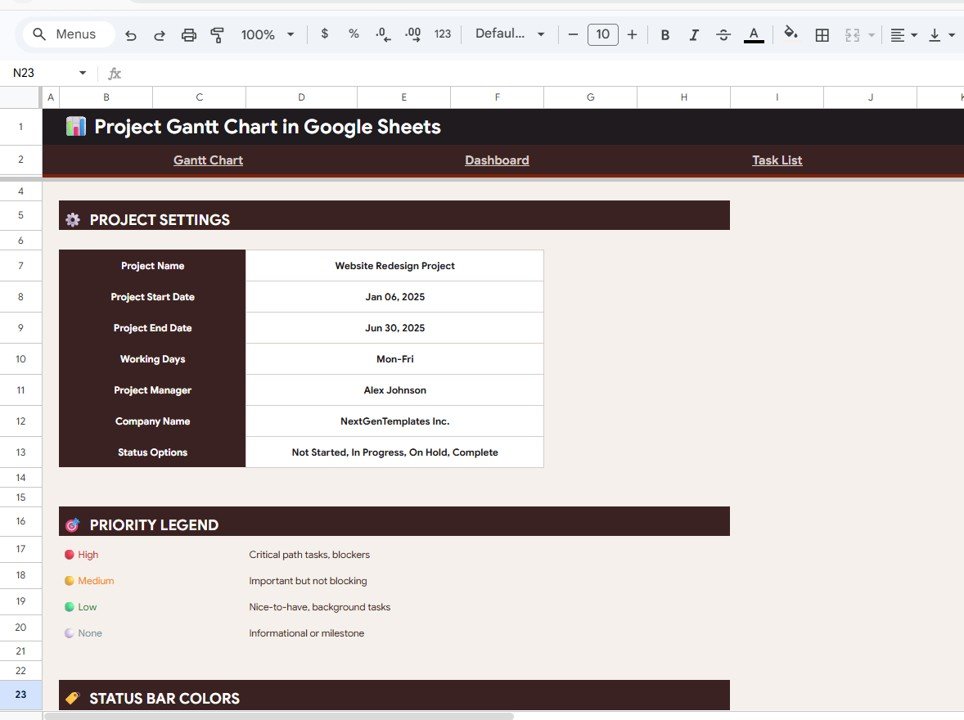
✔️ Settings Page
- Customize project name, timeline, working days
- Define status, priority levels, and color coding
Everything is pre-built and ready—just enter your data and start managing like a pro.
🛠️ How to Use the Project Gantt Chart in Google Sheets
Using this template is simple and requires no technical expertise:
1️⃣ Start by updating the Settings page with project details
2️⃣ Add tasks in the Detailed Task List
3️⃣ Assign team members and define dependencies
4️⃣ Track progress in the Gantt Chart view
5️⃣ Monitor KPIs and performance using the Dashboard
Within minutes, you will have a complete project tracking system.
👥 Who Can Benefit from This Project Gantt Chart in Google Sheets
👨💼 Project Managers – Plan, track, and deliver projects on time
📊 Business Owners – Monitor multiple initiatives easily
👩💻 Freelancers & Consultants – Manage client projects efficiently
🏗️ Construction Teams – Track timelines, phases, and dependencies
📢 Marketing Teams – Plan campaigns and track execution
This template works for any industry and any project size.
Stop struggling with scattered spreadsheets and complicated tools. This template gives you everything you need in one simple, powerful system.
🚀 Take full control of your projects today and deliver with confidence!
🔗 Click hare to read the Detailed blog post
Watch the step-by-step video tutorial:
👉 Visit our YouTube channel to learn step-by-step video tutorials
👉 https://www.youtube.com/@PKAnExcelExpert