
Key Features of Manufacturing Planning Checklist in Excel
Unlock the power of streamlined manufacturing management with our Manufacturing Planning Checklist in Excel – a ready-to-use, meticulously designed template to keep your production processes on track. This digital product features two comprehensive worksheets tailored to optimize your manufacturing planning and monitoring activities.
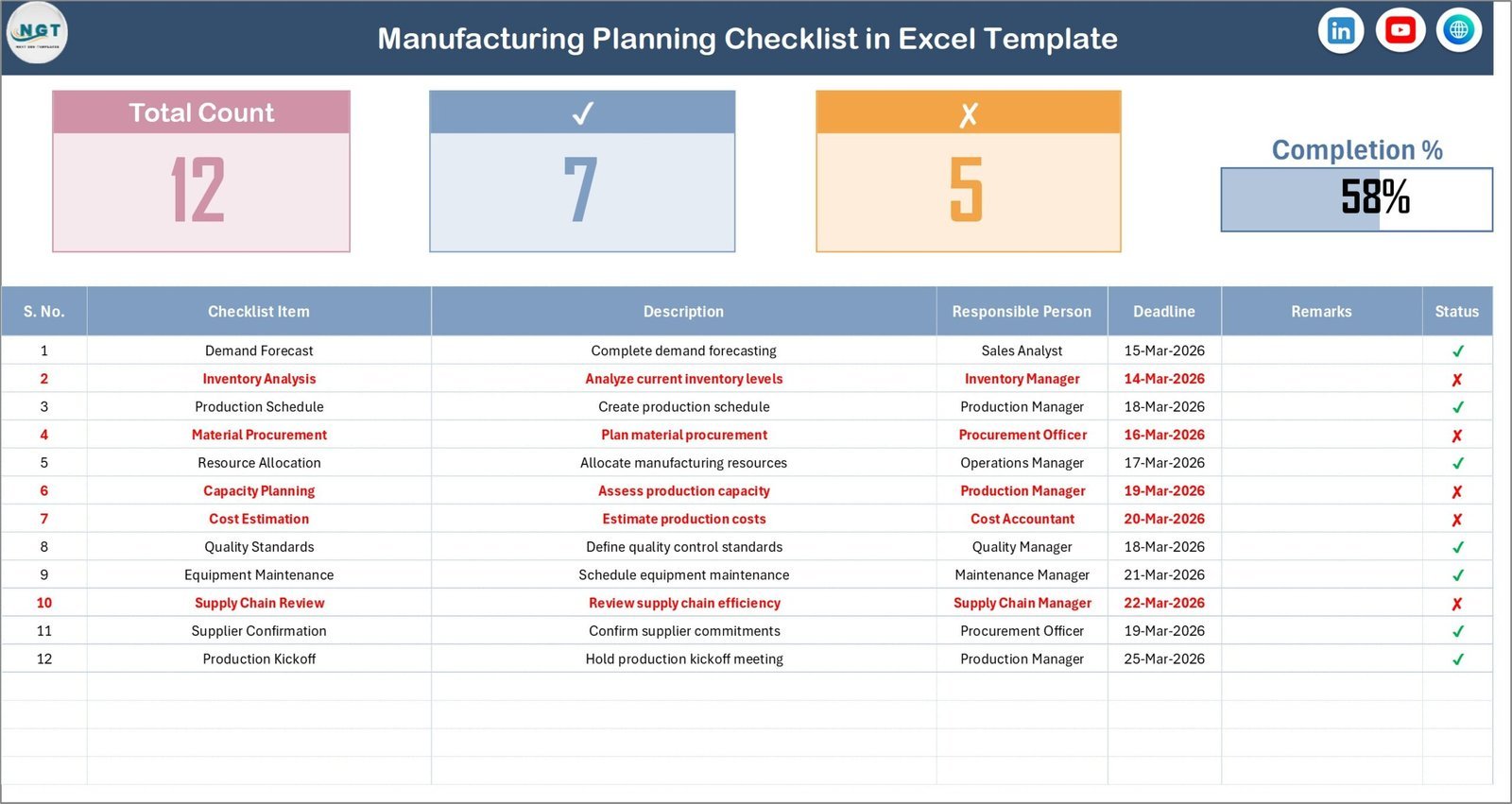
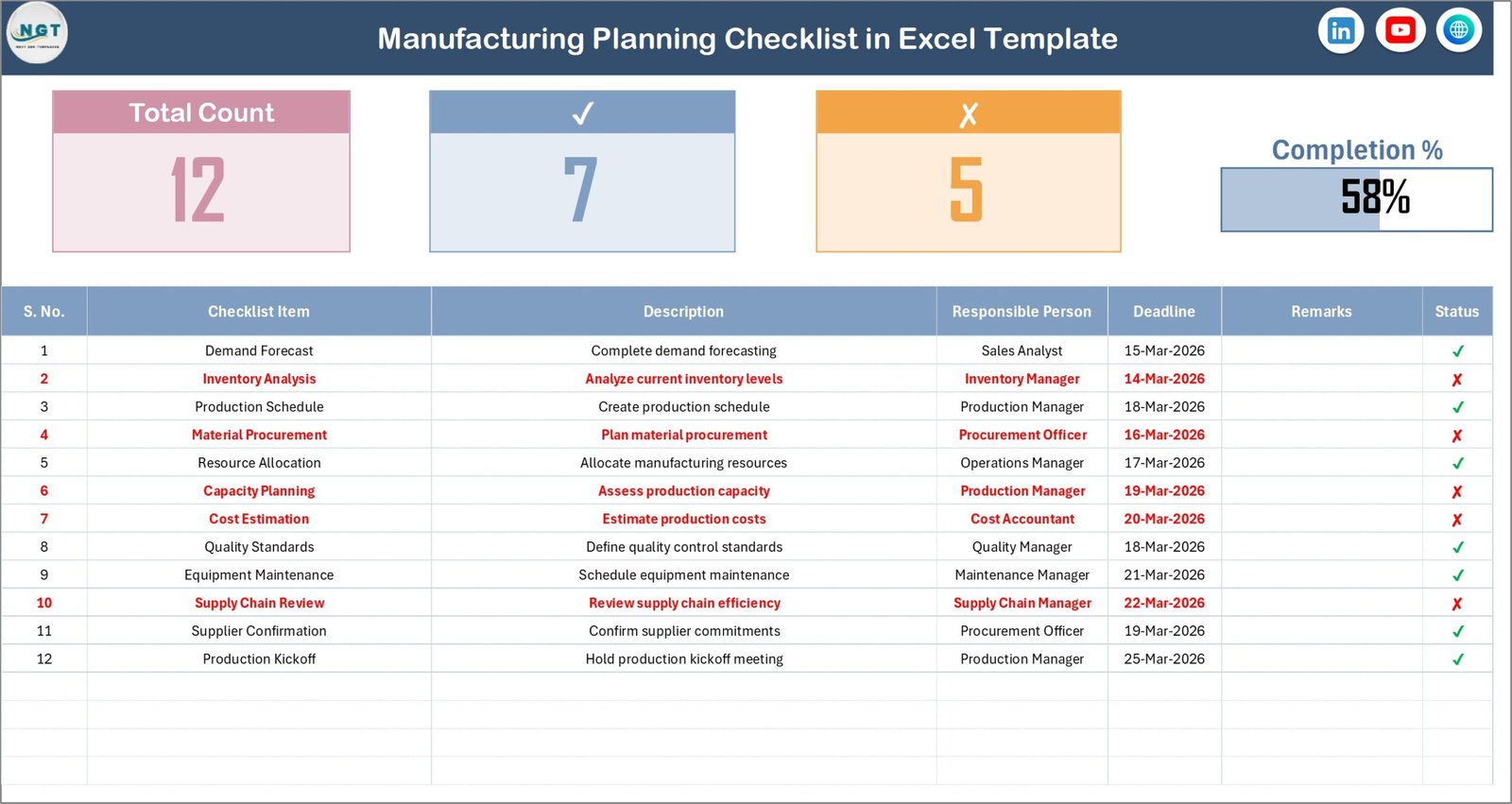
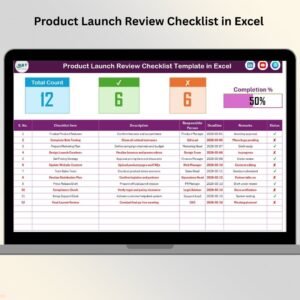
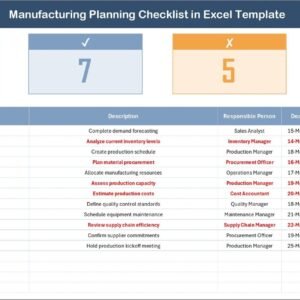
On the Checklist Sheet Tab, you’ll find a dynamic checklist interface that captures all essential information to maintain smooth operations. The top section includes a KPI Tracking Planner that displays the total count of tasks, checked items, crossed items, and a visually engaging progress bar representing the percentage of completed checklist items. This intuitive layout helps you monitor progress at a glance, ensuring no step is overlooked.
The checklist table itself is the heart of this template. It contains columns for Serial No., Checklist Item, Description, Responsible Person, Deadline, Remarks, and Status. Easily update the status by marking each task with a ✔ or ✘ to reflect its completion. This empowers your team to stay accountable and organized, reducing bottlenecks in your production pipeline.
Manufacturing Planning Checklist in Excel
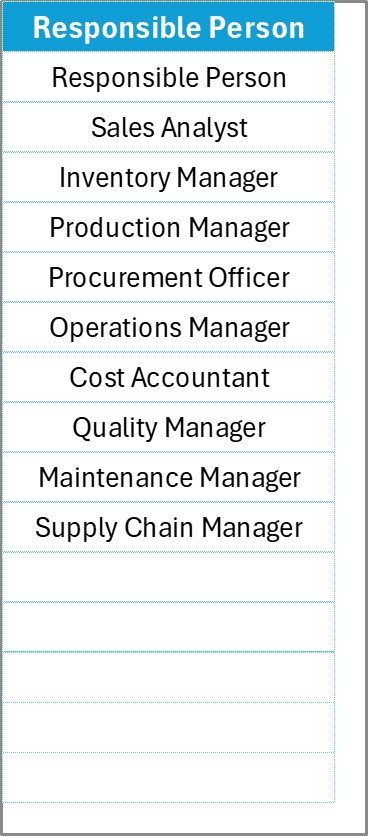
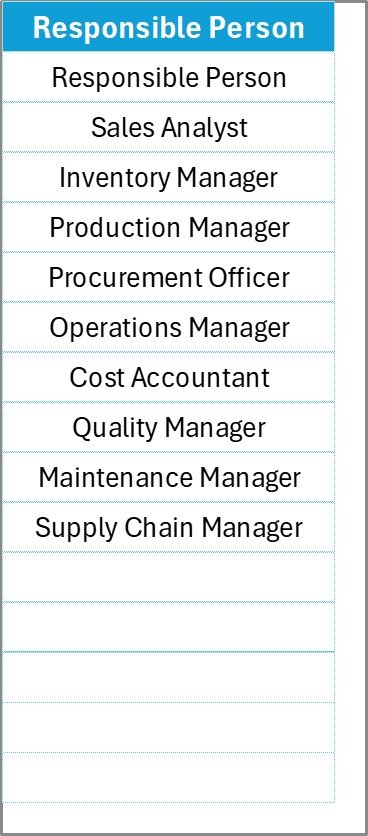
The List Sheet Tab captures a unique list of Responsible Persons, which automatically populates a drop-down menu in the main checklist table. This seamless integration ensures accuracy and consistency when assigning and tracking task ownership.
Responsible Person Sheet
What’s Inside the Manufacturing Planning Checklist in Excel
- 📊 KPI Tracking Planner: Quickly assess your manufacturing progress with a visual progress bar and detailed task counts.
- 📝 Comprehensive Checklist Table: Manage tasks with columns for descriptions, deadlines, responsible persons, and status updates.
- 🔽 Drop-down Responsible Person List: Maintain data integrity and ease of assignment with a pre-populated personnel list.
- 📅 Deadline and Remarks Section: Keep track of critical timelines and notes to avoid delays.
- ✔️ Status Markers: Simple ✔ or ✘ to mark task completion, making it easy for any team member to update progress.
- 📂 Two Organized Worksheets: Separate tabs for checklist management and personnel list for clarity and easy navigation.
How to Use the Manufacturing Planning Checklist in Excel
- 🖥️ Open the Template: Download and open the Excel file on any compatible device.
- 🗂️ Fill in Responsible Persons: Use the List Sheet Tab to enter unique team members responsible for tasks.
- ✔️ Update Checklist Items: Navigate to the Checklist Sheet Tab and input your manufacturing tasks, deadlines, and assign responsible persons.
- 📈 Track Progress: Mark the status of each task with ✔ or ✘; watch the KPI section dynamically update your progress.
- 📝 Add Remarks: Utilize the remarks column to note any important details, risks, or observations.
- 🔄 Review Regularly: Keep your team aligned by reviewing and updating the checklist frequently to prevent delays and bottlenecks.
Who Can Benefit from This Manufacturing Planning Checklist in Excel
- 🏭 Manufacturing Managers: Gain full control over production stages and ensure timely completion.
- 👷 Team Leaders: Easily assign responsibilities and monitor team performance.
- 📊 Quality Control Specialists: Track inspection checkpoints and compliance requirements.
- 📅 Project Coordinators: Maintain deadlines and streamline workflows effectively.
- 💼 Small to Medium Enterprises: Implement professional manufacturing planning without costly software.
- 📈 Operations Analysts: Use KPI tracking for continuous process improvement.
Click here to read the Detailed blog post.
Visit our YouTube channel to learn step-by-step video tutorials





















Reviews
There are no reviews yet.