Managing employee holidays, company events, and important organizational dates can quickly become challenging when information is scattered across emails, spreadsheets, and calendars. Missing key events or poor event coordination can negatively impact employee engagement and retention.
To solve this challenge, we created the Employee Retention Holiday Calendar in Excel, a powerful, ready-to-use Excel template designed to help organizations organize, track, and manage employee holidays and corporate events efficiently.
This smart Excel-based calendar allows HR teams, managers, and administrators to maintain a centralized system for monitoring important company dates, holidays, celebrations, and engagement activities. With its dynamic calendar views, easy navigation, and built-in event management forms, users can quickly add, update, or review events without dealing with complicated systems.
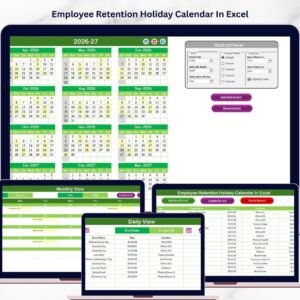
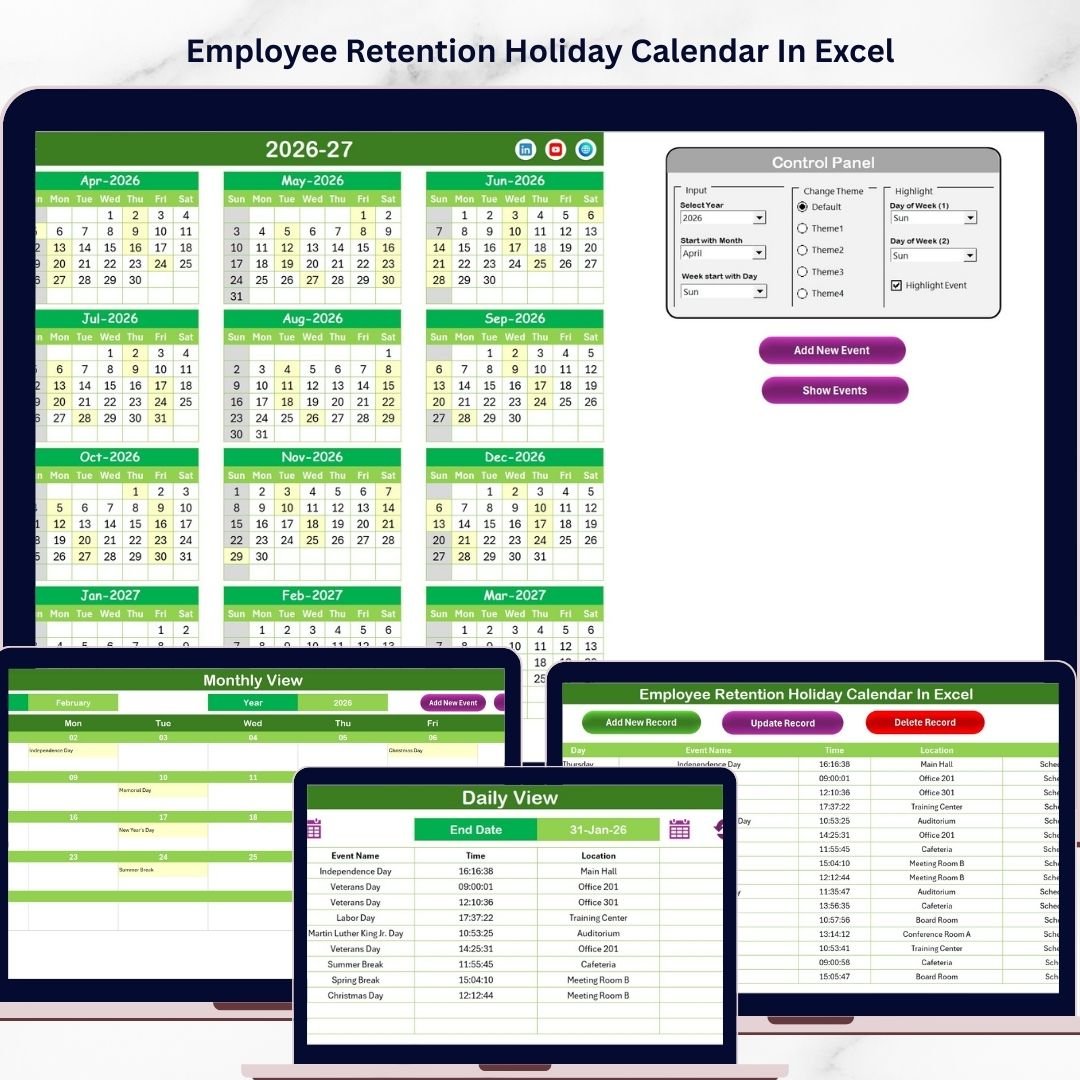
The template includes multiple calendar views including annual, monthly, and daily perspectives, ensuring that organizations can monitor events at both macro and micro levels. The clean design, color theme options, and highlight features make the calendar visually appealing and easy to interpret.
Whether you are planning company holidays, employee engagement activities, training sessions, or internal events, this Excel calendar provides a simple yet powerful solution to keep your organization organized and employees informed.
🚀 Key Features of Employee Retention Holiday Calendar in Excel
📅 Multiple Calendar Views
The template includes annual, monthly, and daily calendar views, allowing users to monitor events at different levels of detail depending on planning needs.
🎨 Customizable Calendar Themes
Choose from five attractive color themes to match your company branding and enhance visual clarity.
⚙️ Flexible Calendar Controls
Customize the calendar by selecting the year, starting month, and week start day using the built-in control panel.
🗂️ Centralized Event Database
All event information is stored in a dedicated Events sheet, making it easy to maintain and update records.
➕ Integrated Event Management Forms
Add, update, or delete event records using simple Excel forms and buttons, reducing manual errors.
🔍 Event Highlighting Options
Highlight specific weekdays or events in the calendar to quickly identify important dates.
📊 Detailed Event Tracking
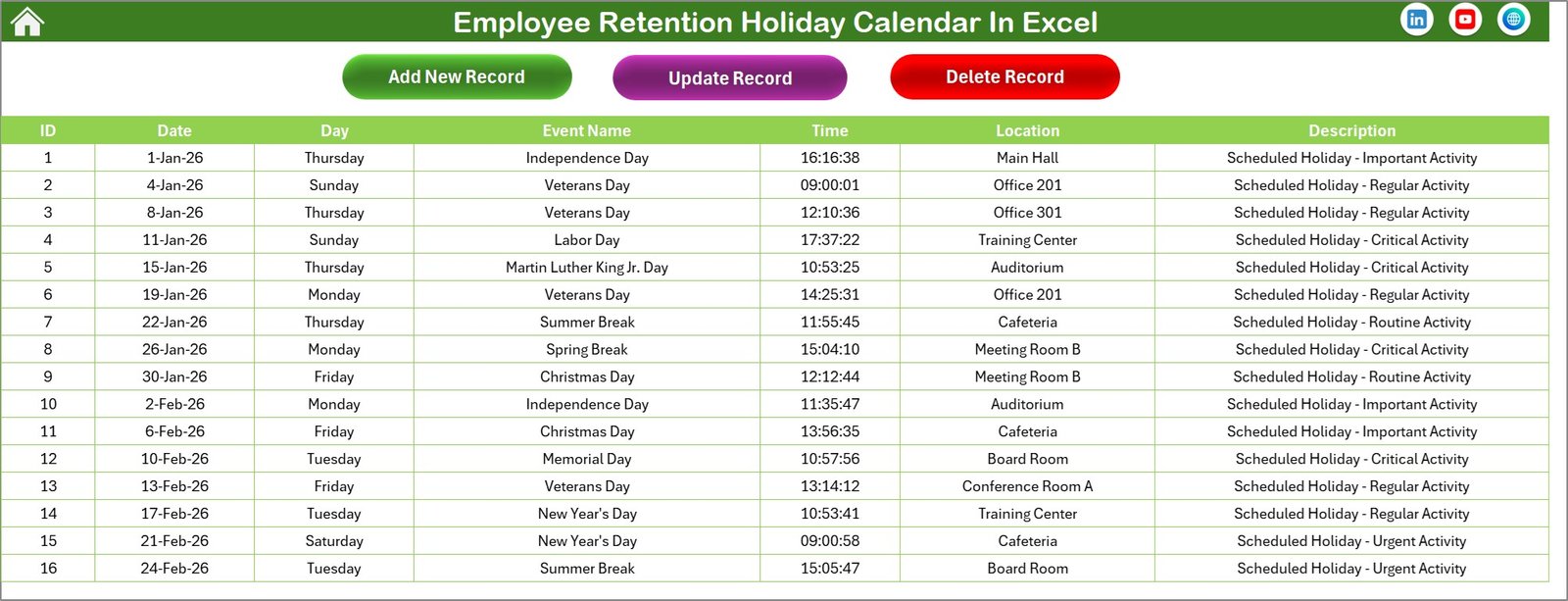
Capture essential event information including date, event name, time, location, and description.
🧭 Easy Navigation System
The Home sheet contains navigation buttons that allow users to quickly switch between different calendar views.
👨💼 User-Friendly Excel Interface
Designed for users of all skill levels, this template requires no advanced Excel knowledge.
📦 What’s Inside the Employee Retention Holiday Calendar in Excel
This Excel template includes five well-structured worksheets designed for efficient calendar management.
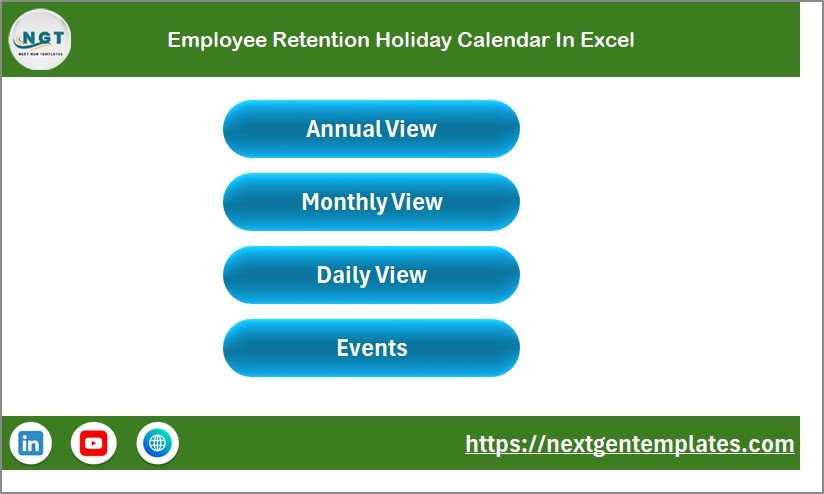
🏠 Home Sheet
The Home sheet acts as the central navigation hub of the workbook. It contains quick navigation buttons to access:
-
Annual View
-
Monthly View
-
Daily View
-
Events Database
This makes it easy for users to move between different calendar perspectives.
📅 Annual View Sheet
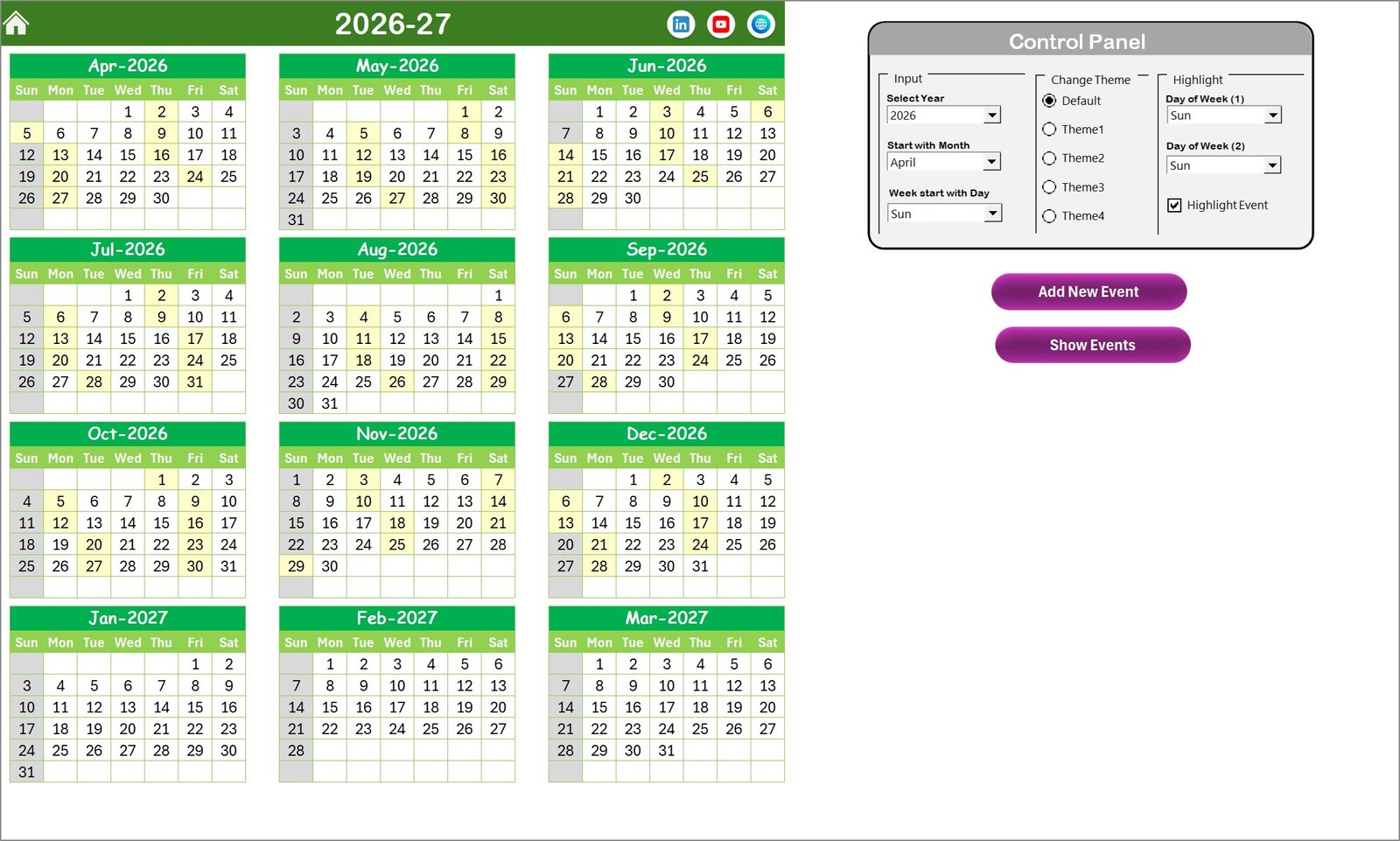
The Annual View displays all 12 months of the year in a single dashboard. A control panel allows users to:
-
Select the year
-
Choose the starting month
-
Define the starting day of the week
-
Apply different color themes
-
Highlight selected weekdays or events
Users can also quickly add new events or view events for a specific date.
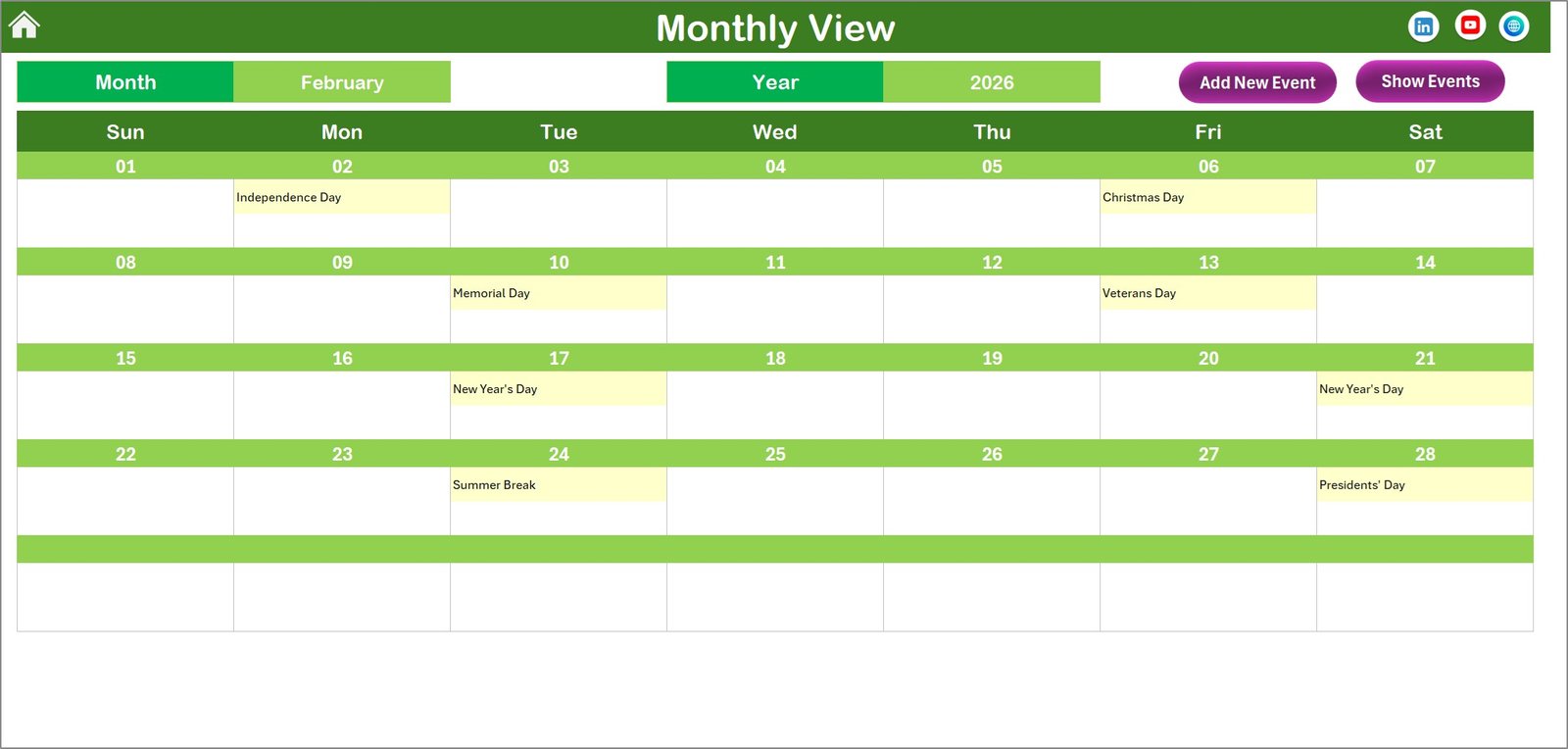
🗓 Monthly View Sheet
The Monthly View focuses on a single month and shows the calendar in detail.
Features include:
-
Displays events for each date
-
Indicates if multiple events exist
-
Allows users to add or review events directly from the calendar
This sheet is ideal for monthly planning and event tracking.
📋 Daily View Sheet
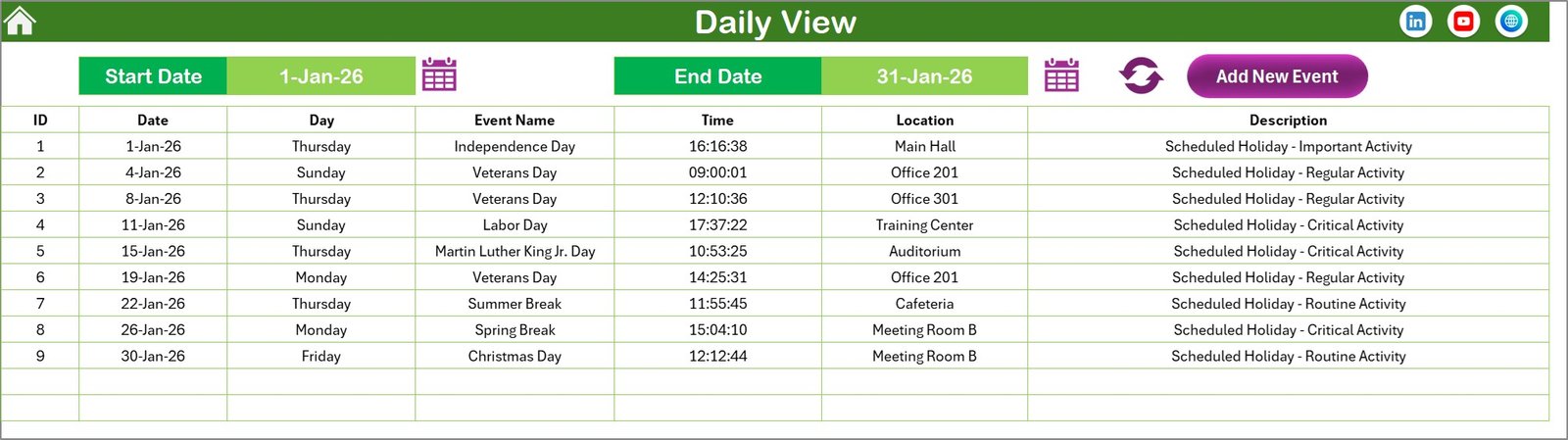
The Daily View displays a detailed list of events for a selected date range.
Users can:
-
Select start and end dates
-
Refresh event lists
-
Add new events directly
This view is helpful for operational planning and daily event monitoring.
🗂 Events Sheet
The Events sheet functions as the backend database storing all event records.
Captured fields include:
-
Event ID (Auto-generated)
-
Event date
-
Event day
-
Event name
-
Time and location
-
Event description
Users can easily add, update, or delete event records using dedicated control buttons.
⚙️ How to Use the Employee Retention Holiday Calendar
Using this Excel calendar template is simple and efficient.
1️⃣ Open the template and navigate to the Home sheet.
2️⃣ Select your desired year and calendar settings from the control panel.
3️⃣ Use the Add New Event button to create events.
4️⃣ Enter event details including date, time, location, and description.
5️⃣ View events using Annual, Monthly, or Daily calendar views.
6️⃣ Update or delete events anytime through the Events database sheet.
With just a few clicks, you can maintain a fully organized event management system in Excel.
👥 Who Can Benefit from This Template
The Employee Retention Holiday Calendar in Excel is ideal for:
-
HR Departments
-
Corporate Managers
-
Team Leaders
-
Administrative Teams
-
Employee Engagement Coordinators
-
Small and Medium Businesses
-
Corporate Offices
-
Training & Development Teams
Organizations looking to improve employee engagement, internal communication, and event planning will find this template extremely valuable.
🎯 Why This Template is Valuable
By centralizing holiday and event planning in a single Excel workbook, organizations can:
-
Improve employee engagement and morale
-
Maintain clear visibility of company events
-
Reduce scheduling conflicts
-
Improve organizational planning
-
Save time compared to manual tracking
This template transforms Excel into a smart employee engagement calendar system.
📺 Watch the full demo on our YouTube channel:
Watch the step-by-step video tutorial:
Youtube.com/@PKAnExcelExpert