Managing employee engagement activities can become challenging when organizations rely on scattered reminders, emails, and manual planning. HR teams must consistently organize training sessions, recognition programs, wellness activities, and team-building events to keep employees motivated and satisfied. Without a structured system, important engagement events can easily be missed.
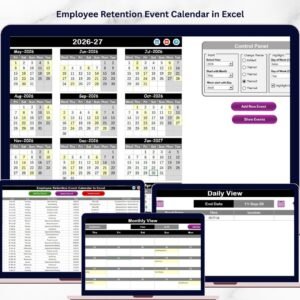
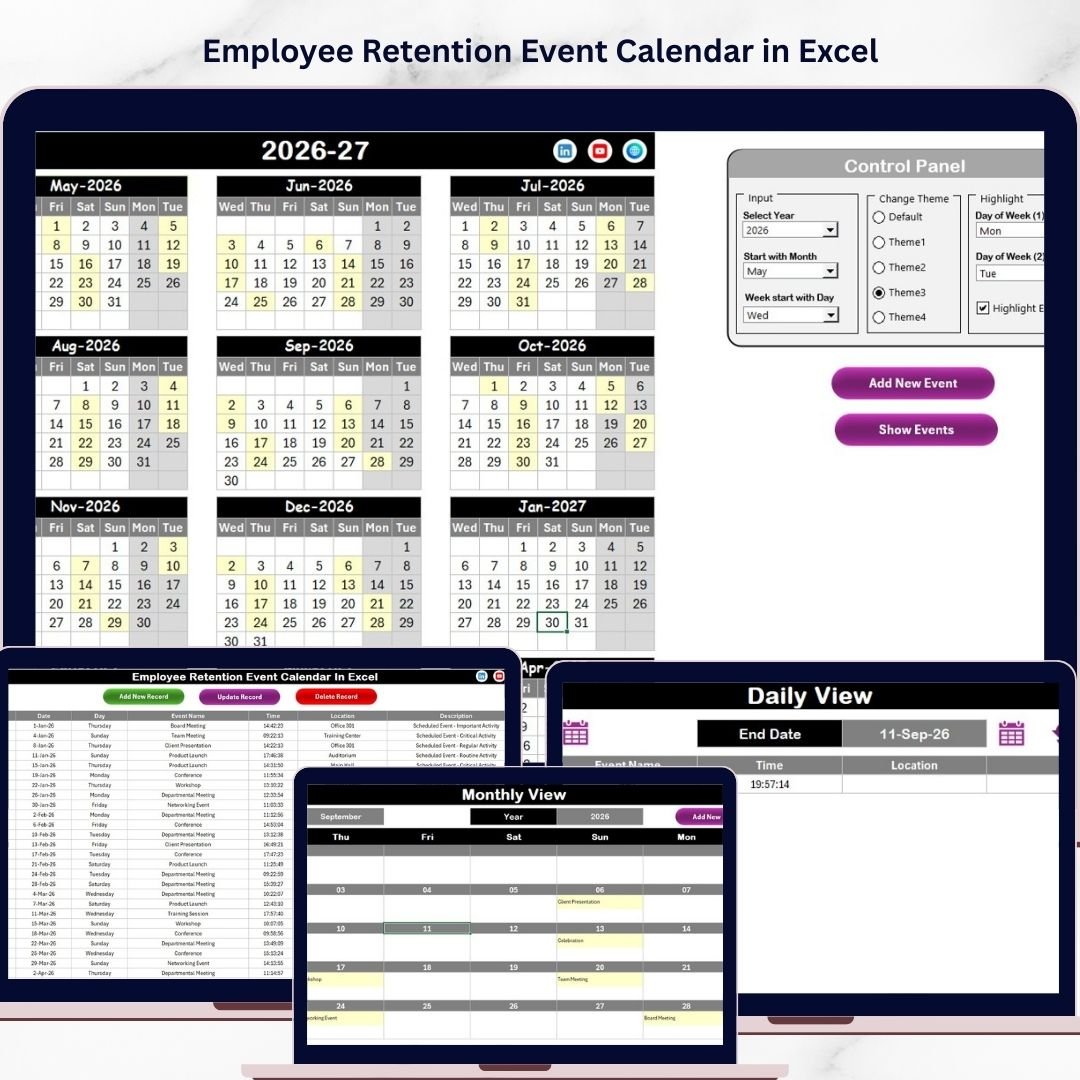
The Employee Retention Event Calendar in Excel is a powerful and ready-to-use solution designed to help HR professionals and managers organize retention activities efficiently. This interactive Excel template allows organizations to plan, track, and manage employee engagement events through multiple calendar views and a centralized database.
With this smart calendar system, HR teams can maintain better visibility of all retention activities, ensure that events happen on time, and create a more organized approach to employee engagement planning. Because everything is managed in one place, companies can reduce confusion, improve coordination, and strengthen their overall retention strategy.
Key Features of Employee Retention Event Calendar in Excel 📊
The Employee Retention Event Calendar in Excel includes several powerful features that simplify HR planning and improve event management.
🎯 Interactive Navigation System
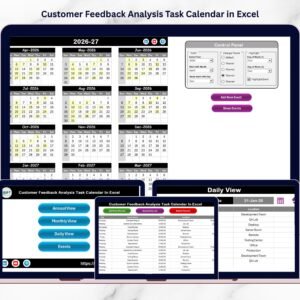
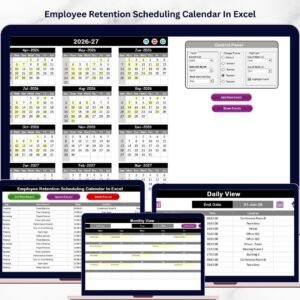
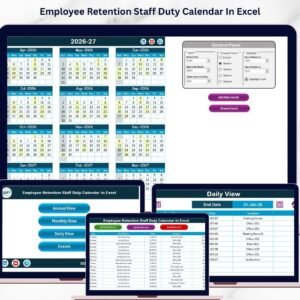
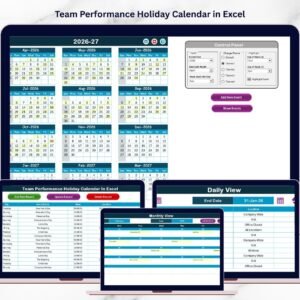
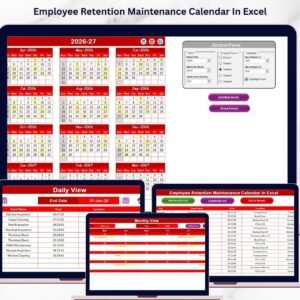
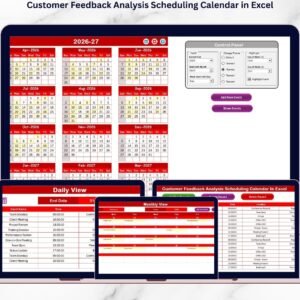
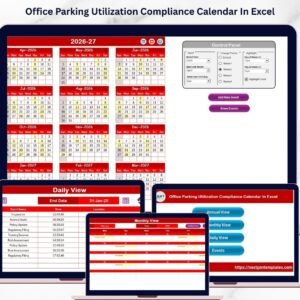
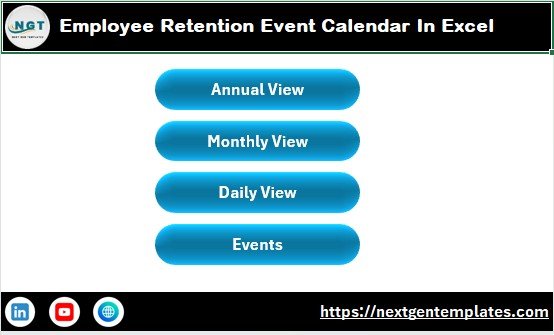
The Home sheet works as a control center with quick navigation buttons that instantly take users to Annual View, Monthly View, Daily View, and the Events Database.
📅 Annual Calendar Planning
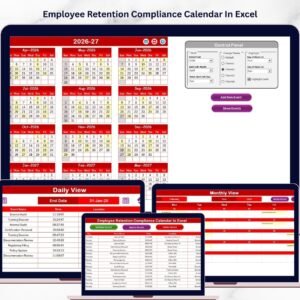
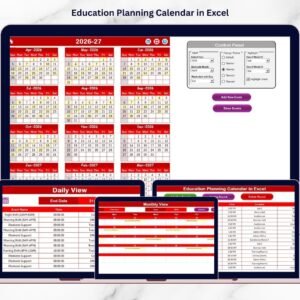
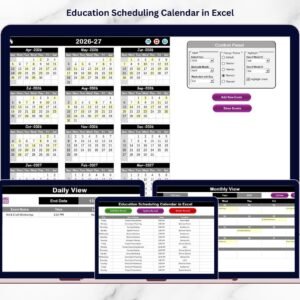
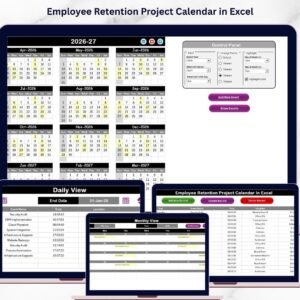
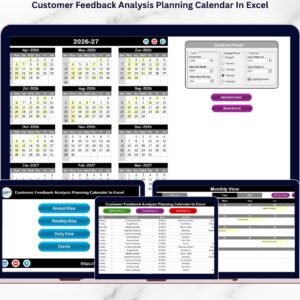
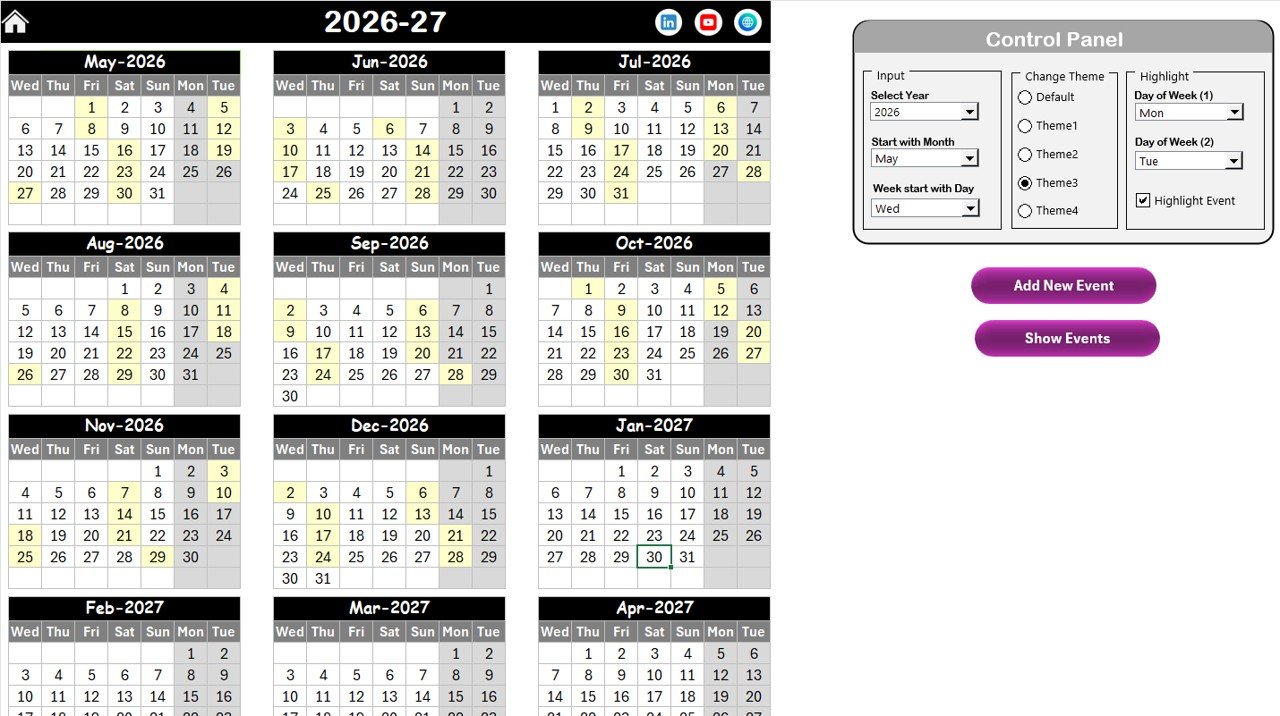
The Annual View sheet shows the entire year in one calendar layout. HR teams can easily distribute retention events across all months and avoid scheduling conflicts.
🎨 Customizable Control Panel
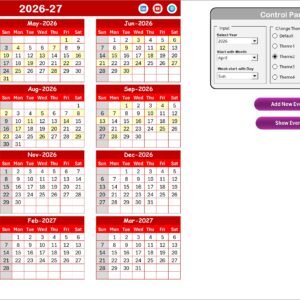
Users can select the year, adjust the starting month, and change the starting day of the week. The entire calendar updates automatically based on these selections.
🌈 Multiple Theme Options
The template includes several color themes that allow users to personalize the appearance of the calendar for better readability and presentation.
🟡 Event Highlighting Feature
Important events can be highlighted directly in the calendar. This feature ensures that critical activities remain visible.
➕ Add Event Button
Users can quickly add new events by selecting a date and submitting the event details through an easy-to-use event form.
👁 Show Event Function
HR teams can instantly view all events scheduled for a specific date.
📊 Monthly Planning Dashboard
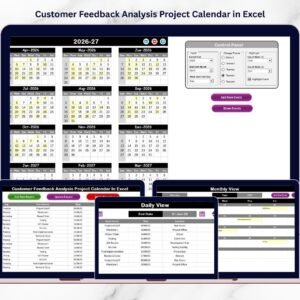
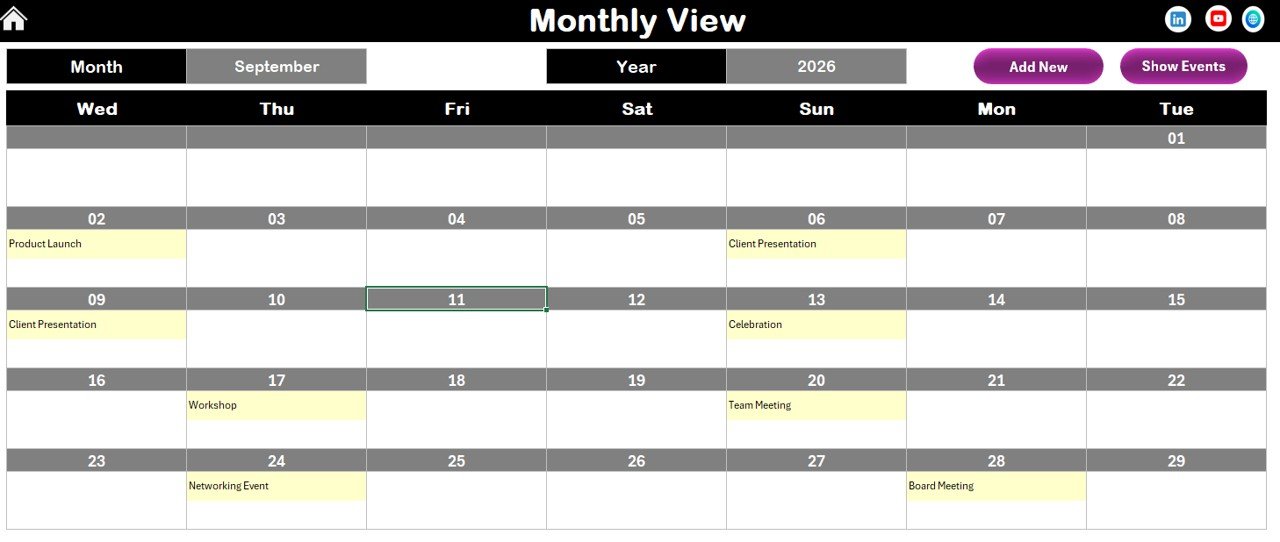
The Monthly View sheet provides a detailed calendar for a selected month and automatically displays all scheduled events.
📆 Daily Event Tracking
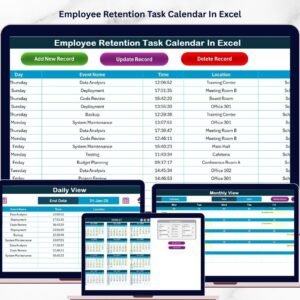
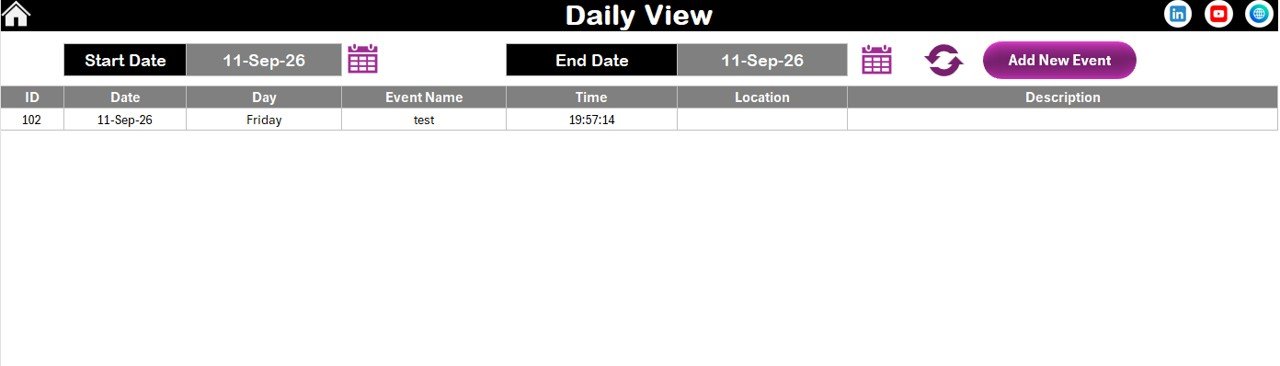
The Daily View sheet allows users to analyze events between selected dates and monitor upcoming or past activities.
🗂 Centralized Event Database
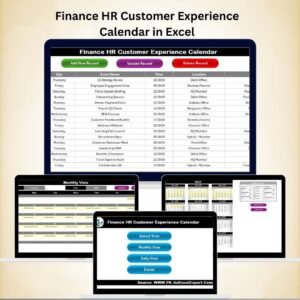
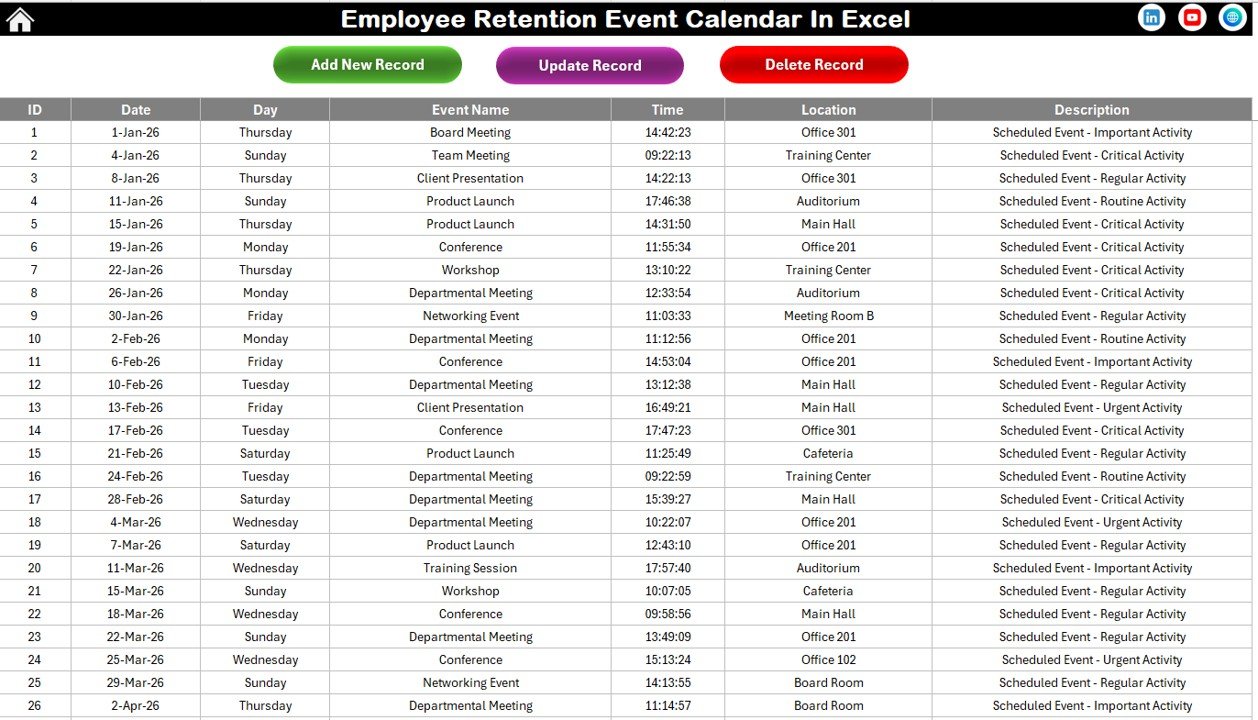
The Events sheet stores all event records including date, event name, location, time, and description, ensuring organized record keeping.
What’s Inside the Employee Retention Event Calendar in Excel 📂
This template includes five powerful worksheets designed to provide a complete event management system.
📍 Home Sheet
Acts as the navigation hub with buttons that allow users to quickly move between different calendar views.
📅 Annual View Sheet
Displays a 12-month calendar that helps HR teams plan retention events across the entire year.
🗓 Monthly View Sheet
Focuses on detailed monthly planning and shows events scheduled for a selected month.
📆 Daily View Sheet
Provides a filtered list of events within a selected date range for deeper analysis.
🗃 Events Database Sheet
Stores all event records with fields such as ID, date, day, event name, time, location, and description.
Together, these sheets create a complete and structured system for managing employee retention events efficiently.
How to Use the Employee Retention Event Calendar in Excel ⚙️
Using this template is extremely simple and does not require advanced Excel knowledge.
1️⃣ Open the template and navigate to the home sheet.
2️⃣ Use the navigation buttons to open Annual, Monthly, or Daily views.
3️⃣ Select a date on the calendar and click Add New Event.
4️⃣ Enter event details such as event name, time, and location.
5️⃣ Save the record and the event will automatically appear on the calendar.
6️⃣ Use the Show Event button to review events scheduled on specific dates.
7️⃣ Update, delete, or modify records through the Events Database sheet.
Because the template automatically updates across all views, HR teams can easily maintain an accurate and organized event schedule.
Who Can Benefit from This Employee Retention Event Calendar in Excel 👥
This template is ideal for organizations that want to improve employee engagement and retention.
👩💼 HR Managers – Plan employee engagement programs throughout the year.
🏢 Corporate Organizations – Organize recognition events and employee development programs.
👨💻 HR Consultants – Track multiple client engagement activities in one system.
📚 Training Managers – Schedule workshops, learning sessions, and development programs.
👔 Team Leaders – Monitor team-building events and employee participation.
🏫 Institutions and Educational Organizations – Manage staff engagement activities effectively.
Any organization that focuses on improving workplace culture and employee satisfaction can benefit from this calendar.
Click here to read the Detailed blog post
Visit our YouTube channel to learn step-by-step video tutorials
🔗 https://www.youtube.com/@PKAnExcelExpert