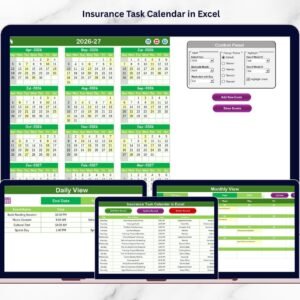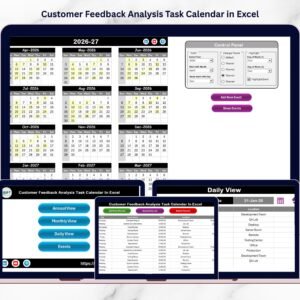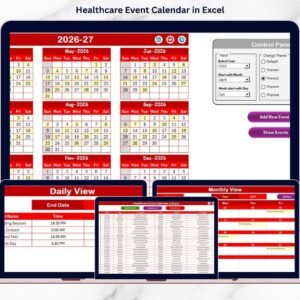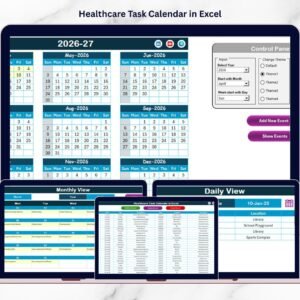
Managing customer feedback projects can quickly become complex when teams must schedule surveys, analyze responses, conduct meetings, and prepare reports. Many organizations still rely on scattered spreadsheets, emails, or manual reminders to manage these activities. As a result, teams often miss important milestones, delay feedback analysis, and struggle with poor coordination across departments.
That is exactly where the Customer Feedback Analysis Project Calendar in Excel becomes a powerful planning and project management solution.
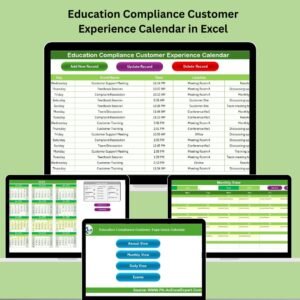
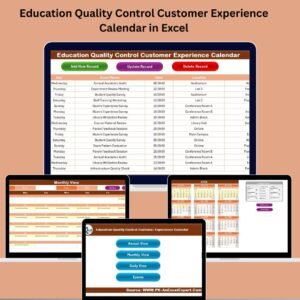
This ready-to-use Excel project calendar template helps marketing teams, product managers, customer experience teams, and business analysts organize feedback activities in a structured way. Instead of managing feedback projects through multiple tools, this calendar centralizes all activities into one interactive workbook.
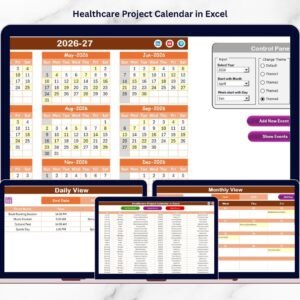
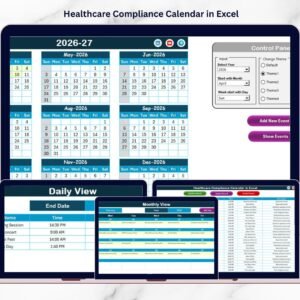
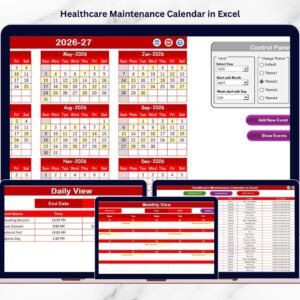
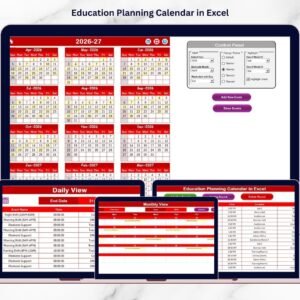
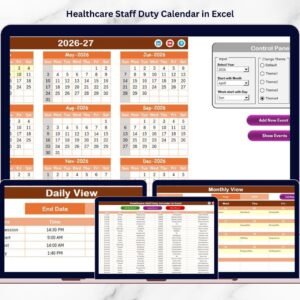
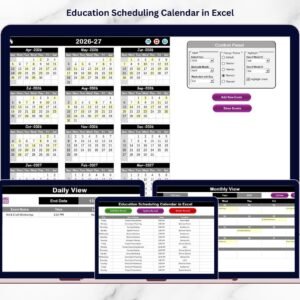
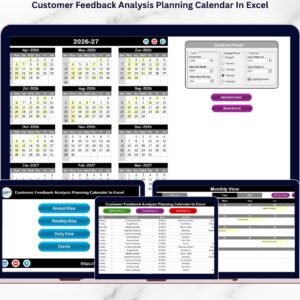
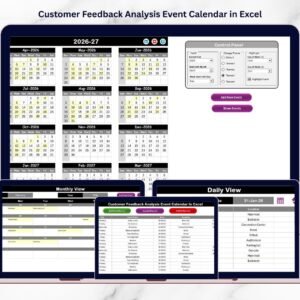
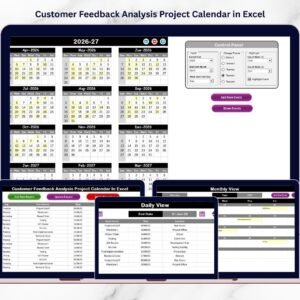
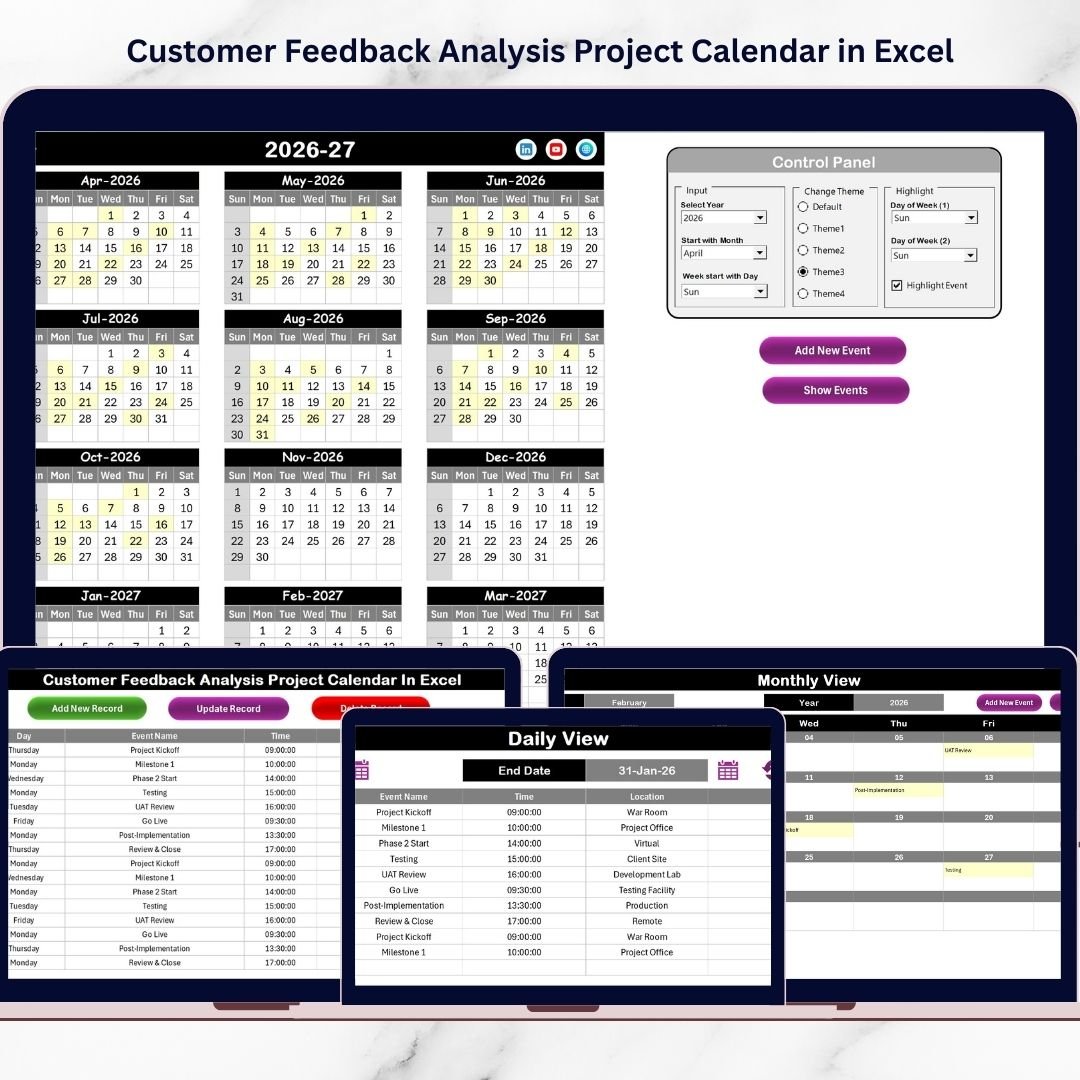
With annual, monthly, and daily calendar views, teams can monitor feedback campaigns, schedule surveys, track analysis tasks, and plan customer experience improvement meetings efficiently.
The template also includes a built-in event management system that allows users to add, update, or delete events easily. Therefore, teams can maintain an organized timeline of feedback activities and avoid missing important deadlines.
Whether your organization is conducting customer satisfaction surveys, feedback analysis projects, product improvement initiatives, or customer experience reviews, this template provides a structured system to manage the entire workflow.
As a result, businesses can analyze customer feedback faster, improve internal coordination, and make better data-driven decisions to enhance customer experience.
🚀 Key Feature of Customer Feedback Analysis Project Calendar in Excel
📅 Interactive Project Calendar System
Manage customer feedback projects using annual, monthly, and daily calendar views.
📊 Centralized Feedback Activity Planning
Organize surveys, interviews, feedback analysis sessions, and reporting activities in one Excel workbook.
🎨 Customizable Calendar Themes
Choose from multiple color themes to personalize the calendar appearance.
🗓 Annual Calendar Overview
Monitor the entire year’s feedback project schedule in one structured annual view.
📆 Monthly Planning Calendar
Analyze monthly project schedules and quickly identify upcoming feedback activities.
📋 Daily Event Tracking System
Track detailed event schedules within a selected date range.
⚡ Event Highlight Feature
Important feedback activities can be automatically highlighted on the calendar.
➕ Easy Event Management
Add, update, or delete project events using simple action buttons.
📦 What’s Inside the Customer Feedback Analysis Project Calendar in Excel
This Excel template includes five structured worksheets designed to simplify feedback project management.
📍 Home Sheet – Navigation Dashboard
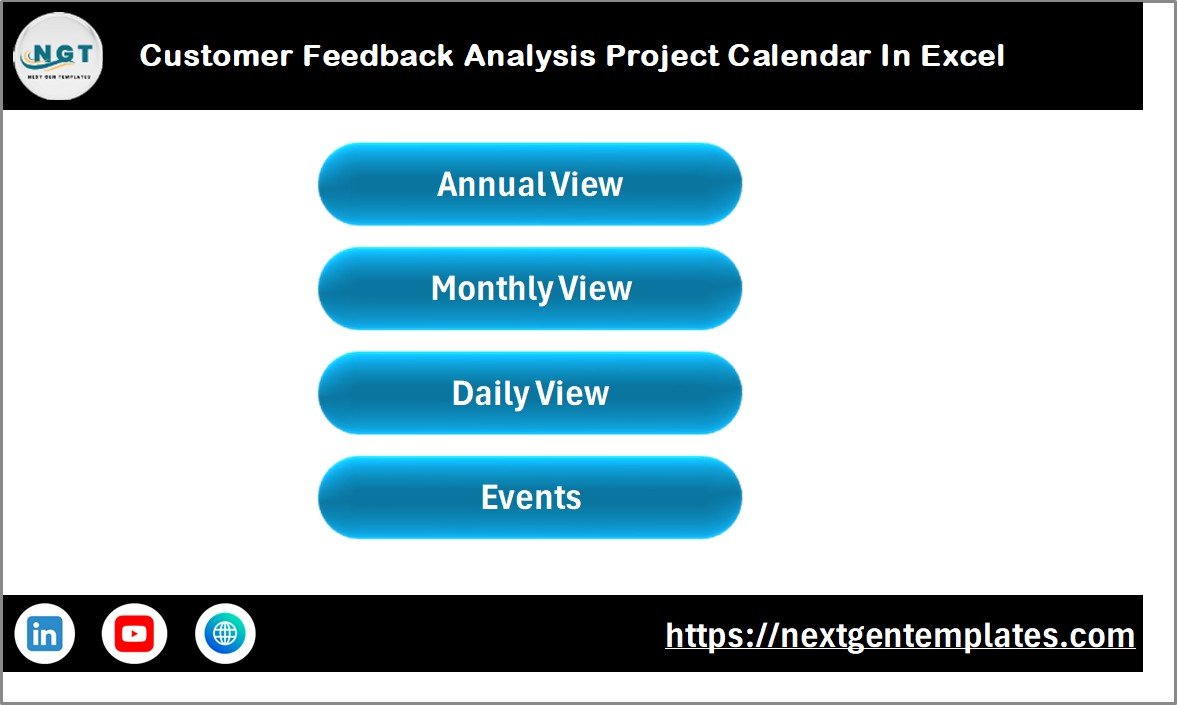
The Home sheet acts as the control center of the workbook.
It contains navigation buttons that allow users to quickly access different calendar views:
• Annual View
• Monthly View
• Daily View
• Events Database
This makes navigation fast and user-friendly.
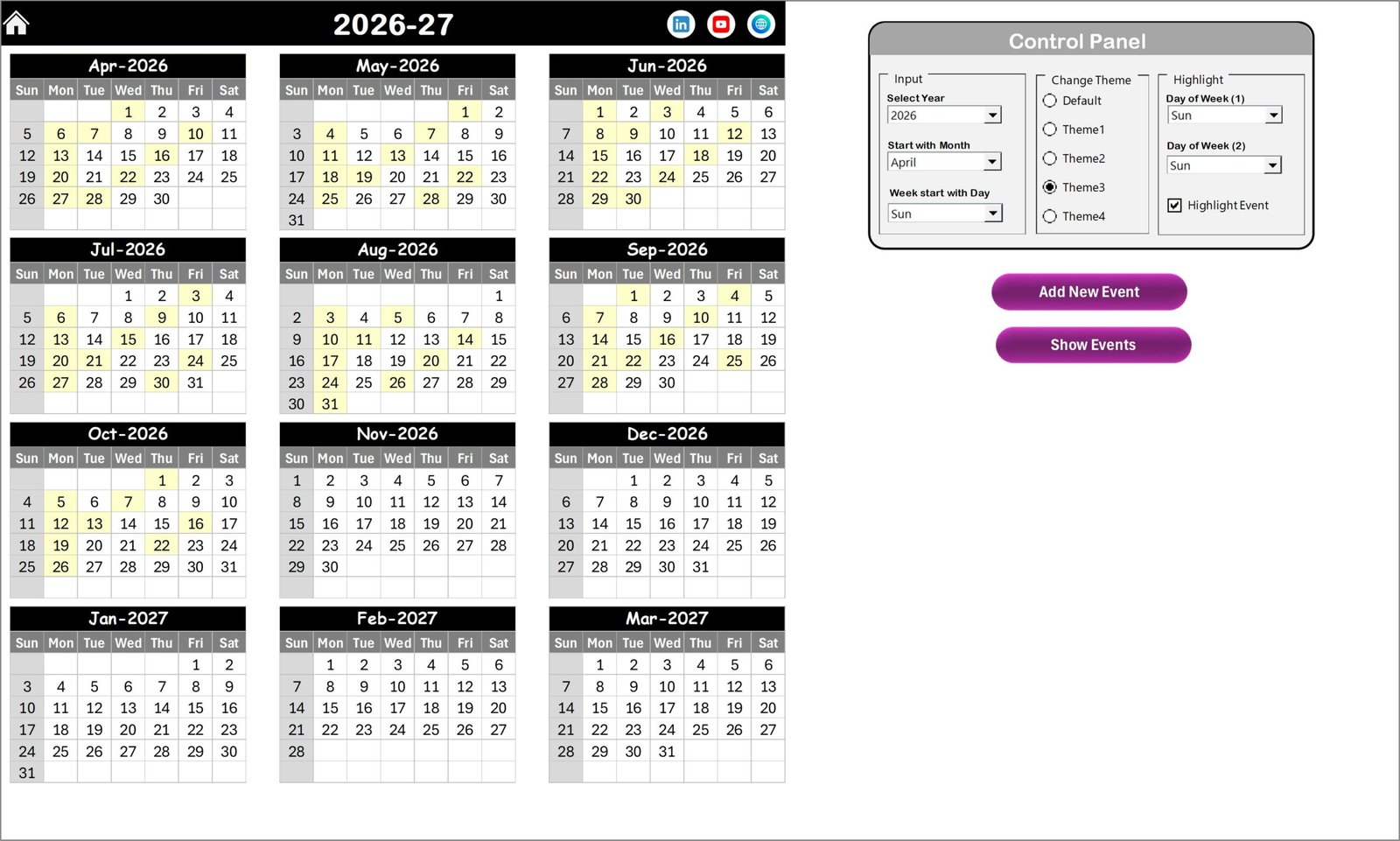
📍 Annual View Sheet – Yearly Project Planning
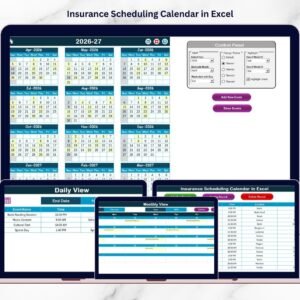
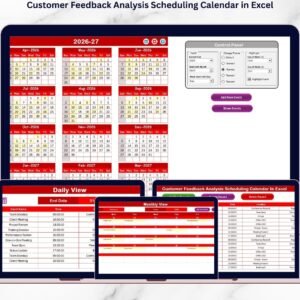
The Annual View displays the entire year’s calendar.
Users can configure the calendar using the control panel:
• Select the year
• Choose the starting month
• Define the starting day of the week
Additional features include:
• Highlight weekends
• Highlight event dates
• Add new events directly from the calendar
This view provides a high-level overview of feedback activities throughout the year.
📍 Monthly View Sheet – Monthly Scheduling
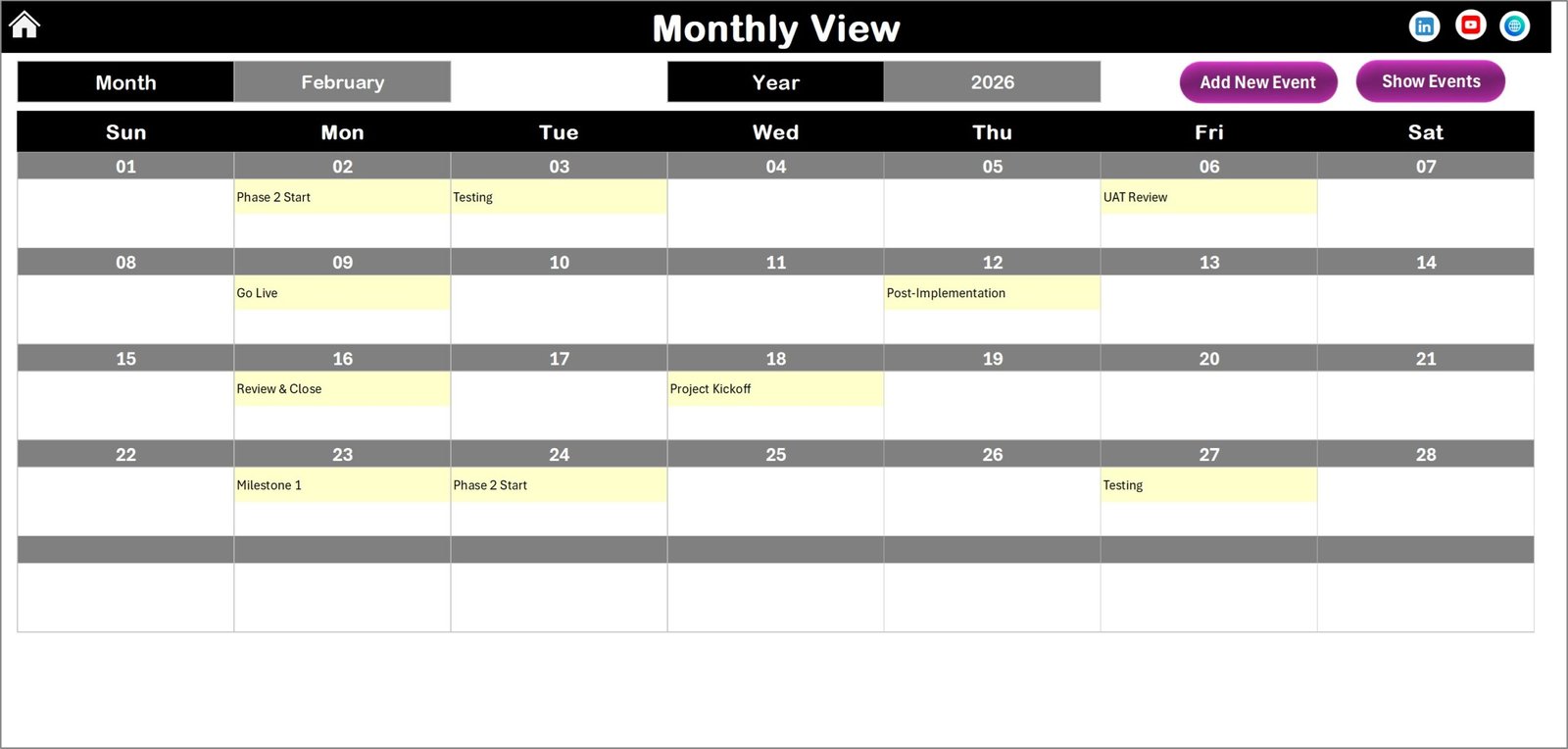
The Monthly View shows a detailed calendar for a selected month.
Users can:
• Select the month and year
• Add new events
• View event details
If multiple events occur on a single date, the calendar displays “More than 1…” to indicate additional activities.
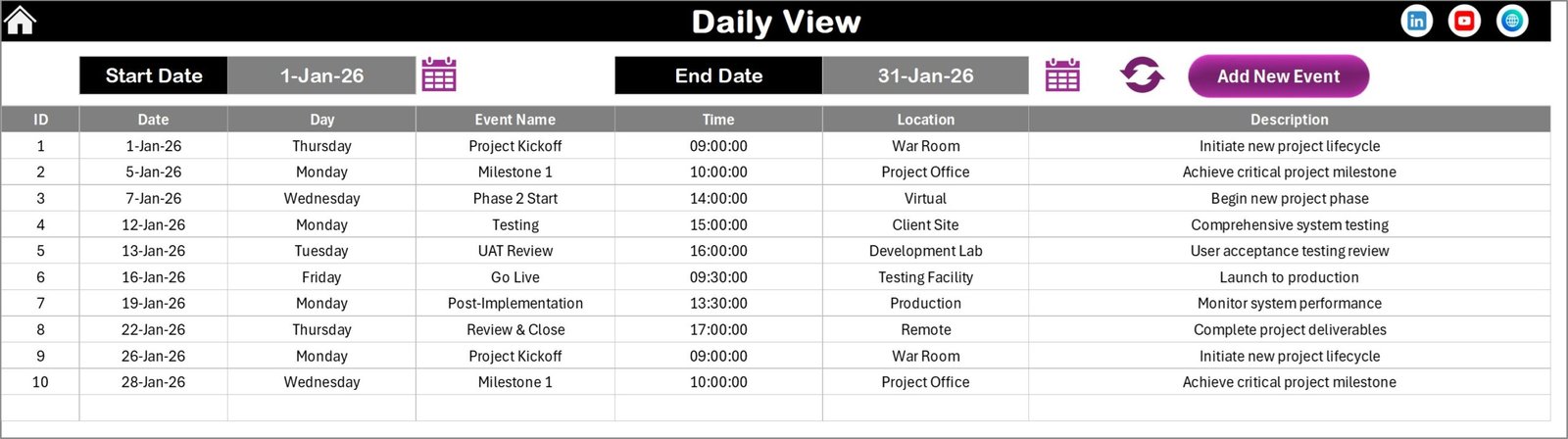
📍 Daily View Sheet – Detailed Event Monitoring
The Daily View allows users to analyze events within a specific date range.
Users simply:
• Enter start and end dates
• Click the Refresh button
The sheet then displays all scheduled events within the selected period.
This helps teams track upcoming feedback activities clearly.
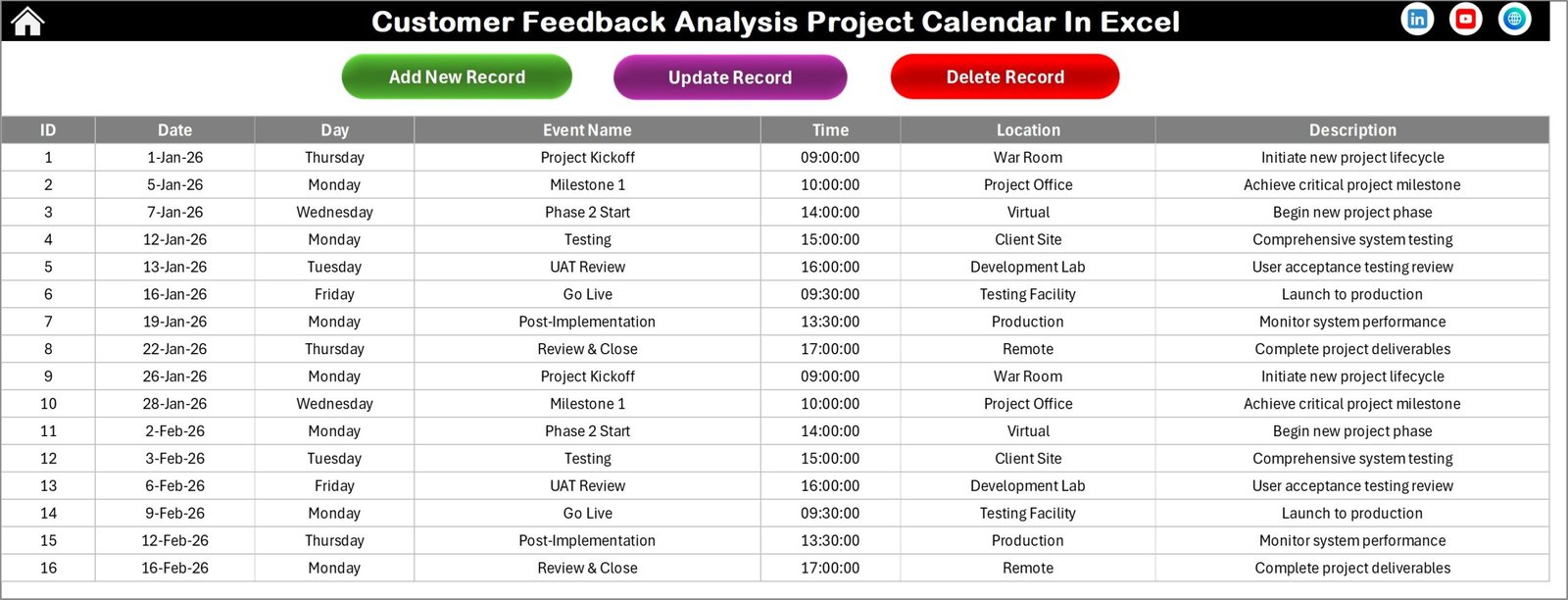
📍 Events Sheet – Event Database
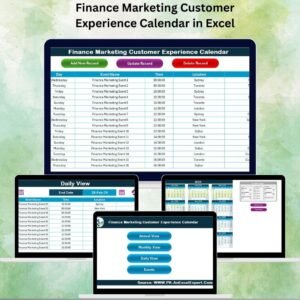
The Events sheet acts as the central database for all project events.
It stores important event details such as:
• Event ID
• Date
• Day
• Event Name
• Time
• Location
• Description
Users can also manage events through built-in buttons:
• Add New Record
• Update Existing Record
• Delete Record
Therefore, event management becomes simple and organized.
🛠 How to Use the Customer Feedback Analysis Project Calendar in Excel
Using this template is simple and requires no advanced Excel skills.
Step 1 – Configure Calendar Settings
Select the year, starting month, and day settings in the Annual View control panel.
Step 2 – Add Feedback Project Events
Use the Add Event button to schedule feedback activities.
Step 3 – Monitor Monthly Activities
Use the Monthly View to review upcoming surveys, meetings, and analysis tasks.
Step 4 – Track Events by Date Range
Use the Daily View to analyze events scheduled within specific time periods.
Step 5 – Update Events When Needed
Use the Events sheet to edit or remove event details.
This structured workflow ensures smooth project scheduling.
👥 Who Can Benefit from This Customer Feedback Analysis Project Calendar in Excel
This calendar template is ideal for professionals managing customer feedback and experience initiatives.
📊 Marketing Teams – Schedule surveys and analyze customer insights.
🧑💼 Customer Experience Teams – Manage feedback collection and improvement initiatives.
📈 Product Managers – Plan product feedback sessions and feature improvement meetings.
📋 Business Analysts – Track data analysis activities and reporting deadlines.
🏢 Project Managers – Coordinate cross-department feedback projects.
📑 Customer Success Teams – Organize feedback reviews and improvement strategies.
Click hare to read the Detailed blog post
Visit our YouTube channel to learn step-by-step video tutorials
https://www.youtube.com/@PKAnExcelExpert