

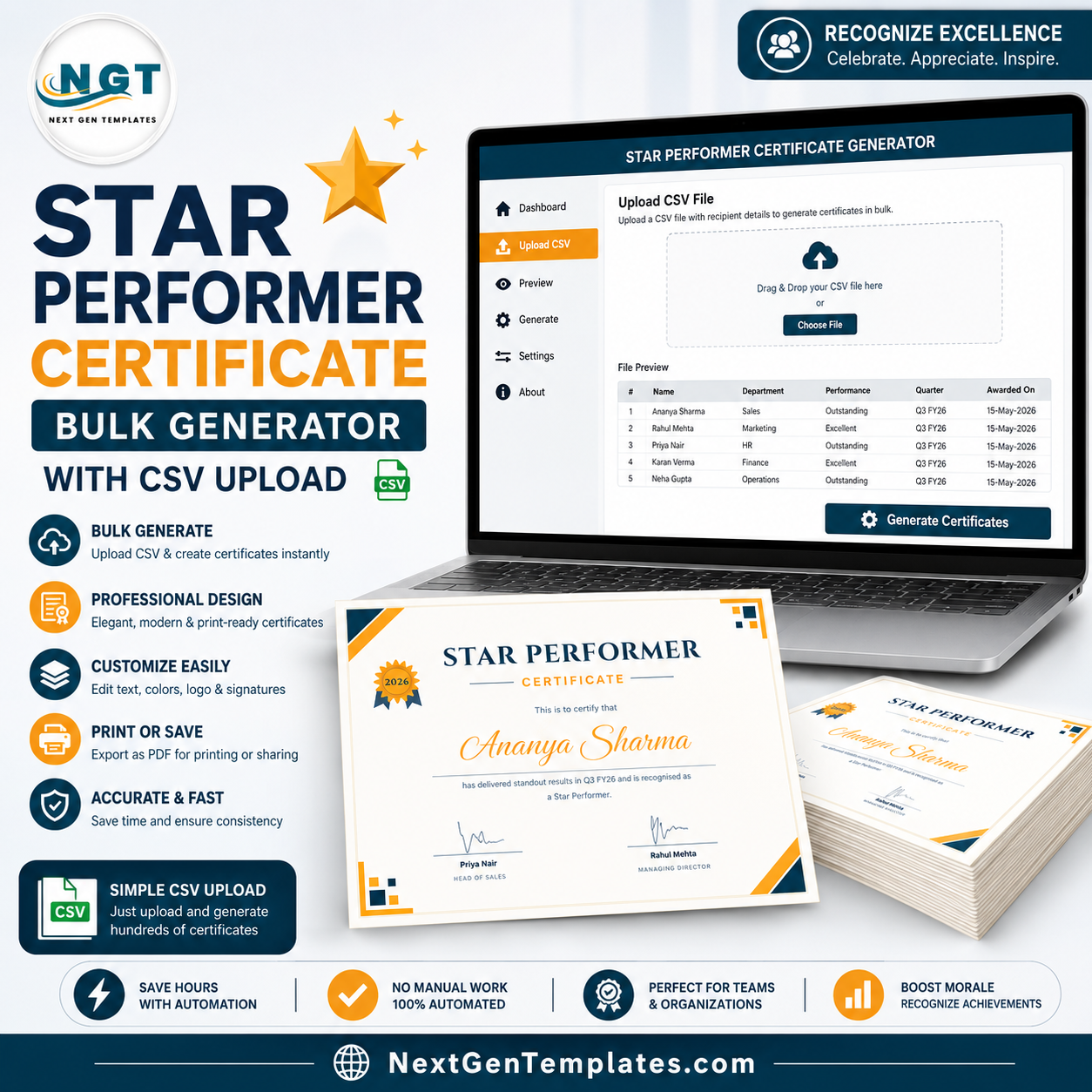
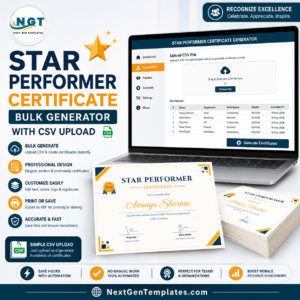
Upload your list. Get 200 certificates in one click. The Star Performer Certificate Generator turns a plain CSV of top performers into a folder of print-ready award certificates in under a minute — 1 recipient or 500, the effort is identical. It runs in the NGT Certificate Studio, exports watermark-free PNG, PDF and ZIP after a single $2.99 payment, and renders everything in your own browser at print quality up to 4200×2970 pixels.star performer templatestar performer template
🌍 Join 8,400+ teams in 40+ countries using NextGenTemplates to replace paid SaaS tools with one-time-purchase templates.star performer template
✅ Instant access · One-time payment · No subscription · No per-certificate fees · Unlimited exports forever
🎯 Try It Before You Buy — Free, No Signup
Open the design in the Studio right now, type a real name, upload your real CSV, and see exactly what you will get: 👉 Try it free — no signup. Free exports carry a light preview watermark; buying this product removes it permanently for this design.
⭐ A Star Performer Award Is Almost Never Just One Person
This is the difference that matters. Employee of the Month has one winner. A star performer list is a leaderboard — the top 5 reps, the top 10 agents, one standout per region, every consultant who cleared target. That is precisely the job a bulk generator exists for, and precisely the job Word mail-merge and Canva handle worst.star performer template
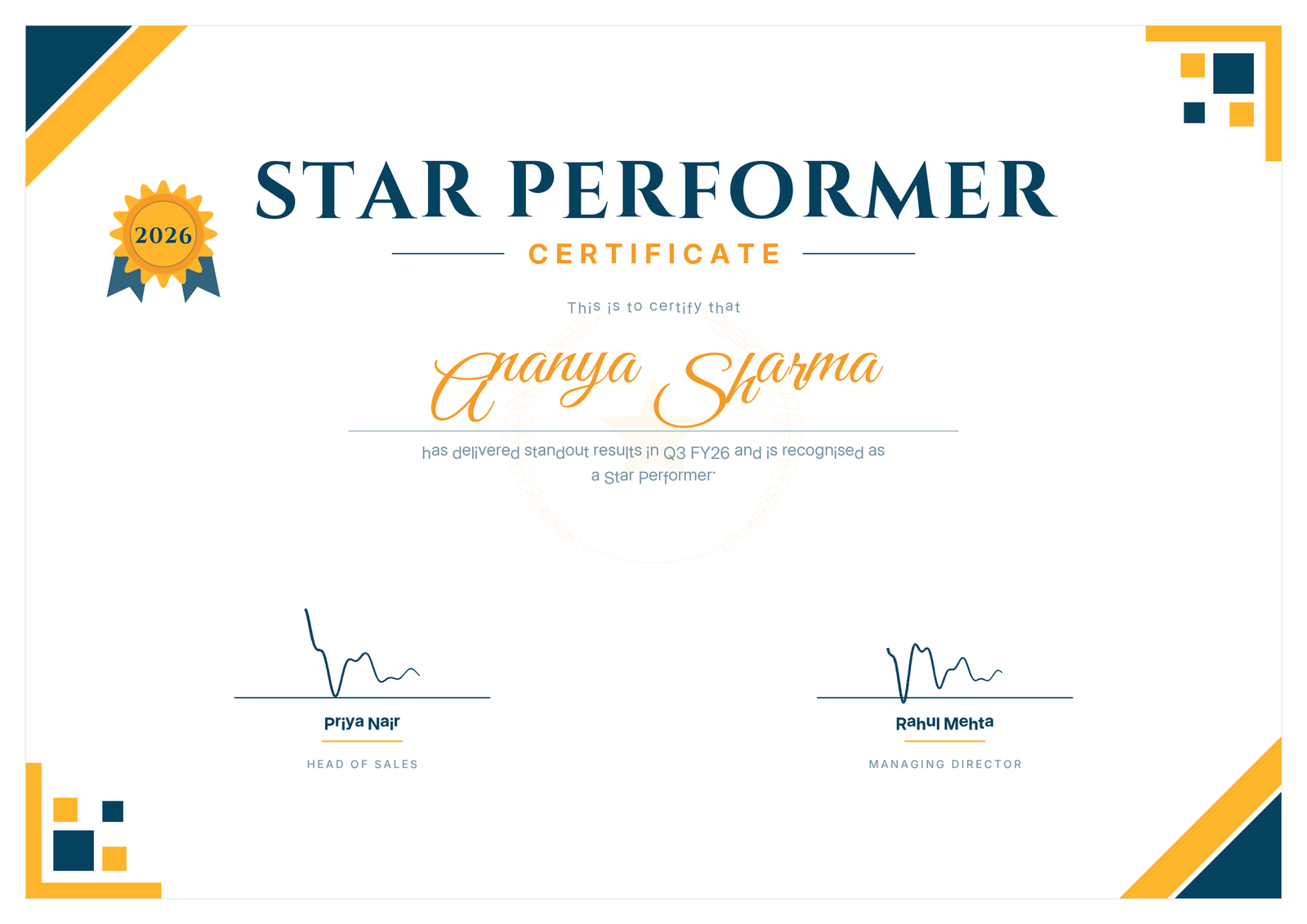
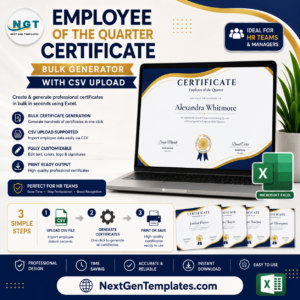
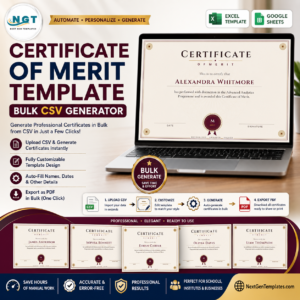
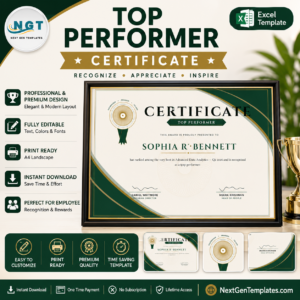
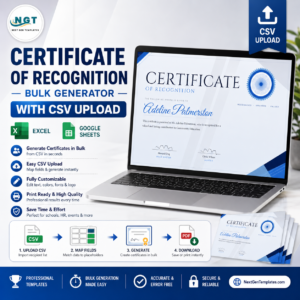
The layout is a corporate navy-and-amber design: a braided guilloché border, four corner rosettes and an embossed-look seal, every line of it generated from pure mathematics rather than clip art. The rosette on this design traces a 63-cusp hypotrochoid, so the fine line work stays razor-sharp whether you print at A5 or scale it up to A3 for a framed wall piece.
The citation reads: “has delivered standout results in {course} and is recognised as a Star Performer.” The {course} merge field is deliberately flexible — drop in Q3 FY26, the Enterprise Sales team, or the Diwali campaign and the sentence still reads properly for every recipient in the batch.star performer template
🔑 What You Get
- ⭐ Unlimited certificates, forever — one payment covers every quarter, every cycle, every leaderboard you will ever run with this design.
- 📂 CSV bulk upload — columns for name, quarter/team and date; the Studio previews every row before you export.
- 📄 Three export formats — individual PNG, single A4-landscape PDF, an all-recipients ZIP, or one multi-page PDF for the whole list.
- ✍️ Every word editable — title, subtitle, the line above the name, the citation (with its {course} merge field), seal text, date, and two signature name/title blocks.
- 🎨 4 colour palettes — corporate navy & amber (default), security green, academic burgundy, and modern slate.
- 🖨️ Print quality to 4200×2970 — sharp at A4 and A3; the engraved detail holds up under a magnifying glass.star performer template
📊 Star Performer Certificate Generator vs. Canva vs. a Designer vs. Word — Where This Fits
| Feature | This Generator | Canva | Freelance Designer | Word Mail Merge |
|---|---|---|---|---|
| Cost | ✅ $2.99 one-time | $120+/year for Pro features | $20–80 per batch | Included with Office |
| Cost across 4 quarterly rounds | ✅ Still $2.99 | $120+ every year | $80–320 a year | 4 afternoons |
| A 20-name leaderboard at once | ✅ One CSV upload | Bulk create needs Pro + setup | Days of turnaround | Possible, but fragile |
| Different team on every certificate | ✅ Automatic {course} field | Manual field mapping | Billed per revision | Fragile merge fields |
| Setup time | ✅ Under 1 minute | 15–30 minutes per template | Briefing + revisions | An afternoon of your life |
| Privacy of your performance data | ✅ Never leaves your browser | Uploaded to Canva servers | Shared with a third party | Stays local |
| Print-grade artwork | ✅ Vector-grade guilloché | Depends on the template | Yes | Usually poor |
| Software to install | ✅ None | None | None | Microsoft Word |
For a sales or service team that names several star performers every single quarter, a one-time $2.99 tool beats a recurring subscription on the very first renewal — and never asks again.
⚙️ How It Works
- Open the Studio — click Try It Free; the Star Performer design loads with a live preview.
- Add recipients — type one name, or drop in a CSV with name, quarter/team and date columns.
- Export — download PNG or PDF for one recipient, or a ZIP / multi-page PDF for the entire leaderboard.star performer template
🔒 Your Recipient List Never Leaves Your Computer
Every certificate is generated inside your browser on an HTML canvas. We never see a single name. No CSV is uploaded, no account is required to try it. Sales performance data is commercially sensitive — a ranked list of who hit target and who did not is not something most companies want sitting on a design vendor’s servers. With this generator it never gets there, and you can verify that yourself in your browser’s network tab.star performer template
👥 Who This Is For — and Who It’s Not For
✅ Built for:
- Sales managers and revenue leads recognising the top 5–20 reps at the end of every quarter.
- BPO, call-centre and customer-support leads awarding star performers per process, per shift or per queue.
- Retail and franchise groups naming a standout per store — an entire region’s batch in one export.
- HR and L&D teams running a rolling recognition programme who are tired of re-typing the same Word file.
❌ Not for:
- Teams that need a custom company logo baked into the artwork — this is a fixed corporate layout (wording and colours are editable, the generated artwork is not).
- Organisations that require automated email delivery — this generates the files; sending them is up to you.
- Anyone who needs a single certificate once a year — the value here is in the bulk, and a free Word template will do.
💼 Real-World Use Cases
Rohan runs inside sales at a 90-person SaaS company. At every quarter close he exports the eleven reps who beat quota, sets the {course} column to each rep’s territory, and has eleven certificates on the wall before the QBR starts. It used to be a two-hour job in Word. It is now four minutes, four times a year.
Nadia manages 28 retail outlets. She bought the design once, and every month her area managers send her a single CSV of store-level star performers. One upload, one ZIP, 28 certificates emailed back for the noticeboards — at no additional cost, month after month.
❓ Frequently Asked Questions
How many certificates can I generate?
Unlimited. The Star Performer Certificate Generator renders in your browser, so there is no per-certificate fee, no monthly cap, and no subscription — one $2.99 payment covers unlimited exports of this star performer template forever, across every quarter of every future year.
Can each certificate show a different team or quarter?
Yes. Add a column to your CSV and the {course} merge field prints each recipient’s own quarter, team, region or campaign automatically — so a single upload can cover a mixed leaderboard from several departments at once.
Do I need Photoshop or any software?
No. The generator runs entirely in a normal web browser — Chrome, Edge, Firefox or Safari, on Windows, Mac or even a tablet. There is nothing to install and nothing to update.
Can I use the certificates commercially?
Yes. Certificates you generate can be issued to employees, students, members and clients for personal or commercial purposes. Only reselling the template or the Studio itself is prohibited.
What file formats do I get?
High-resolution PNG (up to 4200×2970), A4-landscape PDF, a ZIP containing one PNG per recipient, and a single multi-page PDF of the entire list.
Does it work offline?
Once the Studio page has loaded, rendering and exporting happen locally in your browser, so a dropped connection will not interrupt a bulk export.
How does this compare to a Canva Pro subscription?
Canva Pro costs $120+ every year and uploads your recipient list to its servers. The Star Performer Certificate Generator is $2.99 once, renders entirely in your browser, and has no renewal date — it pays for itself before your first Canva invoice arrives.
How long does setup take?
Under a minute. Open the Studio link, type or upload names, and export. There is no account creation, no template installation and no font setup.
👤 About the Author
Built by PK — Microsoft Certified Professional with 15+ years of Excel, Google Sheets, and Power BI experience. Founder of NextGenTemplates, reaching 300K+ subscribers across YouTube channels (@PK-AnExcelExpert, @NextGenTemplates, @NeoTechNavigators). Every template is hand-built and tested before release.
🔗 Explore Related Templates
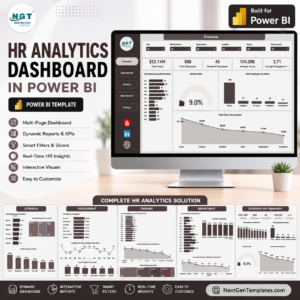
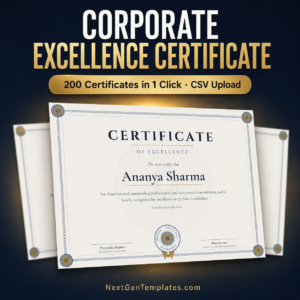
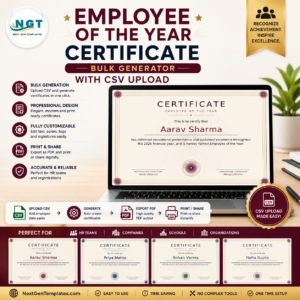
Recognition lands harder when it is backed by data: the HR Analytics Dashboard in Excel shows you who actually earned it, the Corporate Excellence Certificate Generator covers formal quarterly awards, the Employee of the Year Certificate Generator handles the annual awards night, and the Employee of the Month Certificate covers the monthly cadence. Browse the full range of Certificate generators, or the wider HR & Payroll Templates collection.
🎨 Open the Studio and try this design free — no signup
🎥 Visit our YouTube channel for step-by-step video tutorials
👉 YouTube.com/@NextGenTemplates
📅 Last updated: July 2026



Reviews
There are no reviews yet.