

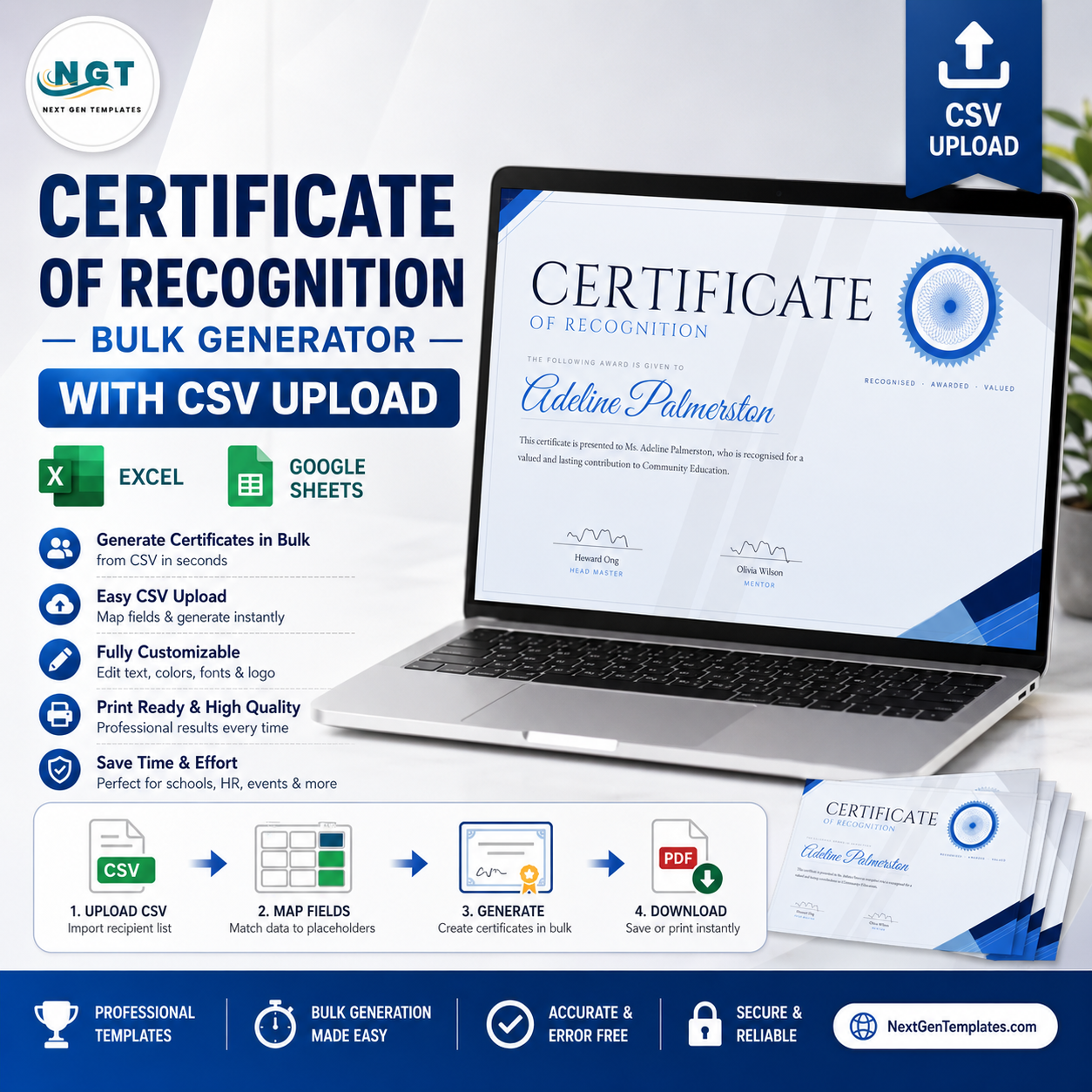
Upload your list. Get 200 Certificates of Recognition in one click.
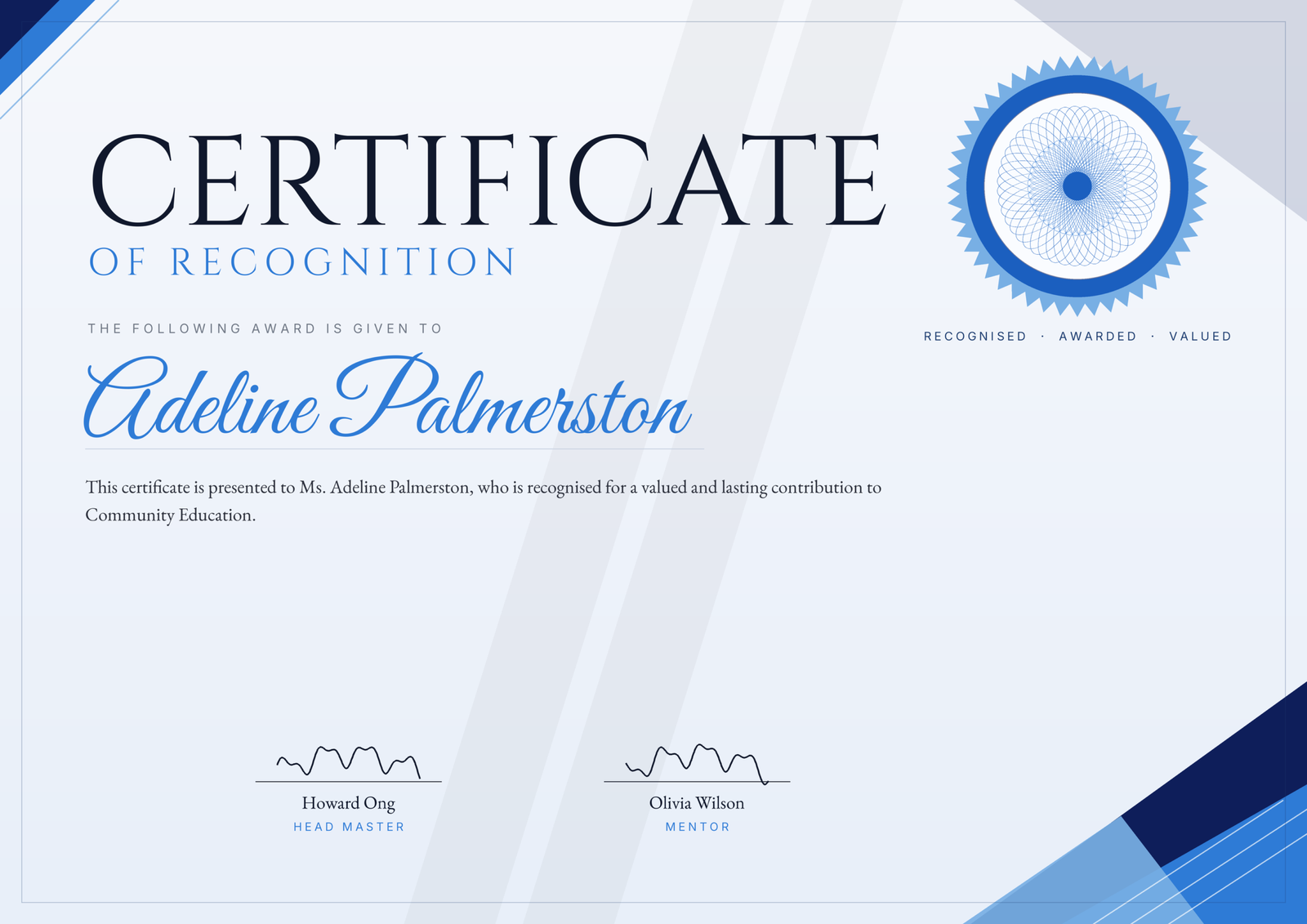
Your recognition ceremony is on Friday and you have a spreadsheet of 180 names. You could type each certificate by hand in Word — or you could upload the list, click once, and download every certificate ready to print. That is the whole idea. The design is handled; not typing 180 names is the point.
Try it free — no signup
Open the Certificate of Recognition generator →
Load your names, see your certificates render live, and export a sample before you ever pay. No account, no email, no watermark surprises after checkout.
What you get
- Unlimited certificates, forever — one payment, no subscription. Generate 10 today and 10,000 next year at no extra cost.
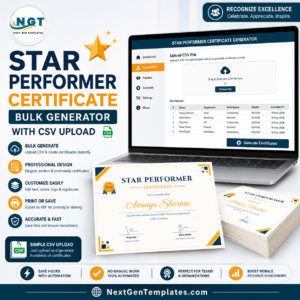
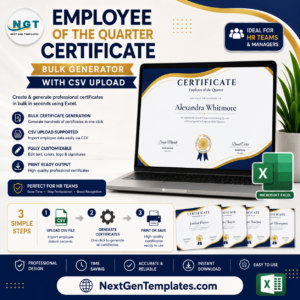
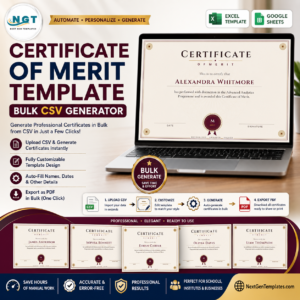
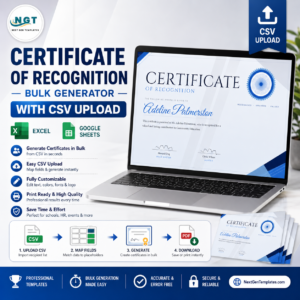
- CSV bulk upload — one row per recipient. The tool merges each name and your citation field automatically.
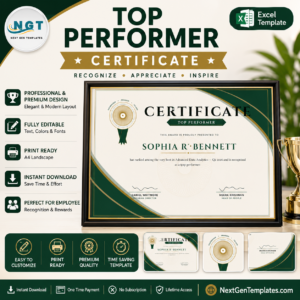
- Every word is editable — the title, the sub-heading, the citation body, the seal text, and both signature lines.
- PNG, PDF, or ZIP — single files for one-offs, or a single ZIP containing the entire batch.
- Four colour palettes — navy, security green, burgundy, and slate, so it matches your brand.
- True print quality — exports up to 4200×2970px, sharp enough for A4 / Letter landscape printing.
How much does it cost compared with the alternatives?
| This generator | Canva Pro | A designer | Microsoft Word | |
|---|---|---|---|---|
| Cost | One payment | A subscription, forever | Per certificate | “Free” — plus your afternoon |
| 200 names | One click | Placeholder swaps, one by one | Days and a quote | A fragile mail-merge |
| Bulk CSV upload | Yes | Bulk Create (paid tier only) | Depends | Mail-merge, if it behaves |
| Runs offline in your browser | Yes | No | No | Yes |
| Your name list stays private | Never leaves your computer | Uploaded to their servers | Shared with a third party | Local |
How it works
- Upload your CSV — one column of recipient names, plus the citation field (a course, a period, or a department).
- Edit the wording — set the title, citation, seal text, and signatures once; they apply to the whole batch.
- Download — grab a single PNG or PDF, or the full ZIP of every certificate, print-ready.
Your recipient list never leaves your computer
Every certificate is generated right inside your browser. Your CSV is never uploaded, never stored, and never seen by us or anyone else — not a single name. For HR teams and schools handling real people’s details, that is not a nice-to-have; it is the point. Close the tab and nothing remains on any server.
Frequently asked questions
Do I need to install any software?
No. It runs in any modern browser — Chrome, Edge, Firefox, or Safari. There is nothing to download or set up.
Can I use it offline?
Yes. Once the page has loaded, it works with no internet connection, because every certificate is rendered on your own device.
How many certificates can I make?
Unlimited. One payment unlocks the generator for good — make as many batches as you like, whenever you like.
Which file formats can I download?
PNG and PDF for individual certificates, and a ZIP archive when you generate a batch from a CSV.
Can I edit the wording?
Yes — every line is editable: the “Certificate of Recognition” heading, the citation body, the seal text, and both signatory names and titles.
Is this a commercial licence?
Yes. You can issue the certificates you generate to your staff, students, members, volunteers, or clients. You may not resell the generator itself.
What is the print resolution?
Exports go up to 4200×2970px — a landscape A4 / Letter certificate at print-grade sharpness.





Reviews
There are no reviews yet.