

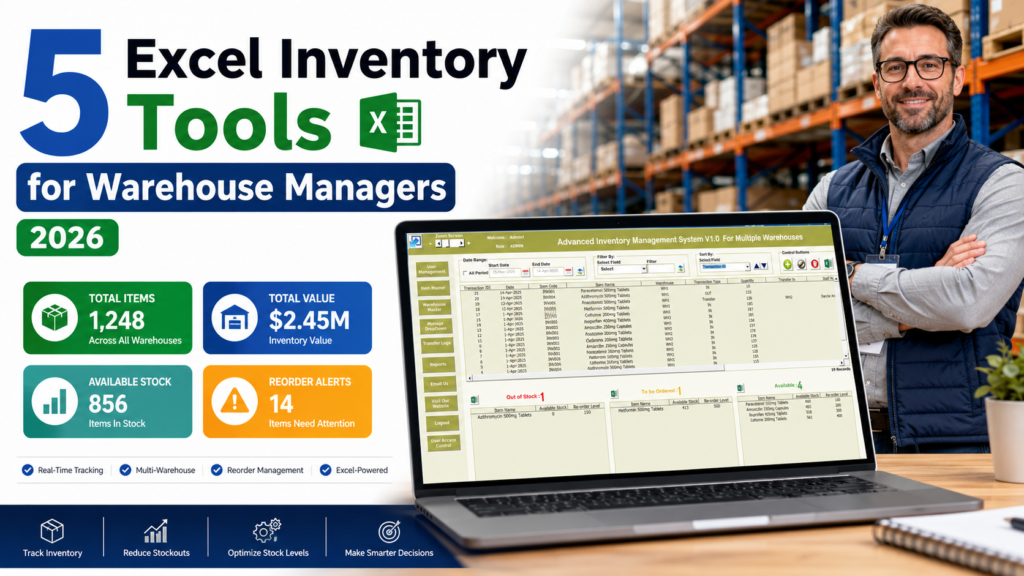
Excel inventory management tools are still one of the fastest ways for warehouse managers to control stock without waiting months for an ERP rollout. In 2026, the pressure is simple: warehouses need cleaner stock records, faster reporting, fewer stockouts, and better visibility across locations.
The 2025 MHI Annual Industry Report coverage from Supply Chain Xchange notes that the report included responses from more than 700 supply chain leaders. It also reported that 75% of companies see supply chain synchronization and coordination as challenging, while 45% plan to purchase automation equipment in the next three years. That is exactly why warehouse managers need practical tools that work today, not after a long software rollout.
Below are five paid, high-value NextGenTemplates products that fit real warehouse work: stock entry, inventory automation, multi-location tracking, KPI reviews, and management reporting. Each product uses the first product gallery image, not the product featured image, so buyers see actual template screens instead of only a cover image.
Quick Recommendation
Best overall value: Inventory & Warehouse Master Kit
It bundles 8 premium Excel, Google Sheets, VBA, and Power BI inventory templates for $69.99. If you manage stock, orders, multiple locations, and warehouse KPIs, this is the strongest buying option in this article.
Why Warehouse Managers Still Need Excel Inventory Tools in 2026
Full warehouse management systems are useful, but they are not always realistic for small and mid-sized teams. A SaaS tool can involve monthly fees, user limits, training, migration work, internet dependency, and process changes. Excel remains practical because your team already knows it, files are easy to customize, and managers can start tracking stock the same day.
Microsoft explains that Excel tables help make related data easier to manage and analyze with filtering, sorting, calculated columns, and data validation. For warehouse work, that means Excel can support structured product lists, stock movements, purchase records, sales records, transfers, and KPI inputs without adding a separate platform for every task.
1. Inventory Management System V3.0 – Best for Daily Stock Control
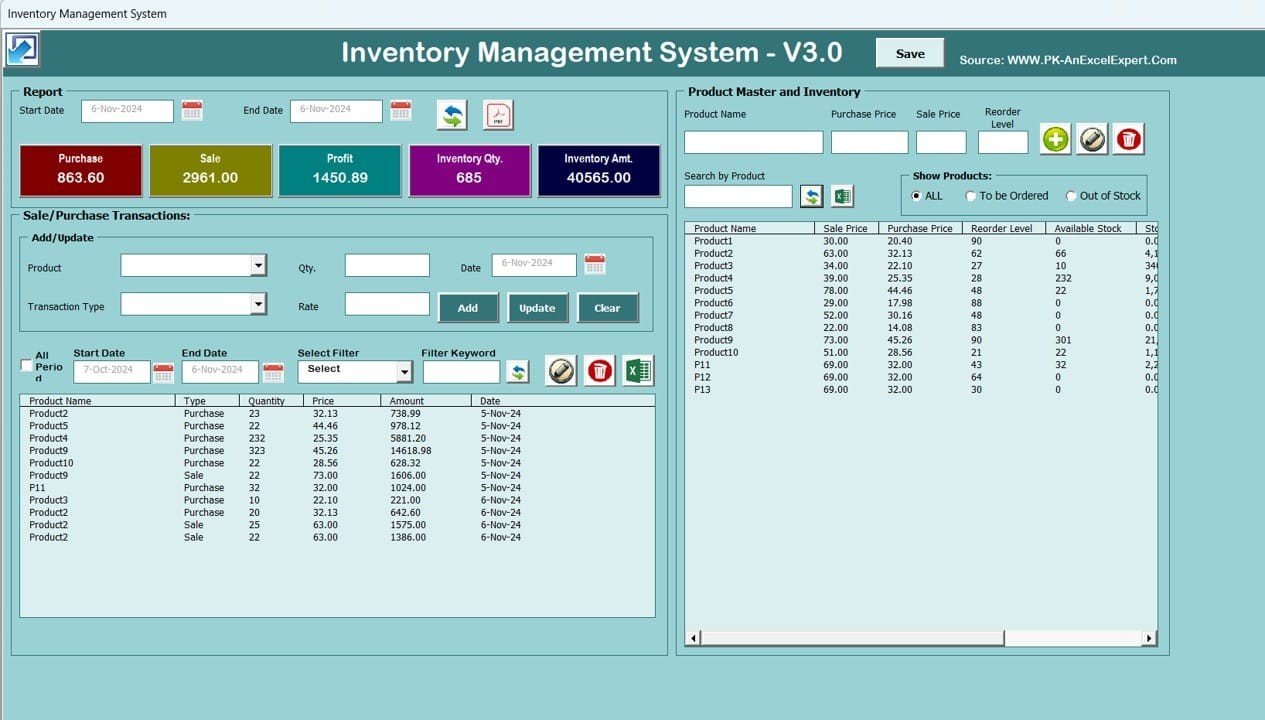
Inventory Management System V3.0 is the best starting point for a warehouse manager who wants one Excel VBA system for product master records, sales, purchases, stock updates, reorder alerts, and reports.
Why it sells: it replaces fragile manual stock sheets with guided forms and automated calculations. Every purchase adds stock, every sale deducts stock, and the reporting module helps managers review inventory movement without building formulas from scratch.
- Sale price: $19.99, regular price $29.99.
- Best for: single-location warehouses, small distributors, retail stock rooms, and e-commerce sellers.
- Main benefits: VBA login, product master, transaction history, low-stock alerts, Excel/PDF reports, and profit tracking.
- Sales angle: a low-cost alternative to monthly SaaS inventory systems for teams that already use Excel.
View Inventory Management System V3.0
2. Advanced Inventory Management System V1.0 – Best for Automation and Reorder Alerts
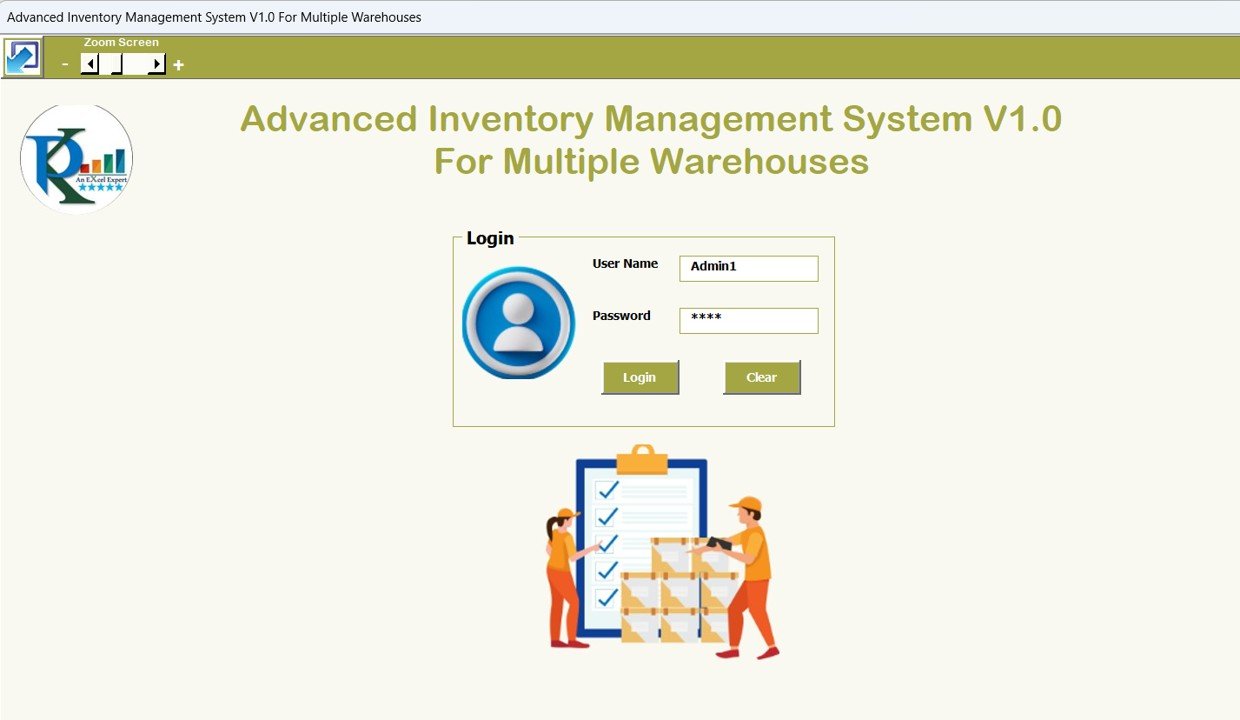
Advanced Inventory Management System V1.0 is made for warehouse managers who want more control over stock levels, orders, replenishment alerts, categories, and analytics. It is a stronger fit when inventory tracking has grown beyond a simple stock-in and stock-out sheet.
Why it sells: it feels like a lightweight inventory application inside Excel. Managers get stock tracking, order management, product categorization, replenishment alerts, and inventory reports without subscribing to a cloud system.
- Sale price: $19.99, regular price $29.99.
- Best for: growing warehouses, retail operations, online sellers, suppliers, and inventory teams that need stronger controls.
- Main benefits: real-time stock tracking, order tracking, reorder alerts, product categorization, reports, and customizable fields.
- Sales angle: the upgrade path for managers who are tired of chasing stock errors in flat spreadsheets.
View Advanced Inventory Management System V1.0
3. Inventory Management Form – Best for Simple Sales and Purchase Entry
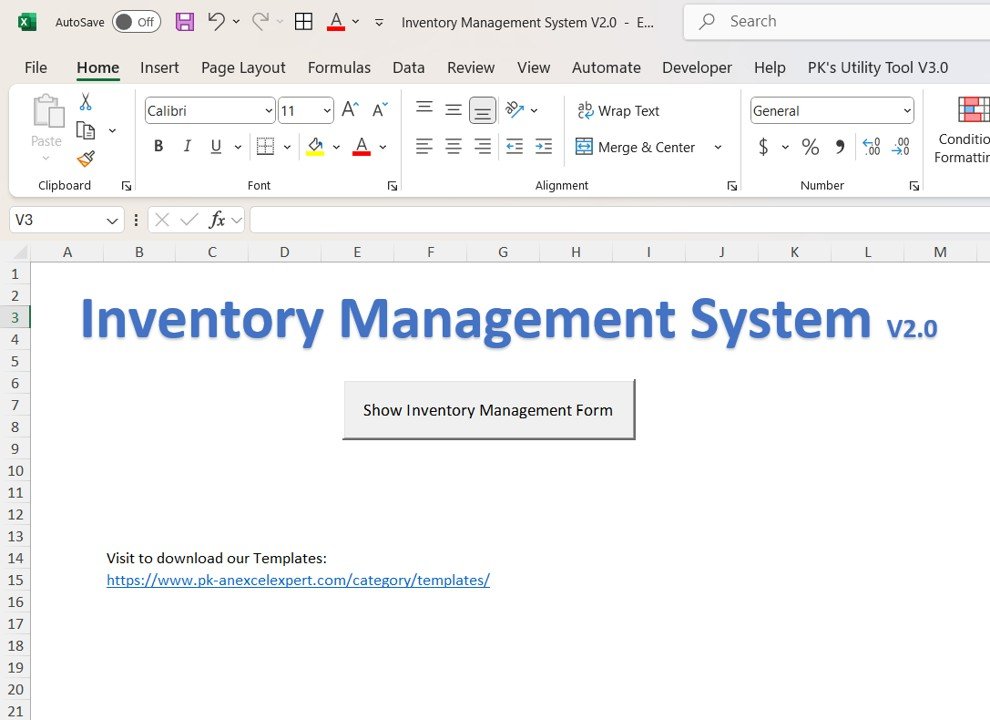
Inventory Management Form, also described as Inventory Management System V2.0, is ideal when the biggest issue is data entry. Instead of letting team members edit cells directly, this Excel VBA form gives them a cleaner way to record purchases, sales, and inventory movement.
Why it sells: it is easy to understand. Warehouse clerks can log sales and purchases through a form, managers can monitor stock, and the product master keeps item details organized.
- Sale price: $14.99, regular price $24.99.
- Best for: teams moving from manual spreadsheets to basic VBA automation.
- Main benefits: sales recording, purchase recording, real-time stock monitoring, product master management, custom reports, and a user-friendly interface.
- Sales angle: a practical bridge between raw spreadsheet entry and a full VBA inventory system.
View Inventory Management Form
4. Inventory Management Template for Multiple Locations – Best for Multi-Warehouse Visibility
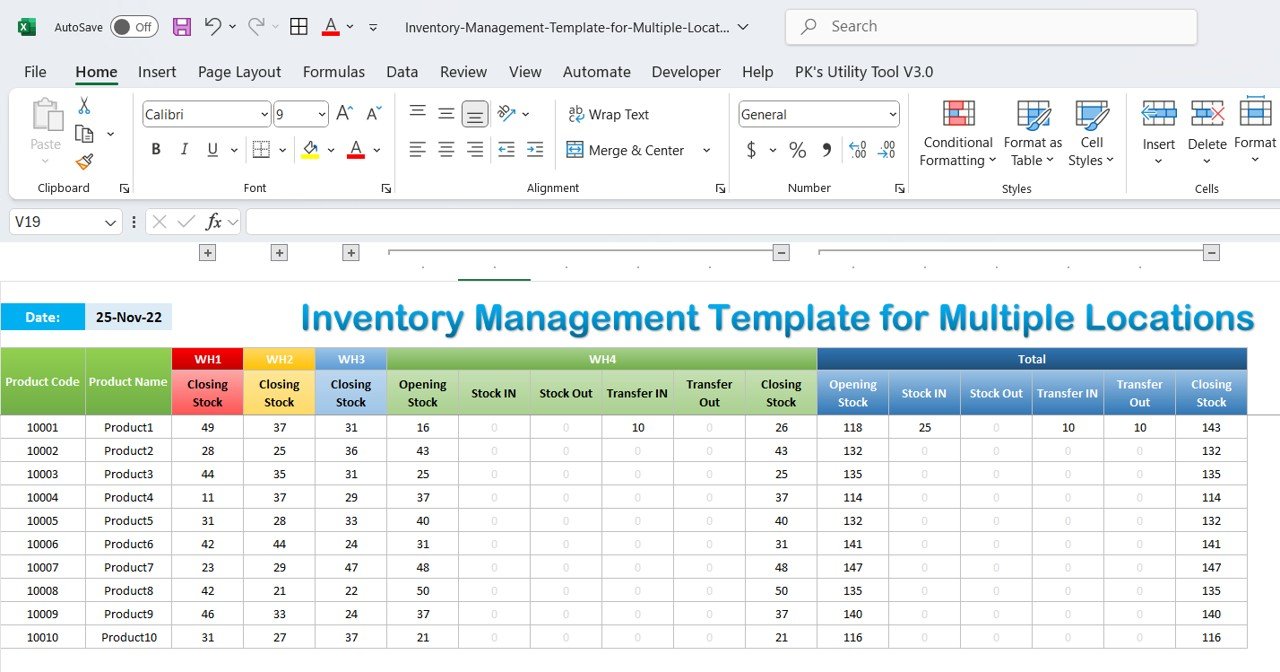
Inventory Management Template for Multiple Locations is built for warehouses where stock moves between branches, storage rooms, locations, or fulfillment points. That is where basic inventory sheets usually break.
Why it sells: it focuses on the pain of distributed inventory. Managers can track opening stock, stock-in, stock-out, transfers, daily trends, monthly summaries, and location-level availability from one Excel workbook.
- Sale price: $6.99, regular price $14.99.
- Best for: multi-location stock rooms, regional warehouses, wholesalers, and e-commerce teams with distributed inventory.
- Main benefits: centralized inventory tracking, location-level stock, transfer tracking, daily and monthly reports, automated calculations, and visual insights.
- Sales angle: the fastest paid template for managers who need transfer visibility without implementing a full ERP.
View Multi-Location Inventory Template
5. Warehouse Management KPI Dashboard in Excel – Best for Performance Reviews
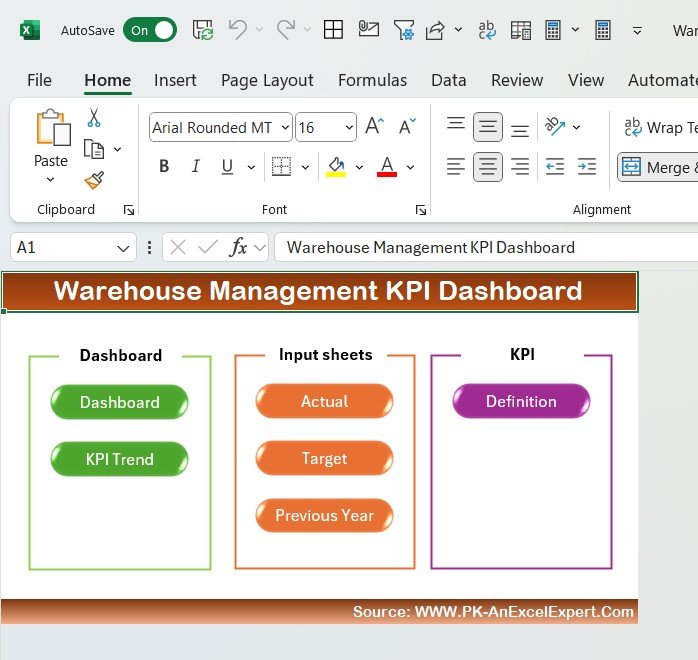
Warehouse Management KPI Dashboard in Excel is not just a stock tracker. It is a performance dashboard for warehouse leaders who need to review month-to-date and year-to-date results, compare actuals against targets, and see where warehouse operations are drifting.
Why it sells: warehouse managers do not just need data entry. They need a management view. This dashboard gives KPI cards, trends, targets, previous-year comparison, KPI definitions, and conditional formatting in a clean Excel file.
- Sale price: $12.99, regular price $19.99.
- Best for: warehouse managers, logistics teams, operations managers, and supply chain analysts.
- Main benefits: MTD/YTD tracking, month selector, KPI trend sheet, actual input sheet, targets, previous year comparison, and KPI definitions.
- Sales angle: a ready-made management dashboard that helps turn warehouse activity into decisions.
Feature Comparison: Excel Templates vs Google Sheets vs Paid SaaS
| Feature | These Excel Tools | Google Sheets Alternative | Paid Inventory SaaS |
|---|---|---|---|
| Cost | One-time purchase from $6.99 to $19.99, bundle $69.99 | Low cost, but less VBA automation | Monthly subscription, often per user |
| Setup time | Download, enable macros if needed, replace sample data | Fast setup, requires Google account and internet | Longer onboarding and configuration |
| Offline use | Yes, for Excel desktop files | Limited offline capability | Usually internet dependent |
| Automation | VBA forms, stock updates, reports, dashboards | Formula and script based | Strong automation, but higher cost |
| Best fit | Small and mid-sized warehouses that need control fast | Cloud-first teams with simple tracking needs | Large operations needing integrations and user permissions |
Explore Relevant Templates: Best Bundle CTA
If you only buy one thing from this article, make it the Inventory & Warehouse Master Kit. It includes 8 premium inventory and warehouse templates across Excel, Google Sheets, VBA, and Power BI. The bundle is priced at $69.99 and is positioned as a 36% savings package compared with purchasing the tools individually.
Why the bundle is the smarter purchase
- One toolkit: inventory systems, multi-location tracking, dashboards, KPI views, and analytics.
- Better upsell path: buyers can start with Excel and still get Google Sheets and Power BI options.
- Higher value: instead of one narrow tracker, the buyer gets an inventory operating stack.
- Ideal buyer: warehouse managers, inventory managers, supply chain leads, e-commerce operators, and business analysts.
Who Should Use These Excel Inventory Management Tools
- Warehouse managers who need a fast way to monitor stock, reorder points, and operational KPIs.
- Inventory controllers who want fewer spreadsheet errors and better transaction history.
- Operations managers who need dashboard summaries for weekly and monthly reviews.
- Small business owners who cannot justify a full SaaS or ERP system yet.
- Consultants and Excel professionals who need deployable templates for clients.
Real-World Use Cases
A spare parts warehouse wants to avoid emergency stockouts
Use Inventory Management System V3.0 or Advanced Inventory Management System V1.0 to set reorder levels, record transactions, and review low-stock products before the next production delay happens.
A distributor manages stock across three storage locations
Use the Multi-Location Inventory Template to track transfers, stock-in, stock-out, and location-level balance in one workbook.
A warehouse head needs monthly KPI reporting
Use the Warehouse Management KPI Dashboard to review MTD/YTD warehouse performance, compare targets, and present trends to leadership.
Advantages of These Tools
- Fast implementation: download and start adapting the template the same day.
- Lower cost: one-time pricing works well for budget-conscious teams.
- Familiar platform: your team already knows Excel, so adoption is easier.
- Customizable structure: add fields, rename sheets, adapt formulas, and customize reports.
- Sales-ready bundle path: the Master Kit gives buyers a bigger toolkit and gives NextGenTemplates a stronger average order value opportunity.
Opportunities for Improvement
These tools are excellent for Excel-first teams, but they are not a replacement for a fully integrated ERP in every case. If your warehouse needs API integrations, barcode scanner hardware workflows, role-based cloud permissions, or live multi-user editing across hundreds of employees, a full SaaS or ERP system may still be needed.
Also, VBA templates work best on Windows desktop Excel. Mac users may face limitations with macros and user forms. That is why the bundle is attractive: it includes additional platform options for teams that want more flexibility.
Best Practices Before You Start
- Clean your product master first. Standardize product codes, categories, units, and reorder levels.
- Assign one owner for updates. Inventory tools fail when everyone edits without responsibility.
- Set reorder points by product. Do not use one generic minimum stock level for every SKU.
- Review KPIs weekly. Track inventory turnover, order processing, space utilization, stockouts, and accuracy.
- Back up your workbook. Keep daily or weekly versions, especially for VBA tools.
Frequently Asked Questions
What is the best Excel inventory management tool for warehouse managers in 2026?
The best overall choice is the Inventory & Warehouse Master Kit because it combines multiple inventory systems, multi-location tracking, dashboards, and KPI tools in one paid bundle. For one specific tool, Inventory Management System V3.0 is the strongest daily stock-control option.
Which tool is best for multiple warehouse locations?
The Inventory Management Template for Multiple Locations is designed for multi-location visibility. It helps track stock availability, transfers, stock-in, stock-out, and daily or monthly summaries across warehouses.
Which inventory tool is best for VBA automation?
Inventory Management System V3.0 and Advanced Inventory Management System V1.0 are the best choices for VBA automation because they include forms, stock updates, reports, and structured workflows inside Excel.
Can these tools replace paid inventory software?
For many small and mid-sized warehouses, yes. They can replace basic inventory software when the team needs stock tracking, reports, dashboards, and reorder visibility. For larger enterprises needing integrations and strict access controls, SaaS or ERP software may still be better.
Are these products paid templates?
Yes. The products recommended here are paid, high-value templates from NextGenTemplates. The article intentionally avoids free or low-value tools because the goal is to promote serious inventory products that can drive sales.
About the Author
Built by PK – Microsoft Certified Professional with 15+ years of Excel, Google Sheets, and Power BI experience. Founder of NextGenTemplates, reaching 300K+ subscribers across YouTube channels. Every template is hand-built and tested before release.
Conclusion
Warehouse managers do not need another messy spreadsheet. They need tools that create control: stock history, reorder alerts, location-level visibility, and performance dashboards. These five Excel inventory management tools give that control at a one-time cost and help buyers avoid the slow, expensive path of full software implementation.
For the strongest buying decision, start with the Inventory & Warehouse Master Kit. It gives warehouse managers a complete inventory toolkit instead of a single-purpose file, making it the best CTA for this 2026 buyer-intent article.
For step-by-step video tutorials, visit https://www.youtube.com/@NextGenTemplates.
To turn this inventory data into governed metrics, pair these tools with the 10 warehouse KPIs to track in 2026, each with a formula and benchmark range.