Retail never stops. Stores open daily. Shifts rotate constantly. Sales campaigns increase pressure. Staff availability changes. Without proper scheduling, confusion becomes normal
If you are still managing retail staff duties using manual sheets, WhatsApp messages, or scattered files — it’s time to upgrade.
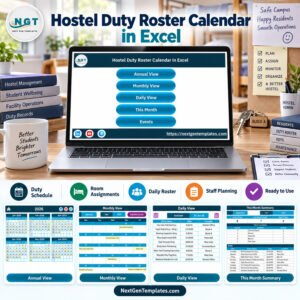
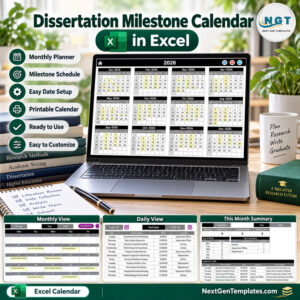
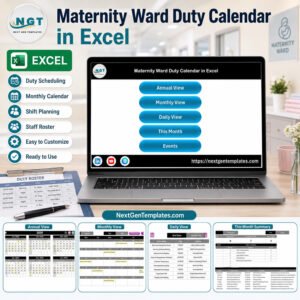
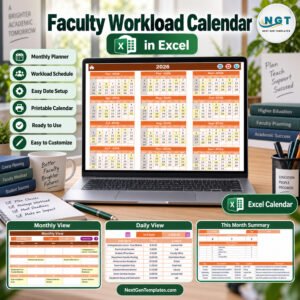
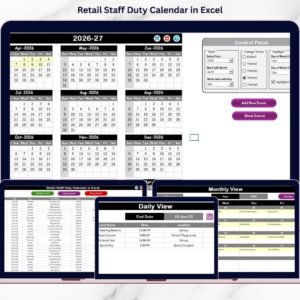
The Retail Staff Duty Calendar in Excel is a professionally designed, ready-to-use scheduling and event management system built specifically for retail stores, supermarkets, franchise outlets, and chain operations.
It centralizes annual planning, monthly scheduling, daily tracking, and event management — all inside one powerful Excel workbook.
No expensive software. No complex setup. Just structured planning with automation.
Key Features of Retail Staff Duty Calendar in Excel 📅
🚀 5 Structured Worksheets for complete scheduling control
📊 Annual View with 12-Month Overview
📆 Dynamic Monthly Planning Sheet
🗂 Daily Event Tracking System
🧾 Automated Event Database with Unique ID
🎨 5 Customizable Color Themes
🔶 Weekend & Event Highlighting Options
🧭 Navigation Buttons for Easy Sheet Switching
📝 Add, Update, Delete Event Form
Because of its automation features, managers can focus on planning instead of formatting.
What’s Inside the Retail Staff Duty Calendar in Excel 📂
This template contains 5 well-designed worksheets, each serving a specific function.
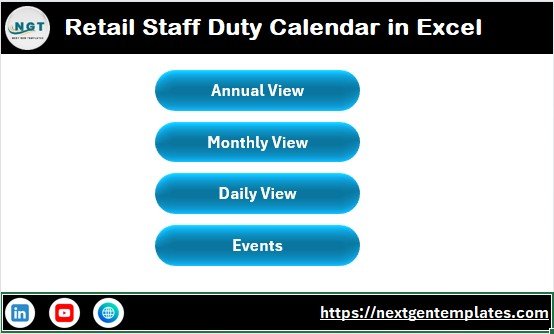
1️⃣ Home Sheet – Navigation Hub
The Home sheet works as the control center.
It includes navigation buttons for:
Annual View
Monthly View
Daily View
Events Database
This ensures smooth and professional navigation across the workbook.
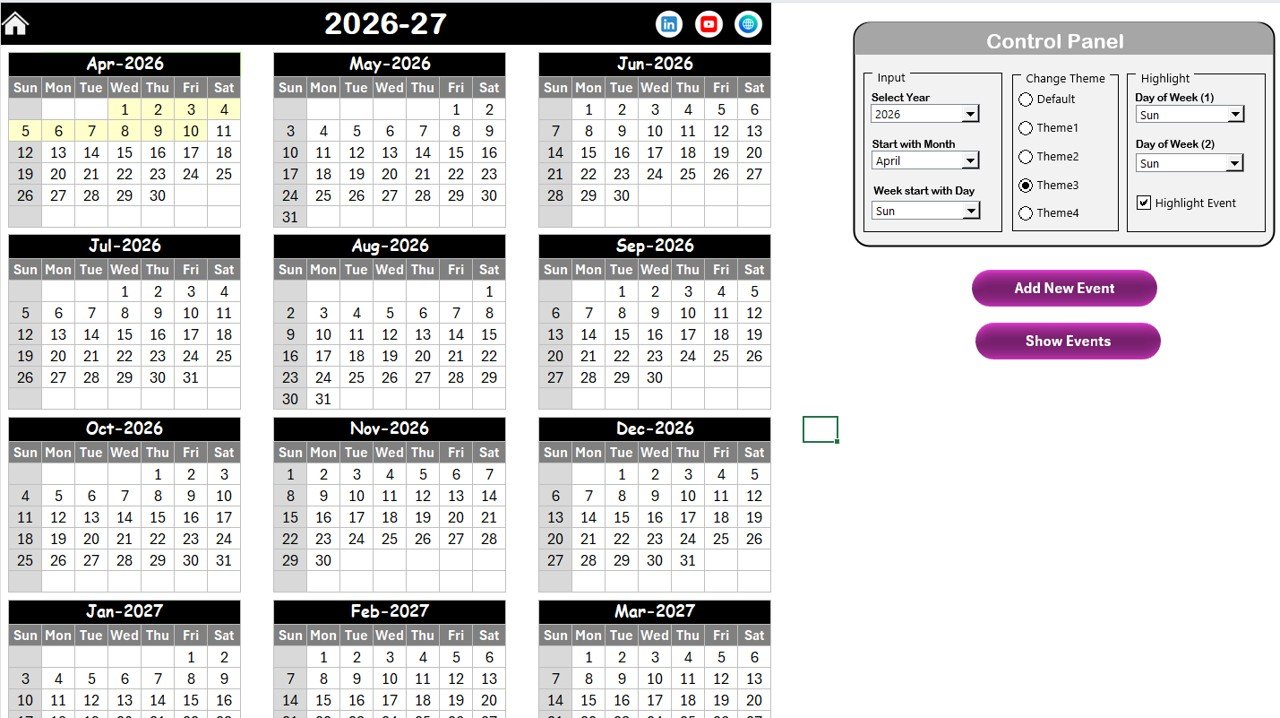
2️⃣ Annual View – Full Year Planning
This sheet displays all 12 months on one screen.
At the top, a powerful control panel allows you to:
✔ Select Year
✔ Change Starting Month
✔ Modify Starting Day of Week
The calendar updates automatically.
You can also:
🎨 Choose from 5 color themes
🟨 Highlight weekends or specific weekdays
🟡 Enable event highlighting
An “Add New Event” button opens a smart form where you enter:
Event Name
Time
Location
Description
Click Submit — and the event appears automatically.
The “Show Event” button lets you instantly review scheduled activities.
3️⃣ Monthly View – Focused Scheduling
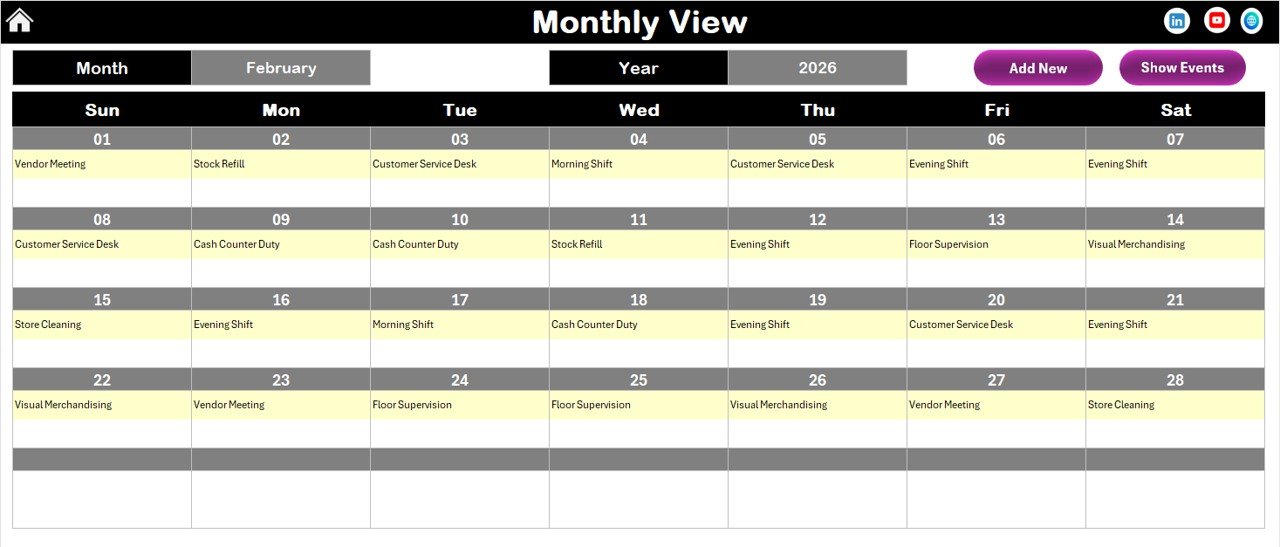
The Monthly View displays one selected month at a time.
At the top, you select:
Month
Year
The sheet updates instantly.
If a date contains one event, it displays the name.
If multiple events exist, it shows “More than 1…”
This helps managers identify busy days quickly.
Add and Show Event buttons are also available here for convenience.
4️⃣ Daily View – Detailed Event Listing
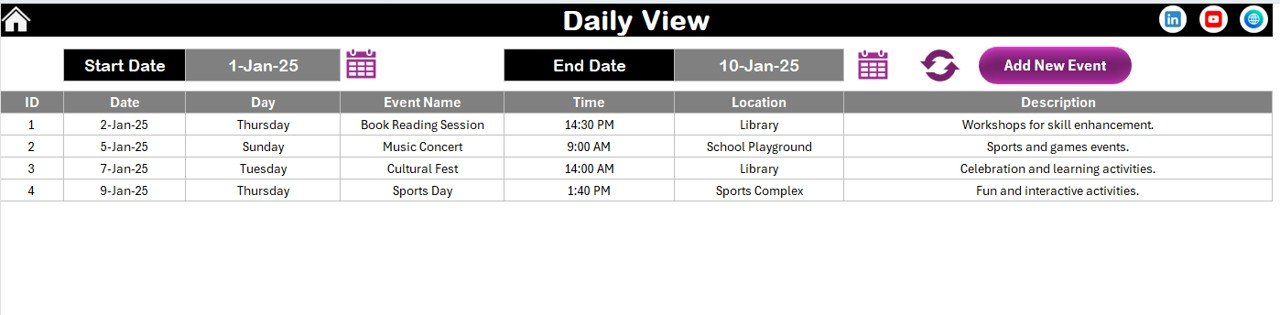
The Daily View allows date-range filtering.
Select:
Start Date
End Date
Click Refresh — and the sheet lists all events within that period.
This feature is perfect for weekly reviews, audit planning, and promotional campaign tracking.
You can also add new events directly from this sheet.
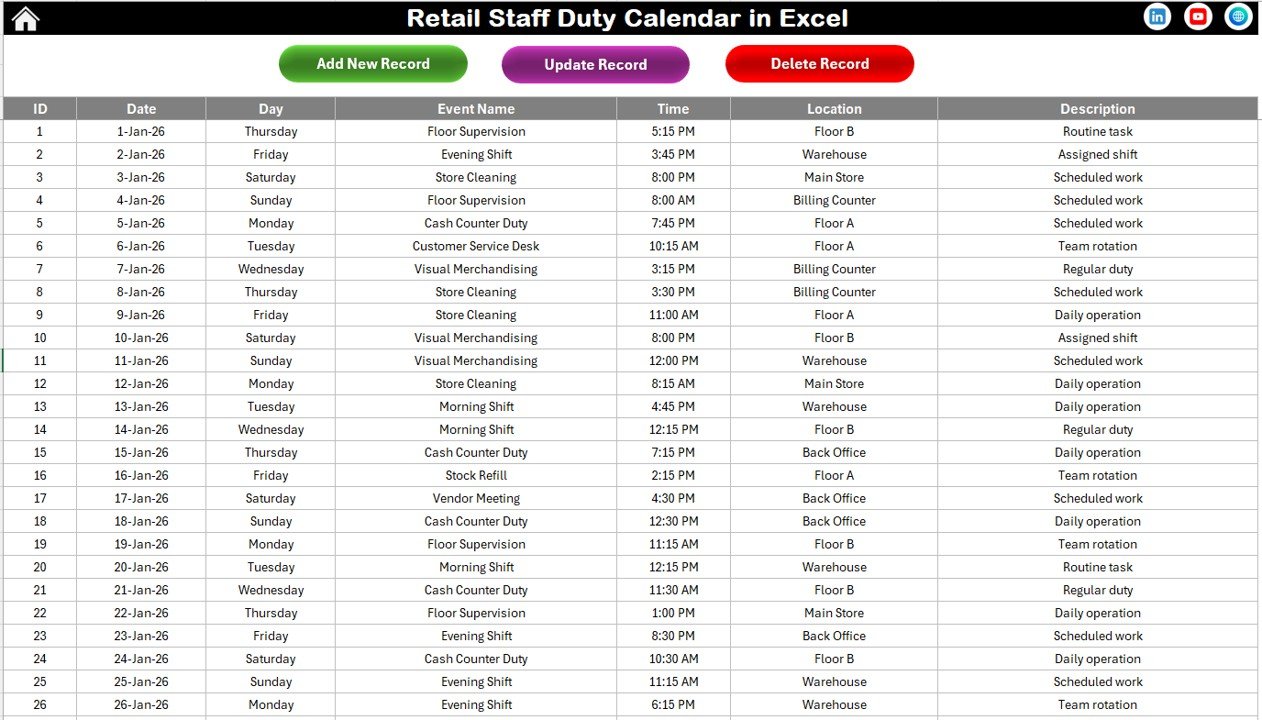
5️⃣ Events Sheet – Backend Database
This is the core data storage sheet.
It includes:
Auto-generated ID
Date
Day
Event Name
Time
Location
Description
At the top, you will find buttons to:
✔ Add New Record
✔ Update Existing Record
✔ Delete Record
Because the ID generates automatically, duplication is avoided and record integrity remains strong.
How to Use the Retail Staff Duty Calendar in Excel ⚙️
Using this calendar is simple:
1️⃣ Open the Annual or Monthly View.
2️⃣ Select the year and customize settings.
3️⃣ Click “Add New Event.”
4️⃣ Fill event details and submit.
5️⃣ Use Show Event to review entries.
All event data stores automatically in the Events sheet.
You can update or delete records anytime.
The highlight feature helps mark weekends, holidays, and high-traffic days.
Because everything is centralized, scheduling becomes organized and stress-free.
Who Can Benefit from This Retail Staff Duty Calendar in Excel 🎯
This template is perfect for:
✔ Retail Store Managers
✔ Supermarket Supervisors
✔ Franchise Owners
✔ HR & Operations Teams
✔ Retail Chain Administrators
Whether you manage a single store or multiple branches, this calendar simplifies workforce planning.
Instead of juggling multiple tools, you manage everything in one structured workbook.
The Retail Staff Duty Calendar in Excel transforms manual planning into a professional scheduling system.
It improves coordination, reduces shift conflicts, highlights important dates, and maintains a clean event database.
If you want clarity, automation, and control in retail scheduling — this is your all-in-one solution.
Click here to read the Detailed blog post
Visit our YouTube channel to learn step-by-step video tutorials:
👉 https://www.youtube.com/@PKAnExcelExpert