

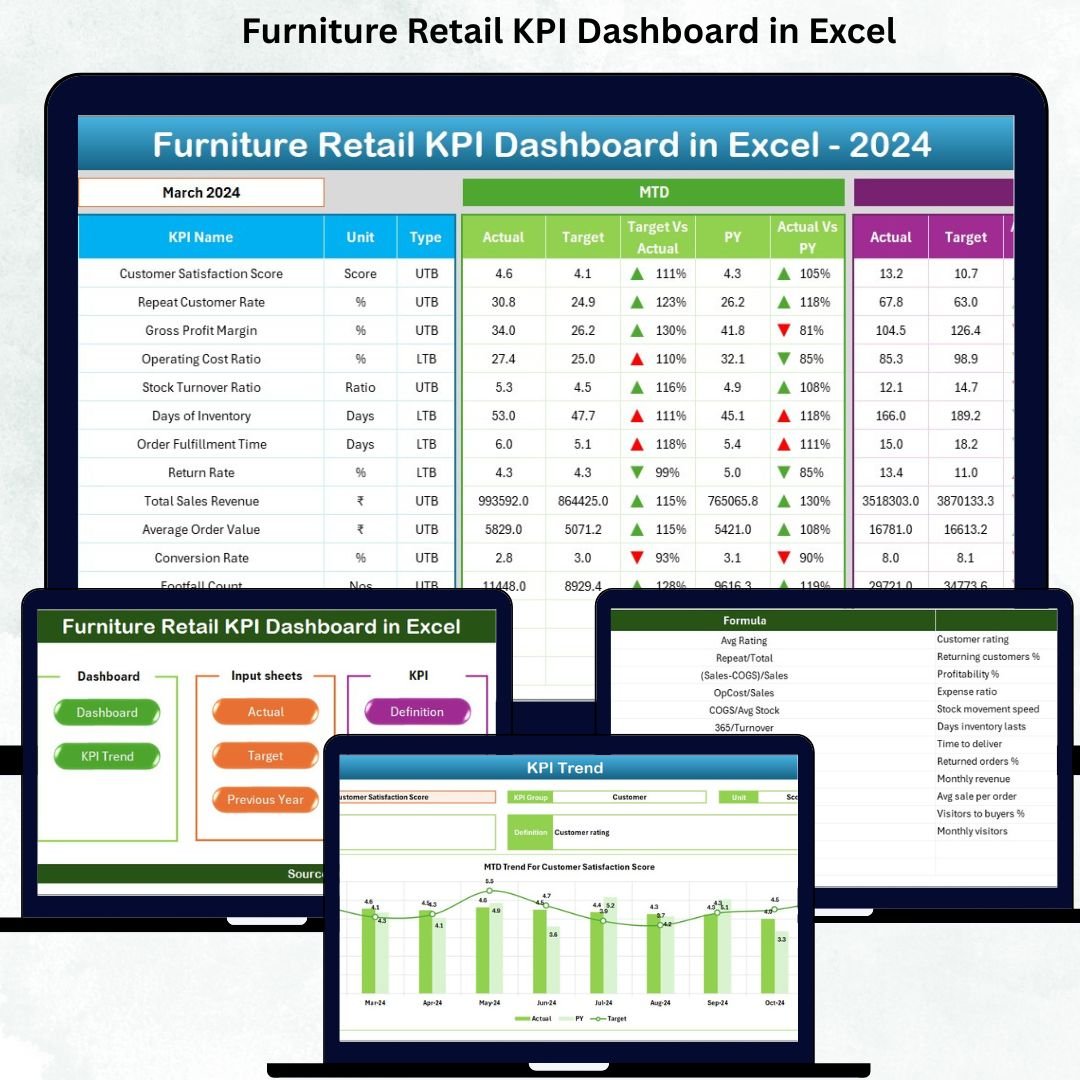




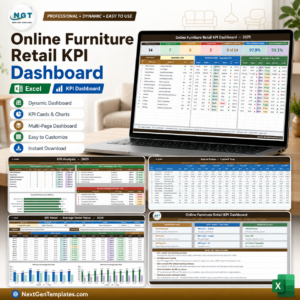
Running a furniture retail business is no small feat 🛋️. From managing sales and inventory to tracking customer satisfaction and delivery performance, store owners face a constant challenge of staying on top of every metric. Imagine having a tool that puts all your key numbers in one place, helping you make smarter decisions in minutes. That’s exactly what the Furniture Retail KPI Dashboard in Excel does!Furniture Retail KPI Dashboard in Excel
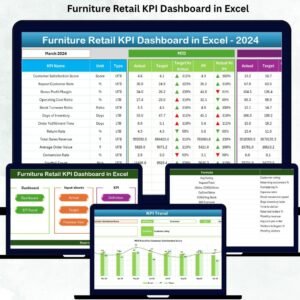
With this powerful dashboard, you can track daily, monthly, and yearly performance across sales, inventory, customer satisfaction, and operational metrics—all in a single Excel file. Whether you are a store owner, manager, or sales leader, this dashboard simplifies performance monitoring and accelerates decision-making, even if you have no technical background.Furniture Retail KPI Dashboard in Excel
Key Features of Furniture Retail KPI Dashboard in Excel 📊
Summary Page – Your Navigation Hub
Quickly jump between sheets like Dashboard, Trend Analysis, Actual Input, Target Sheet, Previous Year Numbers, and KPI Definition. Navigate like a pro and save hours of time!Furniture Retail KPI Dashboard in ExcelDashboard Sheet – Main Performance View
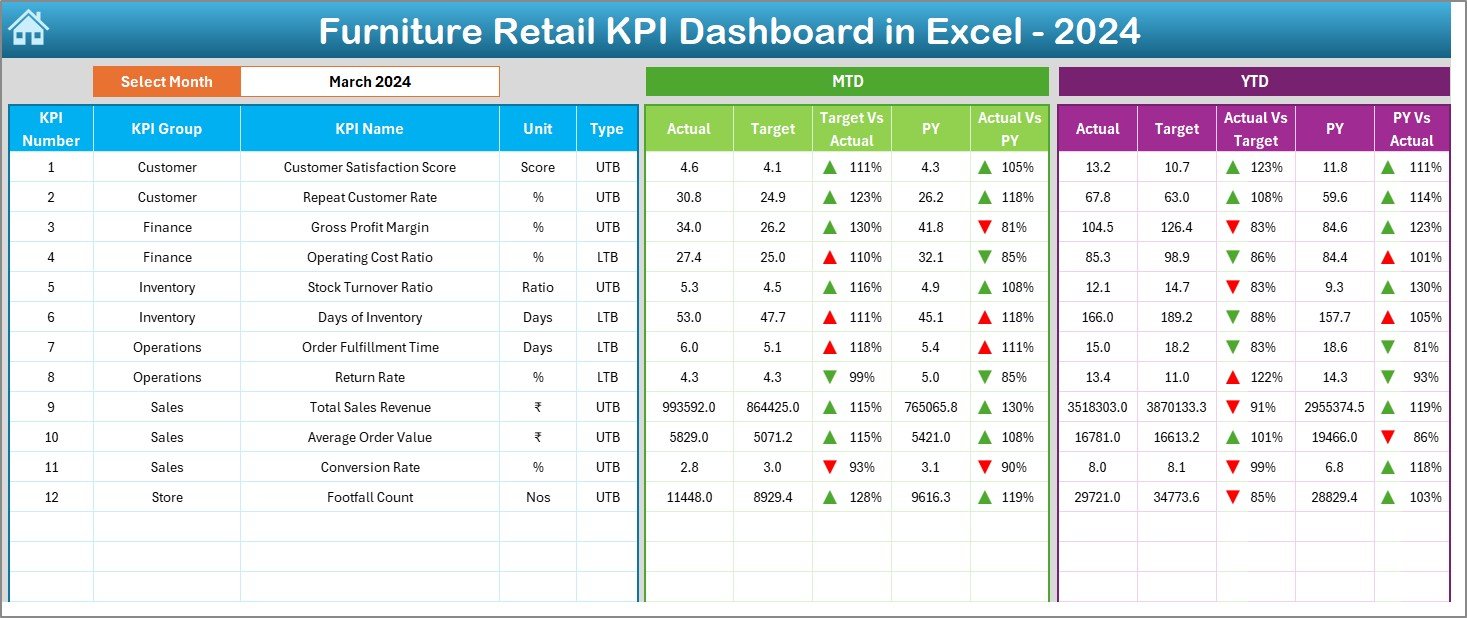
Track Month-to-Date (MTD) and Year-to-Date (YTD) performance with instant comparisons to targets and previous year numbers. Conditional formatting arrows make it easy to spot areas needing attention.Trend Sheet – Analyze Performance Over Time
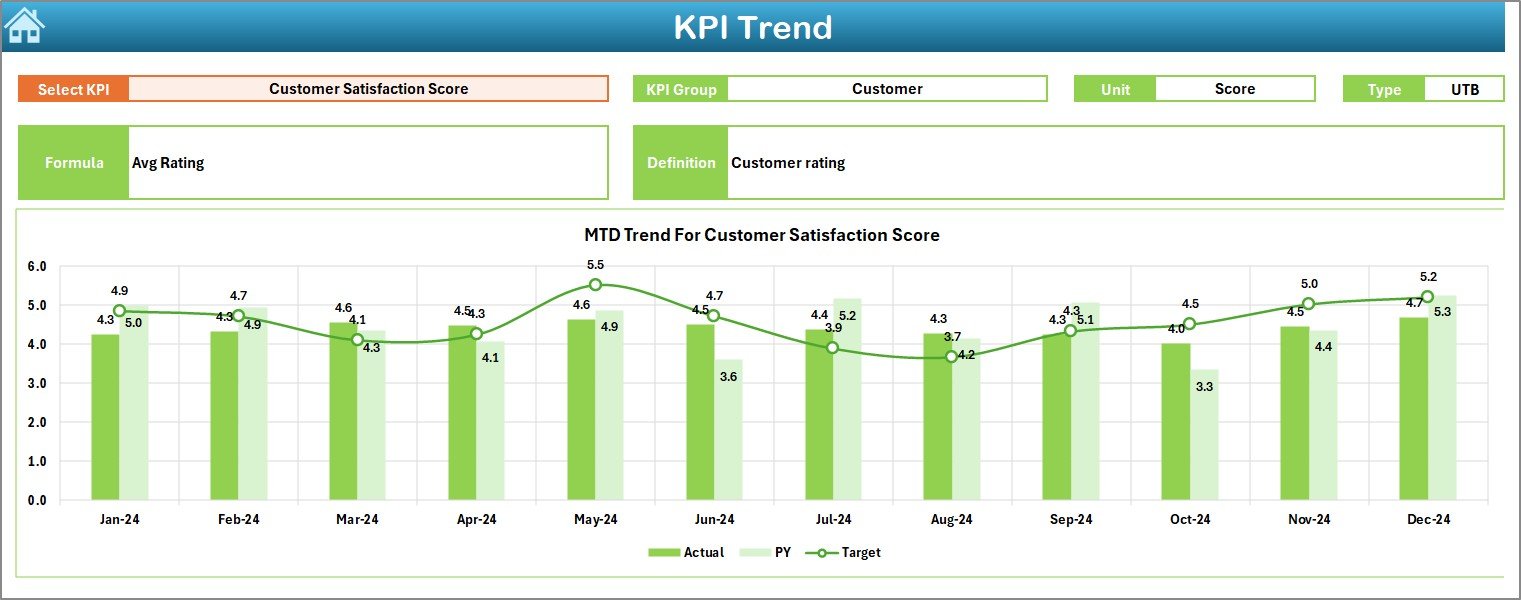
Spot seasonal trends, performance gaps, and growth opportunities with interactive trend charts for each KPI. Understand patterns at a glance and plan strategies accordingly.Furniture Retail KPI Dashboard in ExcelActual Numbers Input Sheet
Easily enter MTD and YTD actual numbers for each KPI. The structured layout ensures quick updates without errors or confusion.Furniture Retail KPI Dashboard in ExcelTarget Sheet
Set monthly goals and monitor your store’s progress against them. Achieve realistic performance improvements with clear guidance.Previous Year Numbers Sheet
Compare current performance with last year’s metrics. Understand growth percentages, seasonal patterns, and risks in your business.KPI Definition Sheet
Define each KPI clearly with units, formulas, and descriptions. Keep your team aligned and onboard new users quickly.Furniture Retail KPI Dashboard in Excel
What’s Inside the Furniture Retail KPI Dashboard 🗂️
Sales KPIs: Total Sales, Sales per Category, Sales per Store, Average Order Value, Conversion Rate
Inventory KPIs: Inventory Turnover, Stockout Rate, Overstock Percentage, Aging Stock
Customer KPIs: Customer Footfall, Customer Satisfaction Score, Repeat Customer Percentage, Delivery Rating
Operational KPIs: On-Time Delivery Rate, Return Rate, Damage Rate
Financial KPIs: Gross Margin, Net Profit, Cost per Order
All these KPIs are displayed in easy-to-read charts, cards, and tables. You’ll instantly see which areas are thriving and which require attention.
How to Use the Furniture Retail KPI Dashboard 🖱️
Enter your actual numbers each month.
Update the Target Sheet before a new month starts.
Input Previous Year Numbers for accurate comparisons.
Review the Dashboard daily or weekly to stay informed.
Check the Trend Sheet for long-term patterns.
Update KPI definitions when adding new metrics.
Share the dashboard with your team for collaborative decision-making.
Who Can Benefit from This Dashboard 👥
Store Owners – Get clear insights to drive better business decisions.
Sales Managers – Monitor sales and conversion trends effortlessly.
Warehouse Teams – Track inventory turnover, overstock, and stockout issues.
Customer Experience Teams – Analyze complaints, delivery performance, and satisfaction metrics.
Business Analysts – Make data-driven recommendations and forecasts.Furniture Retail KPI Dashboard in Excel
Advantages of Using This Dashboard 🚀
Make faster, smarter decisionsFurniture Retail KPI Dashboard in Excel
Improve sales performance and profitability
Reduce inventory losses and operational inefficiencies
Enhance customer experience and loyalty
Save time with instant updates and comparisons
Understand your furniture retail business clearly
Click here to read the Detailed blog post
Watch the step-by-step video tutorial:
Visit our YouTube channel to learn step-by-step video tutorials
Compatibility and Requirements
- Works in Microsoft Excel desktop (Excel 2016 or later, or Microsoft 365).
- Navigation buttons on the Summary Page and conditional formatting arrows are built into the workbook.
- New to Excel charts? Microsoft explains the basics in Create a chart from start to finish.
Frequently Asked Questions
What sheets are in the Furniture Retail KPI Dashboard?
Summary Page, Dashboard, Trend, Actual Numbers Input, Target, Previous Year Numbers and KPI Definition.
Which KPIs are included?
Sales, inventory, customer, operational and financial KPIs, such as average order value, inventory turnover, stockout rate, on-time delivery rate, return rate and gross margin.
How do I update it each month?
Enter your actual numbers, update the Target sheet before the month starts and add previous year numbers for comparison.
Is there a Power BI version?
Yes. See the Furniture Retail KPI Dashboard in Power BI.
Related Furniture and Retail Templates
- Furniture Retail KPI Dashboard in Power BI: the same KPIs in Power BI
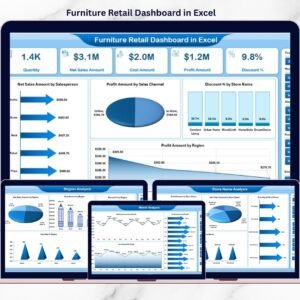
- Furniture Retail Dashboard in Excel: a sales and store analysis dashboard
- Retail KPI Scorecard in excel: a scorecard view for retail stores
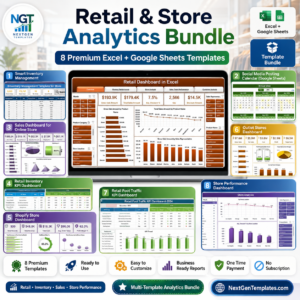
- Retail & Store Analytics Bundle: 8 retail templates in one download
Browse all Excel KPI dashboards or the Excel sales and marketing templates.




Reviews
There are no reviews yet.