

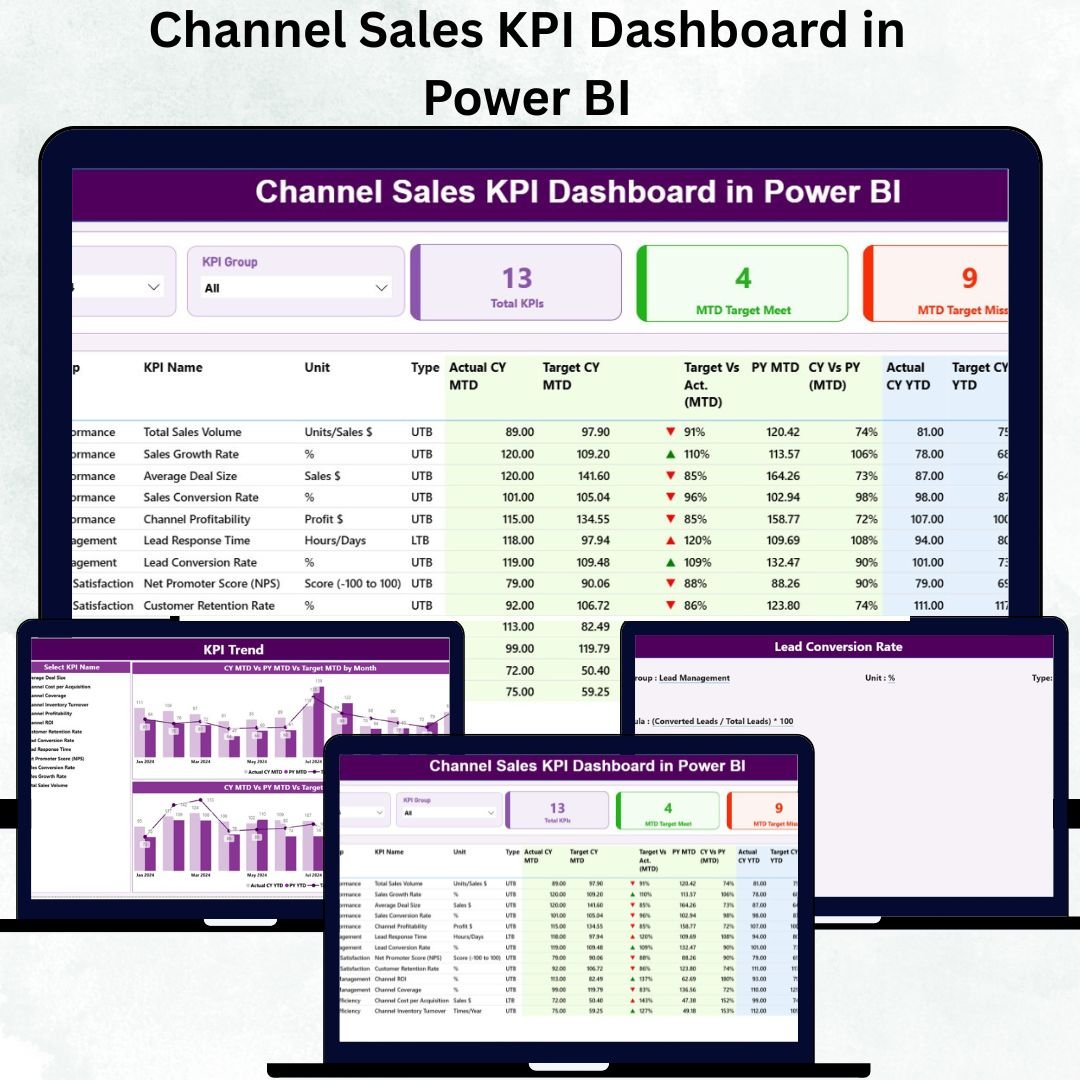

Managing channel sales efficiently is crucial for businesses that rely on distributors, resellers, or partners to drive growth. The Channel Sales KPI Dashboard in Power BI is a modern, interactive analytics tool designed to monitor sales performance, track KPIs, and empower data-driven decisions — all in real time. 🚀📊
This ready-to-use Power BI dashboard provides a complete performance overview across regions, channel partners, and product categories. It consolidates Month-to-Date (MTD) and Year-to-Date (YTD) metrics, enabling managers to assess progress, identify underperforming areas, and take immediate corrective action.
💎 Key Features of the Channel Sales KPI Dashboard in Power BI
📊 Three Analytical Pages:
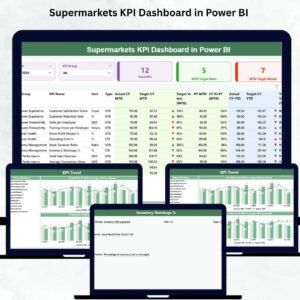
The dashboard includes a Summary Page, KPI Trend Page, and KPI Definition Page — each designed for clarity, insight, and fast decision-making.
📋 Summary Page:
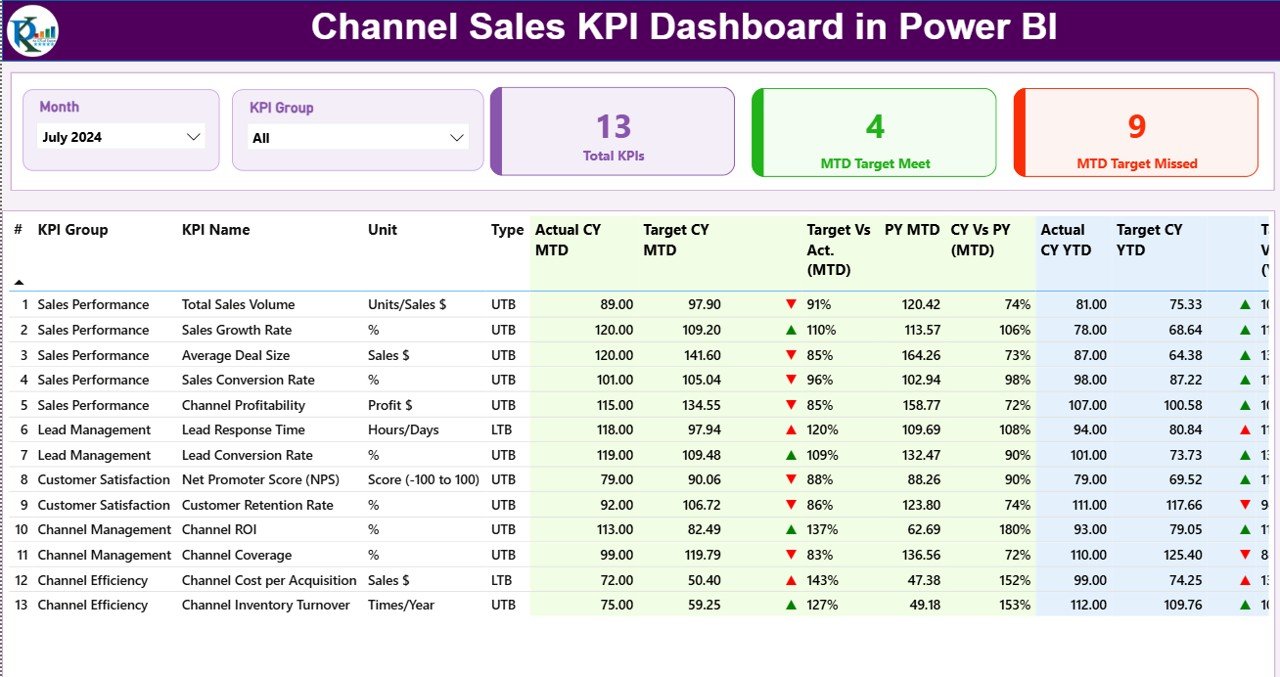
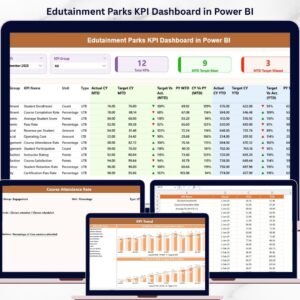
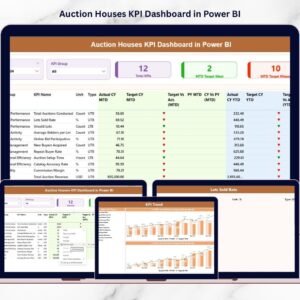
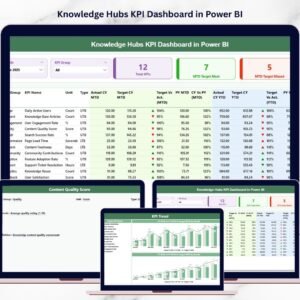
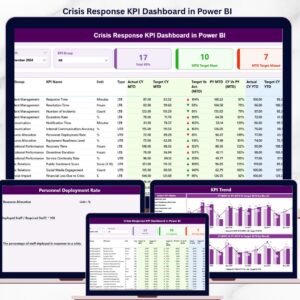
The main control hub of the dashboard. It features slicers for Month and KPI Group, and three main KPI cards showing:
Total KPIs Count
MTD Target Met Count
MTD Target Missed Count
With its structured visuals and interactive filters, users can easily identify performance gaps, benchmark progress, and evaluate success at a glance.
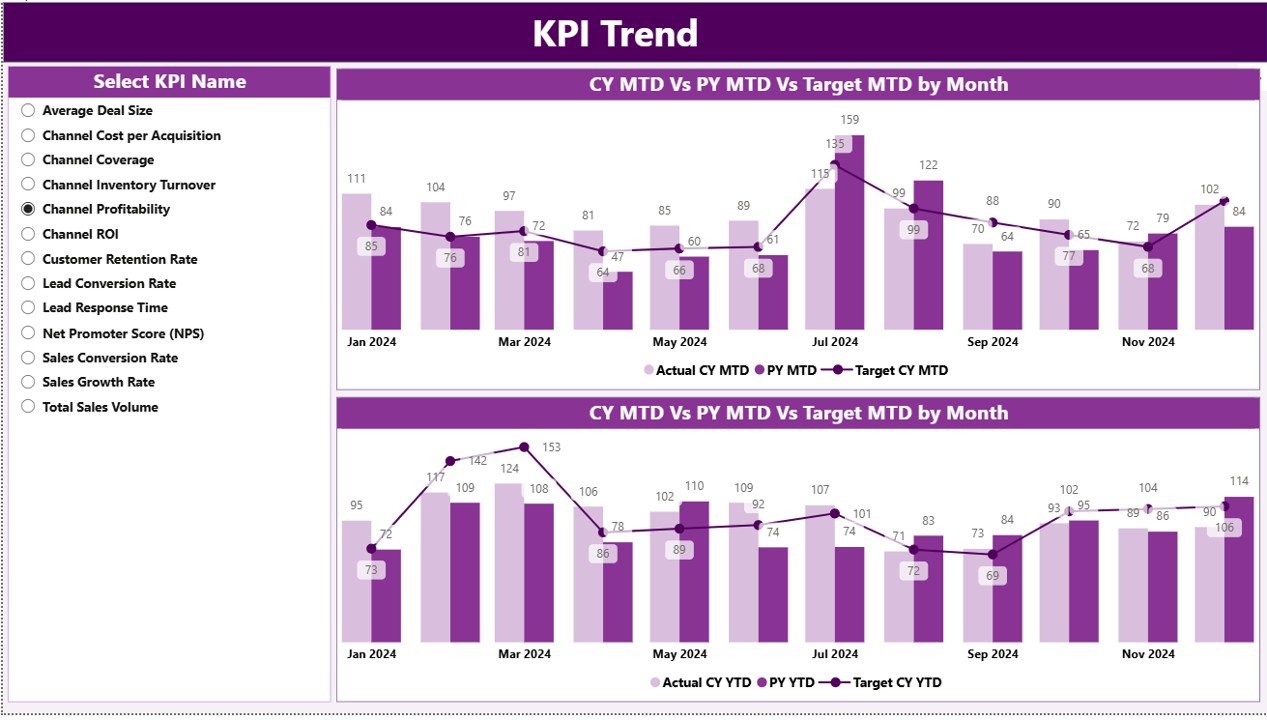
📈 KPI Trend Page:
Analyze performance trends over time using combo charts that display Current Year, Previous Year, and Target comparisons for both MTD and YTD.
A slicer lets you select any KPI and explore its historical trend — helping you detect growth patterns, seasonal fluctuations, and strategic improvements.
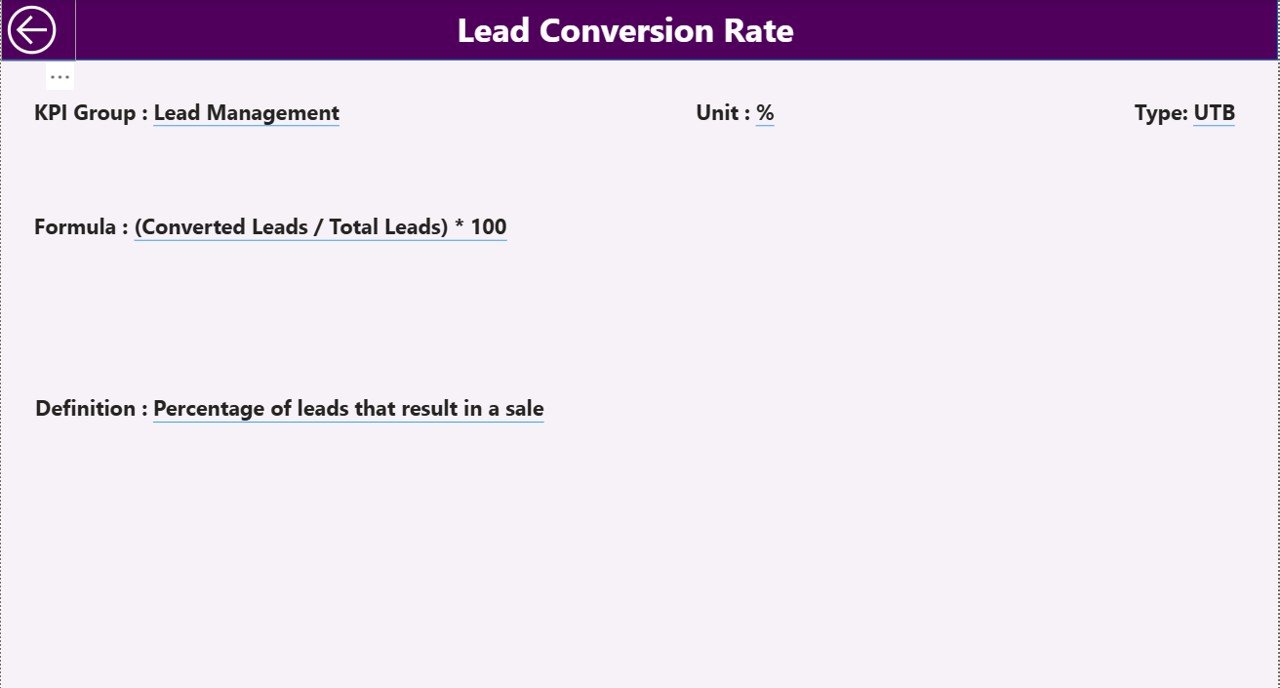
🧾 KPI Definition Page:
Drill deeper into each KPI’s details — including formula, definition, calculation logic, and type (LTB or UTB).
A built-in Back Button ensures smooth navigation between insights and overview pages.
📦 What’s Inside the Dashboard
When you download this Power BI template, you’ll receive a fully connected, Excel-integrated reporting system consisting of:
✅ 3 Core Pages: Summary, KPI Trend, and KPI Definition.
✅ Linked Excel Data Source: Three structured sheets — Input_Actual, Input_Target, and KPI Definition.
✅ Dynamic Calculations: Compare MTD vs. YTD performance across all KPIs.
✅ Interactive Slicers: Filter data by month, KPI group, or name instantly.
✅ Drill-Through Insights: Dive deep into KPI details with one click.
✅ User-Friendly Interface: Clean visuals with zero coding required.
This structure ensures transparency, interactivity, and effortless performance monitoring.
⚙️ How to Use the Channel Sales KPI Dashboard in Power BI
🪄 Step 1: Open the Power BI file and connect it to your Excel data source.
🪄 Step 2: Enter performance numbers in the Input_Actual sheet and targets in Input_Target.
🪄 Step 3: Refresh the dashboard to update all metrics automatically.
🪄 Step 4: Use slicers to filter by month or KPI group.
🪄 Step 5: Review the Summary Page for overall performance, and explore detailed insights in KPI Trend and KPI Definition pages.
No coding or advanced Power BI knowledge needed — everything is prebuilt and automated! ⚡
👥 Who Can Benefit from This Dashboard
🏢 Sales Managers: Monitor KPI achievement rates and compare regional performance.
📦 Channel Partners: Gain clarity on targets, trends, and overall contributions.
💰 Finance Teams: Track profitability, cost trends, and sales targets in one place.
🧭 Business Analysts: Access dynamic, drill-down insights for strategic planning.
🌍 Executives: Get a high-level, visual summary of channel efficiency and growth.
From small distributors to global sales networks, this Power BI dashboard fits perfectly across all scales and industries.
🌟 Why Choose This Power BI Dashboard
✔️ All-in-One Performance Hub – View every KPI from one dashboard.
✔️ Real-Time Insights – Auto-updating visuals ensure decisions are data-driven.
✔️ Target vs. Actual Analysis – Track exactly where you stand each month.
✔️ Clear Trend Analysis – Monitor year-over-year improvements.
✔️ Customizable KPIs – Modify, add, or remove KPIs to suit your business.
✔️ User-Friendly Design – Ideal for managers, not just data analysts.
The Channel Sales KPI Dashboard in Power BI helps transform static reports into intelligent analytics — improving accountability, boosting performance, and supporting long-term growth. 📈💼
### Click here to read the Detailed blog post
Visit our YouTube channel to learn step-by-step video tutorials
Watch the step-by-step video tutorial:
Compatibility and Requirements
- Works in Power BI Desktop, which is free to download. Microsoft explains how to get it in Get Power BI Desktop.
- The dashboard reads its data from an Excel file with three sheets: Input_Actual, Input_Target and KPI Definition.
Frequently Asked Questions
Which pages are included?
Three pages: Summary, KPI Trend and KPI Definition.
Where do I enter my numbers?
Enter actual figures in the Input_Actual sheet and targets in the Input_Target sheet of the linked Excel file, then refresh the dashboard.
Can I filter the dashboard by month?
Yes. The Summary page has slicers for Month and KPI Group, and the KPI Trend page has a slicer to pick any KPI.
What does the KPI Trend page show?
Combo charts compare the Current Year, the Previous Year and the Target for both MTD and YTD.
Is there an Excel or Google Sheets version?
Yes. See the Channel Sales KPI Dashboard in Excel and the Channel Sales KPI Dashboard in Google Sheets.
Related Channel Sales Templates
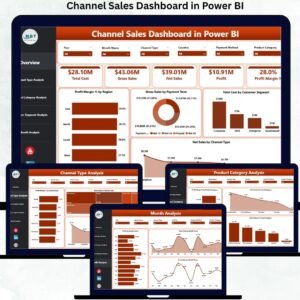
- Channel Sales Dashboard in Power BI: another channel sales view in Power BI
- Channel Sales KPI Dashboard in Excel: the same KPIs in Excel
- Channel Sales KPI Dashboard in Google Sheets: the Google Sheets edition
- Channel Sales Dashboard in Excel: a channel sales dashboard for Excel users
- Power BI Dashboard Mega Collection: 15 Power BI templates in one download
Browse all Power BI KPI dashboards.


Reviews
There are no reviews yet.