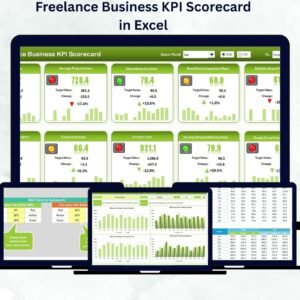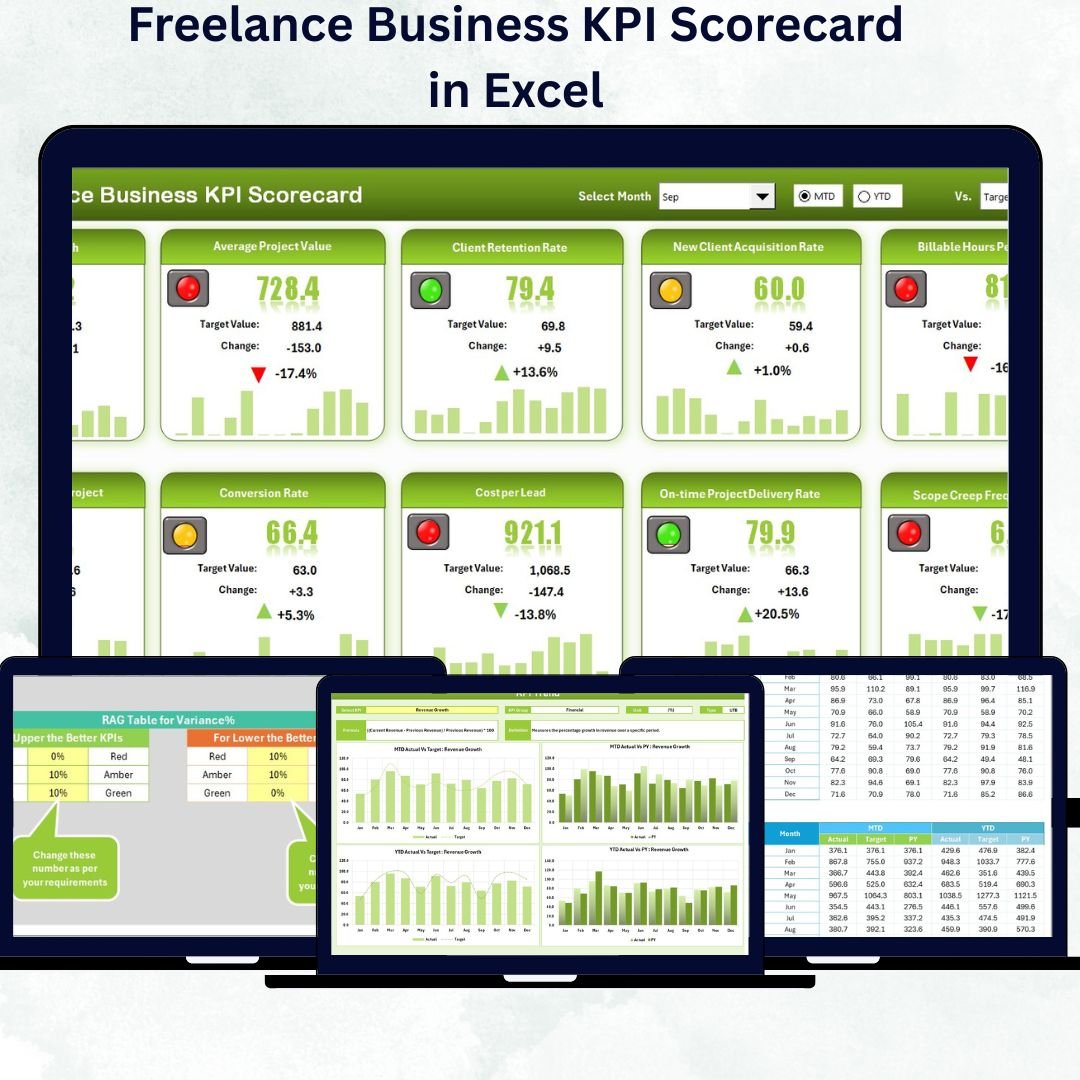

Running a freelance business successfully takes more than completing projects — it’s about measuring your performance, improving continuously, and making smart business decisions. The Freelance Business KPI Scorecard in Excel is a ready-to-use, interactive template that helps freelancers track their goals, monitor performance, and visualize business growth effortlessly.
This Excel-based KPI scorecard turns raw data into actionable insights, helping you stay focused on what truly matters — productivity, client satisfaction, and profitability. Whether you’re a writer, designer, developer, or consultant, this tool empowers you to manage your freelance operations with clarity and confidence.
⚙️ Key Features of the Freelance Business KPI Scorecard in Excel
✅ Four Dynamic Worksheets: Scorecard, KPI Trend, Input Data, and KPI Definition — designed for easy navigation.
✅ Interactive Dropdowns: Select month and toggle between MTD or YTD views instantly.
✅ Visual Insights: Conditional formatting and color-coded indicators (green, yellow, red) for quick performance checks.
✅ Actual vs Target Comparison: Measure how close you are to achieving your monthly and yearly goals.
✅ Automated Updates: Enter your data once — charts and visuals refresh automatically.
✅ Trend Analysis: Identify long-term growth or dips using MTD, YTD, and PY metrics.
✅ Transparent KPI Definitions: Every KPI is clearly documented with formula, unit, and type (UTB/LTB).
✅ Fully Customizable: Add or modify KPIs, adjust layouts, or update visuals to match your freelance needs.
✅ Error-Free Entry: Data validation prevents accidental inputs.
✅ Professional Design: Clean layout, ideal for both self-tracking and client presentations.
With this Excel scorecard, you’ll instantly see where you’re excelling and where to improve — helping you grow your freelance business with precision.
📊 What’s Inside the Freelance Business KPI Scorecard Template
The scorecard is structured into four easy-to-use worksheets, each crafted to simplify your workflow 👇
1️⃣ Scorecard Sheet – Main Dashboard
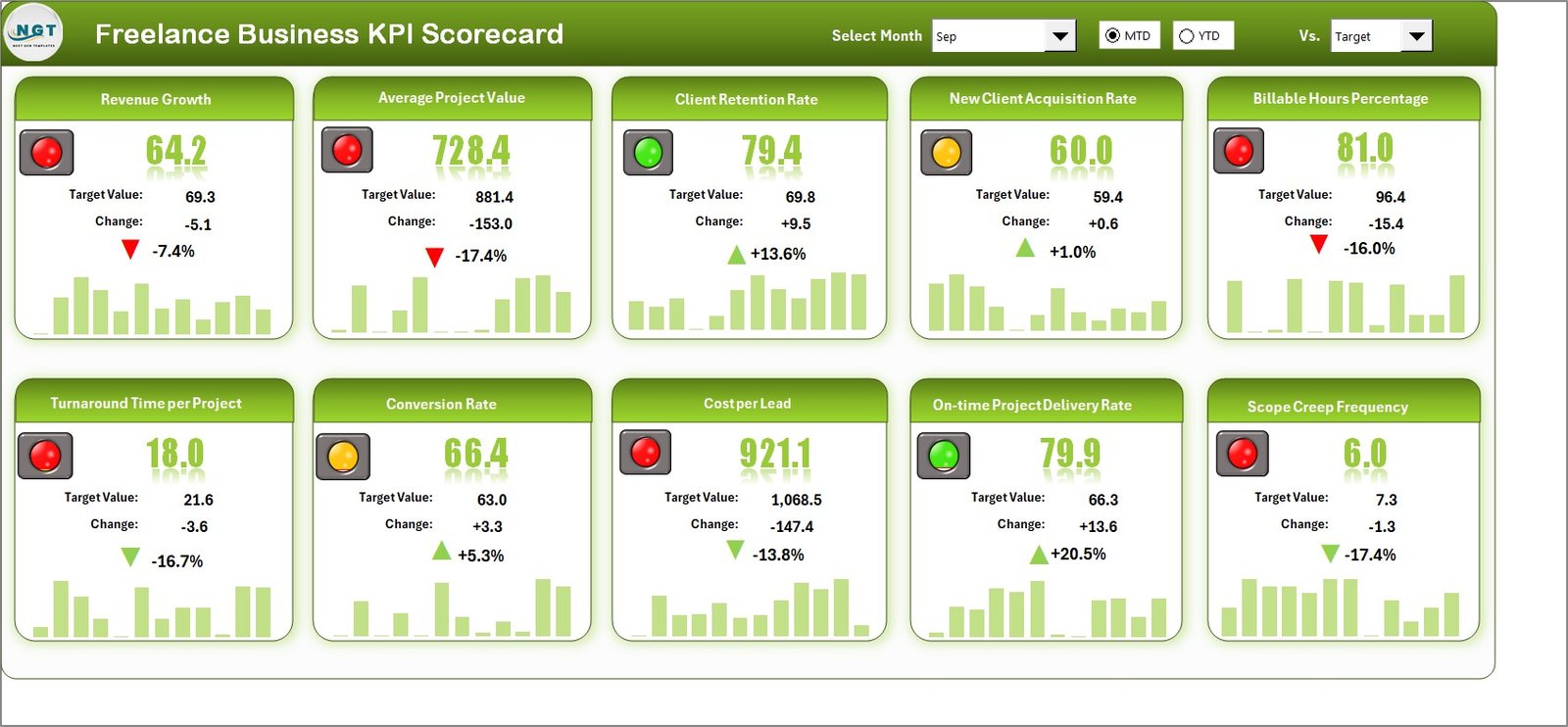
Your visual performance hub!
Dropdown menus to select Month and KPI view type (MTD or YTD).
KPI table comparing Actual vs Target values.
Automatic variance calculations and colored indicators (✔ for achieved, ✘ for missed).
Snapshot view of income, projects, clients, and satisfaction metrics.
This sheet offers a one-page view of your business health.
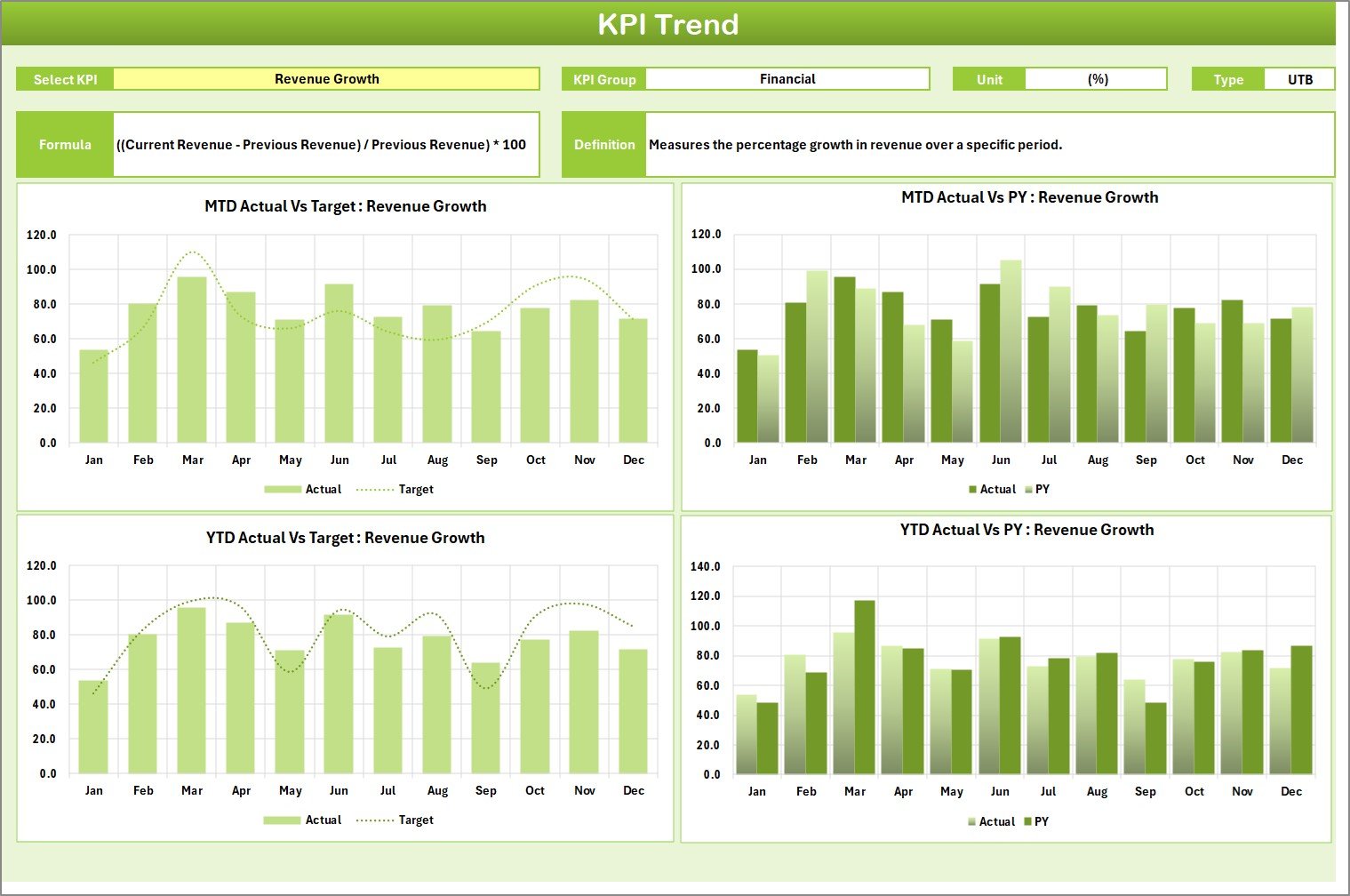
2️⃣ KPI Trend Sheet – Track Progress Over Time
Dive deeper into performance patterns.
Choose any KPI using a dropdown (cell C3).
Interactive trend charts show MTD, YTD, and Previous Year comparisons.
Displays KPI Group, Unit, Type (UTB/LTB), Formula, and Definition.
It’s perfect for freelancers who want to identify seasonal trends or performance fluctuations.
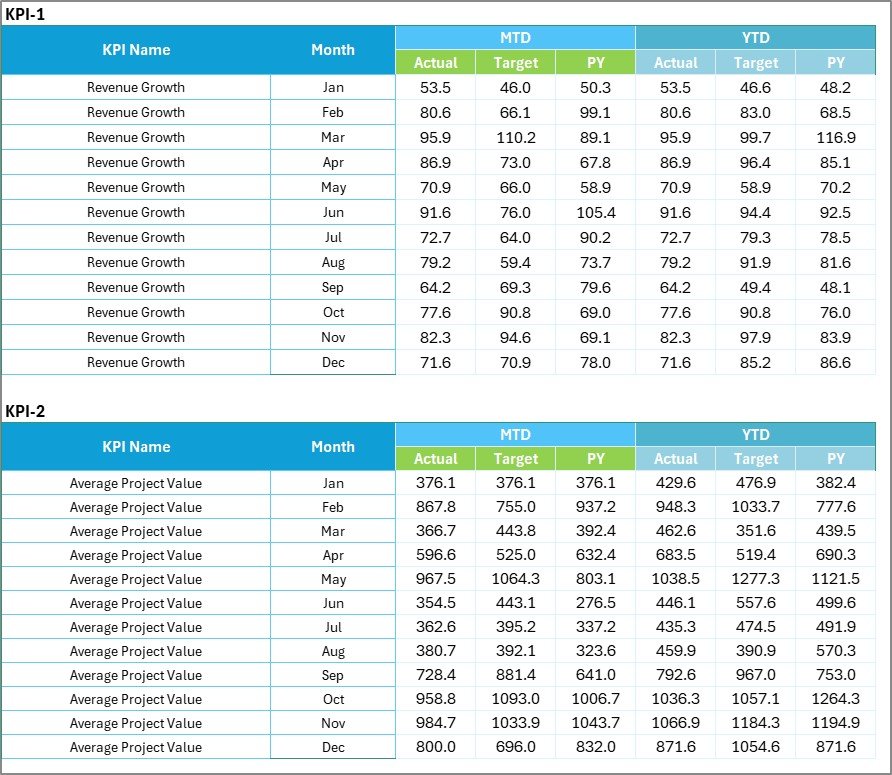
3️⃣ Input Data Sheet – Centralized Data Hub
Record all monthly data — one place, zero confusion.
Columns include KPI Name, Date, MTD, YTD, Target, and Previous Year data.
Built-in validations for clean and consistent entry.
Every update instantly refreshes visuals in the Scorecard and Trend sheets.
4️⃣ KPI Definition Sheet – Complete KPI Reference
Define your business performance metrics clearly.
Fields: KPI Group, KPI Name, Unit, Formula, Definition, and Type (UTB/LTB).
Ensures clarity if multiple people review your scorecard or you share it with clients.
🧠 How to Use the Freelance Business KPI Scorecard
1️⃣ Open the Excel File — no installation or coding required.
2️⃣ Enter Monthly Data in the Input Data Sheet.
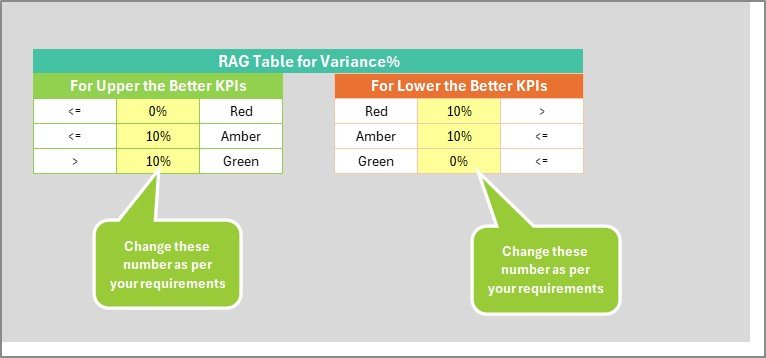
3️⃣ Set or Adjust Targets as per your business plan.
4️⃣ Refresh the Scorecard Sheet to view auto-generated visuals.
5️⃣ Analyze Trends using the KPI Trend Sheet.
6️⃣ Refine KPIs over time for more accurate insights.
In just a few steps, you’ll have a powerful scorecard that turns data into business intelligence.
👥 Who Can Benefit from This Template
🎨 Graphic Designers – Track client projects, deadlines, and earnings.
✍️ Writers & Copywriters – Measure word count goals, client feedback, and project delivery.
💻 Developers – Monitor bug-fix rates, productivity, and revenue.
📸 Photographers & Creators – Manage bookings, satisfaction scores, and repeat clients.
🧾 Consultants & Coaches – Track billable hours, client ROI, and performance milestones.
This scorecard adapts perfectly to every freelance niche.
🔗 Click here to read the Detailed Blog Post
🎥 Visit our YouTube channel for step-by-step tutorials
👉 YouTube.com/@PKAnExcelExpert